Spectral RTS
- By
Spectral RTS is a Minecraft Bedrock addon that turns the game into a real-time strategy experience. Build structures, gather resources, train armies, and command forces.
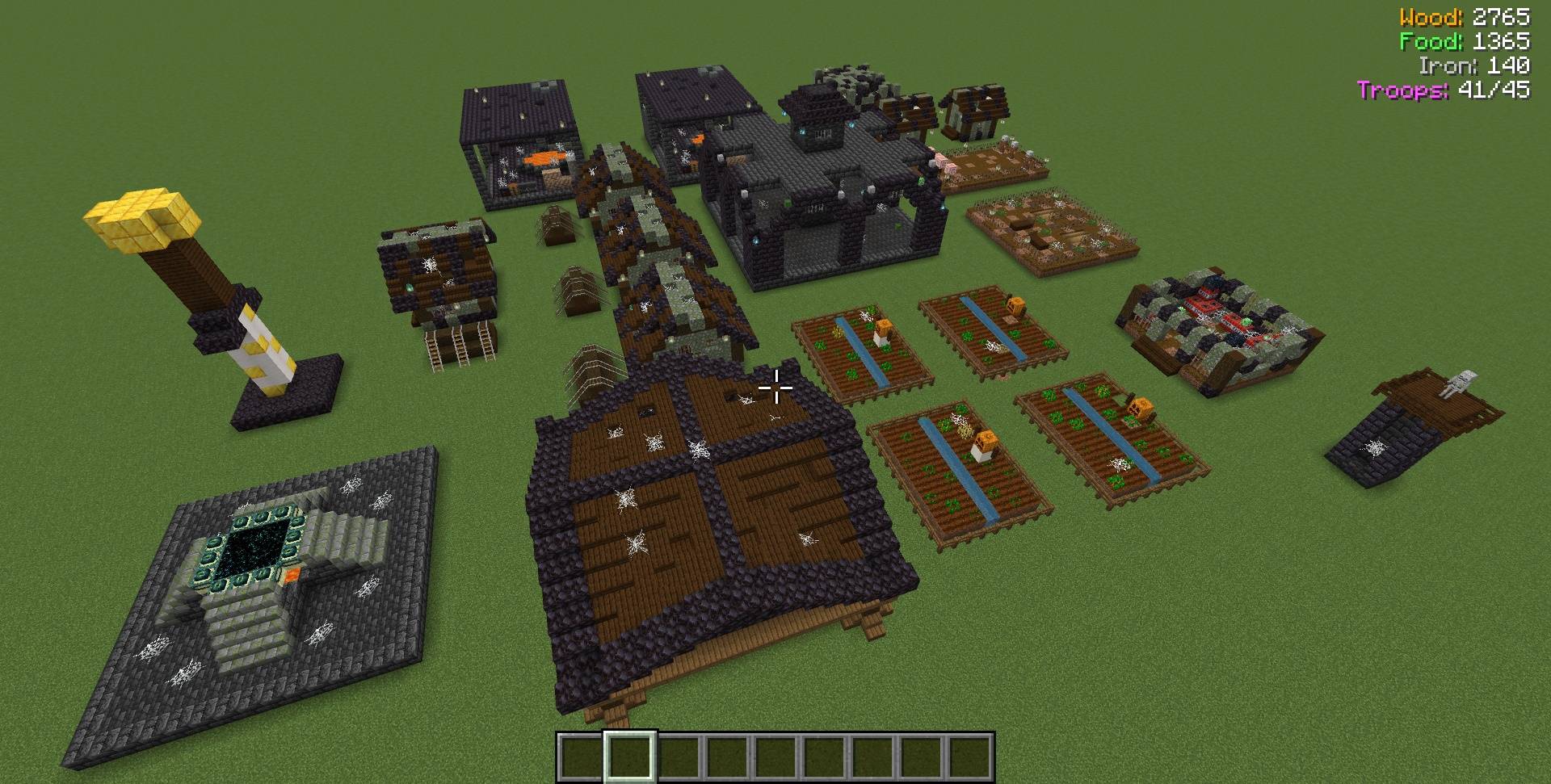
M Base
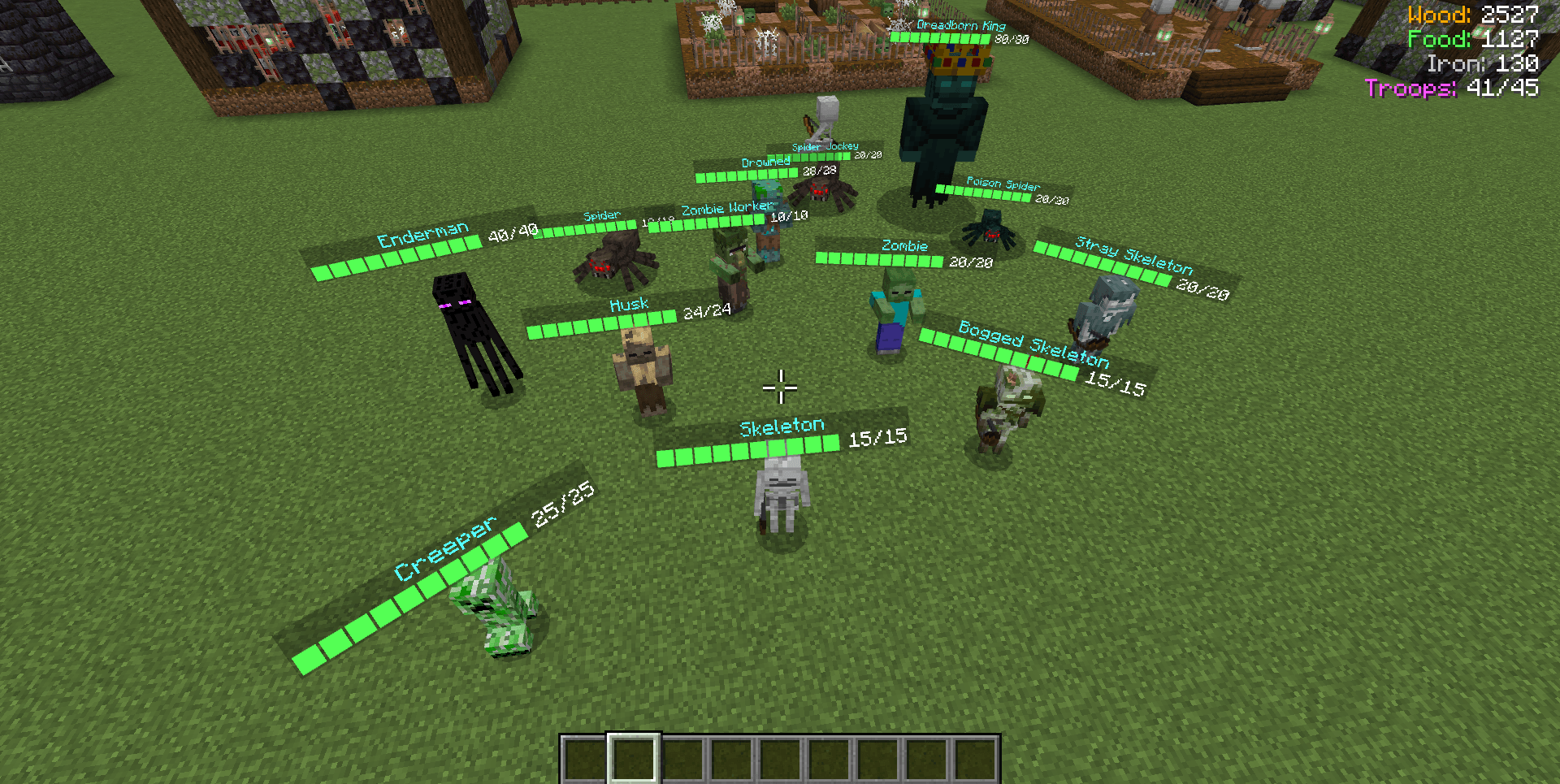
M Troops
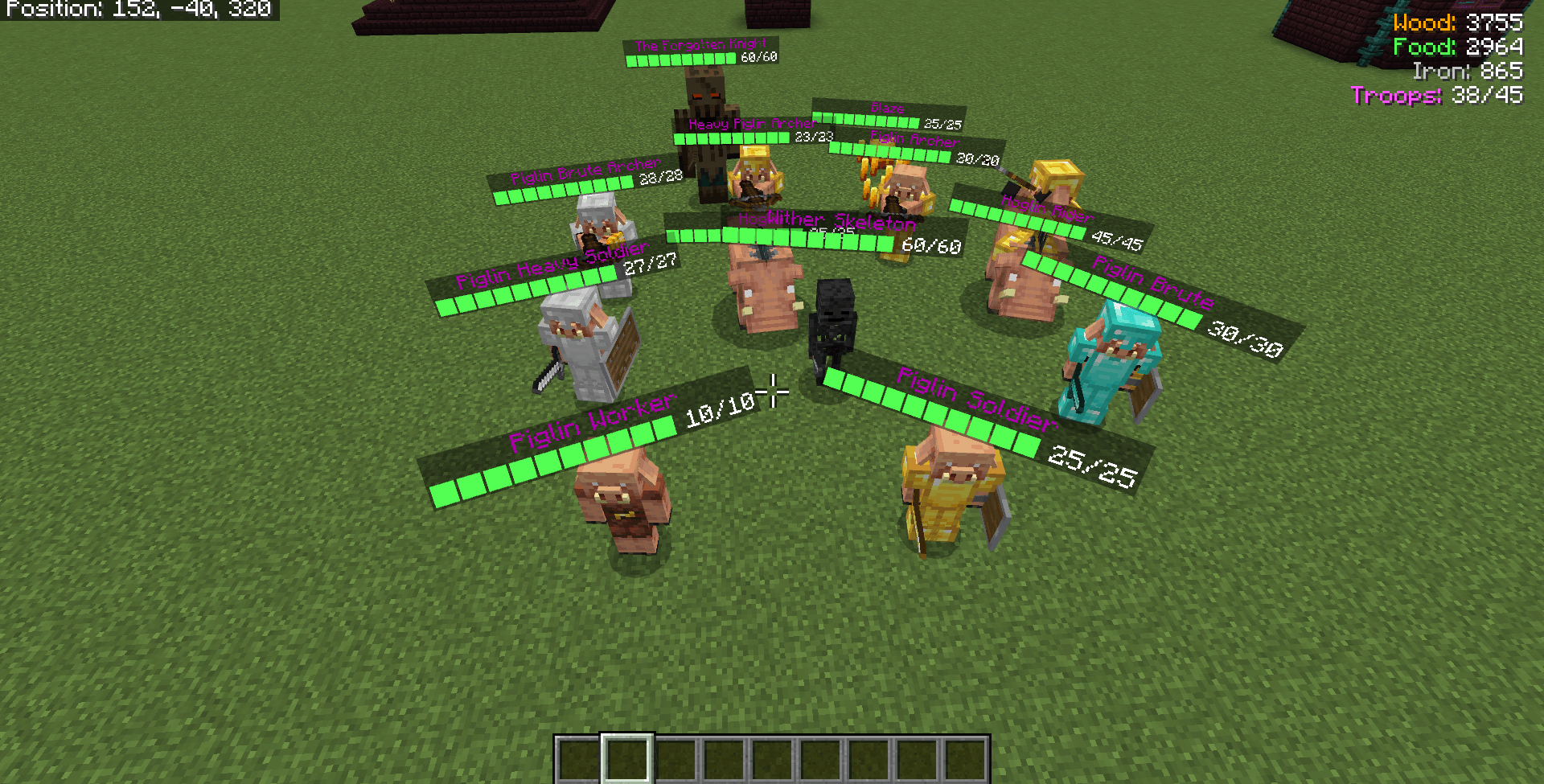
N Troops
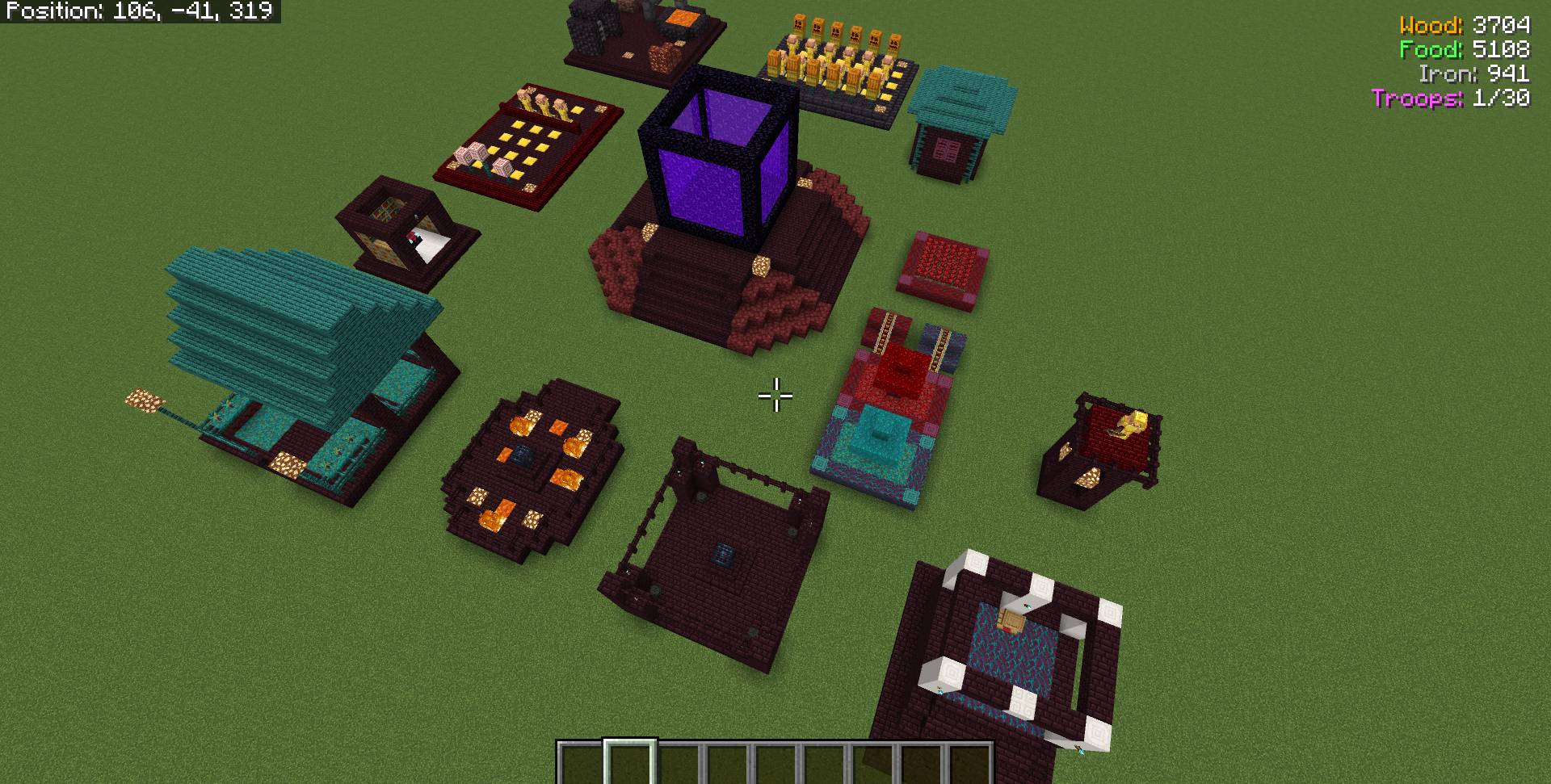
N Base
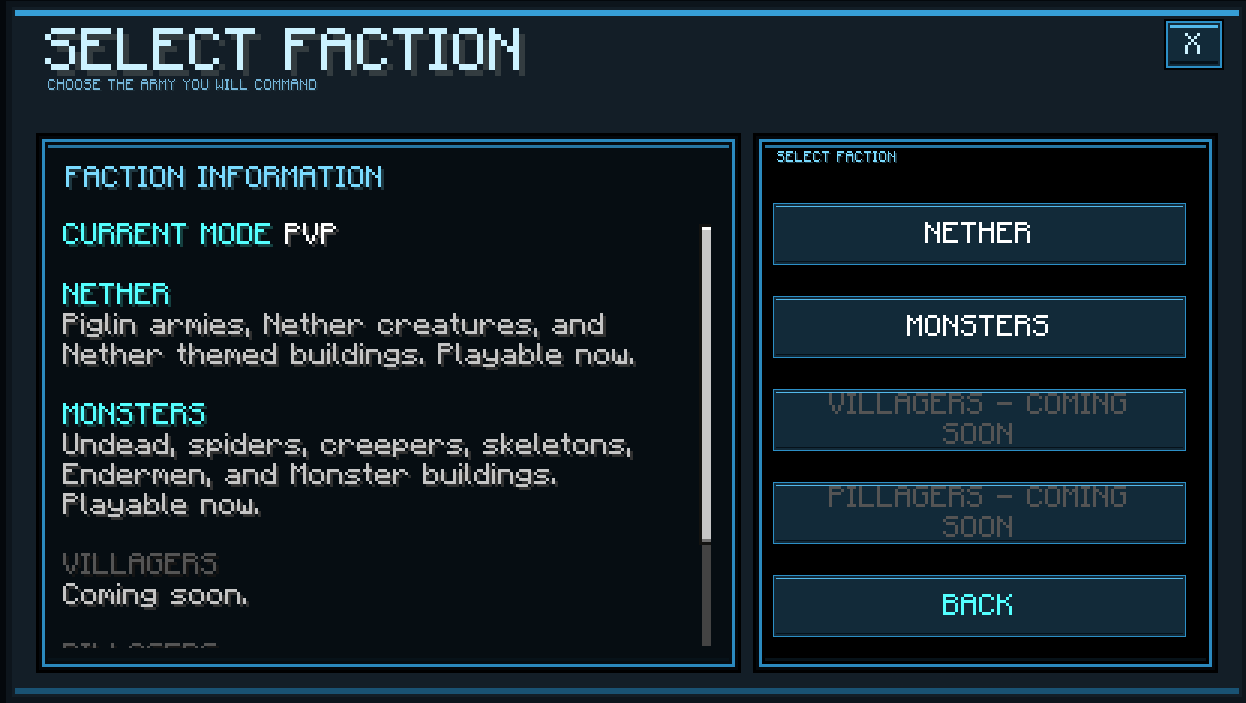
UI
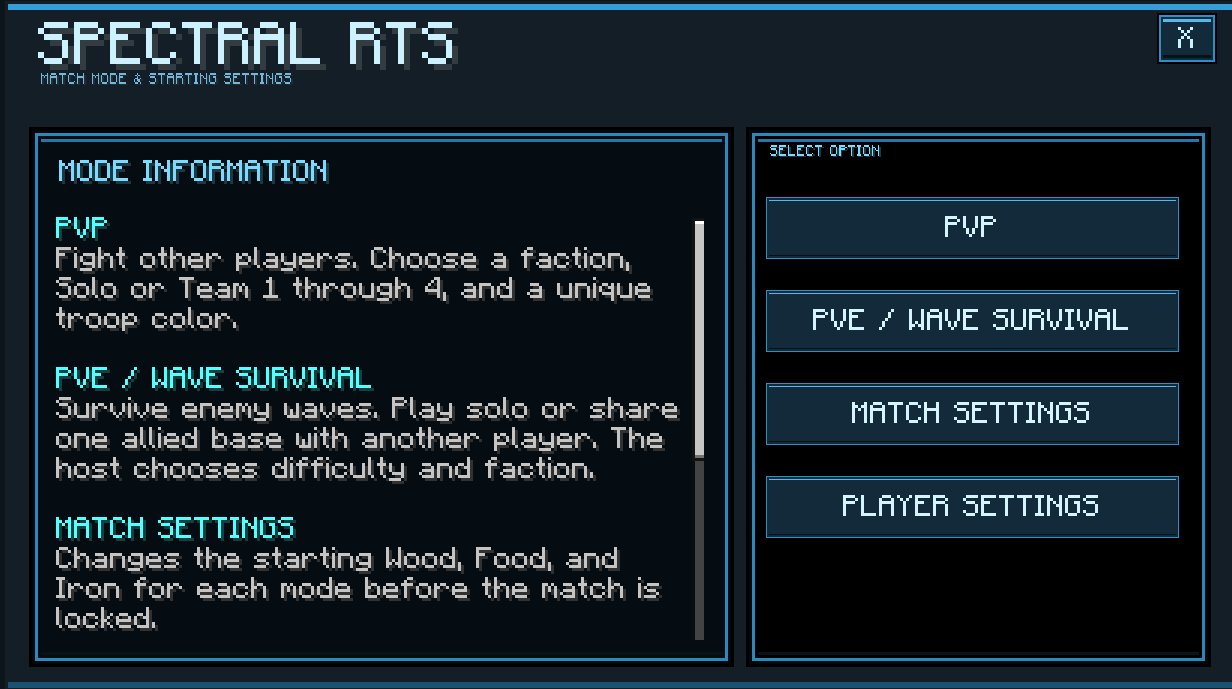
MCPEDL
Description
Spectral RTS
Spectral RTS is a Minecraft Bedrock addon that turns Minecraft into a real time strategy game. Players enter an RTS style camera, choose a faction, build a base, gather resources, train troops, and command armies from above.
Requirements
This addon do not need experimental settings enabled to work.
Recommended Settings
Cheats Active: On (this is needed and should be on)
Gamemode: Creative (only if you are in RTS if you not in RTS then this do not matter)
Difficulty: Peaceful ( if you toggle the match setting to allow players to be attack by troops For this to work, the world difficulty must be set to Easy, Normal, or Hard. It will not work on Peaceful.)
World Type: Superflat recommended
Simulation Distance: 12 chunks
Mob Spawning: False
A superflat world is recommended because it gives players a cleaner battlefield for building and troop movement, but the addon can still work in normal worlds.
This addon is not meant to be played with other addons. Using it with other addons may cause bugs, errors, or broken systems. This also means ANY RES packs.
It is also highly recommended to make a backup of the world before playing, especially if you made a custom map for the addon. That way, you can play a match, then return to the backup and use the map again for another match.
Need help or want to ask things join the discord Spectral Ascension HQ
Commands
/s:rtsc
Turns RTS camera mode on or off.
Use this command to enter the RTS camera. Use it again to leave RTS mode and return to normal Minecraft control.
/s:rtss
Opens the RTS camera settings menu.
This lets players adjust the camera, such as height, tilt, movement speed, zoom, and other camera options.
/s:rtst
Opens the faction, team, and color setup menu.
Use this command to pick your faction and team before starting a match.
/s:rtsr
Resets only the player who runs the command while they are in a match.
Use this command to reset yourself without leaving the RTS camera. In PvP, this only resets you and does not reset other players in the match. In Wave Survival, if another active player is still in the match, your troops will be transferred to that player and the shared base will stay. If all Wave players reset, the Wave match will end.
How to Control Troops
Aim at a group of your troops and hold use / interact for a short moment.
This selects nearby troops as a group.
Move Troops
Select one or more troops.
Aim at the ground where you want them to go.
Press use / interact.
The selected troops will move to that location.
While you are in RTS mode, the addon keeps your hotbar on the default RTS slot. Slot 2
If you switch hotbar slots, it will automatically move you back to the default Slot 2.
Slot 1 is used to deselect troops. If you have troops selected and switch to slot 1 your selected troops will be cleared, then your hotbar will automatically return to the default RTS slot 2.
Attack Enemies
Select one or more troops.
Aim at an enemy troop or enemy structure.
Press use / interact.
The selected troops will attack that target.
Troops who do not have oders will auto attack hostile player troops near them.
A good way to get your troops to attack in a big fight is to order your troops near hostile ones and let auto-attack kick in, as it is much easier to do than clicking on certain enemy troops. I also recommend clicking on hostile troops you want to focus on killing if needed, but otherwise, let them auto-attack.
Keep in mind, your orders will override auto-attack. If you tell your troops to move or attack something, they will do that and ignore all other hostile troops until that order is done.
Build Structures
Select a Worker.
Open the worker’s build options. (have worker selected and hit/puch) (If you are on mobile, go to hotbar slot 3, as it will act as your punch/hit.)
Choose the structure you want to build.
Move the placement preview to the spot you want.
Hit/punch to place the building. (If you are on mobile, go to hotbar slot 3, as it will act as your punch/hit.) To back out of the building and go back to the build UI, hit jump to rotate the structure, hit use/interact.
If the area is valid, the worker will move there and build the structure.
When building for the first time, all structures will say unavailable. That is because you must build a Town Hall before you can build anything else. The Town Hall is your base core. If you lose that, you lose.
After the Town Hall is built, you can build other structures. However, some will still say unavailable, as they have certain requirements that must be met first. To know what those are, select an unavailable building and you will be told what you need.
It is also recommended to build at least one Wood Chopper and one Farm, as they passively give you more resources. You can have a maximum of four of each structure.
Open Building Menus
Aim at one of your completed buildings.
Press Punch /hit (If you are on mobile, go to hotbar slot 3, as it will act as your punch/hit.)
If that building has a menu, it will open. This is how you train troops, research Growth, or use that building’s options.
I hope you all enjoy this addon. I was heavily inspired by a Minecraft Java mod called Reign of Nether RTS, which is a very amazing mod. I wanted to play something like that on Bedrock, and I looked and looked, but unless I just did not know where to look, or they are very rare, I could not find an RTS for Bedrock, so I decided to make one.
Spectral RTS Team