Ryzen Map+
- By
Live compass, coordinates, colored waypoints & an auto-saving death marker — built entirely on official Bedrock APIs. Multiplayer-safe and mobile-friendly.
1000225463.png
1000225461.png
1000225462.png
1000225464.png
1000225460.png
Description
# RyzenMap+
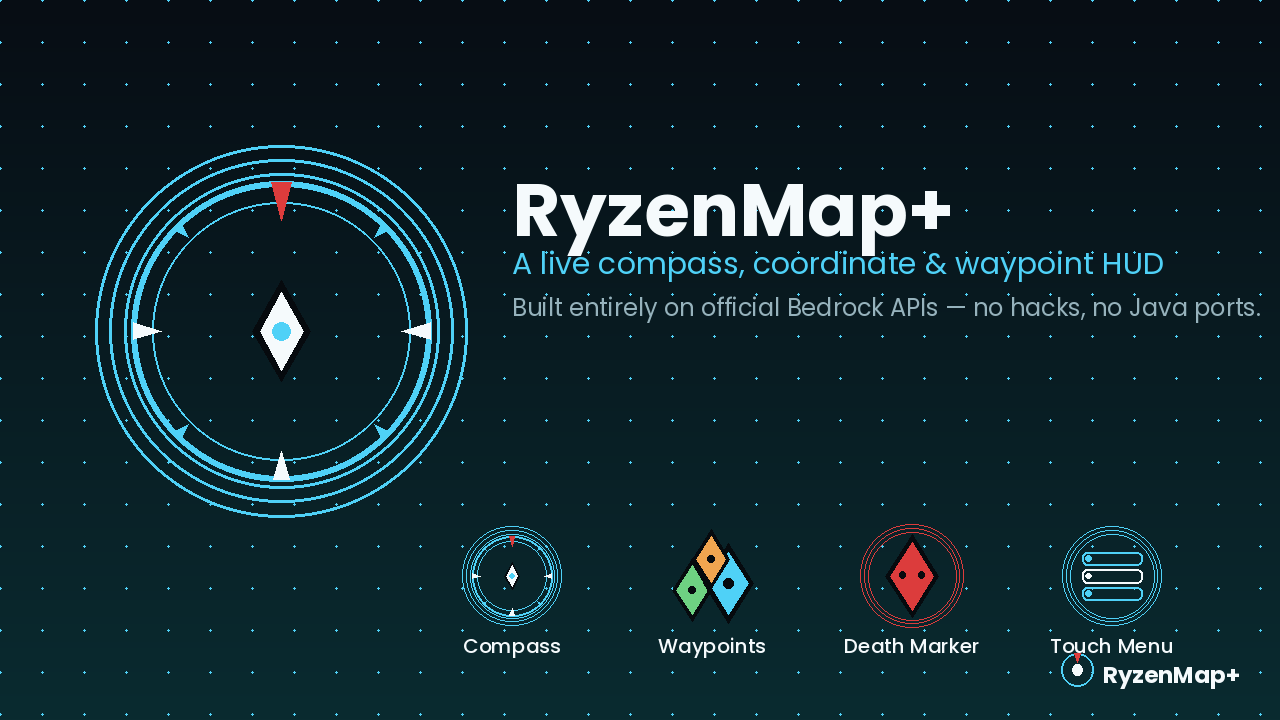
A live compass, coordinate, and colored-waypoint HUD for Minecraft Bedrock Edition — with an automatic death-location marker. Built entirely on official @minecraft/server / @minecraft/server-ui APIs. No unofficial hacks, no Java Edition ports, no experimental toggles required.
---
## Features
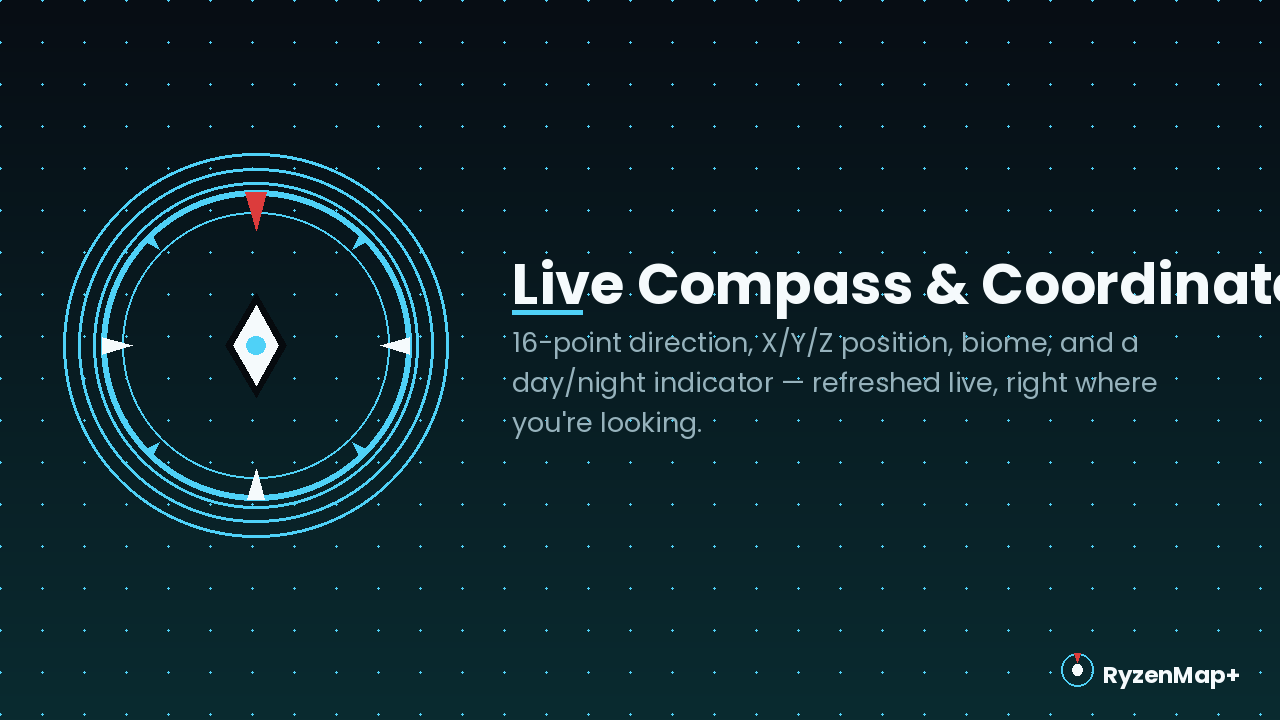
- Live compass HUD — 16-point direction, X/Y/Z coordinates, current biome, and a day/night indicator, refreshed continuously
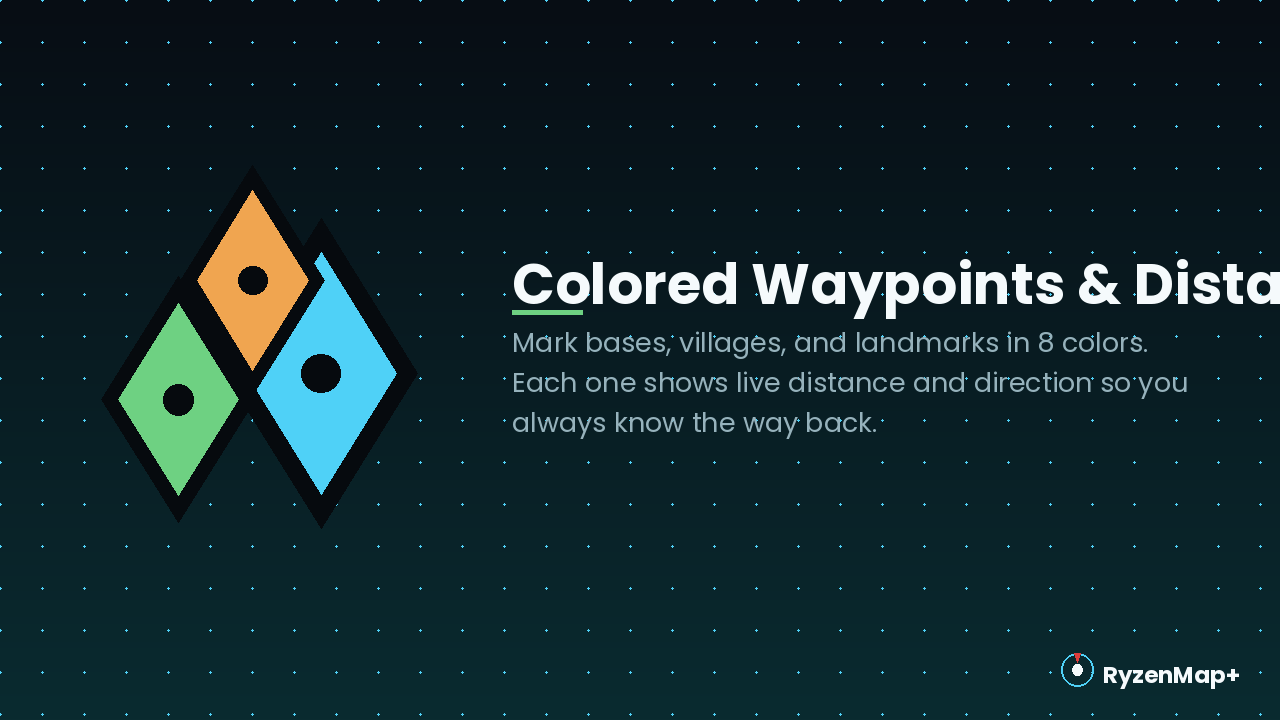
- Colored waypoints — mark bases, villages, and landmarks in 8 colors, each with live distance and direction
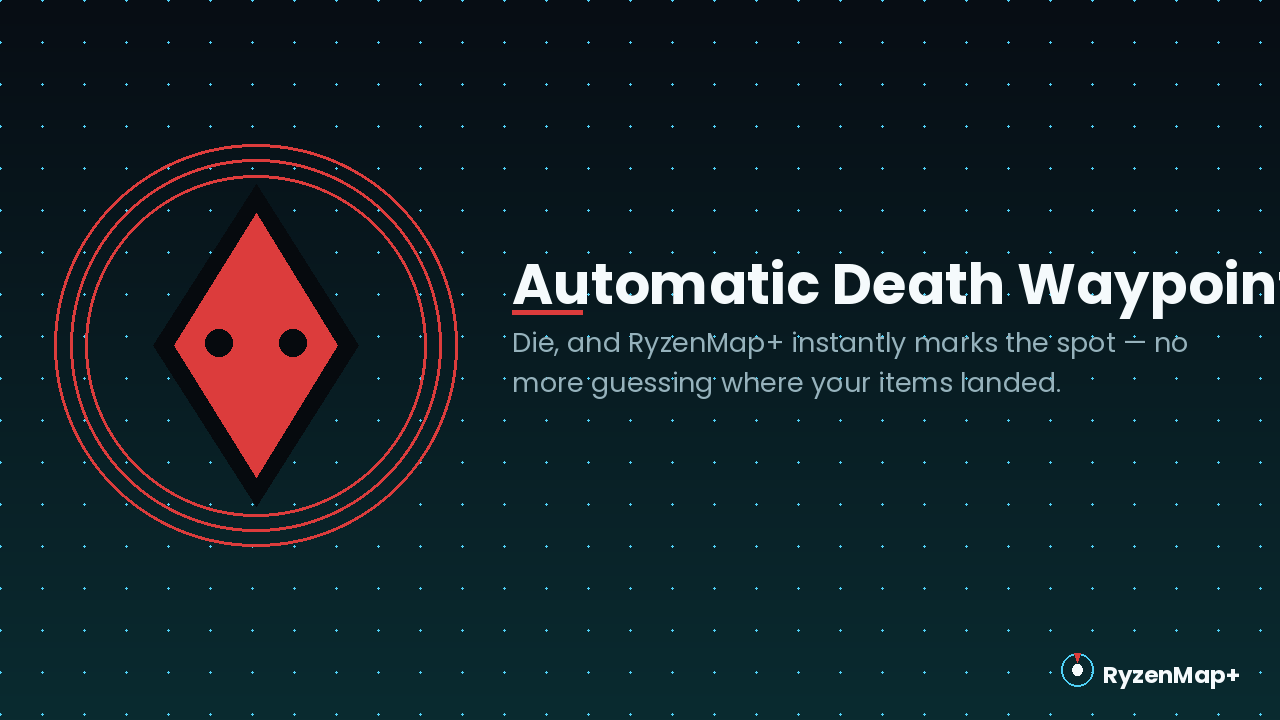
- Automatic death waypoint — die, and your last location is instantly saved so you can recover your items
- Three zoom levels — controls the radius waypoints must be within to appear in the HUD
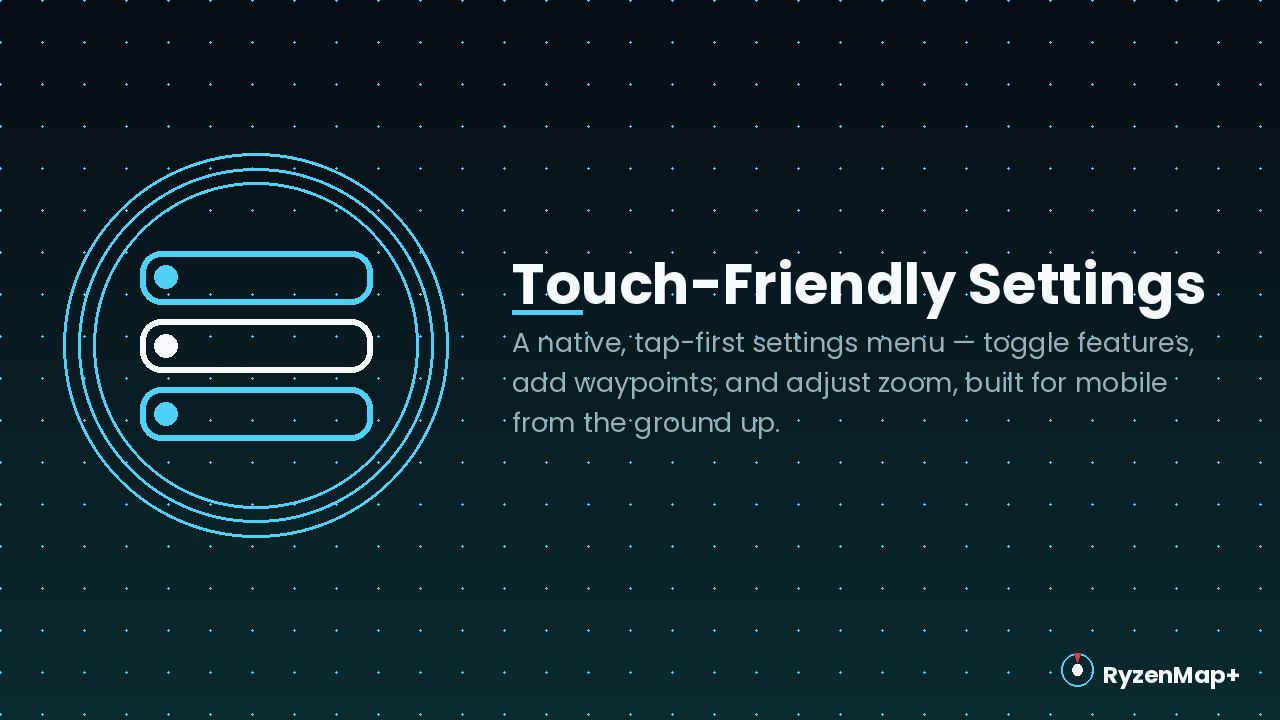
- Full settings menu — enable/disable the HUD, enable/disable waypoints, toggle coordinates, toggle the death waypoint, add/remove waypoints — all through native, touch-friendly menus
- Multiplayer-safe by design — automatically switches how it displays so players can never see each other's coordinates or waypoints (see below)
- Mobile-first — every interaction is tap-driven; no typing required beyond naming a waypoint
---
## How It Works
RyzenMap+ doesn't render a picture of the terrain — Bedrock's official scripting API has no canvas or live-image-generation capability, so nothing that calls itself a "Bedrock minimap" actually draws one without relying on unsupported tricks. Instead, RyzenMap+ gives you the same information a minimap would through a live text-and-icon HUD:
- Solo play: a compass-ring panel with live text sits top-right, closest to a traditional minimap's placement.
- 2+ players online: the panel automatically moves to a private action-bar readout for each player. This is intentional — Bedrock's sidebar display is shared by every player on the server with no per-player override, so keeping it there in multiplayer would show one player's exact coordinates and waypoints to everyone else. RyzenMap+ switches the instant a second player joins, and back the instant it's solo again, so nobody's location ever leaks.
---
## How to Install
1. Download the .mcaddon file below.
2. Open it — Minecraft imports both the Behavior Pack and Resource Pack automatically.
3. Create or open a world and enable both packs under Resource Packs / Behavior Packs.
4. Join — you'll automatically receive a RyzenMap Compass. Use it anytime to open settings, or run /ryzenmap:menu.
No Experimental Toggles required — everything ships on stable APIs.
---
## Requirements
Requires Minecraft Bedrock 1.26.20+
---
## Feedback
Found a bug or have a feature idea? Leave a comment below.
Ryzen Map+ Team