Ryzen Glowing Ores
- By
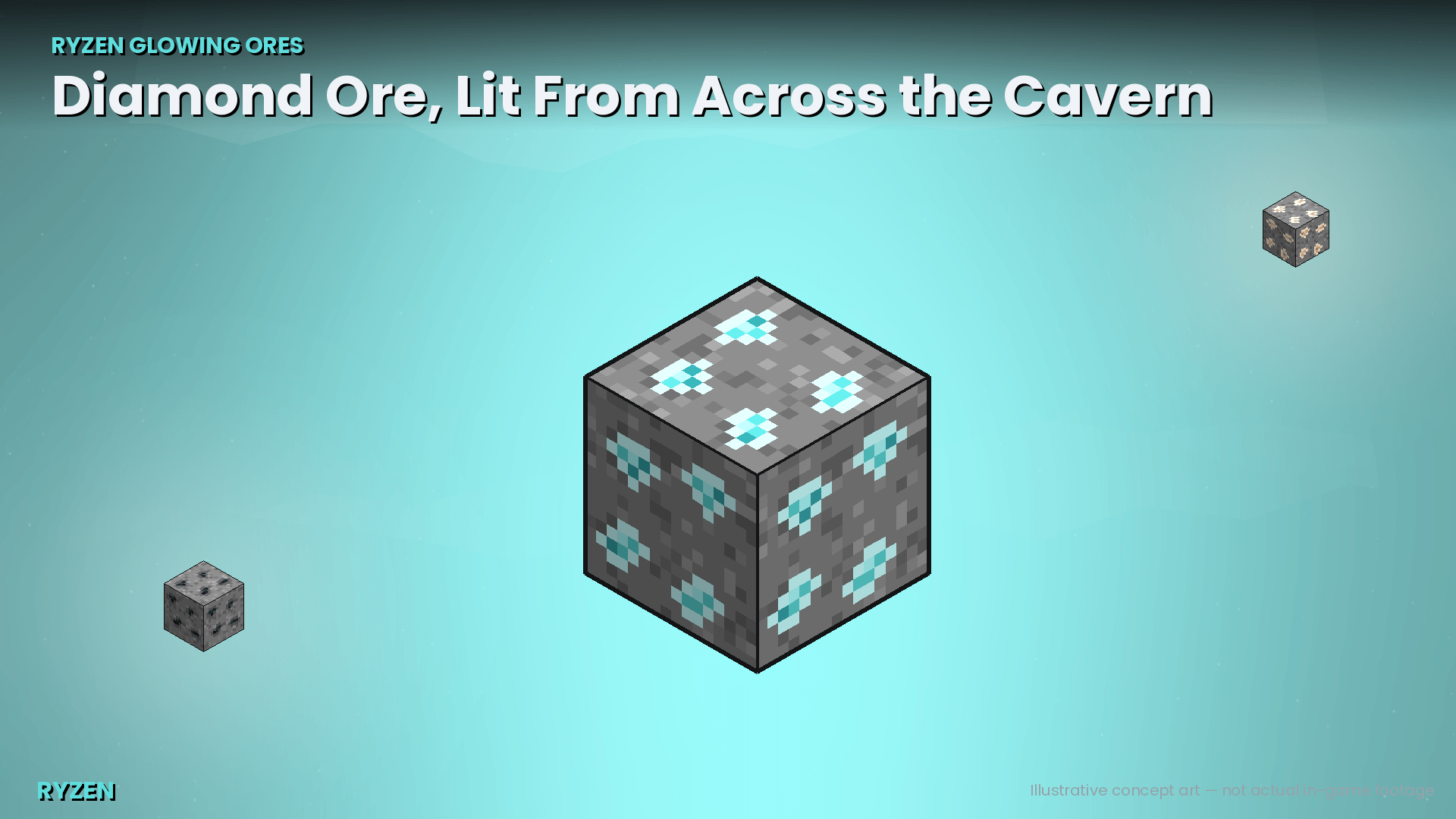
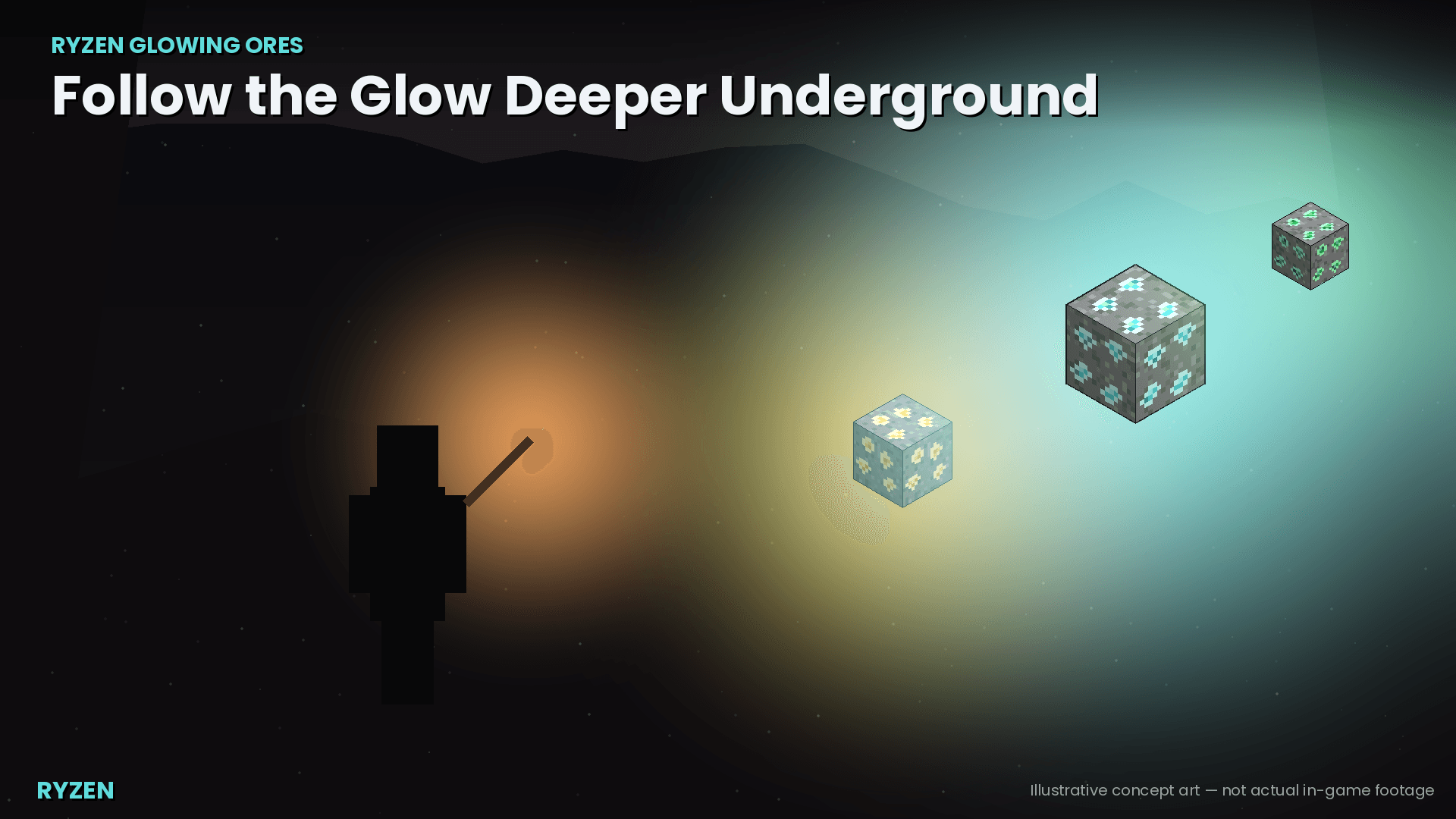
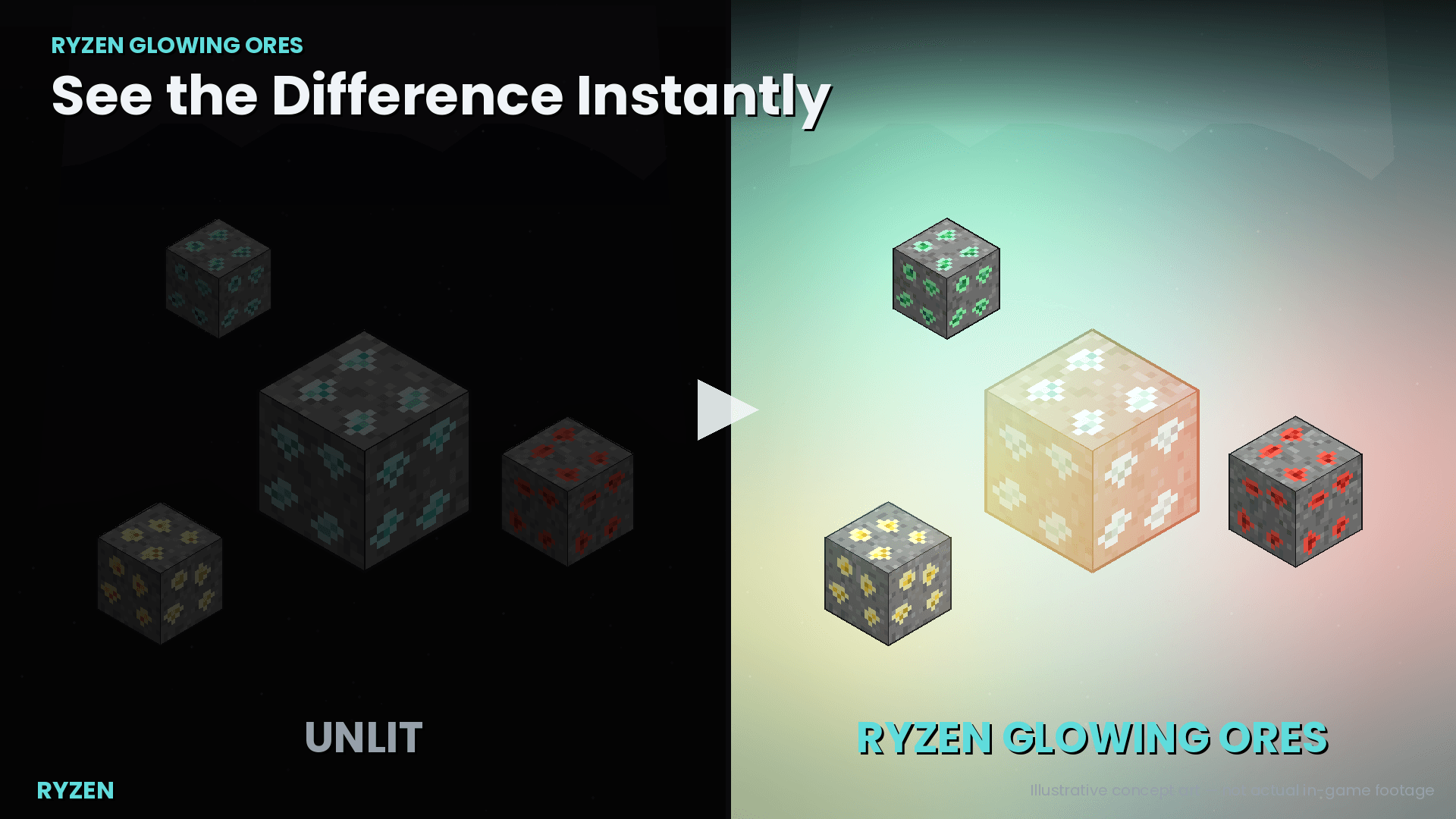
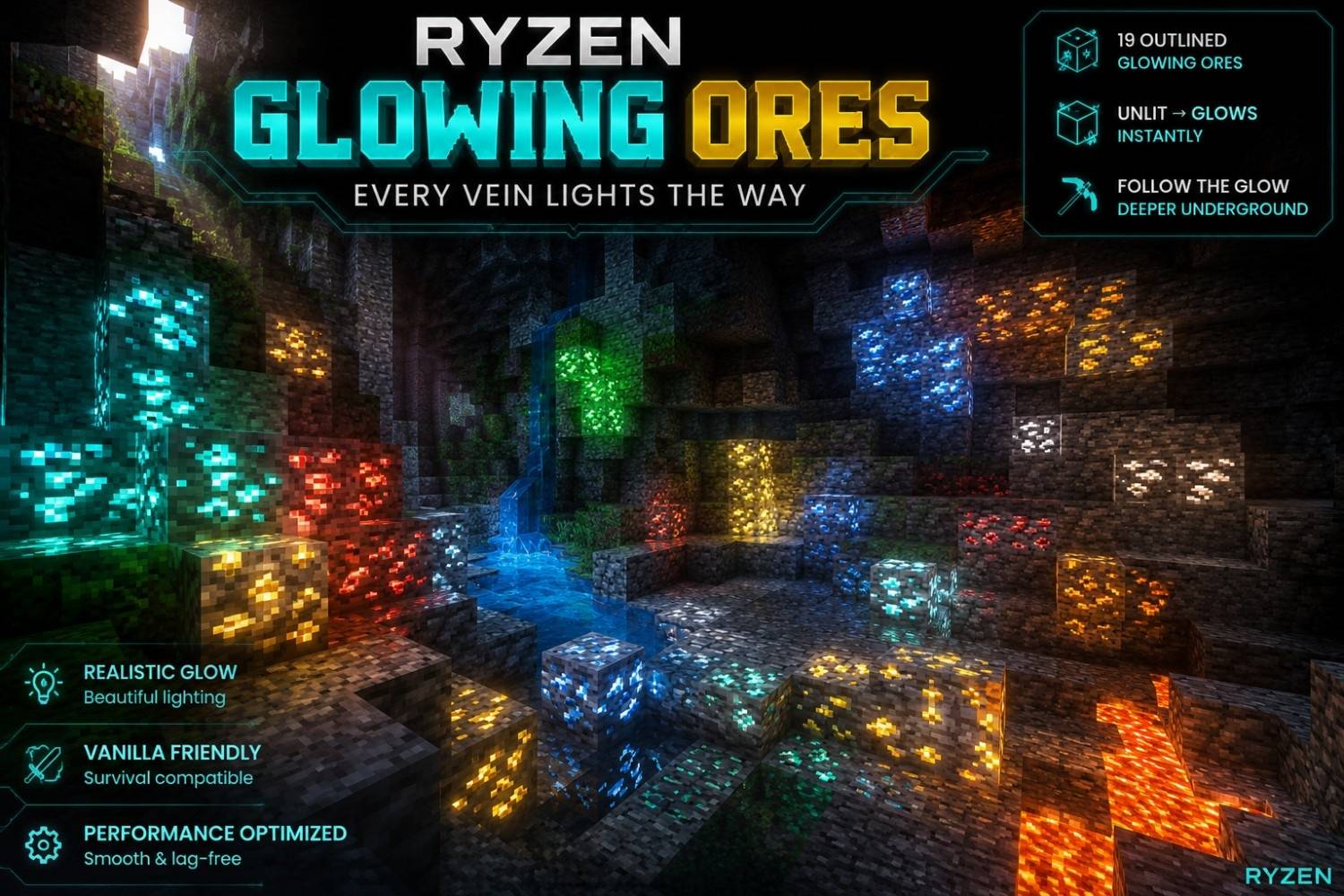
Ores emit a soft glow so you can spot them across a cave instead of hunting pixel by pixel. All 19 ore types, fully configurable, zero FPS impact, multiplayer/Realms safe.
1000226409.png
1000226410.png
1000226411.png
1000226412.png
1000226413.png
1000226583.jpg
Description
# Ryzen Glowing Ores
**Ores glow. Caves stop hiding them. Nothing else about vanilla changes.**
Ryzen Glowing Ores is a Minecraft Bedrock Add-On that makes every exposed ore block emit a soft light, so you can spot a vein from across a cavern instead of squinting at gray-on-gray in the dark. No vanilla blocks are modified, no new items are added, and no gameplay balance changes — ore still drops the same way, breaks with the same tools, and looks like ore. It's just easier to find.
---
## Features
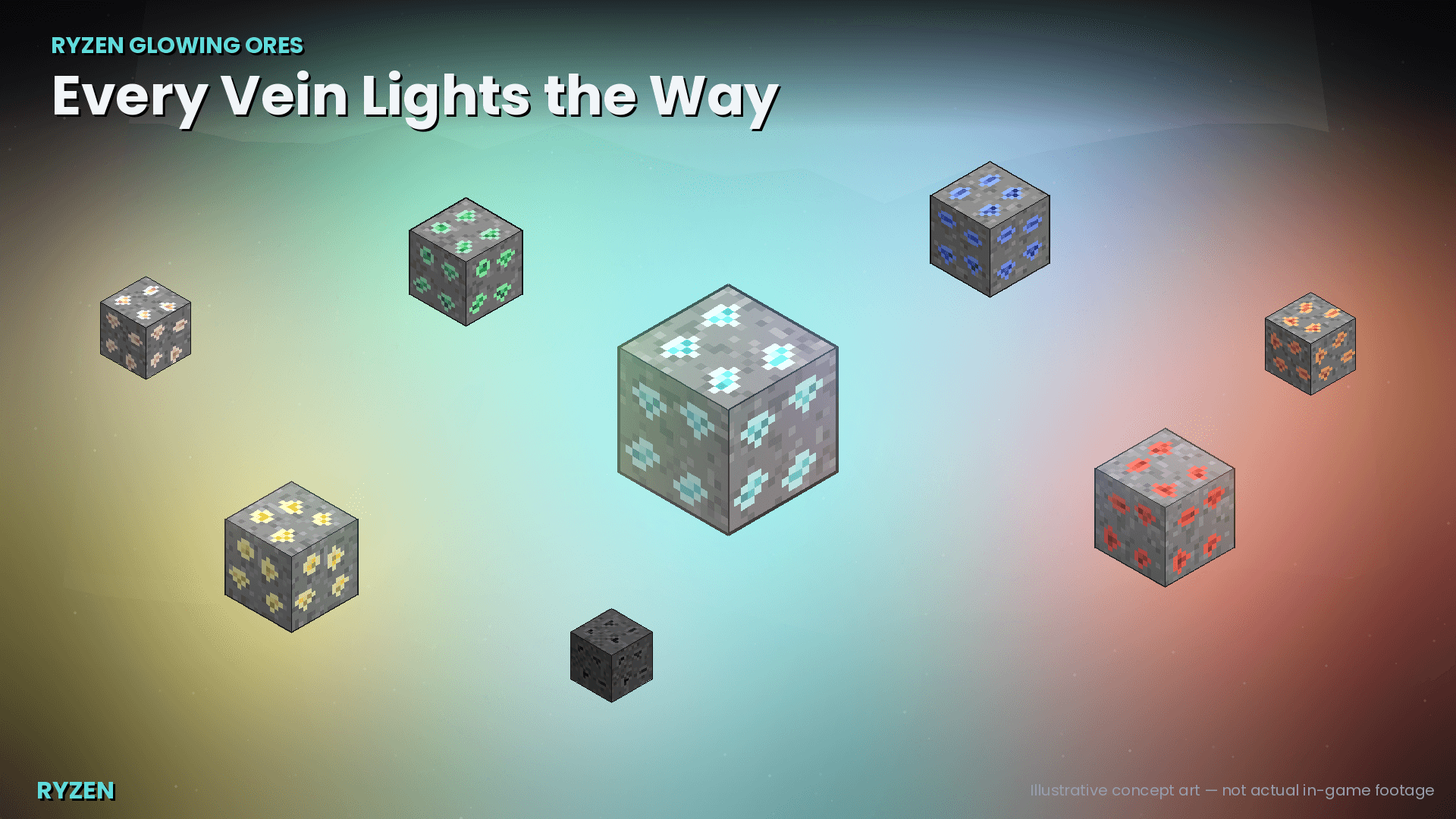
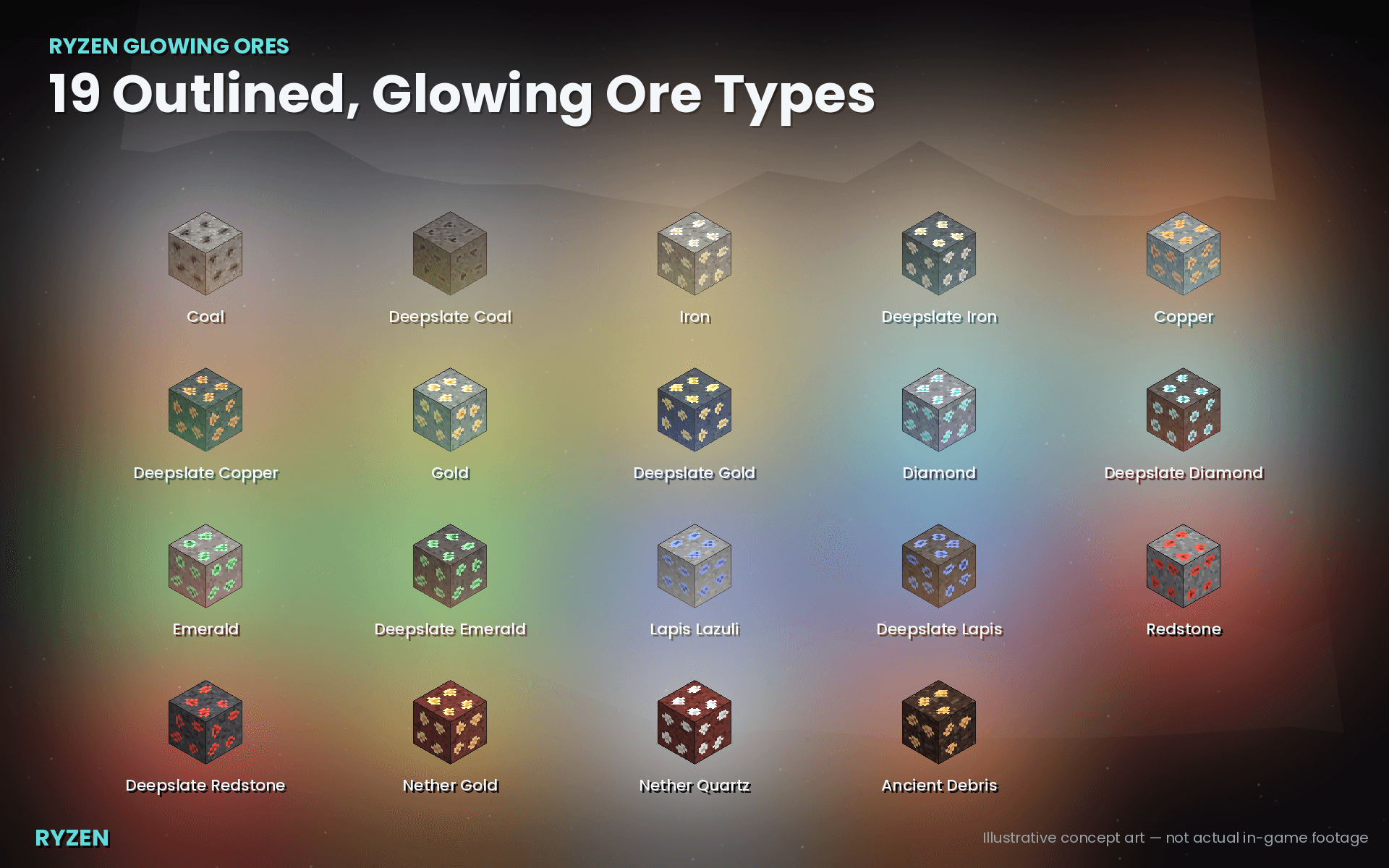
- **19 ore types supported**, every overworld and nether ore plus Ancient Debris: Coal, Iron, Copper, Gold, Redstone, Lapis Lazuli, Emerald, Diamond (each with a Deepslate variant), Nether Gold, Nether Quartz, and Ancient Debris.
- **Custom outlined ore textures** — a subtle, brighter 1px outline around each ore's crystals, vanilla pixel-art style, 16×16, layered as a resource-pack texture override (original artwork, not an edit of Mojang's files).
- **Real light, not a filter.** Uses Minecraft's own light-block mechanic, so the glow is genuine local illumination, not a screen overlay or shader trick.
- **Only lights ore a player could actually see.** A light is placed exclusively on an ore's exposed face — ore fully buried in stone stays dark, exactly as it should, since nobody can see it anyway.
- **Instant reaction.** Mining into a wall and revealing a vein lights it immediately; breaking an ore removes its light immediately.
- **Survives world reload.** Lights placed in a previous session are correctly re-detected, not duplicated or lost.
- **Fully configurable in-game**, no file editing required — enable/disable any ore type individually, or adjust its light level from 0–15, via chat commands.
- **Multiplayer & Realms safe.** Scanning is spread across ticks and shared between nearby players, with load-adaptive throttling so more players online never means more lag.
- **Water-safe.** A light placed in a flooded pocket preserves the water instead of replacing it.
- **Self-healing.** If something else in the world interferes with a placed light (lava, another block, etc.), the addon detects and repairs it automatically.
## Installation
1. Download `Ryzen Glowing Ores.mcaddon` (recommended — installs both packs at once), or the two `.mcpack` files individually.
2. Double-click the file(s); Minecraft will open and import them automatically.
3. Open a world's settings, and under **Behavior Packs** and **Resource Packs**, activate **Ryzen Glowing Ores** in both lists.
4. Play — no additional setup, no experimental toggles, and no cheats/commands required for the core feature.
**Requirements:** Minecraft Bedrock 1.26.20 or newer. No experimental toggles need to be enabled.
## In-game configuration
Run these with cheats enabled (`/scriptevent` requires the same permission as any other command):
| Command | Effect |
|---|---|
| `/scriptevent ryzen:list` | Shows every ore's current on/off state and light level |
| `/scriptevent ryzen:toggle <ore>` | Enables or disables glow for one ore type (e.g. `ancient_debris`, `diamond`, `deepslate_redstone`) |
| `/scriptevent ryzen:setlevel <ore> <0-15>` | Sets that ore's light level; `0` effectively disables it |
| `/scriptevent ryzen:reset` | Restores every ore to its default configuration |
Ancient Debris is **disabled by default** given its rarity and the intended risk/reward of Nether exploration — enable it with `/scriptevent ryzen:toggle ancient_debris` if you'd rather it glow too.
## FAQ
**Does this change how ore looks up close, drops, or mines?**
No. Block behavior, drops, tool requirements, and hardness are all untouched — only a nearby invisible light source is added, plus a purely cosmetic outline on the texture.
**Will this lag my world or server?**
It's built specifically to avoid that: scanning work is spread across many game ticks rather than done all at once, results are cached and shared between nearby players, and the scan radius automatically shrinks as more players join.
**Does it work in multiplayer / on a Realm?**
Yes, that was a design requirement from the start.
**Do I need to turn on any experimental/beta toggles?**
No. It uses only stable, non-experimental Script API modules.
**Can I disable specific ores, like keeping Diamond a secret but lighting the rest?**
Yes — see the in-game configuration commands above.
**Why is Ancient Debris off by default?**
A deliberate design choice to preserve some of the Nether's exploration tension. Turn it on any time.
**Are the textures edited vanilla files?**
No — they're original 16×16 pixel art made to sit naturally alongside vanilla, not modified copies of Mojang's assets.
## Known issues
- Terrain changes from **non-player sources** (explosions, pistons, falling blocks) can take up to ~10 seconds to be picked up by the periodic area scan, since instant reaction is only wired to direct player break/place actions. This is a deliberate performance/correctness tradeoff, not a bug.
- Two ores that happen to share the same single exposed air pocket will share one light rather than each getting their own — visually indistinguishable in practice, since the pocket is already lit.
## Credits
Created by **Doom**, under the **Ryzen** b
rand.
## License
All Rights Reserved. See CurseForge listing for terms.
# Ryzen Glowing Ores — v1.0.0 Final Changelog
## 🎉 Initial Stable Release
### ✨ Added
- Added dynamic lighting for supported ores.
- Exposed ores can illuminate their surroundings.
- Added automatic light placement around detected ores.
- Added automatic light removal when ores are no longer valid.
- Added support for multiple ore types.
- Added configurable light levels per ore.
- Added per-ore enable/disable configuration.
- Added persistent configuration.
- Added automatic ore detection and background scanning.
- Added recovery/reconciliation for lights after world reloads.
- Added stale/ghost-light cleanup.
- Added support for different dimensions.
- Added multiplayer-safe light tracking.
- Added protection against unnecessarily modifying unrelated blocks.
- Added ScriptEvent configuration commands.
- Added debug logging for troubleshooting.
### ⚙️ Commands
- `/scriptevent ryzen:toggle <oreKey>`
- `/scriptevent ryzen:setlevel <oreKey> <0-15>`
- `/scriptevent ryzen:list`
- `/scriptevent ryzen:reset`
### 🛠️ Fixed
- Fixed dynamic lights not being created reliably.
- Fixed light removal and stale-light handling.
- Fixed ore detection after block changes.
- Fixed world-reload synchronization issues.
- Fixed configuration changes not properly updating existing lights.
- Fixed potential interference with normal Minecraft blocks.
- Improved error handling and runtime diagnostics.
- Improved background scanning performance.
### 🚀 Performance
- Uses scheduled/background scanning instead of large single-tick scans.
- Reduces unnecessary repeated scans.
- Tracks generated lights to avoid unnecessary block operations.
- Designed with multiplayer environments in mind.
### 🧹 Cleanup
- Removed obsolete/unsafe implementation attempts.
- Cleaned up dynamic-light tracking.
- Improved diagnostic messages.
- Organized the lighting and ore-detection systems.
## ✅ Status
Ryzen Glowing Ores v1.0.0 is stable and ready for release.
Ryzen Glowing Ores Team