Ryzen HUD+
- By
Customizable, multiplayer-safe HUD overlay for Bedrock — coordinates, compass, biome, vitals, durability, and more. Built entirely on official Script APIs.
1000225448.png
1000225449.png
1000225450.png
1000225451.png
1000225452.png
Description
# RyzenHUD+
A customizable, multiplayer-safe HUD overlay for Minecraft Bedrock Edition — built entirely on official `@minecraft/server` and `@minecraft/server-ui` APIs. No unsupported hacks, no Java-only tricks.
## Features
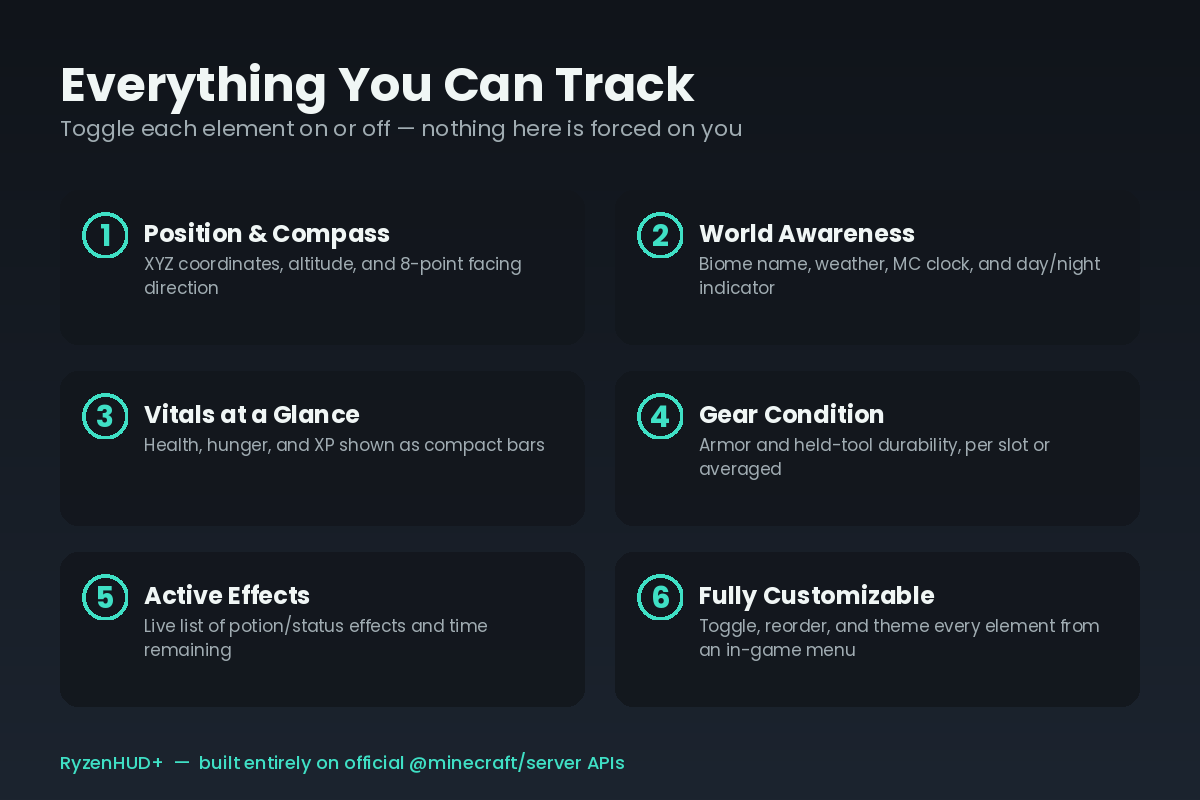
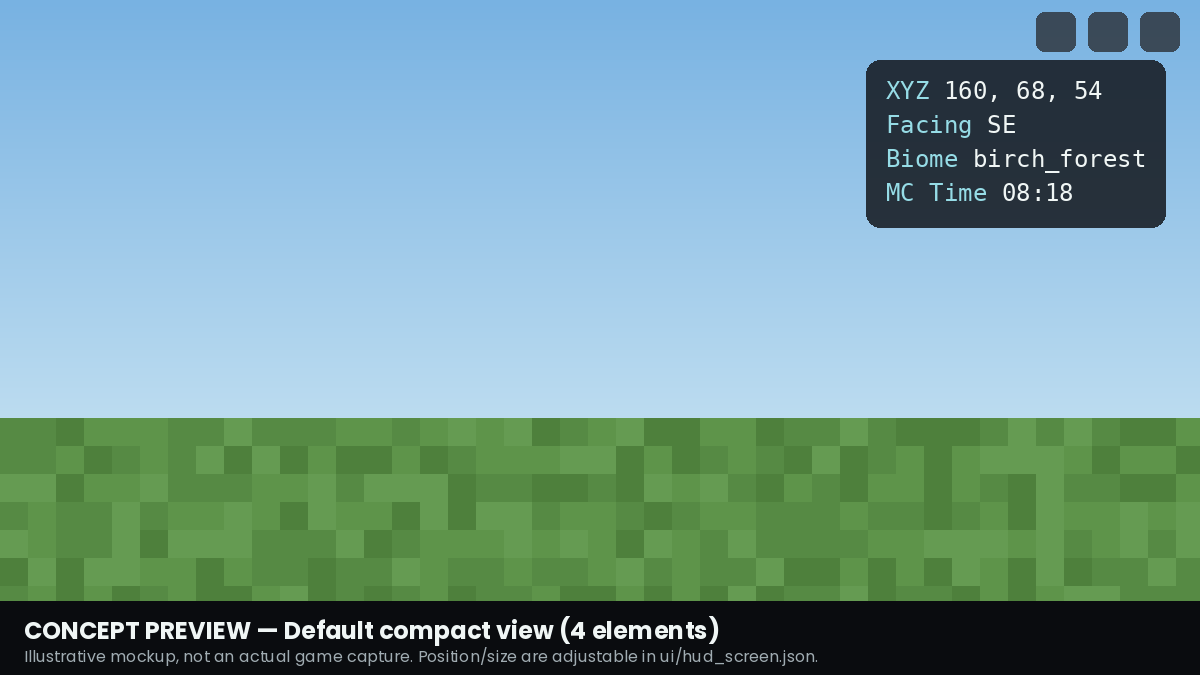
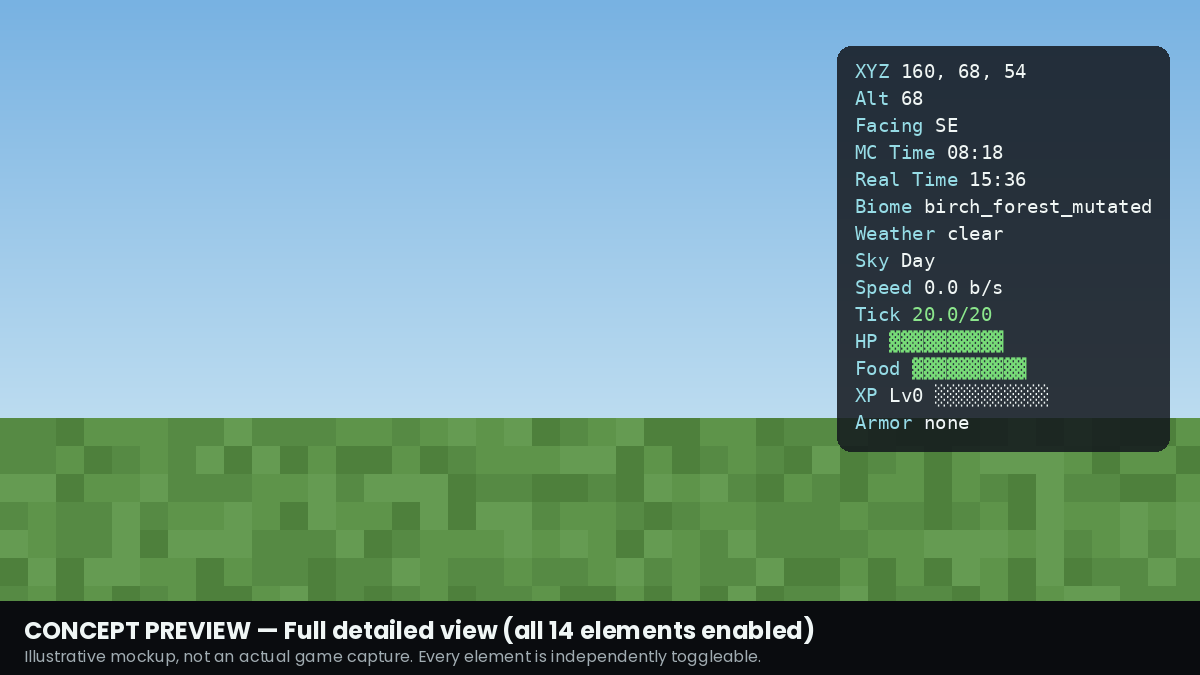
- **Position & Compass** — XYZ coordinates, altitude, and 8-point facing direction
- **World Awareness** — biome name, weather, in-world clock, day/night indicator
- **Vitals at a Glance** — health, hunger, and XP as compact bars
- **Gear Condition** — armor and held-tool durability, per-piece or averaged
- **Active Effects** — live list of potion/status effects with time remaining
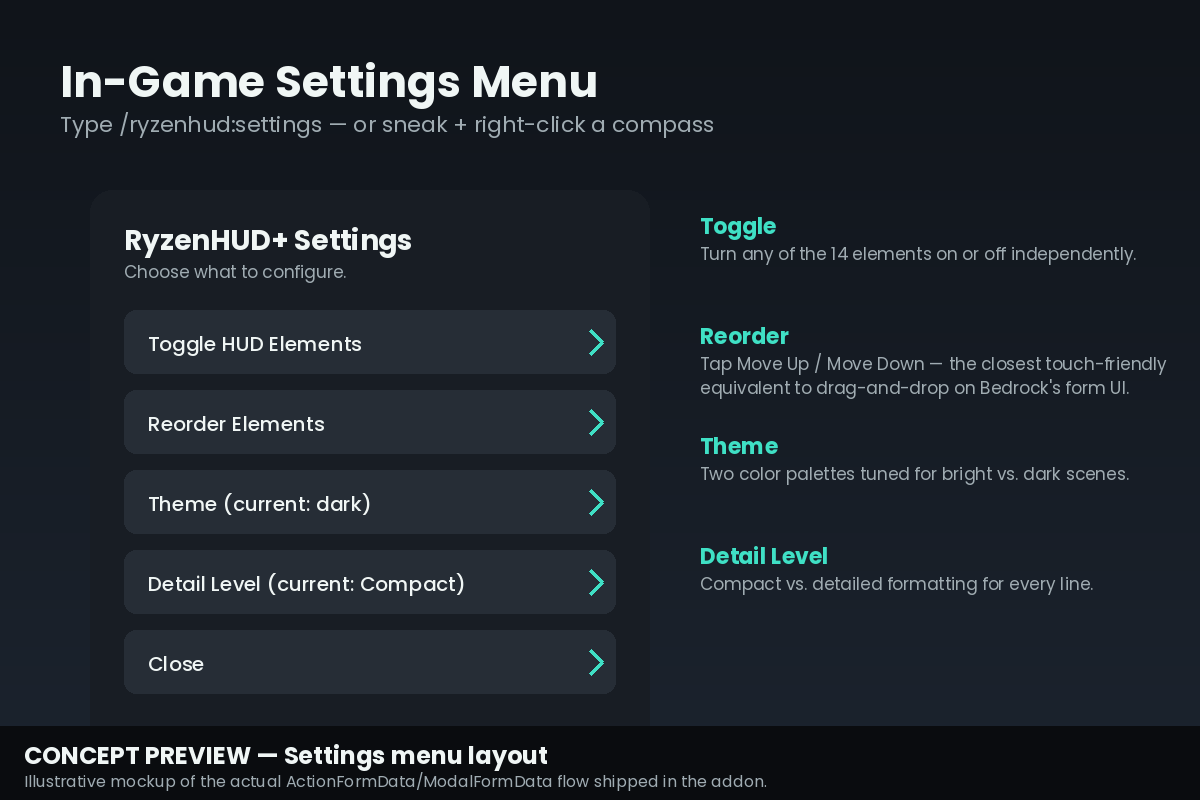
- **Fully customizable** — toggle any element, reorder them, switch color themes, and choose compact or detailed formatting, all from an in-game menu
- **Multiplayer-safe** — every player configures their own view independently
## Settings Menu
Open it with `/ryzenhud:settings`, or sneak + right-click a compass.
## What this add-on does NOT do (and why)
Being upfront about this because it matters more than a feature list:
- **No FPS counter, ping display, or memory usage** — none of these are exposed to Bedrock's scripting API by any official method. Rather than fake numbers, these are left out entirely.
- **"TPS" is an approximation** — there's no live server-TPS API for scripts. What's shown is a tick-timing proxy, labeled "Tick" rather than "TPS" to avoid overclaiming accuracy.
- **Real-world time reflects the simulating machine's clock** — the host player's device (singleplayer/LAN) or the dedicated server's clock, not each client's own timezone.
## Requirements
- Minecraft Bedrock 1.26.20 or later
- No experimental toggles required
## Installation
Import the `.mcaddon` file, then enable **both** the Behavior Pack and Resource Pack on your world (Settings → Resource Packs / Behavior Packs).
## Feedback
If something looks wrong in-game — spacing, colors, or a value that doesn't match what you'd expect — please report it. This is actively maintained.
Ryzen HUD+ Team