RR Cinematic Camera - Advanced Views
- By
Experience Minecraft like a movie! This addon adds epic cinematic join sequences, 360-degree death replays, dramatic camera shakes, and a smooth showcase mode to tour your builds in style.
RR Cinematic Camera - Advanced Views (13).jpg
RR Cinematic Camera - Advanced Views (14).jpg
RR Cinematic Camera - Advanced Views (10).jpg
RR Cinematic Camera - Advanced Views (11).jpg
RR Cinematic Camera - Advanced Views (15).jpg
RR Cinematic Camera - Advanced Views (17).jpg
RR Cinematic Camera - Advanced Views (12).jpg
RR Cinematic Camera - Advanced Views (16).jpg
RR Cinematic Camera - Advanced Views (19).jpg
RR Cinematic Camera - Advanced Views (2).jpg
RR Cinematic Camera - Advanced Views (8).jpg
RR Cinematic Camera - Advanced Views (7).jpg
RR Cinematic Camera - Advanced Views (9).jpg
Description

Today i am bringing you a really unique behavior pack for your survival worlds and servers. If you play a lot of vanilla minecraft you probably know that the camera system is very basic. You just play in first person view or you press a button to go into third person and that is pretty much it. There is nothing cinematic or movie like about it.
I watch a lot of minecraft trailers and youtube videos and they always have these crazy smooth camera movements flying around the map. I wanted to bring that exact same feeling directly into normal survival gameplay. So i made the RR Cinematic Camera addon. This pack completely takes control of your camera to give you epic cutscenes and replays while you are just playing the game normally.
Cinematic Join Sequence And Build Showcase
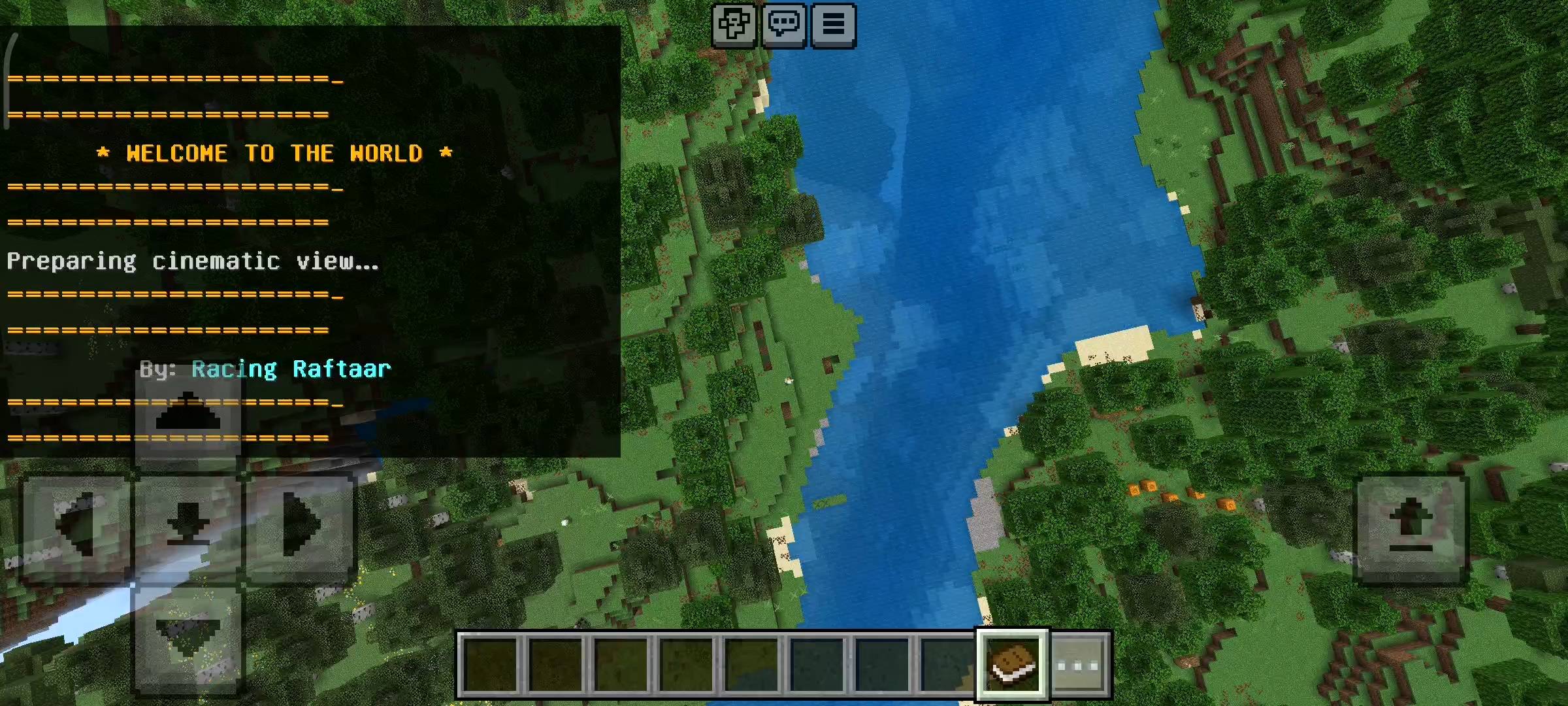
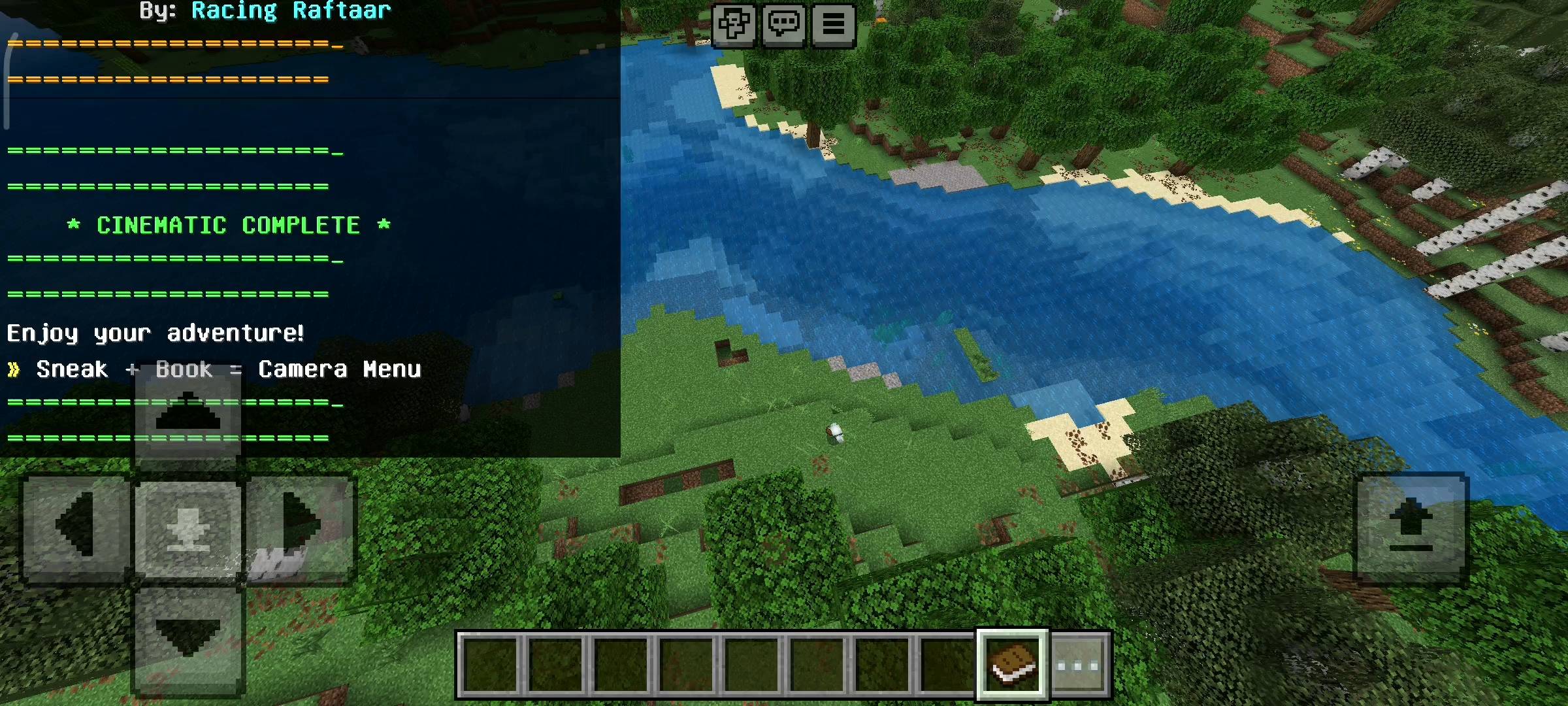
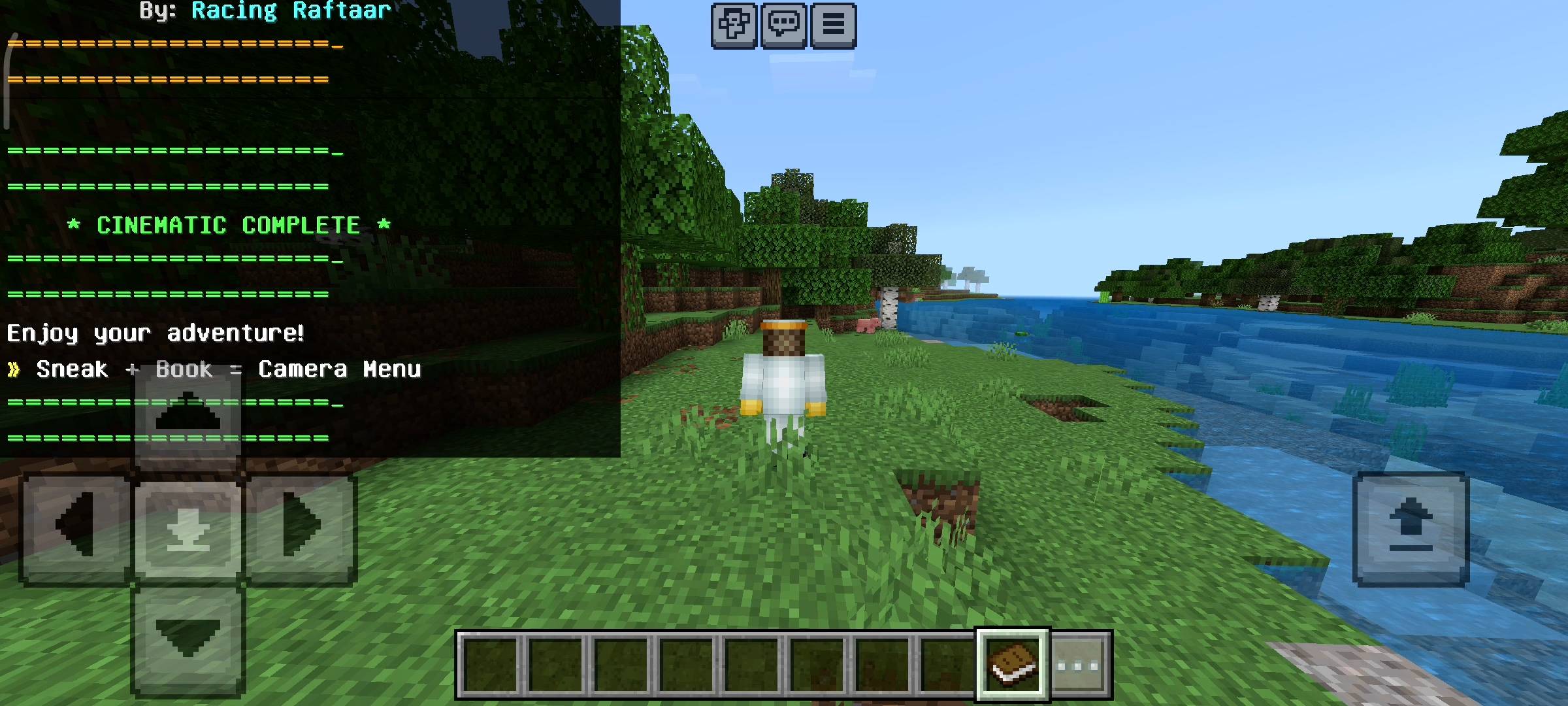
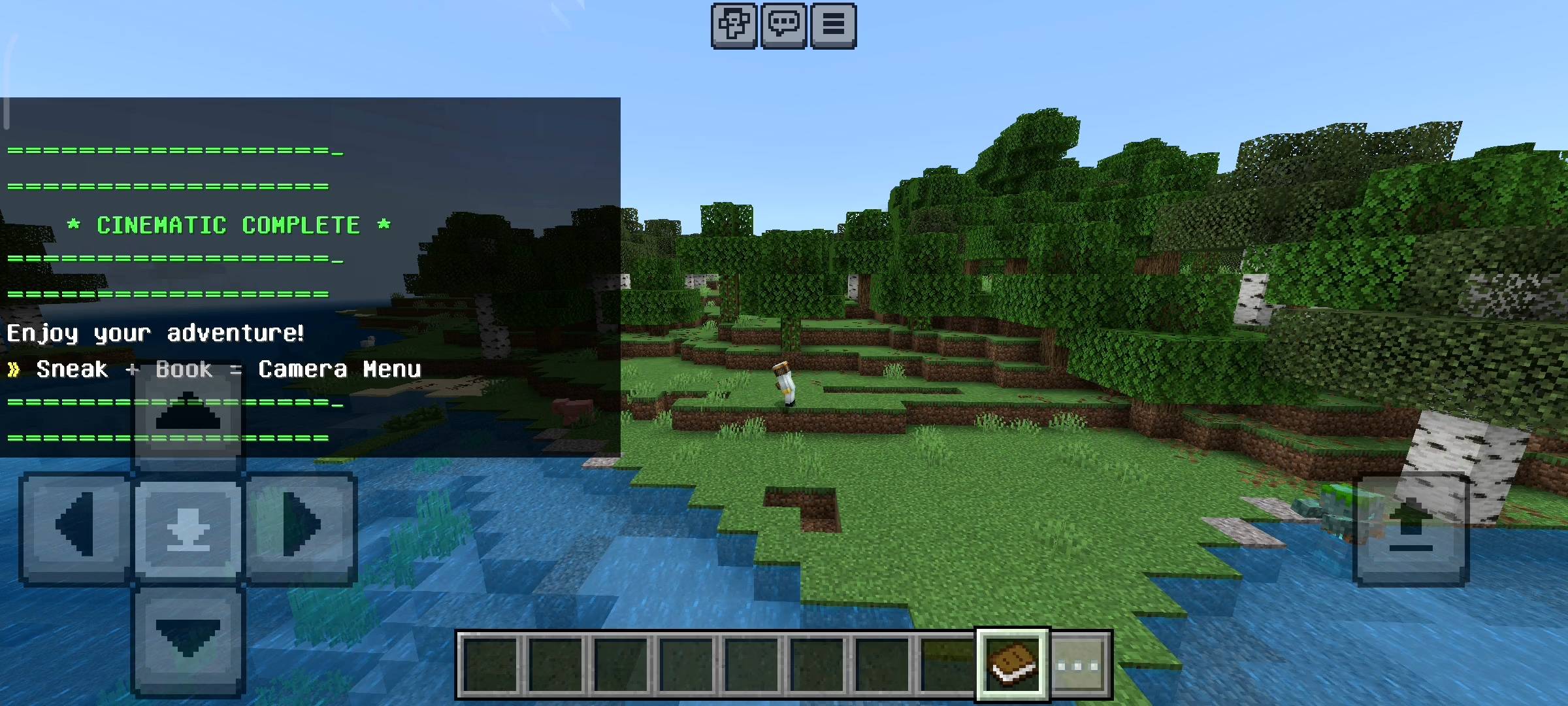
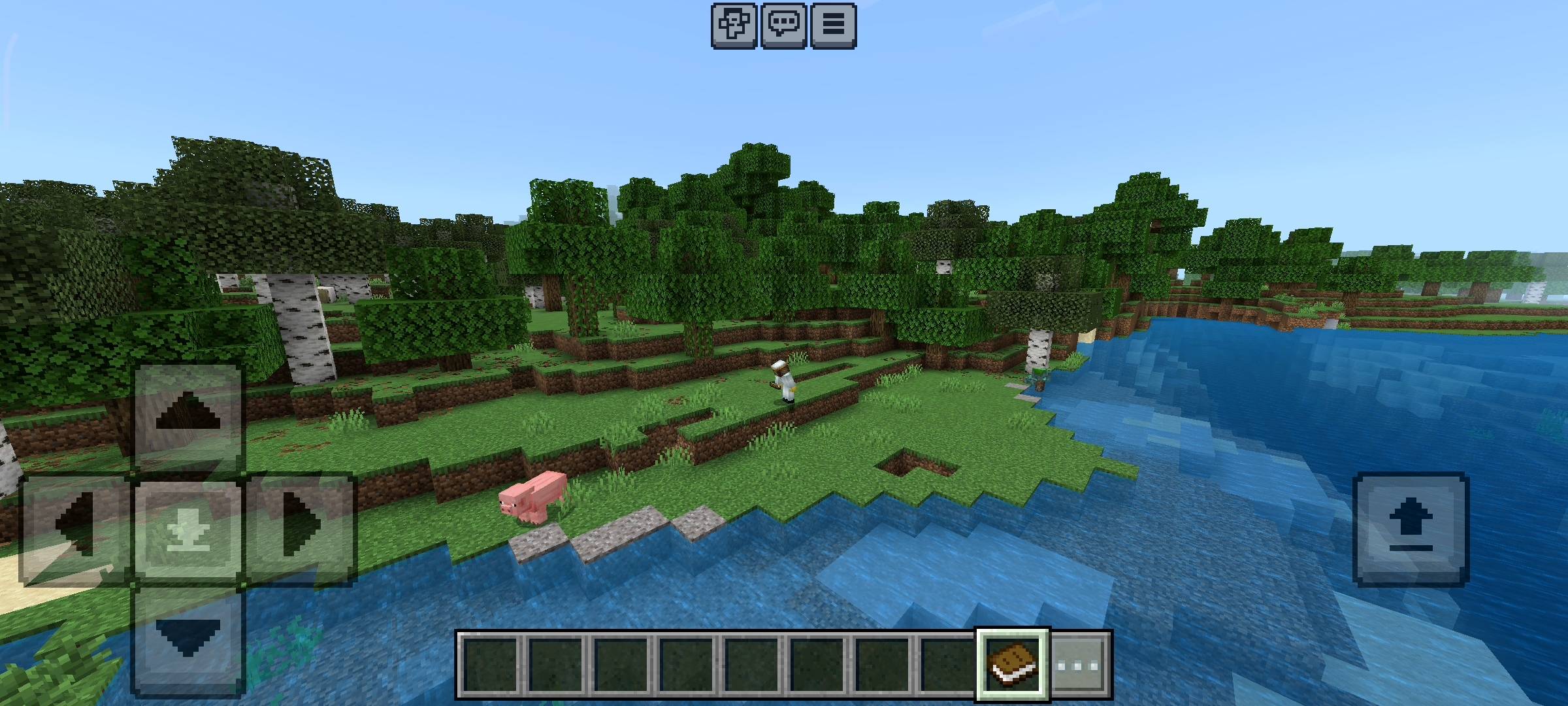
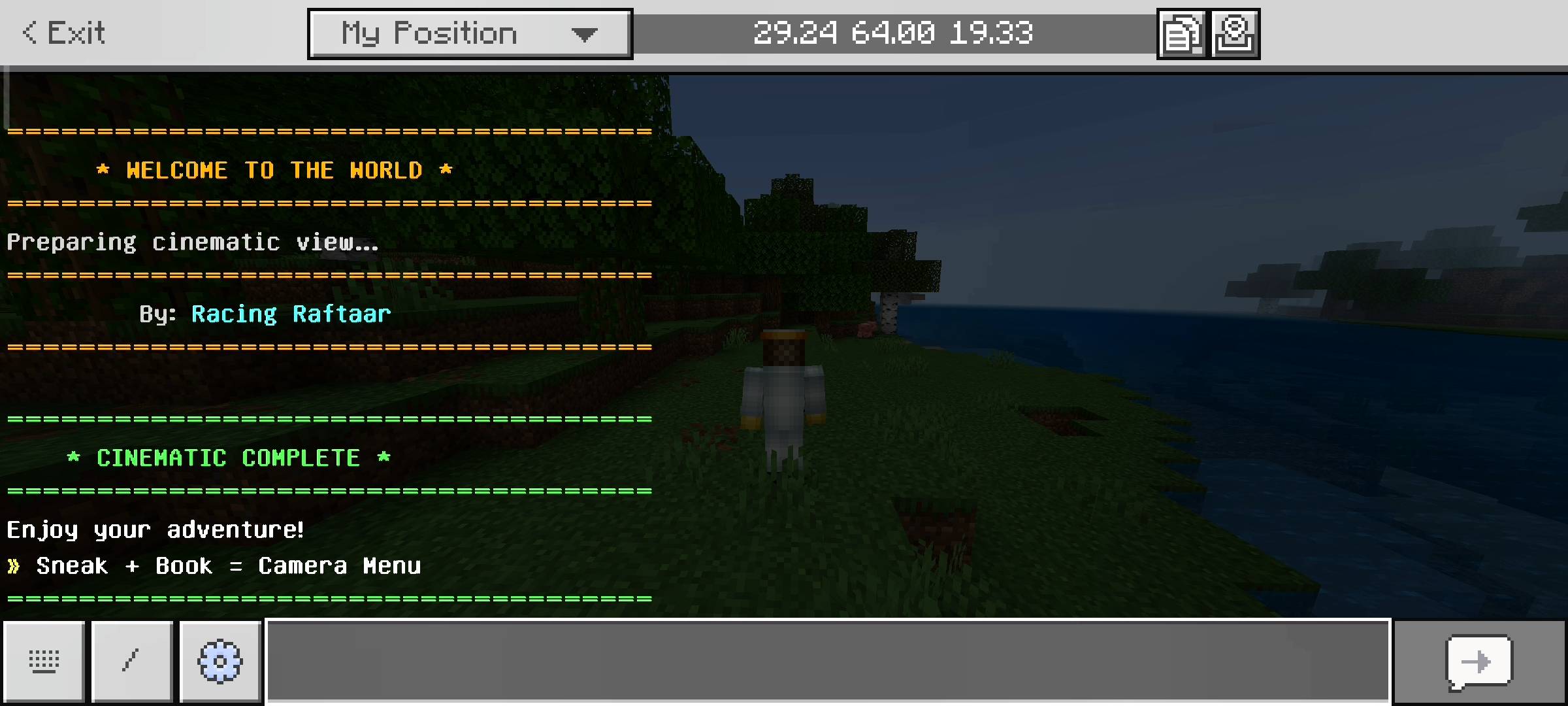
So the first thing you will notice is when you join your world. Normally you just spawn in and immediately start looking at a dirt block or a tree. But with this pack when you load into the server your camera actually spawns 50 blocks up in the sky. It gives you this massive aerial view of your base and then slowly swoops down towards your character.
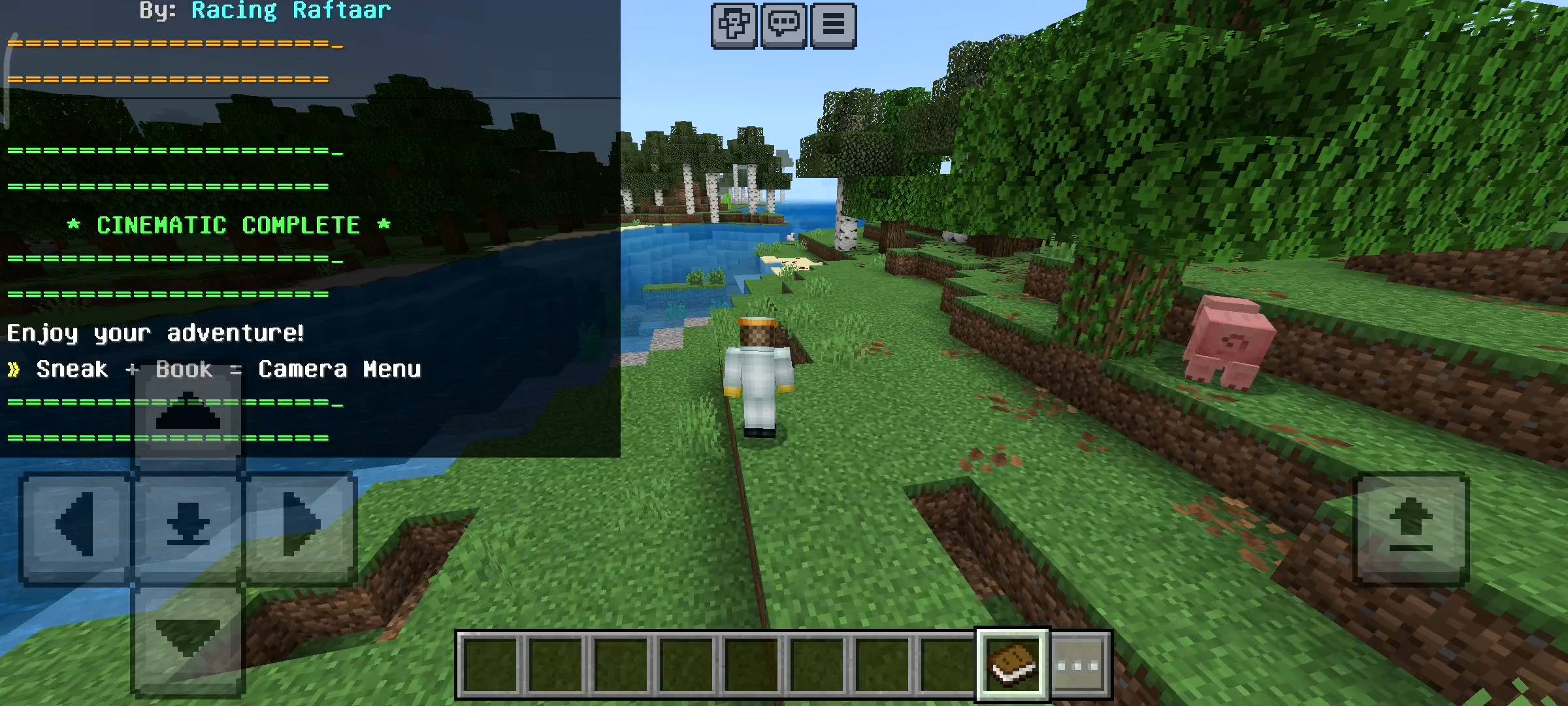
It switches to a third person angle rotating around you, plays a cinematic whoosh sound and then finally drops you into first person to start playing. It literally feels like the opening scene of a movie every single time you log in.

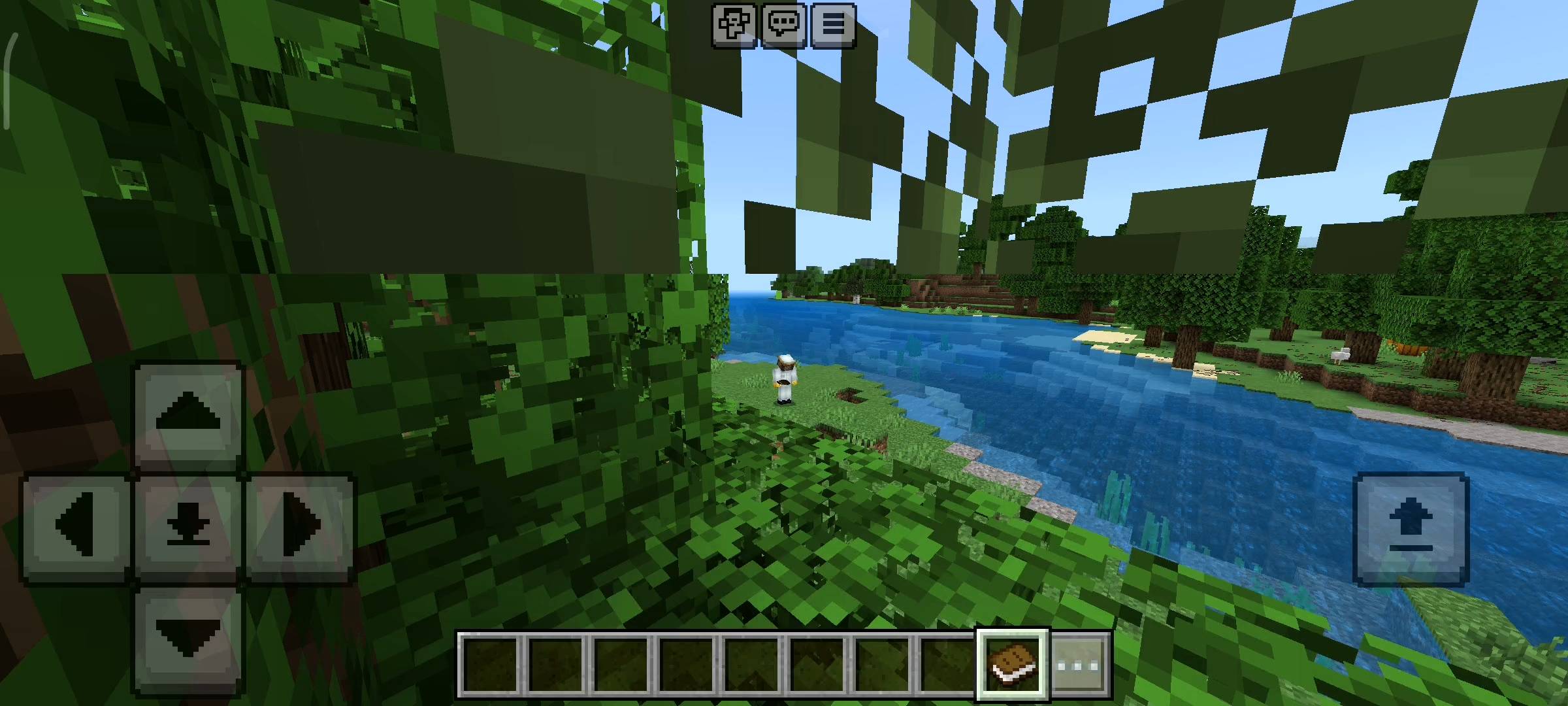
I also added a feature called the build showcase. If you just spent three hours building a massive medieval castle or a really cool mob farm, you probably want to show it off to your friends or record a video of it. Instead of trying to fly around clumsily, you can just activate the showcase mode. Your camera will leave your body and automatically fly in a massive 360 degree circle around your character and your build. It takes a perfect smooth video of the area while you just stand there looking cool.
The Death Replay Killcam
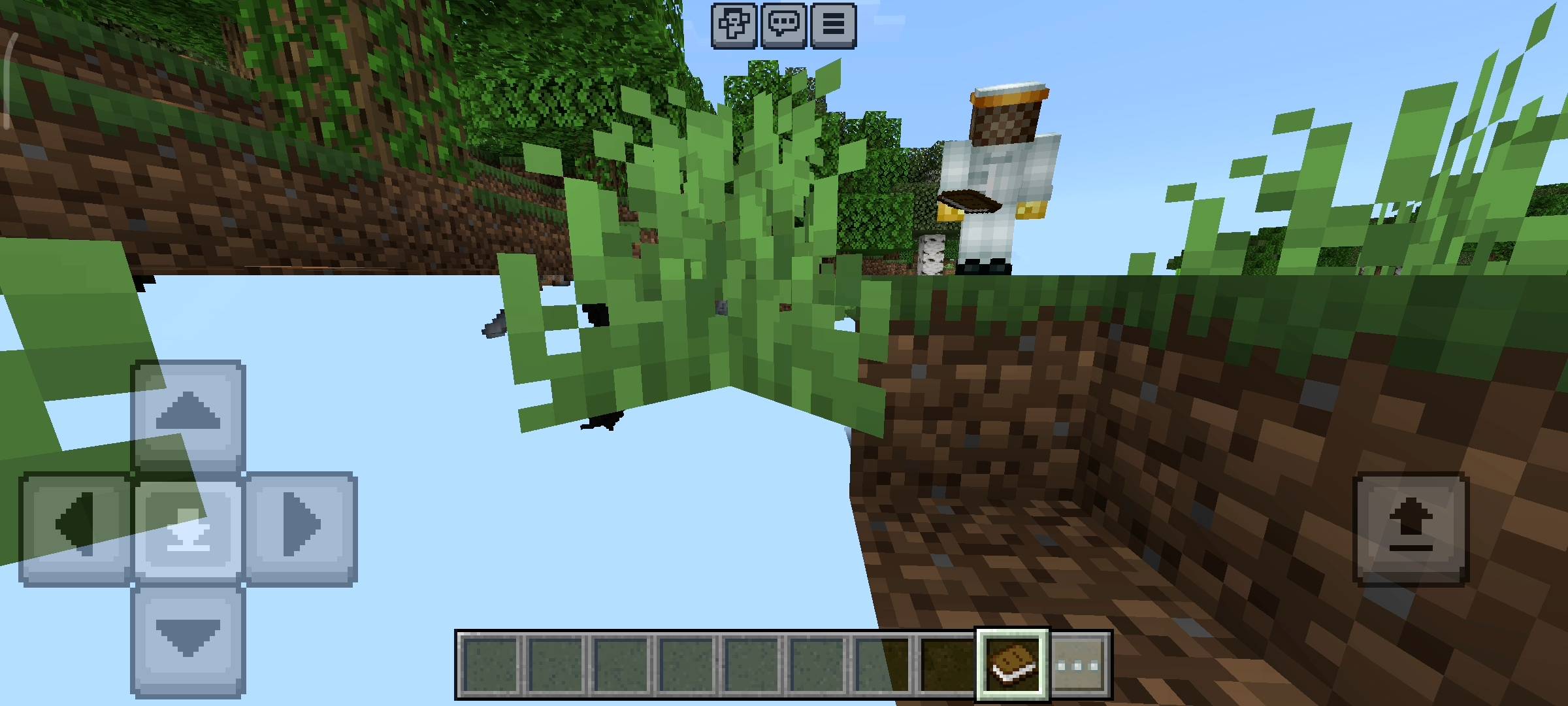
This is honestly my favorite feature in the whole pack because it is so useful and funny. Dying in minecraft is super annoying because you just instantly wake up in your bed and have no idea where your loot dropped. I decided to make dying look awesome. If a creeper blows you up or you fall off a cliff, when you respawn your camera does not go to your bed. Instead the camera flies all the way back to the exact coordinates where you just died. It acts like a call of duty killcam.
It slowly rotates in a circle above your death spot so you can see all your diamond gear scattered on the floor and see exactly which mob killed you. Once the camera spin finishes a UI menu pops up on your screen. It tells you your exact death coordinates and asks if you want to spectate the location a bit more or snap your camera back to your bed so you can start running back.
UI Menu And Free Cam Controls
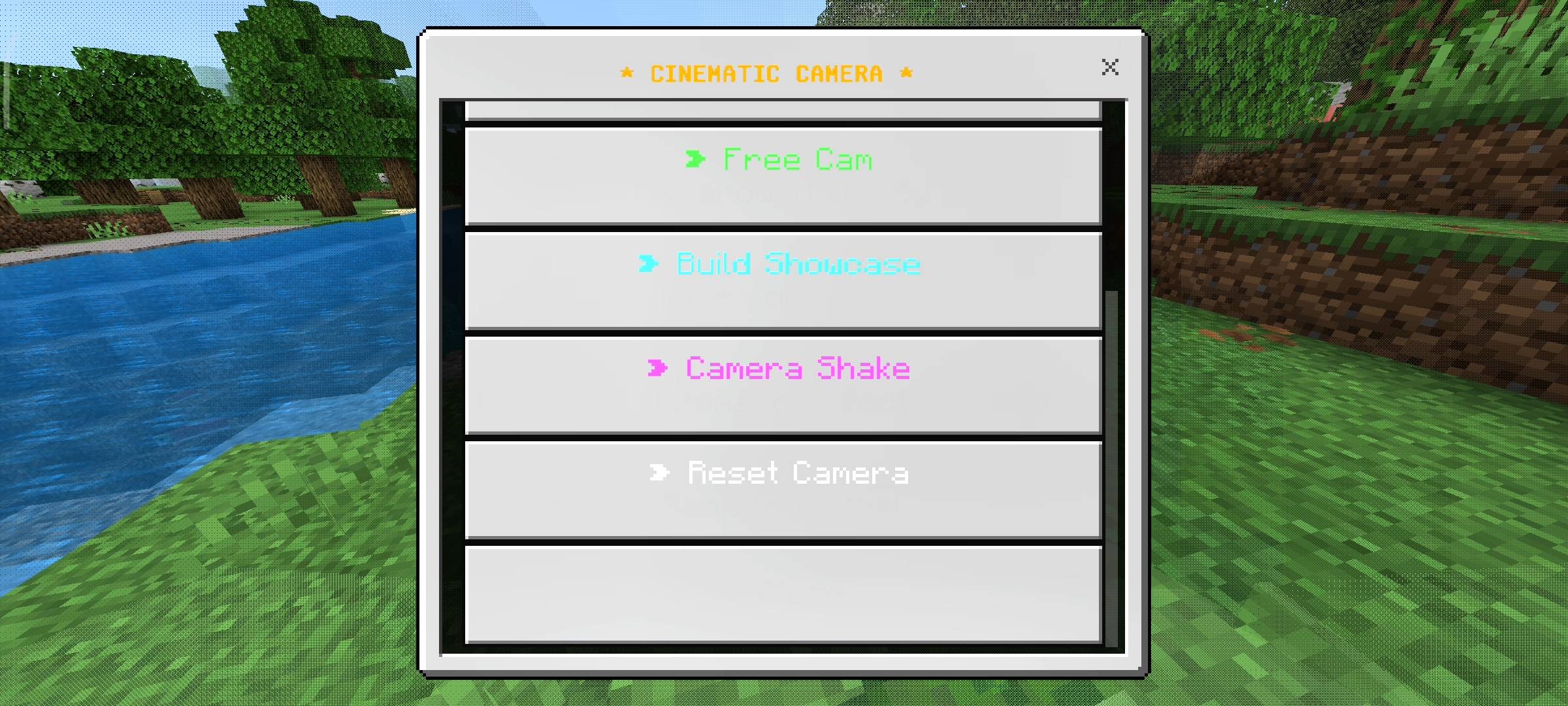
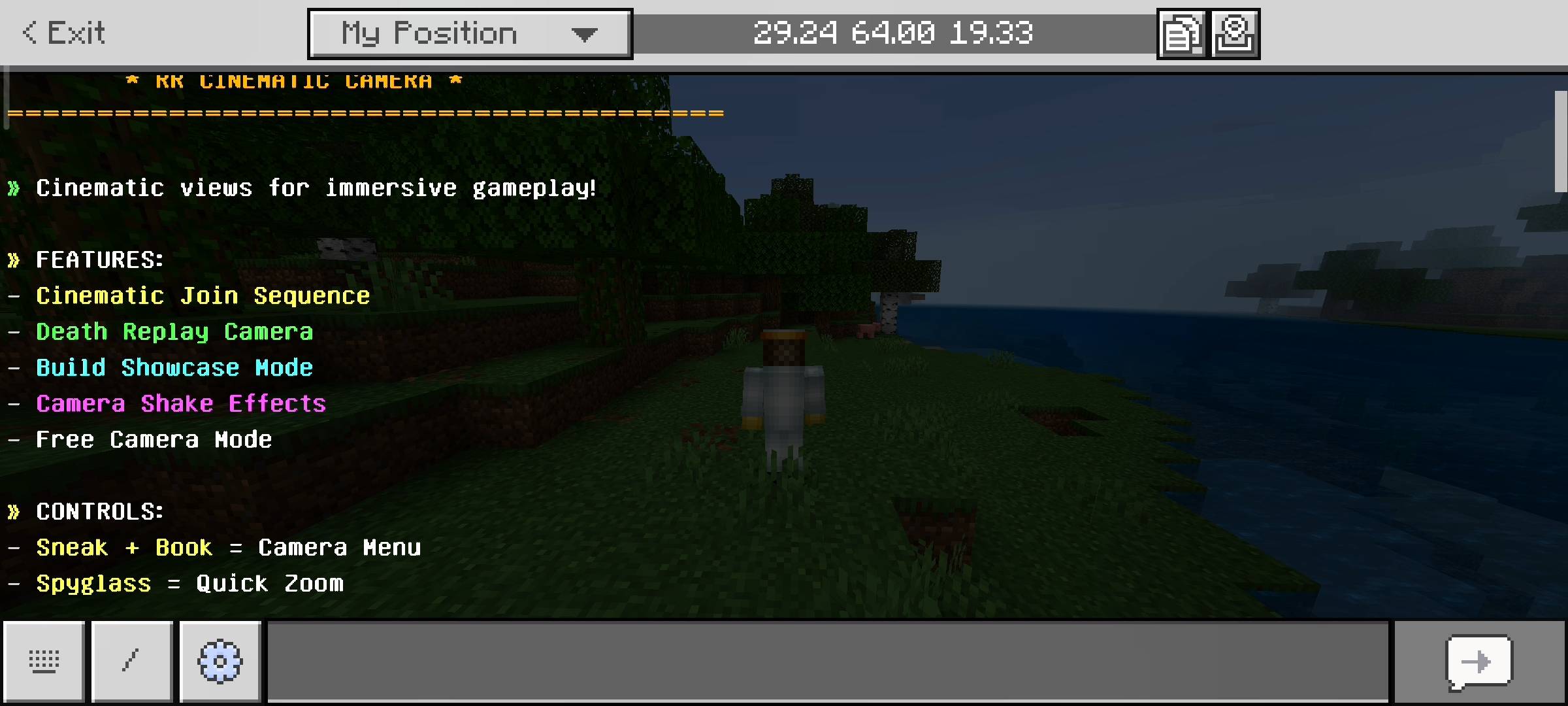
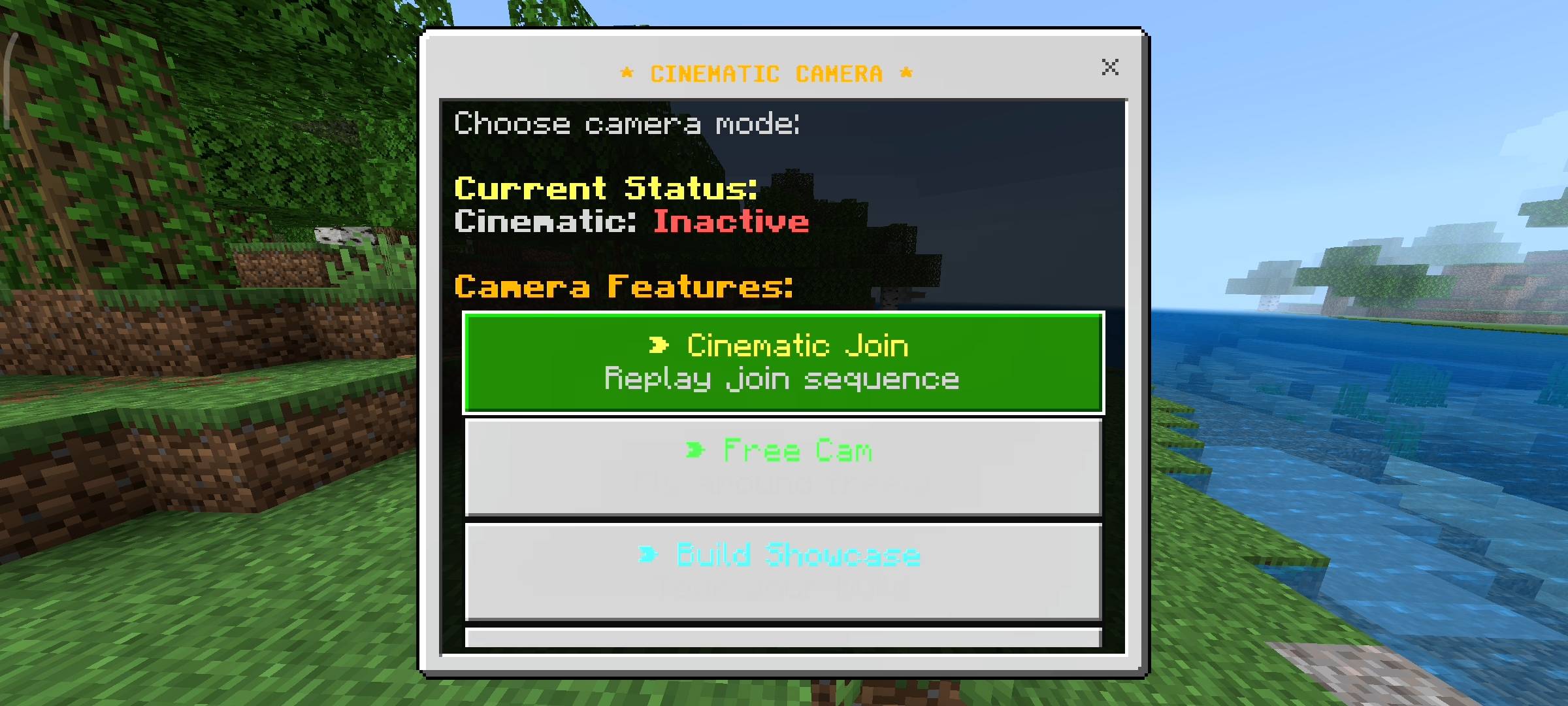
To control all these crazy camera angles you dont need to type any weird commands. You just hold a normal book in your hand and sneak. This opens the main cinematic camera menu. From here you can trigger the join sequence manually if you want to show it to a friend. You can also trigger a dramatic camera shake effect which is really fun if you are roleplaying or making a cinematic video. I also put a free cam button in there. If you click this you can detach your camera from your physical body and just fly around your base like spectator mode.
Your actual character stays safely on the ground so you dont take damage while scouting the area. Oh and if you use a normal spyglass item now it does a really smooth quick zoom instead of the clunky vanilla circle overlay. Also sometimes during sunrise or sunset the game will randomly tell you to take a moment and enjoy the beautiful view which is just a nice cozy detail i threw in.
Beta APIs Setup
Because this add-on heavily uses the brand new camera command scripts and dynamic background properties to track your exact death location coordinates, you absolutely must turn on the Beta APIs experiment in your world settings. If you dont turn this toggle on none of the camera features will work and you will just be stuck in the boring normal view so please remember to check your world settings before loading in.

AI Disclaimer
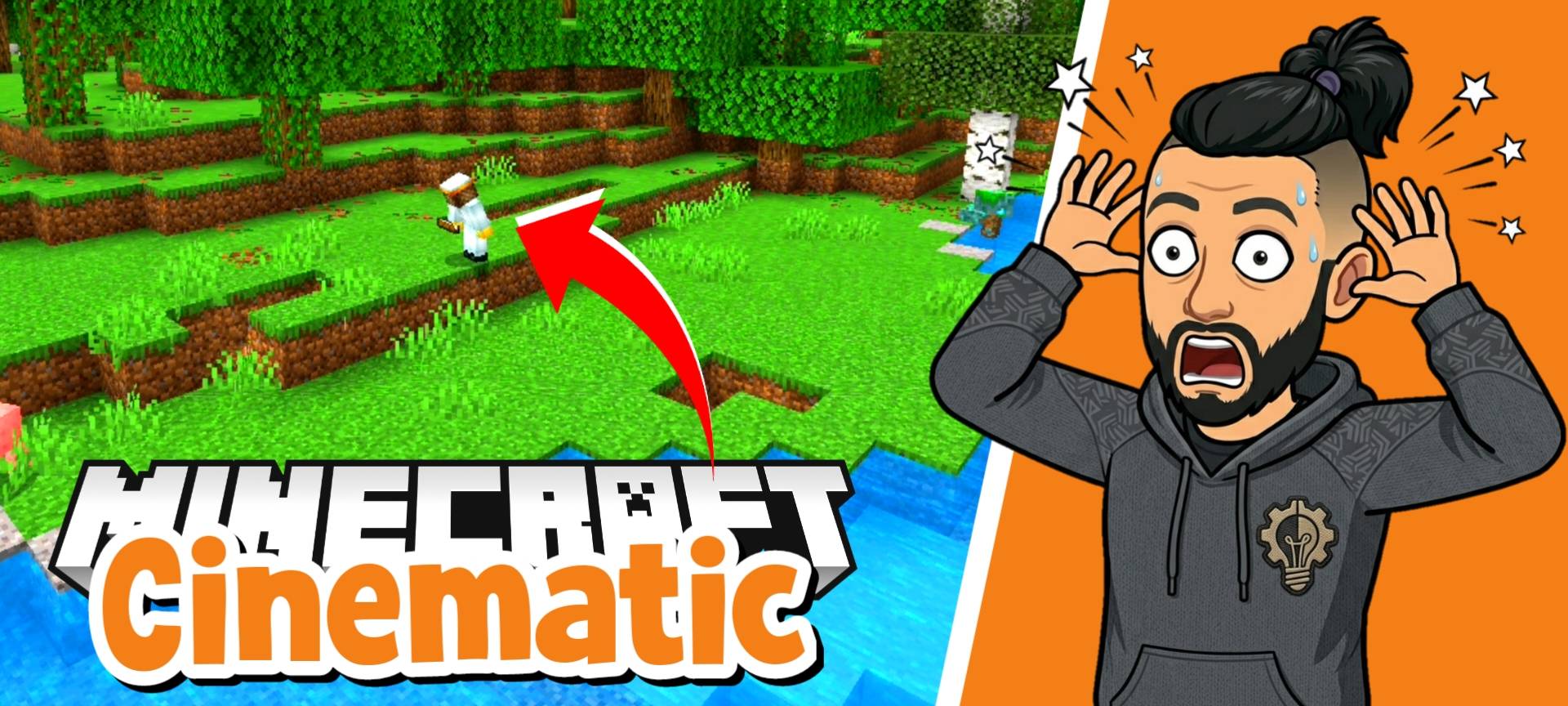
In this add-on the main cover picture and the screenshots in the gallery were enhanced using ai image generators. I use ai to make the visual presentation look very cinematic and professional for this add-on
The RR Cinematic Camera - Advanced Views Team


Owner