Custom Tag - Name & Rank Customizer
- By
Express yourself in multiplayer with the ultimate identity customization pack! This behavior pack allows every player to effortlessly create and manage their own unique custom rank and nickname.
Custom Tag (13).jpg
Custom Tag (10).jpg
Custom Tag (12).jpg
Custom Tag (11).jpg
Custom Tag (5).jpg
Custom Tag (8).jpg
Custom Tag (3).jpg
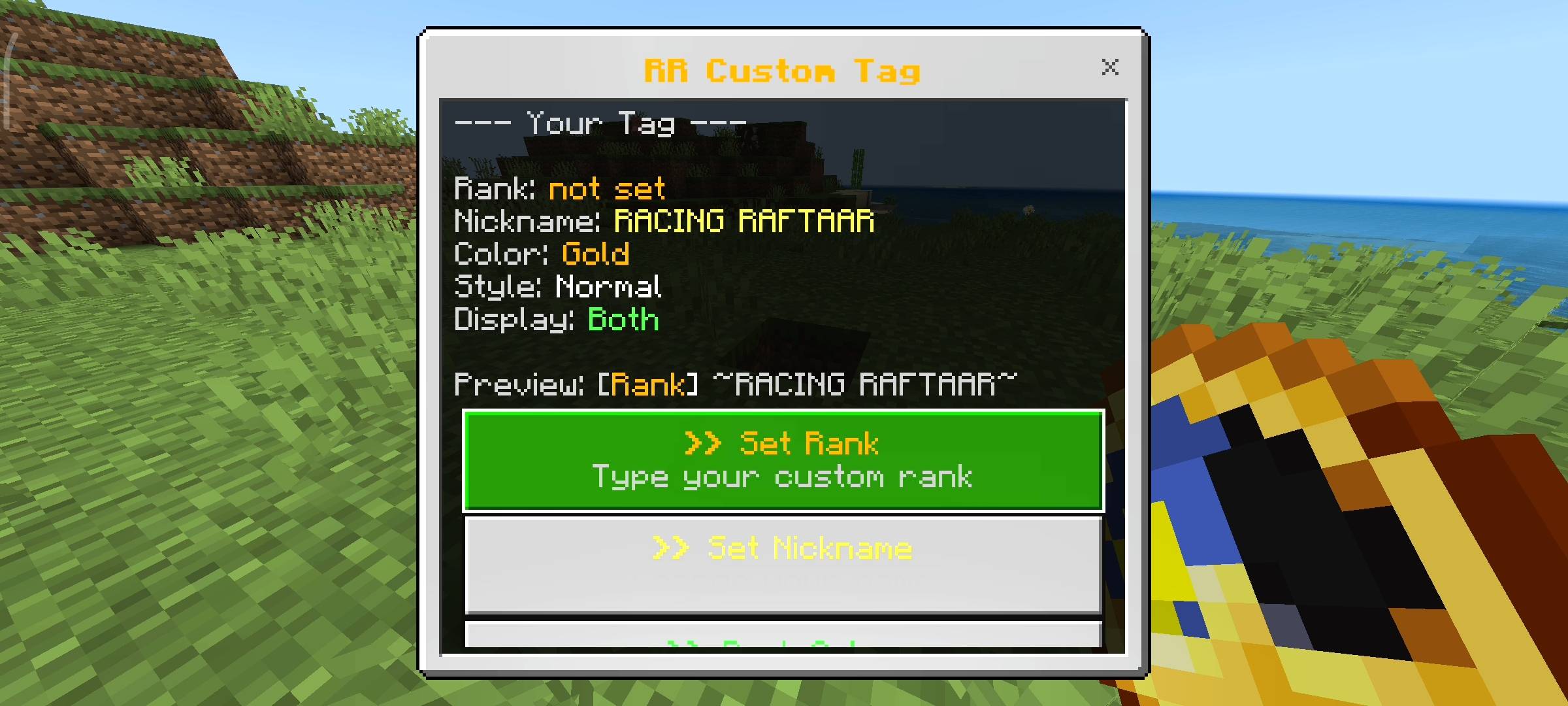
Custom Tag (4).jpg
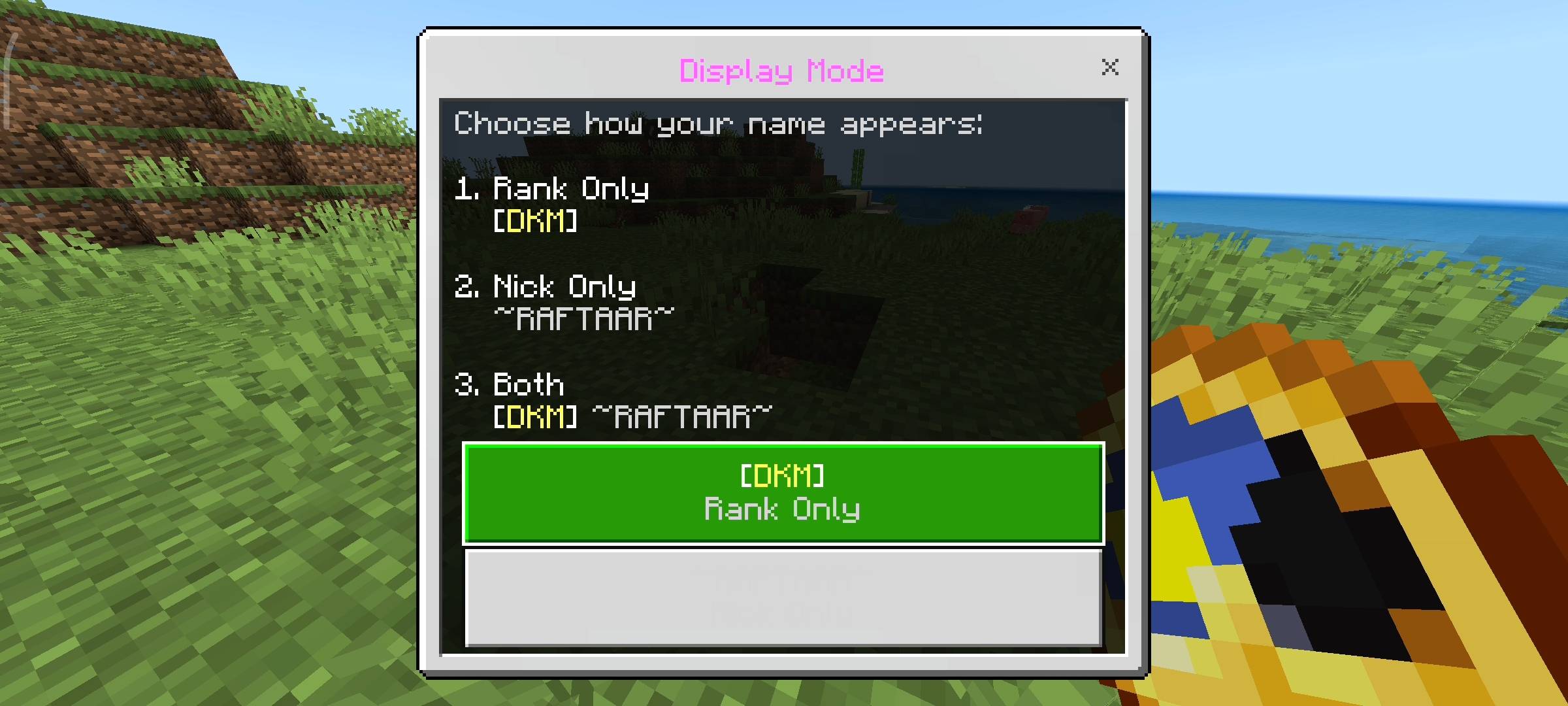
Custom Tag (9).jpg
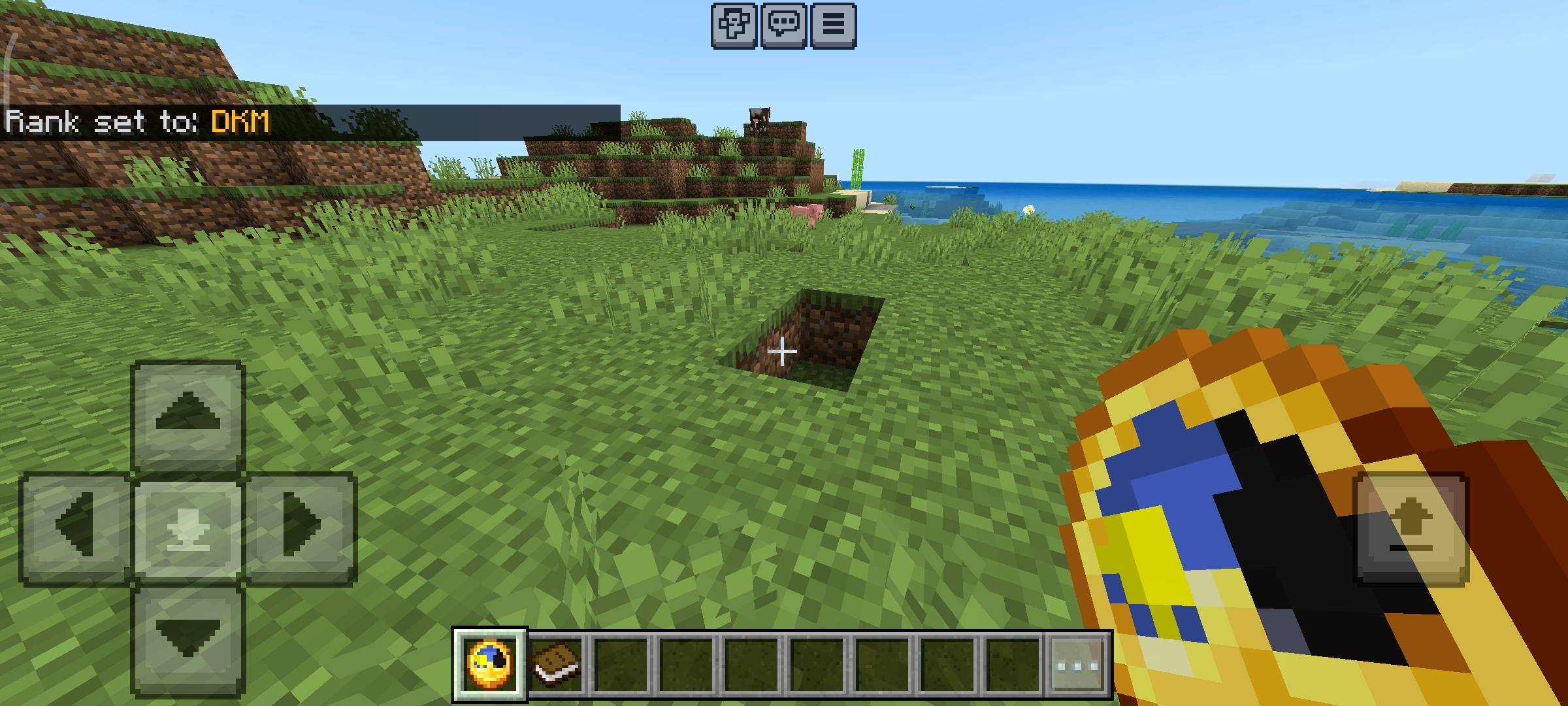
Custom Tag (6).jpg
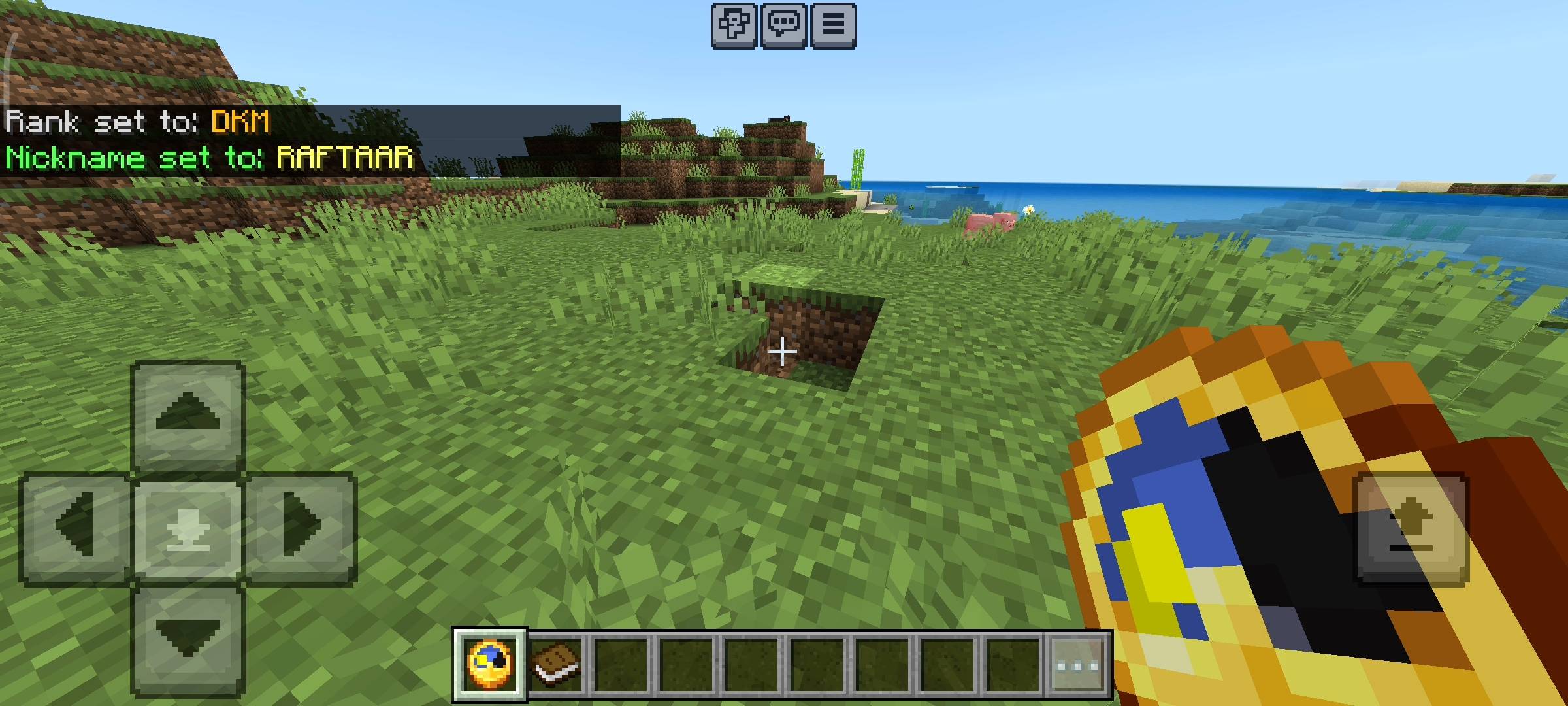
Custom Tag (7).jpg
Custom Tag (2).jpg
Description
Today i am bringing you something that is going to make your multiplayer servers and realms so much better. If you run a server with your friends you probably know how annoying it is when everyone keeps begging you to give them a custom rank.
Like they all want to be called Admin or VIP or Pro and you have to sit there and type long scoreboard commands or use command blocks to set it up for every single player. It takes hours and it breaks half the time. I was getting super tired of doing this manually on my own SMP so i decided to code a behavior pack that just lets players do it themselves.

So I created the RR Custom Tag addon. This pack gives every single player a clean UI menu where they can create their own rank, pick their own colors and even change their display nickname without needing any admin permissions at all.
Setting Your Custom Rank And Nickname
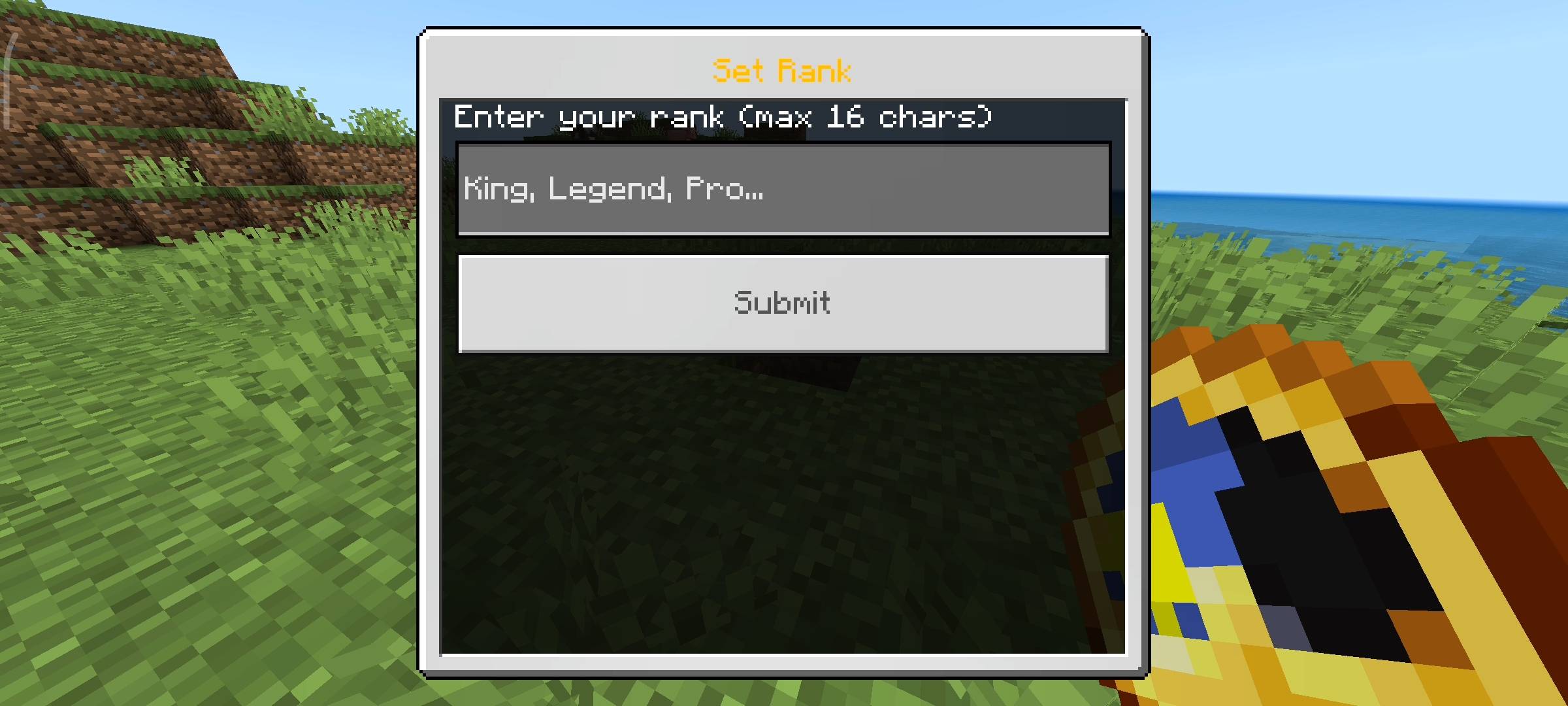
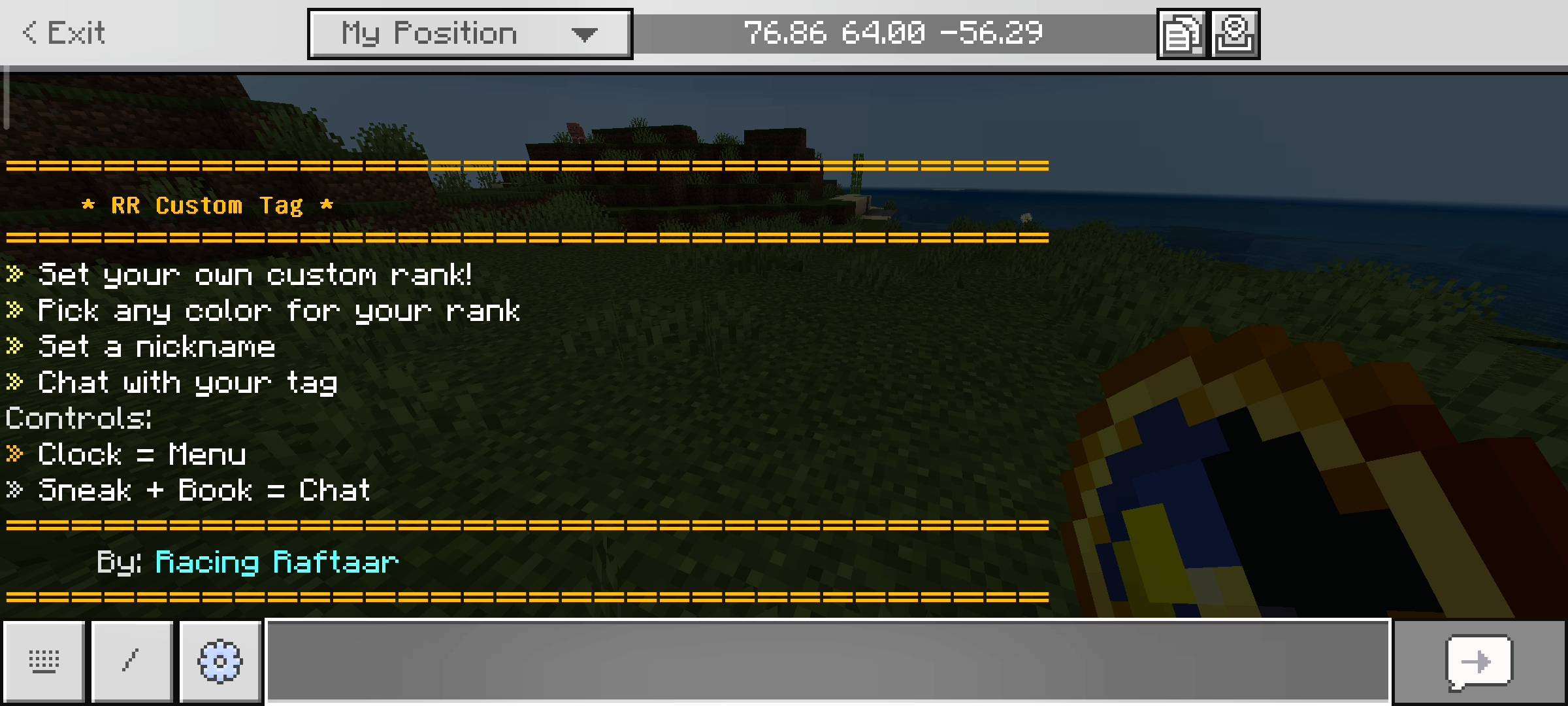
So the way this works is very simple and easy to use. When a new player joins your world for the first time the game automatically gives them an item called the Tag Menu which is just a normal clock. If you hold this clock and just use it or sneak it opens the main tag dashboard on your screen. From here you can click on Set Rank and literally type whatever you want. You want to be called Legend or King or Builder you just type it in.
There is a maximum limit of 16 characters so people dont make stupidly long tags that cover the whole screen. You can also click on Set Nickname and change your actual display name up to 12 characters. The moment you save it your new tag instantly updates live right above your characters head so everyone standing near you can see it.
Colors And Text Styles
Obviously just having a plain white text rank is very boring and doesnt look premium. So i added a full color picker inside the menu.
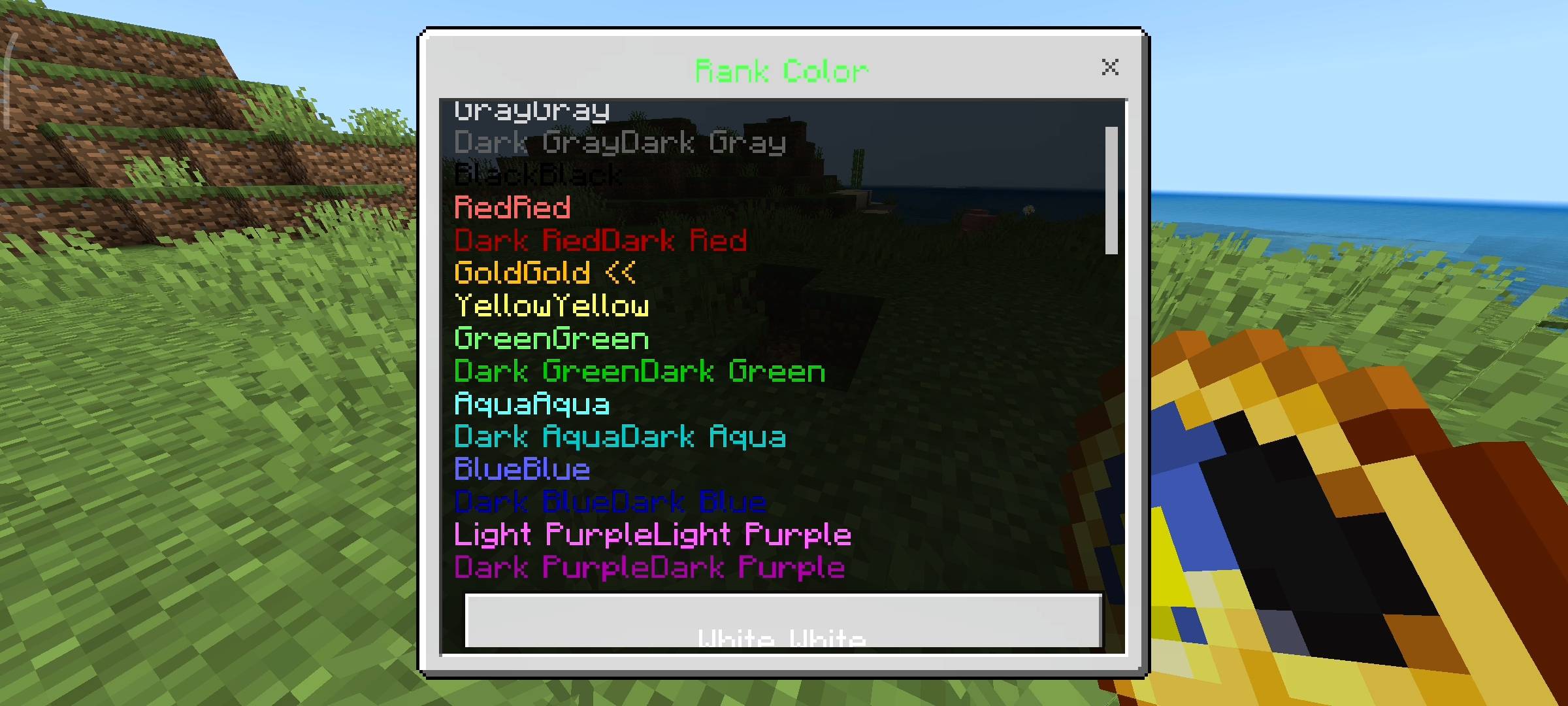
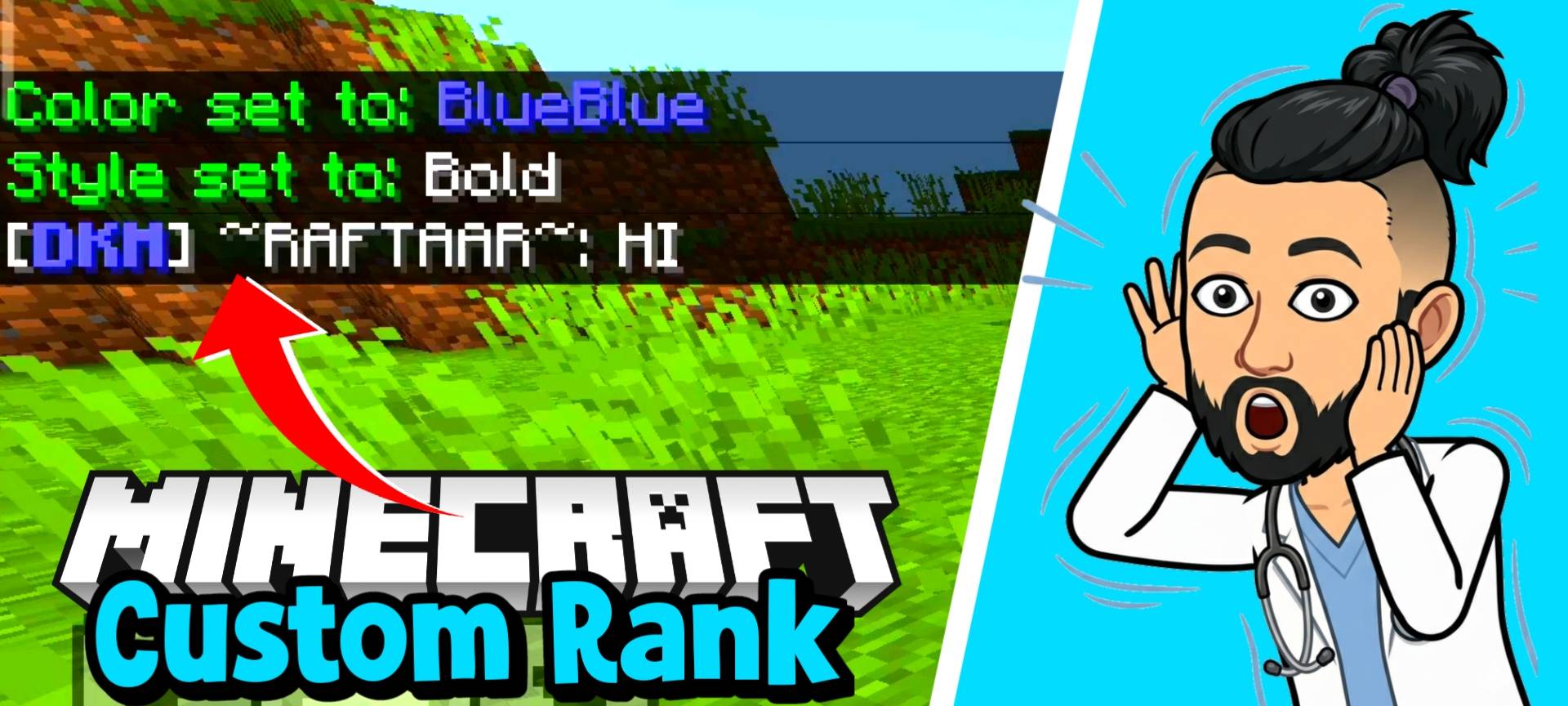
When you click on Rank Color it gives you a list of 16 different color options. You can pick red, dark green, aqua, gold, light purple and so many more. It actually shows you a live preview in the menu of exactly how the color looks before you select it so you dont have to guess the color codes. I also added a Rank Style button.

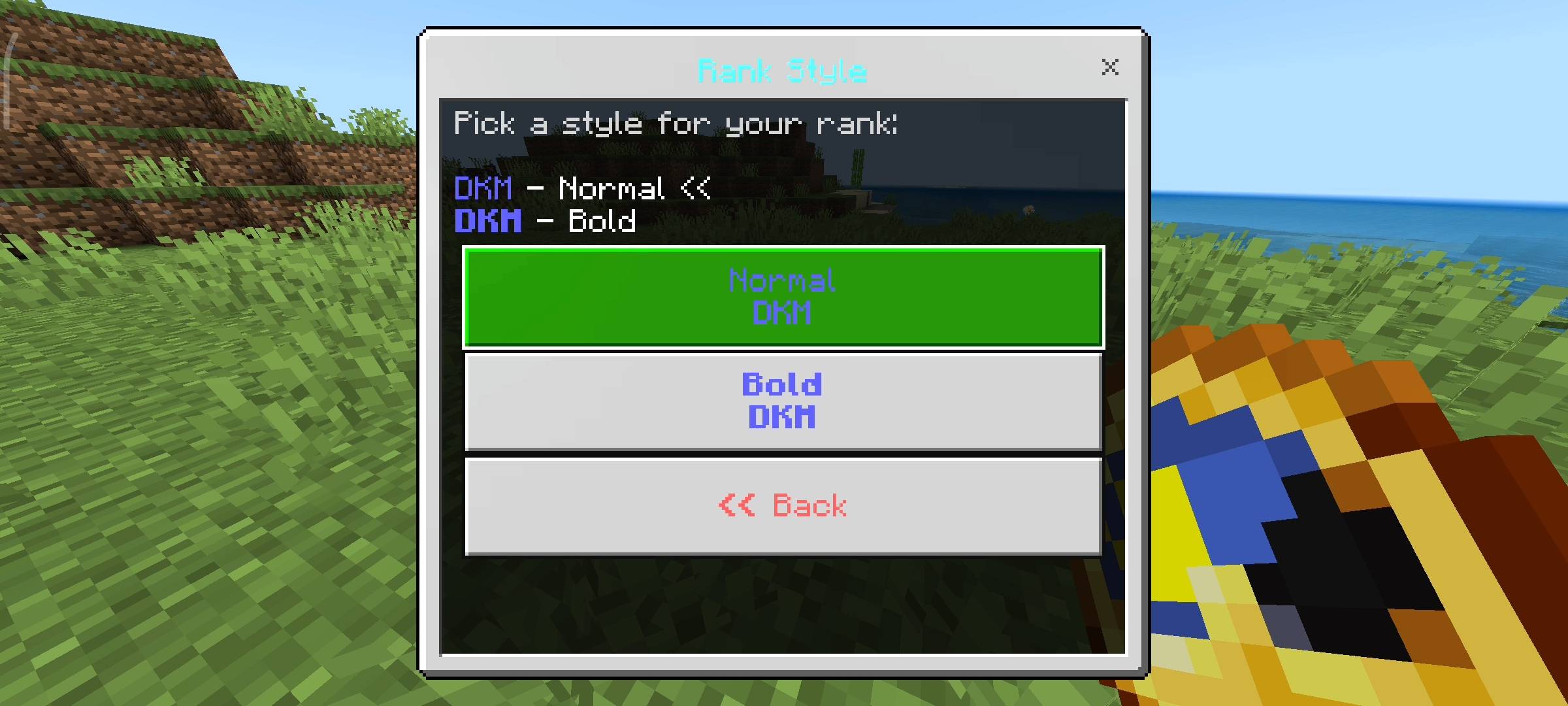
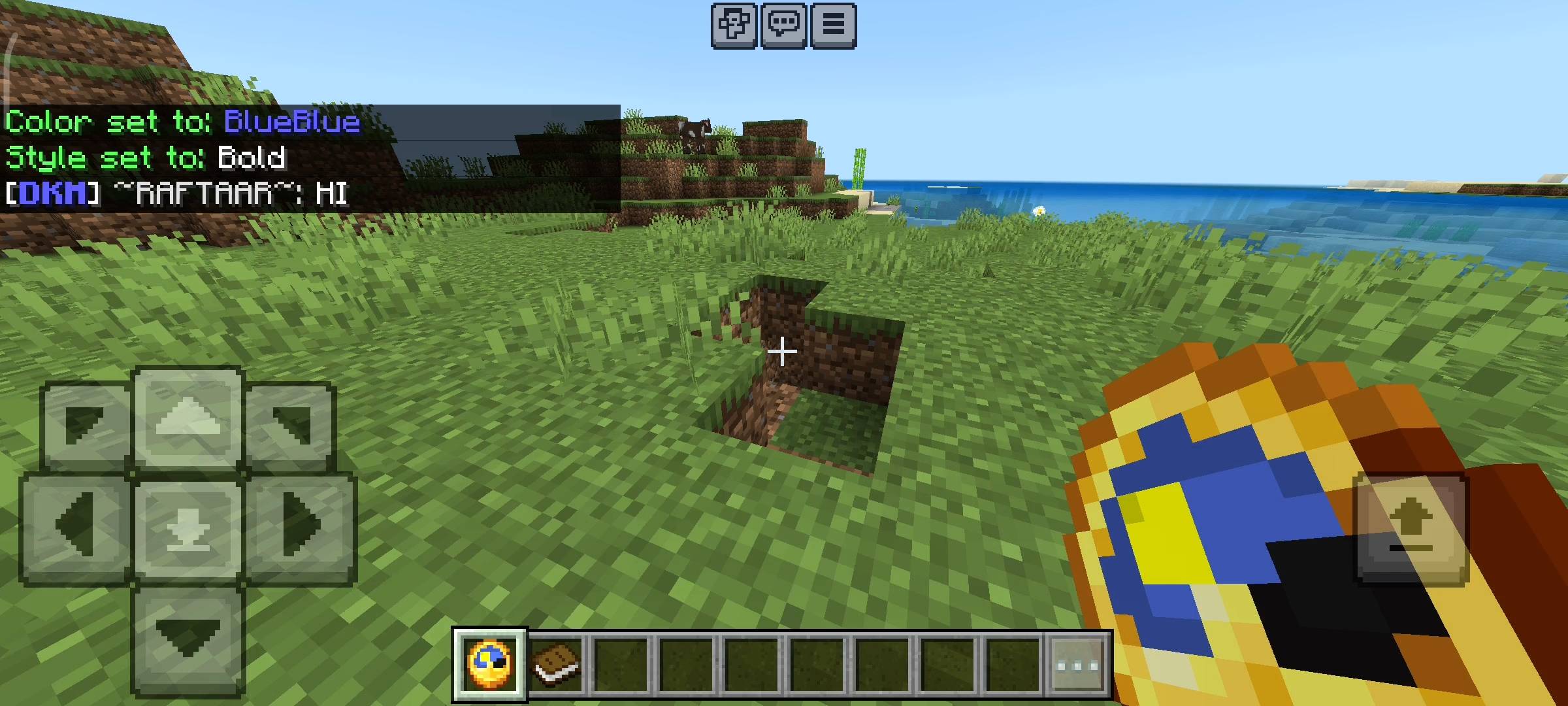
If you want your tag to stand out even more you can change it from normal text to Bold text. A bold gold VIP tag literally looks like you paid real money for it on a massive server.
Display Modes For Your Tag
I know some people have different preferences for how they want their name to look while they are playing. Sometimes having a big rank and a nickname floating above your head is distracting when you are trying to build a small house. So i added a Display Mode section in the settings. You can choose between three different modes.
You can set it to Rank Only so it just shows your rank in brackets. You can set it to Nick Only if you just want to hide your rank and show your name. Or you can select Both which is the default option and shows everything. You can change this whenever you want.
The Custom Chat System
Because of how minecraft bedrock is coded you cant just easily change the vanilla chat system using normal addons without breaking things. So i built a custom chat system to work with your new tags. When you spawn you also get a Chat Book.
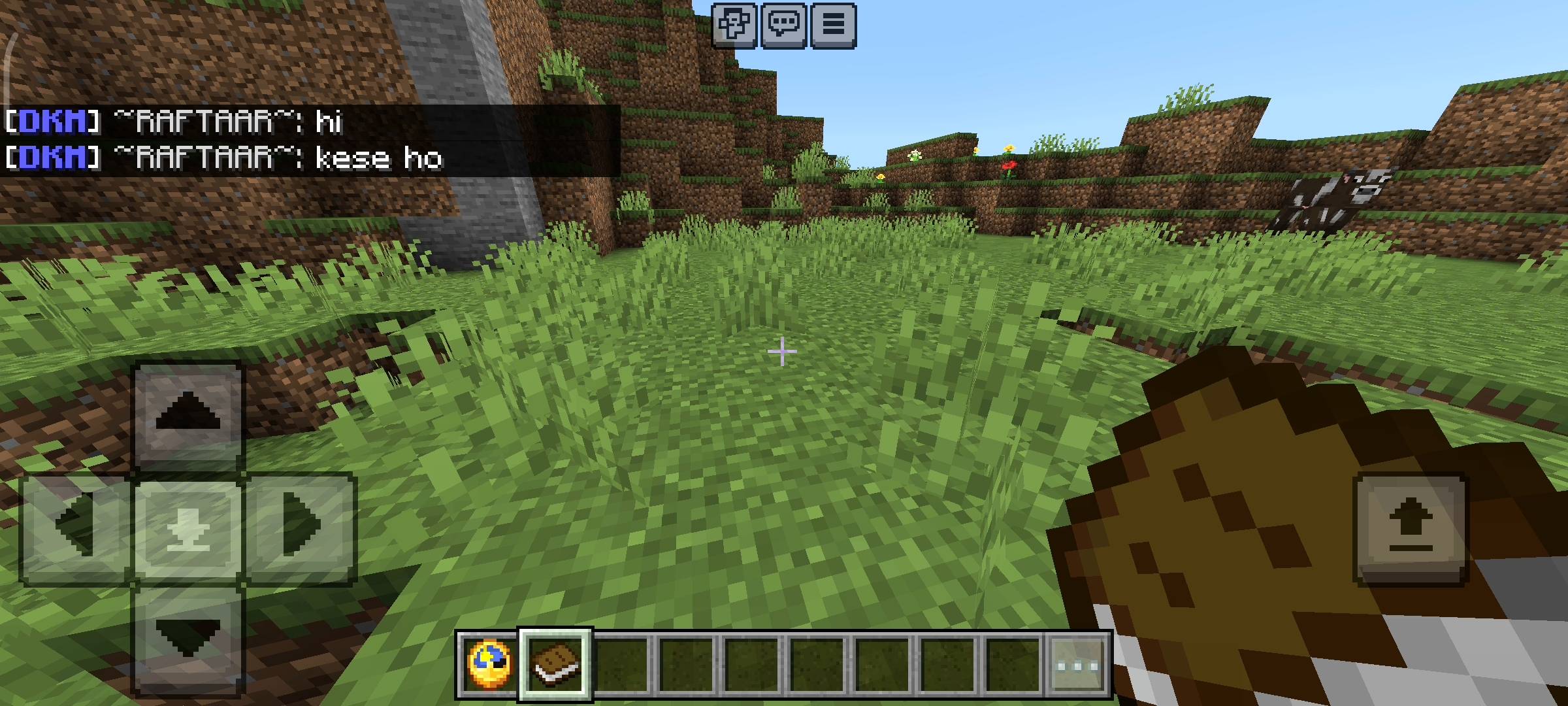
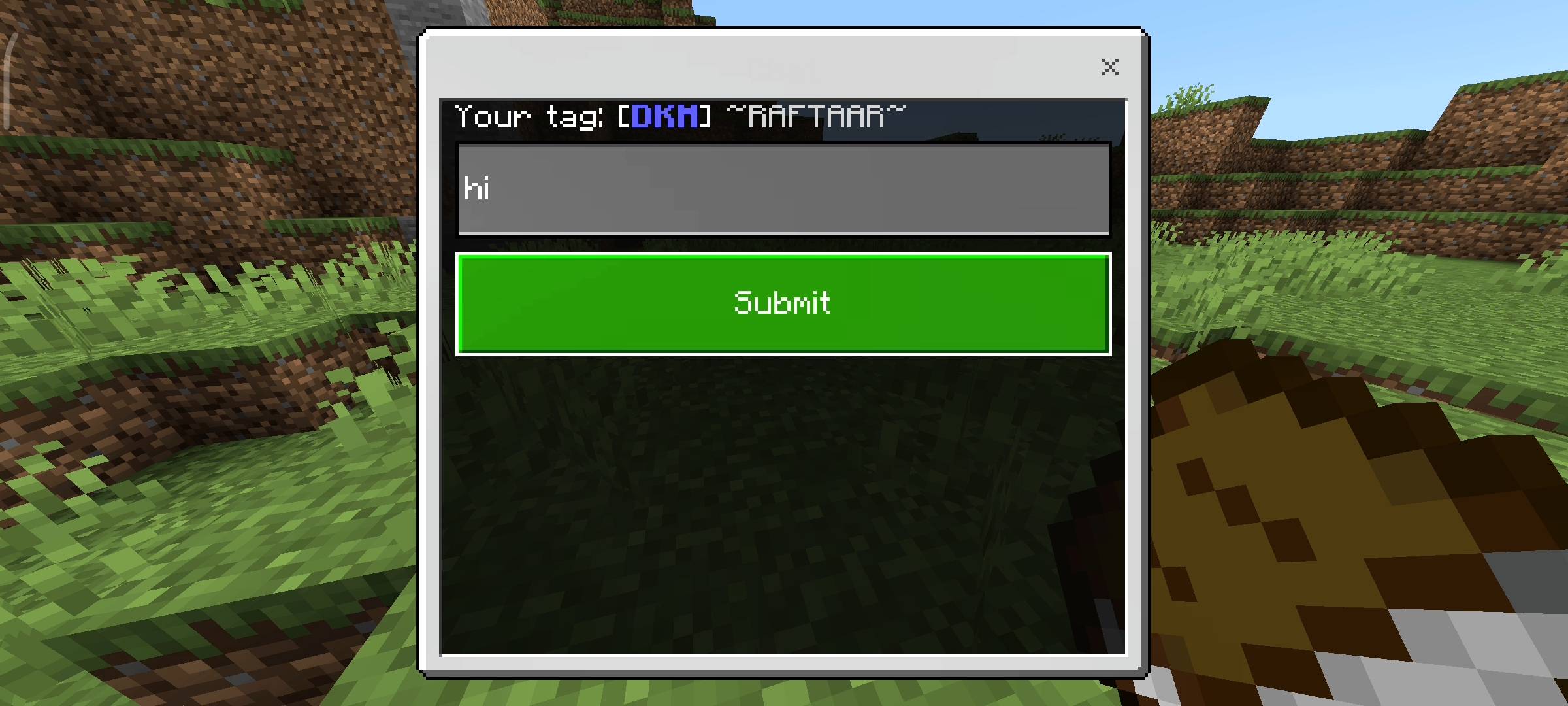
If you sneak and use this book it opens a chat window on your screen. You just type your message in the box and hit submit. The game will broadcast your message to the entire server and it will perfectly include your custom colored rank and your nickname right before the message. It looks incredibly clean and professional in the chat logs.
Beta APIs Setup
Because this pack uses advanced dynamic properties to securely save every players custom tag data and colors permanently and uses the custom UI forms for the menus, you absolutely have to turn on the Beta APIs experiment in your world settings.
If you dont toggle this on nothing will work and the clock menus will not open at all so please remember to check your world settings before you start playing.
AI Disclaimer
I just want to give a quick heads up to everyone about the visual presentation on this curseforge page. The main cover picture and the screenshots in the gallery were enhanced using ai image generators. I use ai to make the page look very cinematic and nice for you guys.
Custom Tag - Name & Rank Customizer Team

Owner