RR Chat Social - Advanced Friend System
- By
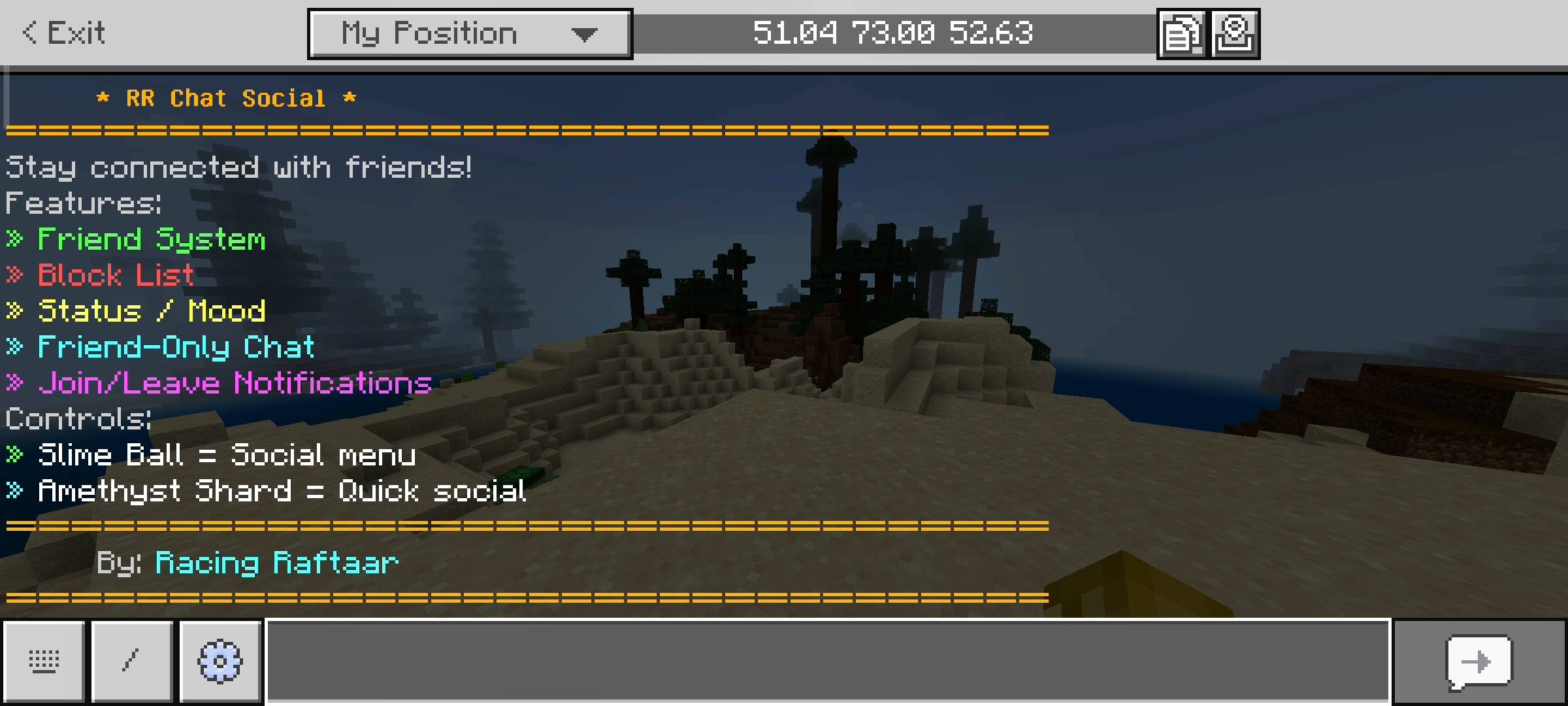
Stay connected with RR Chat Social! This addon introduces a complete friend system, block lists, custom player statuses, and a private friend-only chat mode via interactive in-game menus.
RR Chat Social - Advanced Friend System (14).jpg
RR Chat Social - Advanced Friend System (12).jpg
RR Chat Social - Advanced Friend System (13).jpg
RR Chat Social - Advanced Friend System (10).jpg
RR Chat Social - Advanced Friend System (11).jpg
RR Chat Social - Advanced Friend System (18).jpg
RR Chat Social - Advanced Friend System (19).jpg
RR Chat Social - Advanced Friend System (17).jpg
RR Chat Social - Advanced Friend System (16).jpg
RR Chat Social - Advanced Friend System (15).jpg
RR Chat Social - Advanced Friend System (6).jpg
RR Chat Social - Advanced Friend System (7).jpg

RR Chat Social - Advanced Friend System (3).jpg
RR Chat Social - Advanced Friend System (8).jpg
RR Chat Social - Advanced Friend System (9).jpg
Description
Introduction And Why I Made This Addon

Whats up guys Racing Raftaar here again. Today i am bringing you a really massive quality of life addon for your multiplayer worlds. If you guys play on big survival multiplayer realms or just big servers with a lot of people you know exactly how chaotic the vanilla chat gets. People are always arguing or spamming and you can not even have a normal conversation with your actual friends because the chat moves too fast. I got really tired of this so I decided to build my own social media network directly inside minecraft bedrock edition. This is the RR Chat Social addon and it completely changes how you communicate in the game. It adds a proper friend system, a block list for toxic players and even discord style statuses.
The Friend System And Notifications
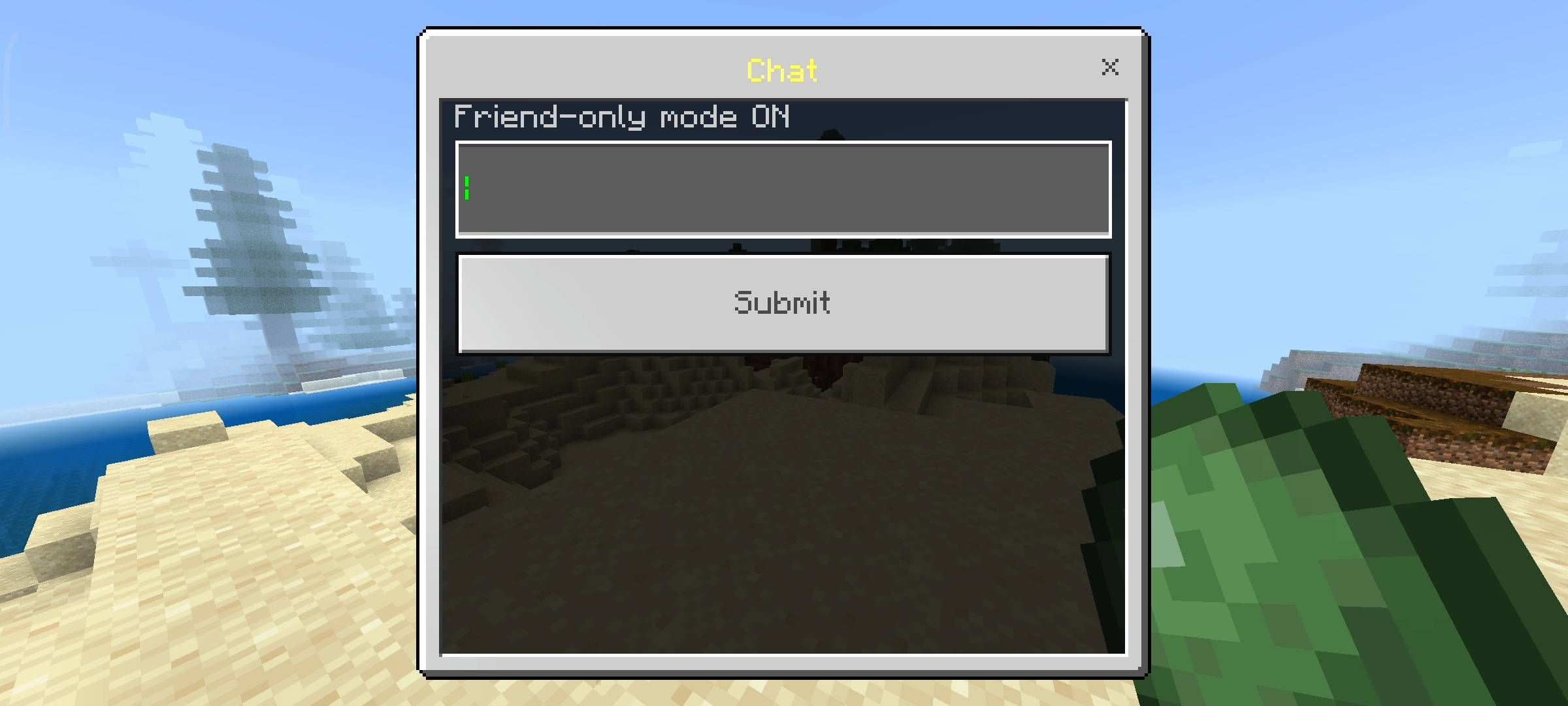
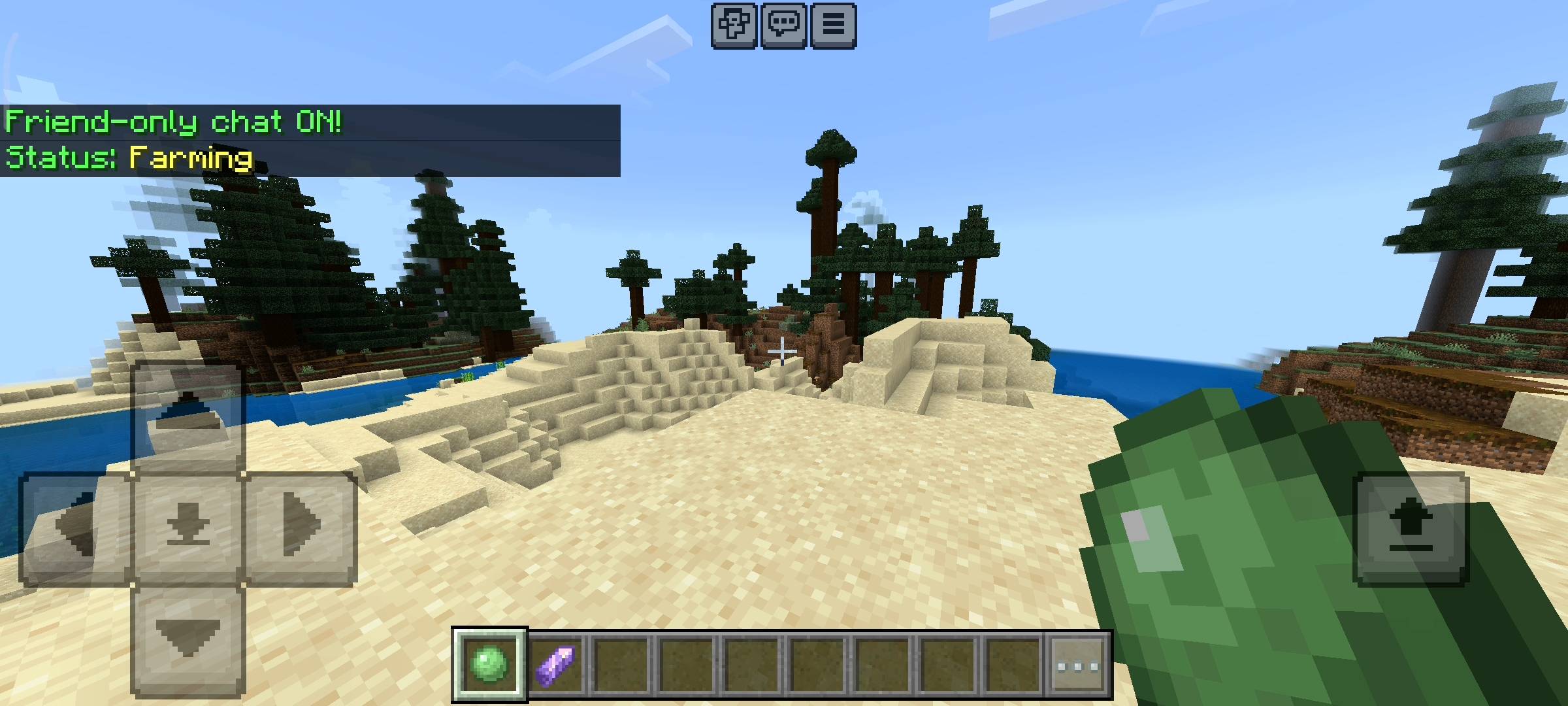
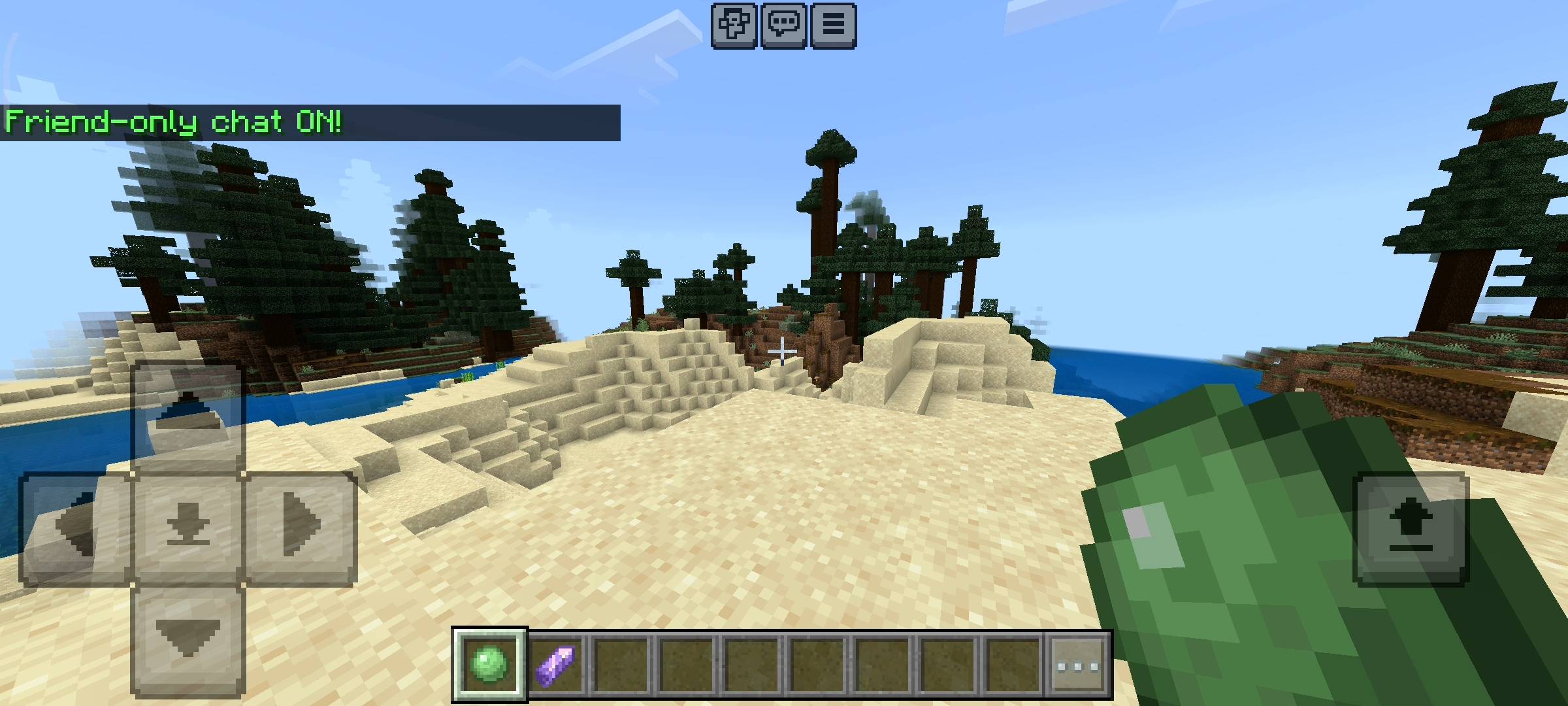
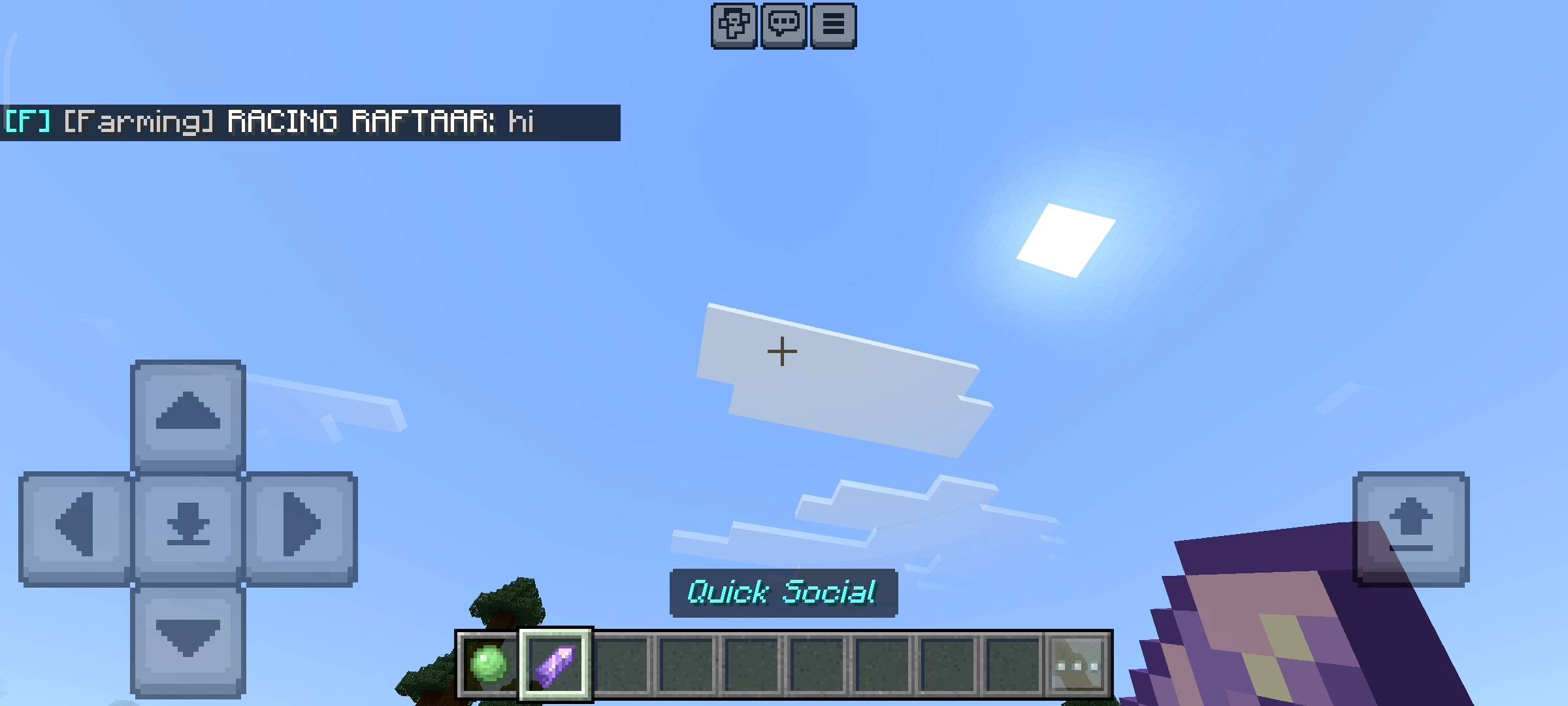
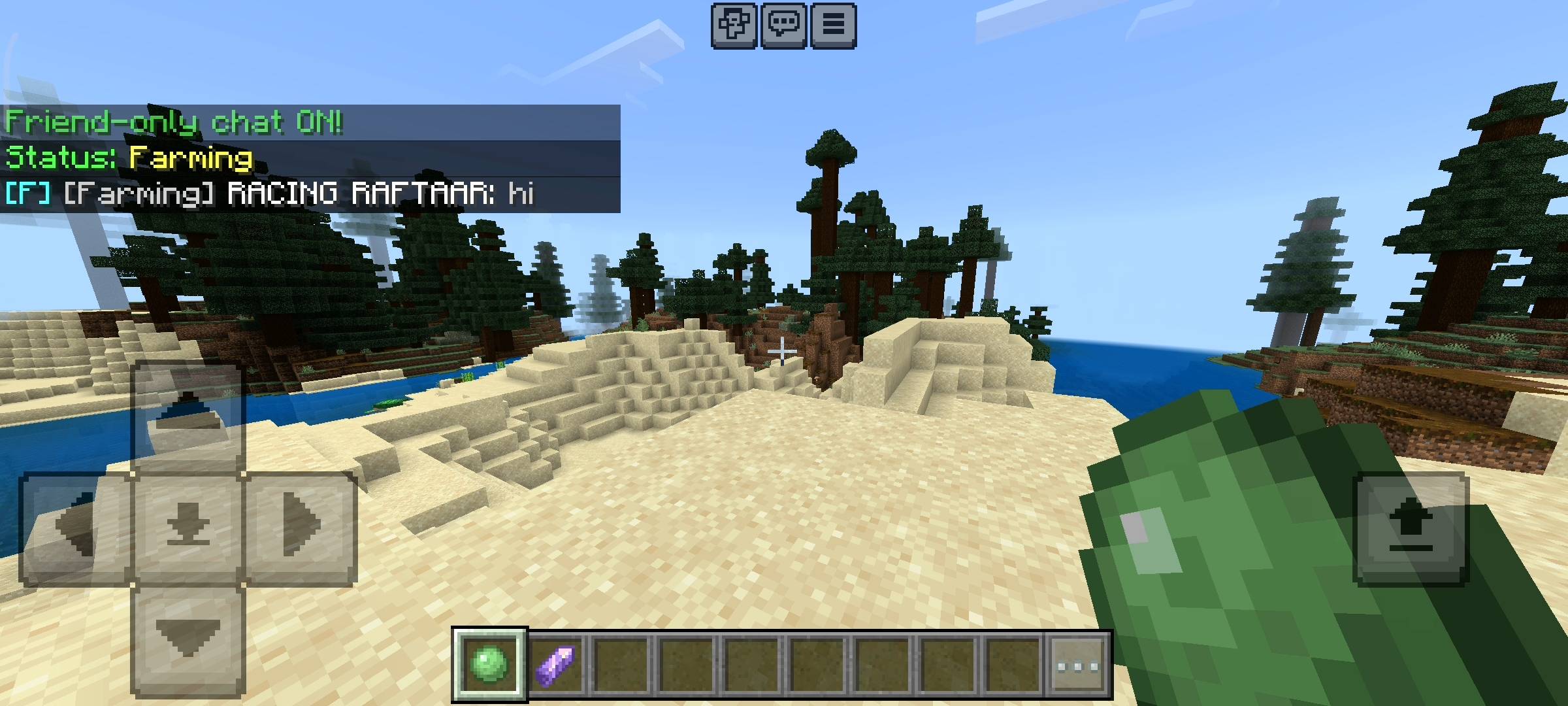
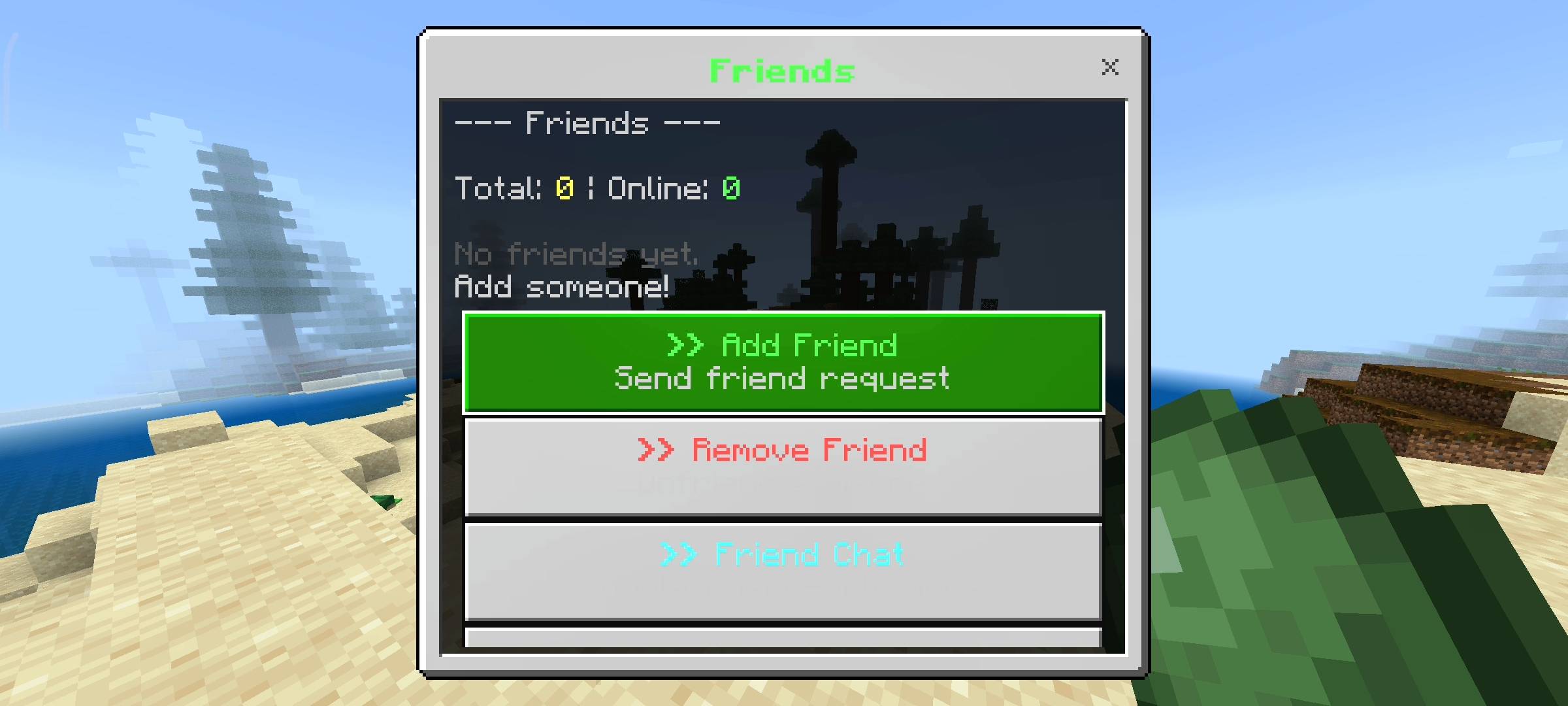
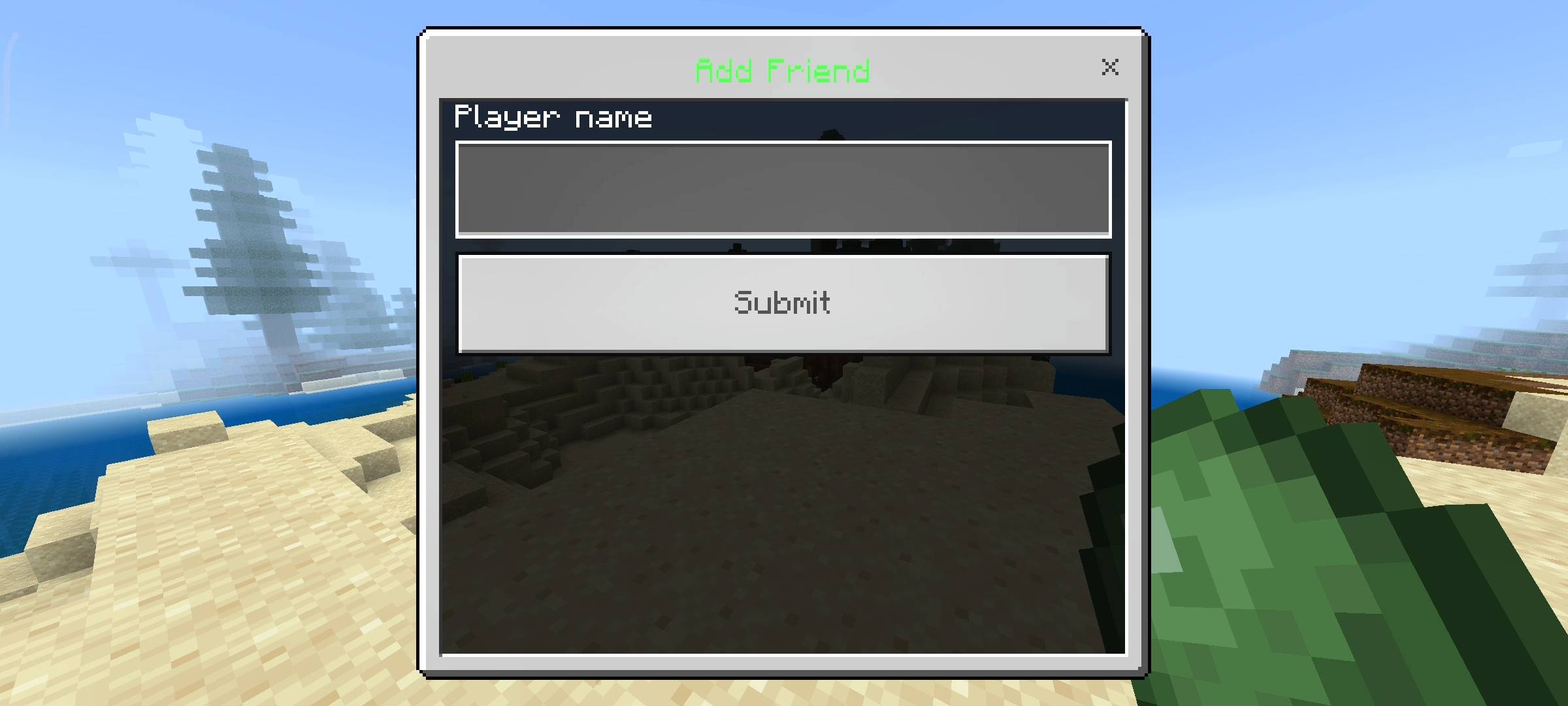
So the biggest feature here is the friend system. You dont need to use xbox live menus or anything complicated. You just open the social menu and type your friends name to send a request and add them to your list. You can have up to 50 friends saved. Once they are on your friend list the game actually tracks them for you. If you are mining deep underground and your friend logs into the server, you will immediately get a green notification in the chat with a cool sound effect saying they joined. And when they log off it tells you they left. It is super useful so you never have to keep checking the pause menu to see who is online. Also I added a Friend Only Chat mode. This is literally a game changer. If the server is too loud you can toggle this mode on and when you type a message it will only be sent to your friends. Other random players on the server wont see it at all. Your messages get a special F tag so your friends know it is a private group chat.
Block List For Toxic Players
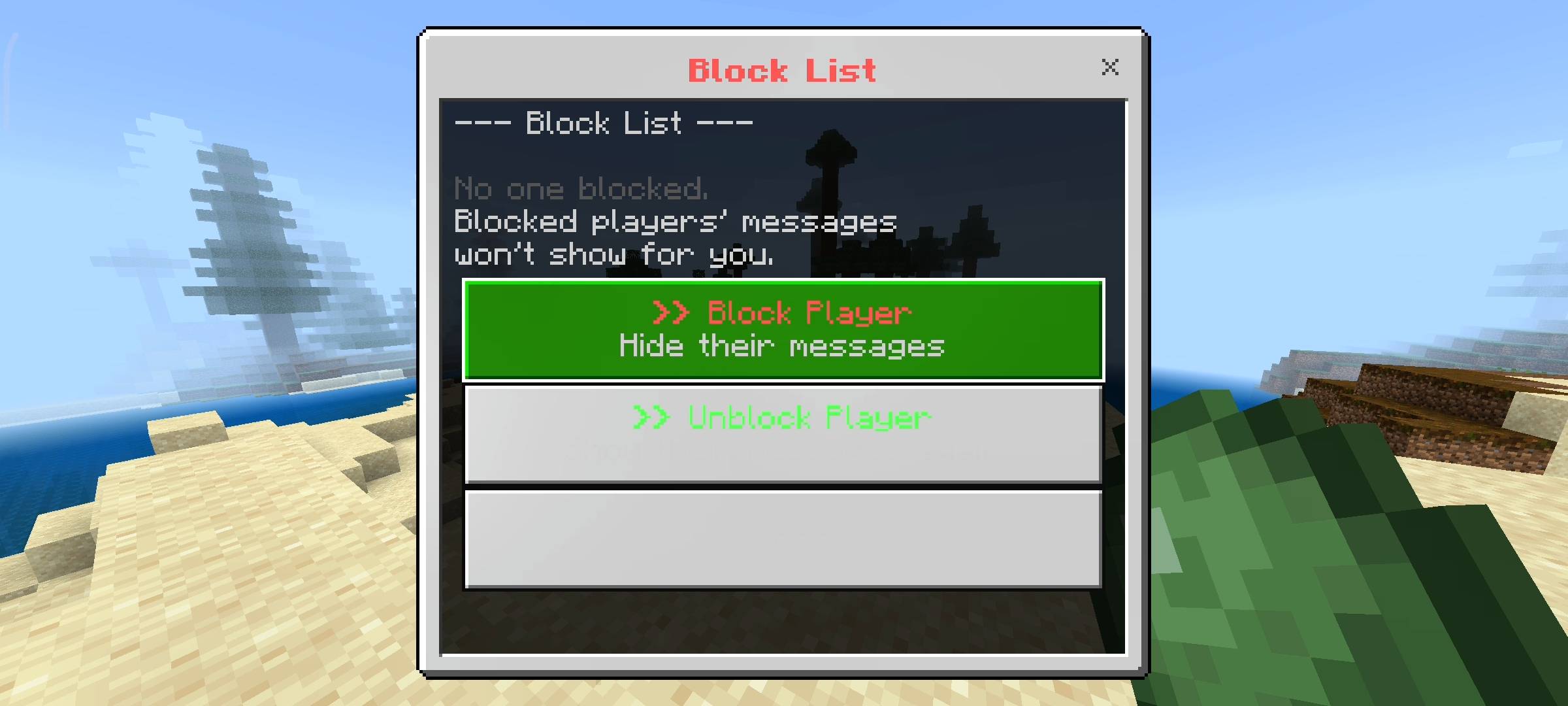
Let us be honest every big realm has those annoying players who just spam the chat or say toxic things all day. I wanted to give you guys the power to just ignore them completely. So I added a fully working Block System. If someone is bothering you just open your menu go to the block list and type their name. Once a player is blocked their chat messages are completely hidden from your screen. They can keep typing and screaming in the server chat but you will not see a single word they say. It works perfectly on the client side so it only hides it for you. You can block up to 50 annoying players and if they say sorry you can always go back into the menu and unblock them to see their messages again.

Discord Style Status And Moods
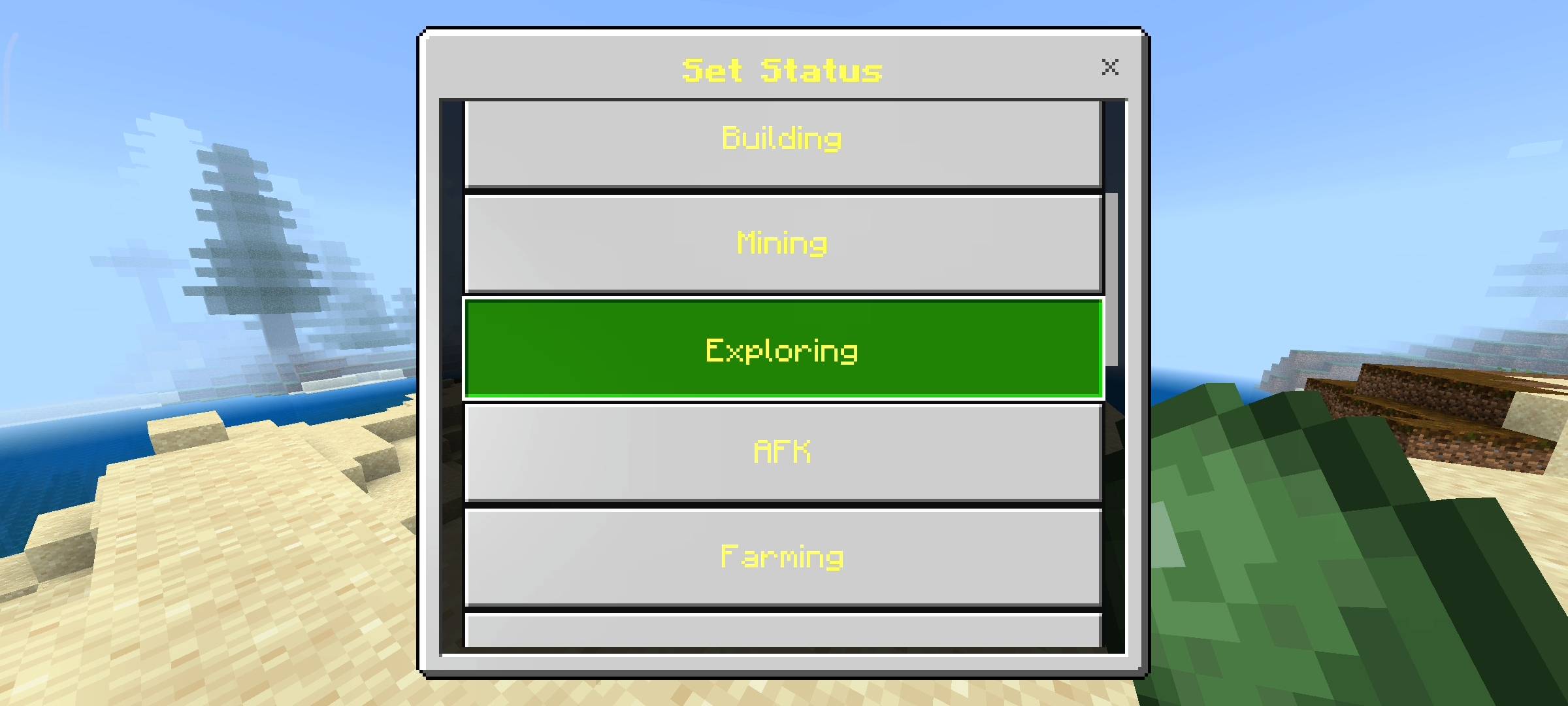
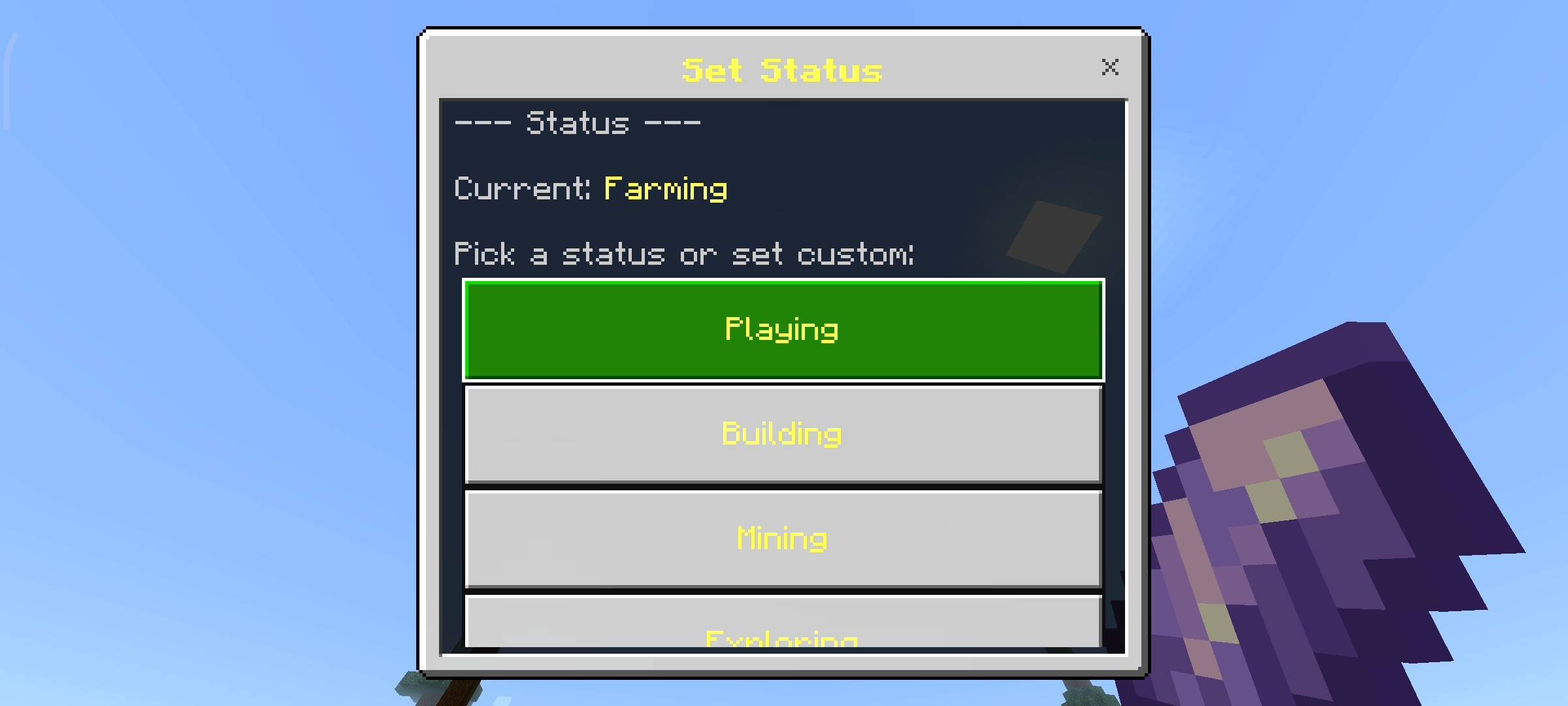
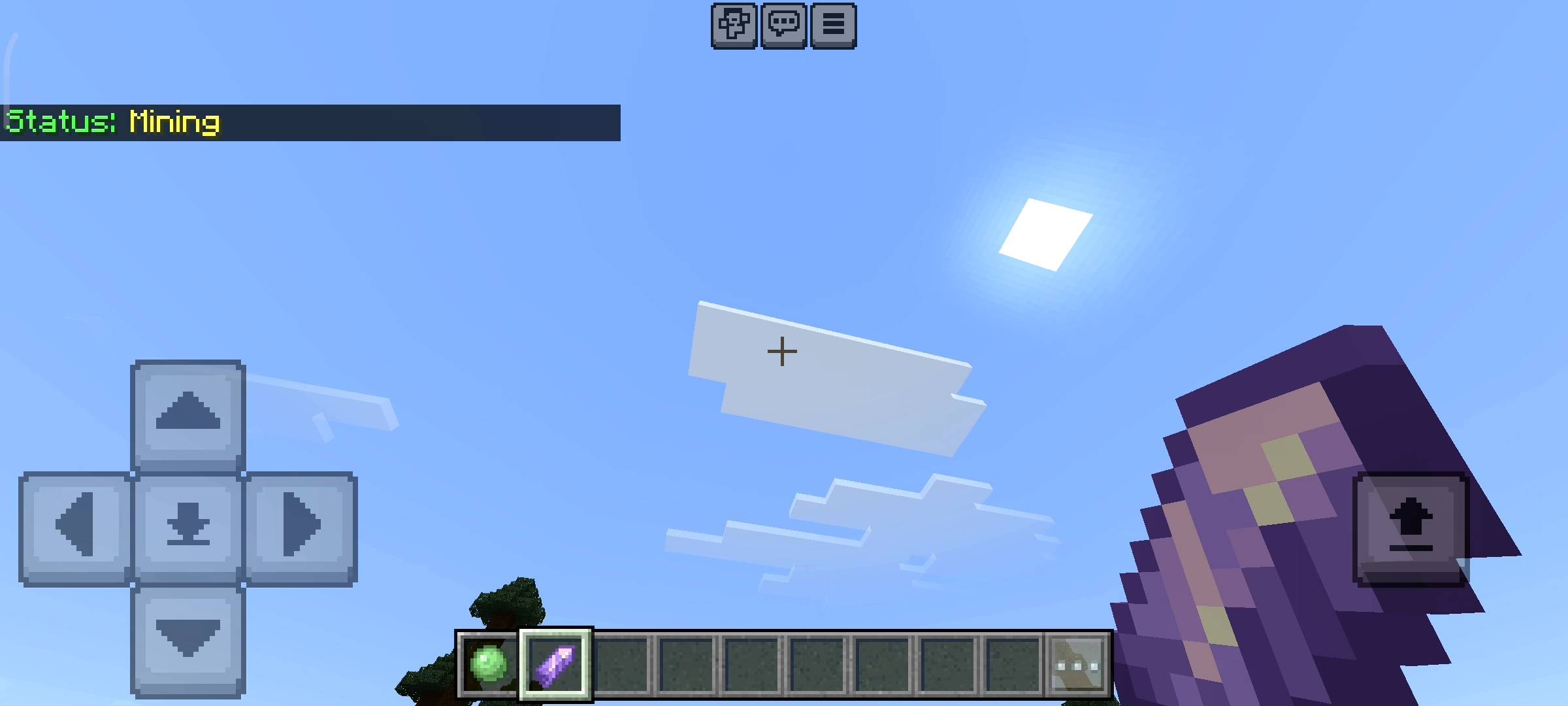
I use a lot of discord and I love how you can set a status so people know what you are doing. So I brought that exact same feature into this behavior pack. You can set your current activity mood from the menu. There are pre made statuses like Playing, Building, Mining, AFK, Farming, Fighting, Recording or Streaming. So if you are a youtuber like me and you are recording a video you just set your status to Recording and your friends will know not to disturb you. If you want something specific you can even type a Custom status up to 30 characters long like Grinding for diamonds do not kill me. Whenever your friends check their social menu they will see your exact status right next to your name.
UI Menus And Quick Social Items
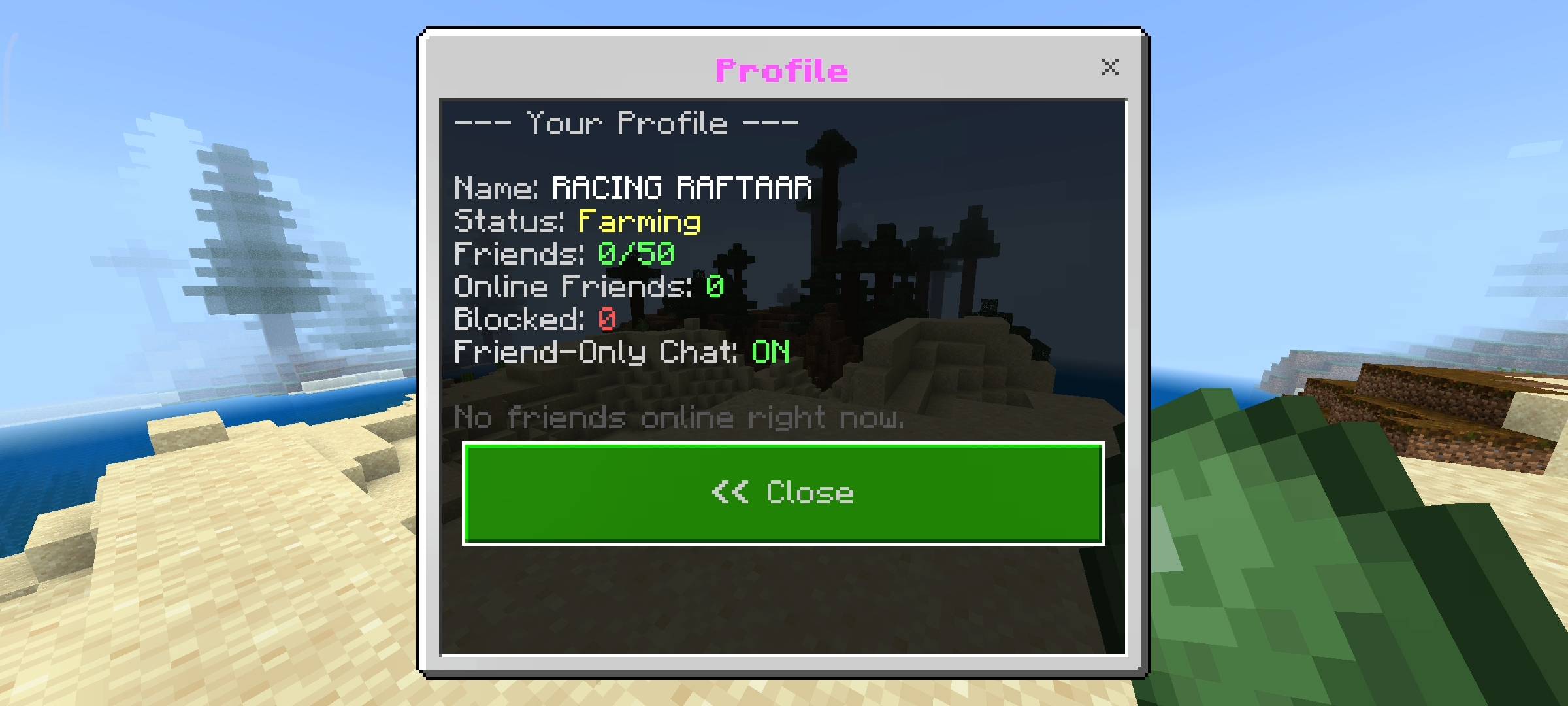
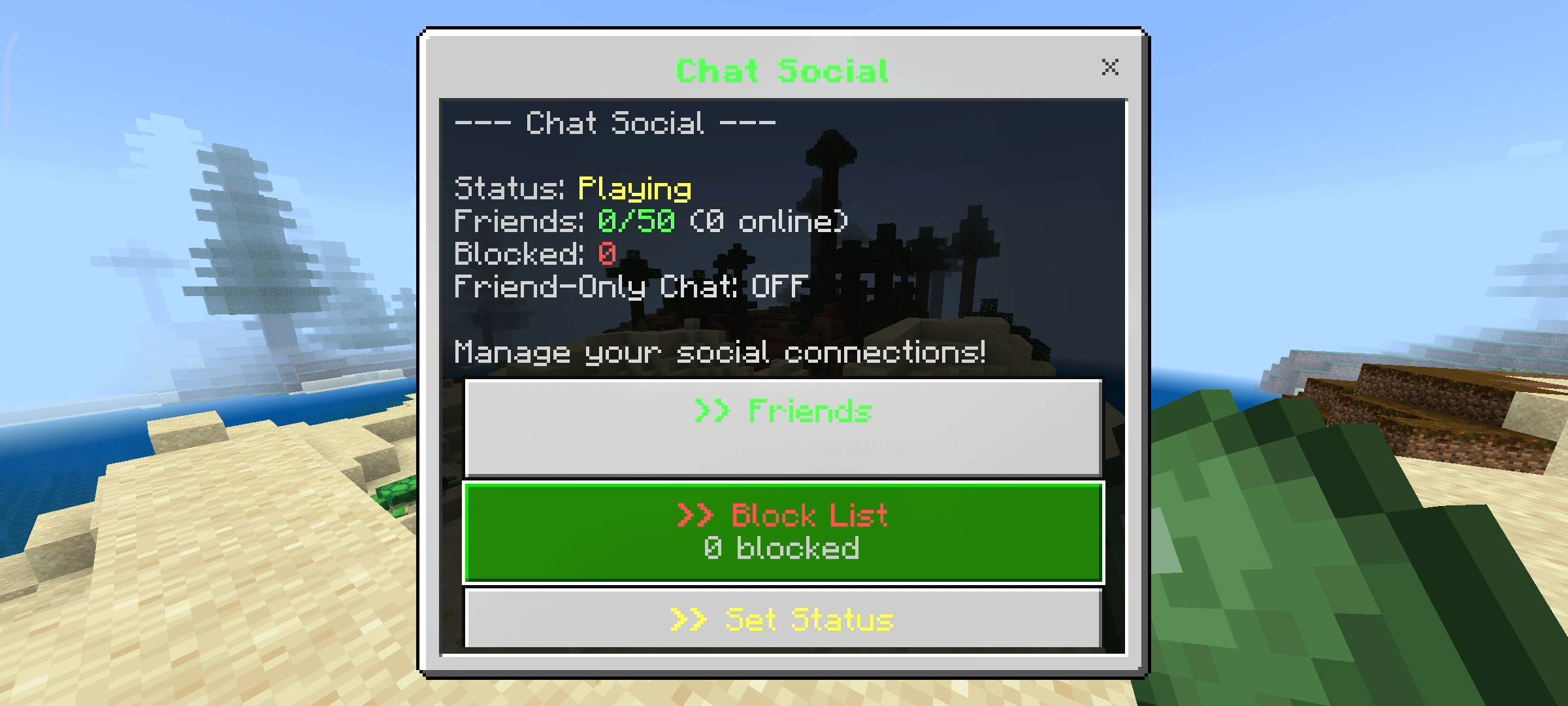
I hate typing long slash commands so I made sure everything in this addon works with simple items. When you join a world for the very first time with this pack installed the game automatically gives you two items. You get a Slime Ball named Social and an Amethyst Shard named Quick Social. To use them you just have to hold the item and sneak. The slime ball opens the massive main hub where you can manage your friends list block list change your status and view your full social profile. But sometimes you are in a rush and just want to see who is online. That is why I added the amethyst shard. If you sneak with the shard it opens a Quick Social menu which instantly tells you exactly which friends are online right now and what their current status is. It is super fast and does not block your screen with too many options.
Beta APIs Setup
You guys know the drill by now with my advanced addons. Because this pack uses dynamic properties to permanently save your friend lists and block lists to your specific player data and it uses custom UI scripts for the menus, you absolutely must turn on the Beta APIs experiment in your world settings. If you forget to enable this experiment before loading the world none of the items will give you a menu and the chat filtering will just not work at all so please remember to check your settings.

AI Disclaimer
Just a quick heads up for you guys regarding the presentation of this Add-on. The main cover picture and the screenshots you see in the gallery above were enhanced using ai image generators. I use ai to make the visual graphics look cinematic and highly professional for the Add-on.
The RR Chat Social - Advanced Friend System Team


Owner