Nova Villager Manager
- By
Safely catch, transport, and release villagers without losing their trades! Craft capture balls with iron and emeralds to easily relocate NPCs and build your perfect survival trading hall.
Description
What is up, bro? Let us have a serious talk about the absolute worst, most rage-inducing experience in Minecraft survival right now. We all know the exact grind I am talking about. You finally find a village, you reroll a librarian for an hour until he gives you the perfect Mending trade, and now you have to transport him back to your base.
What are your options? You either waste tons of iron building a massive railway, or you push him in a boat over dry land for two thousand blocks. It is slow, it is insanely annoying, and usually, night falls, a random zombie spawns, and your precious villager gets infected before you even make it home.
I was so done with wasting hours of my life just moving mobs around. I wanted a system that felt rewarding but did not feel like I was cheating the game. That is exactly why Novacraft studios developed the Nova Villager Manager add-on.
I wanted a super smooth, lag-free way to literally pick up a villager, put them in your pocket, and safely release them in your trading hall. No more boats, no more minecarts, just pure convenience that completely respects your survival world.
THE CATCH AND RELEASE MECHANIC
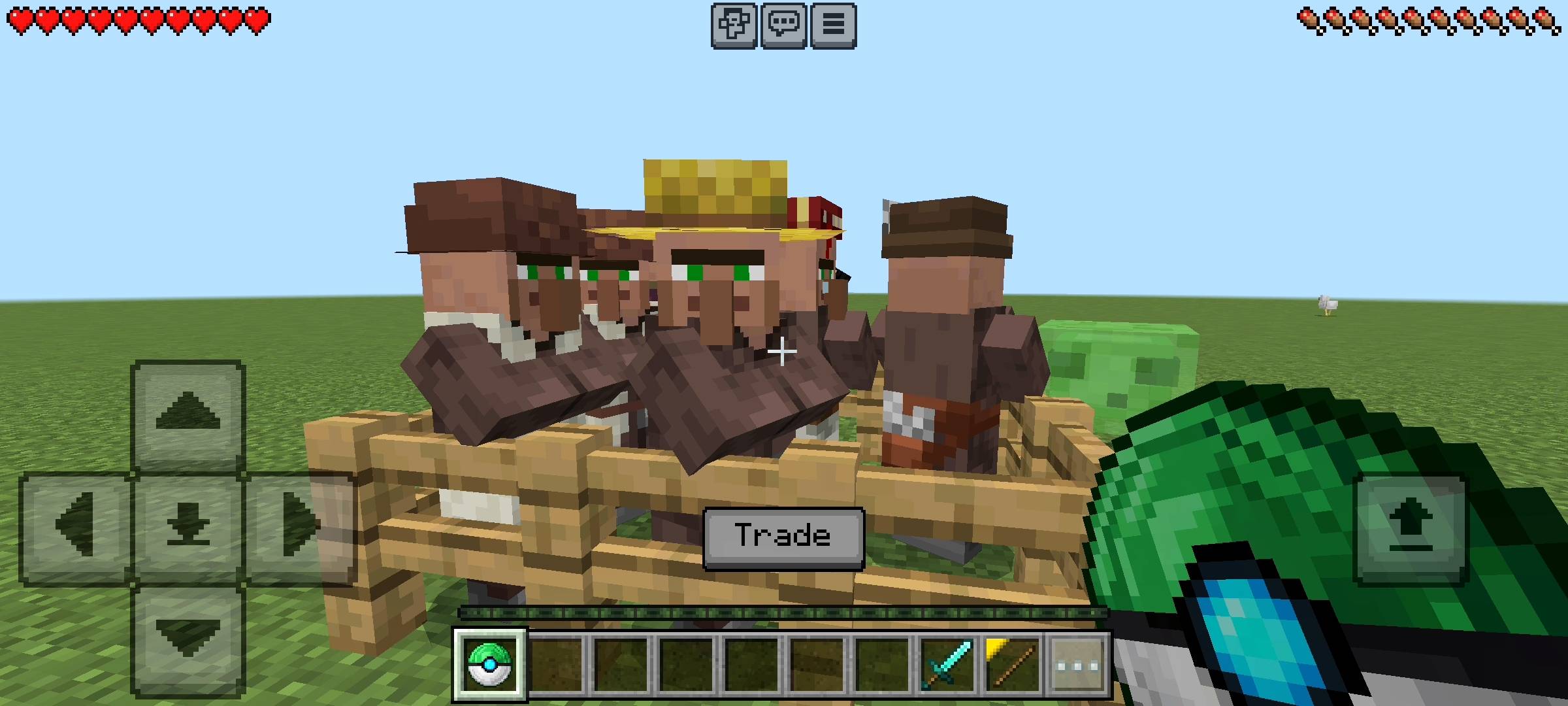
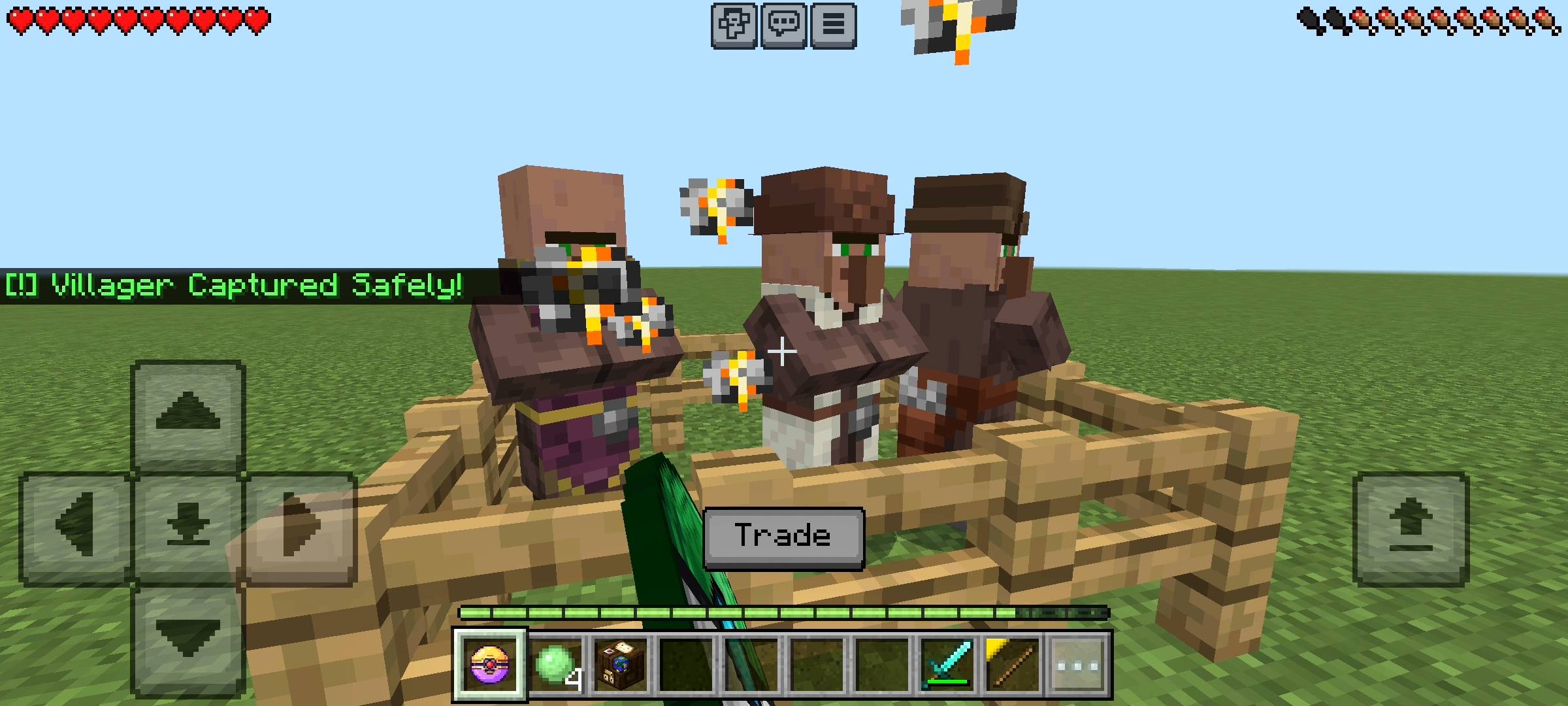
So, how does this game-changing system actually work? I built this add-on around a brand-new custom item called the Villager Ball. When you have an empty Villager Ball in your main hand, all you need to do is walk up to any villager (whether it is a standard one or a V2 villager) and simply hit them with it. Boom. The villager instantly disappears from the world, and your empty ball transforms into a Filled Villager Ball. You get a sick little sound effect, and the game confirms your catch in the chat.
Under the hood, the add-on is doing some serious magic. It fully heals the villager to maximum health, makes them completely invisible and invulnerable, and safely stores them high up in the sky limit so they don't count towards local mob caps or get hurt.
The absolute best part about this mechanic is that it saves their exact state. If you catch a master-level armorer, when you release him later, he will still have all of his exact trades unlocked.
When you get back to your base, releasing them is just as easy. You take the Filled Villager Ball, aim at the exact block where you want them to stand, and use the item. The villager pops right back into existence exactly where you aimed, and your item turns back into an empty ball so you can use it again. It is fully reusable!
SURVIVAL CRAFTING AND ADMIN CONTROLS
Since I designed this add-on specifically for survival realms, I made sure you can actually craft the Villager Ball without needing operator permissions.
To craft one empty ball, you just need to open a standard crafting table. Place one emerald directly in the center, and surround it with four iron ingots in a cross pattern (top, bottom, left, and right). It is cheap enough to use in early survival, but still requires a little bit of trading or mining to earn.
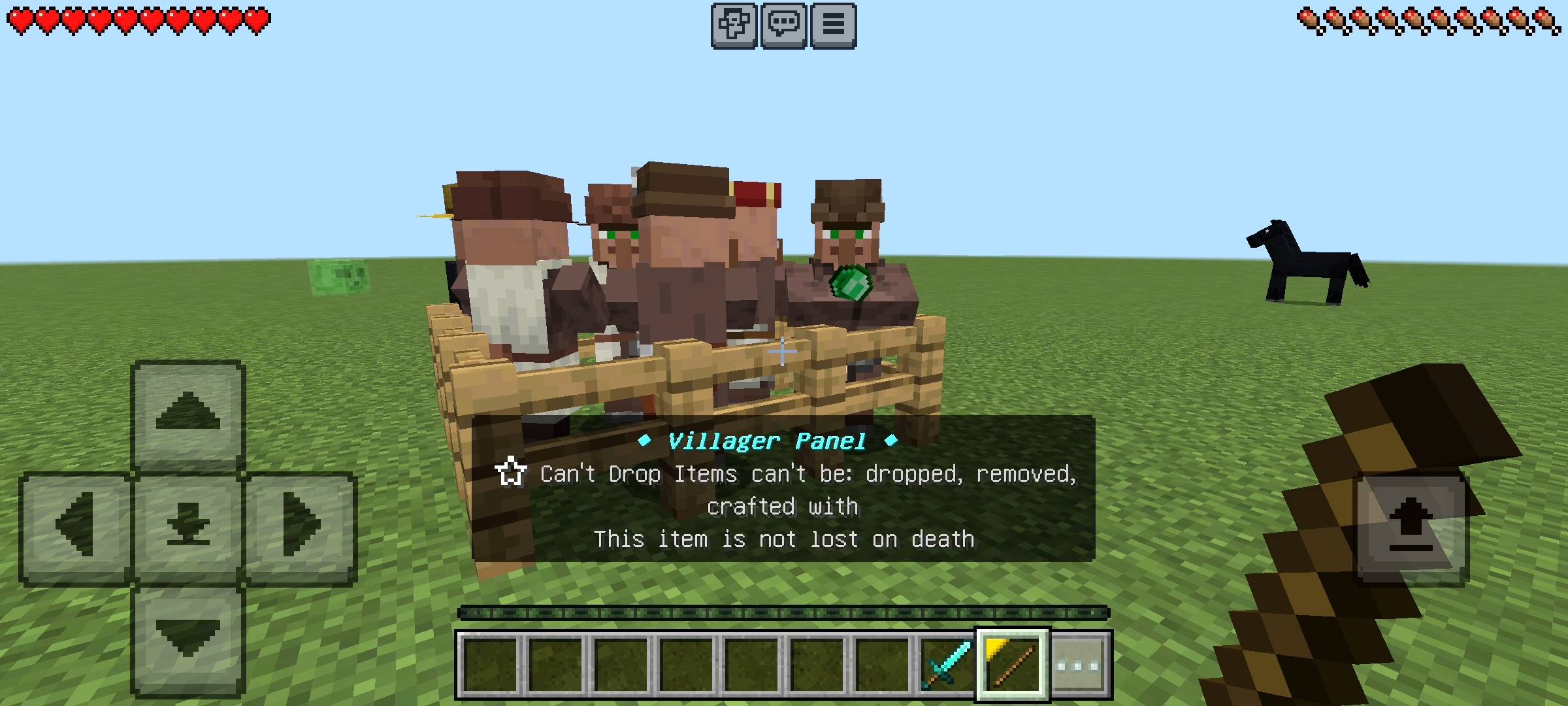
However, if you are a server owner, a realm admin, or just testing things out in creative mode, I added a super clean shortcut. The first time you join the world, the game automatically locks a special custom item into your inventory called the Villager Panel (it looks like a stick).
If you sneak and use this item, it opens a beautiful UI directly on your screen. From this menu, you can instantly give yourself empty Villager Balls with a single tap, bypassing the crafting recipe entirely.
HOW TO IMPORT AND SETUP THE ADD-ON
Getting this add-on to work on your world is super easy, but you have to follow the steps correctly so the custom items load in properly.
1.Download and Import:
Getting the file into Minecraft. Once you download the
.mcaddon file just open it directly. If you are on PC, double-click it. If you are on mobile, tap the file and select "Open with Minecraft". The game will launch automatically, and you will see a banner at the top saying "Import Started" followed by a success message.2.Activate the Packs:
Go to your world settings (you can do this on a new world or an existing one). Scroll down to the Resource Packs tab on the left side and activate "NovaVillager". Then, go to the Behavior Packs tab and activate it there as well. The game might ask you to disable achievements—just accept it.
3.Enable Beta APIs:
WARNING: DO NOT SKIP THIS. This is the most critical step,Go to the Experiments section in your world settings. You need to scroll down and turn on the toggle for Beta APIs. If you forget to turn this on, the scripts will not run, the UI panel will not open, and the Villager Balls will not function at all.
4.Load and Play:
Once your packs are active and your Beta APIs are toggled on, just hit play! You are now fully ready to start building your ultimate trading hall without losing your mind.
QUICK COMMUNITY NOTICE REGARDING AI
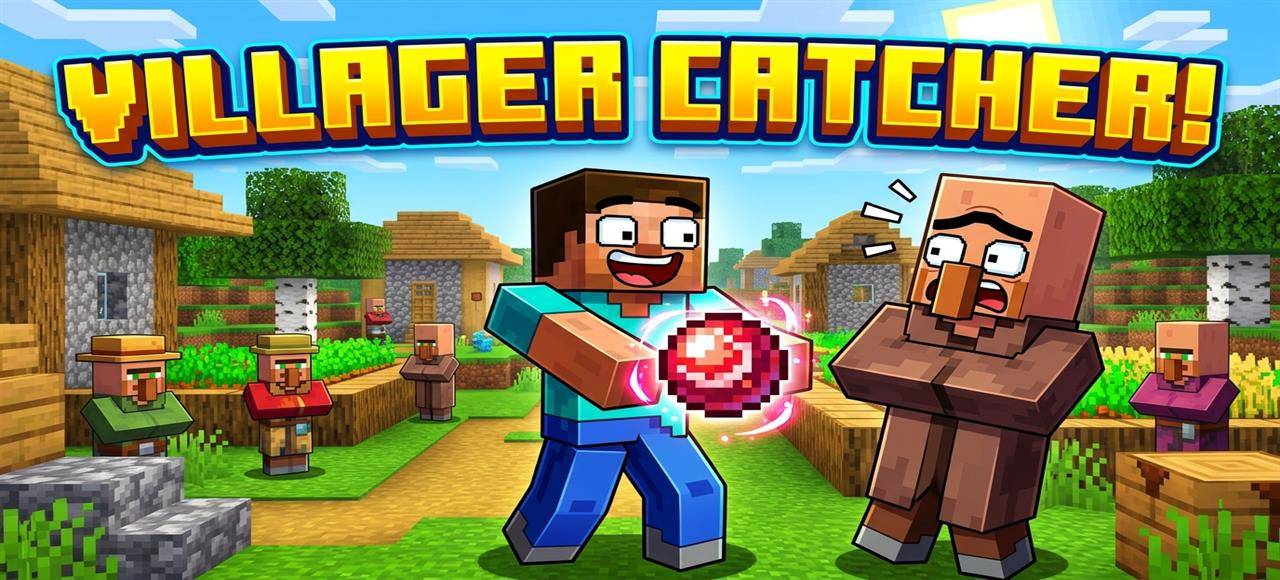
Just a quick note about the pictures on this Add-on. The main cover thumbnail and the screenshots in the gallery were enhanced using ai image tools.
Nova Villager Manager Team

Owner