Nova's Infinite Lucky Blocks
- By
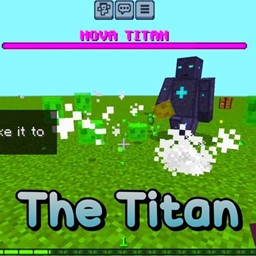
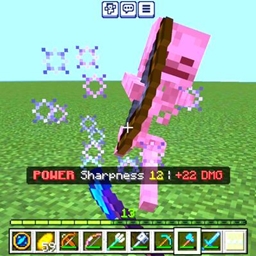
Survive a world entirely made of 8 unique lucky blocks! Every tree, dirt, and water block you break drops insane loot, triggers boss fights, or spawns deadly traps.
Nova's Infinite Lucky Blocks
Description
What is up, bro? Let us have a real conversation about standard Lucky Block mods for a second. We all know how they usually work. You download a custom map, you run down a pre-built track breaking maybe fifty or a hundred blocks, you get some overpowered gear, and then the map is essentially dead. It is fun for exactly ten minutes, and then it gets incredibly boring.
I was playing with my friends on a realm and thought, what if you did not have to craft them? What if the lucky blocks were not just items in a chest? What if the actual Minecraft world was literally made out of them?
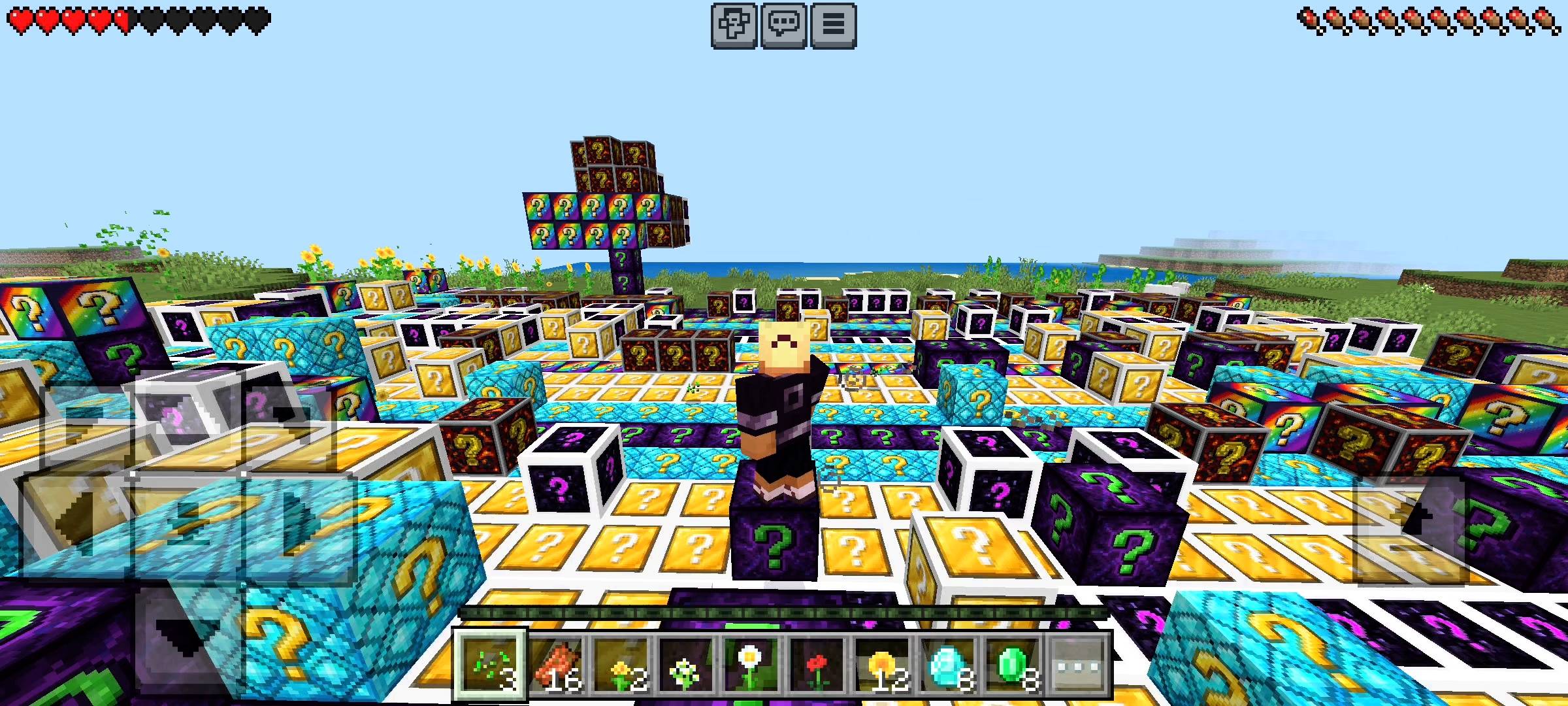
That is the exact insane idea behind the NovaCraftStudios Lucky Blocks V2, also known as the Infinite Lucky Matrix. I completely rewrote how world generation works using custom scripts. Now, as you walk around your survival world, the environment dynamically morphs around you.
The grass you walk on, the dirt beneath it, the trees you punch, and even the stone in the caves instantly transform into completely randomized lucky blocks. You are quite literally surviving in a world made of pure gambling.
THE EIGHT LUCKY VARIANTS
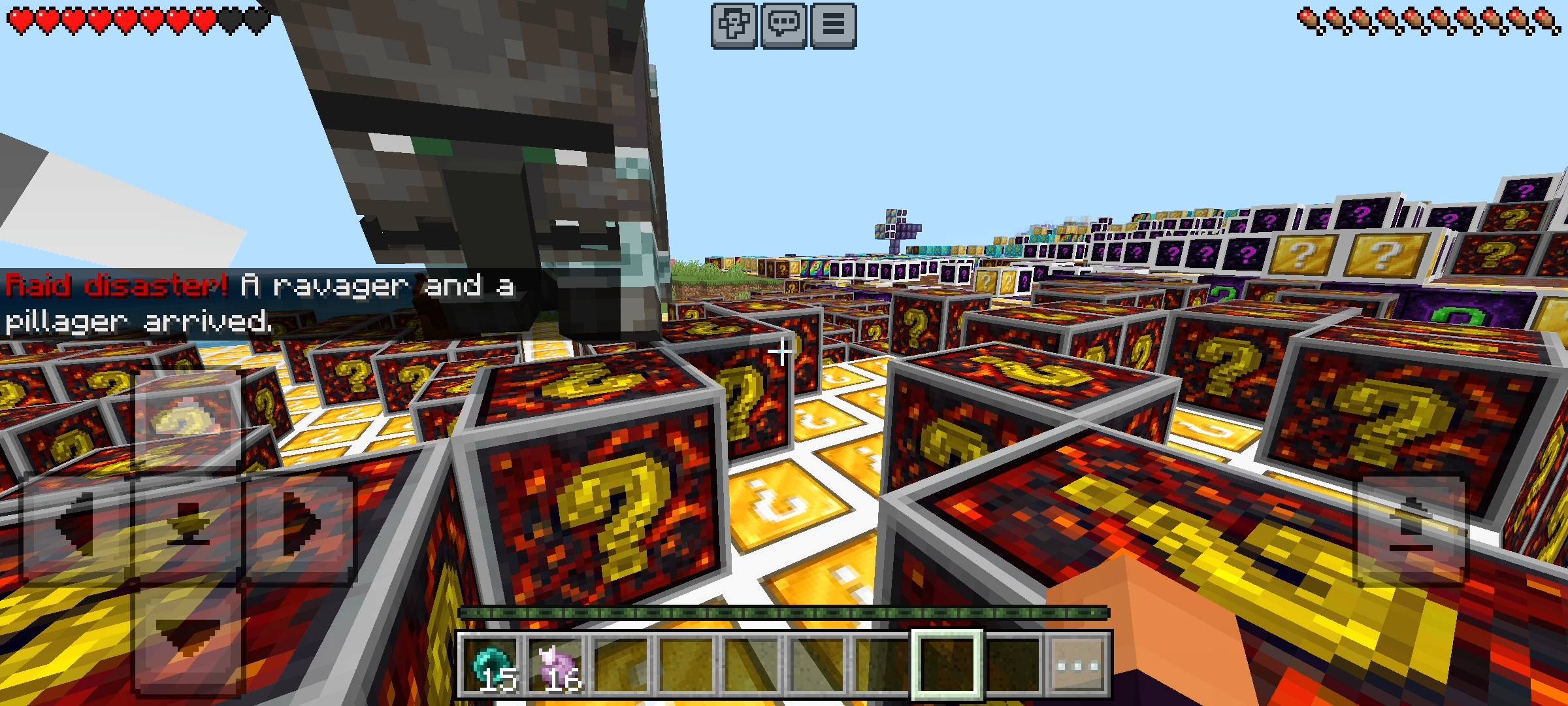
I did not just stop at one standard block. To make this world genuinely chaotic and unpredictable, I programmed eight entirely different lucky block variants, each with their own completely custom loot tables, sound effects, particle events, and boss spawns.
-
The Classic Block: This is your standard gamble. You might get a massive diamond payout, or you might get ambushed by a swarm of creepers. It is the backbone of the matrix.
-
The Diamond Block: For the sweaty players. This block drops netherite ingots, full diamond armor, and elytra wings. But if your luck is terrible, you will instantly summon a Warden right on top of your head.
-
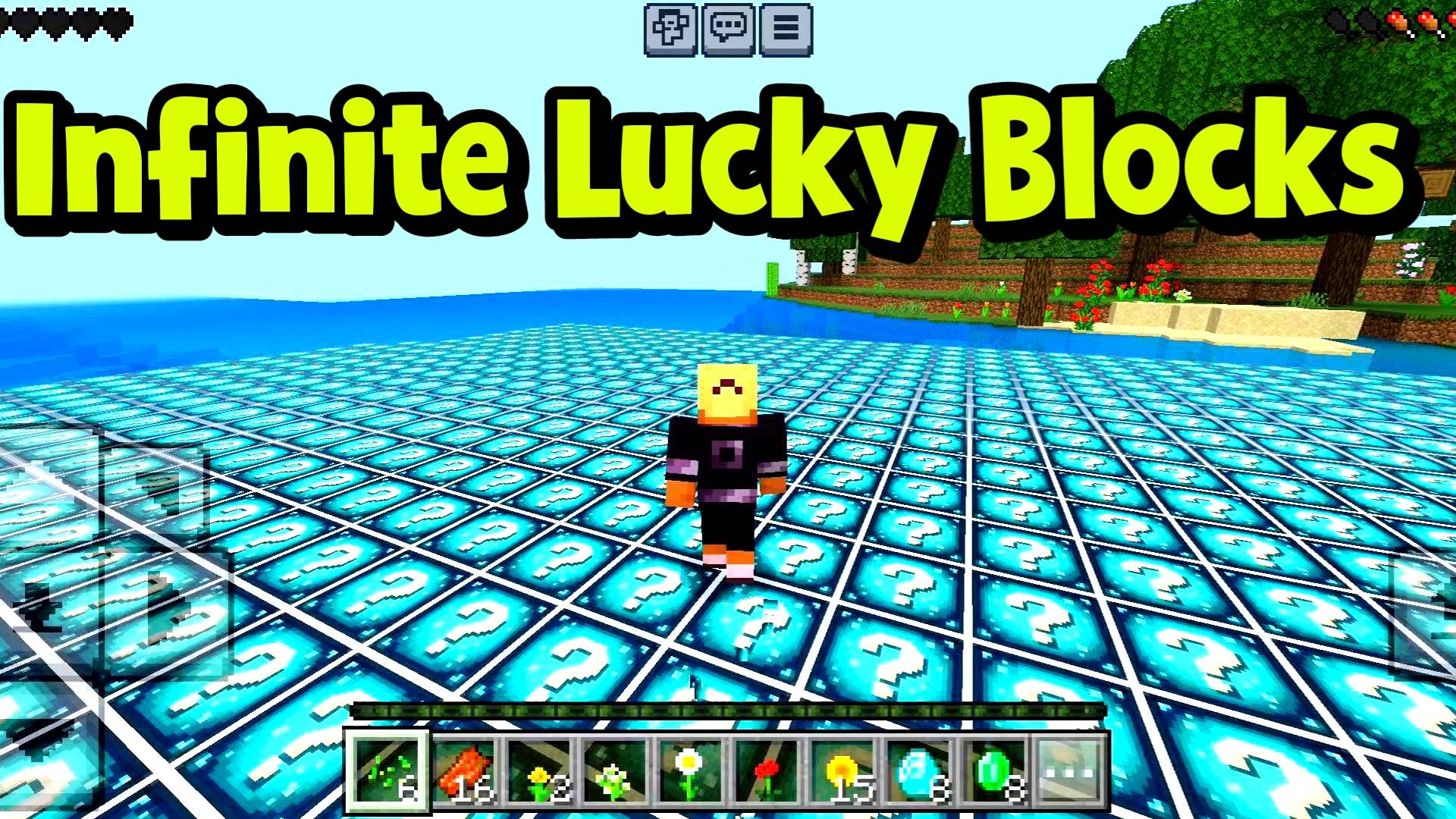
The Ocean Block: Here is a crazy feature: every single block of water in your world is automatically replaced by Ocean Lucky Blocks. Breaking them can give you a Trident with conduit power, or it can spawn an Elder Guardian boss right in your face.
-
The Nether Block: When you travel to the Nether dimension, the netherrack around you converts into these. You can hit the ancient debris jackpot, or you can get swarmed by Piglin Brutes and Ghasts.
-
The Cursed Block: Down in the deepslate layers, things get dark. These blocks will poison you, blind you, and spawn Vex swarms. But if you survive the curse, there is a tiny chance to reverse it for a massive legendary payout.
-
The Ender Block: Packed with shulker shells, teleportation pearls, and levitation traps. Gravity is completely optional when you break these.
-
The Disaster Block: Pure, unadulterated suffering. Breaking this can summon active TNT right on your toes, strike you with lightning lotteries, or throw fireballs at your base. Only break these if you have a death wish.
-
The Rainbow Block: The absolute crown jewel. This block has the ultimate "Cosmic Jackpot." There is a 0.5% chance to drop a literal Dragon Egg and a pure Netherite Block. It grants insane regeneration and speed boosts, but watch out for Evoker raids!
HOW TO IMPORT THE ADD-ON INTO MINECRAFT
Since this modifies the entire world environment, you need to make sure you install it properly. Here is the exact step-by-step process so you do not mess it up:
-
Download the
.mcaddonor.mcpackfile from this CurseForge page. -
If you are on Mobile (Android or iOS): Open your phone's file manager app, locate the downloaded file, tap on it, and select "Open with Minecraft." The game will launch, and a banner will appear at the top confirming the import was successful.
-
If you are on PC (Windows 10/11): It is even simpler. Just double-click the file in your downloads folder. Minecraft Bedrock will automatically open and import both the resource and behavior packs.
ENABLING THE BETA APIS (CRITICAL STEP)
Listen to me carefully, bro, because if you skip this step, the world will not transform, and you will be stuck in boring vanilla Minecraft. Because this add-on uses highly advanced JavaScript to scan and replace the world blocks in real-time, it requires experimental features to be active. When you are creating your new world, you must go to the left-side menu and click on the Experiments tab. You need to scroll down and turn on the toggle switch for Beta APIs. If you do not turn this on, the script cannot run, and the add-on will completely fail to work. Make sure it is toggled before you generate the world!
QUICK COMMUNITY NOTICE REGARDING AI
Just a quick note about the pictures on this Add-on. The main cover thumbnail and the screenshots in the gallery were enhanced using ai image tools.
The Nova's Infinite Lucky Blocks Team