Nova Terraformer: Smart Hole Filler
- By
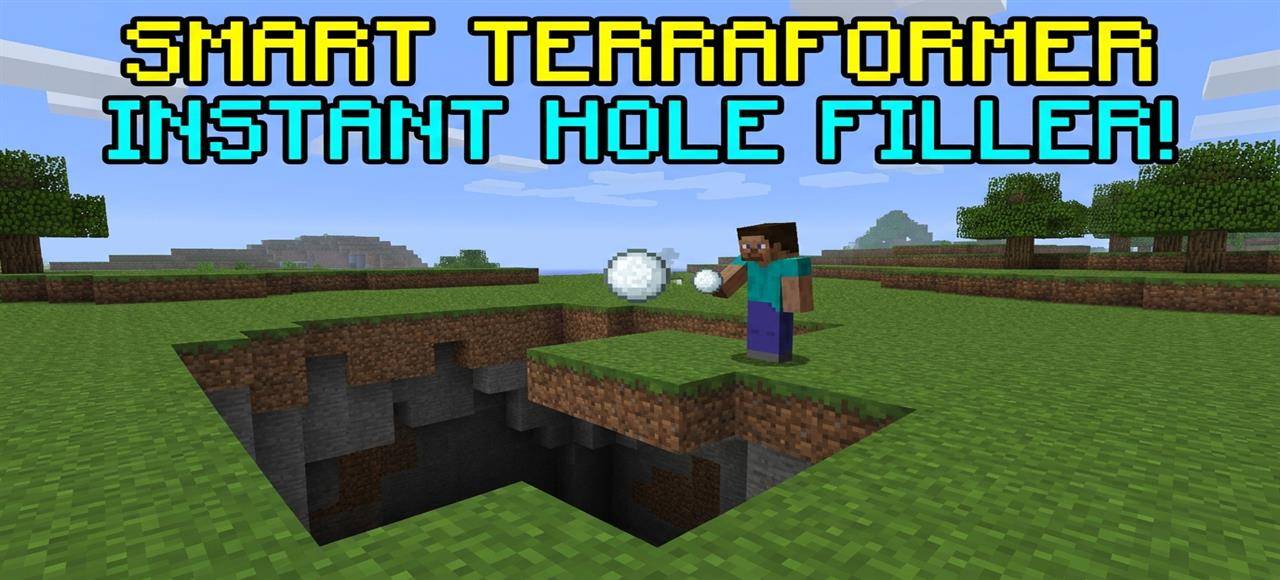
Instantly fix world damage! Throw terraformer snowballs to automatically detect and seamlessly fill craters. Use the custom UI panel to adjust block types and fill limits with anti-lag technology.
Description
What is up, guys? Let us have a very serious conversation about the absolute most annoying thing in Minecraft survival. Imagine this: you just spent three real-life days building a massive, beautiful medieval castle, or you just finished flattening out a huge lawn for your future base.
You are feeling super proud of your hard work. Then, you hear that dreaded hissing sound behind you. Boom. A creeper blows up right in the middle of your perfectly manicured yard. Or worse, you are fighting a Wither boss near your base, and it leaves your entire world looking like the surface of the moon with massive, ugly craters everywhere.
We have all been there, bro. Filling those massive holes manually, block by block, is literal torture. Half the time, you leave them empty inside and just place a single layer of dirt on top, hoping nobody notices. I was completely fed up with wasting my gaming hours doing digital landscaping.
I wanted a tool that fixes world damage instantly. That is why Novacraft studios developed the Nova Terraformer add-on. This behavior pack is designed to automatically and intelligently repair craters, fix creeper holes, and level terrain with just a single throw.
HOW THE SMART SNOWBALL WORKS
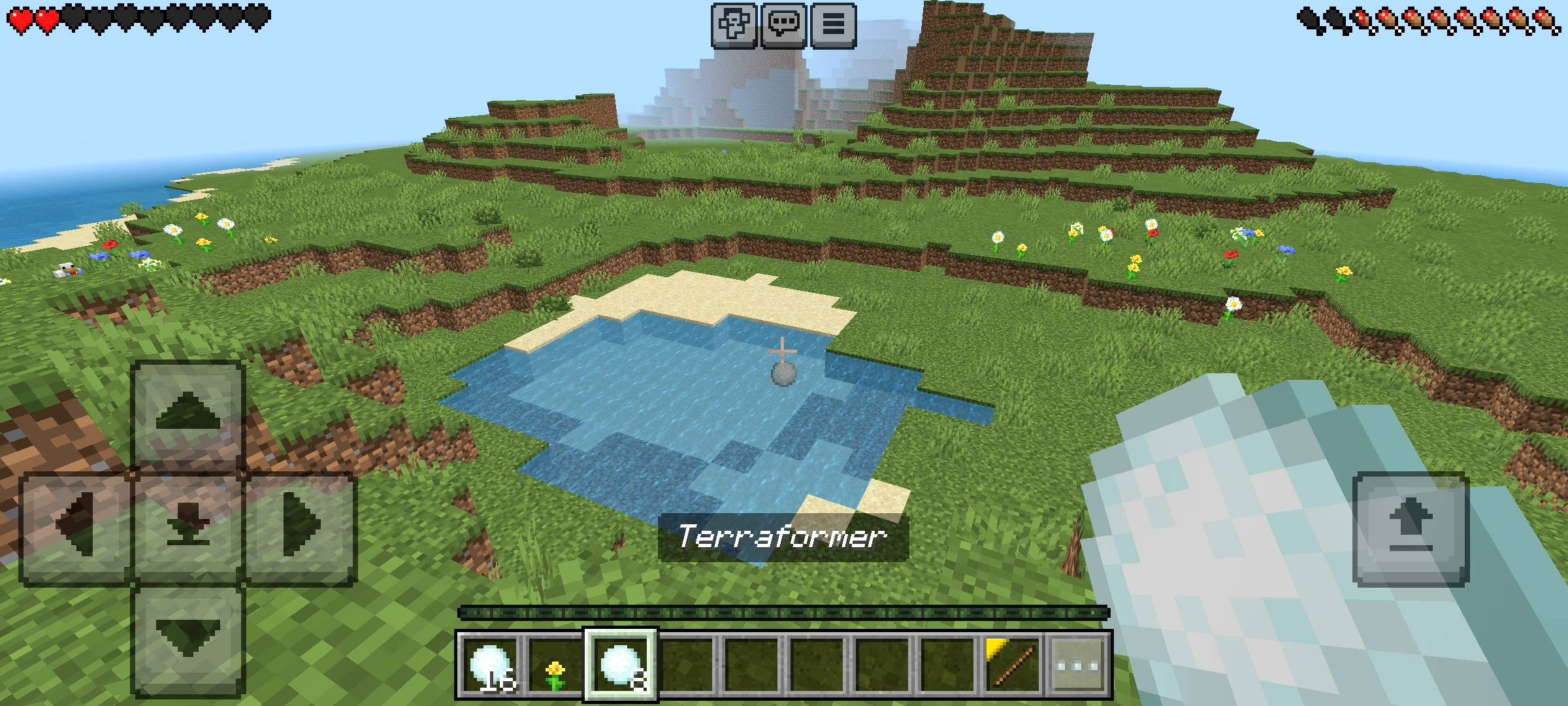
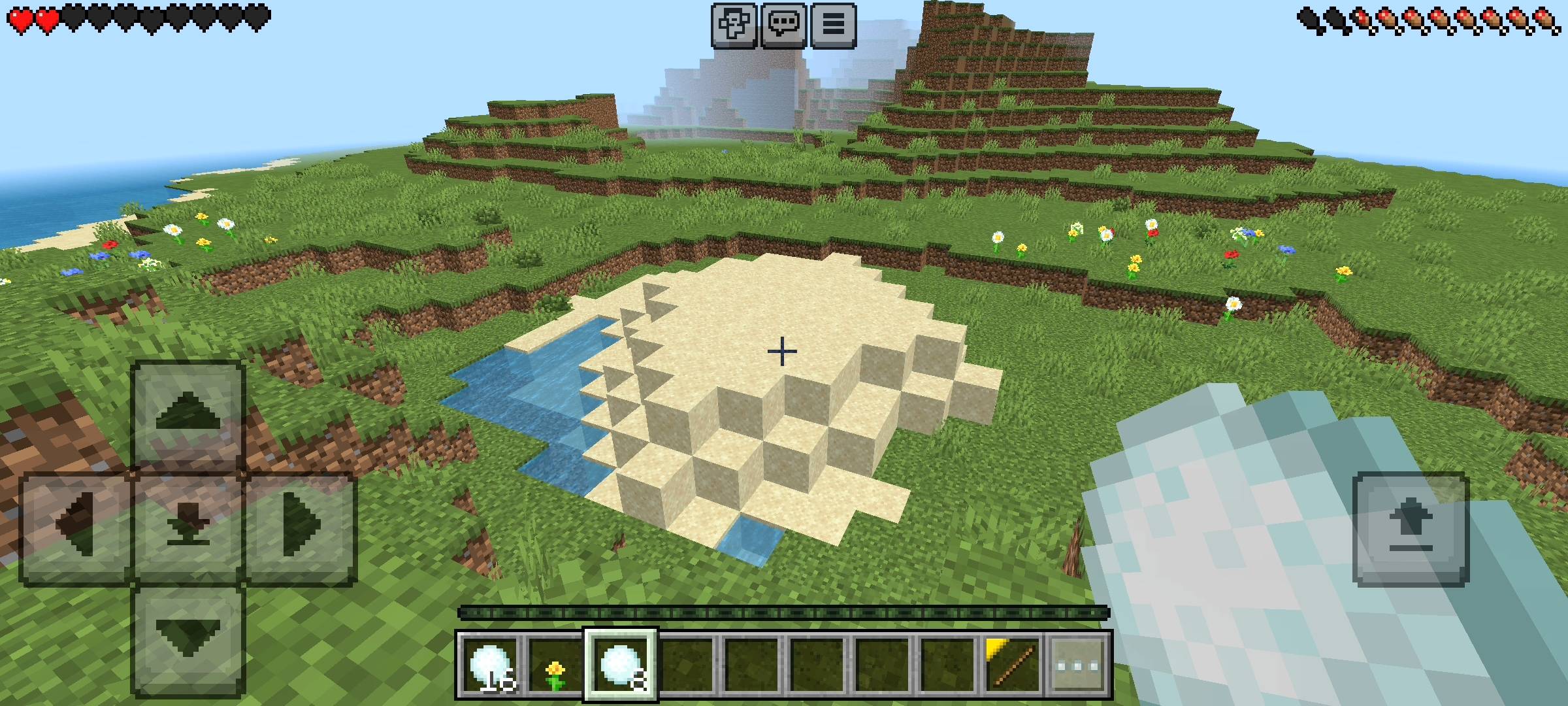
I wanted this tool to be satisfying and fun to use. Instead of using some boring command or a magical wand, the system works through custom Terraformer Snowballs. When you throw one of these bad boys directly into a creeper crater, the add-on's custom script immediately kicks in.
The coolest part about this behavior pack is the "Auto-Detect" feature. If a creeper blows up your stone pathway, you do not have to open a menu and select stone. You just throw the snowball at the exposed stone block inside the hole.
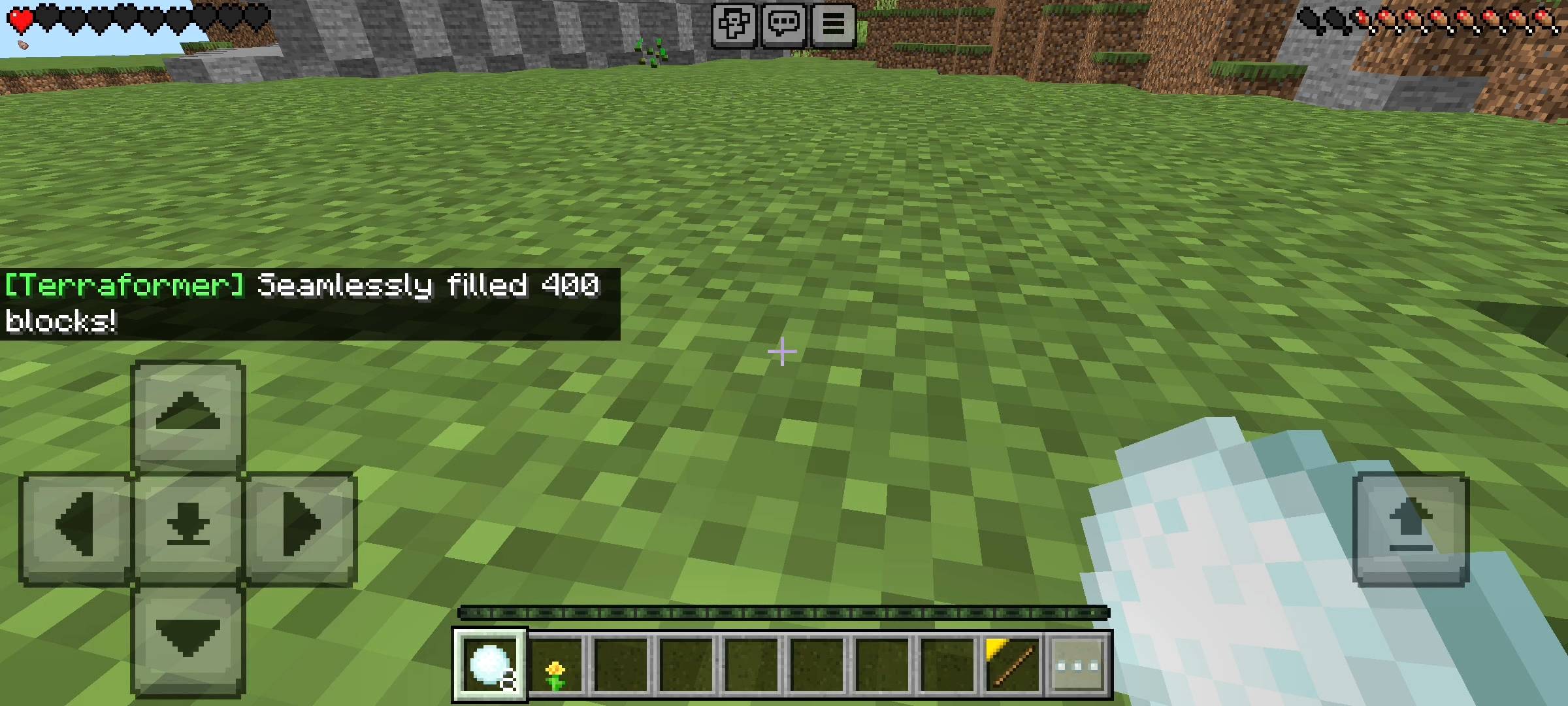
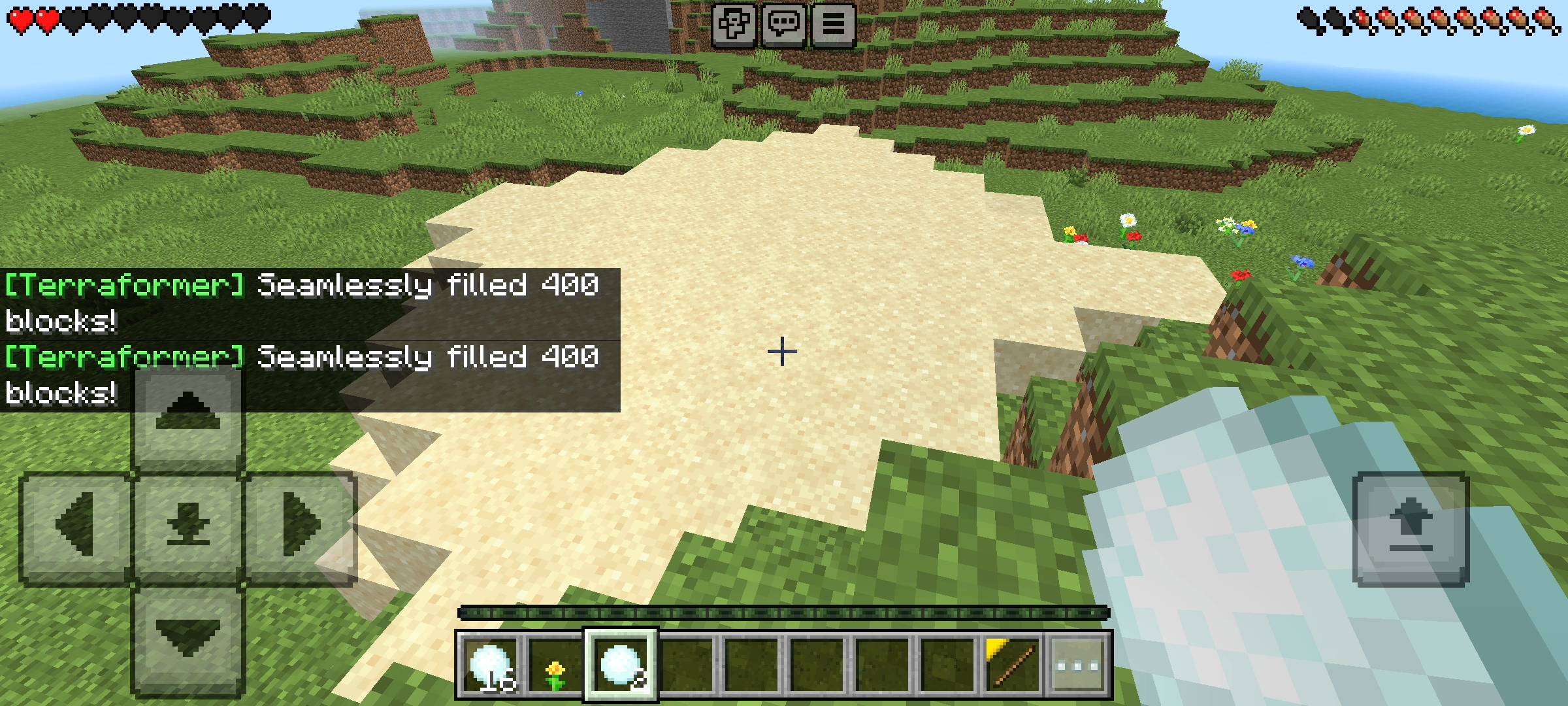
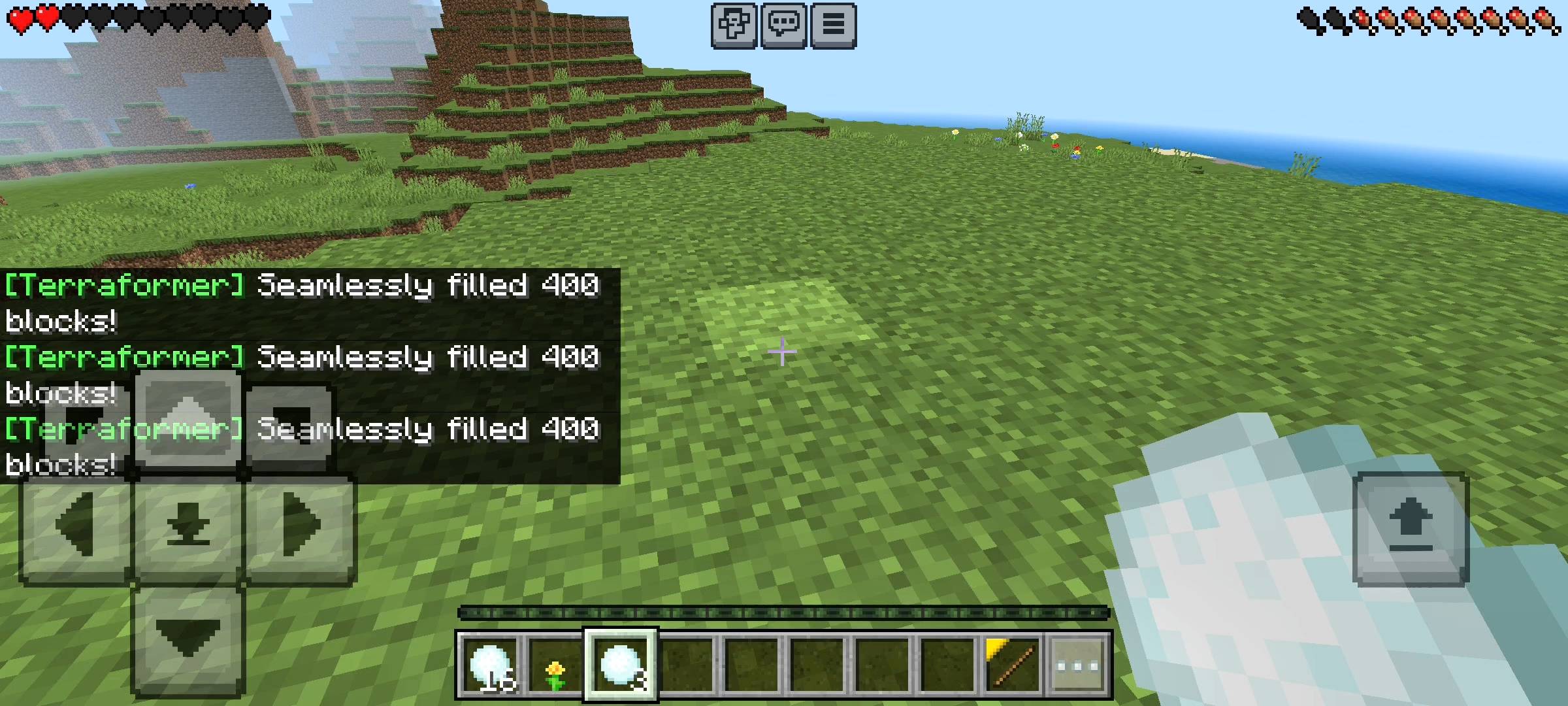
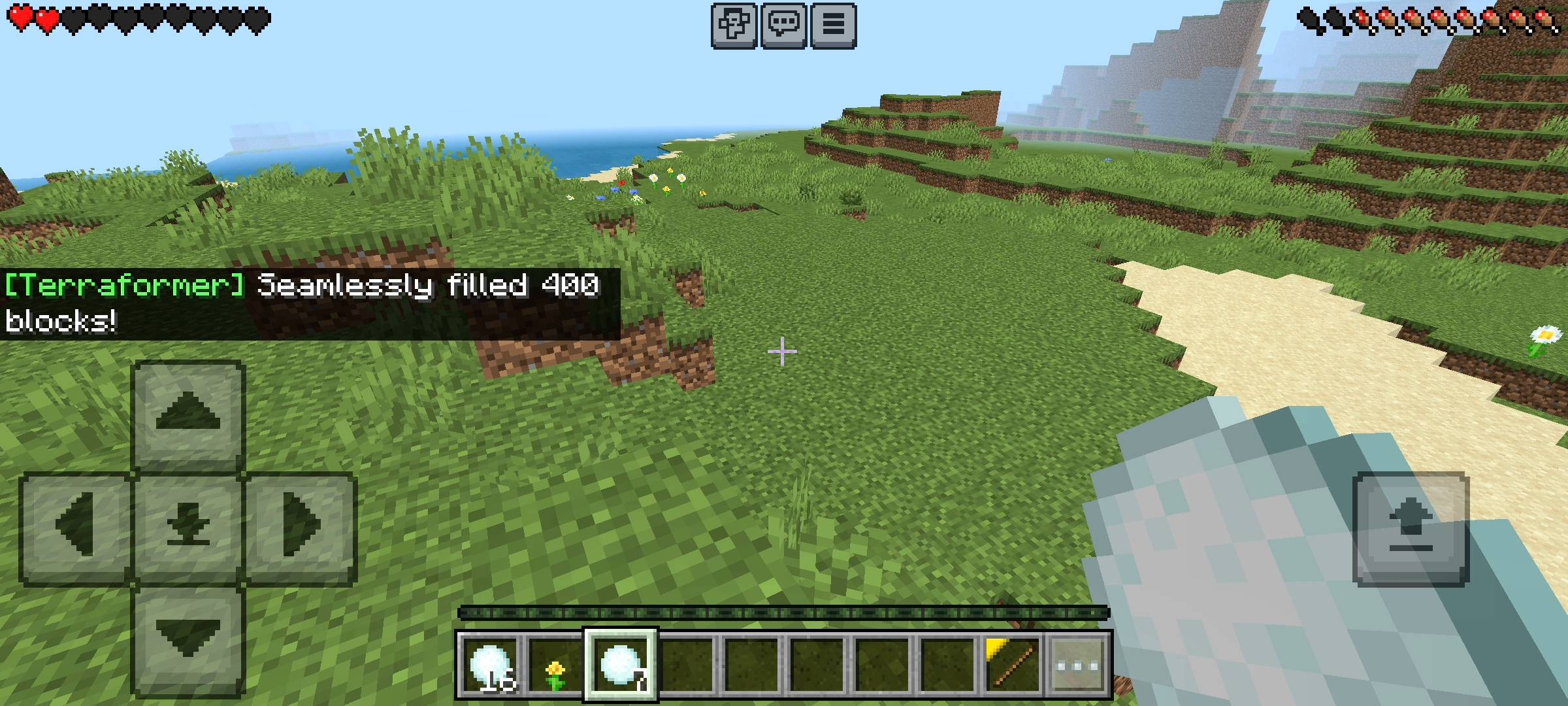
The add-on instantly reads the block you hit, clones its exact data, and uses it to perfectly fill the entire crater. If you hit a grass block, it fills the hole with grass. If you hit dirt, it fills it with dirt. It is literally like magic. It completely understands the environment around it and adapts automatically so your world looks completely natural again.
THE PERFECT FLOOD-FILL ALGORITHM
Now, if you play with other terraforming add-ons, you probably know they can be super glitchy. Sometimes they accidentally build giant, ugly pillars into the sky, or they flood your entire base because they do not know when to stop. I spent a massive amount of time fixing this exact issue for version 1.2.
The Nova Terraformer uses a highly advanced, smart bounds-checking algorithm. When the snowball hits the hole, it maps out the empty space. It specifically checks the height and the width of the crater. It knows exactly where the ground level is, so it will never build a random tower into the sky. It just smoothly levels out the floor.
Also, you know how annoying it is when water blocks, lava, or tall grass get in the way of placing blocks? This add-on completely ignores them. It automatically clears out water, snow layers, and tall grass in the crater and replaces them with solid blocks so you get a perfectly clean fill every single time.
THE ZERO-LAG SERVER BUILDER
As a realm owner, my biggest fear is lag. If you try to place five hundred blocks in a single millisecond, standard Minecraft Bedrock will completely freeze, and your server will crash. To prevent this, I custom-coded an Anti-Lag Builder system into the add-on.
Instead of spawning all the blocks at once, the script seamlessly places them in batches of fifteen blocks per tick. When you throw the snowball, you will literally watch the crater visually fill up in a super smooth, satisfying wave animation. It takes less than a second to finish, but that tiny delay completely saves your server's frame rate. You can fill massive ravines without dropping a single frame.
THE ADMIN UI CONTROL PANEL
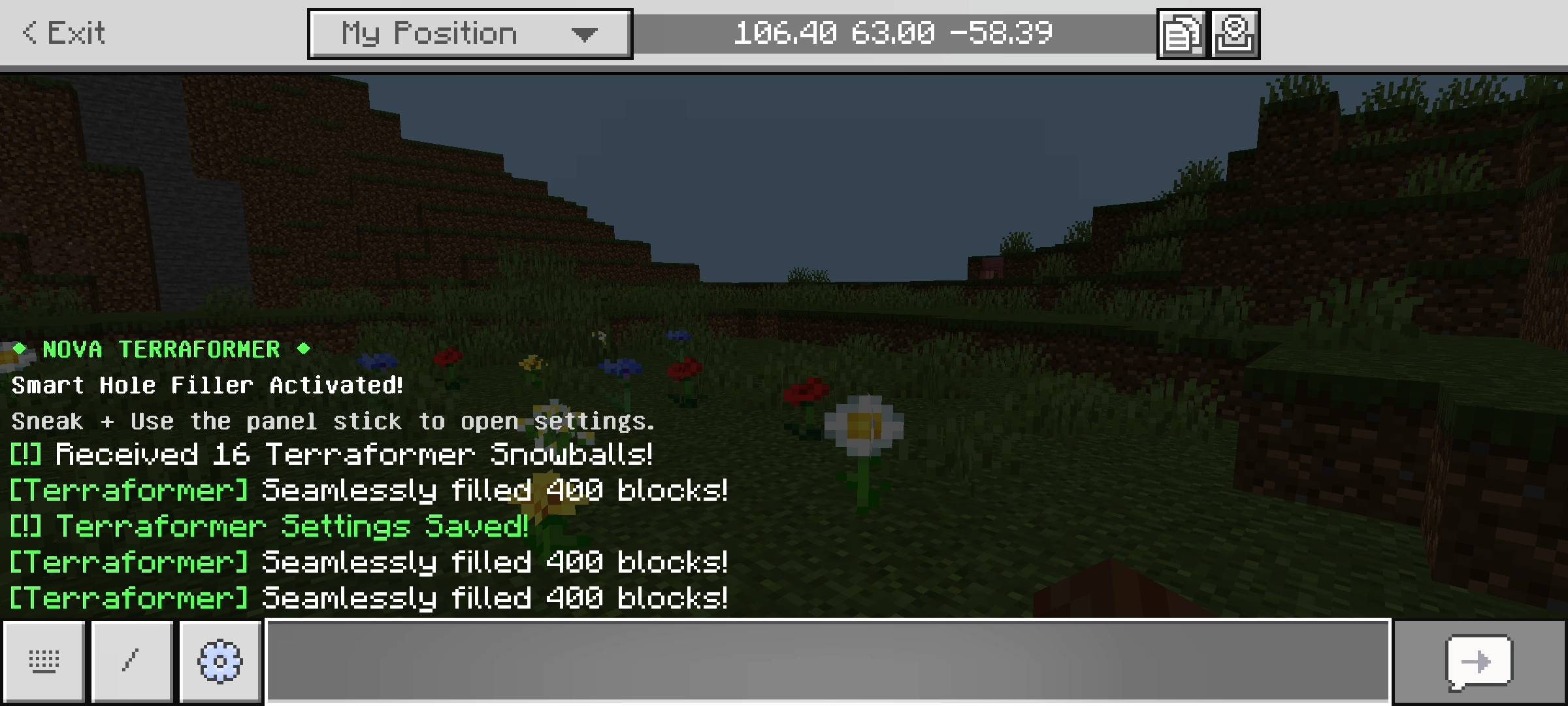
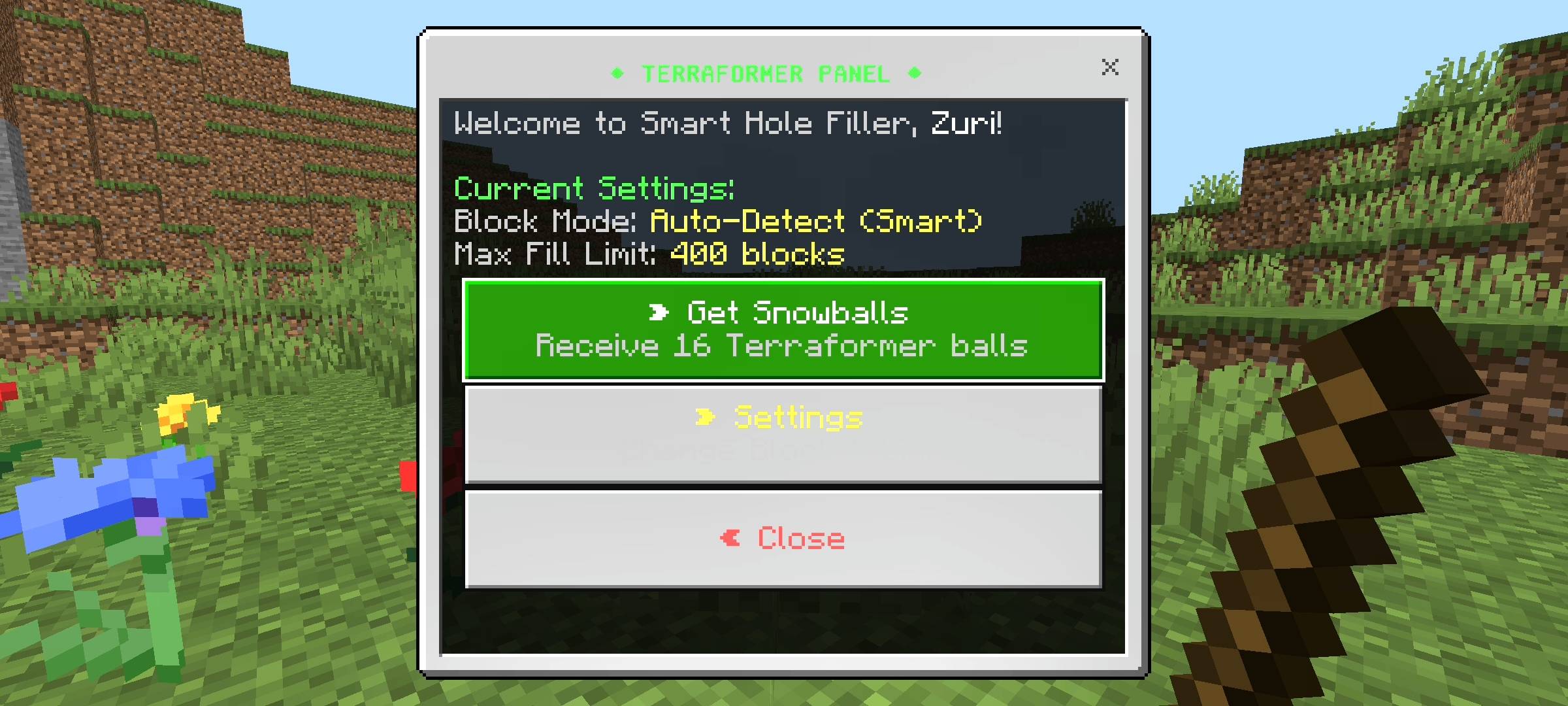
I wanted you to have total control over this tool. The moment you join a world with this behavior pack installed, the game gives you a permanent, un-droppable Terraformer Panel item (it looks like a stick). All you have to do is crouch and use the item, and a sleek user interface pops up on your screen.
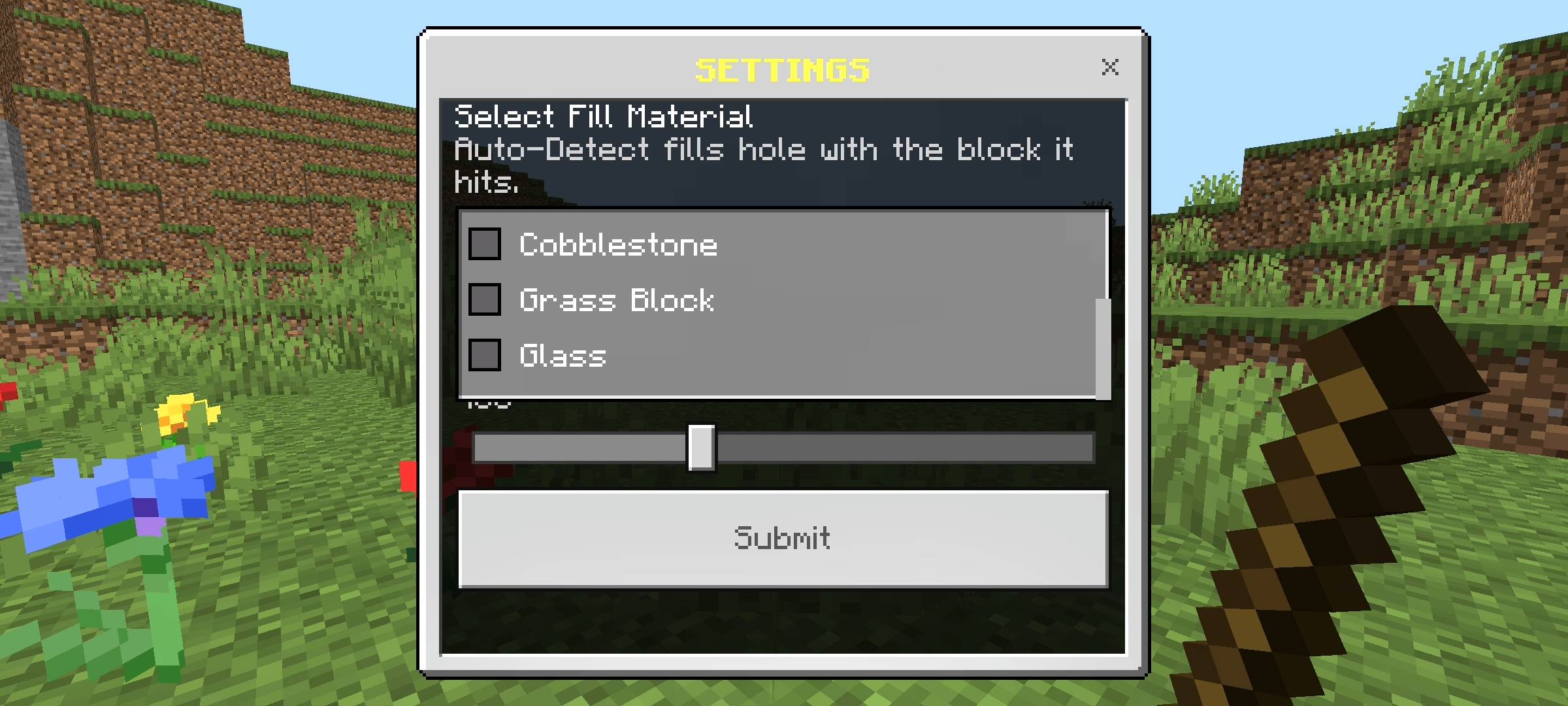
From this UI, you can grab as many Terraformer Snowballs as you need. But more importantly, you can open the Settings menu. If you do not want to use the Auto-Detect feature, you can force the add-on to only use specific materials through a dropdown menu (like Stone, Cobblestone, Glass, or Grass Blocks).
I also included a custom slider that lets you control the maximum fill limit per throw. You can set it as low as 50 blocks for tiny creeper holes, or crank it all the way up to 1000 blocks if you are trying to fill an entire ravine or lake.
QUICK COMMUNITY NOTICE REGARDING AI
Just a quick note about the pictures on this Add-on. The main cover thumbnail and the screenshots in the gallery were enhanced using ai image tools.
The Nova Terraformer: Smart Hole Filler Team