MCPEDL.png
Description
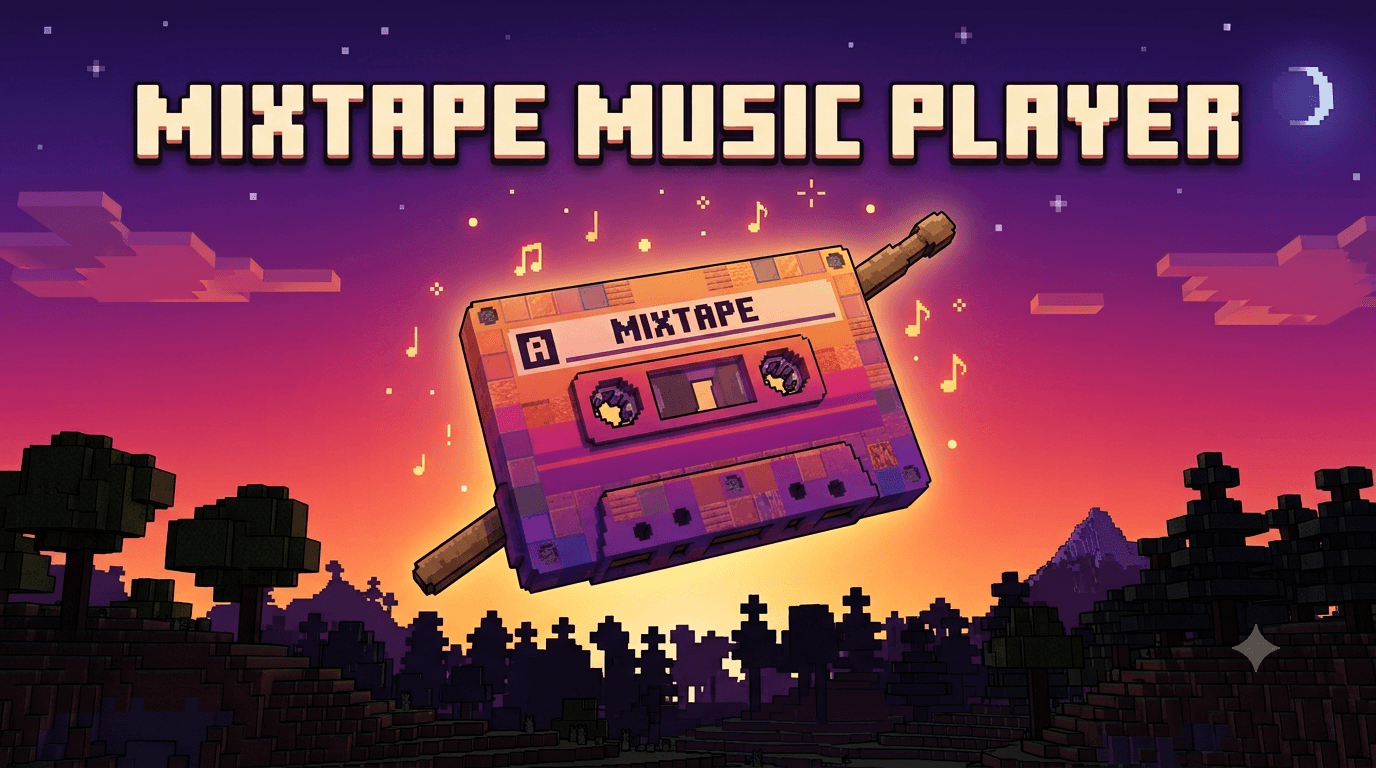
Mixtape Music Player
Turn a plain vanilla Stick into your own personal music player. Sneak and right-click to pull up a full playlist menu — pick a track, skip around, shuffle, repeat, and adjust volume and pitch, all without leaving the game.
No custom items. No crafting recipes to learn. Just grab a Stick.
✨ Features
- Play your own music — up to 30 custom tracks, played only for you (won't broadcast to nearby players)
- Full playlist controls — Next, Previous, Shuffle, Repeat (Off / One / All)
- Live "Now Playing" display — a progress bar and elapsed/total time shown in your action bar while a track plays
- Volume & pitch settings — tune playback to your liking, per player
- Zero build tools required — every song is set up by editing one plain text file; no command line, no external software beyond converting your audio
🎮 How to Use
- Get a vanilla Stick (
/give @s stick, or just craft one). - Hold Sneak and right-click (Use) while holding it.
- A menu opens showing every song you've added — tap one to play it.
- Use Next / Previous / Stop, or toggle Shuffle and Repeat, right from the same menu.
- Tap Playback Settings to adjust volume and pitch.
⚙️ Requirements
- Both the Behavior Pack and Resource Pack must be enabled on your world.
- World Settings → Experiments → "Beta APIs" must be turned ON before creating or re-entering your world. Minecraft requires this for any add-on that uses the Scripting API — even one like this that only uses fully stable (non-beta) APIs.
🎵 How to Import Your Own Songs (step by step)
This add-on ships with 3 short demo tracks so you can test everything immediately. Here's exactly how to replace them with your own music — no build tools, no terminal.
Step 1 — Convert your song to .ogg
Minecraft Bedrock can only play Ogg Vorbis (.ogg) audio — not .mp3 or .wav. Convert with whichever you have:
- Audacity (free):
File → Export → Export as OGG - ffmpeg:
ffmpeg -i mysong.wav -c:a libvorbis -q:a 4 mysong.ogg
Step 2 — Name and place the file
Rename your converted file to match a free slot — anything from track1.ogg through track30.ogg — and drop it into:
MixtapeMusicPlayer_RP/sounds/mixtape/
Slots don't need to be filled in order — you can use slot 1 and slot 17 and leave the rest empty.
Step 3 — Register it in playlist.js
Open MixtapeMusicPlayer_BP/scripts/playlist.js in any plain text editor (Notepad works fine). Every slot from 1 to 30 is already listed — find the one matching your file's number and edit three values:
{ slot: 7, enabled: true, name: "My Song Title", length: "3:24" },
enabled— set totrueso it shows up in the in-game menuname— whatever you want displayed therelength— the song's length asminutes:seconds. Running a little long is fine (it just adds a second of silence before the next track); getting it roughly accurate keeps Next/auto-advance timed correctly.
Step 4 — Re-import and reload
Re-zip the two pack folders (or re-import the .mcaddon) and fully reload your world. Your song now appears in the menu.
That's the whole process — no build tools, no terminal, nothing beyond converting the audio file itself.
🚧 Known Limitations
Being upfront about what Minecraft Bedrock's scripting sandbox does and doesn't allow:
- No seeking/scrubbing to a specific point in a track.
- No true pause/resume — pressing Stop and then Play again always restarts from 0:00.
- Song length can't be auto-detected — Bedrock scripts can't read audio files at runtime, so you type the length in yourself (Step 3 above).
- Whether a slot is "filled" is set by you (
enabled: true/false), not auto-detected, for the same reason.
💬 Feedback
Found a bug or have a feature idea? Let us know in the comments below.
MixTape Music Player Team

Owner