HoleFiller
- By
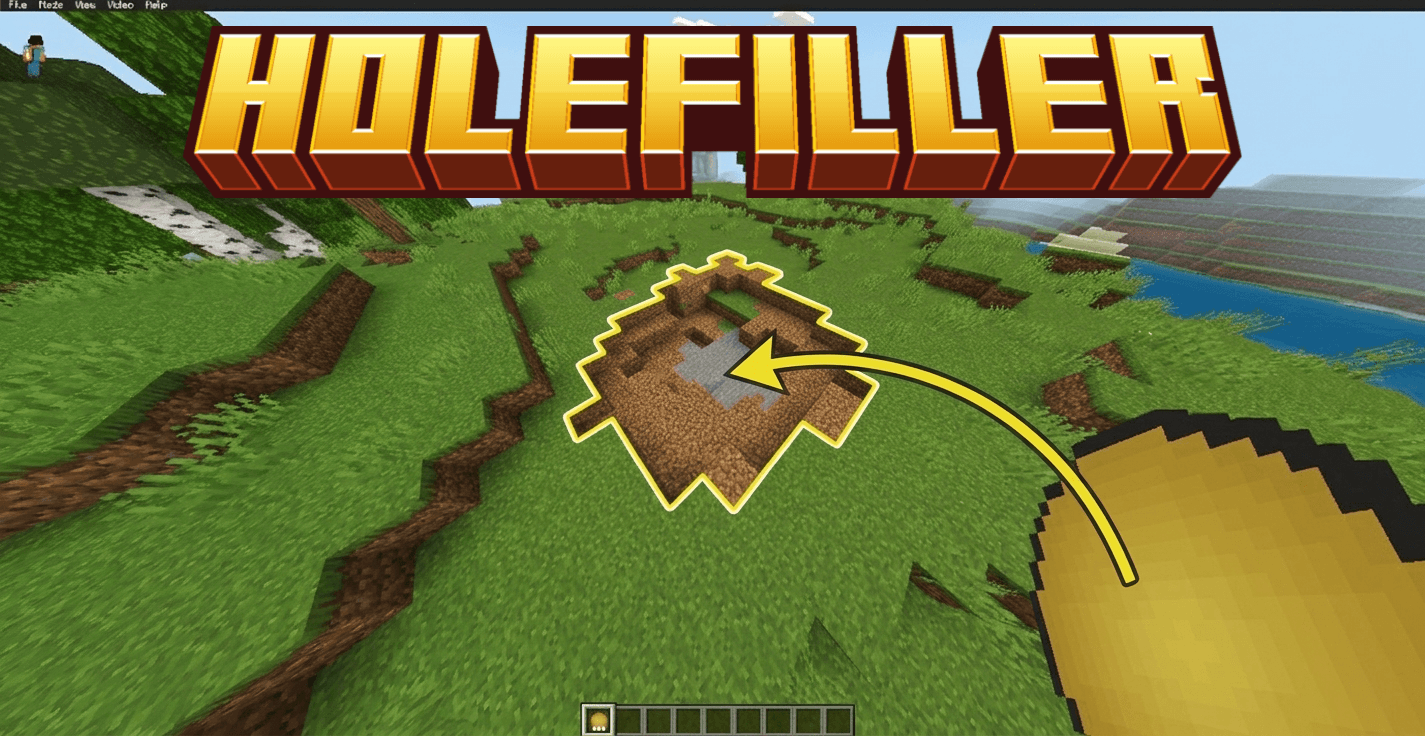
Hole Filler is a Minecraft Bedrock add-on that intelligently reconstructs craters and dug-out holes — reading the surrounding terrain and reassembling it in a satisfying instant burst, as if the damage never happened.
MCPEDL.png
Description
Hole Filler Advanced
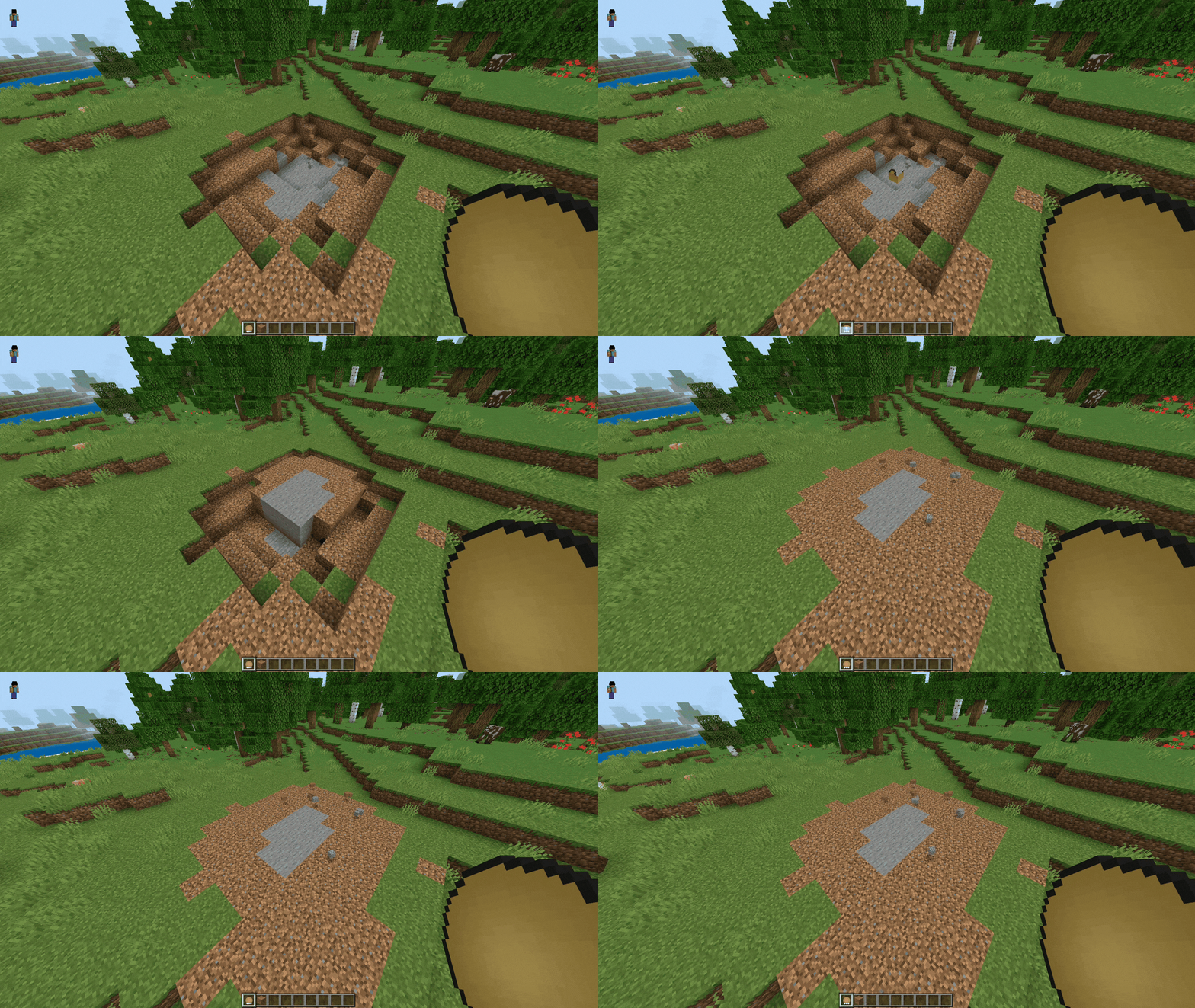
Ever blown a hole in your build with TNT, or left an ugly crater after mining? Hole Filler Advanced fixes it for you. Just throw the right item into the hole and watch it patch itself back up, matching whatever was there before — no manual block-placing required.
Features
Hole Filler — The simple option. Always fills with dirt. Fast, cheap, no surprises.
Smart Hole Filler — The clever one. Looks at the blocks around the hole and rebuilds it to match automatically — works on dirt, stone, diamond block, basically anything. Comes in 3 upgrade tiers so it can handle bigger holes the more you craft.
Water & Lava Filler — Instantly floods a hole with water or lava.
Hole Maker — Want to dig instead of fill? This carves a clean, safe crater wherever you throw it — no damage to you or nearby mobs.
Catalysts — Craft these to upgrade your fillers so they can reach bigger holes.
Satisfying animation — Blocks don't teleport in instantly or trickle in slowly — they burst outward in a quick ring from wherever you threw it.
Fair in Survival — It actually costs you real blocks from your inventory (or a linked chest), so it stays fair. In Creative, it's free.
Link a chest for backup supplies — Sneak + use a filler while looking at a chest, barrel, or shulker box to link it. If you run low on materials, it'll pull from there automatically.
How to Install
- Download the
.mcaddonfile to your device. - Open it — Minecraft will launch and import both parts of the add-on automatically.
- Open (or create) a world, go to Settings.
- Under Behavior Packs, make sure "Hole Filler Advanced" is switched on.
- Under Resource Packs, make sure "Hole Filler Advanced (Resources)" is switched on.
- You do not need to turn on "Beta APIs" or any other experimental toggle — this add-on works with default settings.
- Load into the world and craft your first Catalyst to get started (see the crafting recipes in-game, or ask if you want a full recipe list).
FAQ
Does it work in Survival, or only Creative? Both. In Survival it costs real blocks from your inventory, just like actually building would. In Creative it's free.
Do I need to turn on any experimental settings? No. Everything works out of the box with default world settings.
Will it accidentally fill in things it shouldn't, like a room I'm standing in? It's designed not to. It only fills holes that are actually enclosed — an open room or open field won't get swallowed up. If it's ever unsure, it plays it safe and only patches the small area right where you aimed.
What blocks can Smart Hole Filler match? Any block, not just natural ones — stone, dirt, sand, diamond block, whatever is actually around the hole.
Why didn't it fill my whole hole? Either it ran out of matching materials in your inventory (check for a message telling you what's missing), or the tier you used doesn't reach far enough — try upgrading with a Catalyst.
Can I undo a fill if I don't like it? Not automatically — blocks appear instantly as their final result rather than a temporary placeholder you can cancel. If it's not right, just dig it back out and try again.
What's the actual difference between Hole Filler and Smart Hole Filler? Hole Filler always uses dirt, no matter what. Smart Hole Filler actually looks at the surrounding blocks and matches them.
Does Hole Maker hurt me or nearby mobs/animals? No — it clears blocks like a controlled excavation, with no explosion damage.
What Minecraft version do I need? Bedrock 1.26.32 or newer.
HoleFiller Team

Owner