


Mini Me & Pixel Pack
- By
Build sub-block pixel art with rainbow placer wands, stamps and a paint brush — then shrink yourself to walk among your tiny creations.
Screenshot (35).png
Screenshot (34).png
Screenshot (33).png
Screenshot (36).png
MCPEDL
Description
Mini Me Pixel Pack Build sub-block pixel art with rainbow placer wands, stamps and a paint brush — then shrink yourself to walk among your tiny creations.
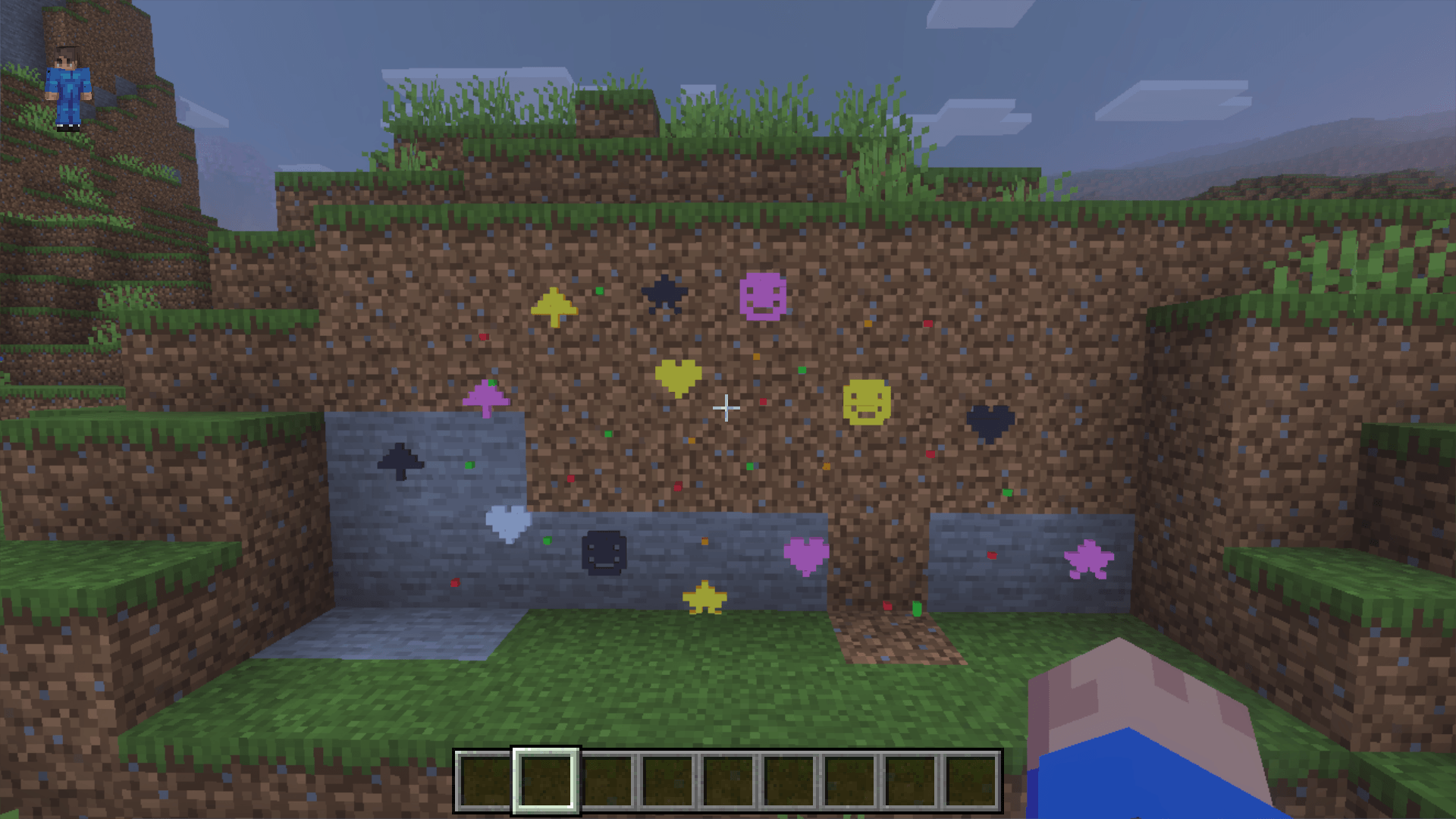
A whimsical Minecraft Bedrock add-on that lets you zap yourself to flea size and decorate the world with tiny 1/16-block "pixels" in eleven colours.
✨ What's in the pack
- Shrink Ray — turns mobs into babies, or shrinks YOU to tiny size
- Grow Ray — restores baby mobs back to adults (works on every shrinkable mob, even zombies)
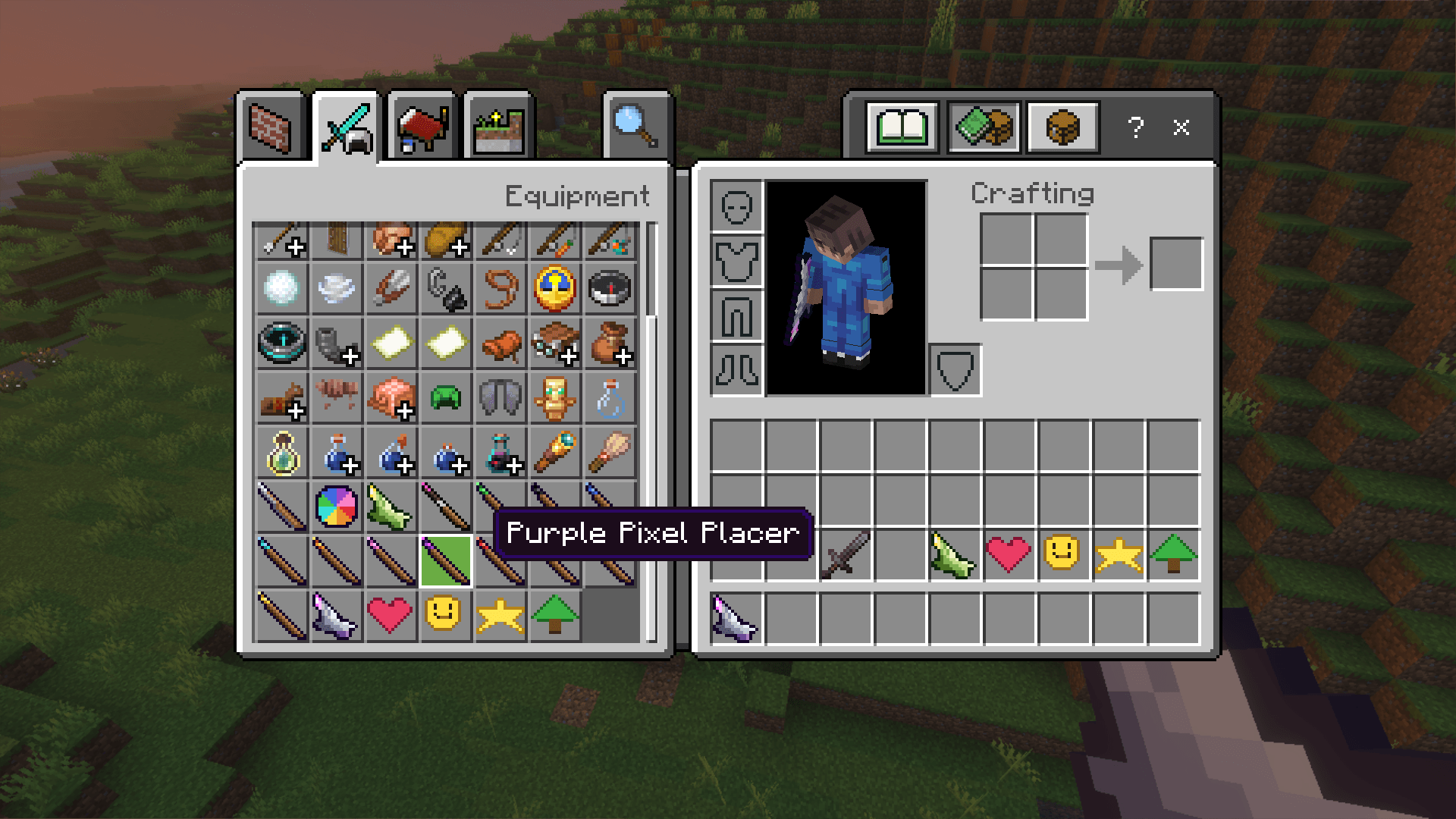
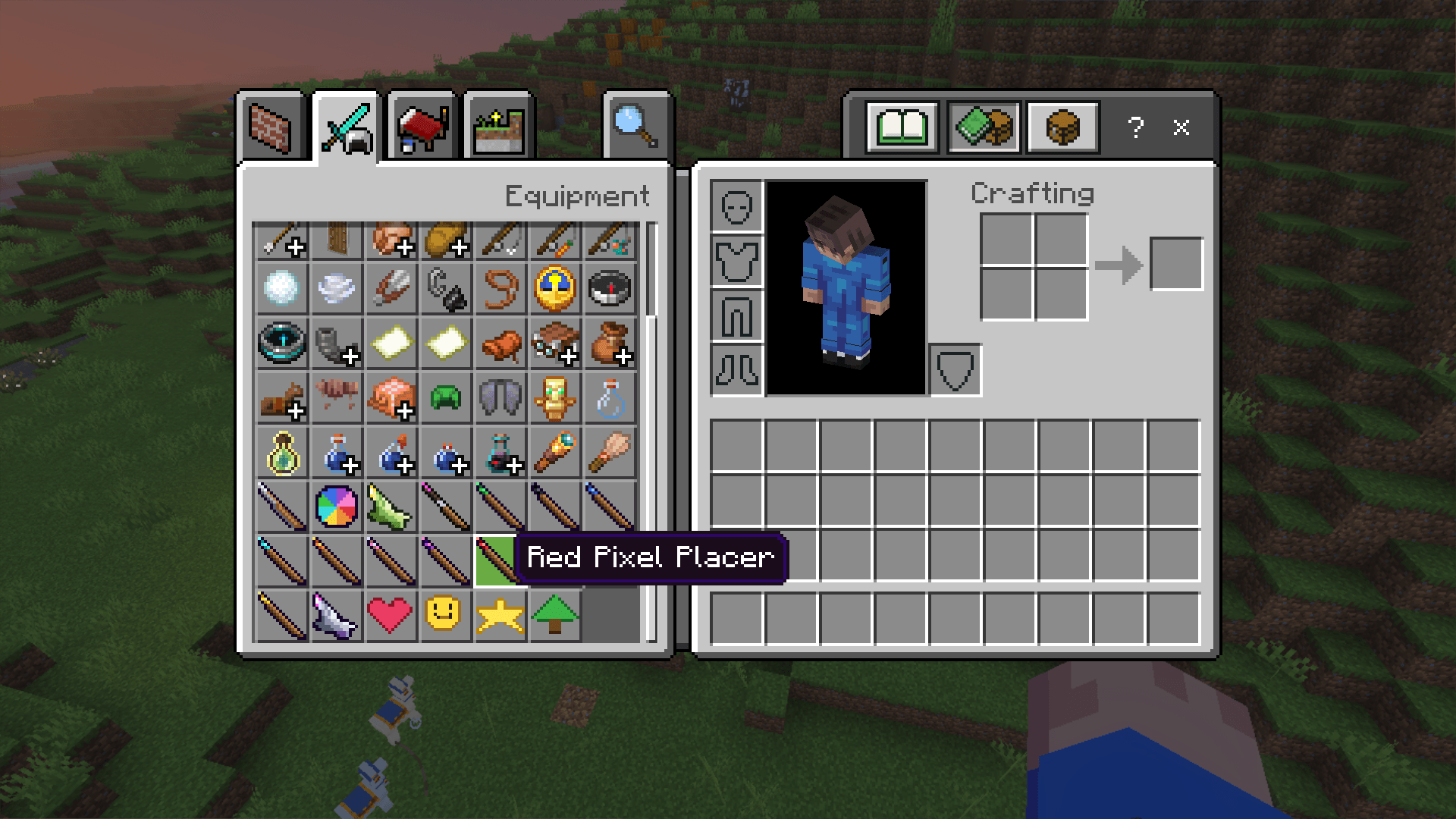
- Pixel Placer Wand — places tiny coloured pixels exactly where you point
- 11 Pixel Colours — green, blue, red, yellow, pink, orange, purple, cyan, white, black, and a glowing torch yellow
- Colour Picker — cycles colours; the wand's gem auto-changes to match
- Chisel — the only thing that can break placed pixels (or your bare fists when you're shrunk!)
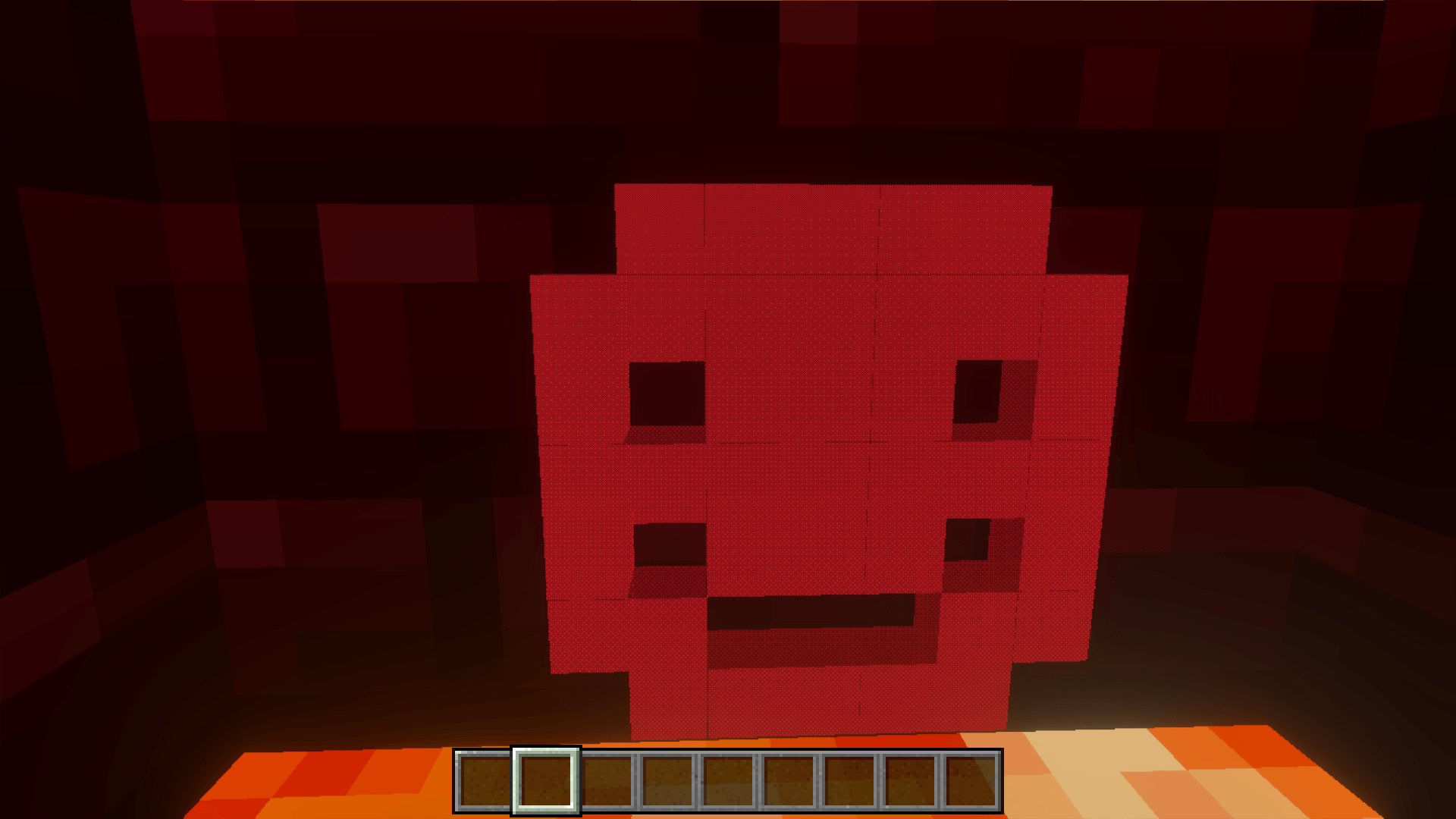
- Stamps — heart, smiley, tree and star: one-click pre-made pixel patterns
- Paint Brush — toggle continuous painting; pixels stream out wherever you aim
- Tiny Steve avatar — when you shrink, your body becomes invisible and a miniature Steve takes your place; the camera drops to his eye height so the world looks giant
- Tiny powers — speed, jump-boost, slow-falling and a sparkle trail while shrunk
- Crafting recipes — playable in survival
🎮 How to use each tool
Shrink Ray — point at any mob and right-click to shrink it to its baby form. To shrink yourself, look straight up at the sky and right-click — your body vanishes, a tiny Steve takes your place, and the camera drops down to his eye level. Look up + right-click again to grow back to normal.
Grow Ray — point at a baby mob and right-click to turn it back into an adult.
Pixel Placer Wand — right-click on a block face to place a tiny pixel. You can also right-click on existing pixels to stack more next to them. A small ghost cube shows you exactly where the next pixel will land.
Colour Picker — right-click to cycle to the next colour. The wand in your hotbar auto-swaps to a variant with a matching gem so you always know what colour you're placing.
Chisel — hold it and left-click any pixel to pop it. When you're shrunk, your bare fists do the same job.
Stamps (Heart / Smiley / Tree / Star) — pick the colour you want with the Colour Picker, then right-click a stamp at a wall or floor. A whole pre-made pattern of pixels appears in that colour.
Paint Brush — right-click once to turn paint mode ON, then just hold the brush and aim — pixels stream out continuously where you look (about 10 per second). Right-click again to turn it OFF.
Torch / Glow Pixels — cycle the Colour Picker until you reach the torch colour. Pixels placed in this colour glow bright yellow.
⚒️ Crafting recipes
- Shrink Ray — redstone (top), iron · diamond · iron (middle), stick (bottom)
- Grow Ray — glowstone dust (top), iron · emerald · iron (middle), stick (bottom)
- Pixel Placer — emerald + 2 sticks placed diagonally
- Chisel — iron ingot above a stick
- Colour Picker — redstone above a stick
The wand, chisel, picker, stamps and rays also appear in the Equipment tab in Creative.
📦 Installation
- Download the
MiniMe_by_ChocAndRoll.mcaddonfile - Double-click it — Minecraft Bedrock will import the behaviour and resource packs automatically
- When creating a world (or in an existing world's settings), apply both Mini Me BP and Mini Me RP
- Enable the "Beta APIs" experiment if your version requires it (the mod uses Bedrock's scripting API)
The Mini Me & Pixel Pack Team

