Living Blocks (Beta)
- By
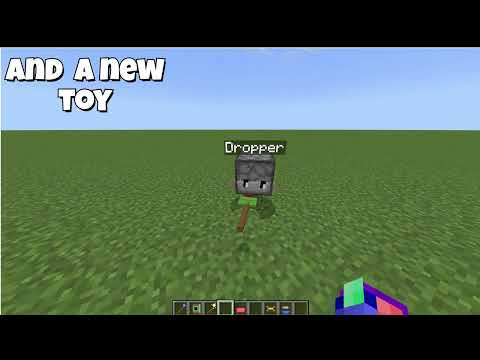
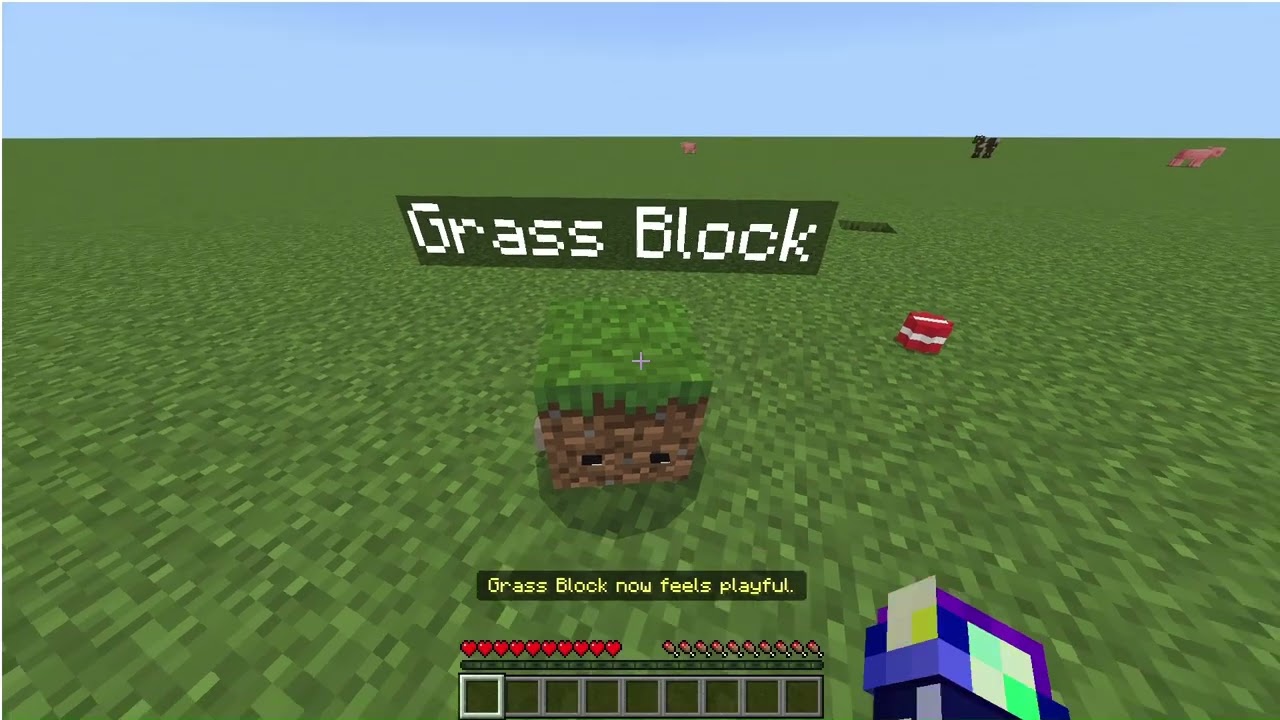
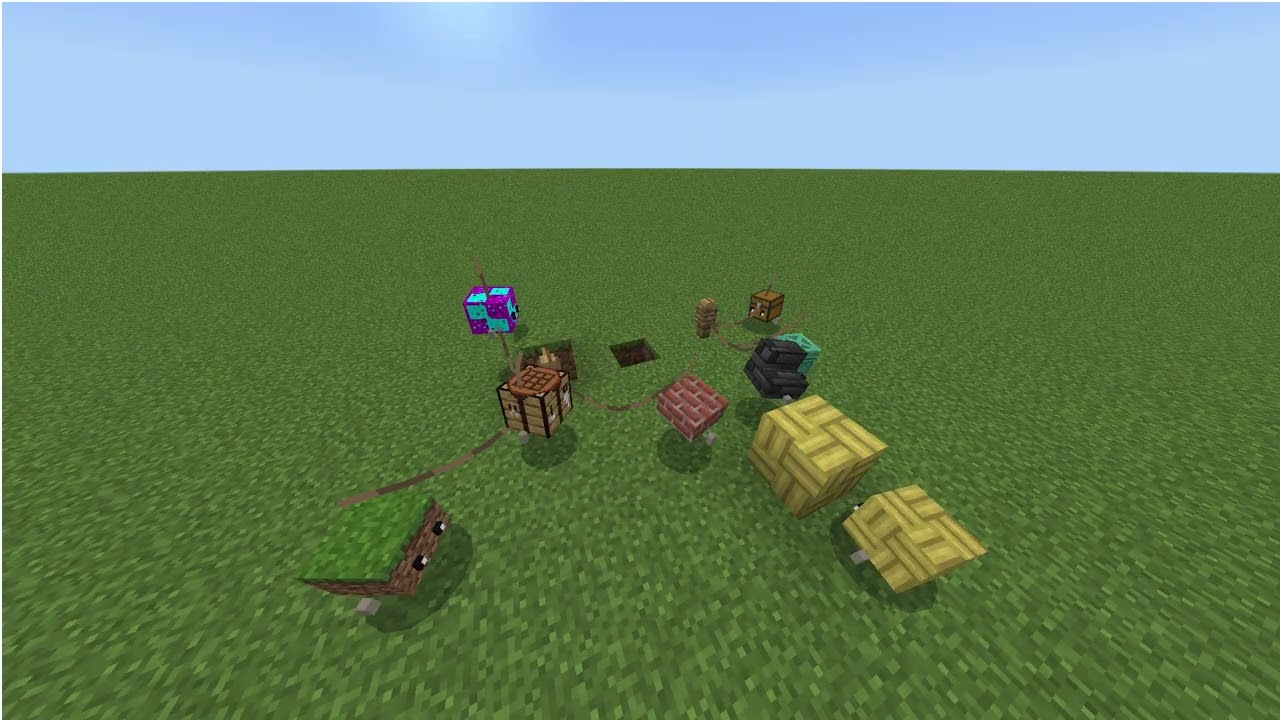
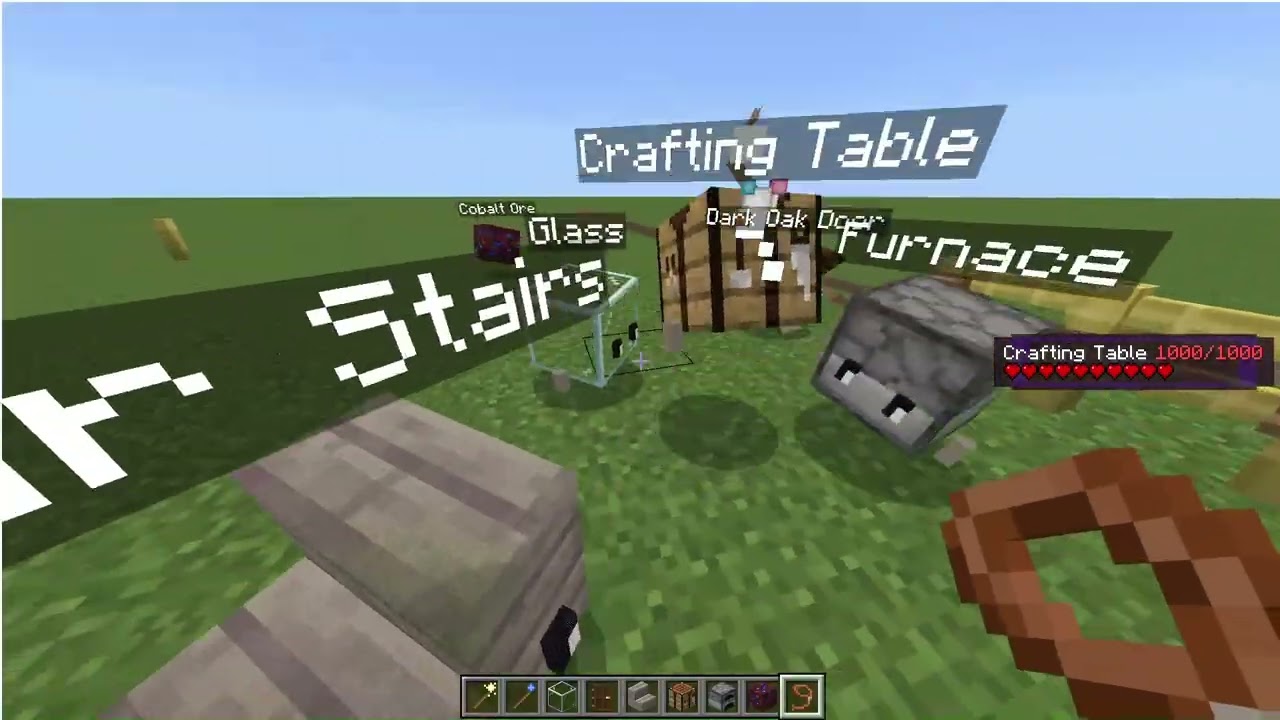
Ever wanted a Crafting Table companion? Living Blocks turns any placed block into a loyal little pet that follows you, still does what it does best, and comes with a personality of its own.
Description
Major update coming soon!!!
Living Blocks guide (Beta)
Living Blocks turns any placed block into a pet that follows you, keeps what the block does, and has its own personality. It is one add-on that reads each block's ID, so it works with most blocks from other add-ons too, with no setup. Living Blocks is in beta (version 1.1.17): expect rough edges, and some behavior and settings may change between versions. Please report anything odd.
First pet
- Craft a Pet Wand: one stick, one redstone dust and one gold ingot, shapeless.
- Place any block in the world.
- Hold the wand and aim at the block. Particles appear when the block can become a pet.
- Right-click the block. It turns into a pet, keeps its contents, and the wand is used up.
The wand has one use, and it is consumed only when a conversion succeeds. A failed try costs nothing. Each pet is made from exactly one block, and a conversion cannot be undone.
Items and recipes
|
Item |
Recipe (shapeless) |
What it does |
|---|---|---|
|
Pet Wand |
Stick + Redstone Dust + Gold Ingot |
Turns the block you aim at into a pet. One use. |
|
Sit/Follow Stick |
Stick + String |
Toggles sit and follow on any of your pets. Never wears out. |
|
Collection Book |
Book + Stick |
Right-click to list every kind of pet you have made. |
The stick is not bound to one pet. Right-click any of your pets with it to toggle that pet between sitting and following. Its color only shows the last thing it did: red means it sat a pet, blue means it told one to follow.
Works with blocks from other add-ons
Living Blocks works with most blocks from other add-ons. There is one pet entity, and it reads the source block's ID at the moment of conversion. Nothing is registered per block, so a block added by a new add-on works as soon as you install that add-on.
- Looks: the pet shows the block as an item, so non-cube blocks look the way the block does.
- Contents: if the block has an inventory, such as a custom chest, the pet gets a real inventory and keeps the items.
- Light: blocks that give off light make the pet glow.
- Function: vanilla names such as furnace, bed, bell, note block and jukebox are recognised by their ID. Anything else falls back to what the block exposes, so custom storage blocks work as containers.
- If the add-on is removed: the pet shows dirt instead of a broken texture. It remembers the original block, so reinstalling the add-on brings the real look back.
What can't become a pet: air, liquids, bedrock, barriers, light blocks, command and structure blocks, portals, fire, and technical blocks like these. "Most" is honest: a block that draws itself with its own special model may show as its plain item shape.
What each block does
The pet keeps the job of the block it came from. Right-click the pet with an empty hand.
|
Source block |
What the pet does |
|---|---|
|
Chest, barrel, shulker box, hopper, other storage |
Opens a real inventory and keeps everything that was inside. It has 5, 9, 27 or 54 slots depending on the block. |
|
Furnace, blast furnace, smoker |
Turns into the real block so every recipe works at normal speed. Right-click the block to use it, punch it to get the pet back. Items move with it. |
|
Crafting table, anvil, enchanting table and other stations |
Turns into the real block for the real menu. Right-click it to use it, punch it to get the pet back. |
|
Bed |
Right-click sets your spawn point there. |
|
Note block, bell, jukebox |
Plays its sound when you right-click. |
|
Blocks that give off light |
The pet glows, and the light follows it. |
|
Redstone parts |
Can become pets, but have no function. |
|
Anything else |
A decorative pet that reacts to you. |
While a pet is a furnace or workstation block, it is protected from breaking and explosions. It turns back on its own after five minutes without use, or if you walk about 24 blocks away. A furnace that is cooking is not put away on the timer, but it still turns back if you walk far away.
Looking after a pet
- Sit and follow: right-click any pet with the Sit/Follow Stick to toggle it between sitting and following. One stick works on all your pets. A sitting pet keeps to the spot you sat it at, but it can amble about up to 4 or 5 blocks from there, and it can still mingle with other pets. It never follows you or teleports to you while sitting.
- Following: a pet walks after you and steps up one-block ledges. If it falls more than 10 blocks behind, it teleports to you after about a second, with a puff of smoke. It does not teleport while sitting, on a lead, or waiting after your death.
- Leads: work as normal, and a pet on a lead stays within the lead's range. A lead overrides the pet's block function: right-click a pet on a lead to take the lead off, even a chest, furnace or workstation pet. Once it is off, the block works again.
- Pet menu: sneak and right-click. You can rename it, change its personality, switch idle animations on or off, or hand it an item.
- Names: a name tag works too. A pet starts with a name taken from its block.
- Feeding: give it any food for a minute of speed boost.
- Fetching: curious pets sometimes pick up nearby items and bring them to you.
- Owner only: only you control your pets. If two players interact at the same time, the pet dances.
Pets cannot be hurt, killed or hit, and they don't pass through each other. They tick only when a player is nearby, and they stay put across reloads, restarts and dimension changes. If you die, your pets wait where you were until you come back.
The pet menu (sneak + right-click)
Sneak and right-click one of your pets to open its menu. On mobile, tap the sneak button, then tap the pet. Sneaking always wins, so this works on every pet, including storage, furnace and workstation pets. Standing and right-clicking uses the block's function instead.
The top of the menu is a status card:
|
Line |
What it tells you |
|---|---|
|
Made from |
The ID of the source block, such as |
|
Personality |
Its main personality, plus the second one it gains at level 4. |
|
Level |
Its level and how many seconds of experience it has toward the next one. |
|
Friends |
How many other pets it has made friends with. |
|
Ability |
What its block does, such as storage, smelting, a workstation, a spawn point or light. |
The buttons under the card:
|
Button |
What it does |
|---|---|
|
Rename |
Opens a text box to give the pet a new name. |
|
Change personality |
Pick any of the five personalities from a list. The pet takes it straight away. |
|
Animations: ON / OFF |
Turns idle animations on or off for that pet, for example if it distracts you while you build. |
|
Give item |
Hands the pet the item you are holding. Food gives it the speed boost and experience. Other items are only sniffed. |
|
Close |
Shuts the menu. |
Personalities, levels and the Collection Book
Every pet is born with one of five personalities. Each has its own idle animations and its own synthesized voice, and reacts to you in its own way.
|
Personality |
Behaves like |
|---|---|
|
Playful |
Hops, bounces and spins. |
|
Lazy |
Naps, and sleeps through things. |
|
Curious |
Inspects blocks and wanders over to look. |
|
Shy |
Hides and peeks when you are close. |
|
Grumpy |
Huffs, stares and grumbles. |
The block's material also changes the creaks, clinks and particles it makes. About 1 pet in 40 is shiny and sparkles.
Pets earn experience for each second they spend with you. They level up at 5 minutes, 15 minutes, 30 minutes and so on. Level 2 teaches a trick. Level 4 adds a second personality trait. Feeding a pet gives it a little experience too.
The first time you make a pet, an "It's Alive!" title appears. Bedrock has no real achievements for add-ons, so this is a title. Right-click the Collection Book to see every kind of pet you have made and how many.
Pet social life
When two of your pets are close together near a player, they sometimes interact. What happens depends on their personalities.
|
Pair |
What you see |
|---|---|
|
Playful + Playful |
Chase each other. |
|
Grumpy + Playful |
The playful one pesters, the grumpy one huffs away. |
|
Curious + Curious |
Circle and inspect each other. |
|
Curious + Lazy |
The curious one pokes, the lazy one grumbles and goes back to sleep. |
|
Shy + Shy |
Peek at each other and creep closer. |
|
Playful + Shy |
The playful one coaxes, the shy one hides, then peeks out. |
|
Lazy + Lazy |
Nap side by side. |
|
Grumpy + Grumpy |
A stare-down, then they turn away. |
Other pairs get a greeting or a reaction that fits their personalities. Each kind has its own sound, and pets that have met before greet each other with more energy.
The rules keep this harmless and out of your way:
- Nothing ever hurts a pet, and nothing happens unless a player is nearby.
- Each pair has a cooldown, and a pet is in at most two interactions at once.
- Following you comes first. A sitting pet only moves within a few blocks of its sit spot, and a pet on a lead stays within the lead's range.
- If a lead is removed mid-interaction, the pet finishes its animation and then follows you again.
- A pet waiting after your death can still socialize.
Fine-tuning the look and the debug command
These commands need cheats on. Stand near a pet and run them as /scriptevent livingblocks:cal <setting> <number>. They apply to every pet in the world at once.
|
Setting |
What it moves |
Default |
|---|---|---|
|
|
Size of the block |
2.6 |
|
|
Block toward the pet's left (negative = right) |
10 |
|
|
Block up (negative = down) |
9 |
|
|
Block toward the pet's back (negative = front) |
10 |
|
|
Spin of the block, in degrees |
45 |
|
|
Tilt forward or back, in degrees |
-14 |
|
|
Tilt sideways, in degrees |
1 |
|
|
Overall size of the pet |
0.7 |
/scriptevent livingblocks:cal reset clears your changes. Pets made after an install use the defaults in the table, and a cal value overrides them.
For problems, stand next to a pet and run /scriptevent livingblocks:debug. It prints the nearest pet's name, source block, held item, function, mode, personality and workstation state.
Troubleshooting
|
Problem |
Fix |
|---|---|
|
Recipes or items are missing |
Check that both the Behavior Pack and the Resource Pack are turned on for the world. |
|
The wand does nothing |
Aim at a block that is placed in the world. Air, liquids, barriers, command blocks and similar technical blocks can't become pets. |
|
The pet shows dirt |
Its source add-on is not installed. Reinstall it and the real block returns. |
|
The pet won't follow |
It may be sitting: right-click it with the Sit/Follow Stick to make it follow. Also check whether it is on a lead, or waiting because you died. |
|
The pet can't climb a ledge |
It steps up one full block. Two blocks or more are too tall, and it teleports to you if you get far enough away. |
|
A furnace or workstation pet won't turn into a block |
It needs open space and solid ground under it, and no player standing in the spot. Read the red message on screen, step back and try again. |
|
Something looks wrong |
Run |
Living Blocks (Beta) Team