Waypoints – Banner & Map Teleports (Survival-Friendly)
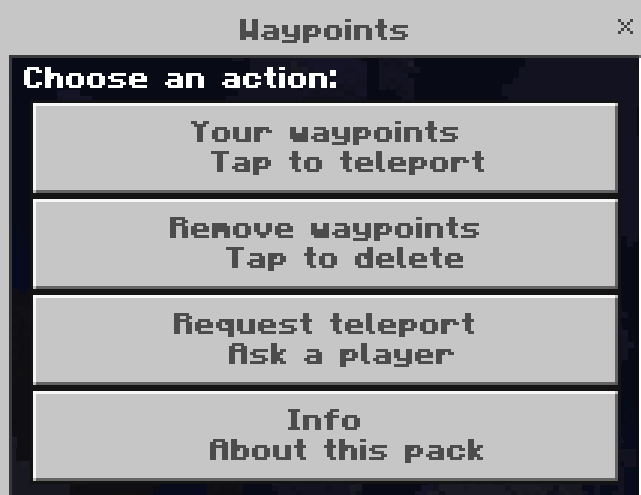
Place a banner to save a waypoint. Use a map to open a clean menu for teleporting, removing waypoints, requesting teleports to/from other players, and viewing info. Works in survival without commands or cheats.
⚠️IMPORTANT : these features are all present in the latest vertion of the mod all features are NOT present in older vertions if you want to have all the features on this page you need to take the latest vertion of the mod ⚠️
⚠️Remember to not wait for mods to break before checking out for updates :3⚠️
Features
showcase : https://youtu.be/kFUoWvDi6qs
-
Teleport requests (multiplayer TPA and TPHERE )
From the map menu, request to teleport to someone or ask them to teleport to you.
The other player gets a chat prompt and a menu button to Accept or Decline.
Requests expire in 3 minutes automatically.
-
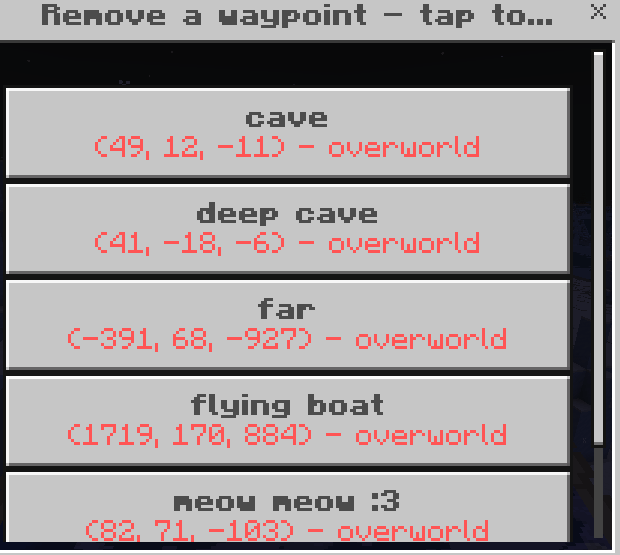
Remove UI
“Remove waypoints” shows your list—click any to delete.
-
Info button
Shows quick help/credits (same info shown on join).
-
Dimension-aware
Save and teleport across Overworld, Nether, and The End.
-
Join message
Optional “How this works” message on each world join (not on death respawn).
-
Version-tolerant events
Uses blockPlace when available; otherwise predicts placement from itemUseOn so the banner UI still pops on place.
-
Survival-friendly storage
Waypoints are saved per player (e.g., mmwp|name|x|y|z|dim). No experiments, no external storage, no cheats.
How to Use
-
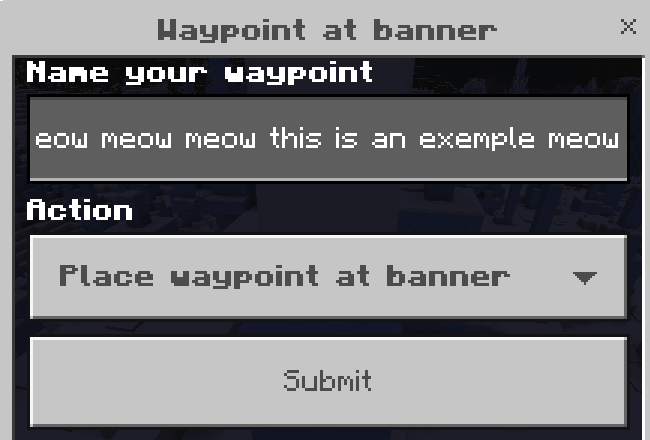
Place a banner → name it → Save (or Don’t place waypoint).
-
Use a map → choose:
-
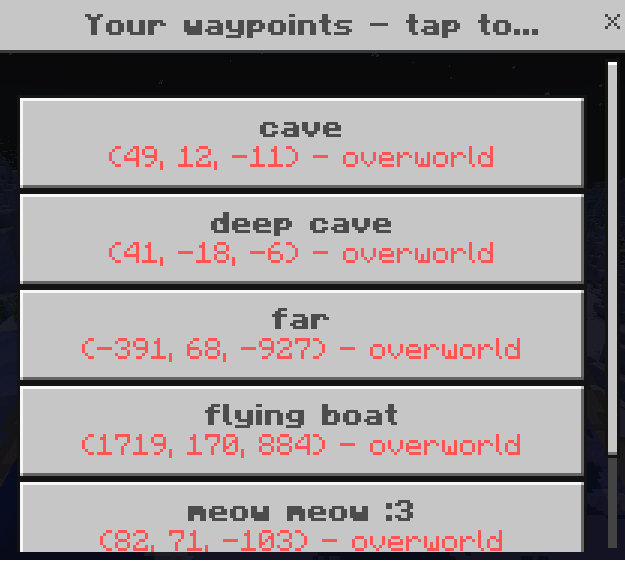
Your waypoints → click to teleport.
-
Remove waypoints → click to delete.
-
Request teleport → pick a player, then choose to them or to me.
-
Info → quick help/credits.
-
Click a placed banner with a non-banner item → opens the same menu.
Compatibility
-
Survival-friendly: No commands/cheats required.
-
Multiplayer-ready: Player-specific waypoints and request flow work on servers/worlds.
-
Latest build recommended: Older versions may lack some features listed above.
Support
Questions or feedback? Join the Discord: https://discord.gg/mVJmmAuQeX
Made by LilyTheCatgirl.