Lily's Money
- By
Complete Bedrock economy for Realms,servers,SkyGen,maps. Includes GUI shop, Auction House, jobs, player payments, offline payouts, money HUDs, physical currency, admin tools and scoreboard compatibility (commands:/ah /shop /job /pay /bal and much more)

MCPEDL.png
Description
Lily’s Money v3.3.0
Bedrock Economy, GUI Shop, Jobs, and Admin Tools
Lily’s Money is a Minecraft Bedrock behavior pack that adds a full scoreboard-based economy system with custom commands, a GUI shop, configurable jobs, money displays, personal settings, and admin tools.
It is made for survival worlds, realms, servers, roleplay worlds, adventure maps, and anything that needs a simple money system that still works with Minecraft scoreboards.
Showcase video:
https://youtu.be/Z3is4G2NZig
Discord / Support:
https://discord.gg/mVJmmAuQeX
Important :
Features listed here are for the latest version.
Older versions may not include every feature.
To become an admin, use:
/tag @s add admin
Use /moneyhelp in-game to see all help pages.
the addon does NOT require beta apis since the last updates (v3.3 and after)
Economy System :
Lily’s Money stores money using two scoreboards:
money - dollarsmoneycent - cents
Cents are automatically normalized, so values like $1.50, $0.25, and $10.01 work correctly.
Example:
- 150 cents becomes
$1.50 - 99 cents stays
$0.99 - 100 cents becomes
$1.00
This makes the economy simple, readable, and compatible with other scoreboard systems and command blocks
Player Commands :
/balance
Shows your current balance.
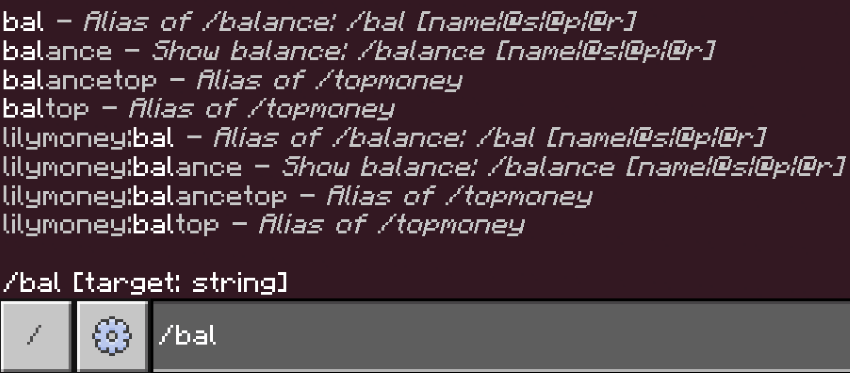
/bal
Short version of /balance.
/balance [player]
Shows another player’s balance.

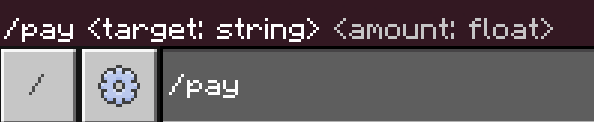
/pay <playerName|@s|@p|@r> <amount>
Pays another player. This command cannot make you go negative.
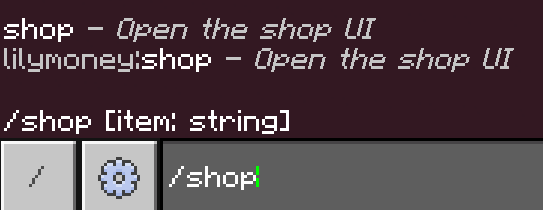
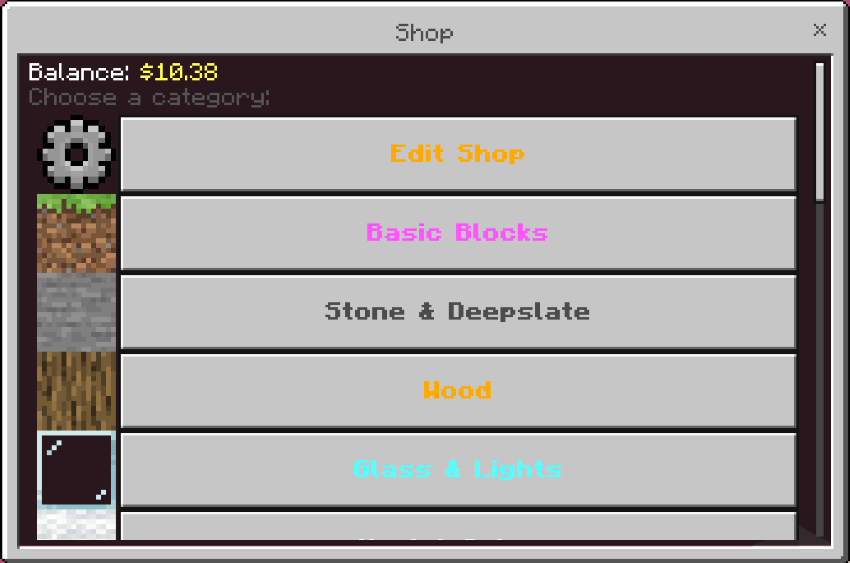
/shop
Opens the GUI shop.
/shop <search>
Searches the shop by item name, item ID, category, custom name, lore, and enchantments.
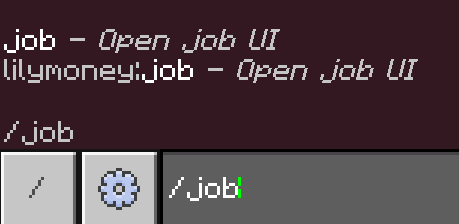
/job
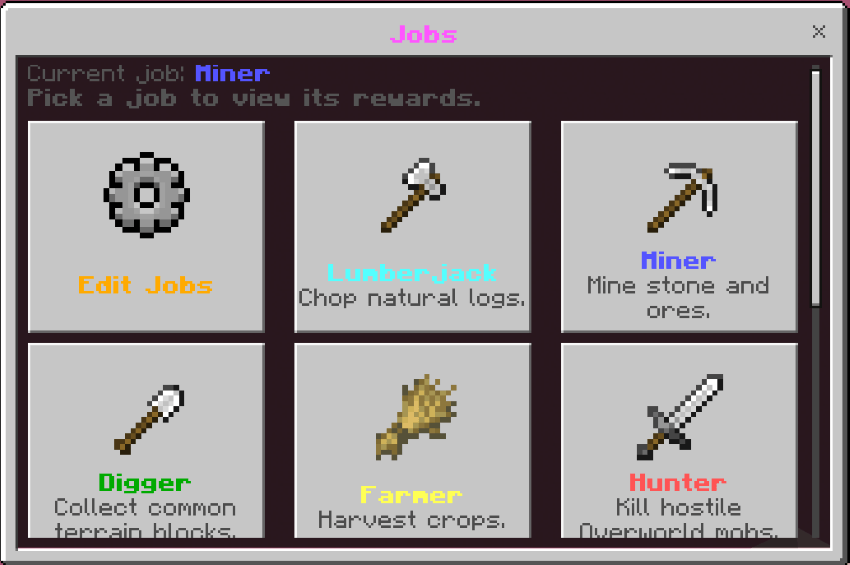
Opens the jobs UI.
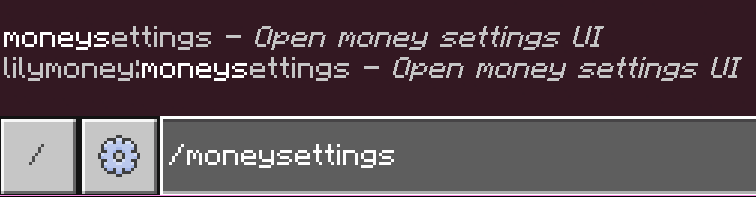
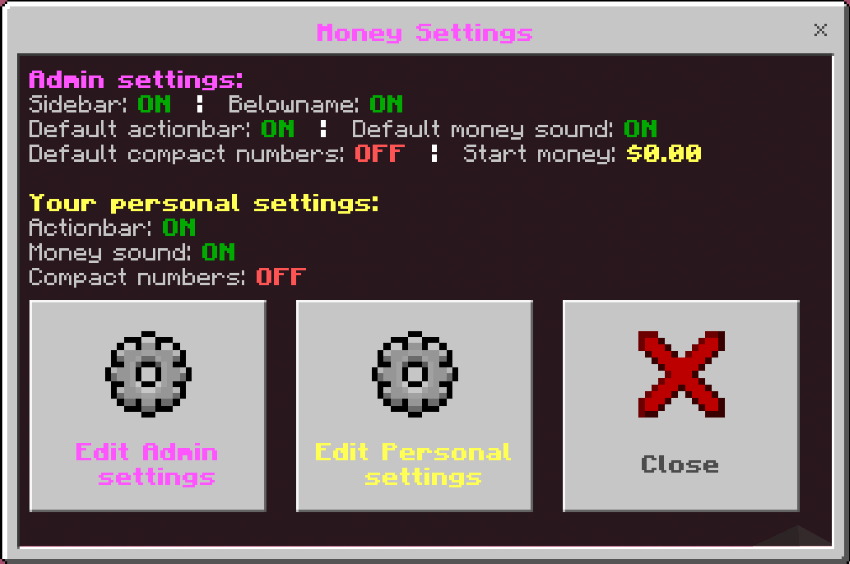
/moneysettings
Opens personal money settings.
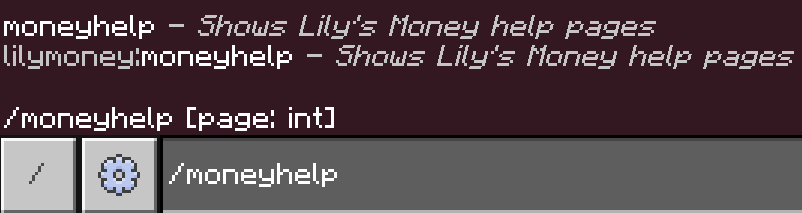
/moneyhelp [page]
Shows the full in-game help menu.
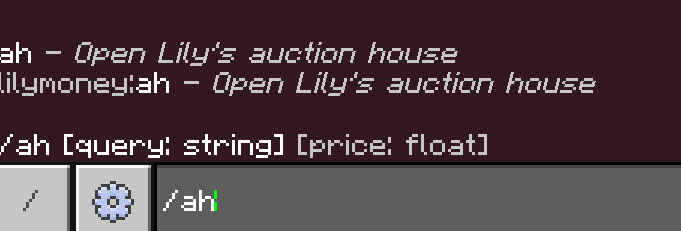
/ah <sell - search> <price>
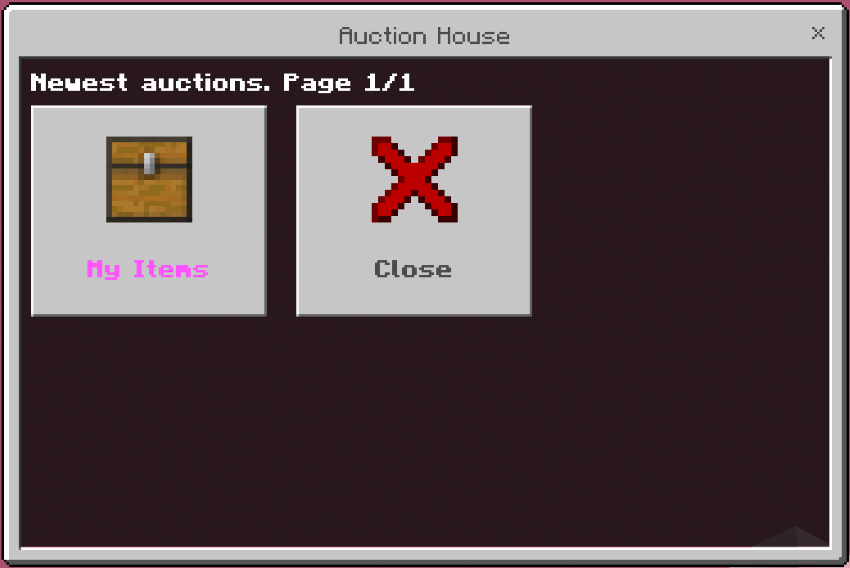
Auction House
Buy and sell items with other players using the built-in Auction House! List items, search auctions, manage your listings, and collect items that have expired. Sellers can even receive their money while offline.
Admin Commands :
Admins are players with the admin tag.
Give yourself admin:
/tag @s add admin
Remove admin:
/tag @s remove admin
Admin commands:
/setmoney <player> <amount>
Sets a player’s balance. This can set negative money.
/addmoney <player> <amount>
Adds money to a player.
/removemoney <player> <amount>
Removes money from a player. This can push players negative.
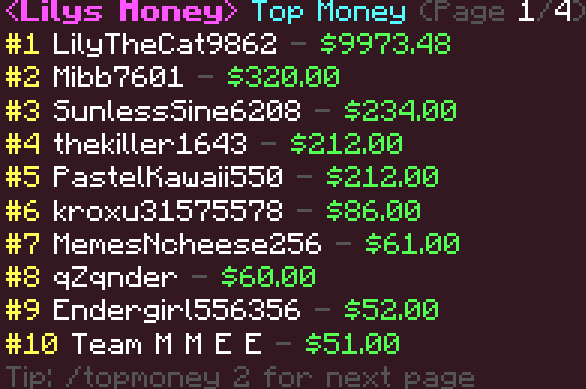
/topmoney [page]
Shows the money leaderboard.
/baltop [page]
Alias for /topmoney.
/balancetop [page]
Alias for /topmoney.
/buy <playerName|@s|@p|@r> <item> <amount> <priceEach>
Makes a target player buy a simple item by item ID. The player cannot go negative.
/sell <playerName|@s|@p|@r> <item> <amount> <priceEach>
Makes a target player sell a simple item by item ID.
Debt Rules :
Some commands allow negative money and some commands block it.
Can go negative:
/setmoney/removemoney
Cannot go negative:
/pay/buy- Shop purchases
This means admins can create debt if they want, but normal players cannot accidentally buy or pay more than they have.
GUI Shop :
/shop opens a full UI shop.
Players can:
- Browse categories
- Buy items
- Sell items
- Search items
- View custom item details
- Buy only if they have enough money
- Sell only if they have the correct items
The shop supports:
- Buy prices
- Sell prices
- Categories
- Normal item IDs
- Custom item names
- Enchantments when Minecraft allows them
- Exact hotbar item copying
- Lore
- Durability
- Lock mode
- Can place on data
- Can destroy data
- Custom item data
Admins can edit the shop directly in-game.
Shop admin features:
- Add categories
- Add normal items by ID
- Add custom named items
- Add enchantments when Minecraft accepts them
- Copy exact items from your hotbar
- Set buy and sell prices separately
- Make items buy-only, sell-only, or both
- Move items between categories
- Remove items
- Restore the default shop
- Clear the entire shop
Note: Exact shulker boxes are blocked because Minecraft Bedrock hides their contents from scripts. This prevents accidentally selling empty copied shulker boxes.
Note: echo shards are exactly 10$ to buy and to sell at the /shop so they can be used as a physical currency for roleplay maps or player ingame trading
Jobs System :
/job opens the jobs UI.
Players can:
- Join one job
- Leave their job
- Change jobs anytime
- Earn money from job actions
Default jobs include:
- Lumberjack
- Miner
- Digger
- Farmer
- Hunter
- Rancher
- Trial Hunter
- Nether Hunter
- End Hunter
Jobs can reward:
- Breaking blocks
- Placing blocks
- Killing mobs
Admins can edit jobs in-game.
Job admin features:
- Add jobs
- Rename jobs
- Edit job descriptions
- Enable or disable jobs
- Edit break rewards
- Edit place rewards
- Edit kill rewards
- Edit pickup rewards
- Delete jobs
- Clear all jobs
- Reset default jobs
Jobs include placed-block protection to help stop “place block, break block, earn infinite money” exploits.
Farmer jobs also support mature crop rewards, so grown crops can still pay correctly.
Money Settings :
/moneysettings opens the money settings UI.
Players can edit:
- Actionbar money display
- Money sound
- Compact numbers
Compact numbers turn large money values into shorter text, like:
$1.2k$3.4m$5.6b
Admins can edit global/default settings:
- Sidebar display
- Below-name display
- Default actionbar display for players
- Default money sound for players
- Default compact numbers for players
- Starting money for first join
Players can still override their own personal settings after admins set the defaults.
Money Displays :
Admins can enable money display options with /moneysettings.
Display options include:
- Sidebar money display
- Below-name money display
- Actionbar money display
- Compact numbers
The actionbar display shows full dollar and cent values, while compact mode can shorten large numbers.
Starting Money :
Admins can configure money given to players on first join.
This is only given once per player.
This is useful for:
- Survival servers
- Starter economy worlds
- Roleplay worlds
- Adventure maps
- Realm shops
Credits :
Made by LilyTheCatgirl
Minecraft name: LilyTheCat9862
the V3 and after versions use a jsonui made by 8crafter
Discord:
https://discord.gg/mVJmmAuQeX
Lily's Money Team