MCPEDL.png
menu.png
13272.jpg
13270.jpg
13268.jpg
13266.jpg
Description
Floating Scoreboards & Floating Text
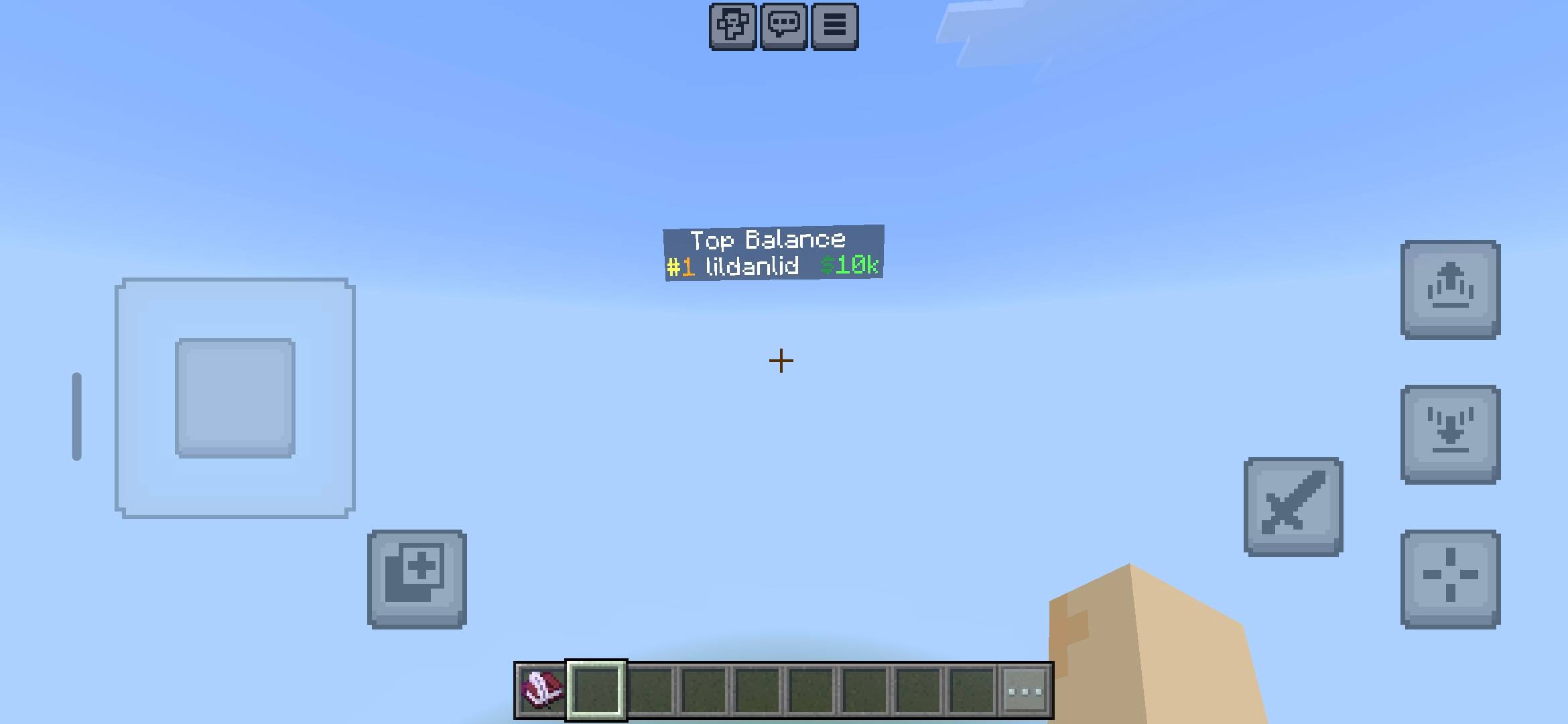
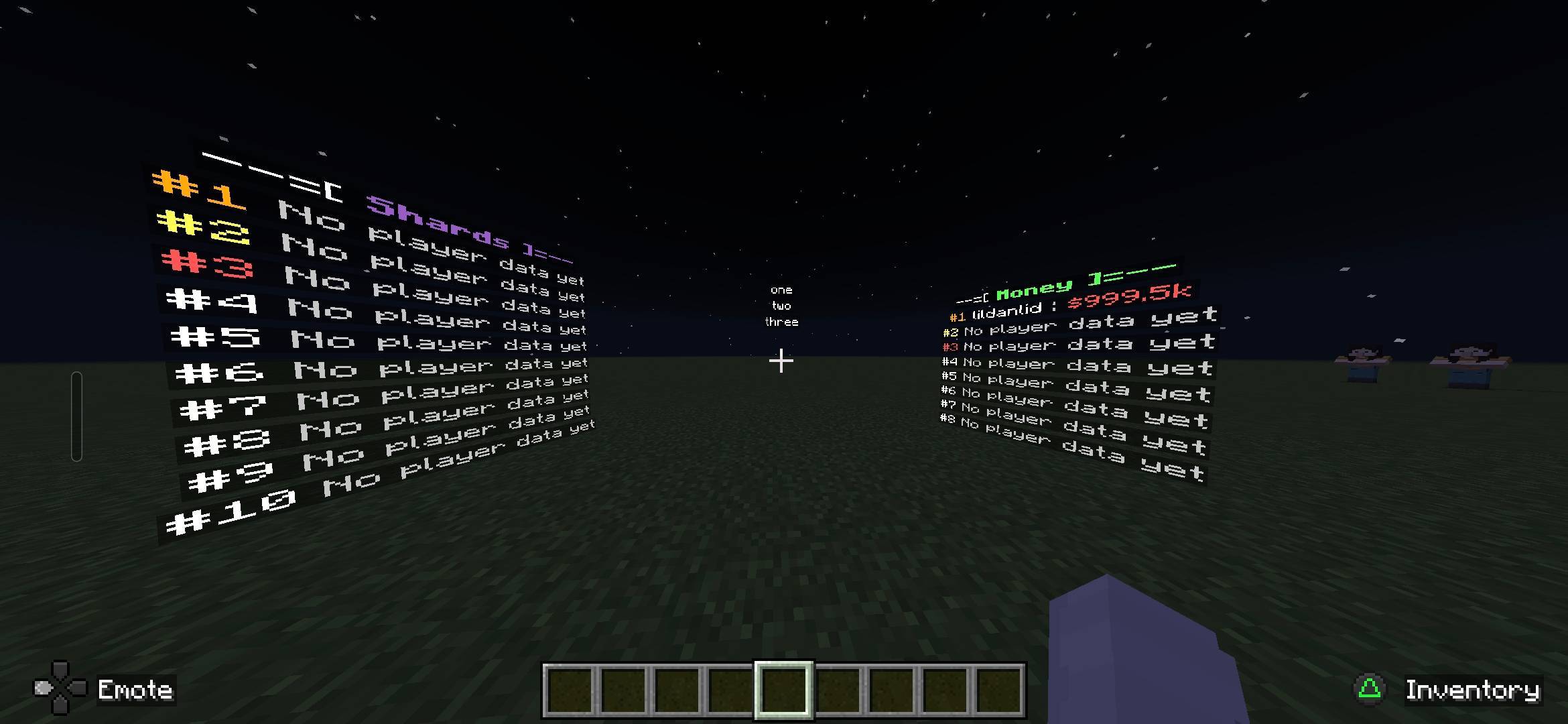
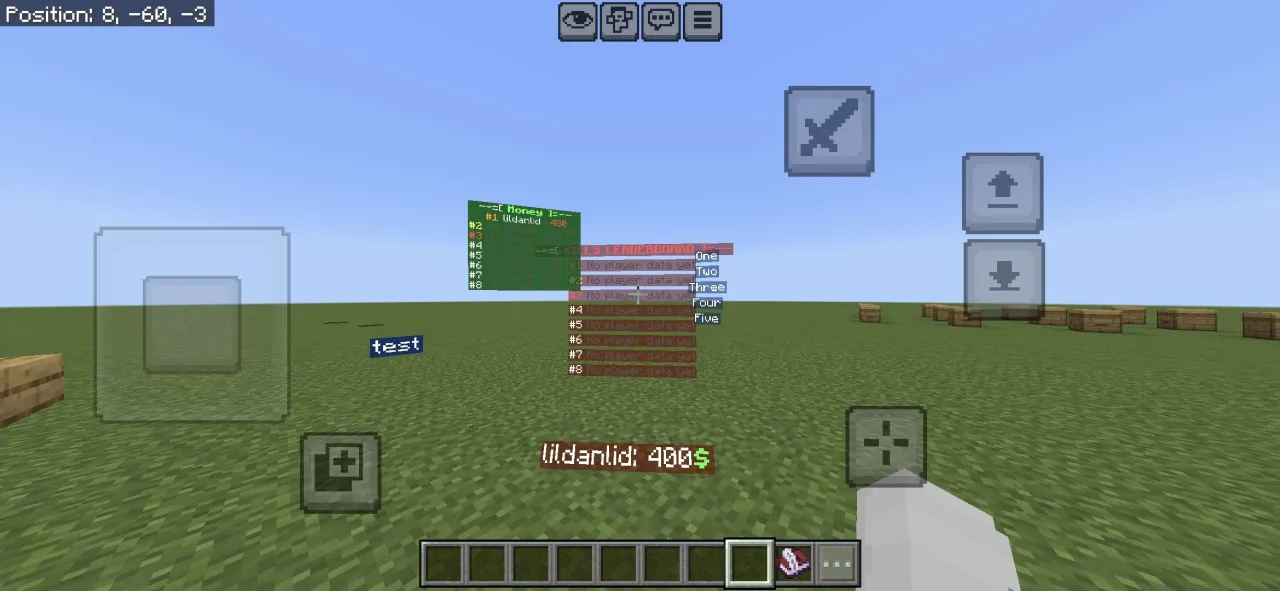
Create customizable floating text displays and live scoreboards with adjustable sizes, colours, backgrounds, and visibility settings.
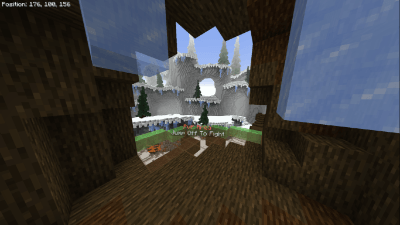
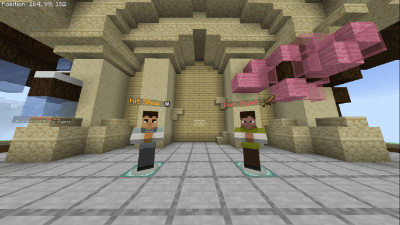
Floating Scoreboards & Floating Text is a Minecraft Bedrock add-on that allows server owners, creators, and map makers to create and manage floating displays anywhere in their worlds using Minecraft's Debug Utilities.
Features
- Floating Text — Create custom text displays with multiple lines.
- Live Leaderboards — Display automatically updating player scores.
- Separate Bars — Toggle between individual leaderboard lines or one combined floating text.
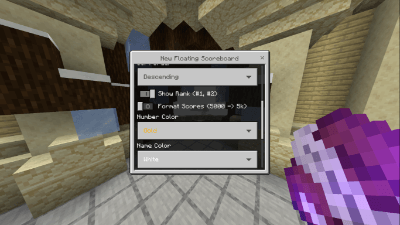
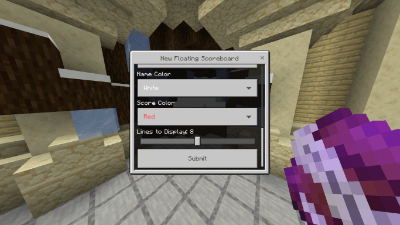
- Custom Appearance — Adjust text size, colours, background opacity, and line spacing.
- Visibility Settings — Choose which players can see each display.
- Render Distance — Customize how far away displays are visible.
- Persistent Data — Keep floating texts and scoreboards saved after restarts.
- In-Game Editing — Create, edit, reposition, and delete displays through menus.
How2Use
Obtain the Floating Text Menu item from the Items tab in creative inventory or use /give @s fetherstu:textmenu.
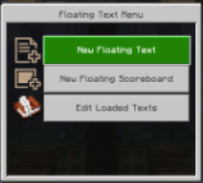
- Use the item to open the main menu.
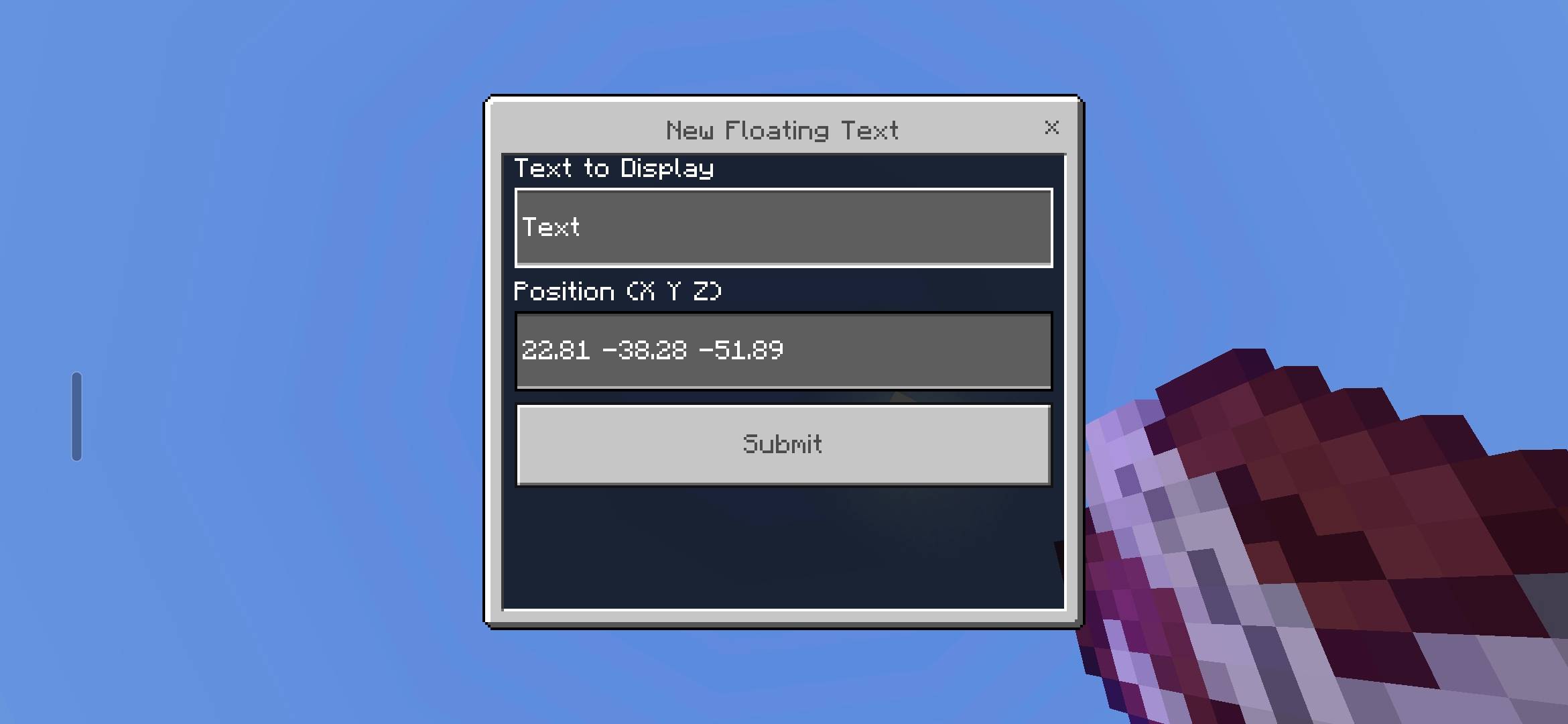
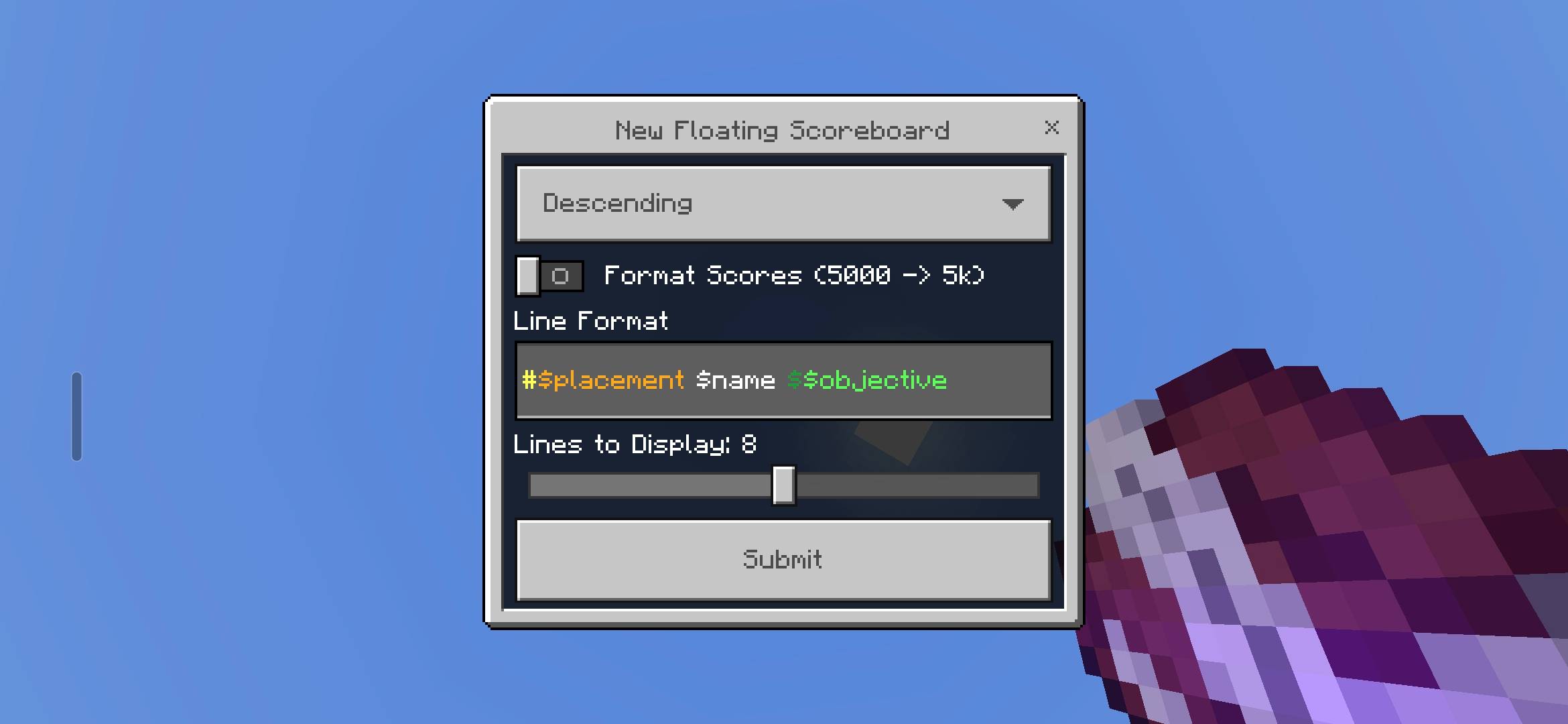
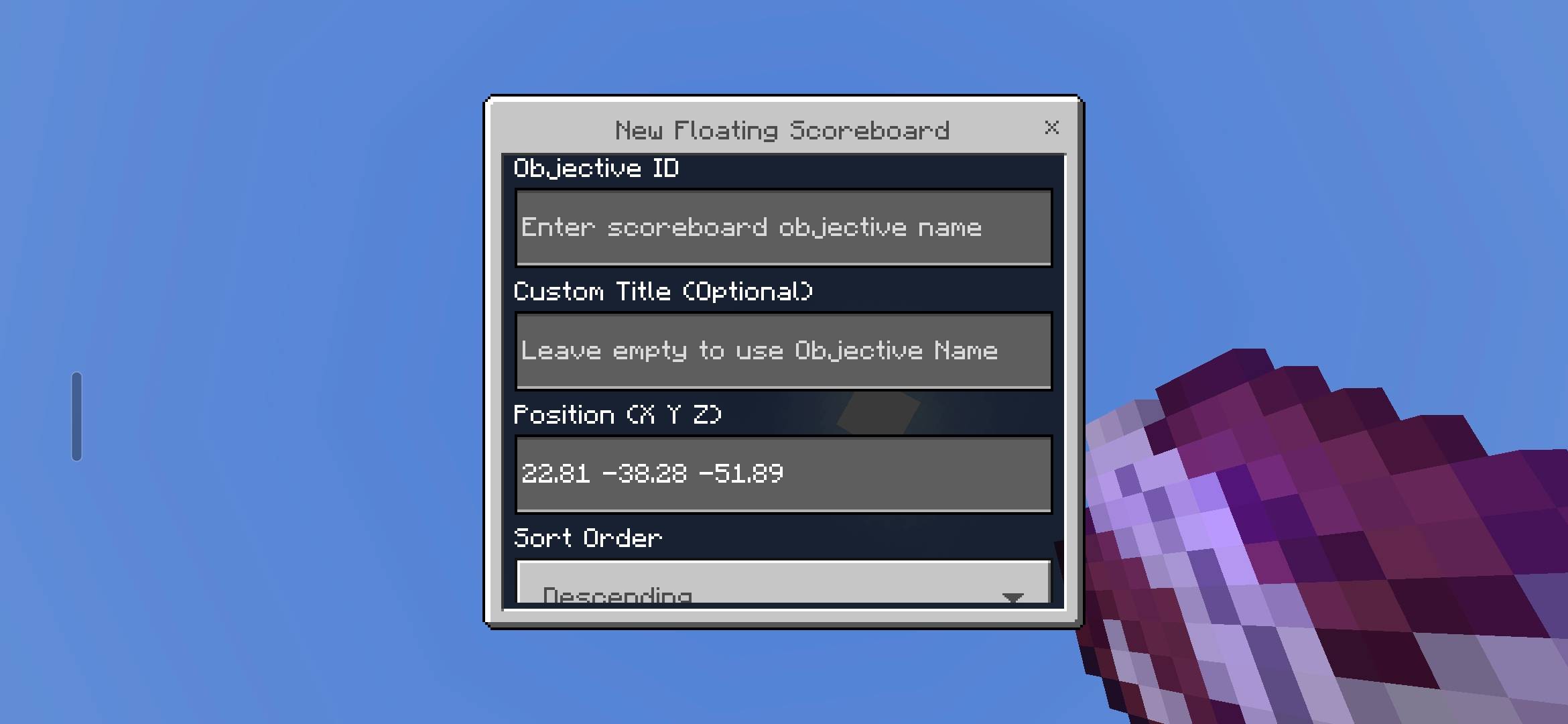
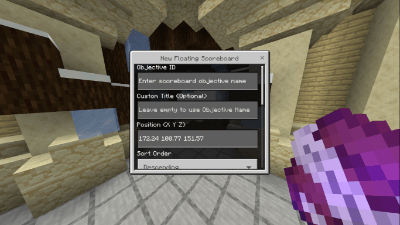
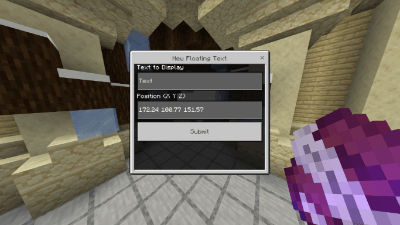
- Select New Floating Text or New Floating Scoreboard.
- Enter your text or select an existing scoreboard objective.
- Customize the position, size, colours, and other settings.
- Save your configuration to create the display.
To modify an existing display, select Edit Floating Texts from the main menu.
Note: Enable the Beta APIs experiment in your world.

Floating Text Team