Koth (King Of The Hill)
- By
Easy to configure, simple to set up, and effortless to use. KOTH provides a clean, reliable King of the Hill experience.
Description
KOTH — King of the Hill
One Hill. One Battle. One Winner.
Turn a corner of your Minecraft Bedrock world into an event players actually look forward to. Fight for control of the hill, defend it against other players, climb the leaderboards, and claim rewards. Built for survival servers, SMPs, and PvP communities.
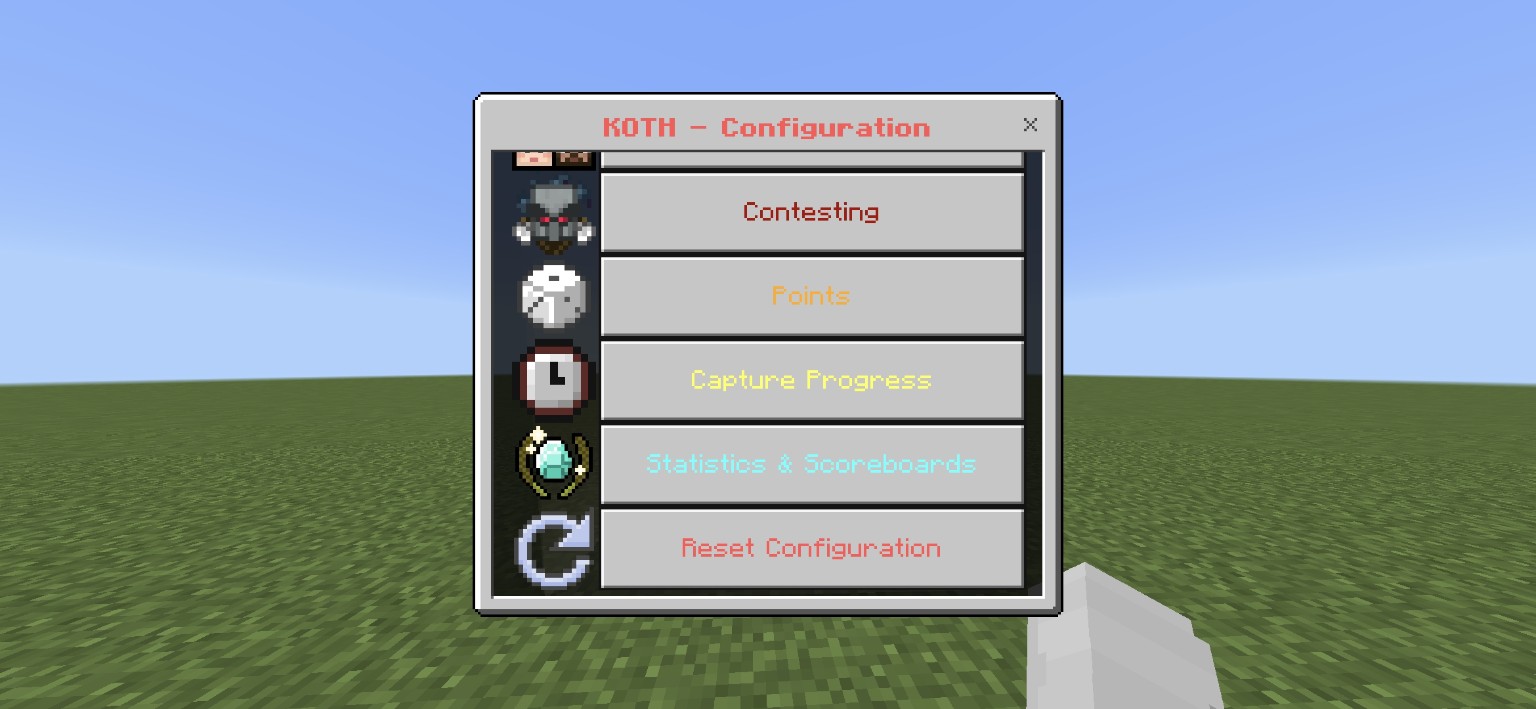
One Hill. All the Competition.
KOTH brings competitive King of the Hill events to Minecraft Bedrock Edition without complicated setup. Players can check when the next event begins, see their current record, follow the leaderboard, and jump into the fight when the hill becomes active. Everything revolves around one configurable location.
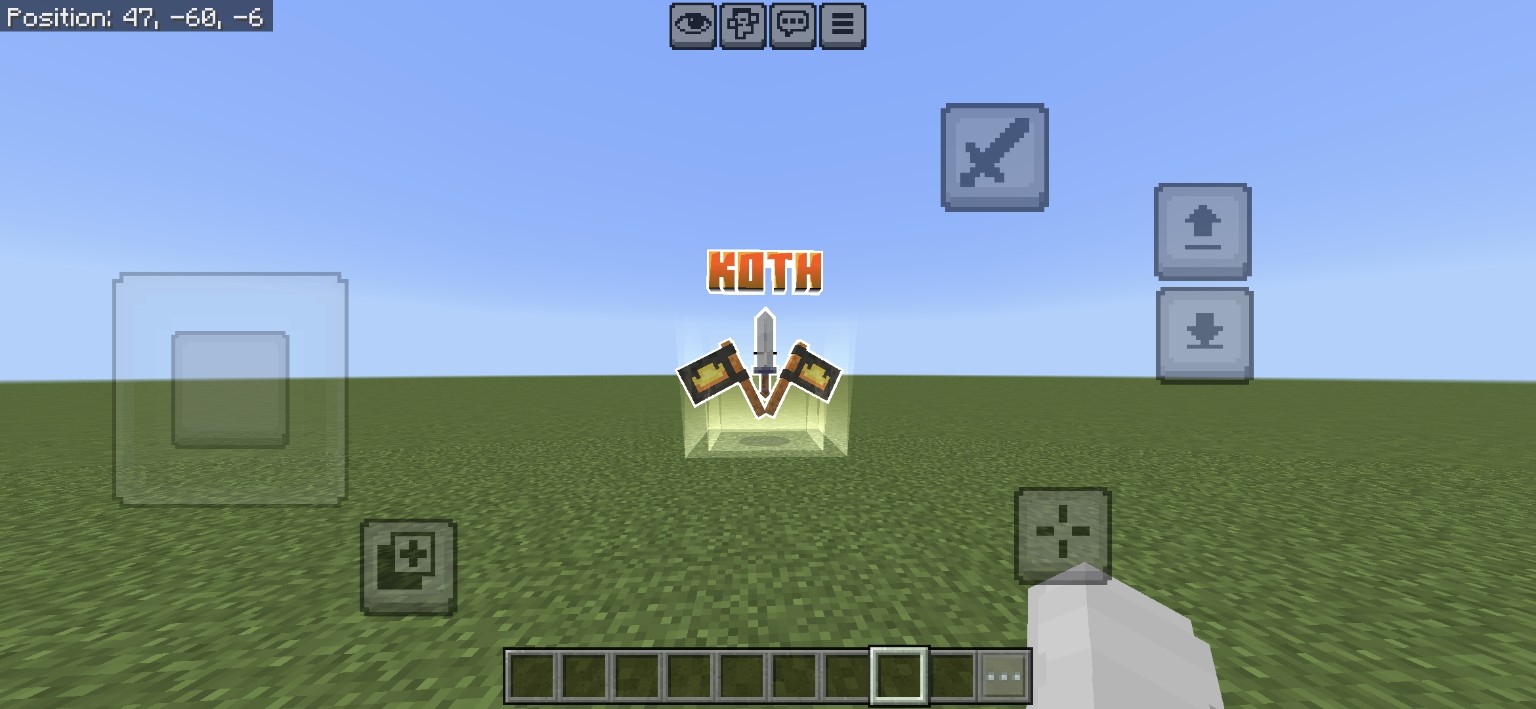
A Landmark Worth Fighting For
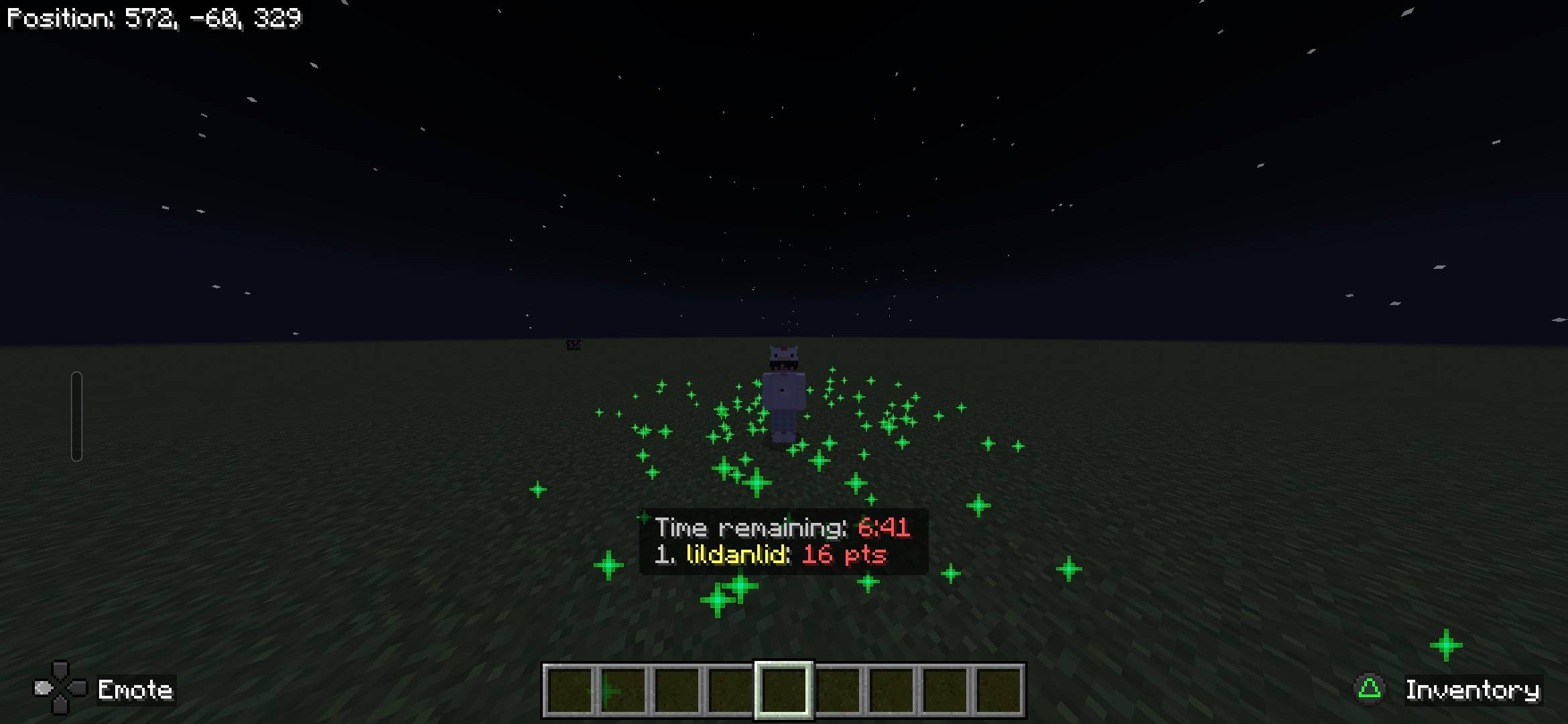
The custom KOTH NPC gives your event a landmark players can recognize from a distance. Its integrated model and textures are included in the add-on. Spawn it yourself or have it appear automatically when an event begins, with options to display the NPC, particles, both, or neither.
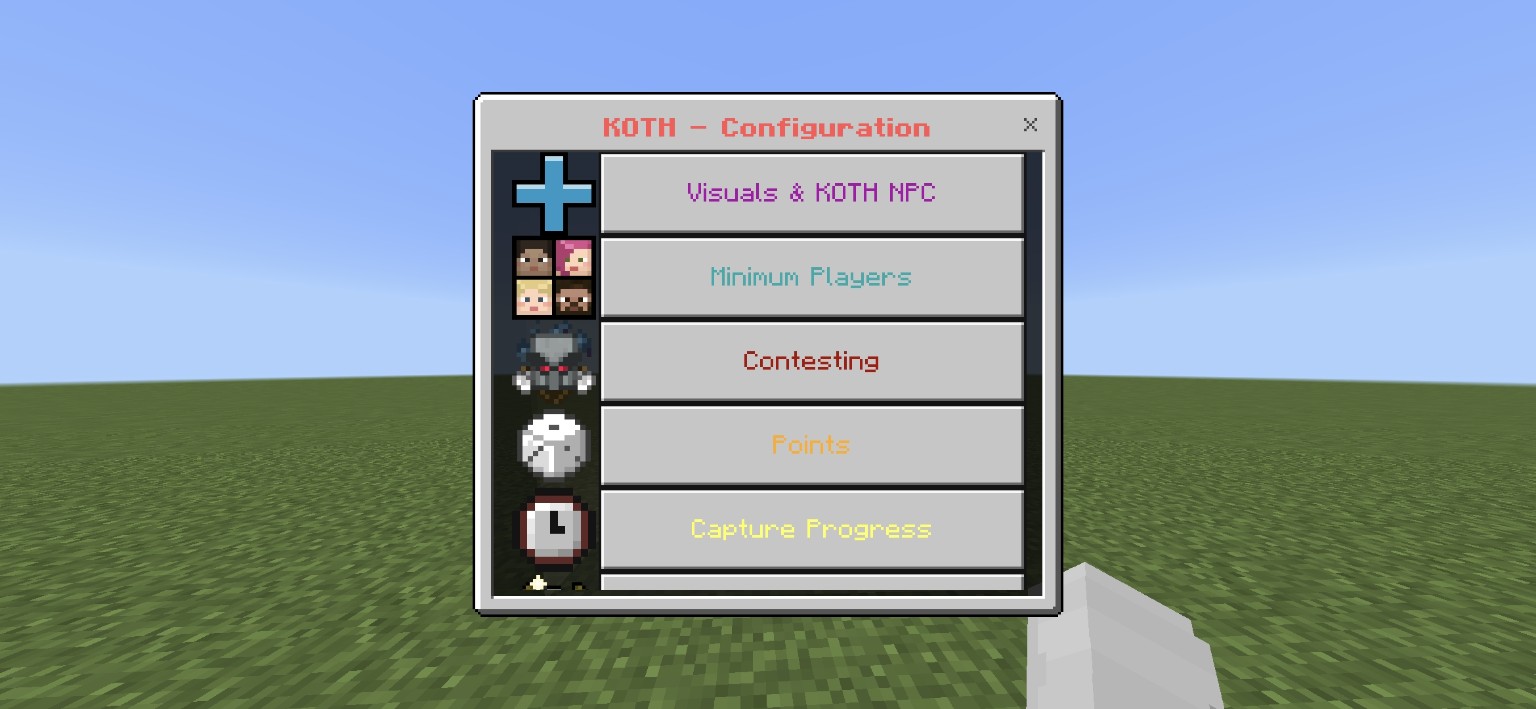
Taking the Hill Takes More Than Standing Still
Capturing the hill takes time, and holding it is where the challenge begins. Set the capture duration, decide what happens when opponents contest the zone, and control when progress pauses or resets. Adjust player requirements and scoring to give every event the pace you want.
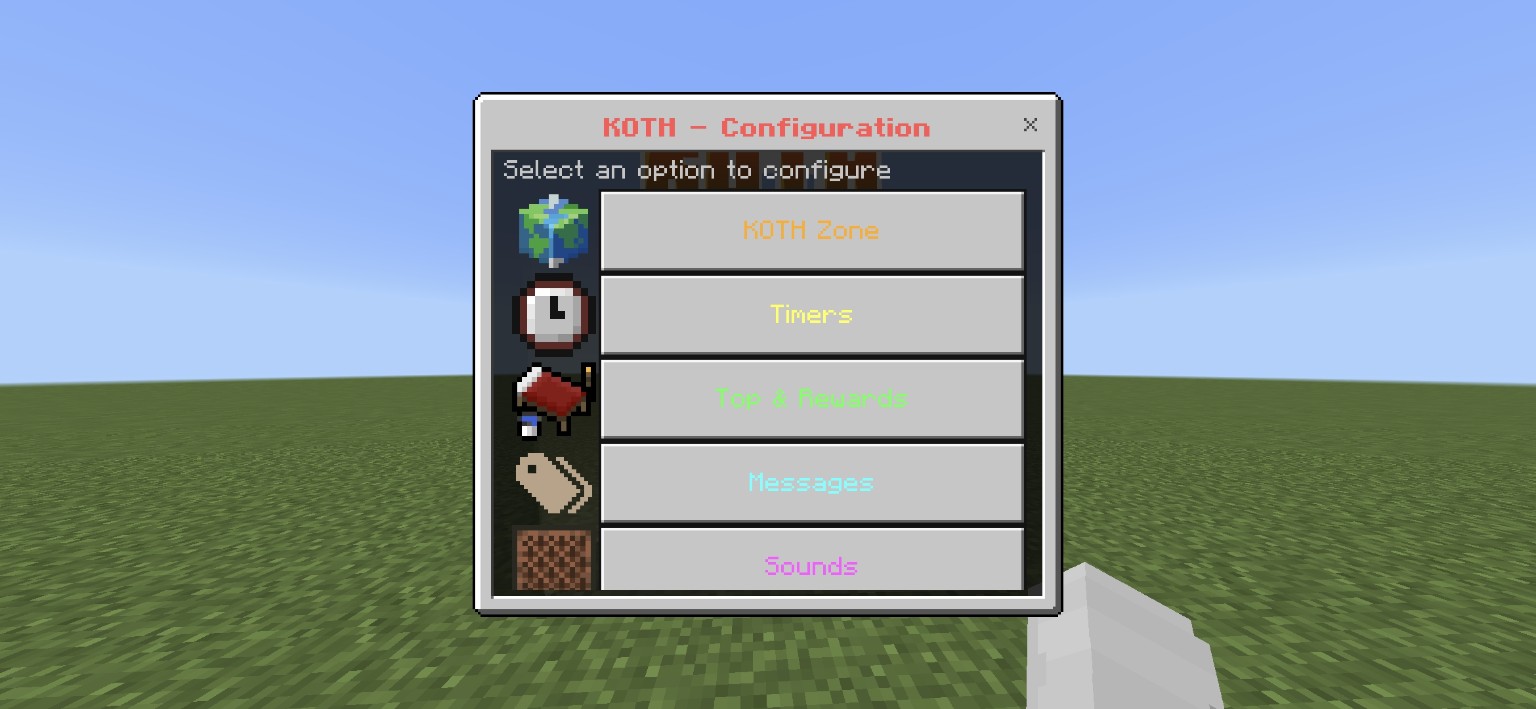
Events That Keep the Server Moving
Once the hill is configured, KOTH can take care of the schedule. Set automatic event intervals, countdown warnings, cooldowns, and minimum-player requirements, or start an event manually. Configure winner and participation rewards, including weighted reward pools, so every battle has something worth fighting for.
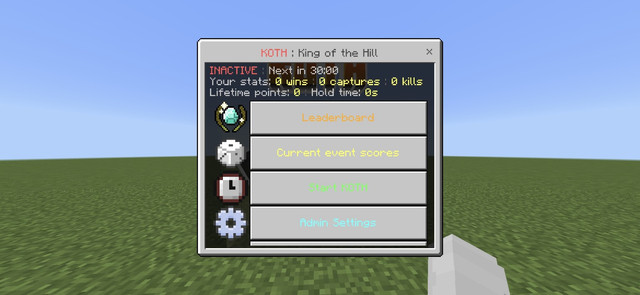
Every Victory Counts
A single victory is good. A reputation is better. KOTH tracks wins, captures, kills, points, event participation, and time spent holding the hill across sessions. Choose which statistics appear on leaderboards, configure scoreboard objective names, and manage seasonal records through the in-game settings.
Built for Your Server
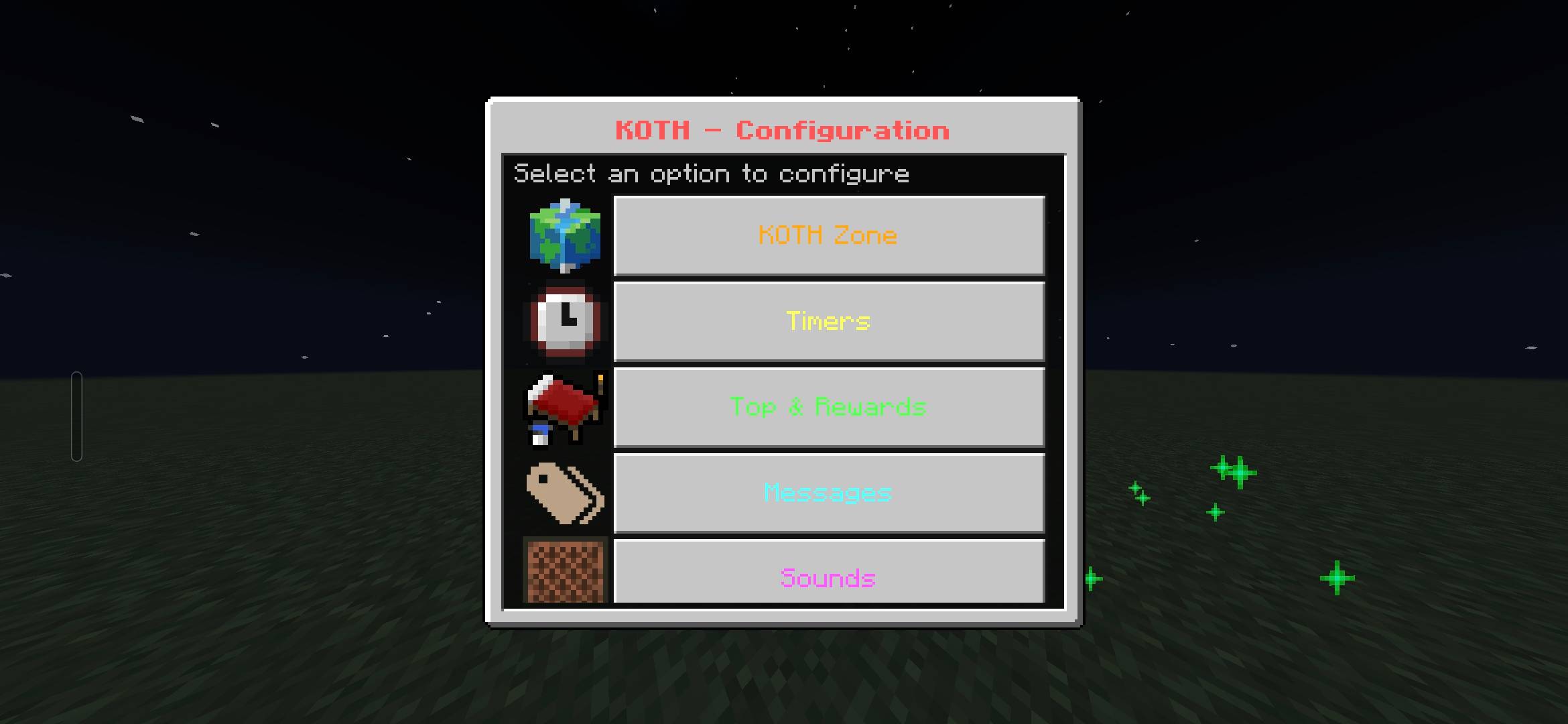
Set your hill's boundaries, timers, capture rules, rewards, announcements, visuals, and scoreboard objectives using KOTH's in-game administration menus. You can reset or update settings without juggling multiple arenas: KOTH intentionally uses a single hill.
Getting Started
- Import the
.mcaddoninto Minecraft Bedrock Edition. - Enable its included behavior pack and resource pack in your world.
- Open
/koth:configwith administrator permissions and configure the hill. - Choose how the KOTH NPC and particles should appear, then start an event or enable automatic scheduling.
KOTH NPC: Administrators can use /koth:npc or spawn the entity directly with /summon koth:npc.

Koth (King Of The Hill) Team