Minecraft_2026-10-04-19-06-22.png
Minecraft_2026-10-04-19-06-16.png
Minecraft_2026-10-04-19-06-10.png
Minecraft_2026-10-04-19-06-39.png
Minecraft_2026-10-04-19-06-33.png
Description
Report System — Report A User



Report System is a customizable Minecraft Bedrock Edition addon that lets players report problems directly through an in-game interface. Players can submit reports, track their submissions, read administrator responses, and close their own reports.
Designed for multiplayer worlds and servers, the addon keeps player reports organized with configurable report reasons, submission limits, notifications, and administrative controls. Reports and responses are saved using Minecraft world dynamic properties, allowing them to persist across sessions.
Reporting A Player
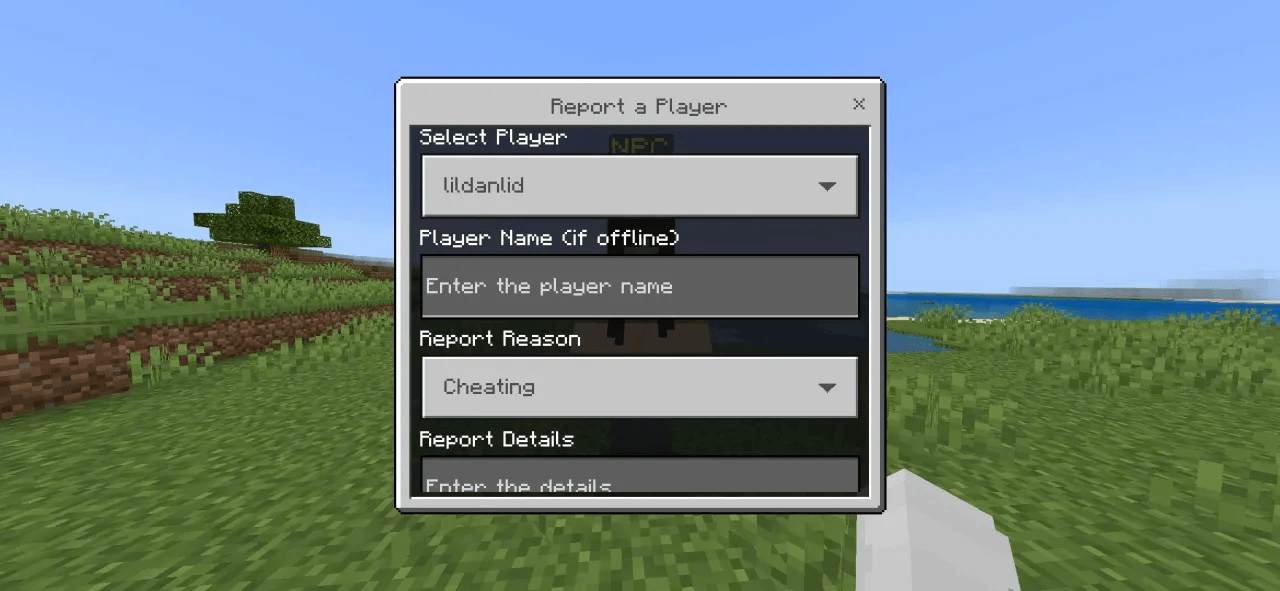
Players can report an online player or manually enter the name of an offline player. Each report includes a selected reason and additional details to help administrators understand the situation.
Available report reasons include:
- Cheating
- Harassment
- Griefing
- Inappropriate Behavior
- Other
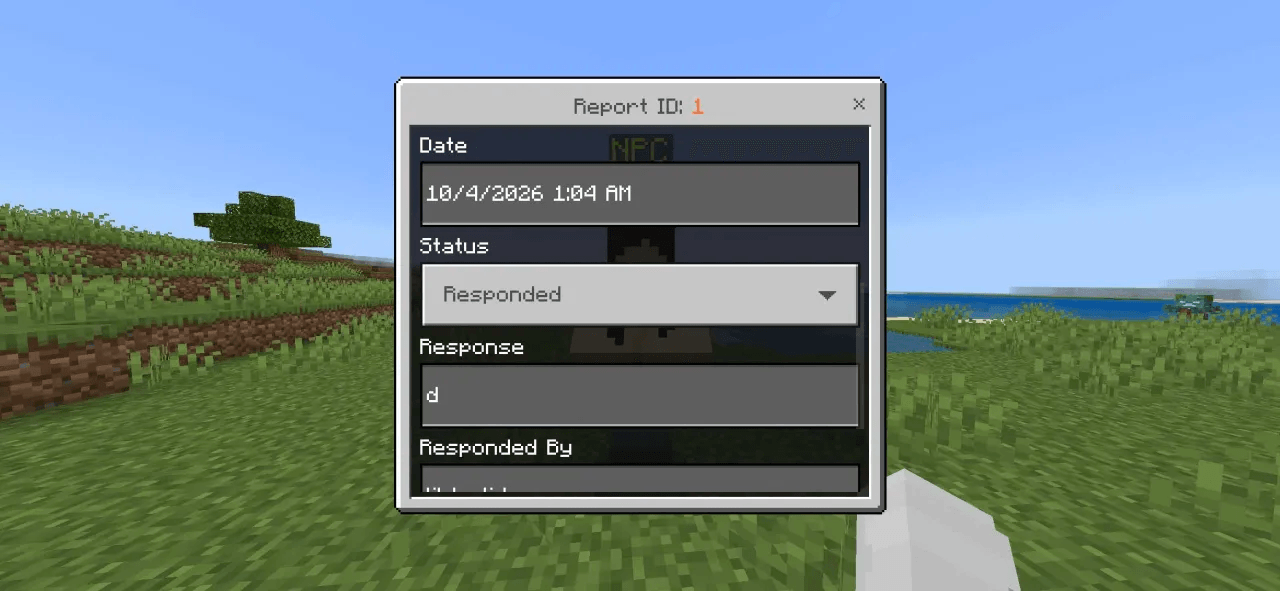
Each submission receives a report ID, timestamp, and status, making individual reports easier to find and review.
How2Use
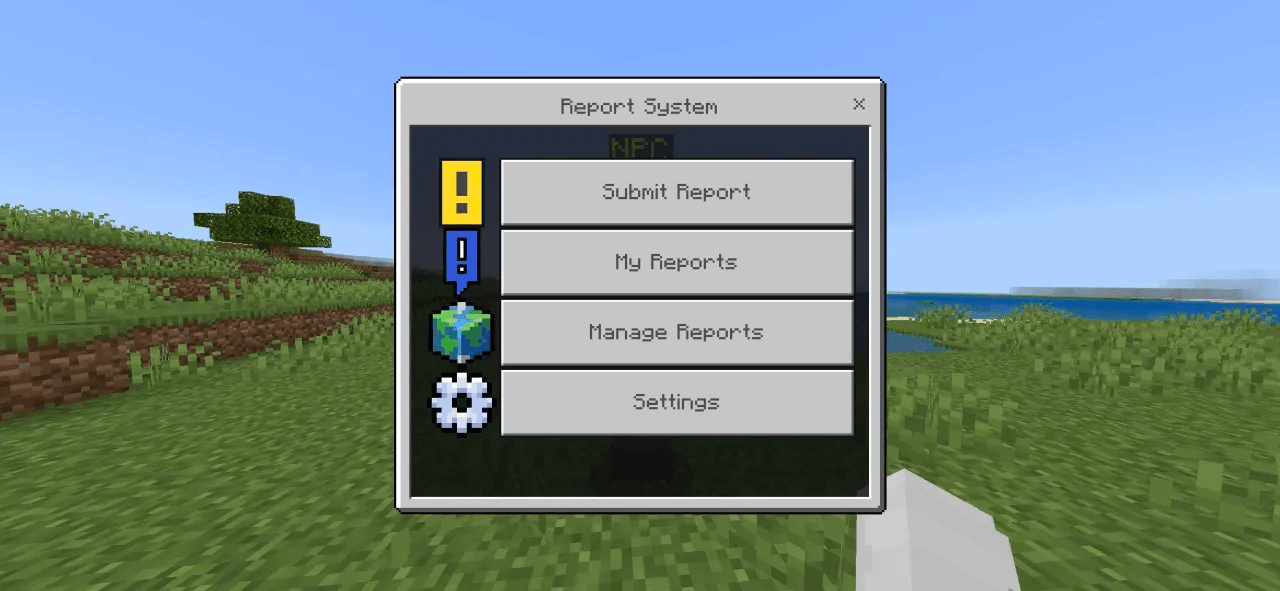
Players open the interface by interacting with the configured Report NPC.
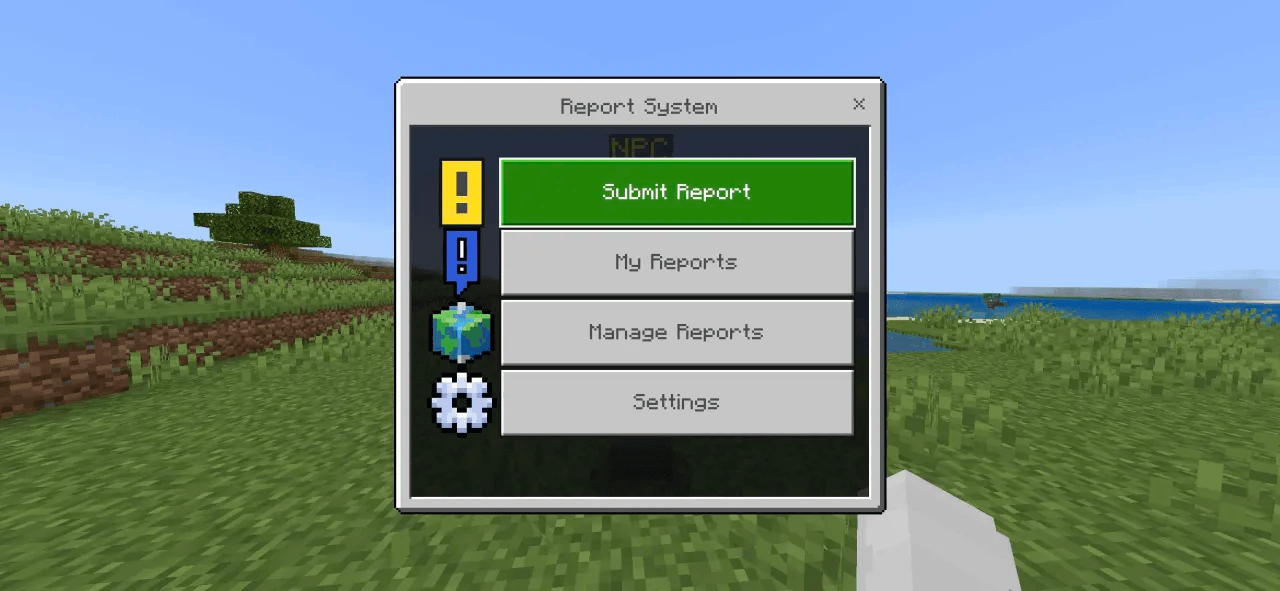
Select Submit Report, choose the player, select a reason, and enter the details before submitting.
The My Reports menu lets players view their submissions, check their status, read administrator responses, and close reports they no longer need.
Reports use three statuses: Open, Responded, and Closed.
Your Control
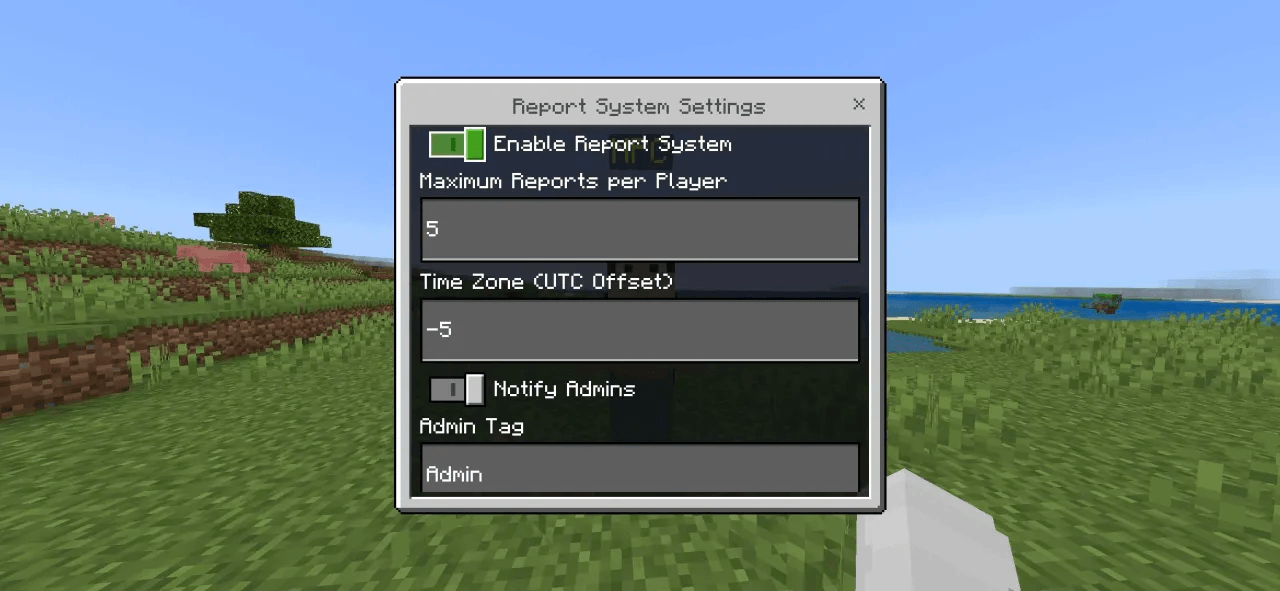
Give a player the admin tag to access the administration menus.
Administrators can review all reports, update report details and statuses, send responses, delete reports, and adjust the reporting settings.
Online administrators receive notifications when a new report is submitted. Players who are online receive a notification when their report is answered; offline players can read the saved response later through My Reports.
Crouching administrators can access the Report NPC’s native screen, while normal interaction opens the reporting interface.
ReportSystem Team