JunieClient
- By
The Ultimate Client. Many Amazing features from others mods combined into one Client. (Project Junie:Prime)!
Screenshot 2026-08-30 104849.png
Description
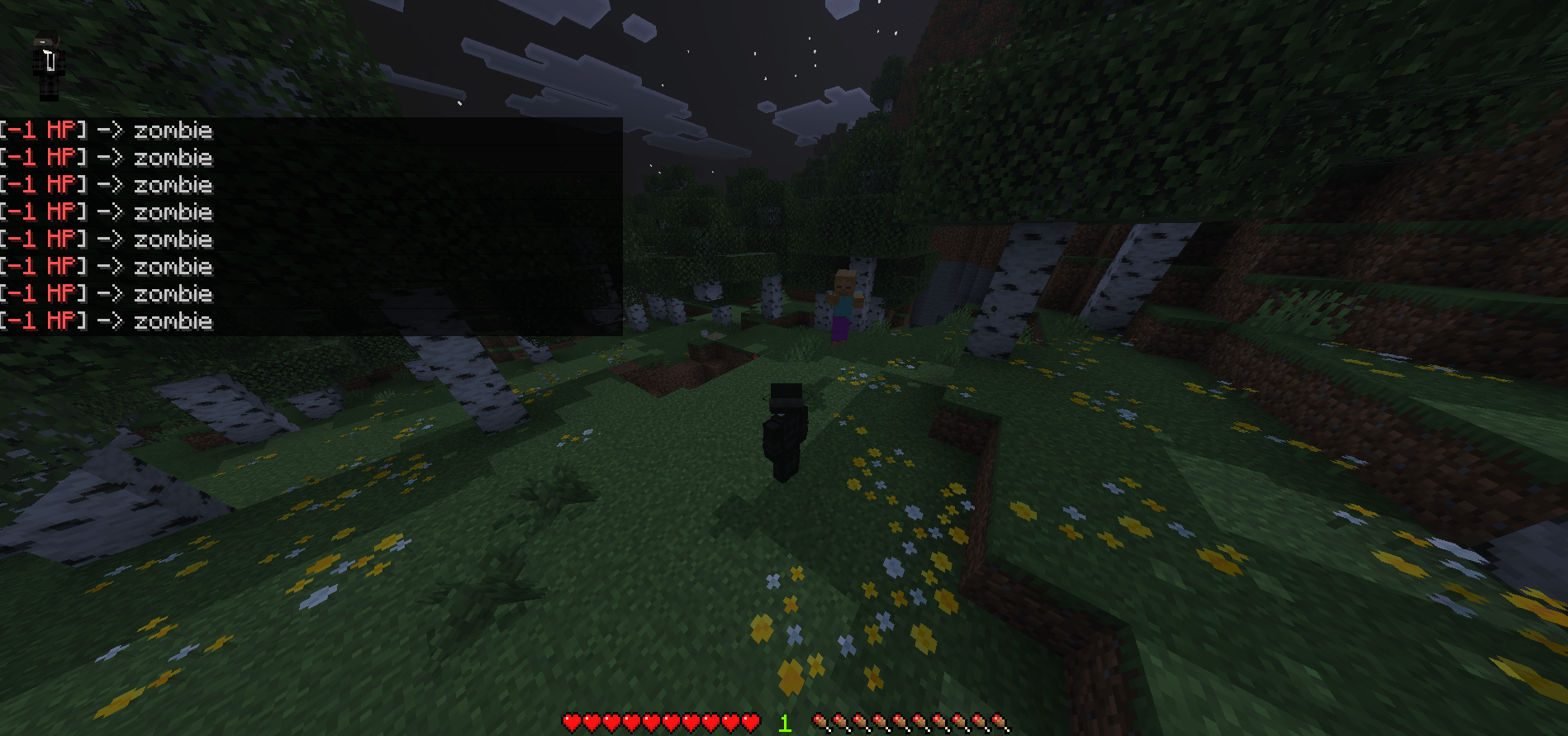
Kill Aura: With this module, you will be able to hit targets around you at 5cps and wont have to press your mouse once! You can trick your friends to get an unfair advantage or just use it againts mobs in which you will never be hit.
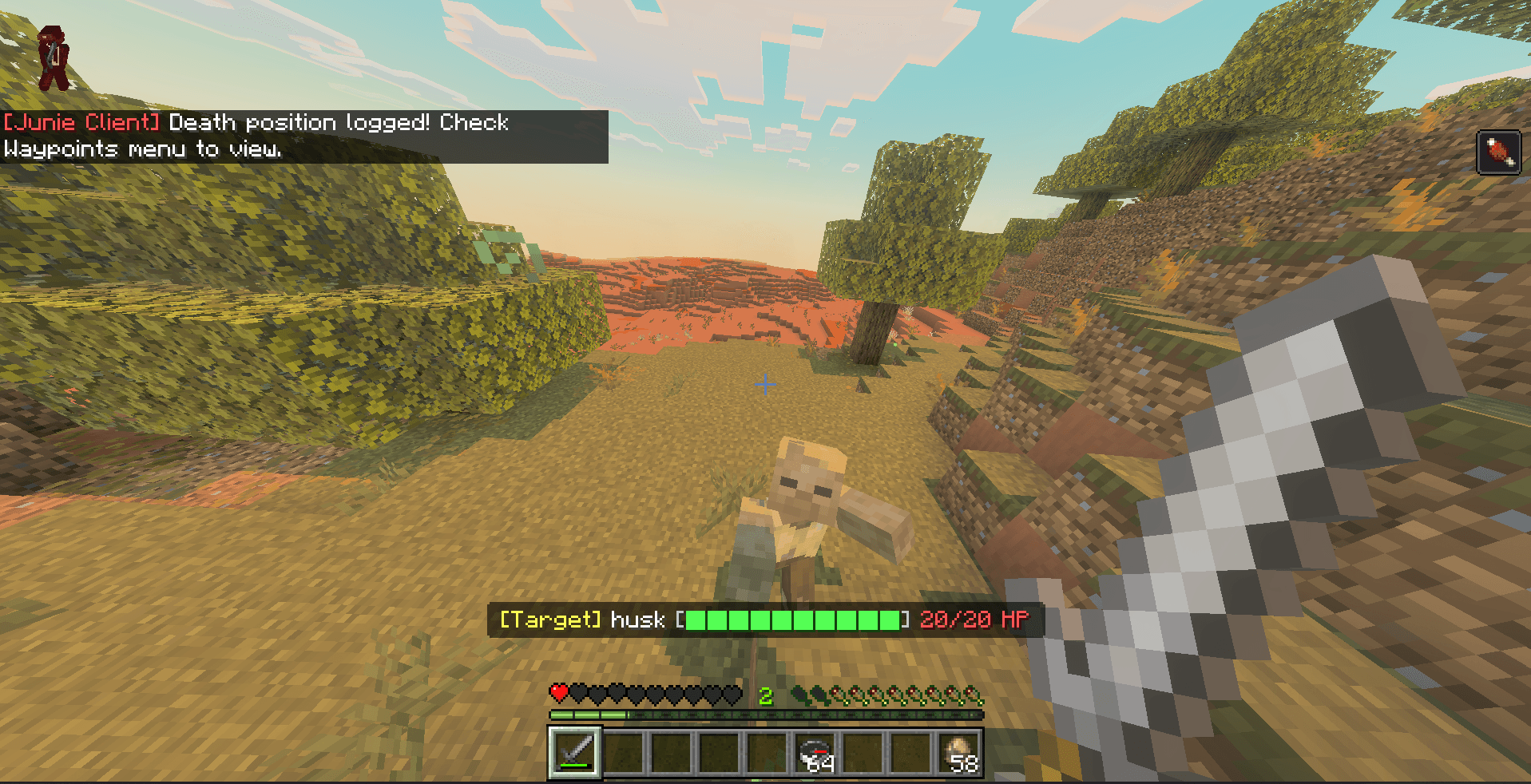
Target Health: Target Health makes it so that you see mobs and players HP: (20 hp = 10 mc hearts) This will give you a sense of awareness on when and when not to attack and how your oppent or how the "mob" is doing!
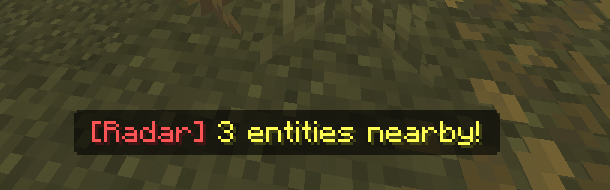
Radar: The Radar does not show an ingame radar (like minimap) but it does show text of the amount of entities in your area, say you are playing hide and seek with a friend or friends and you have radar on. You will know that they are close without giving away their exact position so its still fun.
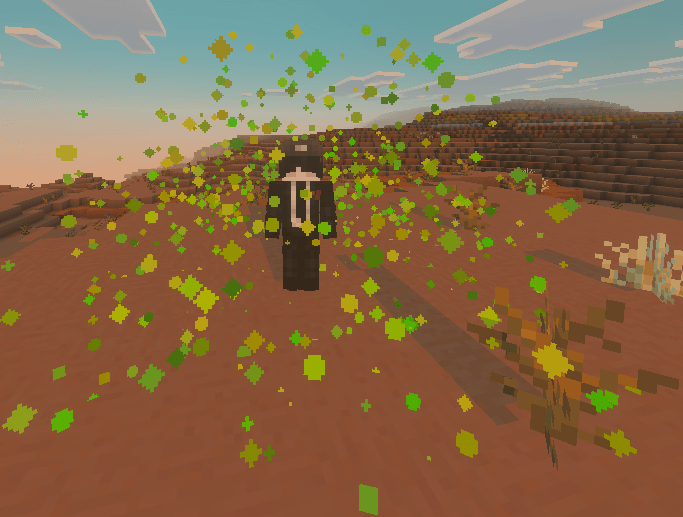
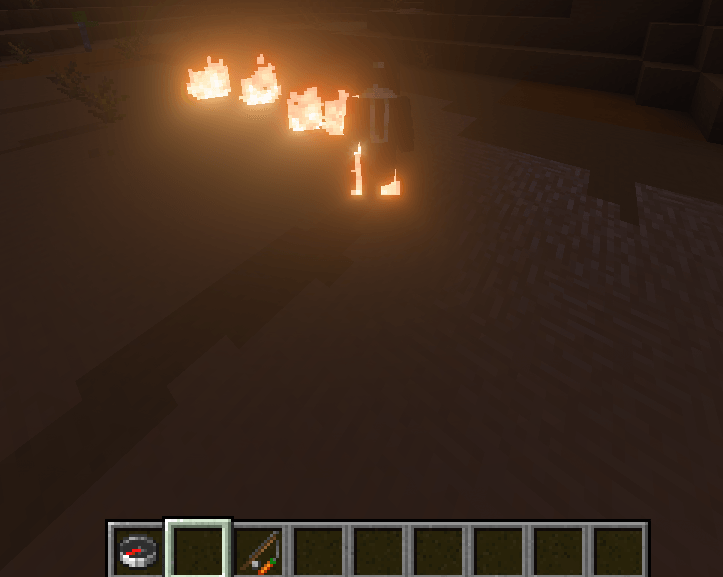
Particles: Particles are fun little cosmetics added to the game to enhance the visual aspect, vibe and fun of the game, others will be able to see them as will you. Particles consists of the following:
- end rod sparkes
- hearts
- blue notes
- flame trail
- redstone dust
- Happy villager sparkes
- Water droplets
- Lava embers
- Totem Revival
- Blossoms falling
- Wax spec
- Eletric Spark
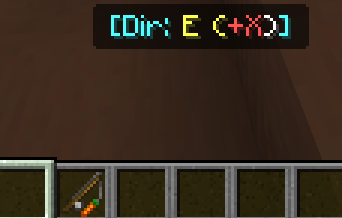
Compass: This on screen directional compass shows you were North, East, West and South are and changes as you change directions, useful if you need to go a specific way!
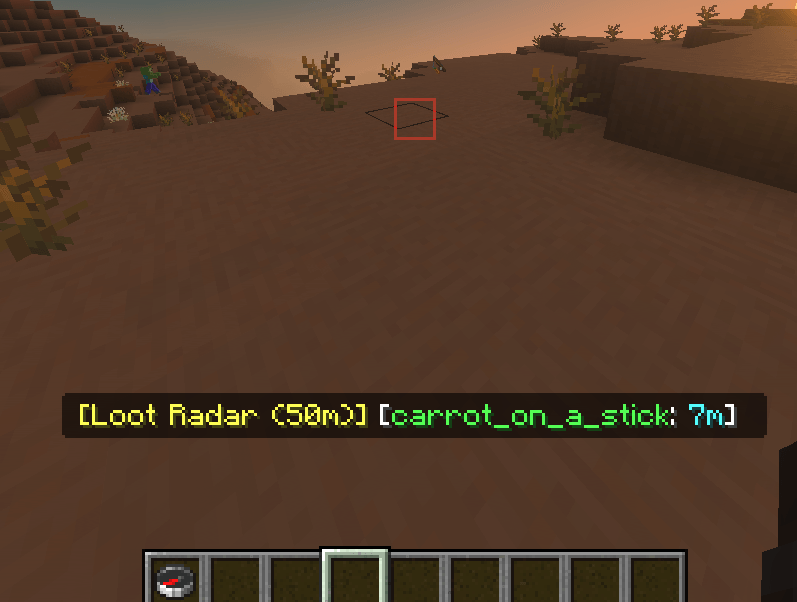
Item Tracker: Tracks dropped items up to 50m away, names the item, names how many of the item and then how far away you are, limited to 50m to prevent massive lag if too many dropped items are near.
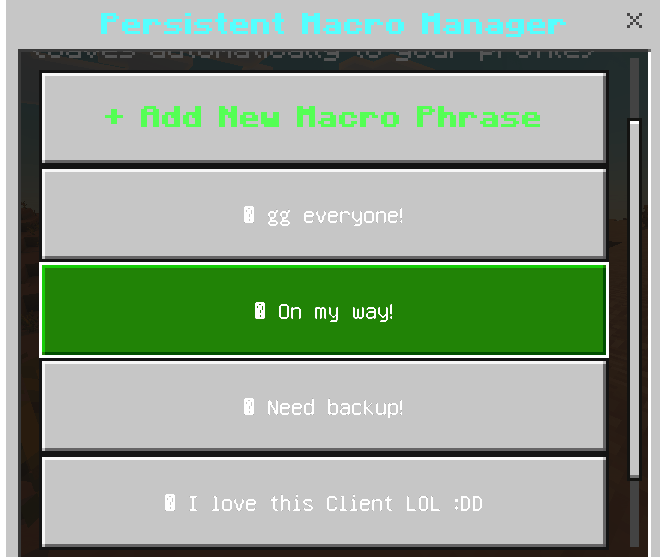
Quick Chats: There are quick chats in which have 3 basic quick chats
- gg everyone!
- On my way!
- Need backup!
But also has a unique "add" feature in which you can add your own custom quick chat and it saves to your menu permanently!
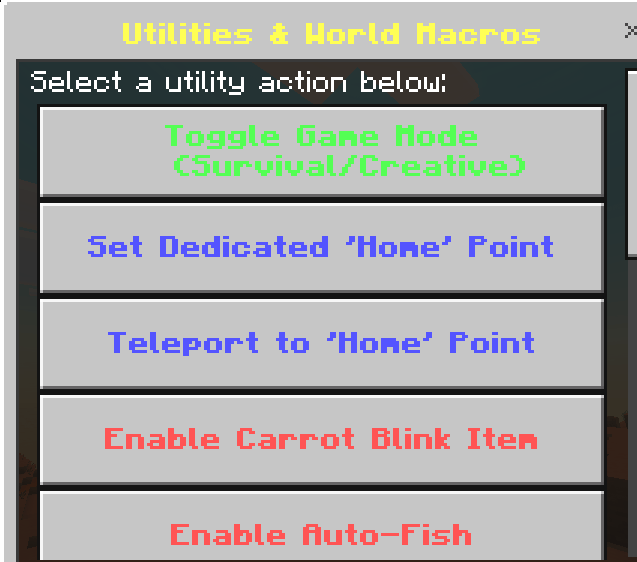
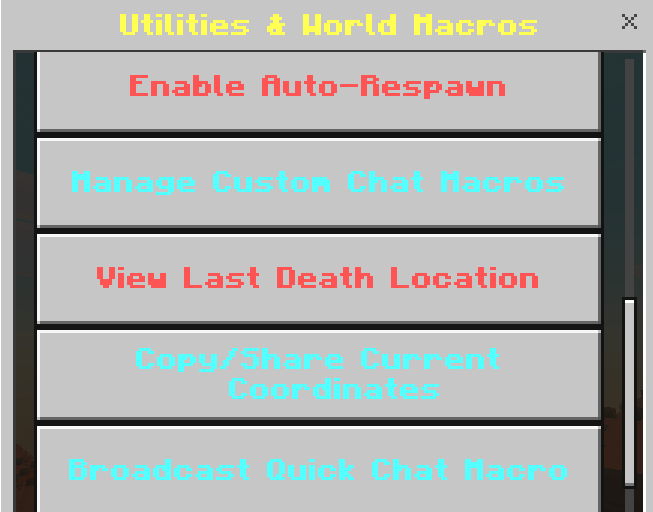
Overall Utilities: These settings consists of :
- Creative/Survial (button)
- Home Point
- Teleport to home point option
- Blink(aka teleport) 3-4 blocks
- Auto Fish(still in development) may not work
- Auto Respawn
- Quick Chats as featured above
- Death Location pings
- Copy/share coords
- Brodcast quick chats: list of more than 8 quick chats in game for you to use.
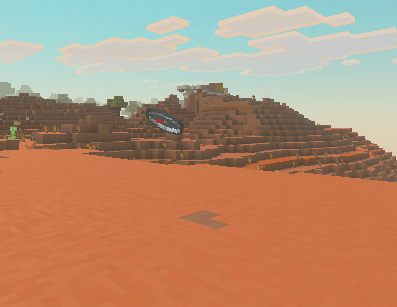
Pure invisiblity: No particle effects, no chat msgs indicating that you went invisible, pure mystery, pure fun, pure troll :D.
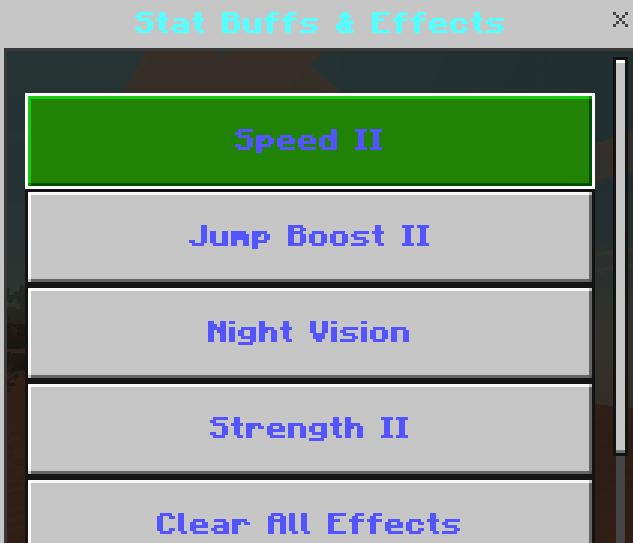
Effects: Consist of 4 common effects to help enhance the gaming expierence if ever feeling like it, includes:
- Speed ll
- Jump Boost ll
- Night Vision
- Strenght ll
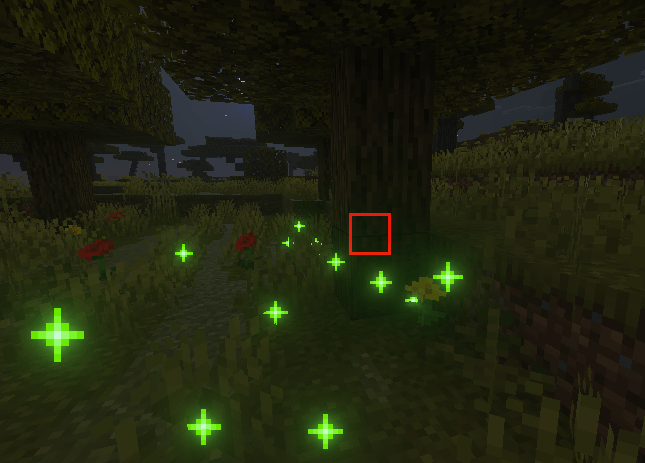
For all Builders out there!: There is a natural tree brush and a natural flora brush included in this client, natural tree brush, spawns in trees, unfortunatley it will be the same kind of tree. And the Flora brush will act as bonemeal but prettier (aka the "brushes" are bonemeal.
- Step one toggle it on
- Step two, get bonemeal
- Step three right click and watch da magic happen
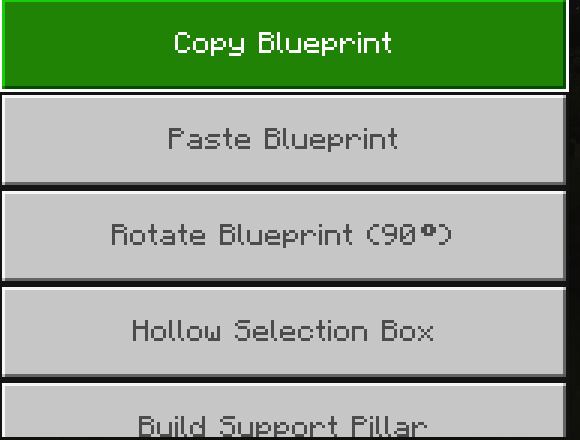
We have more for fellow builders!: Consisting of :
- Set Position 2
- Fill selection stone
- Clear sleection air
- Copy Blueprint(make a build and copy it )
- Paste Blueprint
- Rotate Blueprint 90 degrees
- Hollow selection box(if u a builder then yk)
- Build support pillar(no matter how high you are, it will spawn a cobble stone pillar below you!)
- Texturize area
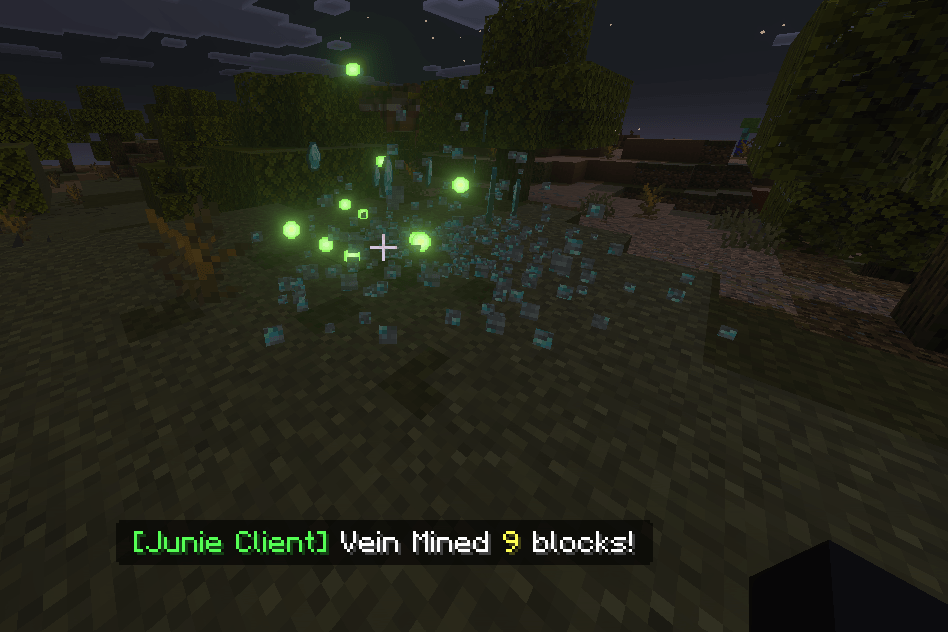
VeinMiner: VeinMiner is a pretty useful thing to have, with a click of a toggle button, you will be able to mine all veins of ore with just completing the mining time of one. It work with trees too (treechopper) You cut one log, (say the first one) and the whole tree gets mined instantly!
And of course there is more little stuff to the client but those are the main features! Hope you enjoy, Have fun!! Dont forget to comment any issues(besides fishing) or recomendations. (I will make you aware that I am working on a few mods right now and may not be too attentive to this one since its basically done but just let me know. :D
How to Use
-
Download and import the pack into your Minecraft Bedrock world.
-
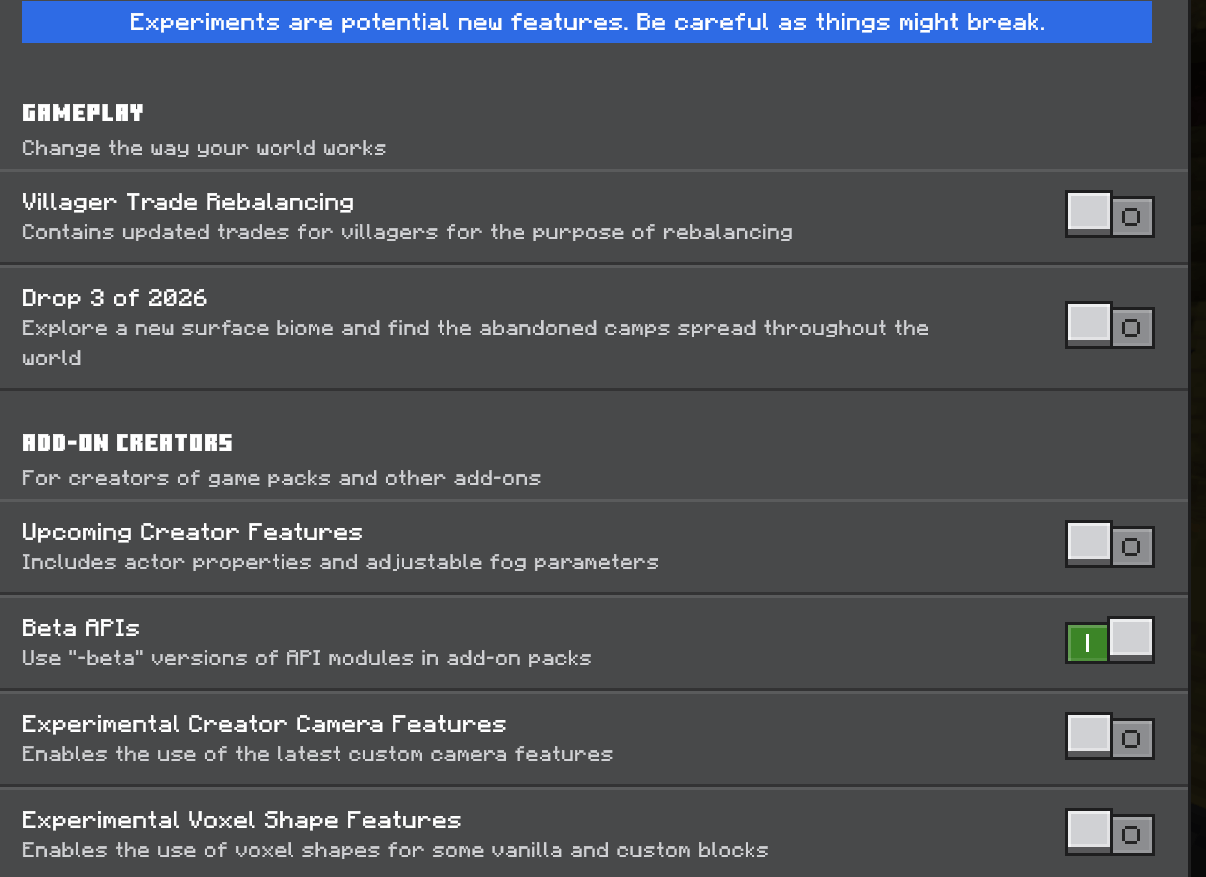
Make sure Experimental Gameplay features are enabled, required by the script. (toggle BETA API on!)
-
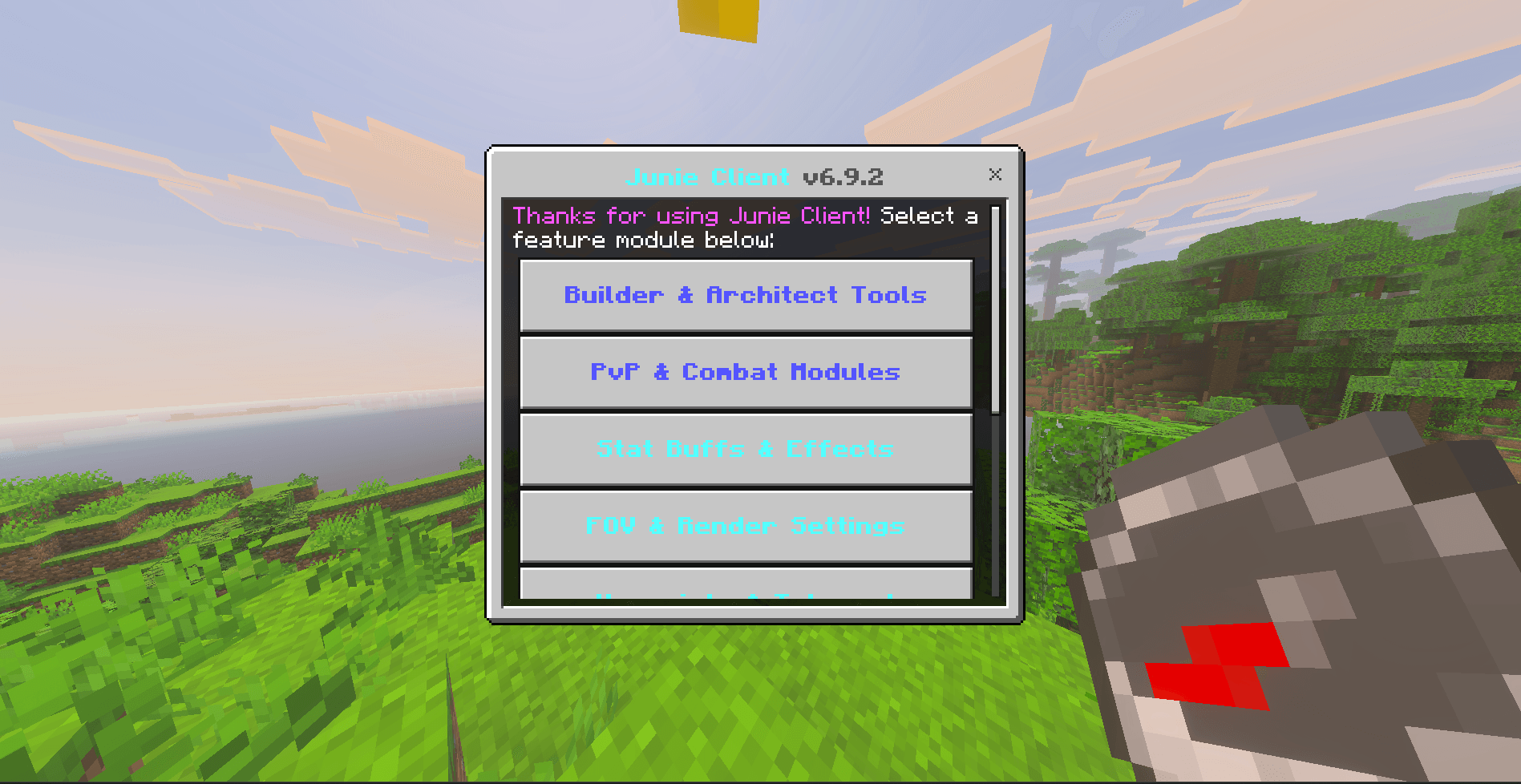
Use the in-game method provided by the client to open the menu and start tweaking your settings! (Use Compass to open)!
(@JunieClientDev)
JunieClient Team