Auto Fill Mod
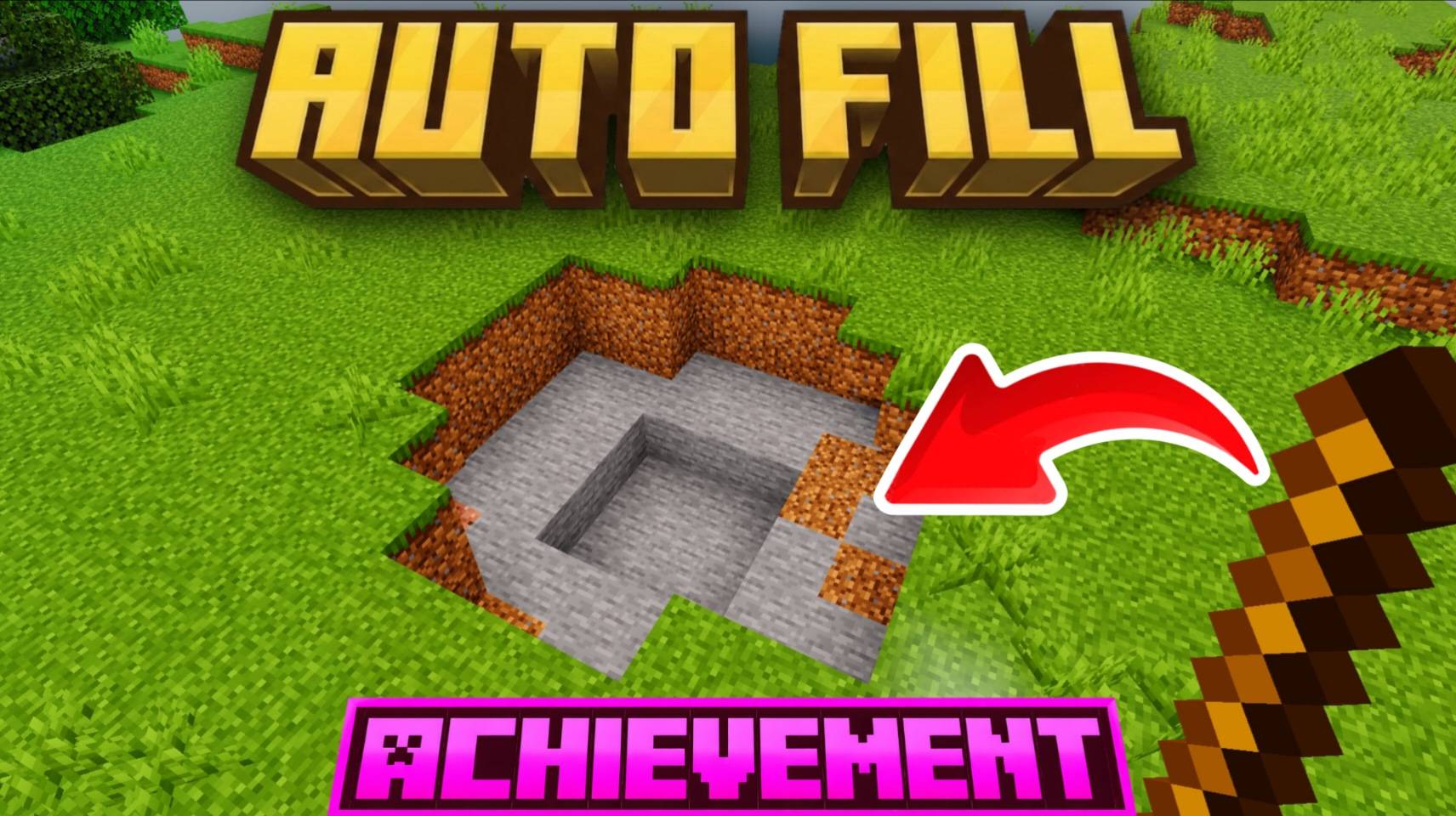
Easily fill large areas with the block of your choice in seconds! The Auto Fill mod is a simple, time-saving tool designed to make building massive structures and terraforming a breeze without needing to type out complex coordinates or commands.
How to Use
Follow these simple steps to quickly fill an area:
- Equip a Stick: Place a standard Stick in your hand. This acts as your selection tool.
- Select Position 1: Click on the first block to mark the starting corner of the area you want to fill.
- Select Position 2: Click on the second block to mark the opposite corner. Wait until you see the "position 2 selected" message appear.
- Choose Your Block: Select the block you want to fill the area with from your inventory and place it anywhere in the world.
- Instantly Fill: The entire space between your two selected positions will instantly fill with the block you just placed!
Key Features
- Fast & Intuitive: No complicated text commands required; just click and place.
- Block Flexibility: Works with any placeable block of your choice.
- Vanilla Friendly: Uses a standard, easily accessible Stick as the primary selection tool.