Welcome to the next generation of mining utility. Built for modern Minecraft Bedrock engines, the Outline X-Ray Resource Pack redefines how you find resources underground by providing crystal-clear ore visibility without sacrificing your spatial awareness.
Why You Should Use This Pack ?
Instead of the traditional X-Ray experience where the entire world becomes an unnavigable void, this pack offers a smarter, safer approach to mining:
The Flaw of Standard X-Ray: Traditional packs make non-valuable blocks completely invisible. While great for spotting diamonds, this makes navigating ravines incredibly dangerous and increases your risk of mining straight into lava pools or falling down sheer drops.
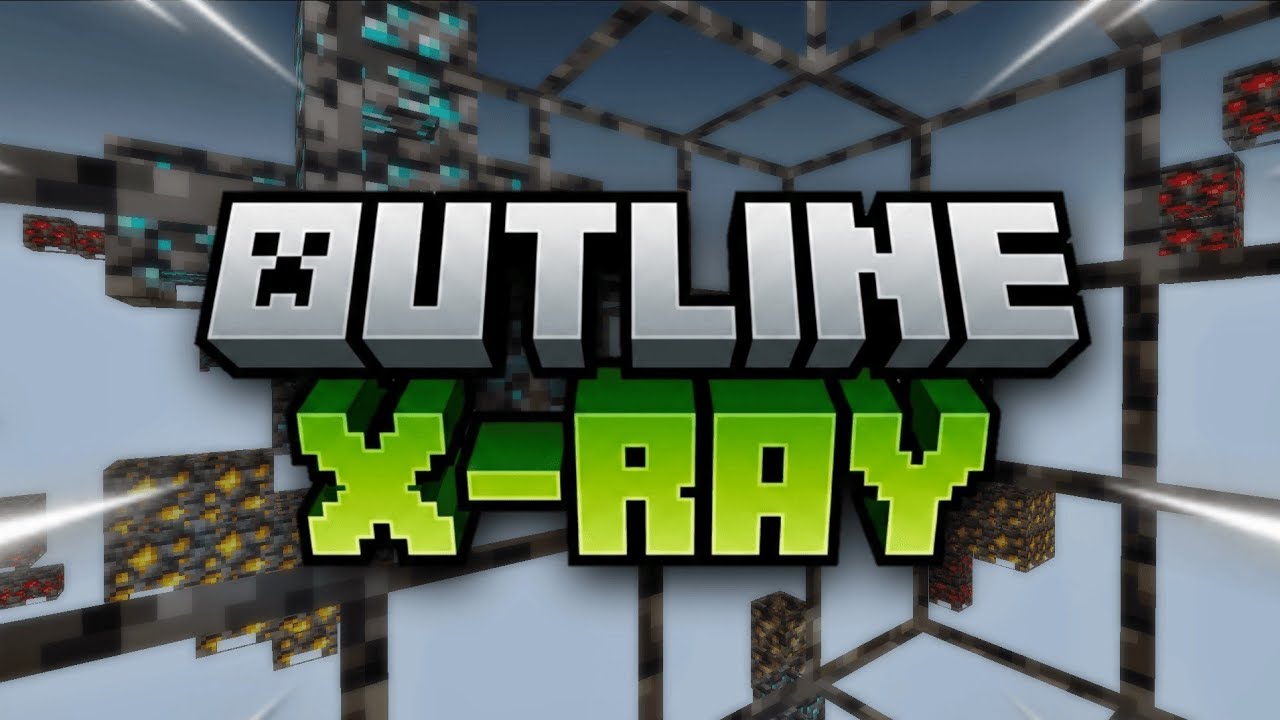
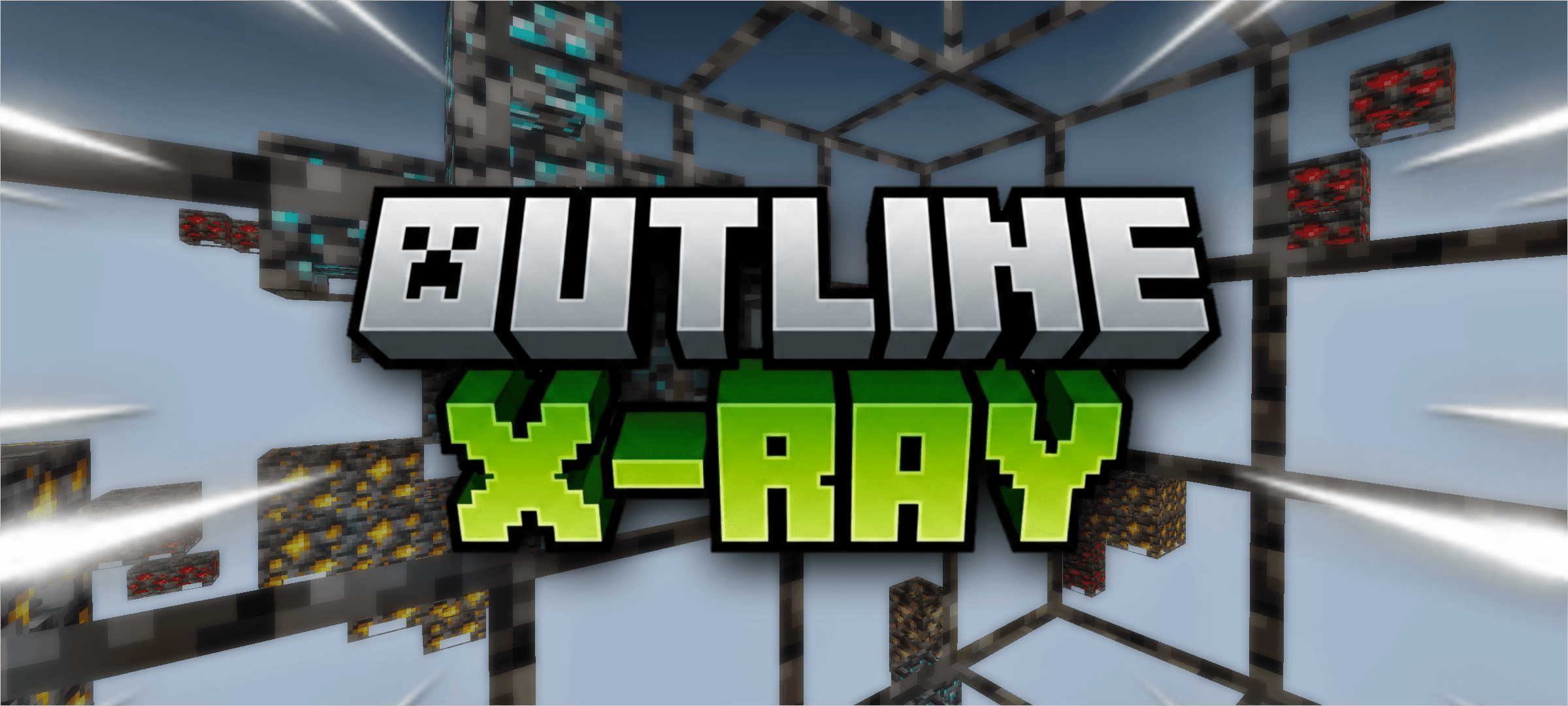
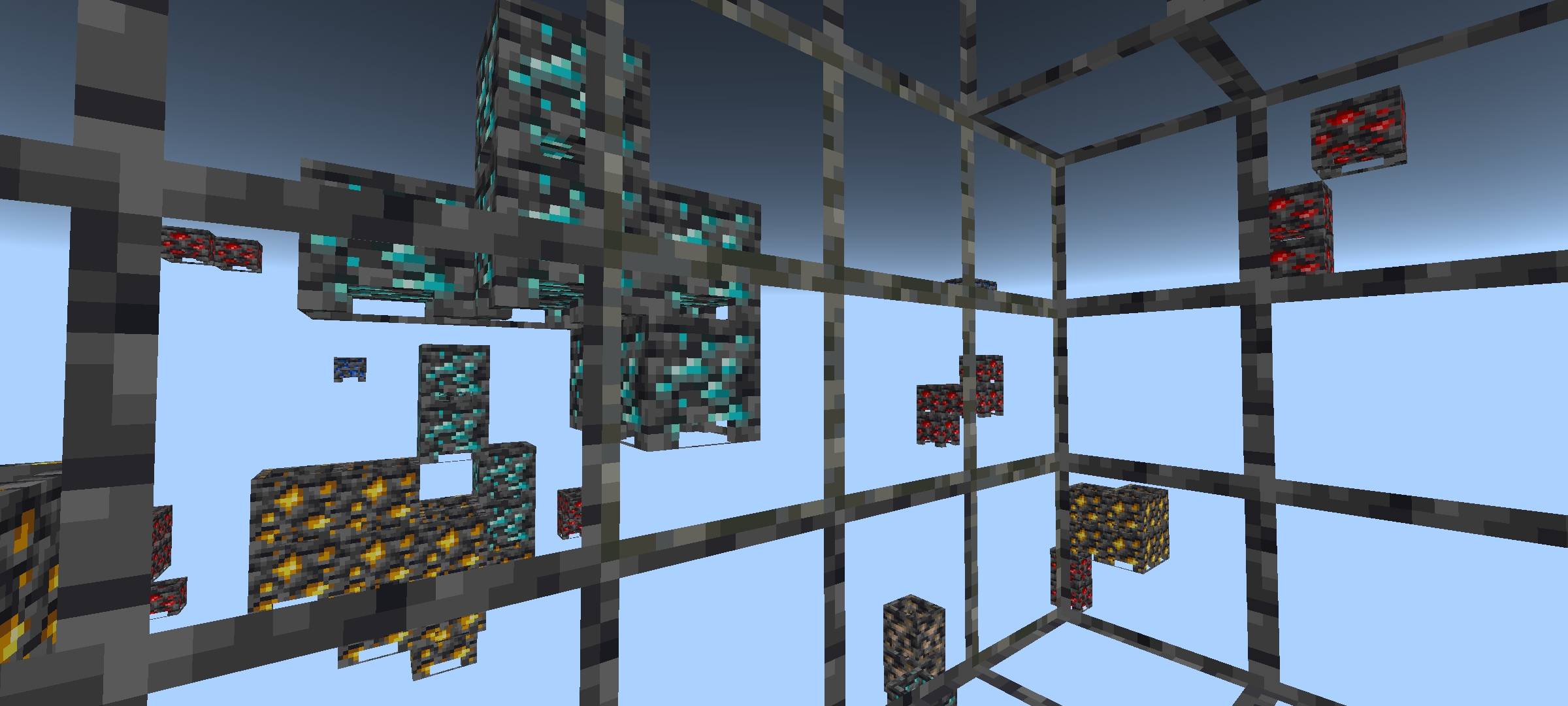
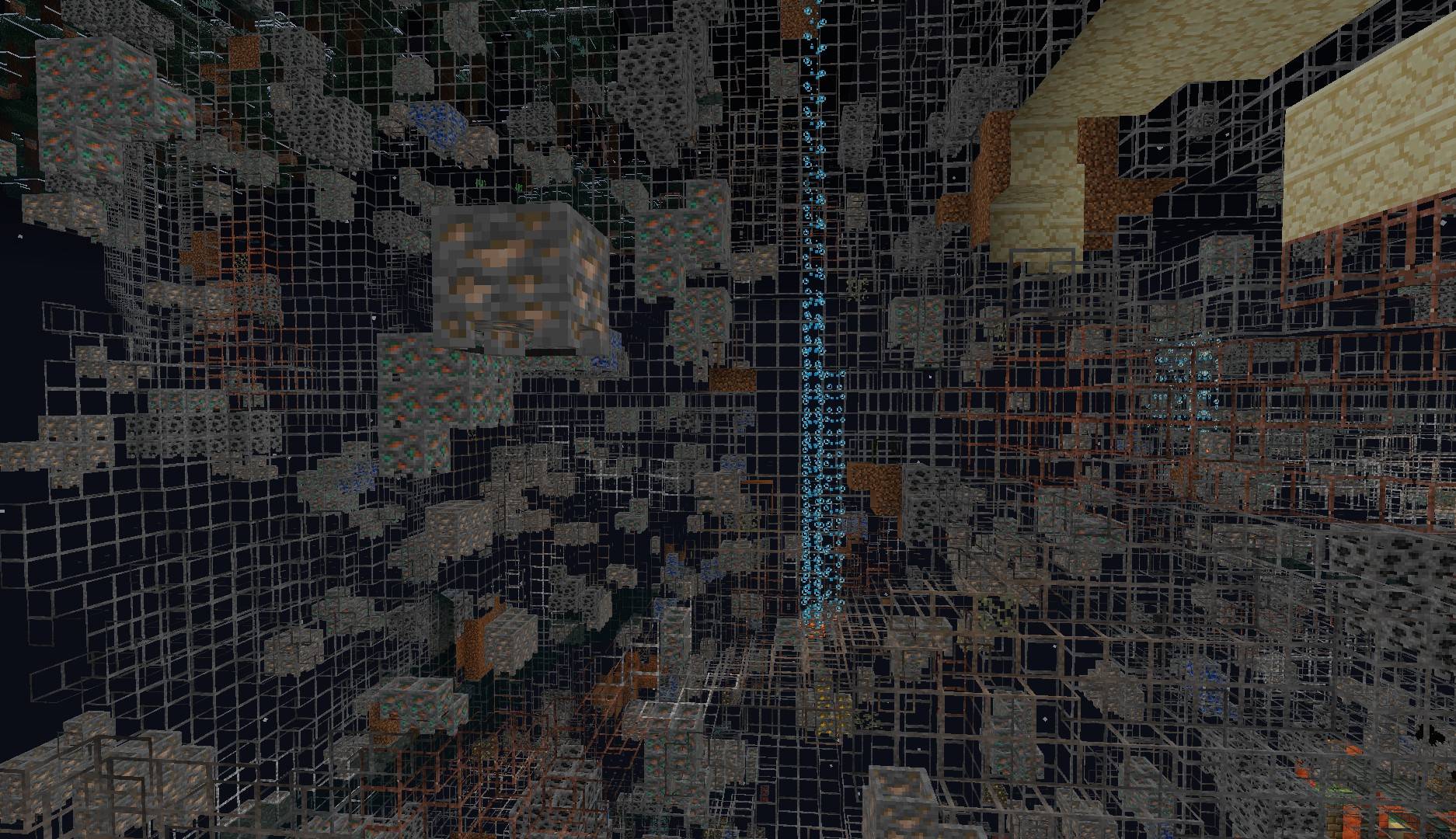
The Outline Solution: Rather than erasing common blocks like stone, deepslate, and netherrack entirely, this pack renders a distinct, clean outline around their borders.
Perfect Spatial Awareness: You get a clear visual grid of the cave structures around you. You will know exactly where every block is located, allowing you to build bridges and navigate complex cave systems safely.
Uncompromised Ore Hunting: Even with the structural outlines visible, you still retain perfect visibility of all valuable ores glowing in the distance.
Essential In-Game Settings -
To ensure the outlines render correctly and to prevent visual glitches, you must navigate to your Video Settings and configure the following before entering your world:
Smooth Lighting — OFF: This prevents the game from attempting to blend shadows across transparent blocks, which can cause rendering errors.
Fancy Graphics — OFF: This optimizes the block rendering engine so it prioritizes your outlines without interference from vanilla aesthetic features.
Beautiful Skies — OFF: This heavily reduces the background rendering load, keeping your frame rate stable when looking through hundreds of transparent blocks.
No Experimental Toggles Needed: This pack functions strictly as a visual enhancement. It works perfectly straight out of the box without the need to enable Beta APIs or experimental toggles in your world settings.
Brightness and Lighting Notice:
Because of the specific rendering techniques used to draw the block borders, lighting works seamlessly with this pack installed:
Default Fullbright Included: This pack now includes default fullbright (Night Vision) built directly in, functioning natively in patched MCPE, BetterRenderDragon, and MBLoader.
No External Fullbright Shaders: You do not need to install external fullbright shaders or night vision packs. Stacking external lighting mods can corrupt the custom materials and cause outlines to fail.
- Help Me -
System Compatibility and Requirements:
Please read this carefully before installing - Because this pack utilizes advanced rendering techniques for the block borders, it is not compatible with standard, outdated vanilla render engines. Your client must meet the following specifications:
Supported Versions: This pack exclusively supports Minecraft Bedrock/Pocket Edition versions 1.26.52 and above.
Required Render Engines: To process the custom materials, fullbright, and outlines correctly, your game client must be running a Better Renderdragon setup, MaterialbinLoader, or a properly patched version of MCPE.
Vanilla Limitations: If you attempt to run this on an unpatched or older version of the vanilla game, the outlines will not render, and all blocks will simply appear as solid textures.
Note:- If you are following all the instructions and getting black blocks, try removing the pack and reapplying it and restarting the game.
❓ Frequently Asked Questions (FAQ)
Q: Does this pack disable Xbox Live achievements? A: No! Because this is strictly a resource/texture pack and does not use any behavior packs or scripts, you can safely use it in your survival worlds without disabling achievements.
Q: Do I need to turn on Experimental Features? A: No. This pack functions entirely as a visual enhancement and works out of the box without any experimental toggles.
Q: Why do my blocks just look solid black? A: This is almost always caused by an unsupported game version. The Outline X-Ray requires Minecraft Bedrock 1.26.52+ and relies on custom materials. You must be using a compatible render engine setup (like BetterRenderDragon, MaterialBinLoader, or a patched MCPE). If your client is set up correctly, try removing the pack from your Global Resources, restarting the game, and reapplying it.
Q: Do I need a separate fullbright or night vision pack? A: No! Fullbright lighting is built natively into the materials of this pack. Do not stack other lighting or night vision shaders, as they will conflict and break the outlines.
Q: How do I turn the X-Ray on and off in-game? A: Due to Minecraft Bedrock limitations, resource packs cannot be toggled on or off while actively playing in a world. To turn off the X-Ray effect, you must Save & Quit, go to your Resource Packs setting, and deactivate it.
Q: Will I get banned for using this on multiplayer servers? A: From a technical standpoint, this pack works on servers because it does not inject scripts or modify game code. However, using X-Ray is against the rules on most public multiplayer servers. Use it at your own risk!






![Fullbright Night Vision [Resource Pack] project image](https://media.forgecdn.net/avatars/thumbnails/1872/216/256/256/639173646340240029.jpg)