Andy's Automatic Doors
- By
Make individual vanilla doors, fence gates, and trapdoors automatic in Minecraft Bedrock—optional proximity, redstone-aware closing, Locks & Keys support, and Vibrant Visuals compatibility for Survival, Realms, and servers.
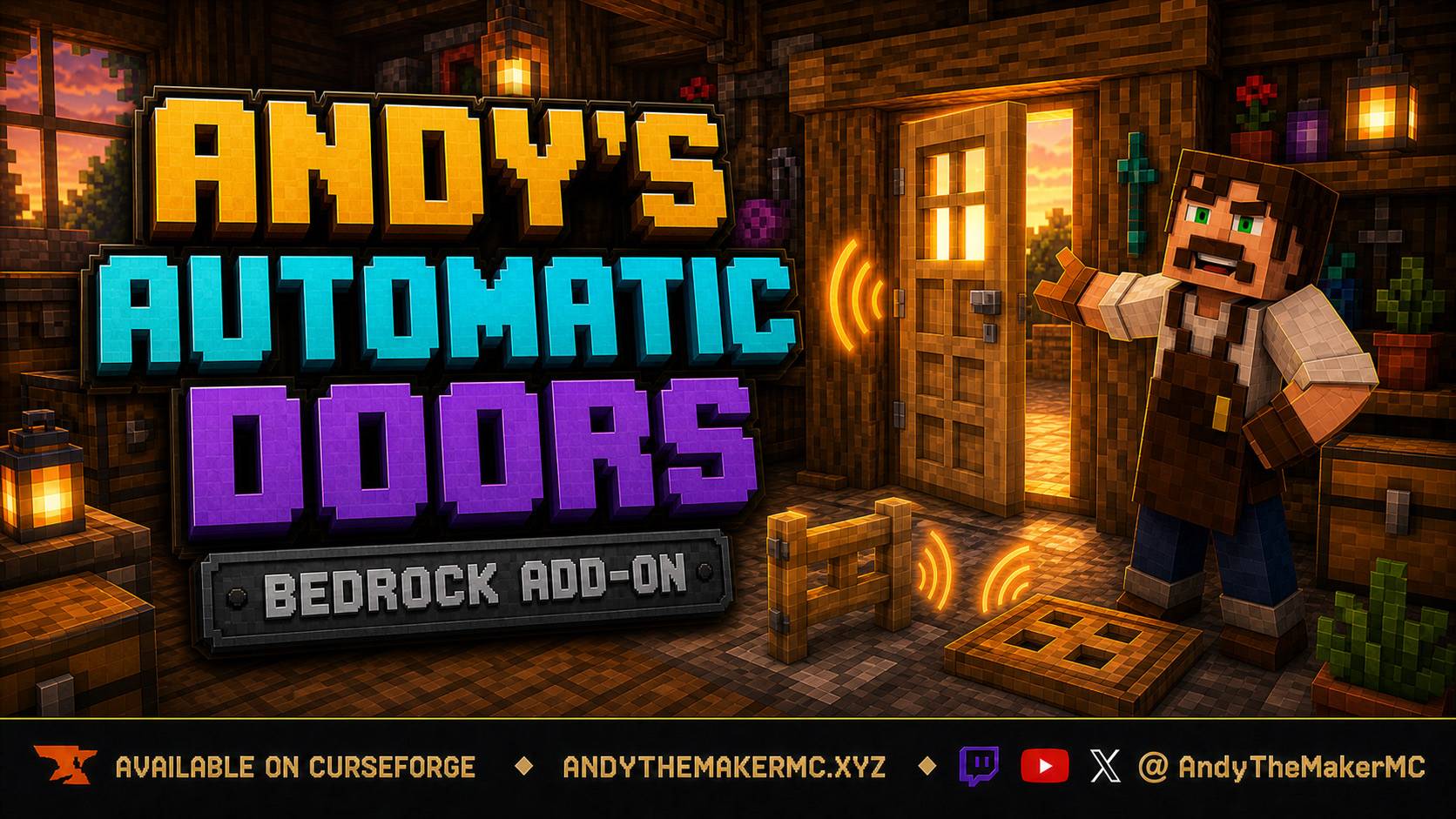
Andys-Automatic-Doors-Hero-16x9-FINAL.jpg
Description
Andy's Automatic Doors
Turn ordinary vanilla entrances into welcoming automatic doors—without replacing any doors, fence gates, or trapdoors.
Andy's Automatic Doors adds an opt-in proximity toggle to each individual vanilla door, single fence gate, and single trapdoor. Approach from the front or rear, let it open once, walk through, and it closes after you leave. Redstone power takes precedence so powered entrances stay open.
Vanilla-friendly by design
- No custom blocks, items, recipes, textures, models, or door variants
- Normal vanilla interactions continue to work
- Only entrances explicitly configured with
DoorControlbecome automatic - No experimental gameplay settings, cheats, commands, or required dependency
- Standard graphics and Vibrant Visuals compatible
Controls
Rename a vanilla stick exactly DoorControl, then crouch + use it on a single door, fence gate, or trapdoor. Enable Proximity in the form. When configuring a door, stand at its front or rear face so the add-on records the actual approach axis; this avoids Bedrock's unusual door placement-direction behavior.
Operators can use a stick named AdminDoorControl with crouch + use, or /scriptevent andyautodoors:admin settings, to enable or disable automatic doors for the world.
How to use it
- Import
Andys_Automatic_Doors_0.1.1.mcaddoninto Minecraft Bedrock. - In the target world's Behavior Packs tab, activate Andy's Automatic Doors [BP]. Its linked Resource Pack is enabled with it.
- At an anvil, rename one normal vanilla stick exactly
DoorControl. - Stand at the entrance you want to automate, crouch, and use the
DoorControlon it. For a door, stand at the actual front or rear face—never the hinge side—when opening the settings. - Turn on Proximity, then approach and walk through the entrance to test it. Configure each door, fence gate, or trapdoor separately; everything else remains vanilla.
Use DoorControl on the same entrance any time you want to change its setting. Doors configured before 0.1.1 should be configured once more so their physical front/rear approach axis can be saved correctly.
How proximity works
- Doors and fence gates watch a two-block zone directly in front of and behind the entrance, never the side.
- Trapdoors watch their surrounding one-block perimeter, including corners.
- A trigger is one complete open → exit → close cycle, so walking through does not repeatedly replay movement and sound.
- A short exit grace period gives the last player time to pass through.
- Redstone takes precedence over automatic close: powered entrances remain open.
The feature is individually opt-in. A door, gate, or trapdoor stays completely vanilla until a player enables Proximity for it.
Locks & Keys compatibility
Andy's Automatic Doors never opens a protected entrance itself. With Andy's Locks & Keys 0.11.3 or newer installed, it sends the existing companion authorization request and lets Locks & Keys apply the same normal owner, key, group, shared-player, and public rules. An unauthorized or unavailable authorization remains closed.
Installation
Import Andys_Automatic_Doors_0.1.1.mcaddon into Minecraft Bedrock. The Behavior Pack and Resource Pack are mutually linked: activating either one includes the other in the world. Enable the add-on in the target world and configure the entrances you want to automate.
Back up an important world before installing or updating an add-on. Console players can import it on Windows or mobile, upload the prepared world to a Realm, and then join from their console.
Compatibility
- Minecraft Bedrock 26.30 or newer
- Standard graphics and Vibrant Visuals
- Single-player, multiplayer, Realms, and supported Bedrock servers
- Overworld, Nether, and End
- No experimental gameplay toggles, cheats, commands, or required dependencies
- Individual vanilla doors, trapdoors, and fence gates
Third-party custom entrance blocks are not promised for this release.
If Andy's Automatic Doors makes your builds feel more complete, please consider rating or favoriting the project. Those small actions help other Minecraft Bedrock players discover Andy's Add-ons.
Follow and support Andy
Visit AndyTheMakerMC.xyz for Andy's add-ons, .mcstructure downloads, HoloPrint files, world lore, tutorials, guides, videos, and Minecraft content.
Follow @AndyTheMakerMC on YouTube, Twitch, X, TikTok, and Instagram.
Support future projects through Ko-fi or direct Stripe support.
Player, Server, Realm, and Content Creator Permission
Players may use an official, unmodified release of Andy's Automatic Doors in personal worlds, multiplayer worlds, Realms, and servers. Normal delivery of the official, unmodified add-on to players joining an authorized world, Realm, or server is permitted.
Content creators may use, review, and showcase an official, unmodified release in worlds, multiplayer worlds, Realms, servers, videos, livestreams, screenshots, tutorials, reviews, showcases, articles, guides, social posts, and other original gameplay content, including monetized content. Credit to AndyTheMakerMC and a link to the official project page are appreciated whenever practical.
These permissions do not allow anyone to offer the add-on file as a separate download or to modify, translate, adapt, decompile, disassemble, reverse engineer, extract, repackage, mirror, rehost, resell, sublicense, redistribute, or reuse any project content.
All Rights Reserved License
All Rights Reserved. Copyright © 2026 Andy / AndyTheMakerMC.
Except for the limited player, server, Realm, and content-creator permissions above, no part of the add-on, documentation, branding, textures, models, or promotional artwork may be redistributed, reuploaded, rehosted, mirrored, resold, sublicensed, bundled, repackaged, modified and published, translated, adapted, decompiled, disassembled, reverse engineered, extracted, reused, or incorporated into another add-on, pack, application, website, download, or project without prior written permission from the copyright holder.
The promotional artwork is original AI-assisted concept artwork directed for this project. It is not an in-game screenshot.
Minecraft is a trademark of Microsoft Corporation. This project is not affiliated with, endorsed by, sponsored by, or associated with Microsoft or Mojang Studios.
Andy's Automatic Doors Team