Butterfly - Camera Filter
- By
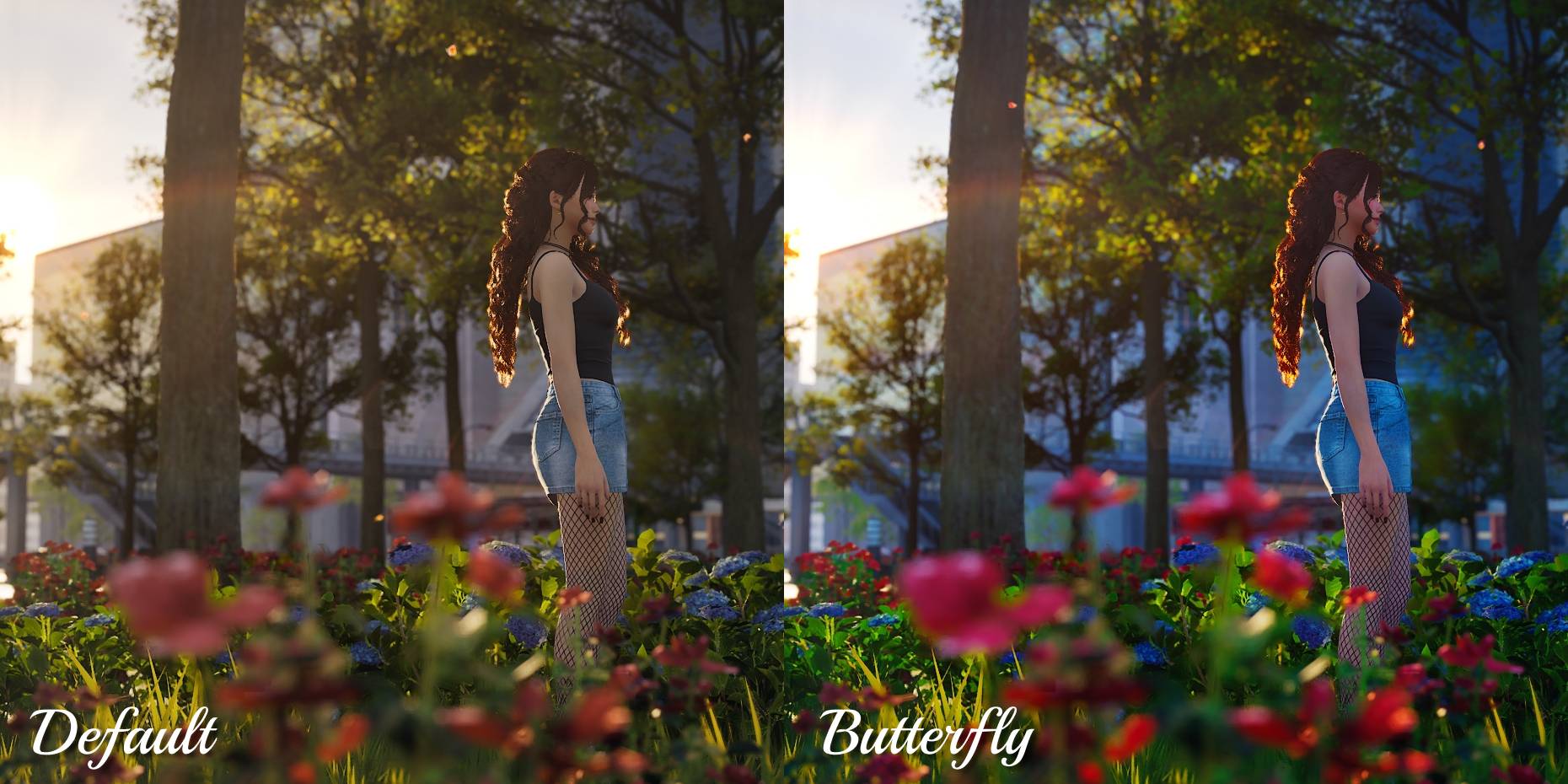
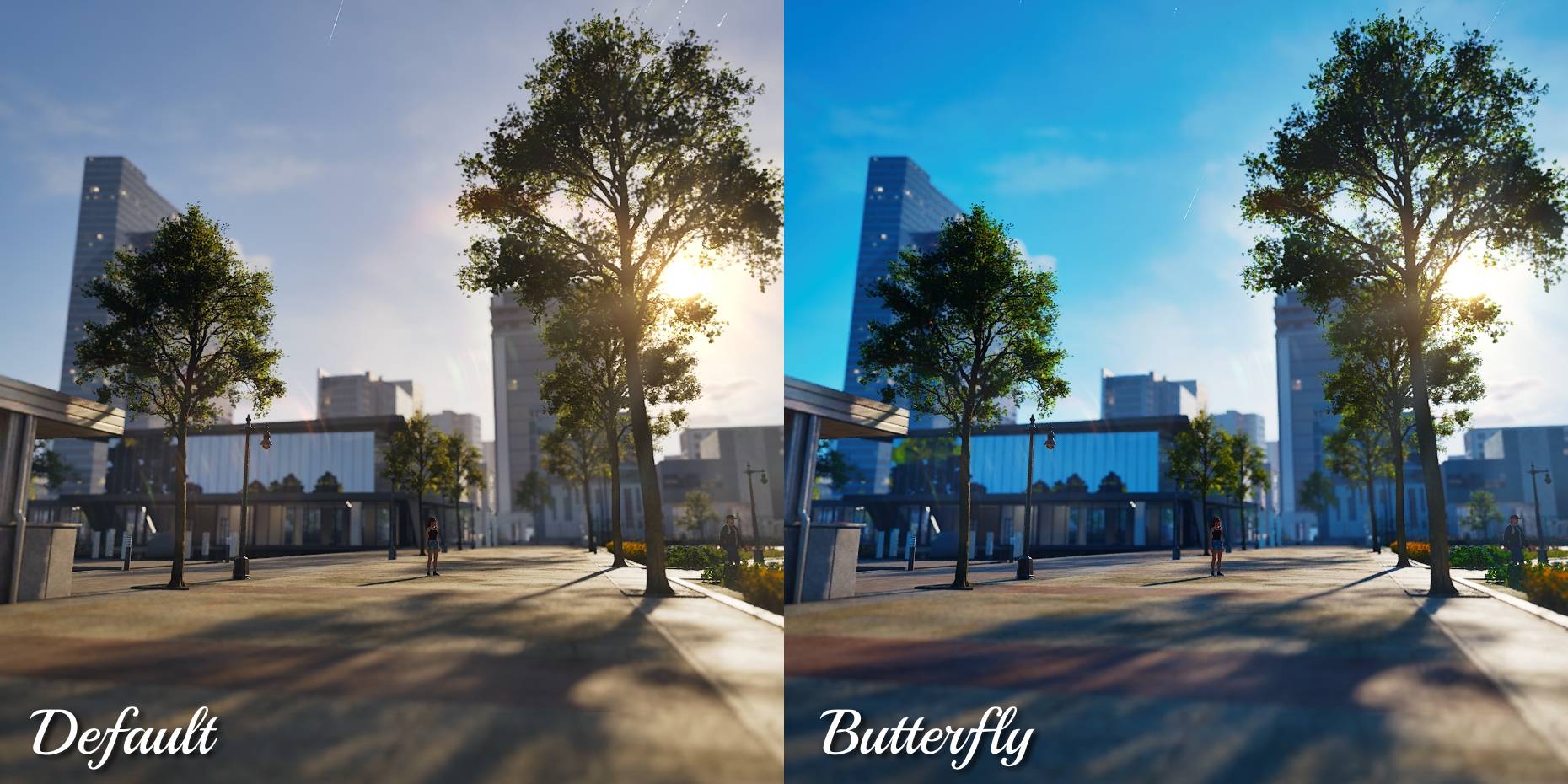
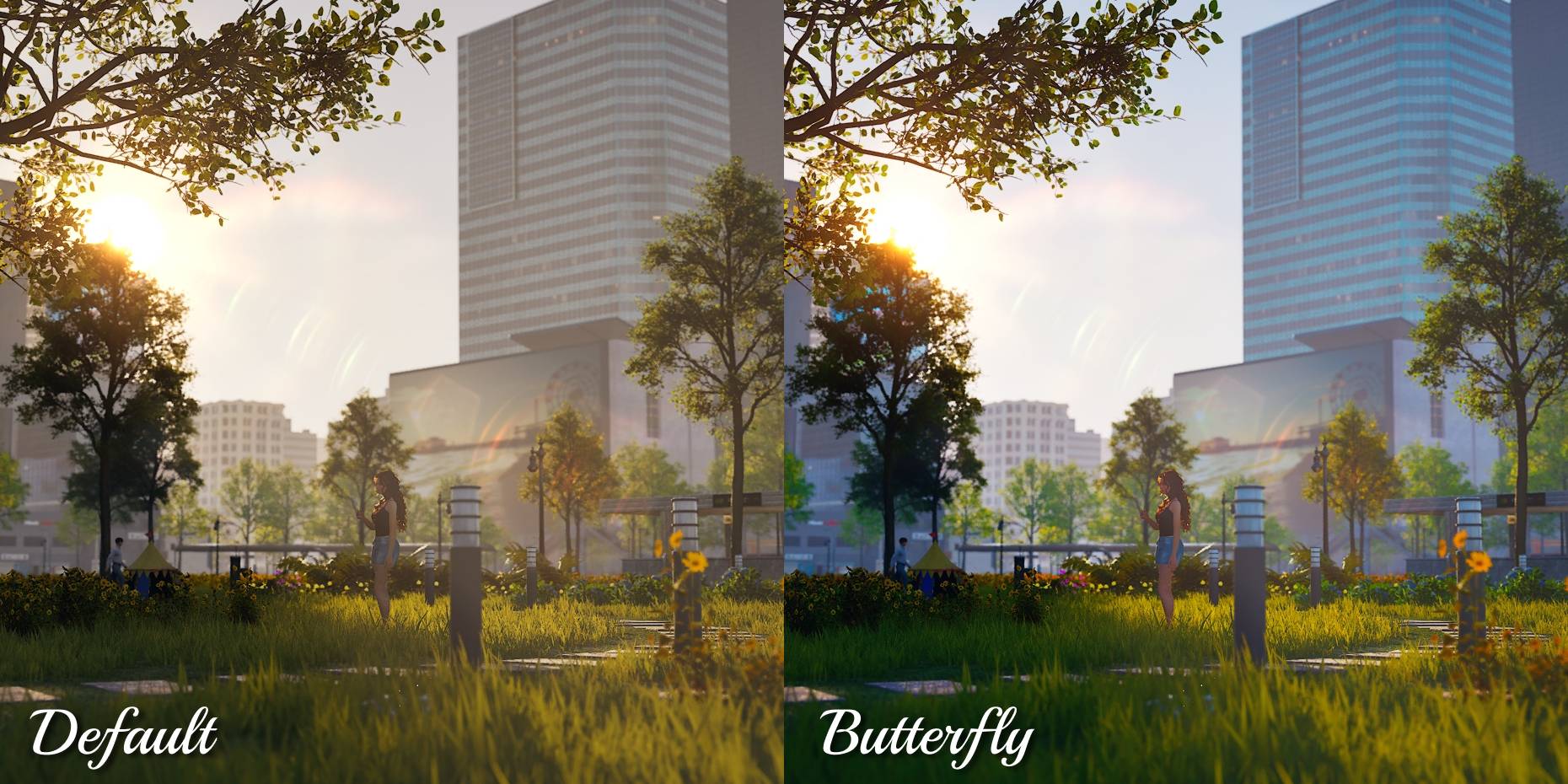
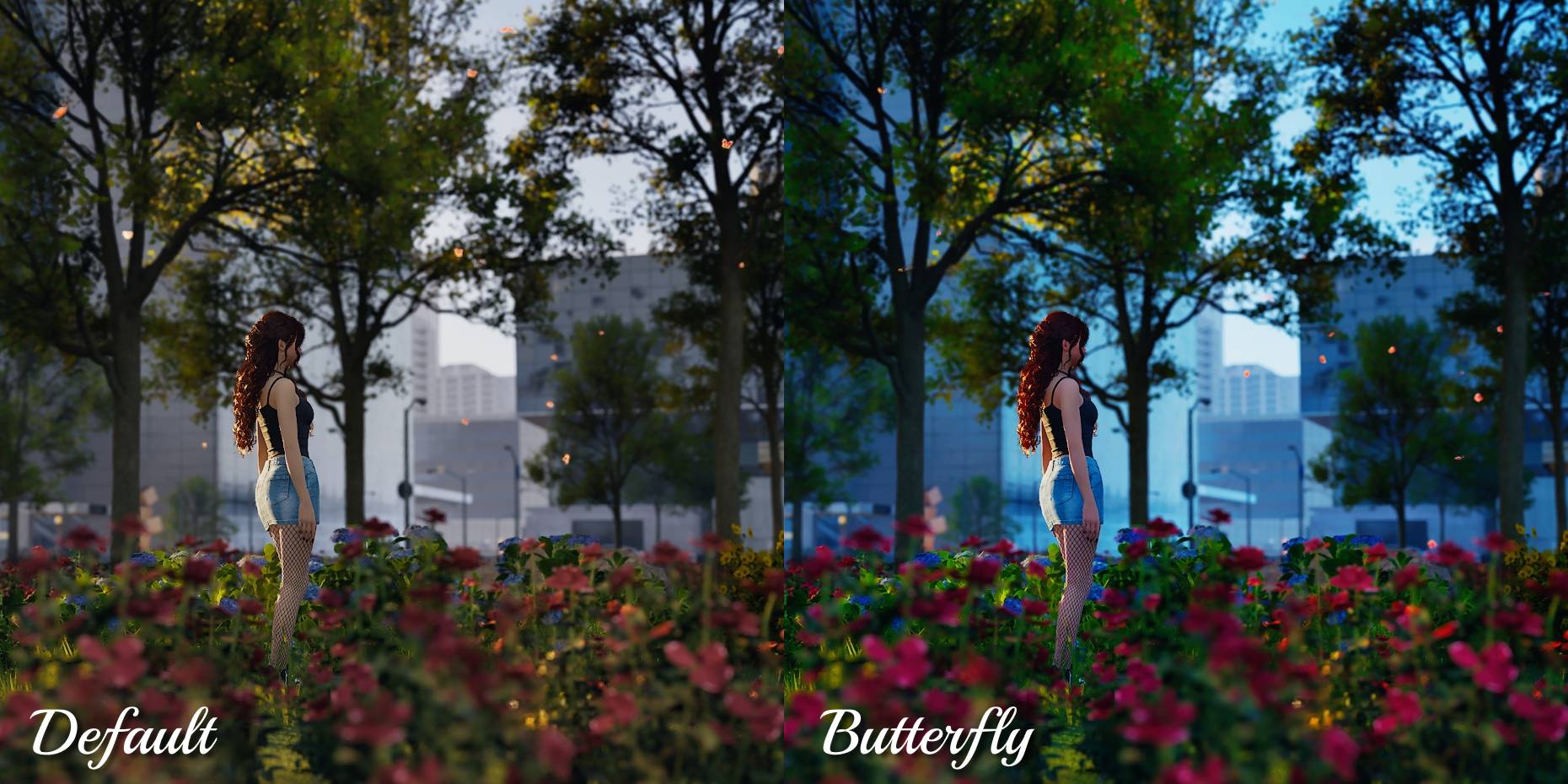
A very vibrant, cool toned filter. Works for both gameplay and photo mode!
Frame 1.jpg
Frame 4.jpg
Frame 6.jpg
Frame 7.jpg
Description
A very vibrant, cool toned filter. Works for both gameplay and photo mode!
Butterfly filter offers:
- very vibrant colors
- cool tone
- more contrast
- purple evenings
- beautiful, very vivid photos
- better views and gameplay experience
Please keep in mind that this filter might look different in your game depending on your settings and the in-game brightness percentage.
Settings used for screenshots:
- game quality: ultra
- in-game brightness: 50%
- night-time visibility: 0%
These settings are recommended by me for the most atmospheric look. Screenshots were taken with the blur effect in the photo mode.
How to enable for gameplay:
- make sure that this mod is enabled in "Mods" on the main screen
- load your save or make a new one
- find the long bar (in default at the top) where you have the options for photo mode, camera etc.
- click on the "Filter" option
- choose the last option "Mod"
- choose "Butterfly"
How to enable for photo mode:
- click on the "Photo mode" option (the same bar where filters are)
- go into camera options (at the bottom right)
- choose "Filter" -> "Mod" -> "Butterfly"
How to change in-game brightness:
- go into game options
- choose graphics options
- find postprocessing
- change brightness to 50% and night-time visibility to 0%
If your game is too bright or too dark after these changes, please feel free to adjust it to your taste.
Butterfly - Camera Filter Team