Church of Gaia
- By
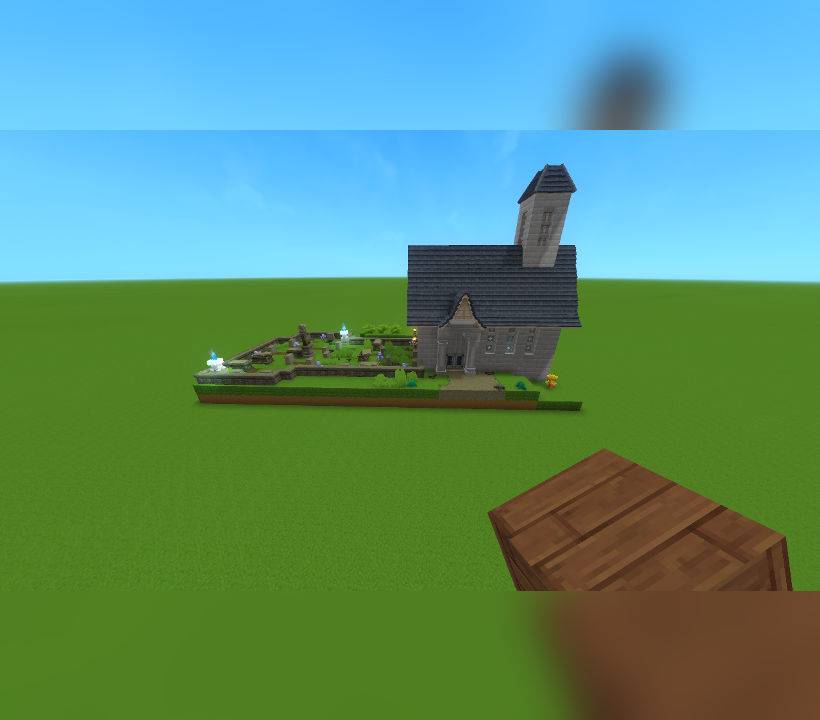
This is a small build dedicated to Gaia. I thought the statues of Gaia would go very nicely in a marble themed church making it look very pure, clean and bright.
This contains two prefabs. One with the graveyard and one without.
Church of Gaia.prefab.json
Curch of Gaia no_graveyard.prefab.json
This prefab is a small, marble-themed church dedicated to Gaia, the god of Orbis. I felt it was only fitting to create a place of worship for Gaia, reflecting her purity, light, and connection to the natural world.
The build is intentionally kept at a modest scale so it can fit naturally into a small town or village environment, whether as a central landmark or a quiet place of reflection. I chose marble as the primary material to give the structure a clean, bright, and pure aesthetic, which felt thematically appropriate for a divine figure like Gaia.
I plan on building a temple dedicated to Varyn in the future for anyone that would be interested.
I will be uploading more builds as prefabs for you to use for private use only.
Future builds will vary in size from small, medium to large and will fit many different scenarios.
You may use this prefab in exploration worlds or creative worlds for private use only.
You are not permitted to use this build in any commercial projects.
You are not permitted to re-upload this build or claim it as your own on Curseforge or any other site.
Please respect these terms and enjoy incorporating the Church of Gaia into your worlds.
Instructions:
Copy the file to this file location: C:\Users\[USERNAME]\AppData\Roaming\Hytale\UserData\Saves\[SAVE FILE NAME]\prefabs - this will be different depending on where the game is installed to. For example, I have my game installed to my F: drive which would make my file path F:\Hytale\UserData\Saves\[SAVE FILE NAME]\prefabs
If you do not have have a file named "prefabs" then you will need to create a new prefabs file in your save file. A prefabs file will only generate in your save file if you have already made a prefab in that world. If you have never made a prefab before then you will not see this file hence the need to create it manually.
Afterwards, place the Church of Gaia.prefab.json and/or the Curch of Gaia no_graveyard.prefab.json file into the prefabs file.
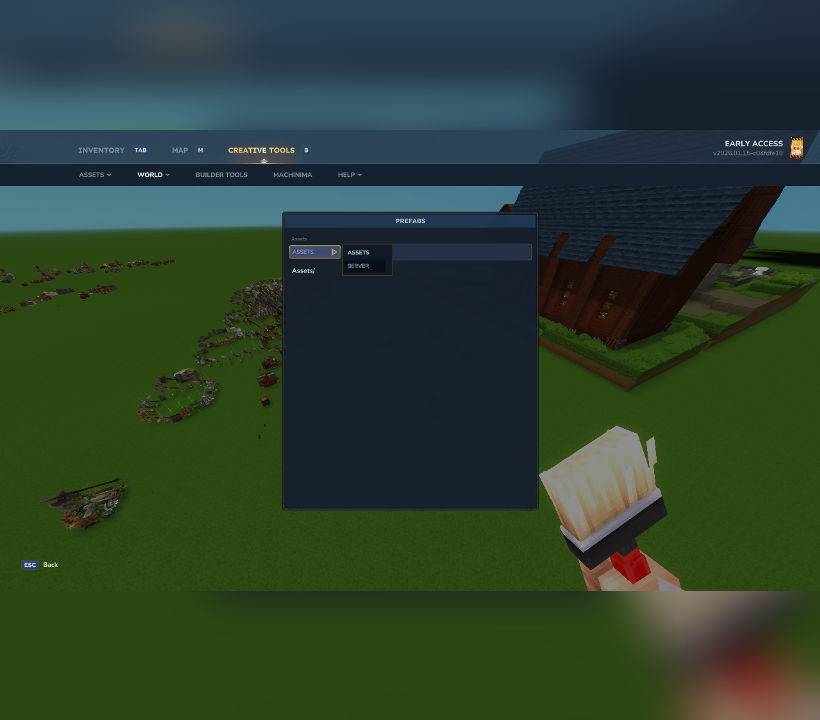
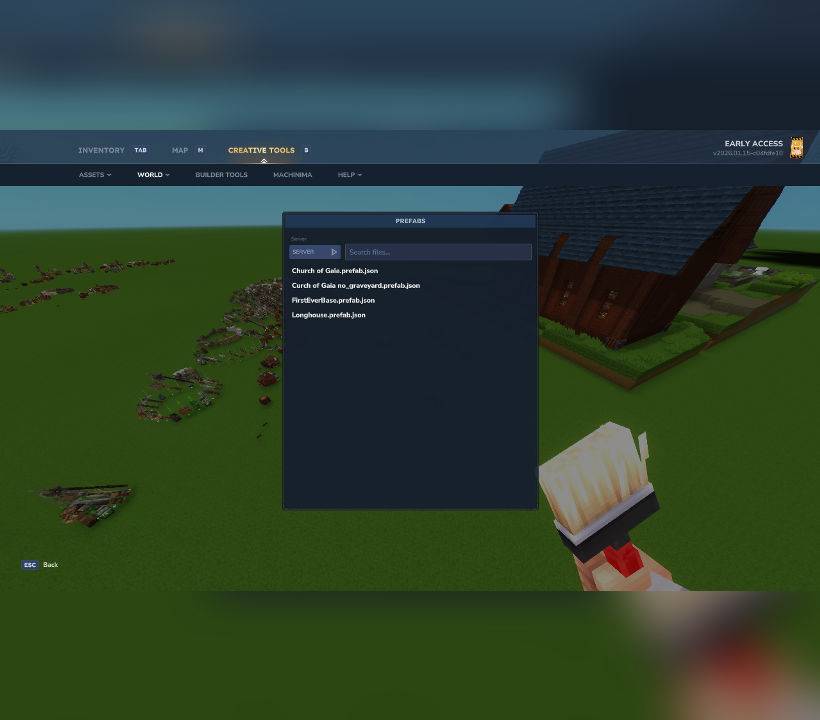
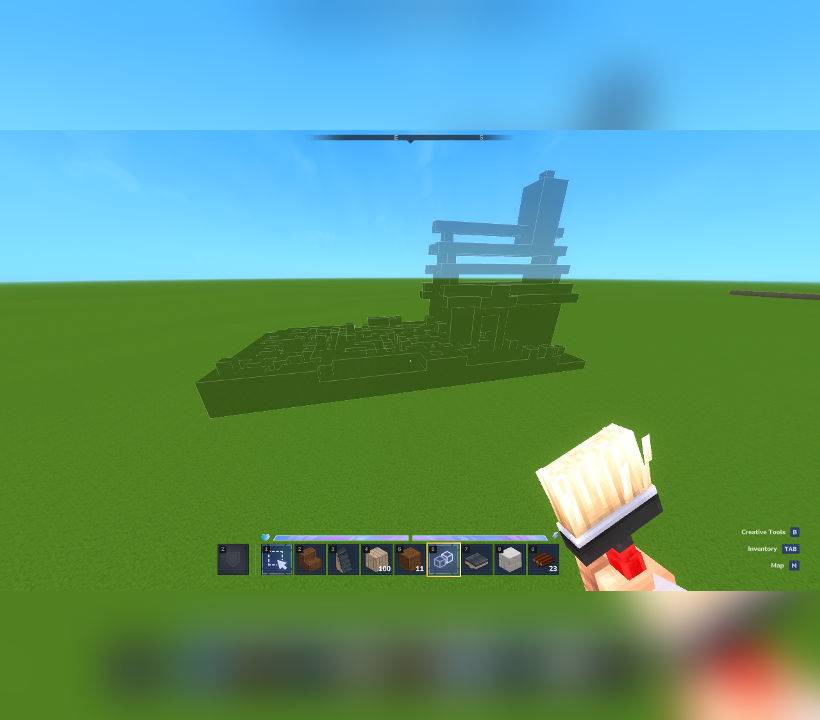
Once you load into the world enter creative mode and select the 'paste' tool. With the paste tool in your hand, press 'E' and click the drop down box which by default is set to "assets" and select "server" then select the relevant prefab. You will see a ghost/outline of the prefab to know where it will be placed and then tap right click to paste it into the world and enjoy.
See images for further help with the in-game menu if you are confused.
The Church of Gaia Team