Hytale2026-01-20_01-..._imresizer.jpg
Description
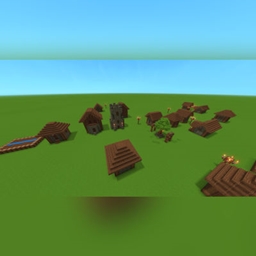
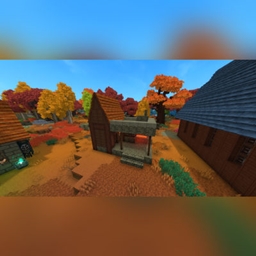
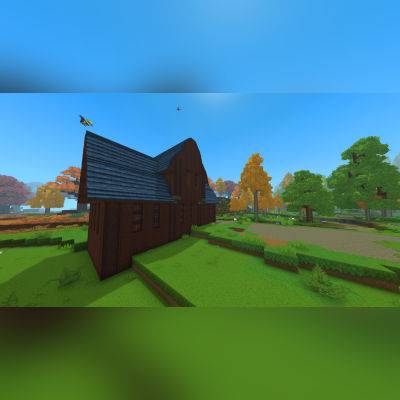
This prefab is a simple and cozy starter house designed for early-game or small settlement use. Its small layout makes it perfect for a player’s first home, an NPC residence, or a basic village dwelling.
The build focuses on practicality and charm, offering a clean, functional design that fits naturally into medieval or fantasy-style towns and can easily be expanded or customized as your world grows. The inside was designed to fit my base needs but you will most likely want to make some minor adjustments to fit your play style.
Usage & Permissions:
You may use this prefab in exploration worlds or creative worlds for private use only.
You are not permitted to use this build in any commercial projects.
You are not permitted to re-upload this build or claim it as your own.
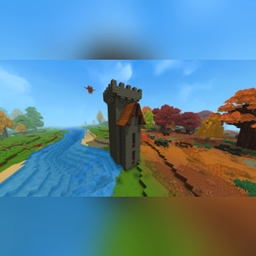
Please respect these terms and enjoy using the Small Medieval Tower in your worlds.
Instructions:
Copy the file to this file location: C:\Users\[USERNAME]\AppData\Roaming\Hytale\UserData\Saves\[SAVE FILE NAME]\prefabs - this will be different depending on where the game is installed to. For example, I have my game installed to my F: drive which would make my file path F:\Hytale\UserData\Saves\[SAVE FILE NAME]\prefabs
If you do not have have a file named "prefabs" then you will need to create a new prefabs file in your save file. A prefabs file will only generate in your save file if you have already made a prefab in that world. If you have never made a prefab before then you will not see this file hence the need to create it manually.
Afterwards, place the Starter House.prefab.json file into the prefabs file.
Once you load into the world enter creative mode and select the 'paste' tool. With the paste tool in your hand, press 'E' and click the drop down box which by default is set to "assets" and select "server" then select the relevant prefab. You will see a ghost/outline of the prefab to know where it will be placed and then tap right click to paste it into the world and enjoy.
Starter House Team