Water Depth Gauge
- By
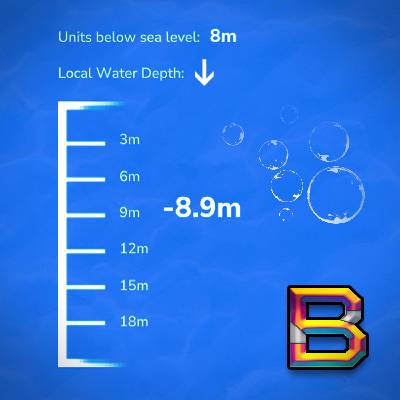
A real-time HUD that automatically displays your underwater depth in meters when submerged, helping divers track how deep they've descended from the water's surface.
WaterDepthGaugeModThumbnail400x400_2.jpg
WaterDepthGaugeScreenshot1.png
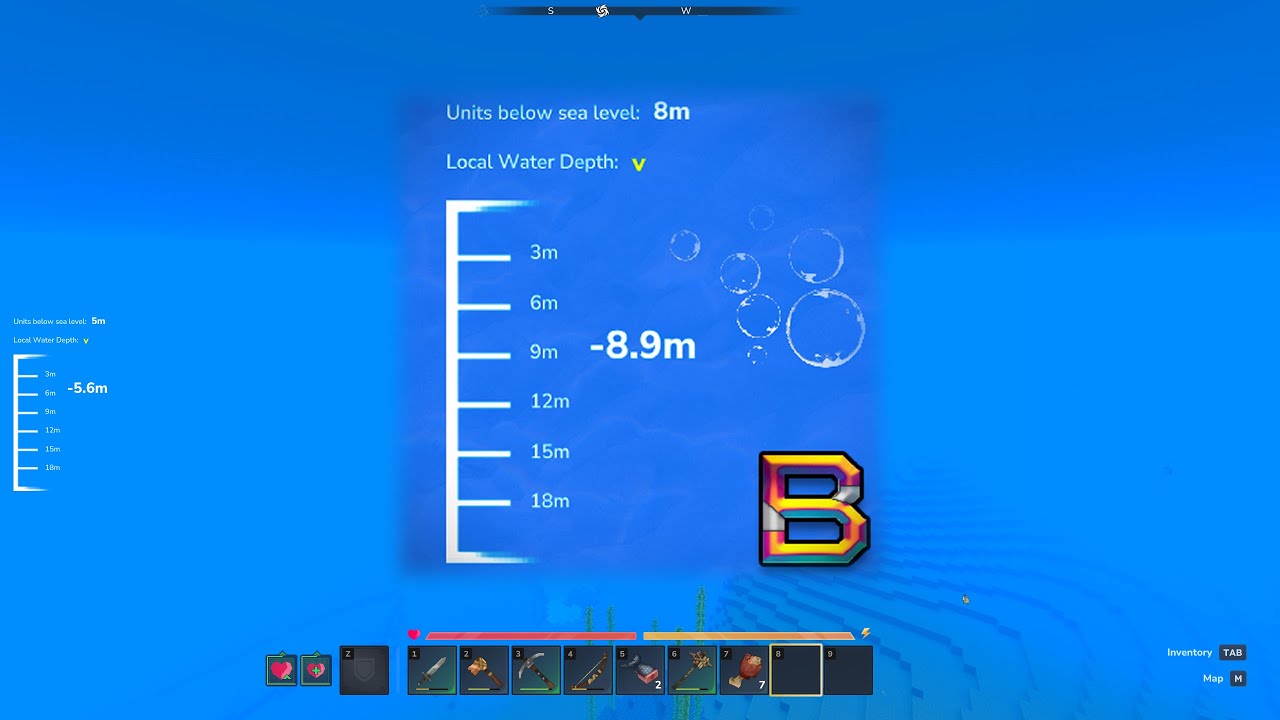
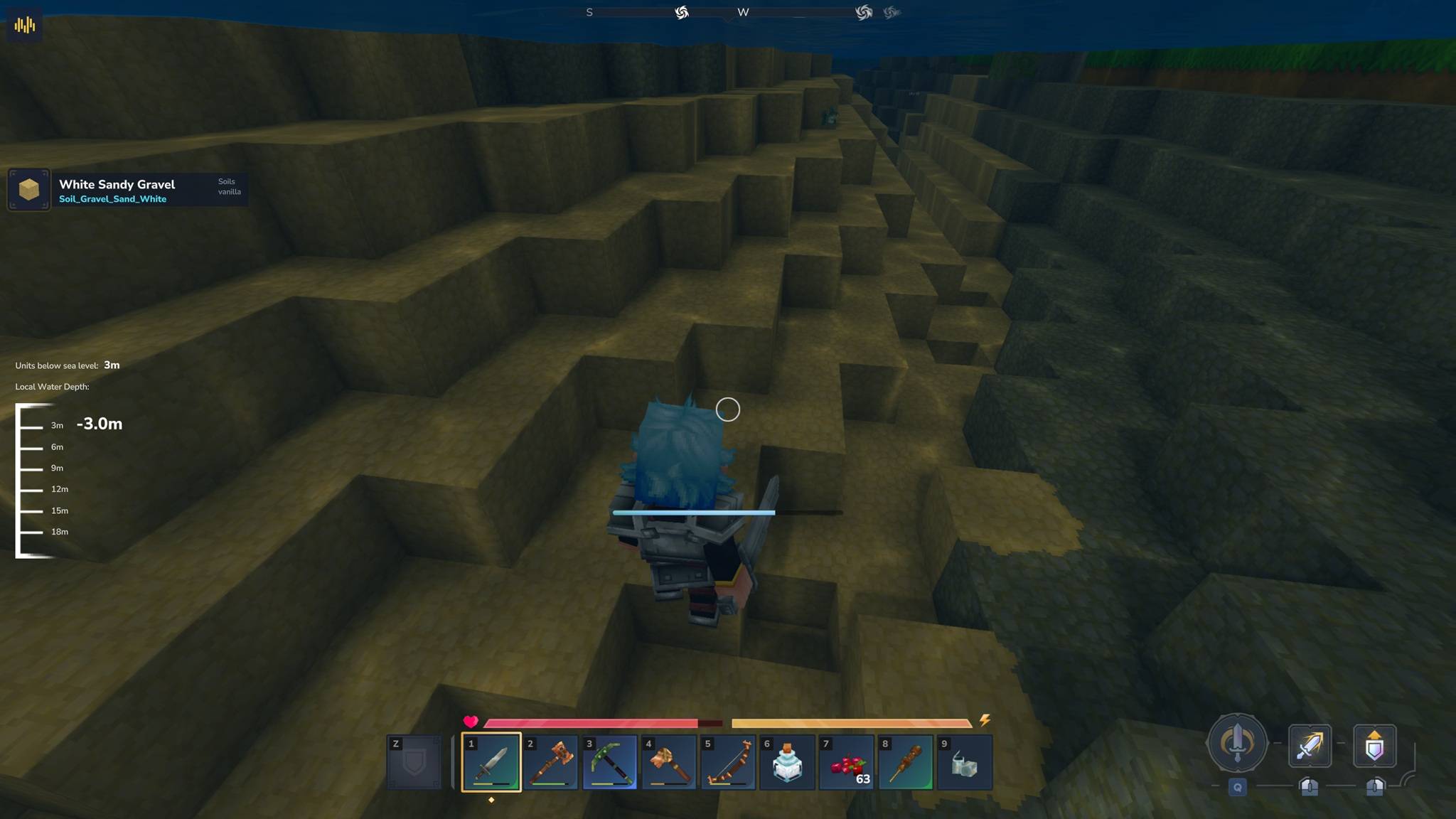
Mod working with Blocchio / MultipleHUD proof
Description

WaterDepthGauge
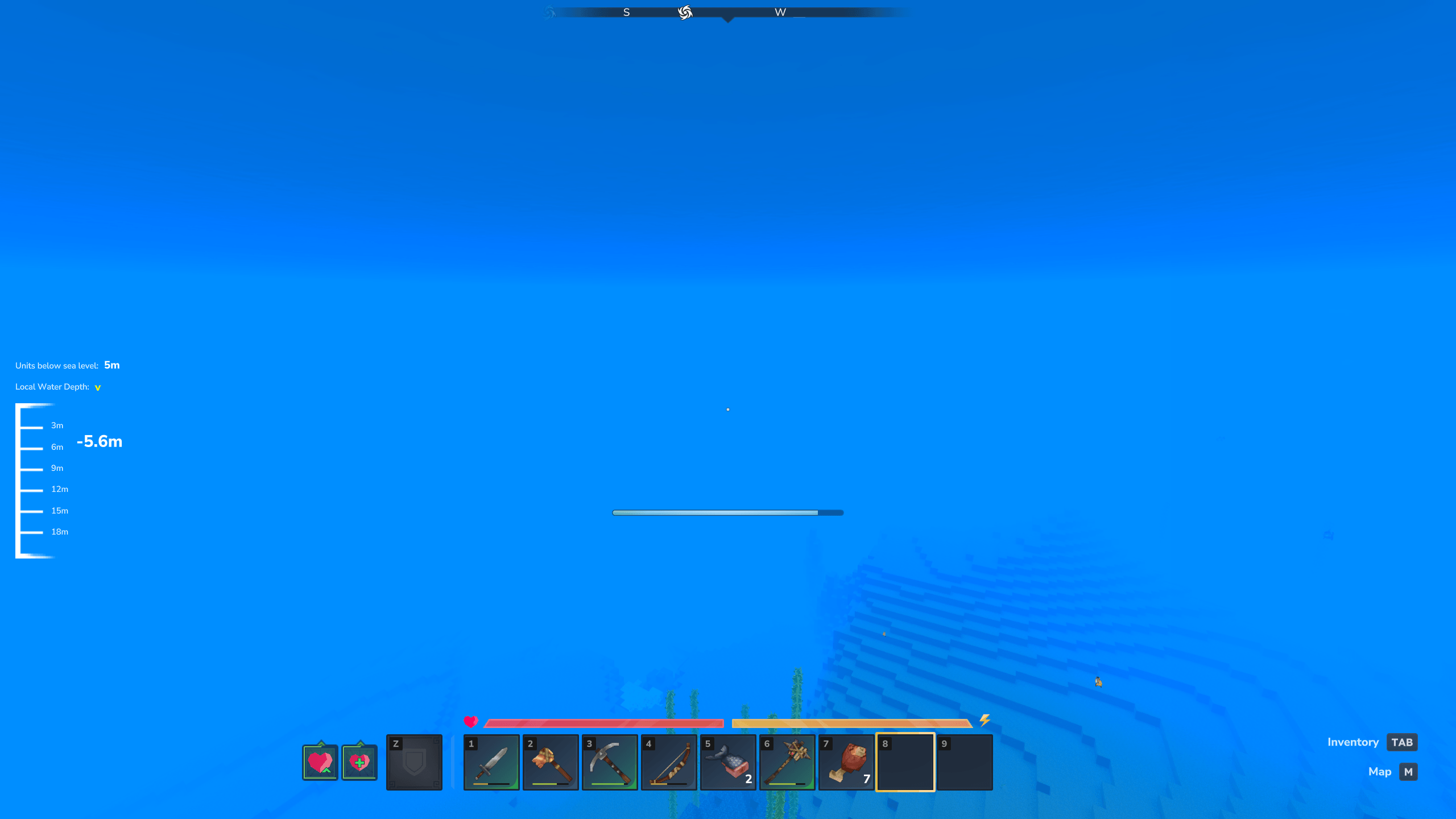
Shows a real-time depth gauge when you go underwater. Displays both your current depth and depth relative to sea level.
Features
- Real-time depth tracking in meters
- Sea level reference (optional, shows depth relative to Y=115)
- Direction indicators (up/down arrows when you're moving)
- Dynamic gauge that adjusts as you dive deeper (0-20m, 20-40m, etc.)
- Updates every 500ms for smooth tracking
- Toggle between whole numbers (5m) or decimals (5.3m)
- Works with all MultipleHUD-compatible mods (Blocchio, BlockInfo, EyeSpyHUD, etc.)
Requirements
- Java 21 or 25
- Hytale
Installation
- Download WaterDepthGauge-1.0.7.jar from the Files tab
- Put both JARs in
%AppData%\Roaming\Hytale\UserData\Mods\ - Start server and join game
- Jump in water and the gauge shows up automatically
Usage
The gauge appears automatically when you go underwater (0.5m+ depth) and hides when you surface. No setup needed.
Commands
All settings are saved per-player (each player has their own preferences).
/wdepth- Show your current settings/wdepth help- Show command list and usage/wdepth on- Enable depth gauge (default)/wdepth off- Disable depth gauge/wdepth sea <on|off>- Toggle sea level depth display/wdepth decimal <on|off>- Toggle decimal precision (e.g., 5.3m vs 5m)/wdepth credits- Show plugin credits
Settings Storage
Your personal settings are saved per-player to disk. Each player has independent preferences that persist across sessions.
Settings file location: C:\Users\[USERNAME]\AppData\Roaming\Hytale\UserData\Saves\[WORLD_NAME]\mods\BeyondSmash_WaterDepthGauge\player_settings.json
To access: Press Win+R, then paste: %AppData%\Hytale\UserData\Saves\[WORLD_NAME]\mods\BeyondSmash_WaterDepthGauge
How It Works
Local Depth: Measured from where you entered the water (resets each time)
Sea Level Depth: Measured from Y=115 (Hytale's sea level)
Gauge Range: Auto-adjusts in 20m chunks (0-20m, 20-40m, 40-60m, etc.)
Color: Markers turn pale orange at 5m intervals (5m, 10m, 15m, etc.)
Direction Arrow: Yellow arrow shows movement:
^= Going upv= Going down- No arrow = Not moving
What's New in v1.0.4
Per-player settings now persist to disk.
What Changed:
- Your settings now save automatically and survive server restarts
- Each player has independent preferences (no more conflicts on multiplayer servers)
- Added
/wdepth helpcommand for easy command reference - All commands now properly documented
New Commands:
/wdepth help- Show command list and usage/wdepth sea <on|off>- Toggle sea level display (was only in config file before)/wdepth decimal <on|off>- Toggle decimal precision (was only in config file before)
Why? Before v1.0.4, settings were stored in memory only and reset every time you disconnected. Now they're saved to player_settings.json per-player and persist across sessions.
Full changelog: https://github.com/BeyondSmash/WaterDepthGauge/blob/main/CHANGELOG.md
Troubleshooting
Gauge doesn't show up
Check that you didn't disable it with /wdepth off
Can I move or resize the gauge?
Not currently - it's at (Top: 475, Left: 20) with fixed size
Works with other HUD mods?
Yes, fully compatible with all MultipleHUD-based mods
Do my settings persist?
Yes, all settings are saved to disk per-player and persist across sessions
Links
- GitHub: https://github.com/BeyondSmash/WaterDepthGauge
- Bug Reports: https://github.com/BeyondSmash/WaterDepthGauge/issues
- Source code available (open source)
Credits
Created by BeyondSmash
Supports MultipleHUD compatibility by Buuz135
Water Depth Gauge Team