Void Chest
- By
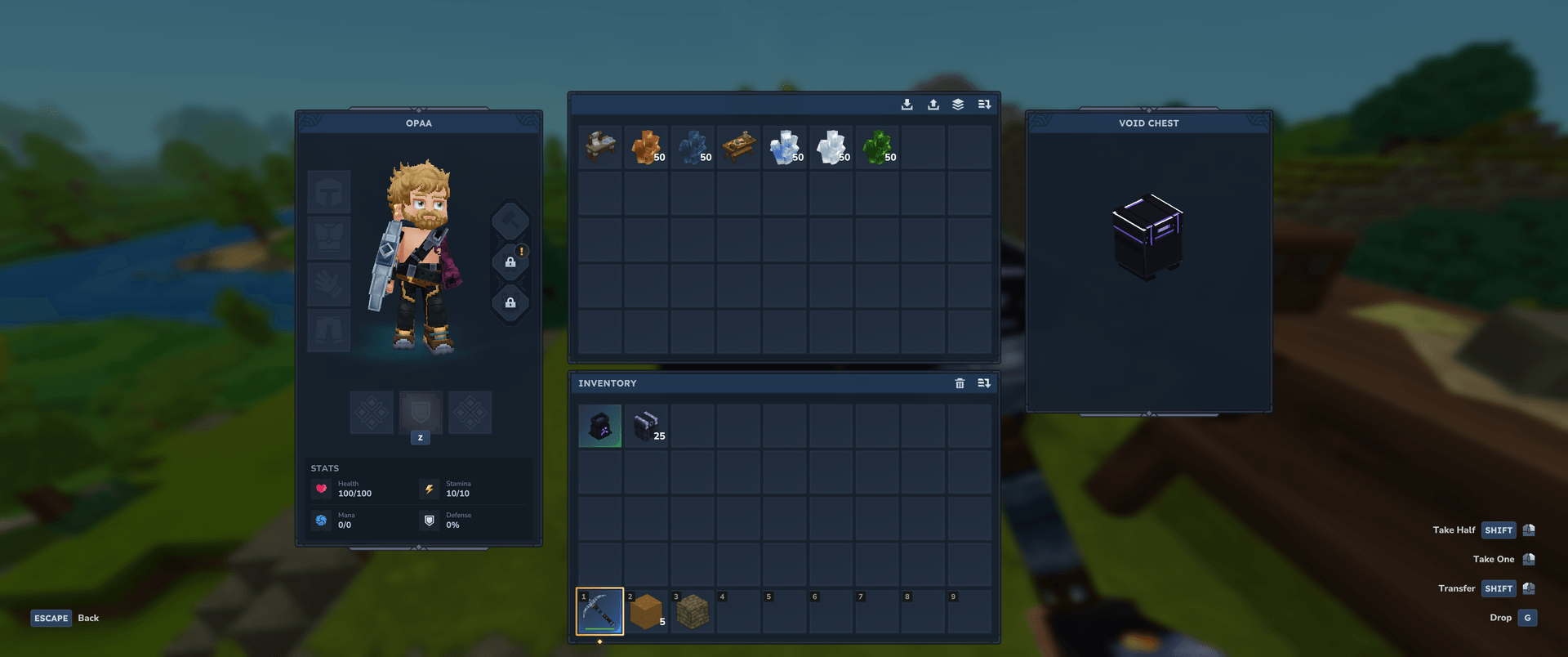
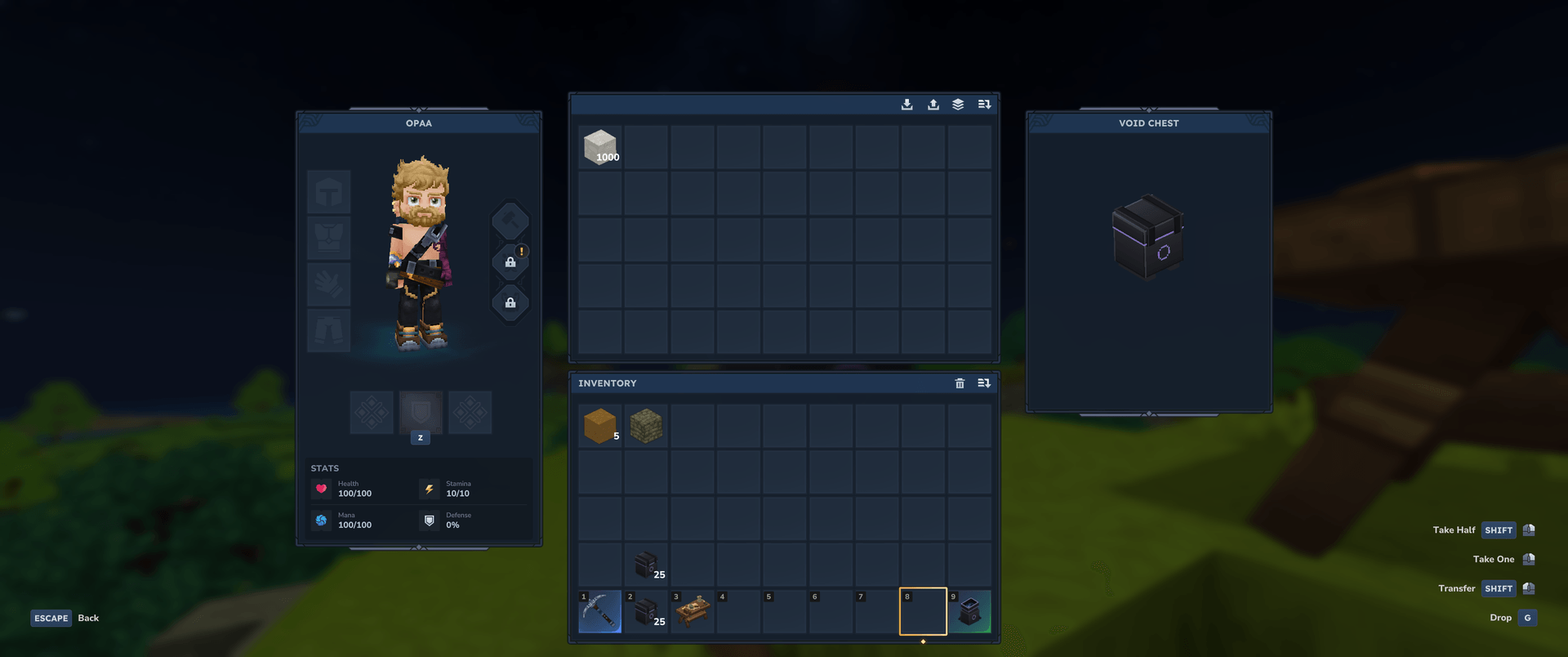
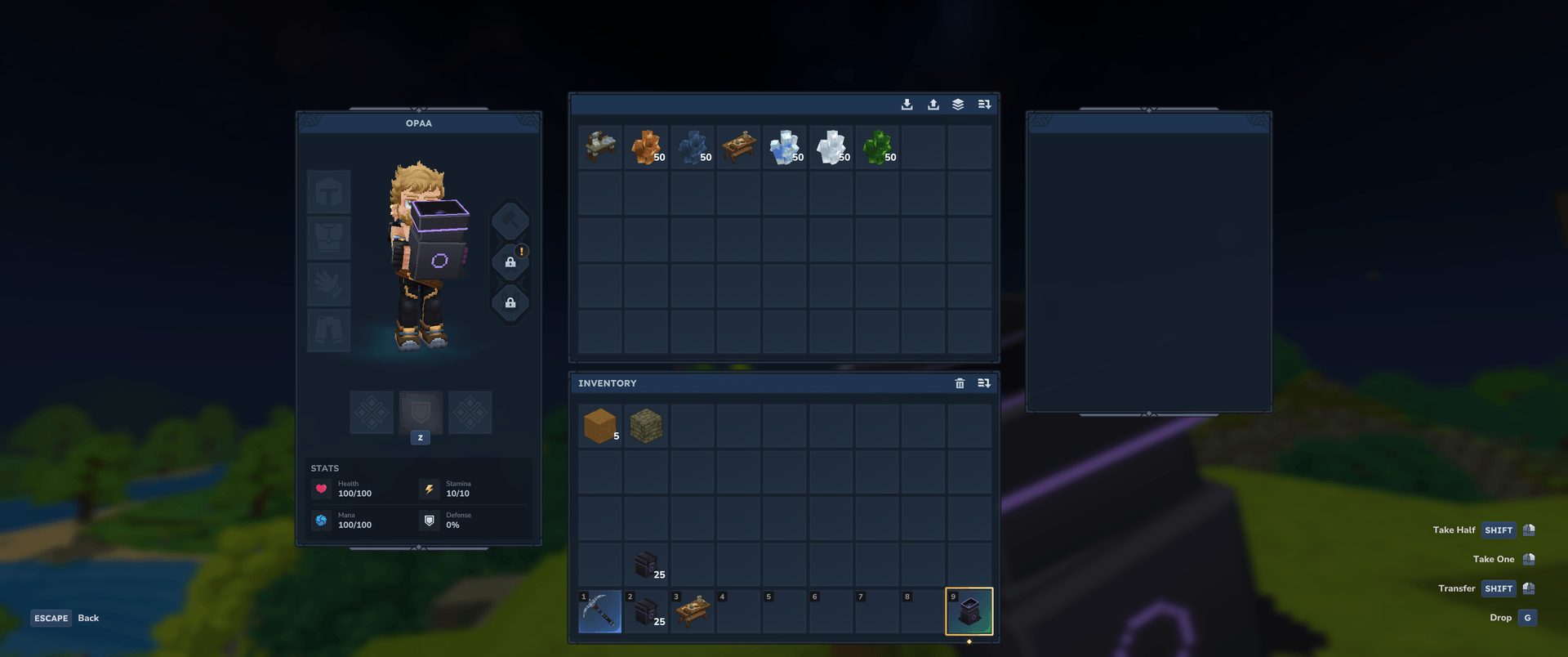
Void Chests on the same channel (0 to 99) share one 45-slot inventory anywhere in the world, and the Void Pouch opens a channel from wherever you stand. Stacks hold up to 1000. Channels can be named, public or private.
03-chests-closeup.png
06-chest-open.png
Description
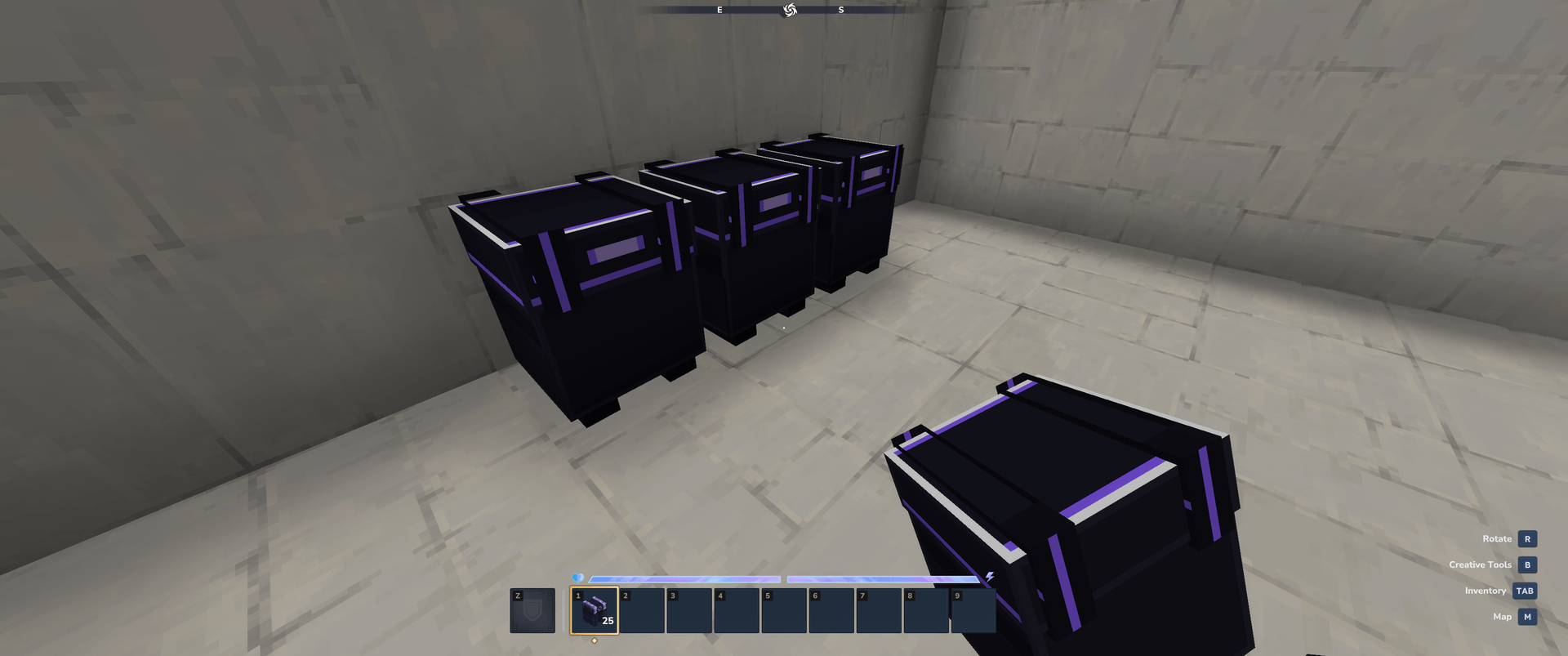
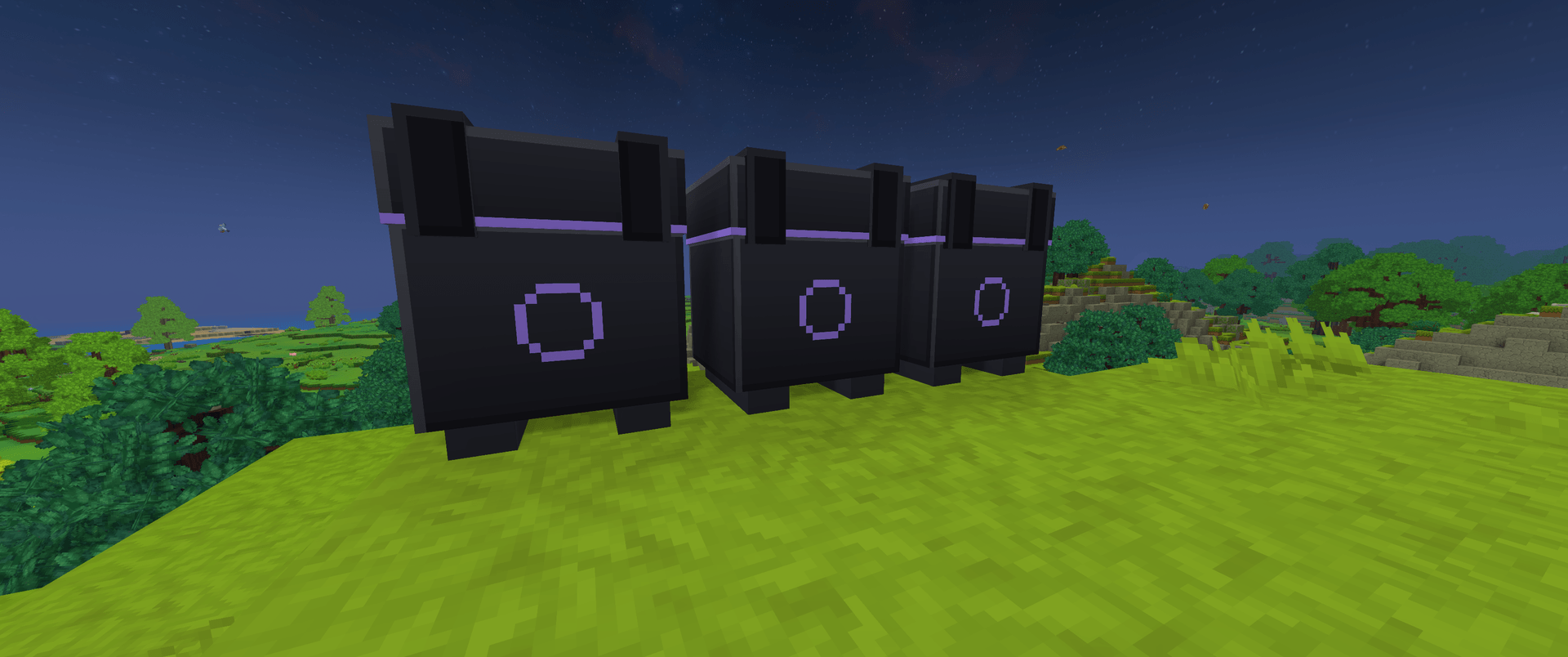
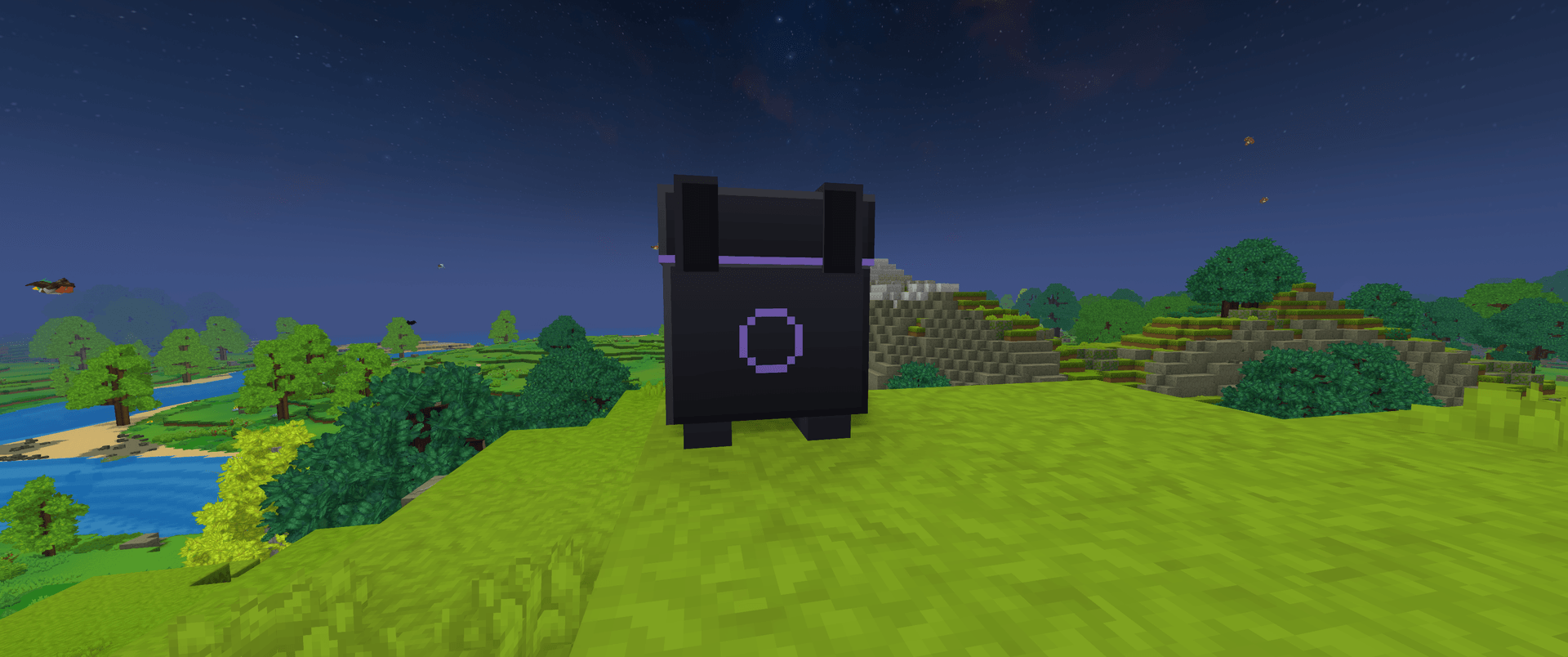
Void Chest adds a chest to Hytale that you link to other chests by a channel number. Every base ends up with its own pile of chests, the ore three zones away from the food. Void Chests on the same channel share one inventory instead.
How it works
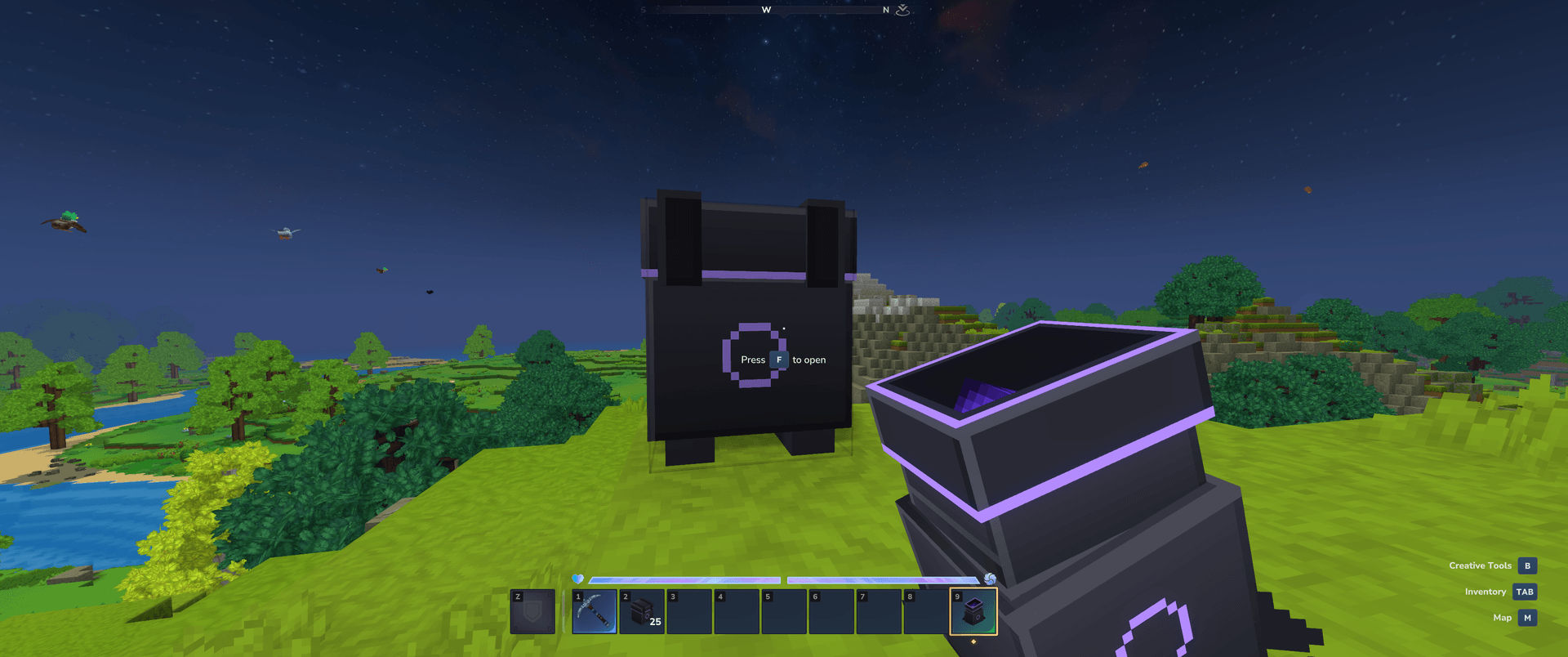
Place a Void Chest and press F. It opens on its channel, a number from 0 to 99, and every other Void Chest on that channel shows the same inventory wherever it is. Breaking a chest doesn't drop the items; they stay on the channel.
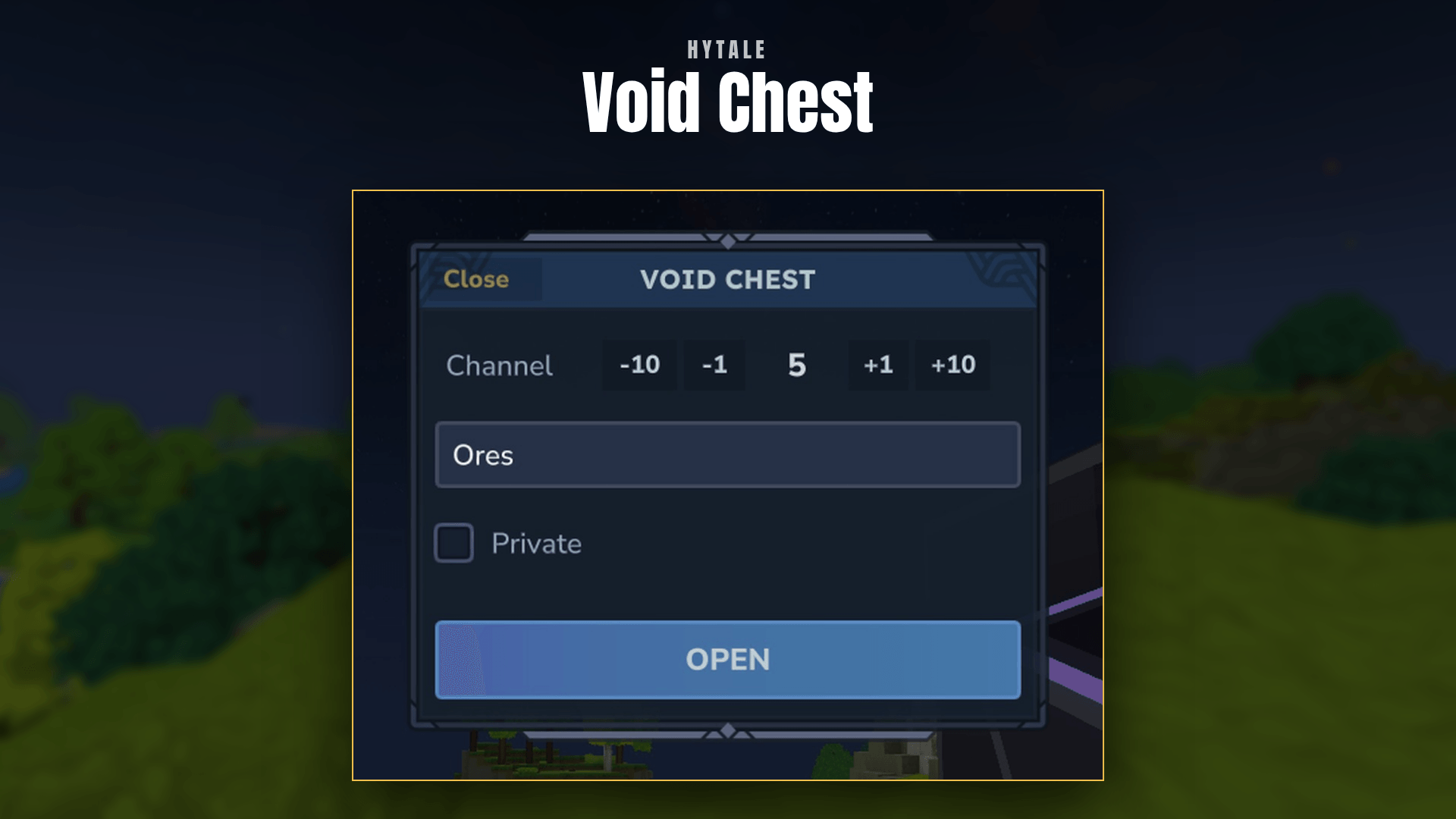
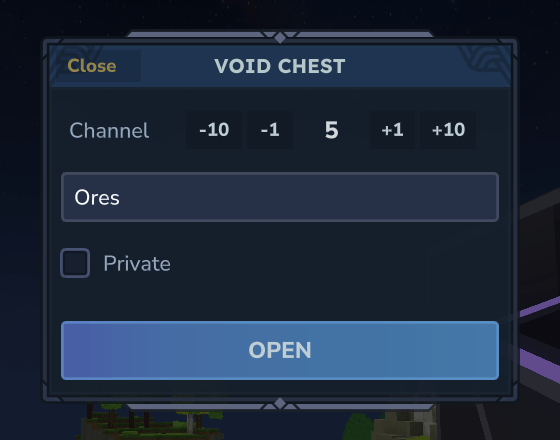
Crouch+F opens the channel menu instead. There you pick the number, give the channel a name like "Ores" and switch Private on or off.
- Public channel: anyone can open a chest on that number.
- Private: only you can open yours, even if another player uses the same channel.
- The menu and messages follow your game language (English or Brazilian Portuguese).
Void Pouch
A Void Chest you carry. Right-click opens its channel, crouch and right-click opens the channel menu, and until you choose it follows the last Void Chest you opened. The channel belongs to you, not the pouch, so a second pouch opens the same place.
Space
Each channel holds 45 slots, and a stack inside goes up to 1000 of the same item. Taking items out hands them back in normal stacks. Channels from older versions keep their contents and resize the first time you open them.
Crafting
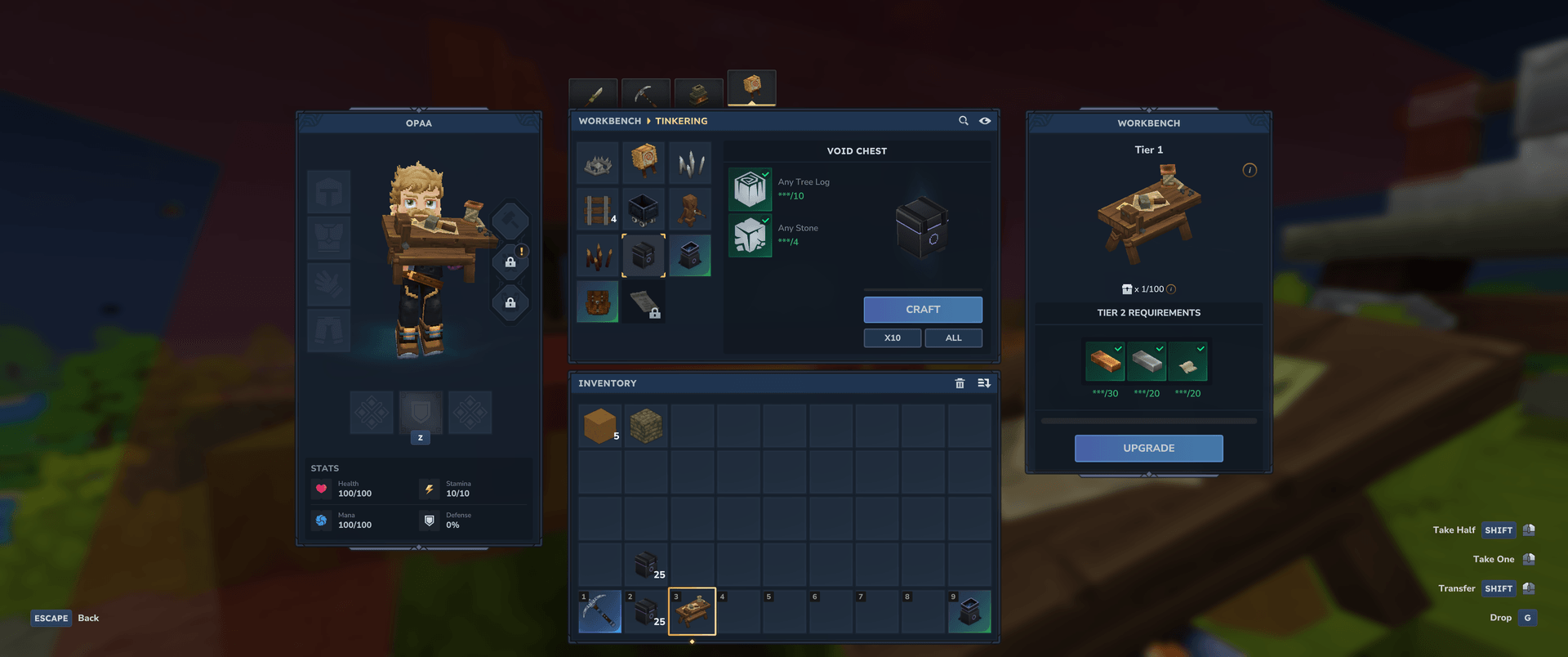
Both are on the Workbench, Tinkering tab, from the first tier. The chest takes 10 logs of any tree and 4 stone of any kind. The pouch takes 8 Plant Fiber and 2 logs.
Known issues
- Channels are per world. In a different world, channel 12 is a fresh, empty set of 45 slots.
- A channel name shows only in the channel menu, because the game hides every mod panel while a container window is up.
- The chest panel is drawn by the game client with no scrollbar, so 45 slots is what fits, and a server-side mod can't add the channel menu to it (hence crouch+F).
Install
The only requirement is Hytale 0.7.2 or newer.
Windows
- With the CurseForge app, install it from the app.
- By hand, put the jar straight into
%AppData%\Hytale\UserData\Mods. It's a jar, so there's nothing to unzip. - Load a world and open the Workbench, Tinkering tab. The Void Chest and the Void Pouch there mean the plugin loaded.
Linux
- With the CurseForge app, install it from the app.
- By hand, put the jar into
~/.local/share/Hytale/UserData/Mods. - Load a world and open the Workbench, Tinkering tab. The Void Chest and the Void Pouch there mean the plugin loaded.
It's a server-side plugin. In singleplayer it works as is; on a multiplayer server, only the server needs it.
Updating and uninstalling
The CurseForge app updates it for you. By hand, delete the old jar before you add the new one.
Worlds from 1.1.0 or older: the plugin ID changed to com.opaaaaaaaaaaaa:VoidChest, so the game says a mod is missing. Choose Disable and continue, then enable VoidChest again in Edit World; chests and items come back.
To uninstall, empty your Void Chests before you delete the jar. The chests only exist while the mod is installed, and I haven't tested what happens to the stored items without it.
If it doesn't work
- Check that the jar sits directly in the Mods folder above, not in a subfolder.
- A missing mod warning when the world opens means the world still has the old plugin ID: follow the steps under Updating.
- Still nothing: post the newest
_server.logfromUserData/Saves/(world name)/logsin the comments. If the game kicks you while joining the world, add the newest_client.logfromUserData/Logs.
My other mods
- NoDurability: tools, weapons and armor never lose durability.
- God Mode Menu: infinite health and stamina, flight and keep inventory.
- Offline Bots: play Tricky Towers offline against up to 3 bots.
- Give Me Everything - Crypt Custodian: god mode, no-clip and every upgrade one by one.
- Cuphead UltraWide: removes the black side bars, up to 21:9.
- Give Me Everything - MOUSE: no recoil, homing bullets and the hidden Lewis Gun.



Support
Ideas and bug reports go in the comments.
If you want to support what I make:

Void Chest Team