God Mode Menu
- By
Infinite health, stamina, oxygen, mana and signature energy, flight, speed and jump sliders, keep inventory, mobs that ignore you, no ability cooldowns and full brightness, from an in-game menu (/godmode). Server-side.
02-mobs-ignore-you.png
Description
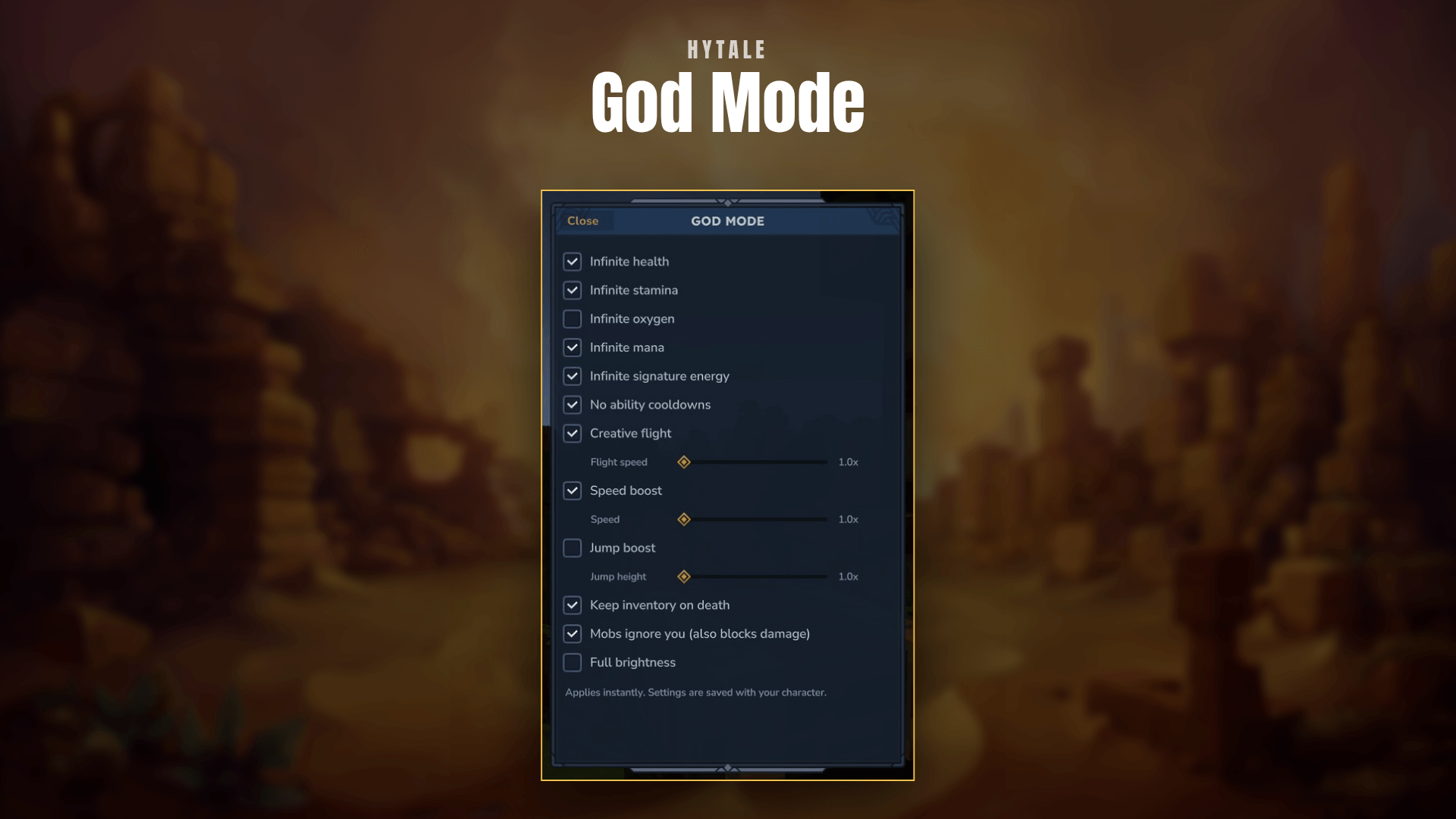
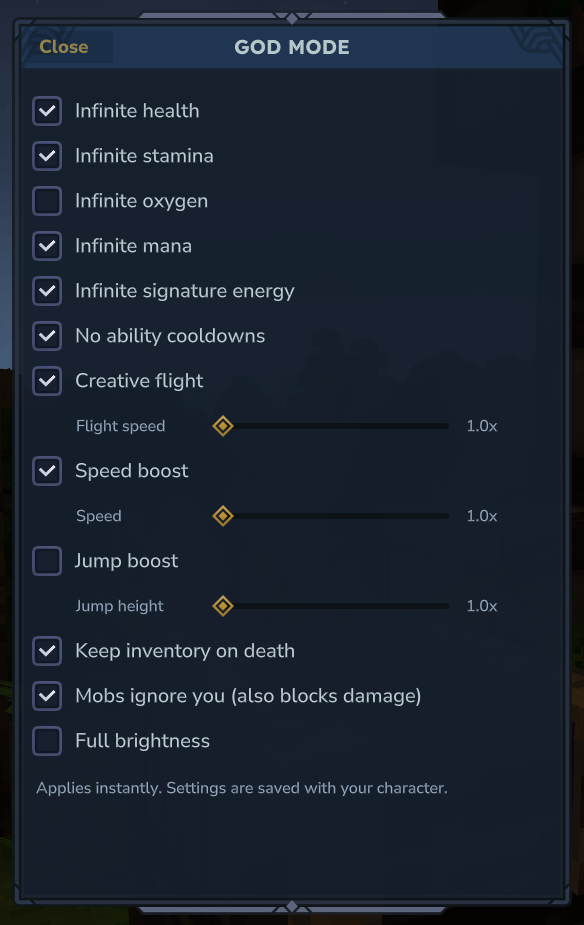
God Mode Menu is a Hytale plugin for the days you just want to build. Adventure worlds don't make that easy: fall damage, an oxygen bar underwater, and the long walk back from spawn when a mob gets lucky. Type /godmode to open a settings screen with these switches:
- Infinite health, stamina, oxygen, mana and signature energy
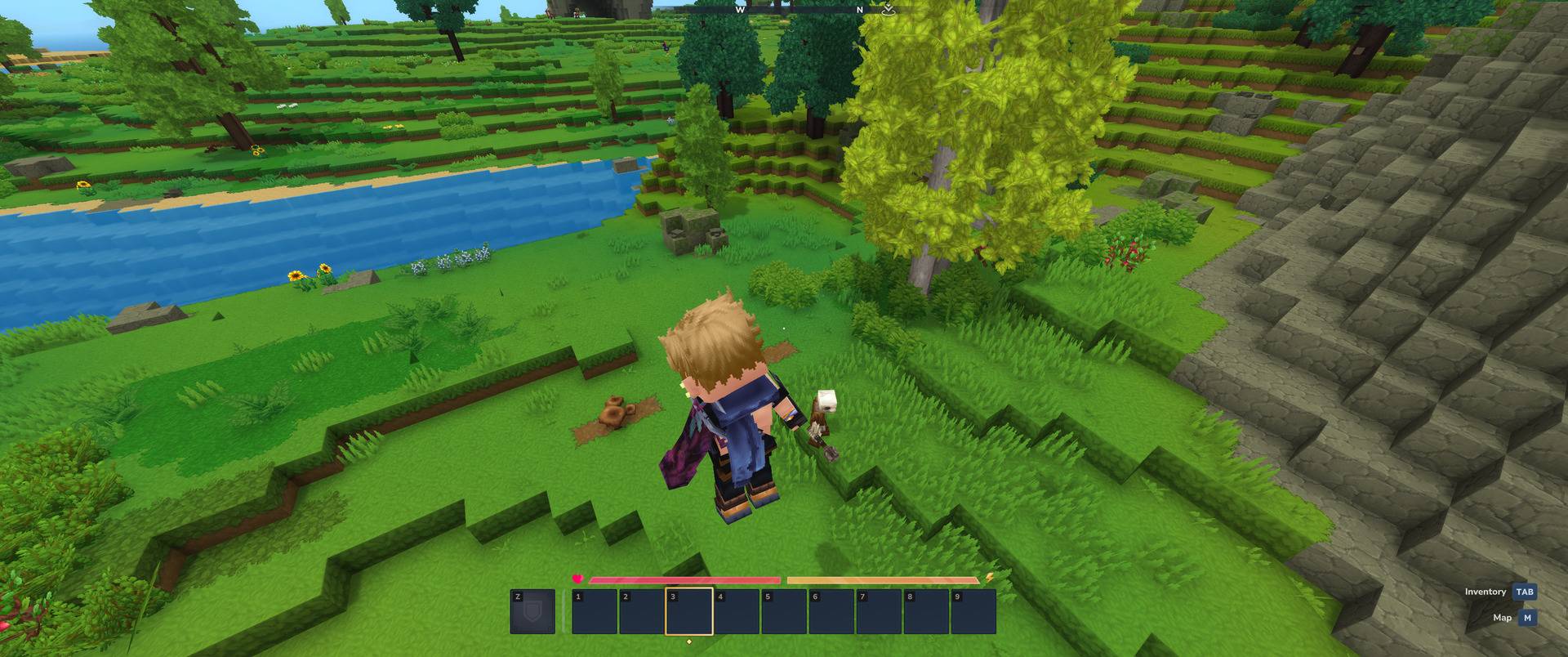
- Creative flight in adventure mode, with a speed slider from 1x to 5x
- Speed boost and jump boost, 1x to 5x each (2x by default)
- Keep inventory on death
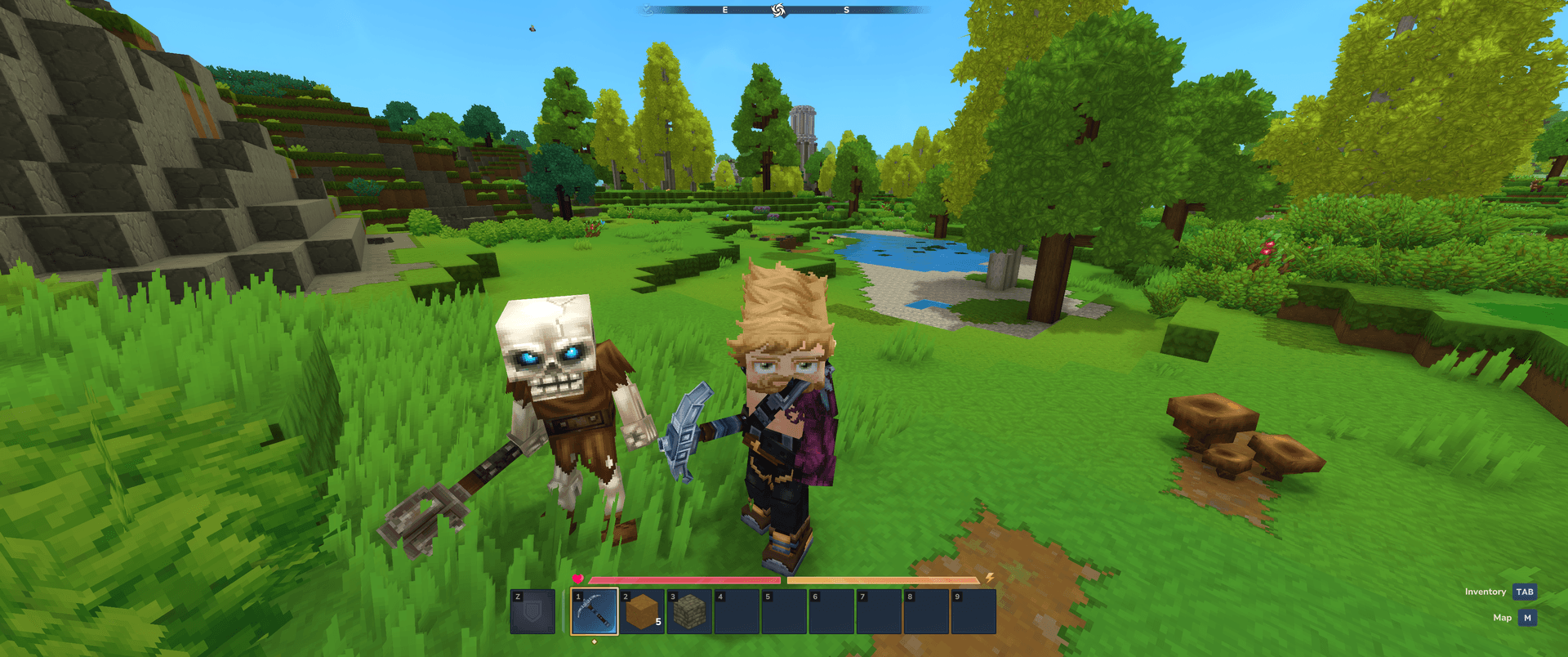
- Mobs ignore you, even standing right next to one. It also blocks all damage while it's on, because the game uses the same flag for both.
- No ability cooldowns: rune abilities recast right away instead of waiting 4 to 6 seconds
- Full brightness: every block at full light for you, at night and inside caves
Each toggle applies the moment you flip it and saves with your character. From chat, /godmode health, stamina, oxygen, mana, energy, fly, speed, jump, keepinventory, stealth, cooldowns or fullbright flips one, and /godmode all flips everything; the sliders live only in the menu. Turning a toggle off never takes away the invulnerability creative or spectator mode gives you.
Known issues
- The menu and chat messages follow your game language (English or Brazilian Portuguese), but command descriptions in the help list stay in English: the game's command API has no translation hook for that one field.
- Turning full brightness on or off makes the game redraw everything it has loaded, so expect around 10 seconds of heavy CPU at a 480 block view distance. Less with a shorter one. Leaving it on costs nothing extra.
- No conflicts with other server-side mods so far. If something clashes, tell me in the comments.
Install
Nothing needed besides Hytale.
Windows
- With the CurseForge app, install it from the app.
- By hand, put the jar straight into
%AppData%\Hytale\UserData\Mods. It's a jar, so there's nothing to unzip. - Load a world and type /godmode. If the settings screen opens, the plugin loaded.
Linux
- With the CurseForge app, install it from the app.
- By hand, put the jar into
~/.local/share/Hytale/UserData/Mods. - Load a world and type /godmode. If the settings screen opens, the plugin loaded.
It's a server-side plugin. In singleplayer it works as is; on a multiplayer server, only the server needs it.
Updating and uninstalling
The CurseForge app updates it for you. By hand, delete the old jar before you add the new one.
Coming from 1.3.0 or older: the plugin ID changed to com.opaaaaaaaaaaaa:GodMode, so an existing world shows a missing mod warning the first time. Click Disable and continue, open Edit World and switch GodMode back on. Nothing is lost.
To uninstall, switch the toggles off in /godmode first, then delete the jar. Invulnerability is a native flag the game saves with your character, and I haven't tested what happens to it once the mod is gone.
If it doesn't work
- Check that the jar sits directly in the Mods folder above, not in a subfolder.
- A missing mod warning when the world opens means the world still has the old plugin ID: follow the steps under Updating.
- Still nothing: post the newest
_server.logfromUserData/Saves/(world name)/logsin the comments. If the game kicks you while joining the world, add the newest_client.logfromUserData/Logs.
My other mods
- NoDurability: tools, weapons and armor never lose durability.
- Void Chest: chests on the same channel share one inventory anywhere.
- Offline Bots: play Tricky Towers offline against up to 3 bots.
- Give Me Everything - Crypt Custodian: god mode, no-clip and every upgrade one by one.
- Give Me Everything - MOUSE: no recoil, homing bullets and the hidden Lewis Gun.
- Defluxor No Overheat: the Defluxor never overheats.



Support
Bugs and ideas go in the comments.
If you want to support what I make:

God Mode Menu Team