GlymeraPortal
- By
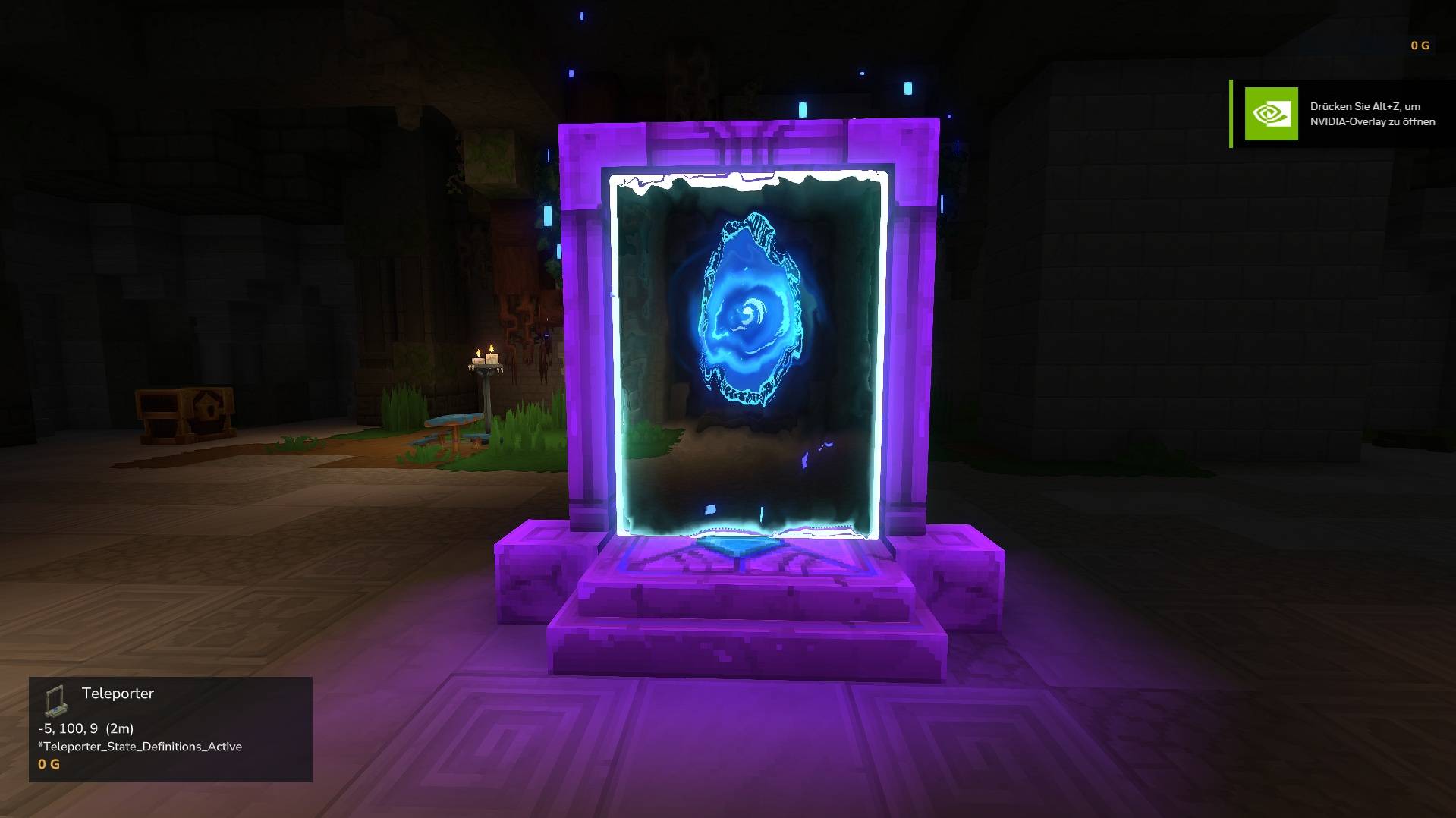
Player-owned teleporter networks. Unlike native 1:1 teleporters, every pad connects to all your other pads. Walk on, pick a destination, arrive facing the exit. Per-player ownership, public/private visibility, configurable limits.
Unbenannt_1.jpg
Unbenannt_2.jpg
Unbenannt_3.jpg
Description
GlymeraPortal - Physical Teleporter Networks
Place teleporter pads in the world and build your own fast-travel network. Walk onto a pad, pick your destination, step off at the other end facing the right way.
Most actual version only working for Hytale stable 5 ! Don't miss my other exciting projects — take a look at GlymeraCraft's Profile Discord: https://discord.gg/s5NRFWfxgy
What is GlymeraPortal?
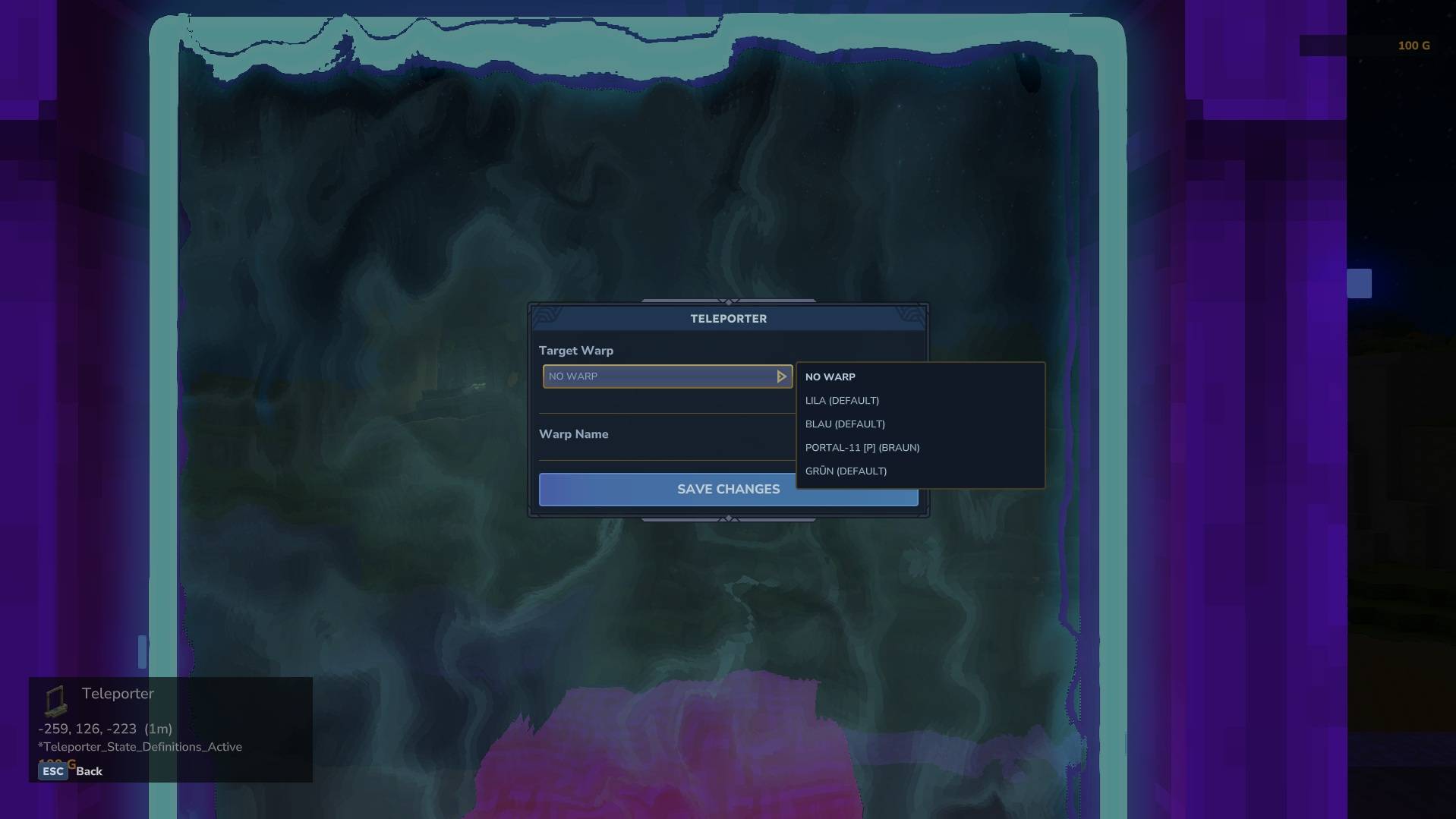
GlymeraPortal replaces Hytale's native teleporter system with a player-owned portal network. Instead of a single fixed warp per pad, each teleporter connects to all your other pads automatically. Step on, choose where to go, and arrive in front of the destination portal facing away - ready to keep walking.
Key differences from native Hytale teleporters:
- Native teleporters are 1:1 (one pad → one fixed warp destination). GlymeraPortal is many-to-many (every pad connects to all your other pads).
- Native teleporters show a settings page where you pick from all server warps. GlymeraPortal shows a filtered destination menu - you only see your own network.
- Native teleporters require manual warp configuration. GlymeraPortal is automatic - place a pad and it joins your network instantly.
- Native teleporters have no ownership. GlymeraPortal has full per-player ownership with public/private visibility.
- Native teleporters land you on the pad (can re-trigger). GlymeraPortal places you in front of the pad facing away, preventing re-trigger loops.
Features
Automatic Network
- Place a teleporter pad → it joins your personal network automatically
- All your pads see each other as destinations
- Remove a pad → it disappears from all destination lists instantly
- Works cross-world - teleport between any worlds on the server
Walk-In Activation
- Simply walk onto a pad to activate it - no button press needed
- Single destination? You teleport instantly
- Multiple destinations? A dropdown menu appears
- You stay in place while browsing the menu - no disorienting movement
Smart Arrival
- Arrive 1.5 blocks in front of the destination pad, not on top of it
- Face away from the portal - walk straight to continue your journey
- Arrival direction matches the pad's NESW orientation (set when placed)
- No collision with the destination pad = no accidental re-teleport
Ownership & Privacy
- Every pad belongs to the player who placed it
- Private (default): Only you can see and use your pads
- Public: Other players can use your public network (but can't modify it)
- Only the pad owner can rename it or change its visibility
- Only the pad owner (or an OP) can break it
Portal Limit
- Configurable maximum portals per player (default: 5)
- OPs can place unlimited portals
- Clear message when the limit is reached
Commands
For Everyone
| Command | Description |
|---|---|
/portal list |
List your portals with coordinates and visibility |
/portal name <name> |
Rename the nearest portal (within 10 blocks) |
/portal public |
Make the nearest portal public |
/portal private |
Make the nearest portal private |
For OPs Only
| Command | Description |
|---|---|
/portal give <count> |
Give yourself teleporter items (1-64) |
/portal reload |
Reload portal data and config from disk |
/portal list |
Shows all portals from all players |
How It Works
Placing
- Right-click with a Teleporter item to place the pad
- The pad faces the direction you're looking (snapped to N/E/S/W)
- After 2 seconds, the pad activates (particles + sound)
- It's now part of your portal network
Using
- Walk onto an active pad
- If you have exactly one other pad → instant teleport
- If you have multiple pads → dropdown menu appears
- Pick a destination → teleport to that pad's exit position
Network Rules
- Owner on own pad: sees all own pads as destinations
- Non-owner on public pad: sees all public pads from that pad's owner
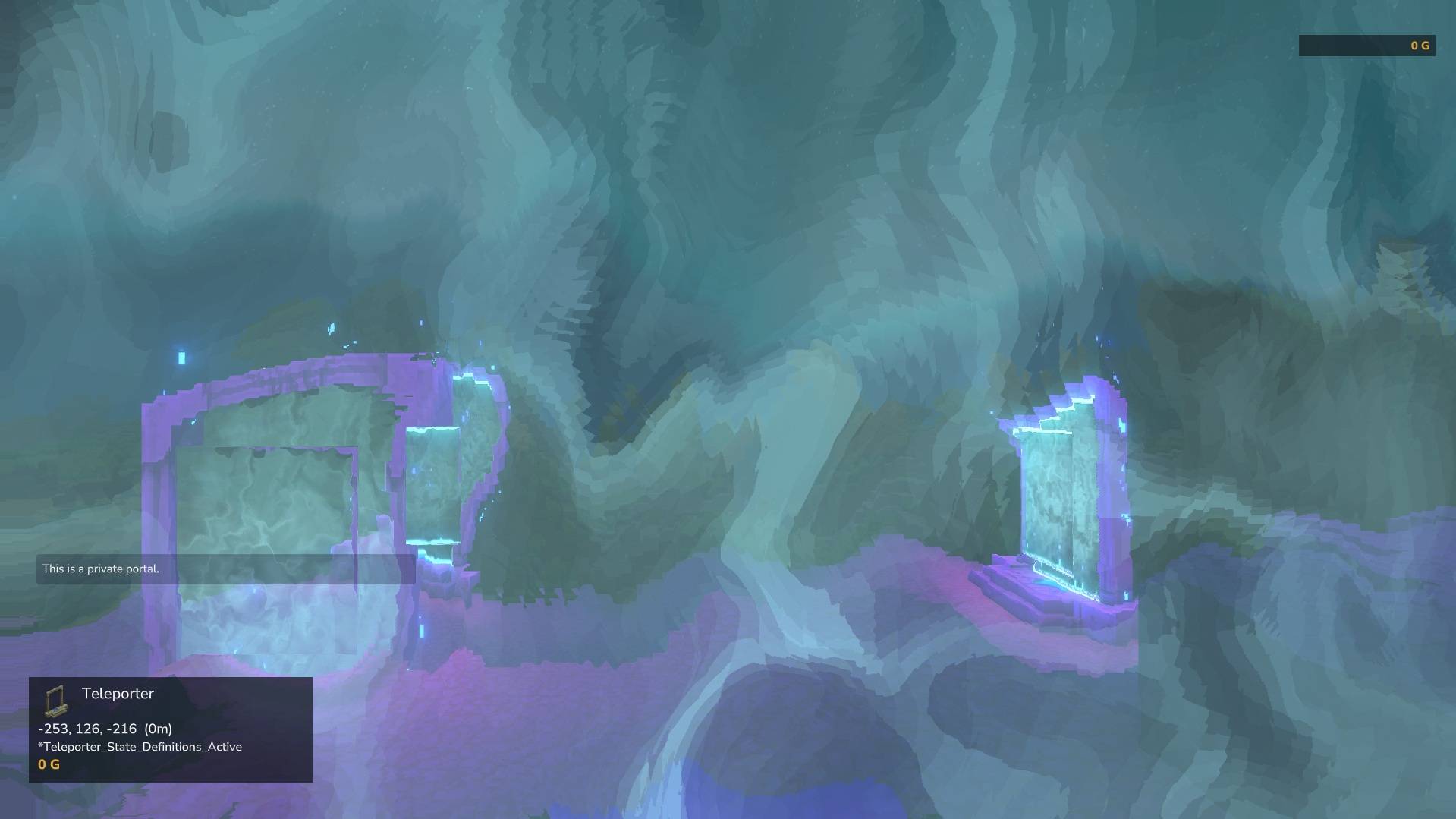
- Non-owner on private pad: blocked ("This is a private portal")
Configuration
config.json (plugins/GlymeraPortal/config.json)
{
  "maxPortalsPerPlayer": 5
}
Maximum number of portals a non-OP player can place. OPs are unlimited.
Portal Data (plugins/GlymeraPortal/portals.json)
Automatically managed - stores all portal positions, owners, names, visibility and warp IDs.
Crafting
Teleporters are crafted at an Arcane Bench (Arcane_Portals category):
| Input | Quantity |
|---|---|
| Azure Wood | 8 |
| Mana Crop | 2 |
| Rock (any) | 10 |
Output: 2 Teleporter pads | Required Memories Level: 5
Installation
- Place
GlymeraPortal-1.0.0.jarin your server'smods/folder - Start (or restart) the server
- Done! Config and data files are auto-generated on first run.
Good to Know
- The plugin uses Hytale's native Teleporter block with a custom asset pack (embedded in the JAR)
- Pads emit ambient portal sounds and blue particle effects when active
- Cross-world teleport is fully supported - pads in different worlds connect seamlessly
- Breaking a pad requires the correct tool (GatherType: Benches)
- The portal limit message clearly tells players their current count vs maximum
Made with care by Glymera for the Hytale community
The GlymeraPortal Team