GlymeraHUD
- By
Reposition any HUD via /ghud sliders. Works with any plugin, no code changes needed. Server-side only.
Unbenannt_1.jpg
Unbenannt_2.jpg
Unbenannt_3.jpg
Description
GlymeraHUD — Reposition Any HUD on Your Server
Move any custom HUD to exactly where you want it. One command, no client mods.
What is GlymeraHUD?
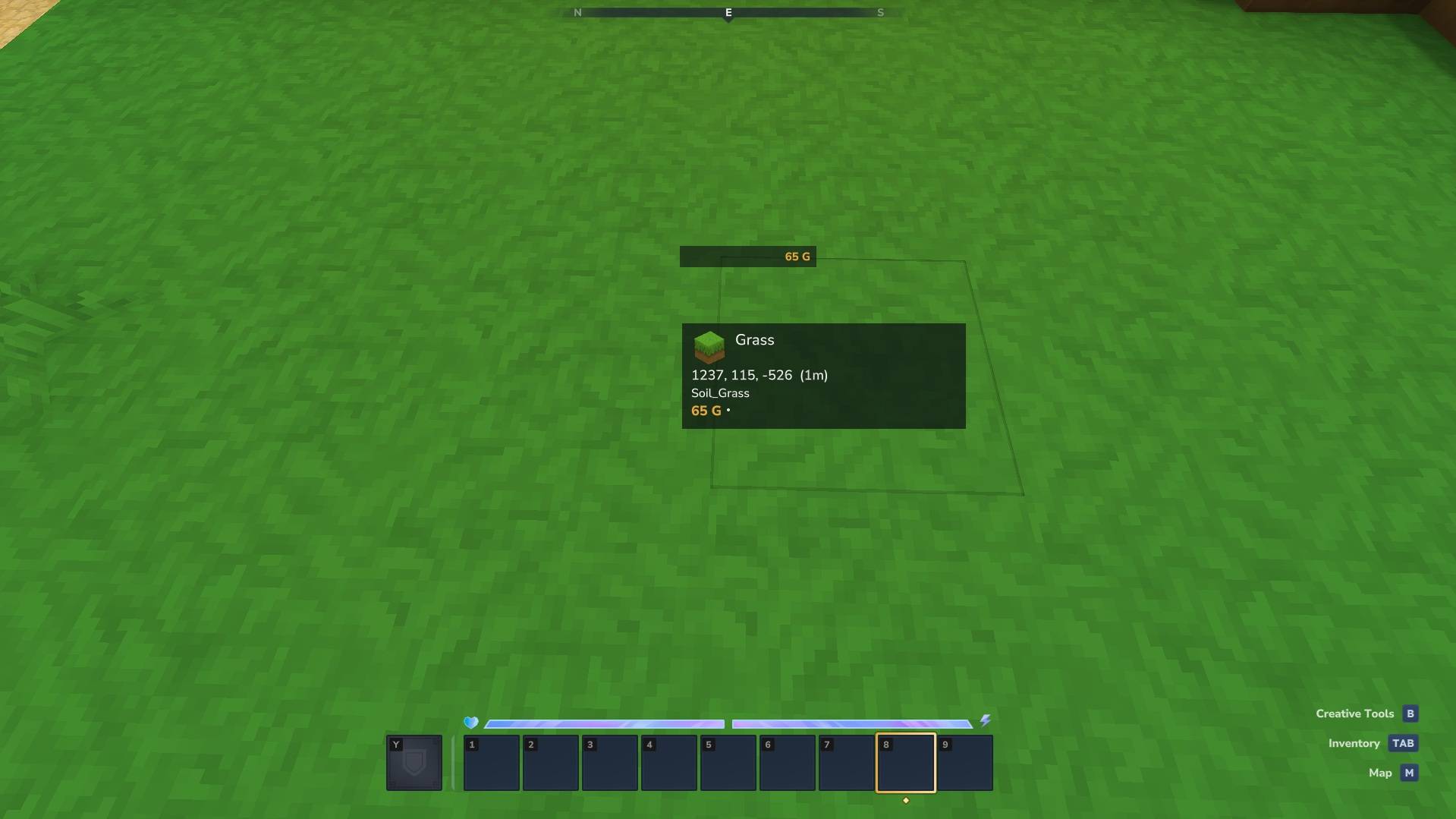
Hytale plugins draw their HUDs wherever their author hard-coded them — a minimap top-left, a money counter top-right, a scoreboard down the side. Sooner or later two of them land in the same corner and overlap, and there is nothing the player can do about it.
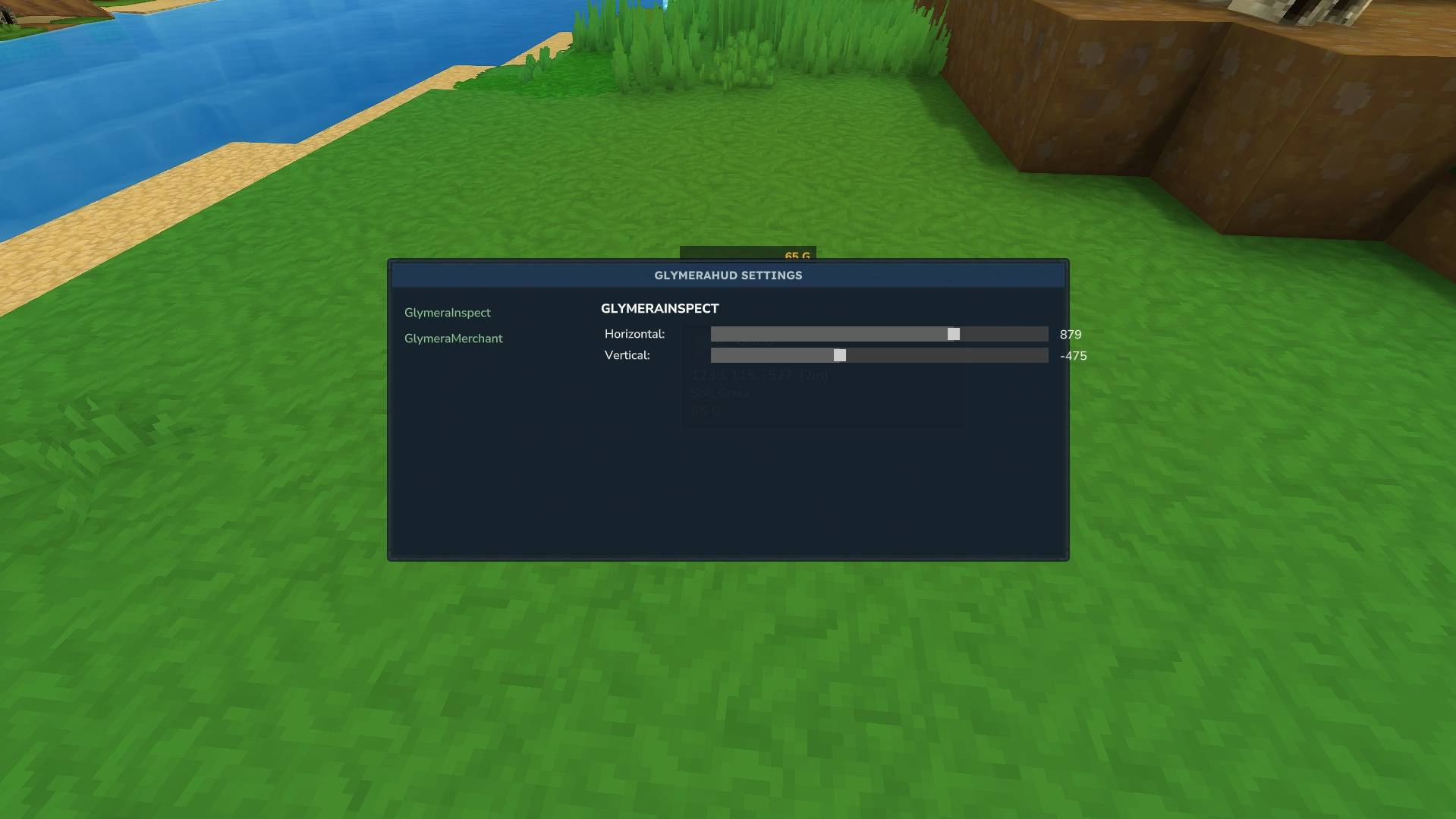
GlymeraHUD gives server operators a simple in-game tool to slide any HUD to a new position. Pick a HUD from a list, set two sliders, close the page — the HUD sits at its new spot. The new position is saved and applies to everyone on the server.
Install once. Reposition anything. No code, no config files to hand-edit.
How to Use
- Trigger the HUDs you want to manage at least once (open your money display, look at a block, etc.) so the plugin has seen them.
- Type
/ghudto open the positioning page (operators only). - Pick a HUD from the list on the left.
- Set the Horizontal and Vertical sliders. (On Hytale 0.6.0 the client hides all custom HUDs while a page is open, so you will not see it move yet.)
- Close the page. The position is saved and survives restarts.
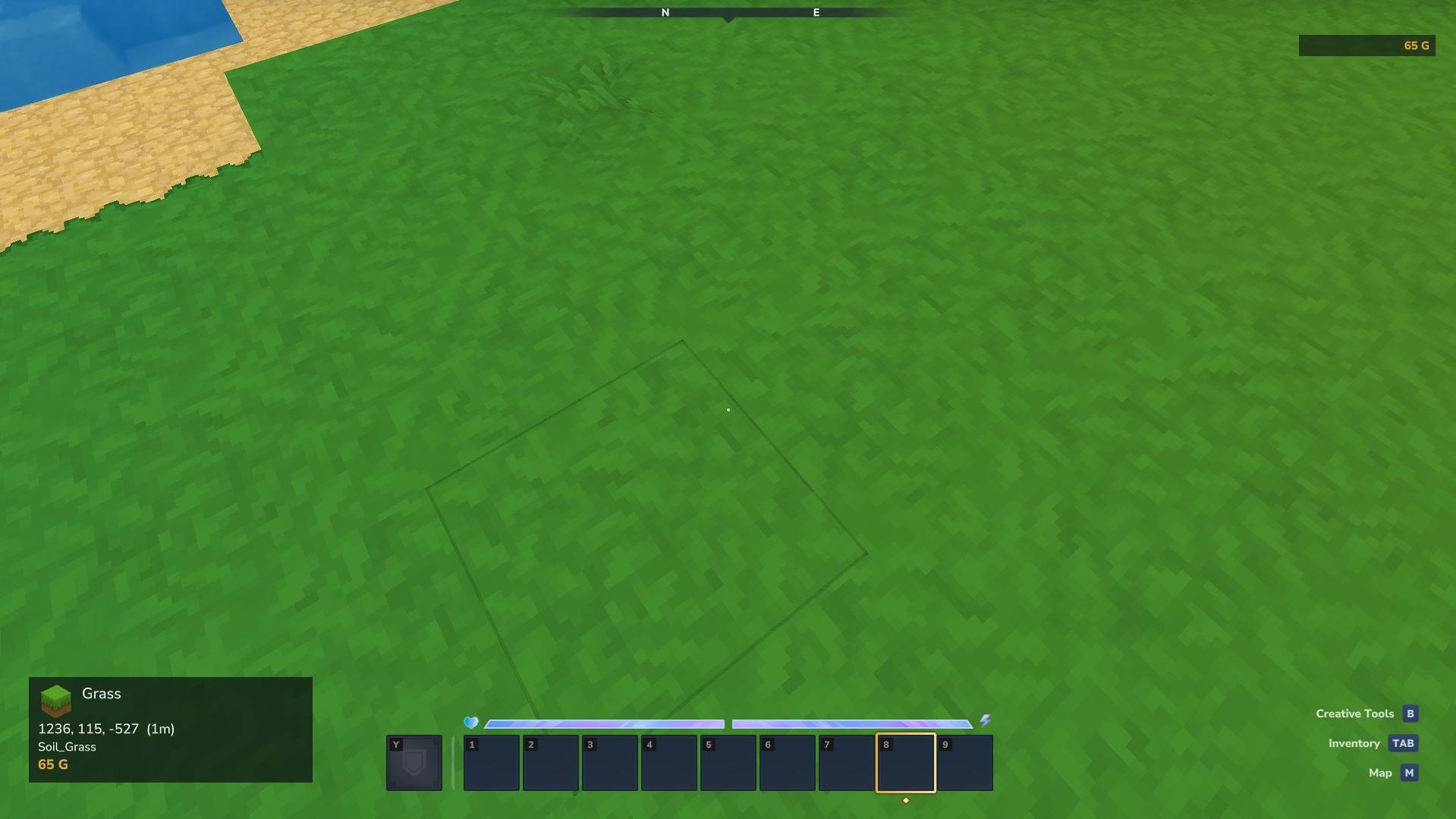
That's it. Close the page — the HUD appears at its new position. No reconnect required; reopen /ghud to fine-tune.
Features
- Works with any HUD — built-in Glymera HUDs and third-party HUD plugins alike, whether they build their HUD inline or load it from a UI file.
- Close to preview — close the page and the HUD is at its new spot; reopen
/ghudto nudge it further. (Before Hytale 0.6.0 the HUD moved live while dragging; the 0.6.0 client hides custom HUDs behind open pages.) - Server-wide positions — an operator sets a layout once; every player sees the same arrangement.
- Persistent — positions are stored on the server and restored automatically after a restart.
- Server-side only — no client mods, no resource packs, nothing for your players to install.
- Safe by design — GlymeraHUD never rewrites a plugin's HUD structure. It only nudges the position, and if it ever can't position a HUD cleanly it leaves it untouched rather than risk breaking it.
- Operator-gated — only operators can open
/ghud; regular players cannot move HUDs.
Commands
| Command | Who | Description |
|---|---|---|
/ghud |
Operators | Open the HUD positioning page |
Installation
- Place
GlymeraHUD-3.0.0.jarin your server'smods/folder. - Start (or restart) the server.
- Done — run
/ghudin-game to start positioning.
Good to Know
- One HUD won't move while you drag it? A few HUDs are sent only once and then quietly updated (some money/balance displays work this way). GlymeraHUD re-triggers the selected HUD when you change a slider so it repositions anyway — no reconnect needed.
- A third-party HUD won't move at all? A small number of HUDs are built in a way that hides their position from the server (no identifiable root element). GlymeraHUD will simply leave those alone — it never guesses, so it can never break them. Everything else repositions normally.
- Modern Hytale already shows multiple HUDs at once. You no longer need a compatibility layer just to see several HUDs together — the game handles that natively. GlymeraHUD's job is the part the game does not do: letting you arrange them.
Compatibility
- Works with all GlymeraCraft HUD plugins (GlymeraInspect, GlymeraMerchant, etc.).
- Works with third-party HUD plugins that use Hytale's standard custom-HUD system.
- Does not interfere with interactive pages (shops, menus) — those are a separate system.
Made with care by Glymera for the Hytale community.
Hytale 0.6.0 note: the client now hides all custom HUDs while a custom page is open, so you will not see the HUD move while the slider page is up. Close the page — the HUD appears at its new position. The offset is saved as usual.
The GlymeraHUD Team