GlymeraEssentials
- By
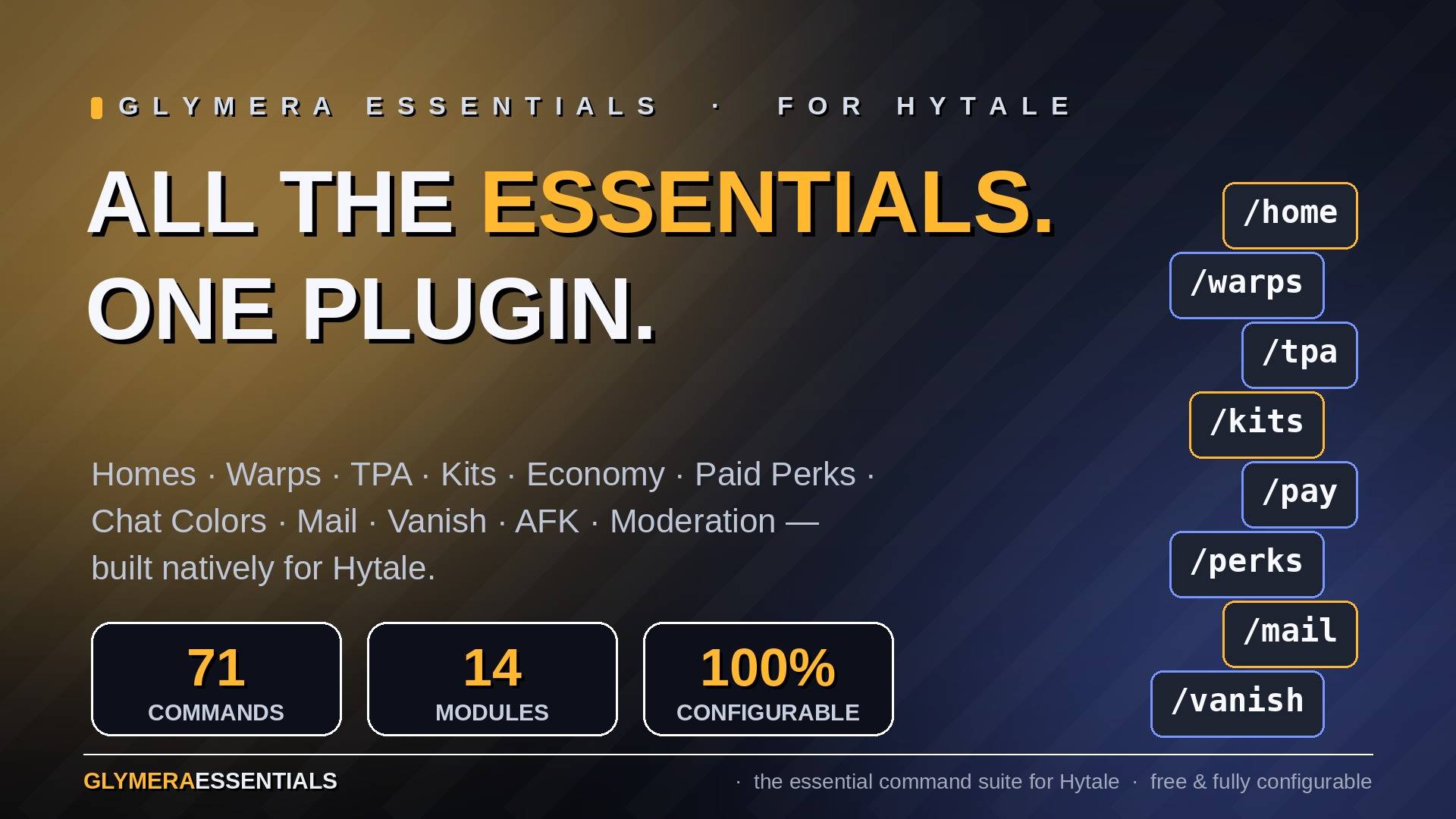
All the essentials in one plugin: homes, warps, TPA, kits, economy, paid perks (fly, speed, heal, chat colors), mail, vanish, AFK and a full warn/ban system — 71 commands, fully configurable, built natively for Hytale.
1_hero.jpg
2_teleport.jpg
3_perks.jpg
4_chatcolors.jpg
5_economy.jpg
Description
GlymeraEssentials
The all-in-one essentials suite for Hytale servers — 71 commands, fully standalone.
Homes, warps, per-world spawns, teleport requests, a paid-perks shop with GUI (flight, speed, heal, repair, chat colors), kits with a first-join starter kit, a full economy with three interchangeable backends, private messages and mail, chat formatting with rank prefixes, AFK detection, vanish, a warning system with automatic bans (UUID + name + IP), join/quit messages, MOTD, auto-broadcasts, custom death messages, a command alias system — everything a survival or community server needs, in one jar.
Don't miss my other exciting projects — take a look at GlymeraCraft's Profile Discord: https://discord.gg/s5NRFWfxgy
Think EssentialsX, but built natively for Hytale 0.5.4.
GlymeraEssentials works completely standalone: no dependencies, no setup. Drop the jar into mods/, start the server, done. All defaults, every message and every command can be changed afterwards in the generated config files.
Why you won't fight with other plugins
Every command in GlymeraEssentials is collision-aware. At startup the plugin checks whether another plugin (or Hytale itself) already owns a command name. If so, GlymeraEssentials automatically registers its command with an e prefix instead and tells you in the log — for example /ban becomes /eban, because Hytale ships a native (much simpler) ban command. Nothing ever breaks, nothing is overwritten. On top of that, every single command can be renamed, disabled, restricted to OPs, priced, or given a cooldown/warmup in config.json.
Commands
OP-only commands are marked (OP). Every default shown here can be changed in the config.
🏠 Homes
| Command | Description |
|---|---|
/sethome [name] |
Save your current position as a home |
/home [name] |
Teleport to a home (3s warmup) |
/delhome <name> |
Delete a home |
/homes |
List your homes |
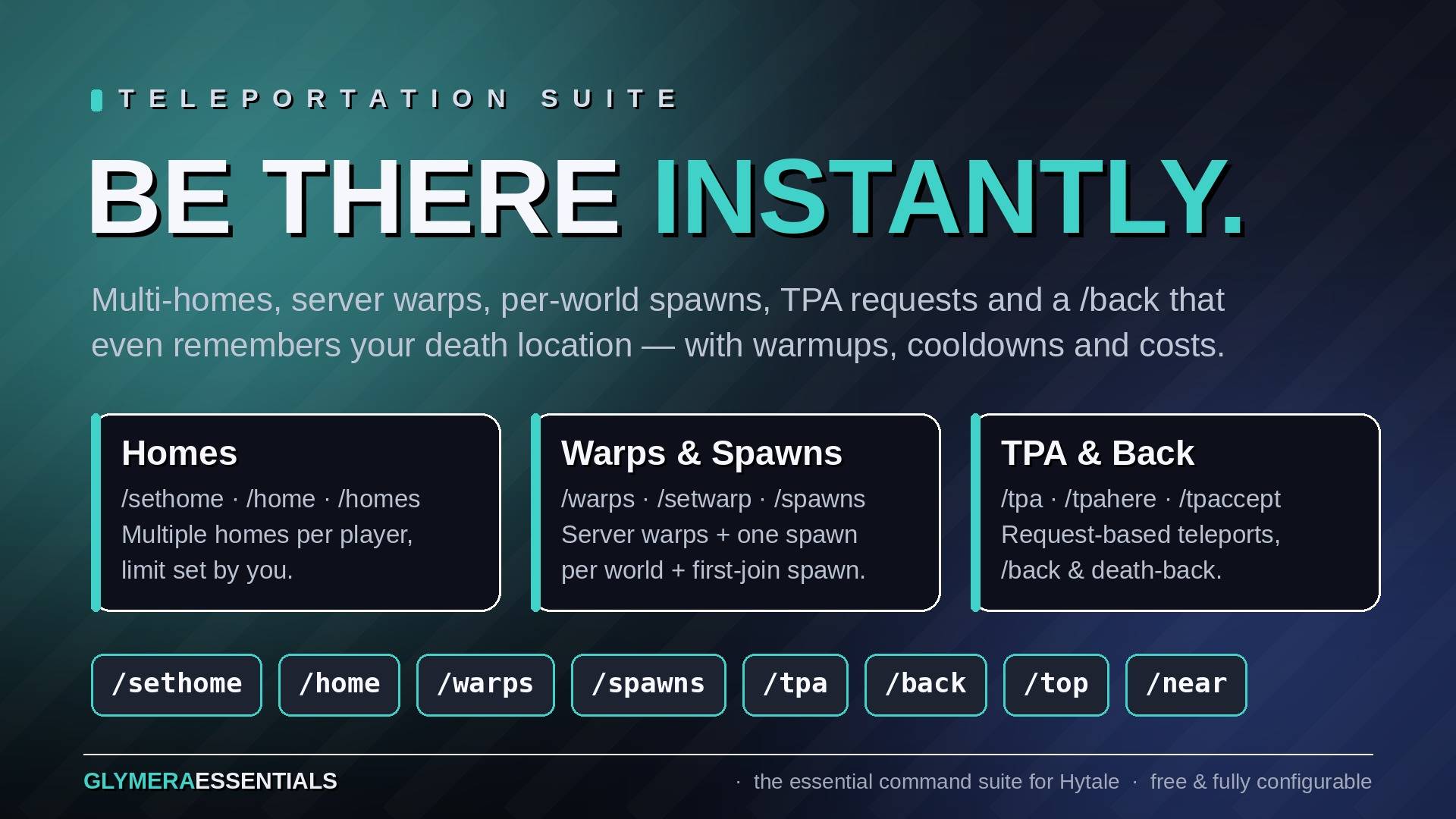
Players can save up to 5 homes by default (homes.maxHomes, unlimited possible). Home teleports have a short warmup that cancels if the player moves — warmup, cooldown and a price per use are configurable for every command in the plugin.
🌀 Warps
| Command | Description |
|---|---|
/warps [name] |
List all warps / teleport to one |
/setwarp <name> [op] |
(OP) Create or move a warp; op flag makes it OP-only |
/delwarp <name> |
(OP) Delete a warp |
/warpinfo <name> |
Show a warp's world, position and creator |
Server-wide teleport targets for everyone. Warps flagged as OP-only are hidden from regular players.
🌍 Spawns
| Command | Description |
|---|---|
/spawns |
Teleport to the current world's spawn (falls back to the server spawn) |
/spawns <world> / /spawns list |
Teleport to another world's spawn / list all spawns |
/setspawn |
(OP) Set the spawn of the world you are standing in |
/setserverspawn |
(OP) Set the global server spawn |
/delspawn <world> |
(OP) Remove a world spawn |
/setfirstjoinspawn / /delfirstjoinspawn |
(OP) Where brand-new players appear on their very first join |
Each world can have its own spawn plus one global server spawn as fallback. New players can be welcomed at a dedicated first-join spawn and automatically receive the starter kit (see Kits).
📩 Teleport requests
| Command | Description |
|---|---|
/tpa <player> |
Ask to teleport to a player |
/tpahere <player> |
Ask a player to teleport to you |
/tpaccept / /tpdeny |
Accept / decline the pending request |
/tpto <player> |
(OP) Teleport to a player instantly |
/tphere <player> |
(OP) Pull a player to you instantly |
/tpall |
(OP) Pull everyone to you |
/tppos <x> <y> <z> |
(OP) Teleport to coordinates |
Requests expire after 60 seconds (configurable).
↩️ Back & travel
| Command | Description |
|---|---|
/back |
Return to your previous position — including your death location |
/near |
List players within 100 blocks (square radius, configurable) |
/top / /bottom |
(OP) Jump to the highest / lowest free spot above or below you |
/jump |
(OP) Teleport to the block you are looking at |
/suicide |
The emergency exit (30s cooldown) |
Every teleport (homes, warps, spawns, TPA, …) pushes the previous position onto the back-history, and dying does too — /back after death is the classic "get my stuff back" run.
✨ Perks — paid player features with GUI
| Command | Description |
|---|---|
/perks |
Open the perks shop GUI |
/fly |
Toggle flight (paid feature) |
/speed |
Toggle a speed boost (paid feature) |
/heal |
Heal yourself (paid feature) |
/repair |
Repair the held item (paid feature) |
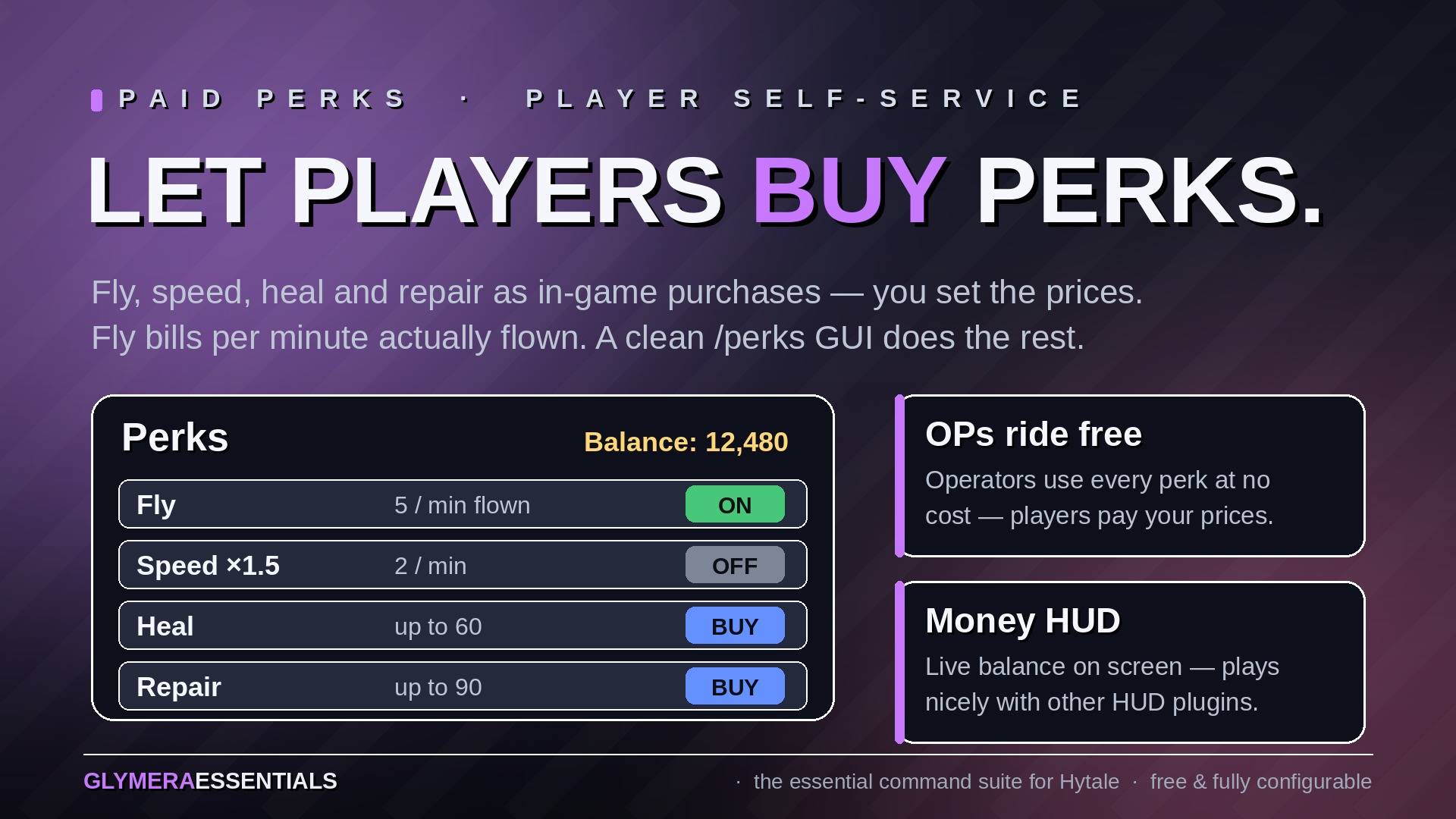
The perks system turns classic admin commands into self-service features players pay for — each one individually enabled and priced in the config (all disabled by default):
- Flight — billed per minute, but only for minutes the player actually spent flying. Standing or walking costs nothing.
- Speed boost — configurable multiplier, billed per minute while enabled (the GUI warns that billing keeps running until disabled).
- Heal / Repair — one-time price proportional to what is restored: a player missing 25% health pays 25% of the full price.
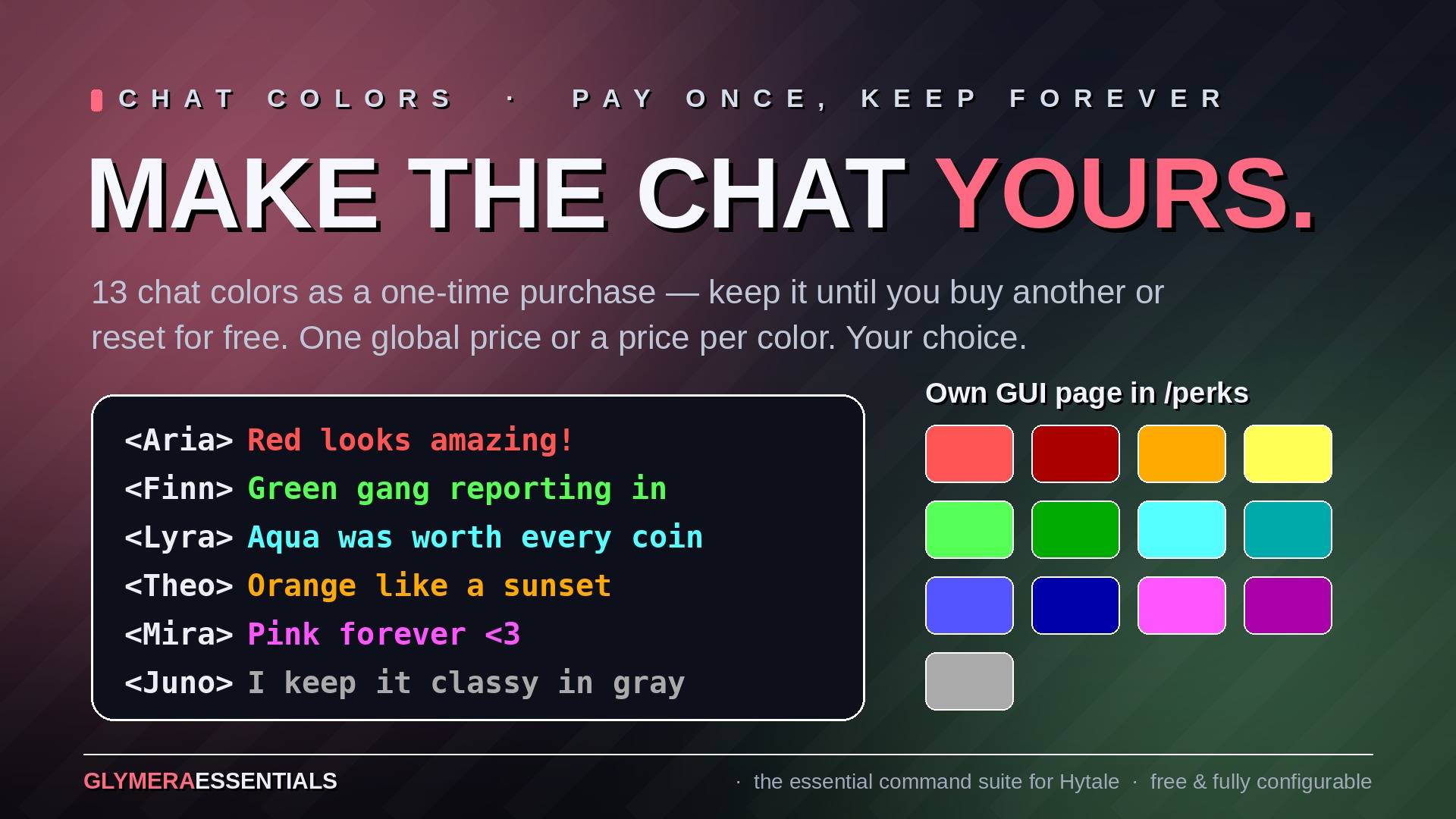
- Chat colors — a dedicated GUI page with 13 colors, each button rendered in its own color with its price. Pay once, keep the color forever — until another color is bought or "Standard chat color" is pressed (free). One price for all colors or individual prices per color (
paidFeatures.chatColor). - Players who run out of money have the perk disabled automatically. OPs see and use everything for free.
- A money HUD (matching GlymeraMerchant's look) can be shown in any screen corner — admins pick the corner directly inside the perks GUI.
🎁 Kits
| Command | Description |
|---|---|
/kits [name] |
List kits / claim one |
/kitcreate <name> [cooldownSeconds] [onetime] |
(OP) Snapshot your hotbar + inventory as a kit |
/kitdelete <name> |
(OP) Delete a kit |
Kits are created from your current inventory — fill your bars, run one command, done. Kits can have a cooldown or be one-time-only per player (tracked by account, not by name). A kit named starter is automatically given to every new player on their first join (joinQuit.giveStarterKit, on by default).
💰 Economy
| Command | Description |
|---|---|
/wallet [player] |
Show your (or someone's) balance |
/pay <player> <amount> |
Send money (only registered when no dedicated economy plugin is present) |
/baltop |
(OP) Top balances |
/eco give/take/set <player> <amount> |
(OP) Admin money management |
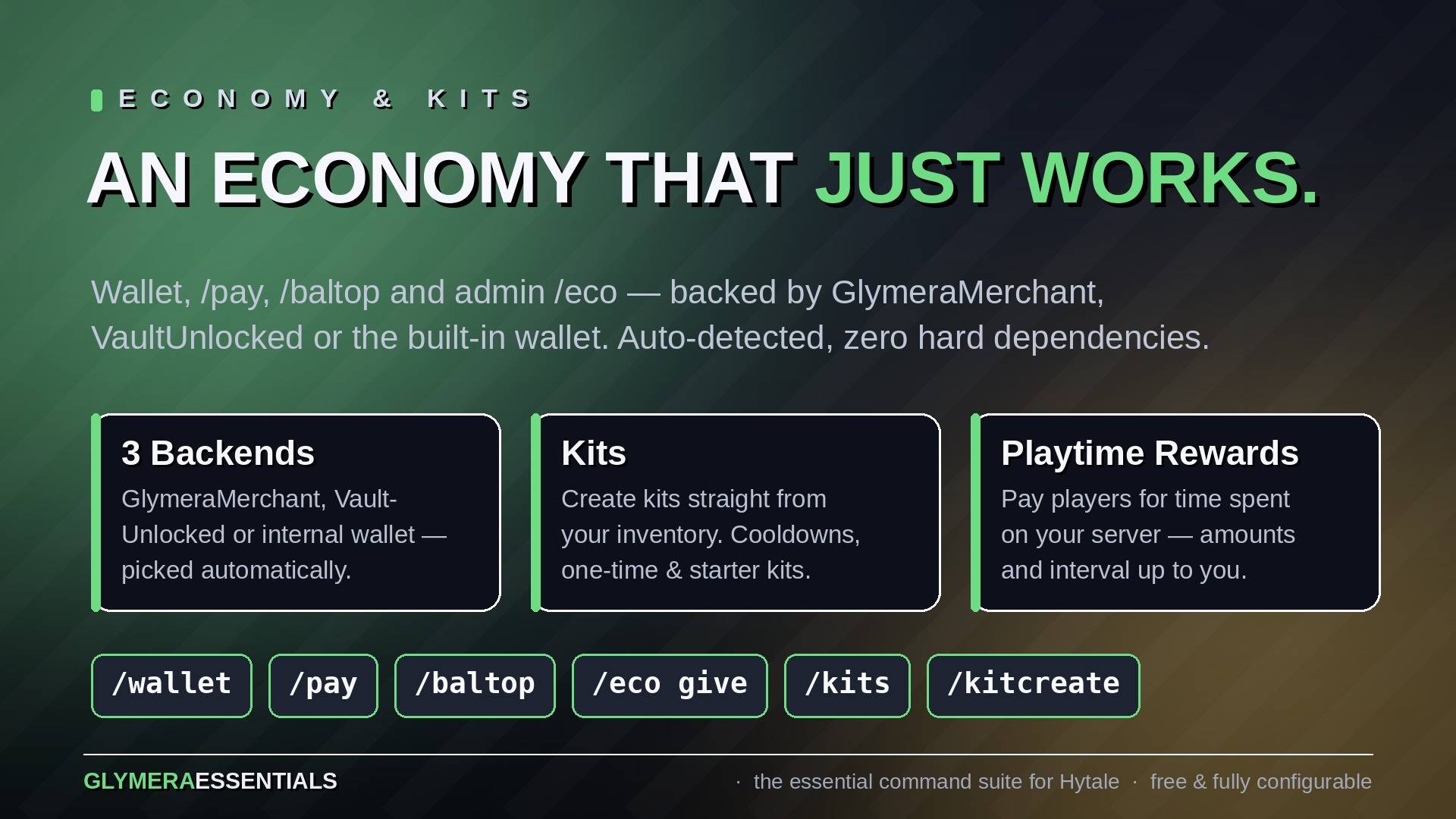
The economy auto-detects the best available backend at startup (economy.backend: auto):
- GlymeraMerchant — full integration, uses its currency and money HUD
- VaultUnlocked — bridges to any economy plugin connected to Vault
- Internal wallet — built-in standalone economy with configurable starting balance
All paid features (perks, command prices, kits) work identically on every backend.
✉️ Messages & mail
| Command | Description |
|---|---|
/msg <player> <text> |
Private message |
/reply <text> |
Answer the last message |
/ignore <player> / /unignore <player> |
Mute a player for you (chat + PMs) |
/mail send <player> <text> |
Send offline mail |
/mail read/list/clear/delete |
Manage your mailbox |
/spy |
(OP) See all private messages (social spy) |
Mail reaches players even when they are offline — they get a notification on their next join. Team members can never be ignored.
💬 Chat
| Command | Description |
|---|---|
/me <action> |
Action message (* Player stretches) |
/helpop <text> |
Send a question to all online team members |
/broadcast <text> |
(OP) Server-wide announcement |
/clearchat |
(OP) Clear the chat for everyone |
/nick <name|off> [player] |
(OP) Set or remove a nickname |
/realname <nick> |
Resolve a nickname to the real account |
The chat format is fully configurable, including rank-based formats via permissions (chat.groupFormats + glymeraessentials.group.<name>) — give VIPs a golden tag without any extra plugin. Color codes in chat messages are an OP privilege by default; regular players get their colors through the purchasable chat-color perk. Nicknames are deliberately OP-only (impersonation protection).
📋 Player info
| Command | Description |
|---|---|
/list |
Online players (hides vanished ones) |
/seen <player> |
When was a player last online |
/playtime [player] |
Total playtime |
/joindate [player] |
First join date |
/whois <player> |
(OP) Full profile: UUID, position, balance, playtime, warnings, states |
All info commands also work for offline players.
👻 AFK & Vanish
| Command | Description |
|---|---|
/afk |
Toggle AFK manually |
/vanish |
(OP) Become invisible to regular players |
AFK is also detected automatically after 5 minutes of inactivity (configurable) and ends on any movement or chat. Vanish hides the entity through the engine's native hiding mechanism, simulates quit/join messages, removes you from /list and makes you invulnerable (configurable). OPs always see vanished players.
⚖️ Moderation
| Command | Description |
|---|---|
/warn <player> <reason> |
(OP) Warn a player (multi-word reasons) |
/warnings <player> |
(OP) List a player's warnings |
/clearwarnings <player> |
(OP) Remove all warnings |
/ban <player> <minutes> <reason> |
(OP) Temp ban — minutes freely chosen, 0 = permanent |
/permban <player> <reason> |
(OP) Permanent ban until /unban |
/unban <player> |
(OP) Lift a ban |
Bans are enforced over UUID, name AND IP — a banned player can't dodge the ban by renaming, and fresh alt accounts from the same connection are caught too. Banned players are rejected at the connection level through Hytale's native access control (clean kick screen showing reason and remaining time) before any world even loads. Offline players can be banned as well, and timed bans expire on their own.
At 3 warnings (threshold configurable) the player is banned automatically for 15 minutes (warn.banMinutes) — and/or any custom console commands you configure (warn.autoPunishCommands). Admin accounts (OPs) can never lock themselves out: the ban gate always lets OPs through.
Note: Hytale ships a native /ban (permanent, UUID-only, no reason text), so on most servers these commands register as /eban and /eunban — /permban keeps its name. Intentionally not included: mutes and kicks — Hytale covers kicks natively.
🏷️ Server flair
| Command | Description |
|---|---|
/motd |
Show the message of the day |
/rules |
Show the server rules |
/discord |
Show your Discord invite |
/trash |
A 27-slot trash bin — contents are destroyed on close |
/ges |
Plugin root: help, commands, version, reload (OP) |
Plus everything that runs without a command:
- Custom join/quit messages (native ones suppressed), special first-join welcome
- MOTD on join (delayed, configurable lines with placeholders like
{player}and{playercount}) - Auto-broadcasts — rotating or random messages on any interval
- Playtime rewards — run commands / send messages when players reach playtime milestones, one-time or repeating
- Custom death messages
- Alias system — define your own shortcuts in the config (
"aliases": { "rules2": "rules" }), registered as real commands /ges reloadapplies config and message changes without a restart
Configuration
Everything lives in mods/de.glymera_GlymeraEssentials/:
config.json— every feature, every price, every limit. Thecommandsmap lets you rename, disable, OP-restrict, price and throttle each command individually:
"commands": {
  "home": { "enabled": true, "opOnly": false, "name": null,
            "cooldownSeconds": 0, "warmupSeconds": 3, "cost": 0 }
}messages.json— every single text the plugin sends, with&color codes and&#RRGGBBhex colors (fully translatable)warps.json,spawns.json,kits.json,bans.json,playerdata/— managed by the plugin
Permissions: by default OP/non-OP based and ready to use without any permissions plugin — regular commands are open to every player, admin commands are OP-only. Regular players can never be locked out of the basic commands. Servers with a permissions system can switch to advancedPermissions: true to additionally hand individual OP-only commands to specific non-OP players via glymeraessentials.command.<name> (regular commands always stay open), plus glymeraessentials.group.<name> for chat formats.
Compatibility
- Built and tested on Hytale Server 0.5.4 (Stable 5)
- No dependencies — optional integration with GlymeraMerchant and VaultUnlocked (auto-detected at startup)
- Collision-aware command registration: coexists with any other plugin
- All data is stored in the plugin's own folder; removing the plugin leaves your worlds untouched
The GlymeraEssentials Team