FeedEntity
- By
Share food and consumables with players and NPCs in Hytale! Hold an item, aim at your target, and press G to feed them.
FeedEntityLogo2.png
FeedEntity17.jpg
FeedEntity18.jpg
FeedEntity16.jpg
Description

FeedEntity
Share food and consumables with players and NPCs in Hytale! Hold an item, aim at your target, and press G to feed them.
What It Does
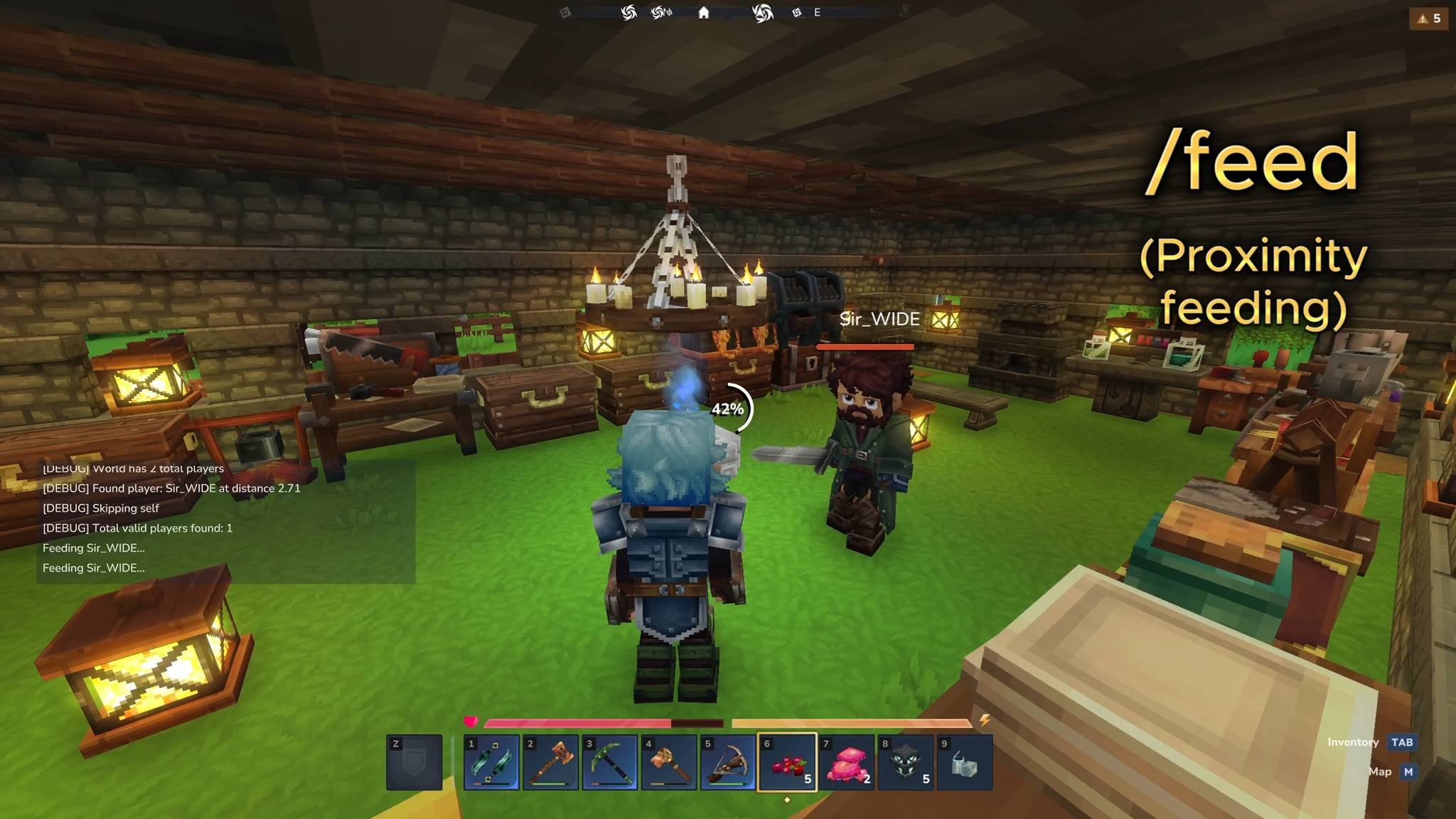
FeedEntity lets you share consumable items with nearby players AND NPCs by pressing G while looking at them. Perfect for team play, healing your horse mid-combat, or sharing potions with friends.
- Player Feeding: Share food with teammates to heal them
- NPC Feeding: Heal horses, pets, and other NPCs (toggleable per-player)
- Potion Support: Feed potions with immersive drag and drink sound effects
- Progress Circle: Visual feedback with customizable colors and text
- Reticle Icons: Heart icon for food, diamond icon for non-food items when aiming at valid targets
- Floating +HP Text: Shows healing amount above the target, visible to nearby players
- Self-Heal HUD: Shows +HP above your own health bar when you eat or get healed
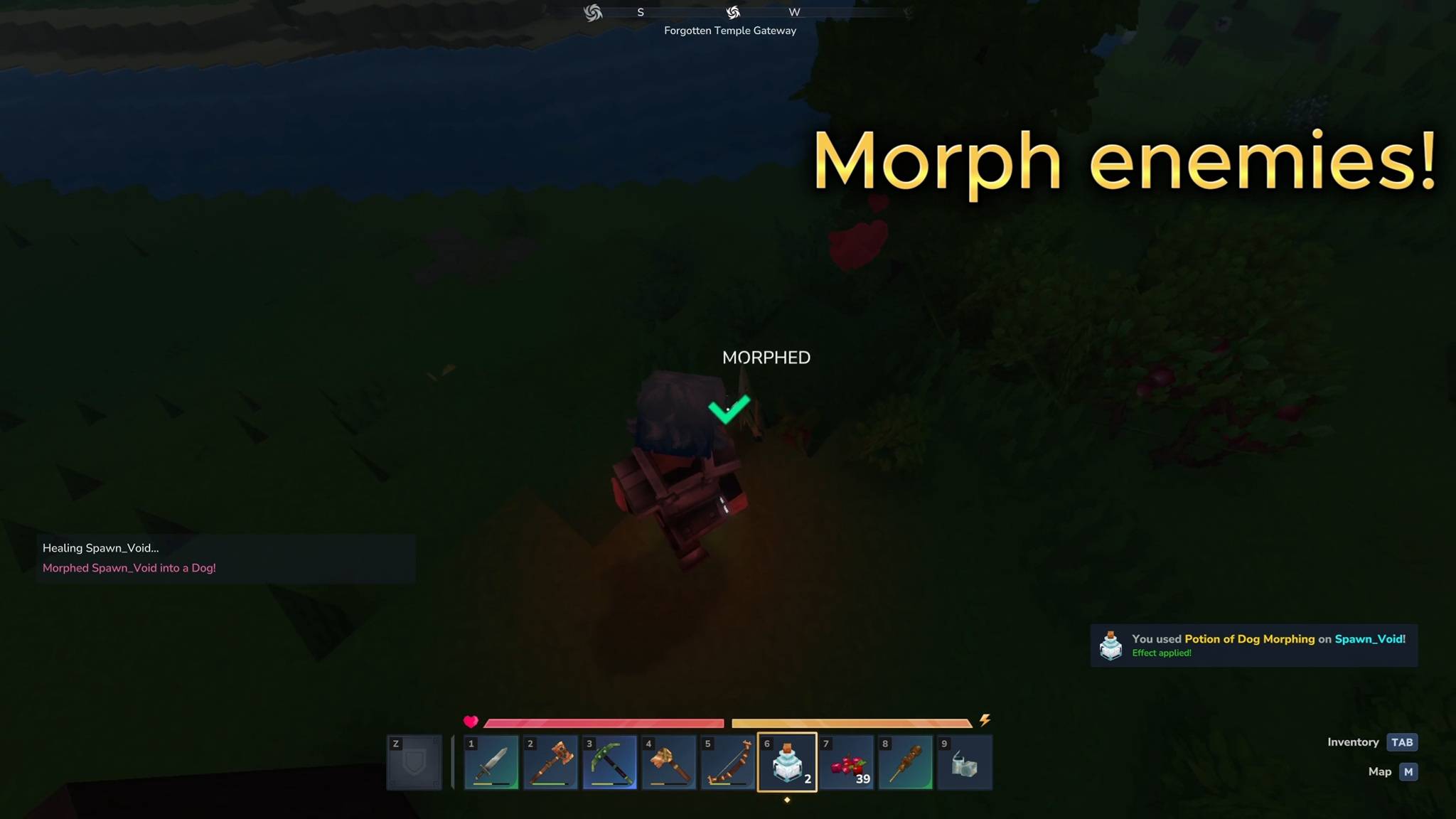
- Morph Detection: Floating "MORPHED" / "REVERTED" text when feeding morph potions
- Heart Particles: Visual feedback when healing completes
- 3D Spatial Audio: Eating sounds and completion chimes play at the recipient's position
- Recipient Prompt: Optional confirmation dialog so the target can accept or deny the feed
- Consent System: Players can opt-out of being fed entirely
How It Works
- Hold a consumable item (food, potion, etc.)
- Look at a nearby player or NPC (within 5 blocks by default)
- Press G - A reticle icon appears when targeting is valid
- Optional: Confirm in the UI popup (if enabled)
- Wait 2.5 seconds while the circular progress bar fills
- Item transfers and heals the recipient
The recipient gets healed and other nearby players see floating +HP text above the target's head. Feeding sounds play in 3D spatial audio at the recipient's position.
Commands
Main Commands:
/feed- Feed the nearest entity with item in hand/feed help- Show all commands/feed credits- Show mod credits
Per-Player Toggles: config.json
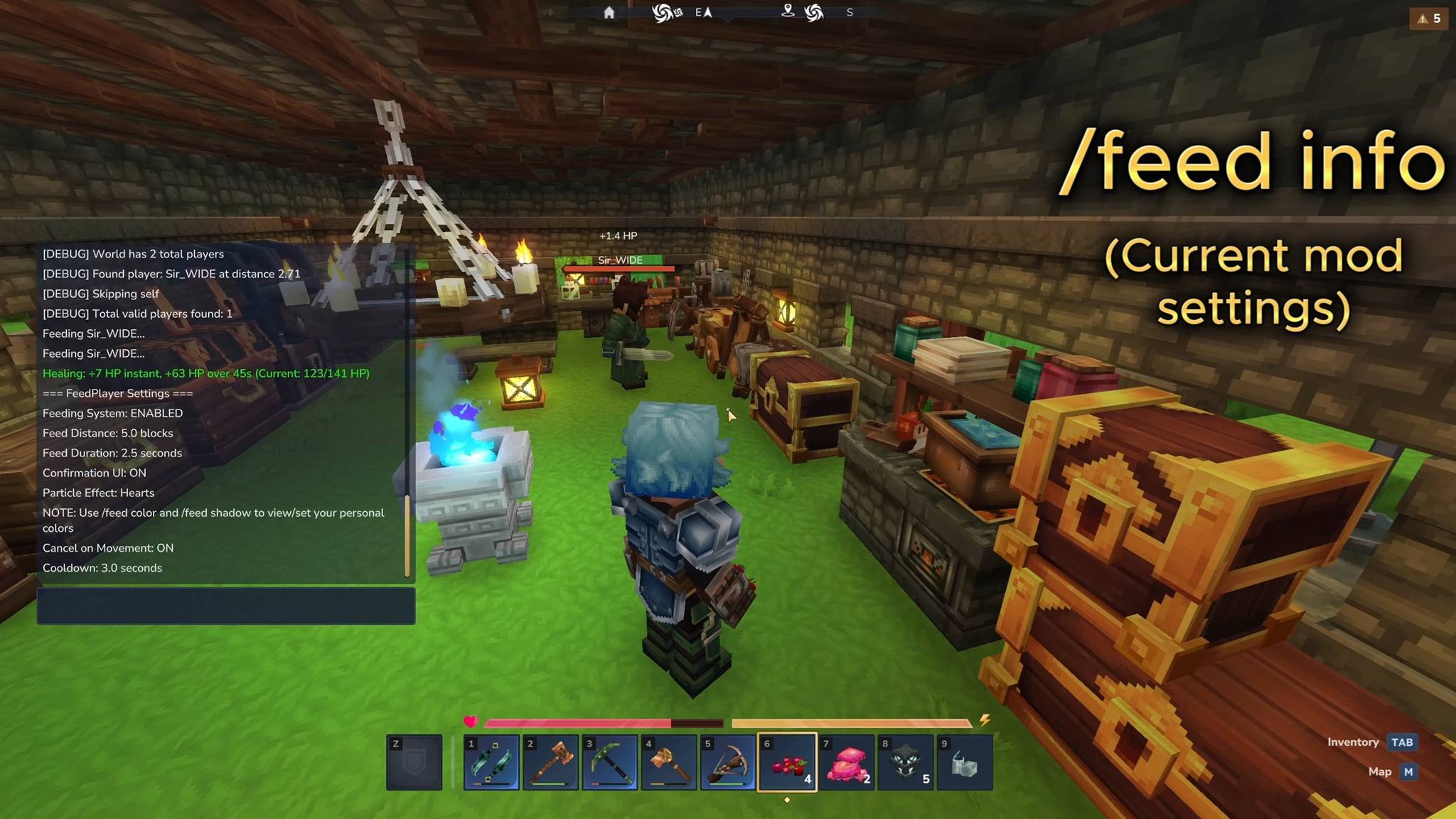
/feed npc <on/off>- Toggle NPC feeding(default: on)/feed ui <on/off>- Toggle confirmation UI before feeding(default: on)/feed reticle <on/off>- Toggle aim reticle icon(default: on)/feed text self <on/off>- Toggle self-heal HUD above your health bar(default: on)/feed text entity <on/off>- Toggle floating +HP text above NPCs/players(default: on)/feed particles <on/off>- Toggle heart particles(default: on)/feed sounds <on/off>- Toggle all feeding sounds(default: on)
Customization: player_colors.json
/feed color <circle/text> <hex>- Set your progress bar colors(default: white)/feed shadow <on/off>- Toggle progress bar drop shadow(default: on)/feed vol <feeding/completion> <0-2>- Set your audio volumes(default: 1.75/1.5)
Other Settings: config.json
/feed dist <1-10>- Set feeding distance in blocks(default: 5)/feed time <0-3.0>- Set feeding duration(default: 2.5)/feed info- Show your current settings/feed reset- Reset all settings to default
System Commands: config.json
/feed on- Enable feeding system/feed off- Disable feeding (allows normal item drops)/feed consent yes/no- Allow/deny others from feeding you(default: yes)/feed prompt <on/off>- Toggle recipient confirmation prompt(default: off)/feed reload- Reload config from disk
Potion Sounds
When feeding potions, you'll hear immersive audio cues:
Drag Sound: Plays at the giver's position when feeding starts
Drink Sound: Plays at the recipient's position 1250ms later
Drop Sound: Plays at the giver's position if feeding is interrupted
These special sounds only play for potions - regular food uses standard eating sounds.
Per-Player Settings
Every player can customize their own experience! All toggles are saved per-player:
Visual Toggles:
- Reticle icon when aiming
- Floating +HP text above entities (for other players to see)
- Self-heal HUD above your own health bar
- Heart particles on heal
- Progress bar shadow
Audio Toggles:
- All feeding sounds
- Feeding volume (0-2)
- Completion volume (0-2)
Gameplay Toggles:
- NPC feeding on/off
- Confirmation UI on/off
Settings are automatically saved and persist across sessions.
Perfect For
- Team Play: Support teammates during dungeon runs
- Pet Care: Heal your horse or companion NPCs
- PvE Combat: Share healing items mid-fight
- Potion Sharing: Give allies buffs during boss fights
- Roleplaying: Immersive food-sharing interactions
- AFK Protection: Heal friends before they return
First-Time Hints
New players automatically see a welcome message explaining the G-key mechanic. This only shows once per player.
Compatibility
- Optional: MultipleHUD (for HUD compatibility with other mods)
Installation
- Download the JAR file
- Place in your Hytale mods folder:
%APPDATA%\Hytale\UserData\Mods\ - Launch the game
Credits
Created by BeyondSmash
Testing: Squawk, Sir_WIDE, Wiji
Support
Found a bug or have a suggestion? Join our Discord!
FeedEntity Team