Cheat Menu
- By
33 ready-made cheat buttons for Hytale, in CommandDeck: loadouts, building stacks, ores, potions, memories, homes, time, weather and more. Server-side; runs the game's own commands. Permission cheatmenu.use. MIT.
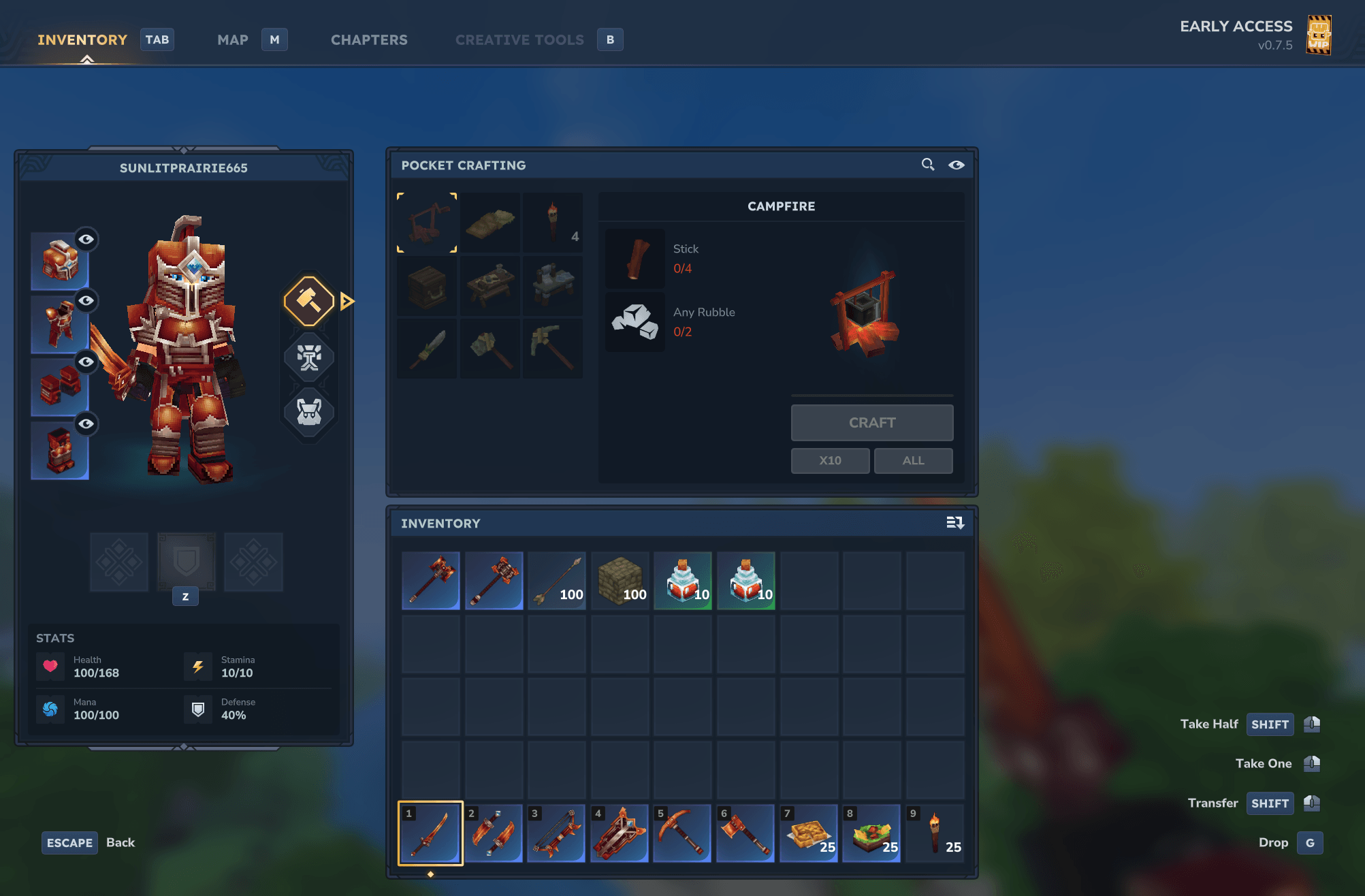
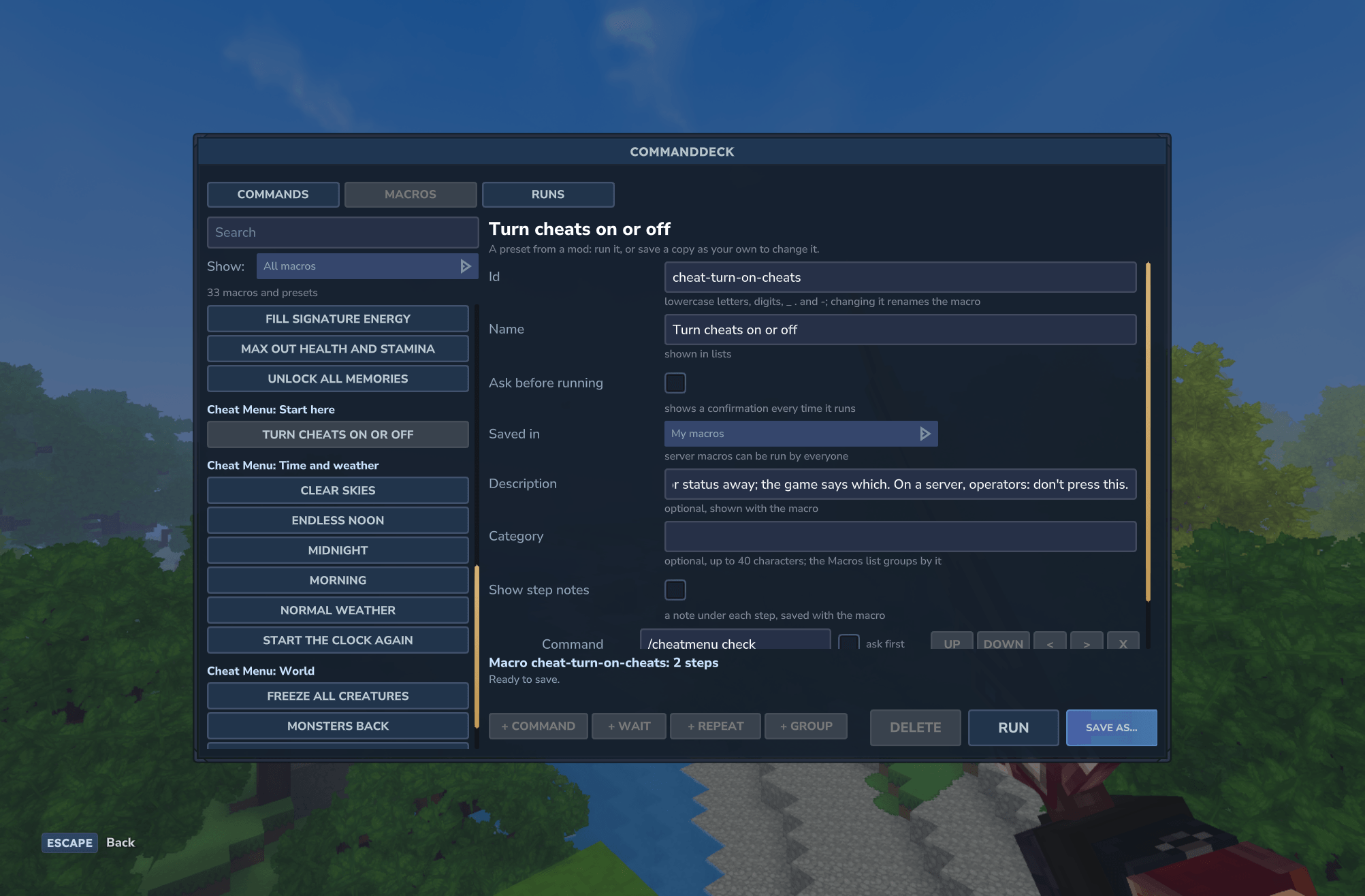
cheat-04-start-here.png
cheat-01-macros.png
cheat-02-ore-and-bars.png
Description
Cheat Menu
What Cheat Menu is, and isn't
- Server-side only. It's a server plugin. In singleplayer it runs inside the game's own built-in server, like any other Hytale server mod.
- Runs the game's own commands. Every button runs Hytale's built-in commands (the same ones you could type in chat) and shows you which. The game still checks every command's permission.
- Operators and world owners only. By default, only server operators and the owner of a singleplayer world can use it. A server's operators decide who else gets the
cheatmenu.usepermission, and players without it don't see the buttons at all. - No client modification. Nothing is installed on or changed in players' game clients, and it gives no one an advantage on servers that don't run it.
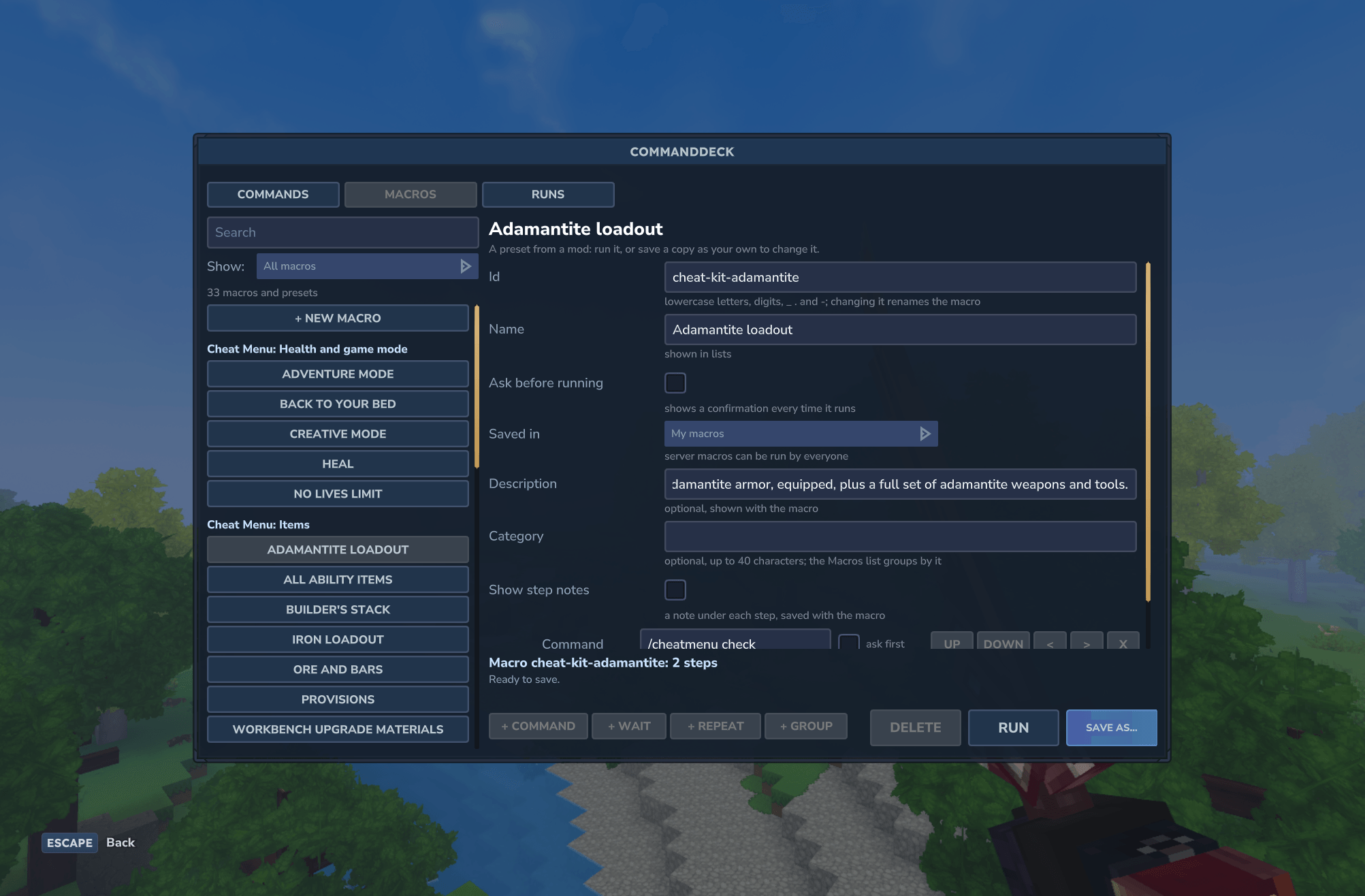
33 ready-made cheat buttons for Hytale. Open CommandDeck with /deck, go to the Macros tab, and press a button: a full adamantite loadout, a stack of building blocks, endless noon, clear skies, a peaceful world, a ride home.
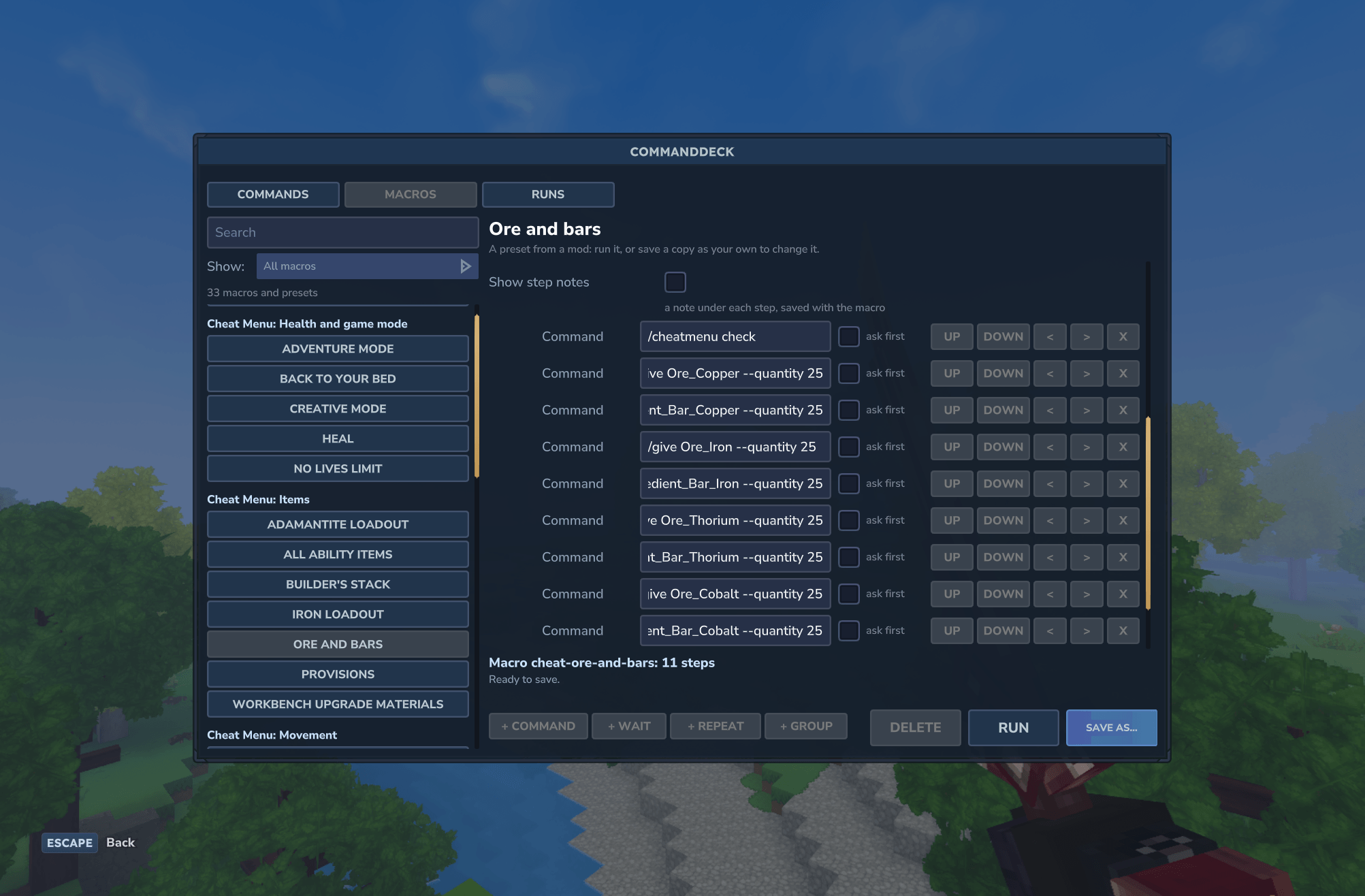
Every button shows the commands it runs, and each description says whether it changes only you or the whole world.
Built on CommandDeck. It installs automatically.
The buttons
- Start here: Turn cheats on or off.
- Items: Iron loadout, Adamantite loadout, Workbench upgrade materials, All ability items, Builder's stack, Ore and bars, Provisions.
- Progress: Unlock all memories, Fill signature energy, Max out health and stamina, Bigger backpack (36 slots).
- Movement: Back to spawn, Unstuck, Set home here, Go home, Spectator flight, Stop spectating.
- Time and weather: Morning, Midnight, Endless noon, Start the clock again, Clear skies, Normal weather.
- Health and game mode: Heal, Creative mode, Adventure mode, Back to your bed, No lives limit.
- World: Peaceful, Monsters back, Freeze all creatures, Unfreeze creatures.
Install
- Put
CheatMenu-1.0.0.jarin your server'smodsfolder (singleplayer:%APPDATA%\Hytale\UserData\Mods\). - It needs CommandDeck 1.1.0 or later. The CurseForge app installs it for you.
- Type
/deckand open the Macros tab. - In singleplayer, press "Turn cheats on or off" once per world, or type
/op self. The game refuses its own cheat commands until you're an operator, even in your own world. Pressing it again turns operator status off, so on a server, operators shouldn't press it.
Permissions
cheatmenu.uselets a player use the buttons. Operators and the owner of a singleplayer world have it already. On a server, give it to others with/perm user add <player's UUID> cheatmenu.use(the game's command takes the UUID, not the name).- The game still checks every command. Cheat Menu never grants a command the player couldn't run by typing it.
- Players without
cheatmenu.usedon't see the buttons at all. Every button also starts with/cheatmenu check, which stops it before anything else runs.
Good to know
- Make room first. Item buttons give what fits in your inventory, and the game tells you what didn't.
- Homes are warps named
home_<your name>, so every player has their own. Other players can see them in/warp list. A home set inside a temporary instance, like a temple, is gone once the instance closes. - Peaceful stops new creatures from spawning. Creatures already in the world stay, and can still attack.
- Spectator flight starts where you stand, and when you stop, you stay where you are, so land first.
- Back to your bed takes you to your respawn point (your bed, or the world spawn if you have none) without dying.
Compatibility
- Hytale server 0.7.5. Dedicated servers and singleplayer.
- CommandDeck 1.1.0 or later.
- No settings, no saved data: Cheat Menu is the buttons and the permission check.
License
MIT, copyright (c) 2026 Hledjolf.
Source code and issue tracker: https://github.com/Hledjolf/CheatMenu
Cheat Menu Team