BusyBubble
- By
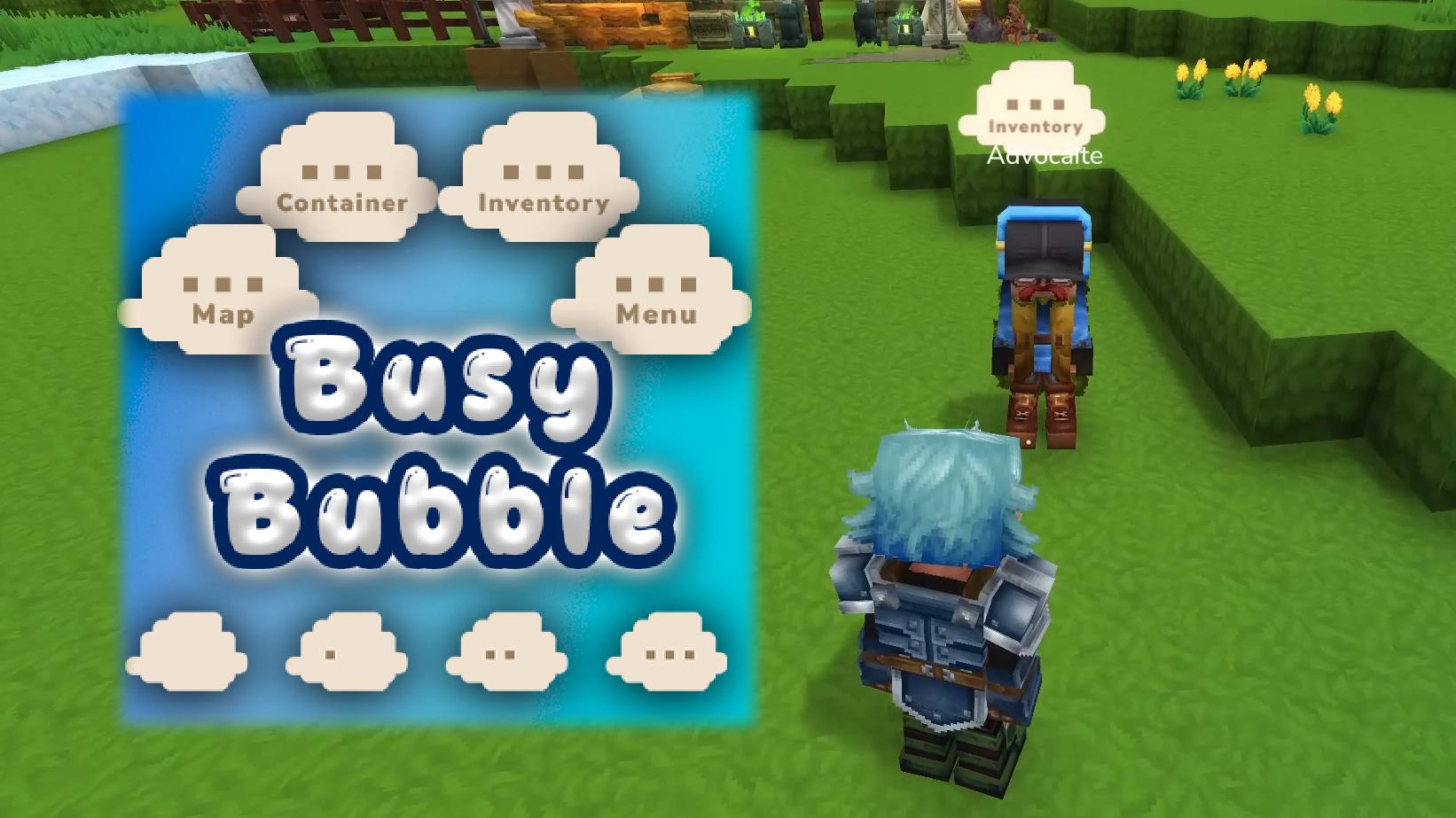
A thought bubble appears above your head when you open menus - visible to other players but not to you. Like a little "..." cloud that lets everyone know you're busy rummaging through your inventory/menu.
BusyBubble3YT.jpg
BusyBubble2.jpg
Description

BusyBubble
A thought bubble appears above your head when you open menus - visible to other players but not to you. Like a little "…" cloud that lets everyone know you're busy rummaging through your inventory/menu.
What It Does
When you open your inventory, a chest, the map, or any other menu, a comic-style thought bubble pops up above your character's head. Other players nearby can see it, but you can't see your own - so it's a natural social cue without cluttering your own screen.
Each menu type has its own unique ellipsis art, and the bubble plays a smooth intro animation (small cloud puff, medium cloud puff, then the full thought bubble fades in) before looping.
Detected Menus
- Inventory (Tab) - backpack/equipment screen [Inventory]
- Containers - chests, crafting benches, furnaces, etc. [Container]
- Map - world map overlay [Map]
- Pause Menu - escape menu (singleplayer only) [Paused]
- Custom Mod Pages - menus from other mods [Menu]
The bubble clears automatically when you close the menu or move.
How It Looks
- You open a menu
- A small cloud puff appears above your head
- A medium cloud puff follows
- The full thought bubble fades in with an animated ellipsis (…)
- The ellipsis loops until you close the menu or walk away
Other players within range see the whole sequence. You don't see your own bubble at all.
Commands
/bbub- Toggle busy bubbles on/off for yourself/bbub color- Open the color picker GUI (live bubble preview)/bbub color #RRGGBB- Set a custom bubble color via hex code/bbub color reset- Reset to default beige/bbub status- Show your current state and tracking info/bbub range- Show current visibility range/bbub range <blocks>- Set how far away players can see bubbles (default: 40)/bbub anim on|off- Toggle animated vs static bubble (default: on)/bbub debug- Toggle seeing your own bubble (for testing)/bbub help- Show all commands
Good to Know
- You can't see your own bubble - only other players can. Use
/bbub debugif you want to see it yourself for testing. - Cooldown - there's a short cooldown between bubbles to prevent visual overlap when rapidly opening/closing menus.
- Pause menu - only triggers in singleplayer since multiplayer doesn't actually pause the game.
- Movement clears - walking even half a block will dismiss the bubble, so it only shows while you're standing still in a menu.
- Static mode (
/bbub anim off) - shows all 3 dots immediately instead of animating them one by one. The trade-off: no animation, but the bubble fades away much faster when you close the menu (~1.5s vs ~5s) and has a shorter cooldown (1s vs 4s).
Compatibility
- Works standalone, no dependencies required
Current Limitations
- Alt+Tab not detectable (packet)
- Chat menu / opening chat is not detectable (packet), but sending a chat message is (but that's not what I want, so it's discarded for now).
- There isn't a "kill particle" call/event that I could find - particles play out their full animation before expiring.
Installation
- Download the JAR file
- Place in your Hytale mods folder:
%APPDATA%\Hytale\UserData\Mods\ - Launch the game
Credits
- Created by BeyondSmash
- Testing: Advocaite
Support
Found a bug or have a suggestion? Join our Discord!
Changelog
v1.2.0 - Custom Bubble Colors
New Features:
- Color Picker GUI (
/bbub color) - interactive color picker with a live bubble texture preview that recolors in real-time - Custom bubble colors - set any color via the GUI or
/bbub color #RRGGBB, reset with/bbub color reset - Grayscale recolorable textures - bubble art is now tinted at runtime, supporting unlimited color options
v1.0.3
- Fixed think bubbles to be unlit so they stay visible regardless of world lighting
v1.0.2 - Idle/Sleepy Detection
New Feature:
- Players who are completely idle for 5 minutes (no movement, no key presses, no interactions) will now display an idle thought bubble (EllipsisThought_Base) with a "Sleepy" particle floating above it
v1.0.1
- Raised bubble position - bubble now sits higher above the player, no longer clipping into the nameplate
- Static mode (
/bbub anim off) - new per-player option that shows all 3 dots immediately (no frame-by-frame animation), with a quick fade-out (~1.5s) and shorter cooldown (1s) for a snappier feel - Intro cloud puffs still play in both modes
BusyBubble Team