Anomalies
- By
Rare places where the rules break. Find anomalies in the wild that make you float, bounce, speed up or heal, harvest their crystals for one-use items, and craft anchors to build your own for bases, parkour and minigames.
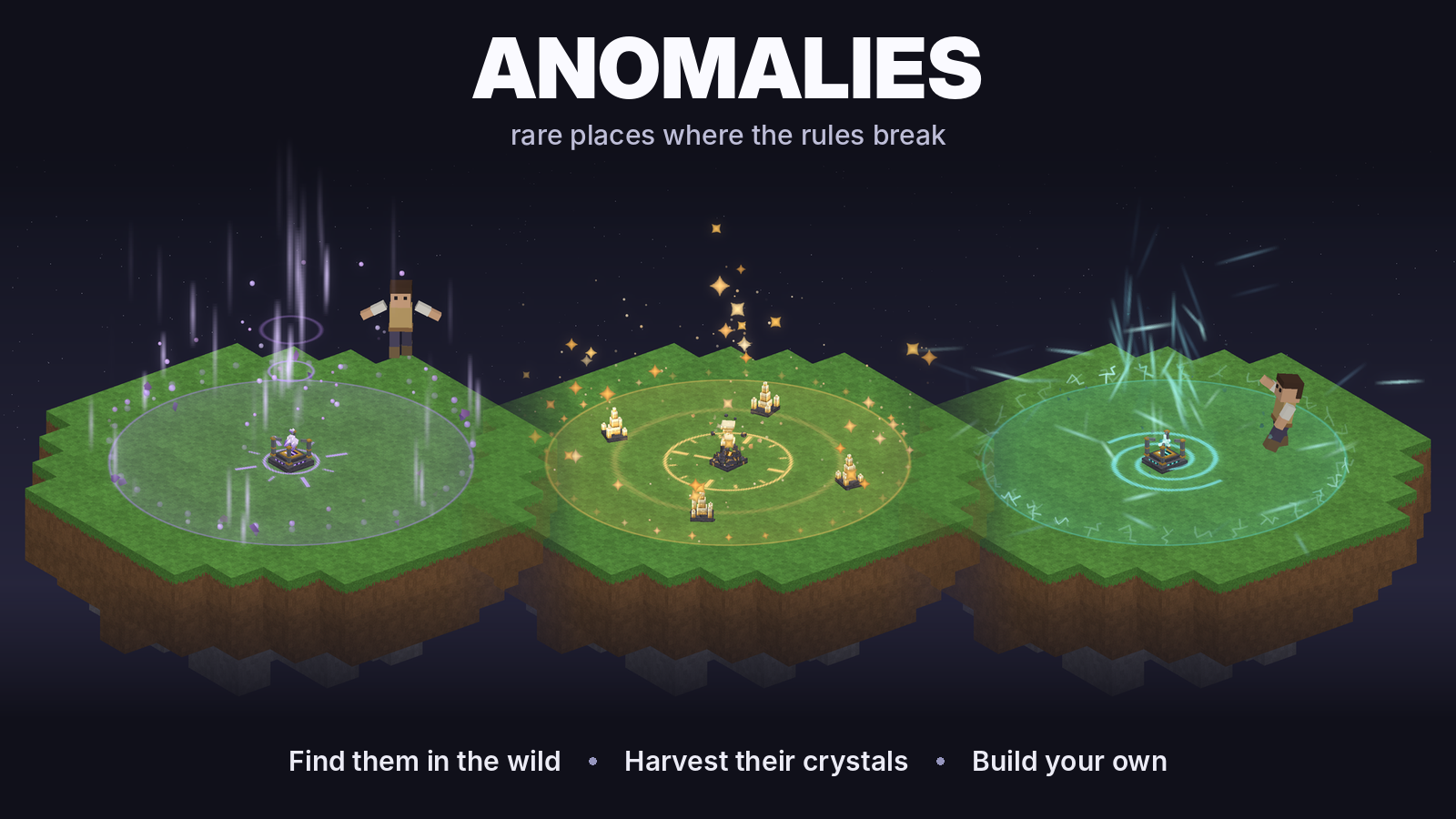
Rare places where the rules break.
Anomalies adds strange places to your world. Step into one and a rule changes for as long as you stay inside: you might float into the air, bounce off the ground, run faster, heal, get shoved about by wind or feel time slow down. They turn up on their own as you explore, and you can also make your own and put them wherever you like.
Find them
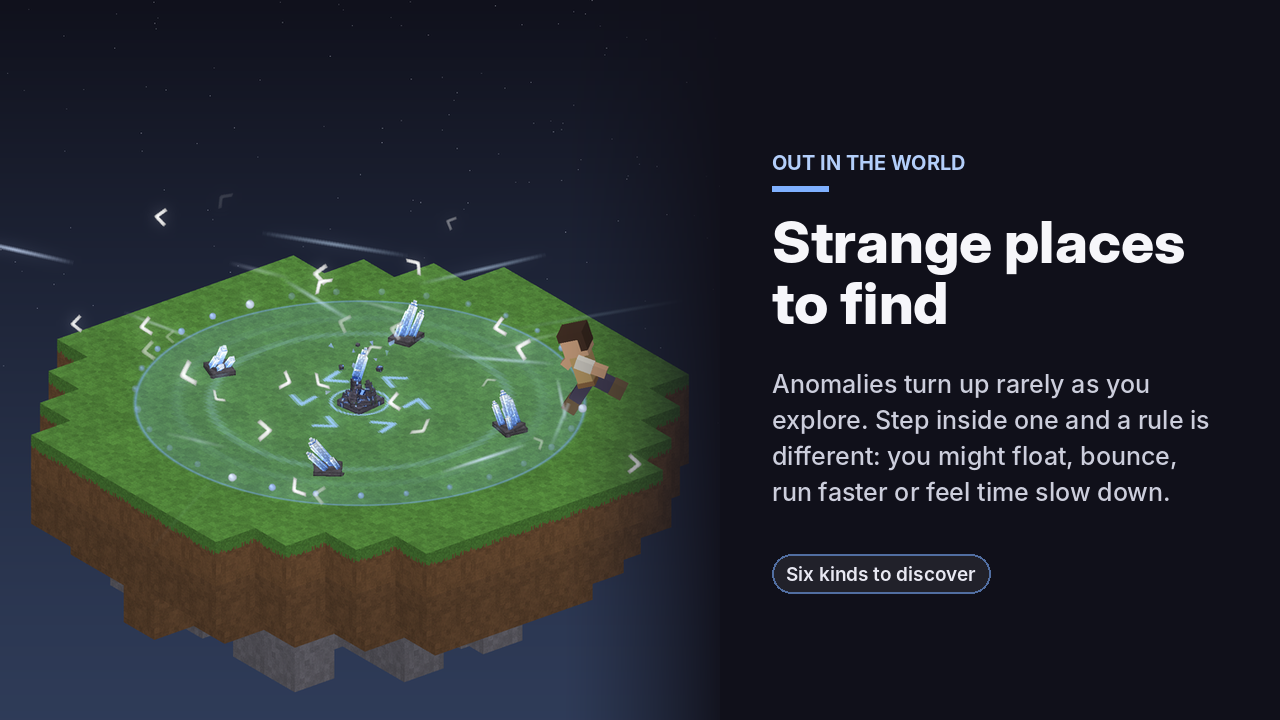
- Anomalies appear rarely across the world. Each kind has its own look, so you can tell them apart from a distance.
- There are six kinds, and each one bends a different rule.
- Craft an Anomaly Detector at a Workbench to track down the nearest one.
Harvest them
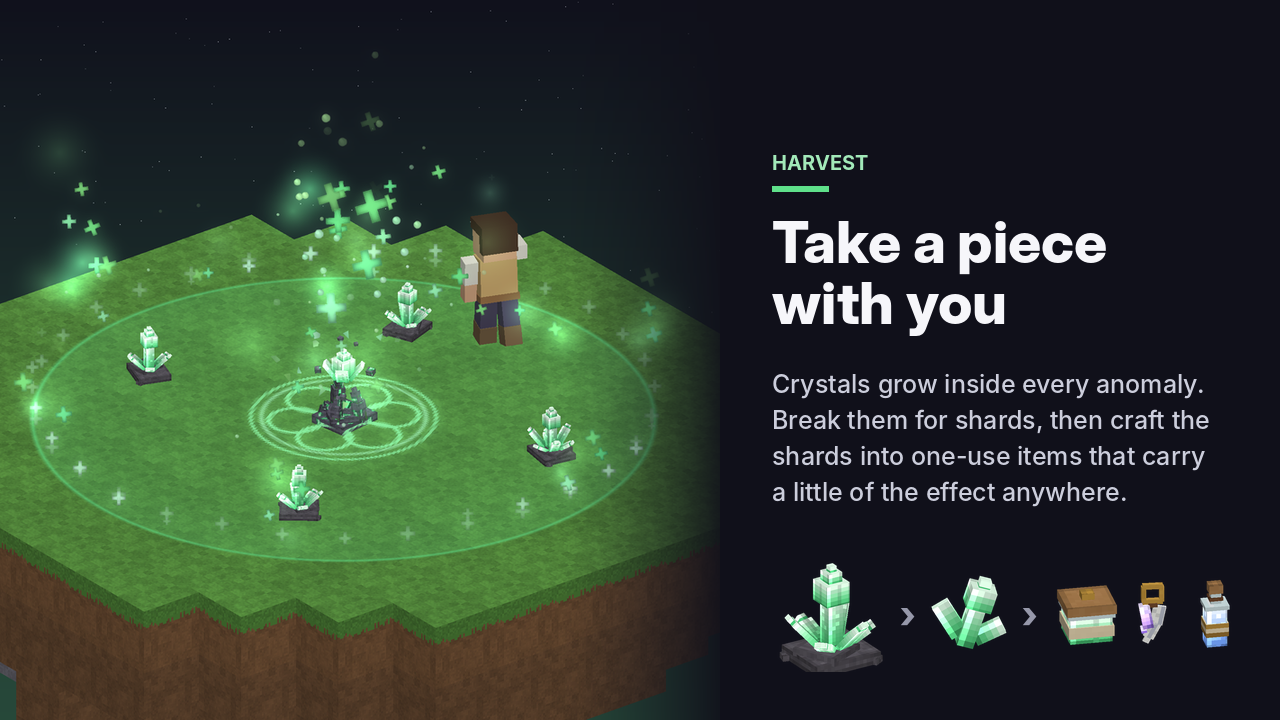
- Crystals grow inside every anomaly, and grow back a while after you break them.
- Crystals drop shards. Craft shards into one-use items that give you a short burst of that anomaly's effect anywhere.
Make your own
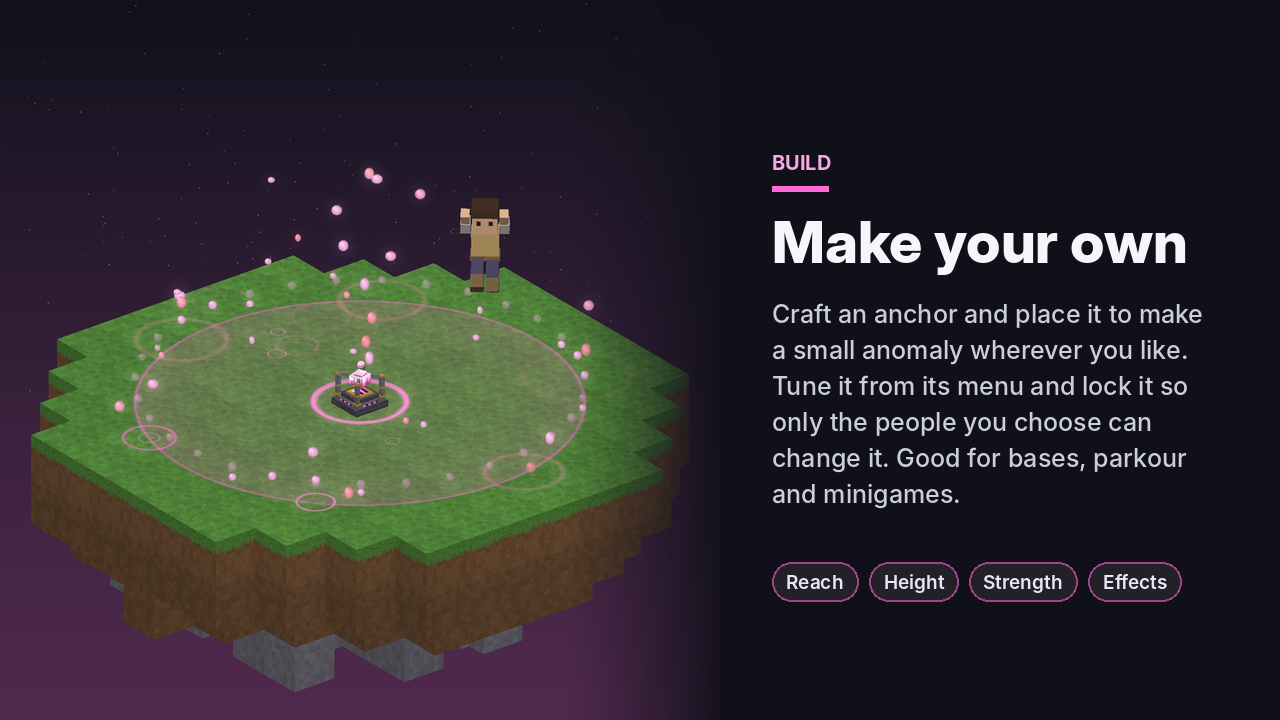
- Craft an anchor from shards and place it to make a small anomaly of that kind. Break the anchor to end it.
- Press Use (F) on your anchor to change its reach, height and strength, and how much effect it shows.
- Admins and map makers can lock an anchor, so players can't change or break it.
What you can do with them
- Survival: a lift up a cliff or a tower, a fast road between bases, a spot at home to get your health back.
- Parkour and obstacle courses: bounce pads, speed strips, floating sections, wind that pushes players off course.
- Minigames and arenas: build hazards and power-up areas, then lock them so players can't change them.
- Adventure maps and server hubs: places that feel different the moment a player walks in.
Commands
/anomalies can also be typed as /anom.
For everyone
| Command | What it does |
|---|---|
/anomalies |
Shows a short help message |
/anomalies edit |
Opens the menu of the anchor you are standing next to |
/anomalies set radius <number> |
Changes that anchor's reach. height and strength work the same way |
/anomalies set effects full |
How much effect that anchor shows: full, minimal or off |
For admins
| Command | What it does |
|---|---|
/anomalies locate |
Points you to the nearest anomaly |
/anomalies list |
Lists the anomalies that have formed in this world |
/anomalies spawn <kind> |
Makes one where you stand. Kinds: lift, still, storm, rush, rebound, mend |
/anomalies remove |
Removes the nearest one |
/anomalies kit |
Gives you the detector, anchors, shards and items to try things out |
/anomalies set lock on |
Locks the anchor you are standing next to (off unlocks it). Also works for editors |
/anomalies tune <name> <value> |
Fine-tunes how the effects feel. Type /anomalies tune for the list |
/anomalies reload |
Re-reads the settings file |
Permissions
| Permission | Allows | Who has it by default |
|---|---|---|
anomalies.anchor |
Placing anchors | Everyone |
anomalies.edit |
Adjusting, locking and breaking any anchor. Meant for map makers and minigame builders | Nobody until you give it |
anomalies.admin |
The admin commands | Admins |
Change these with the game's /perm commands.
Server owners
Anomalies runs on the server, so players joining don't need to install anything. It works the same in single player.
Settings live in config.properties in the mod's data folder (GroundBeef_Anomalies). Every setting is explained in the file. Among other things you can:
- turn natural anomalies off, so only anchors and commands make them
- change how common they are
- limit how many anchors each player can place, and how big and strong an anchor can be made
- decide who may adjust anchors: whoever placed them, only people with
anomalies.edit, or only admins - tone the effects down, or switch them off
Use /anomalies reload after changing the file.
Installation
- Drop the Anomalies jar into your
Modsfolder. - Enable Anomalies for your world.
- Craft an Anomaly Detector at a Workbench and go looking. Admins can use
/anomalies kitto try everything straight away.
Good to know
- Built for Hytale 0.7.x. No other mods needed.
- Slowing time only happens while you are the only player in the world, so one player can't slow the game for everyone else.
- English only for now.
- This is a new mod, so expect a few rough edges.
Found a bug or have an idea for a new kind of anomaly? Leave a comment. A screenshot and what you were doing help a lot.
Anomalies Team