


ZoneInfo Classic Era
- By


Displays information about the current zone on the World Map for WoW Classic Era
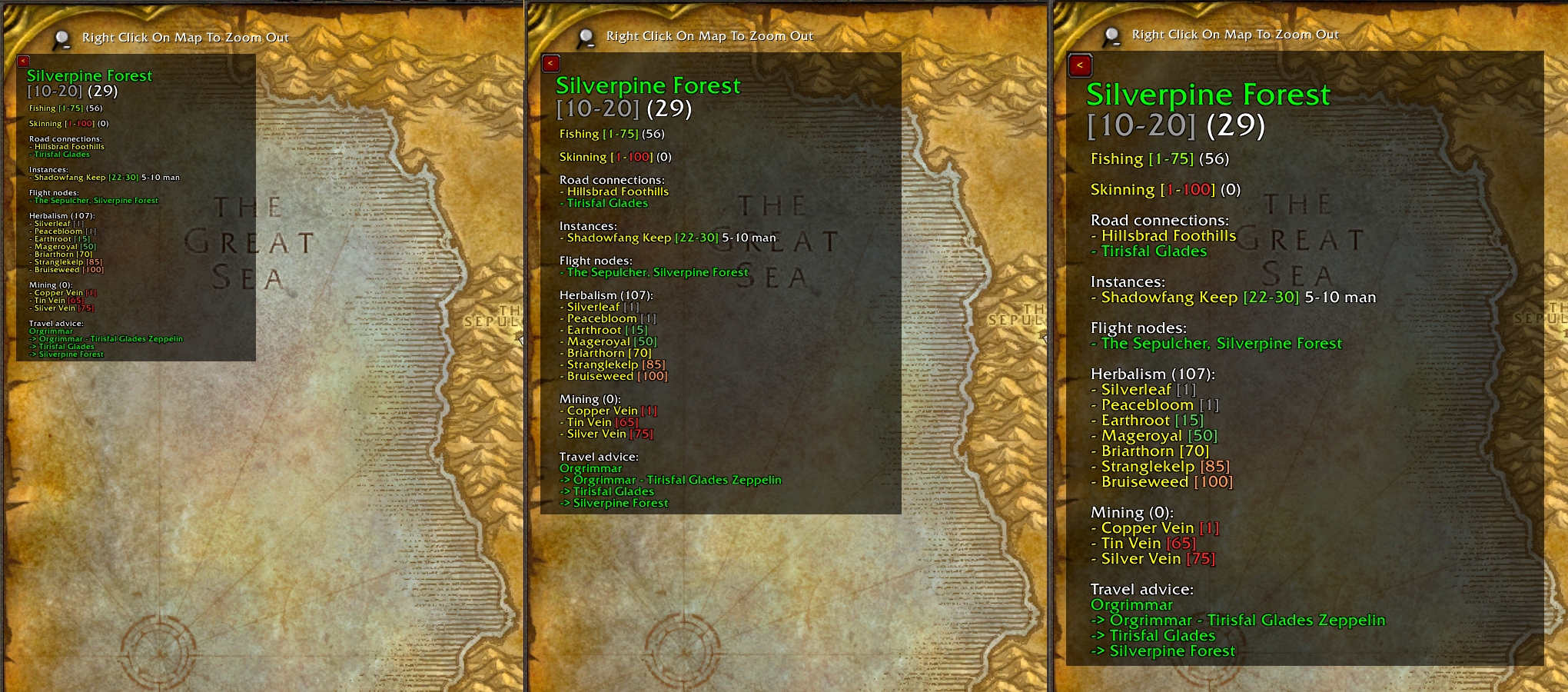
The info panel size can be adjusted using a slider on the Addon Settings window.
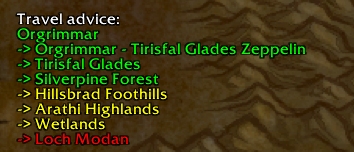
A travel advice tells you how to get to the displayed zone using road connections and transports.
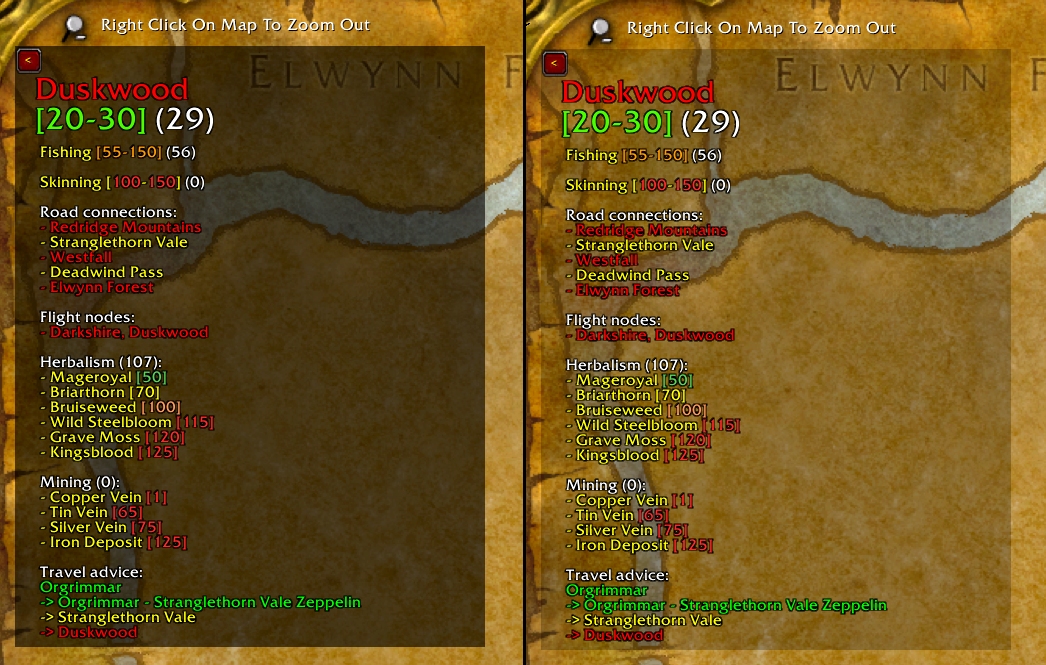
The background can be turned on or off and its transparency can be adjusted. The panel can also be minimized using the button in the top left corner.
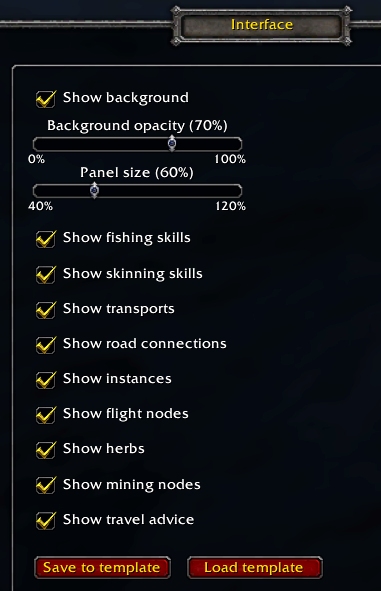
Configurable through the WoW Interface Options window. Settings are saved per character and can be copied to other characters using the template function.
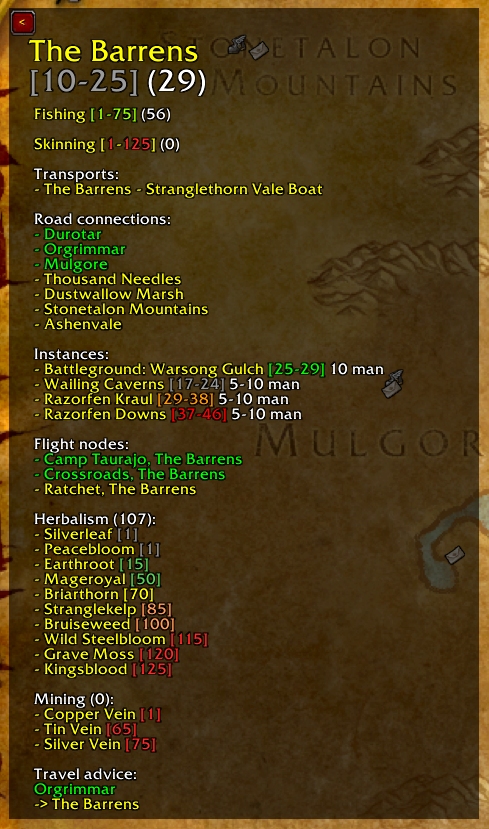
Lots of information about the displayed zone, in this case for a level 29 Horde character with Herbalism.