Zocial Group Finder
- By
Group Finder and Communities for all Classic clients. Post group listings, review applicants, and chat in persistent cross-character communities. Standalone — no full social suite needed. Compatible with ZocialClassic.
zgf_applicants.png
zocial_zgf.png
zgf_apply.png
Description
zGroupFinder
HOW IT WORKS
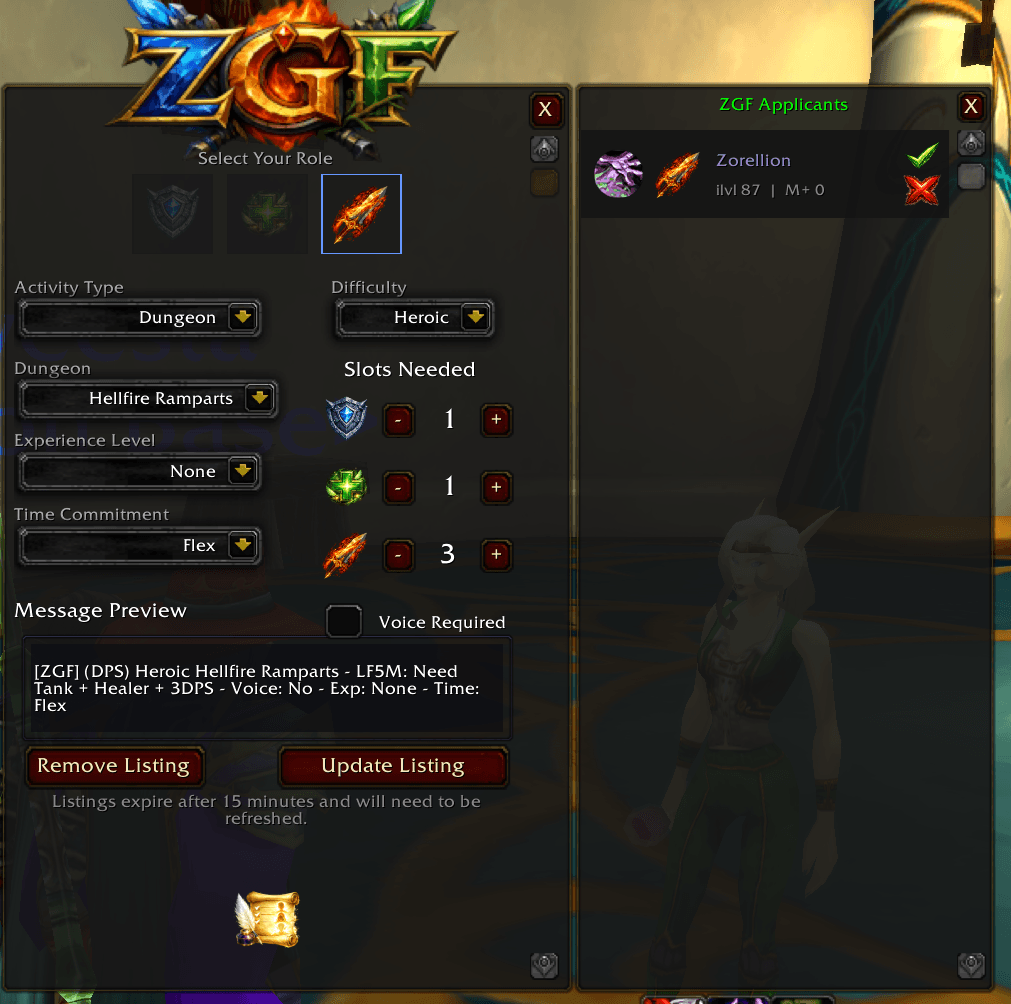
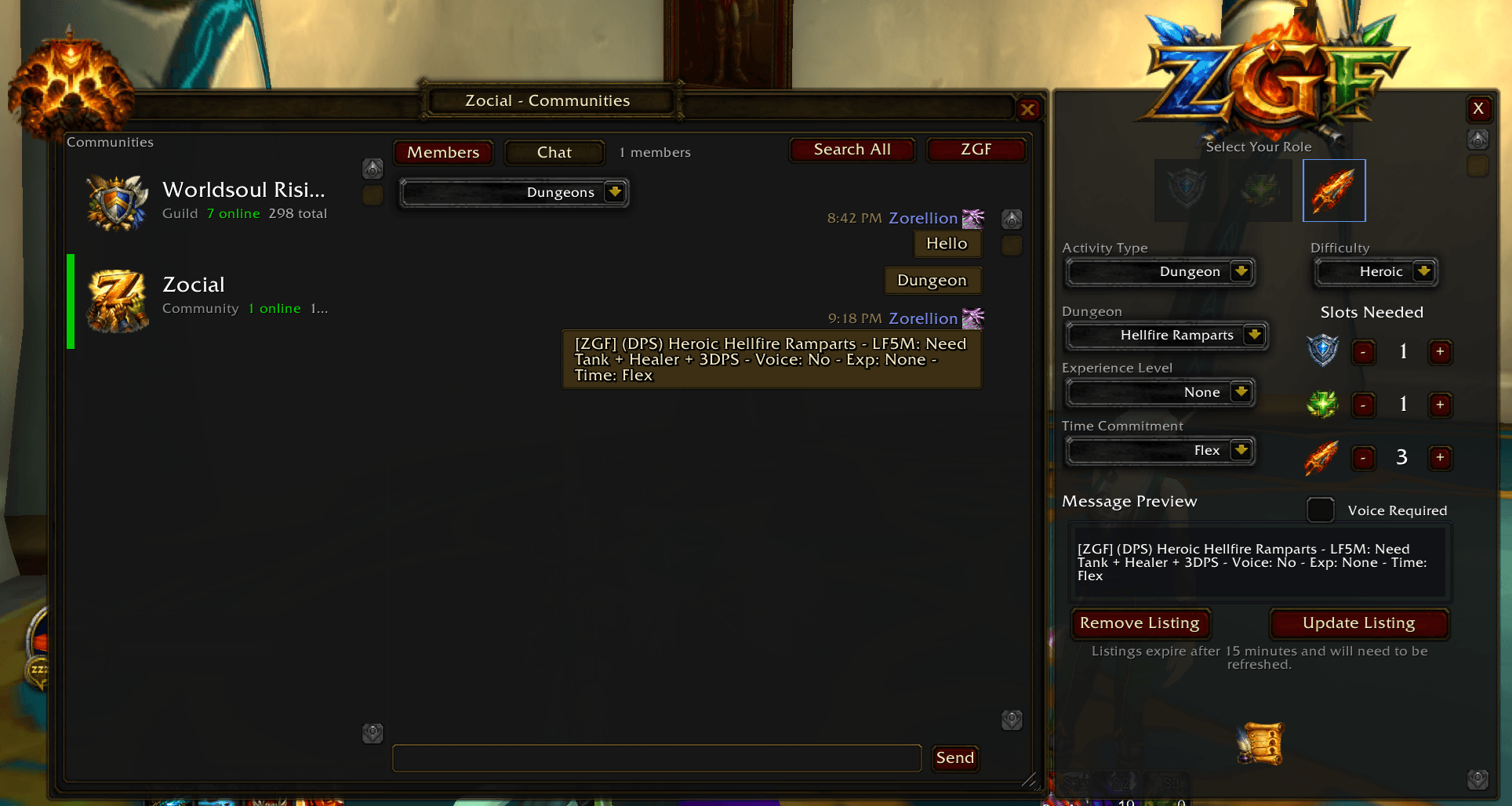
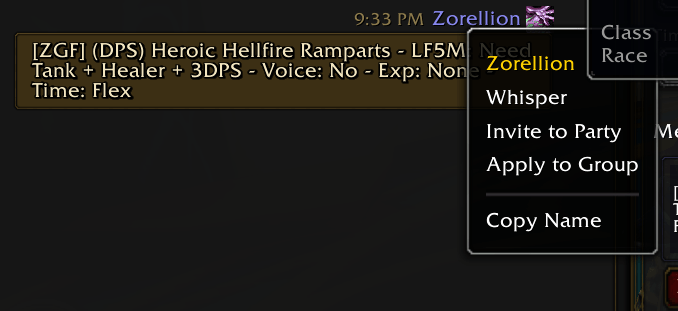
Both features require other players to be running zGroupFinder or ZocialClassic. Group listings in LookingForGroup Channel are visible to the addon, you have the option to see only messages prepended with [ZGF] if you want to limit the noise or you can view all messages in the channel. You can only "apply to group" on the messages with [ZGF] this will open the applicants list where you can review their information and either accept or decline the application, if you accept it invites them and you can re-broadcast your message with updated numbers. Once your group is full you can close the listing and begin your adventure! The Zocial Community channel is only visible to players with one of those two addons (Zocial or zGroupFinder), and Communities channels are only as active as the members who have joined through the same addon network. The more players on your realm using either addon, the more useful this becomes. The idea is to create a community of Zocialites where we can all privately post our listings among our community and find great people to play with!
zGroupFinder extracts the two social tools from ZocialClassic into a self-contained addon — for players who want the Group Finder and Communities features without the full suite. It works on every Classic client and shares its channel and messaging protocol with ZocialClassic, so users of either addon can find and communicate with each other.
Group Finder
Post a group listing with a single click. Choose your activity type — dungeon, raid, or Classic content — set your role slots, and write a short description. Players running zGroupFinder or ZocialClassic will see your listing and can apply directly.
You review applicants and accept or decline from the applicant panel. The entire flow runs over addon messaging, completely outside the built-in LFG system.
- Applicant panel with one-click accept / decline
- Listing state persists across
/reload; cleared on true logout - Fully interoperable with ZocialClassic users and WoW's built-in LookingForGroup Channel
Communities
Persistent, cross-character social spaces built on hidden chat channels. Create a community, share a join code with friends or guildmates who use zGroupFinder or ZocialClassic, and chat together from any character on the realm.
- Message history saved locally per community stream
- Live member roster via heartbeat presence (~60s interval)
- Your guild is always available as a built-in community entry
- Channels stay hidden — nothing bleeds into your default chat tabs
- Shared with ZocialClassic users on the same realm — no separate networks
Launcher Button & Settings
A free-floating 28×28 launcher button lives anywhere on screen. It shows an applicant count badge when your listing has pending applicants, and a gold pulsing glow when action is needed. Drag to reposition; right-click for the full menu.
The settings panel covers color theme presets, font options, timestamp format, per-color overrides, and full AceDB profile support.
Supported Clients
| Client | Status |
|---|---|
| Vanilla Era / Season of Discovery | ✓ |
| TBC Anniversary | ✓ |
| Wrath of the Lich King Classic | ✓ |
| Cataclysm Classic | ✓ |
| Mists of Pandaria Classic | ✓ |
Already using ZocialClassic? You don't need this addon — ZocialClassic includes everything here and more. If both are enabled at the same time, zGroupFinder detects ZocialClassic at login and steps aside automatically, with no conflicts.
Zocial Group Finder Team