wowgeek-fishing-1.png
wowgeek-fishing-2.png
wowgeek-fishing-3.png
wowgeek-fishing-4.png
wowgeek-fishing-5.png
Description
WoWGeek Fishing
A fishing journal for World of Warcraft Forever. WoWGeek Fishing records every fish you catch: where, when and with what gear. That record becomes a collection to complete, a map of your best spots, awards to earn and tools that make long sessions easier.
Requires the WoWGeek core addon. Install both.
Your journal
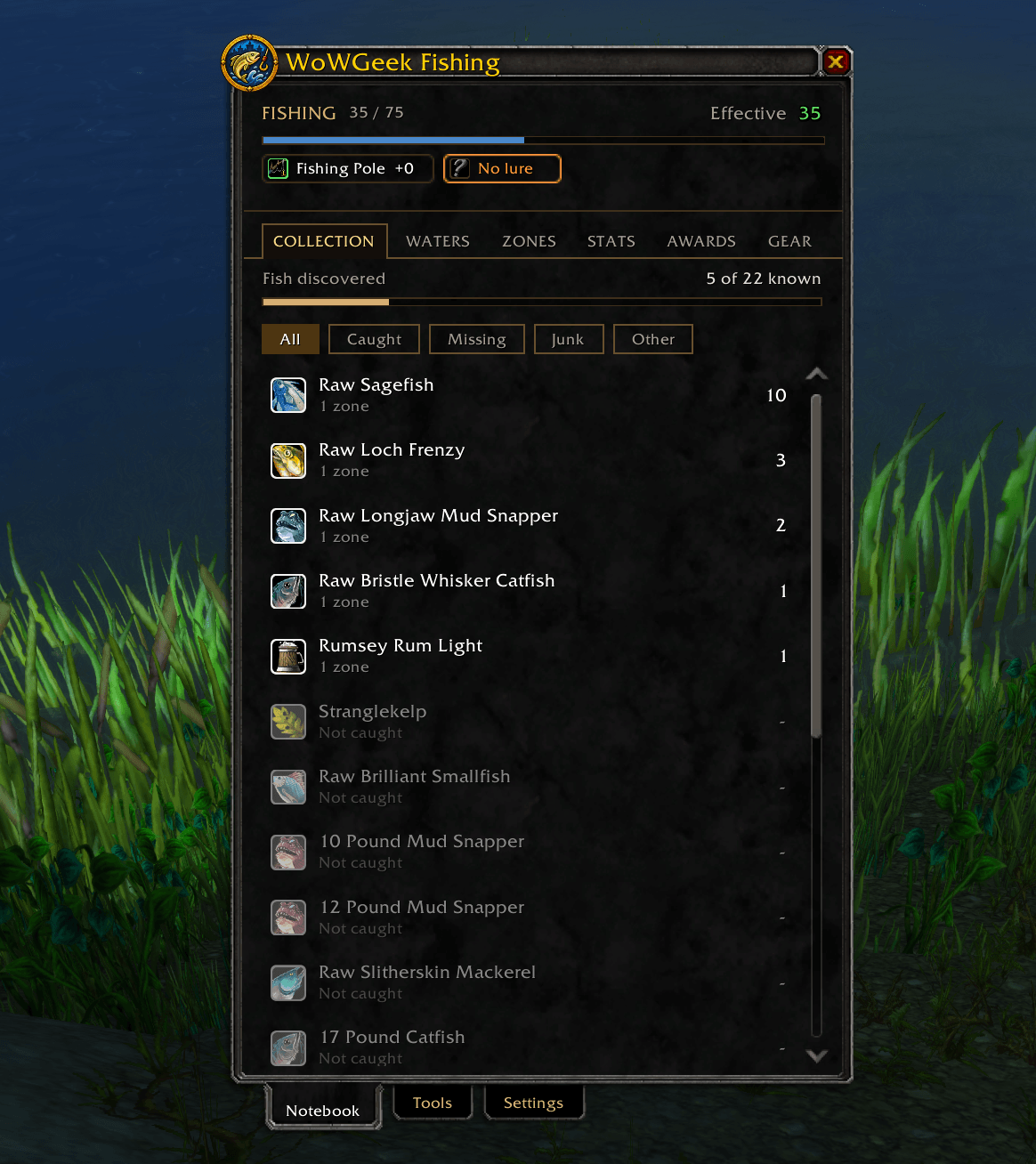
- Collection: Every fish in the game, with filters for Caught and Missing. Click a fish to see where you've caught it, which cooking recipes use it and which vendors near you sell those recipes.
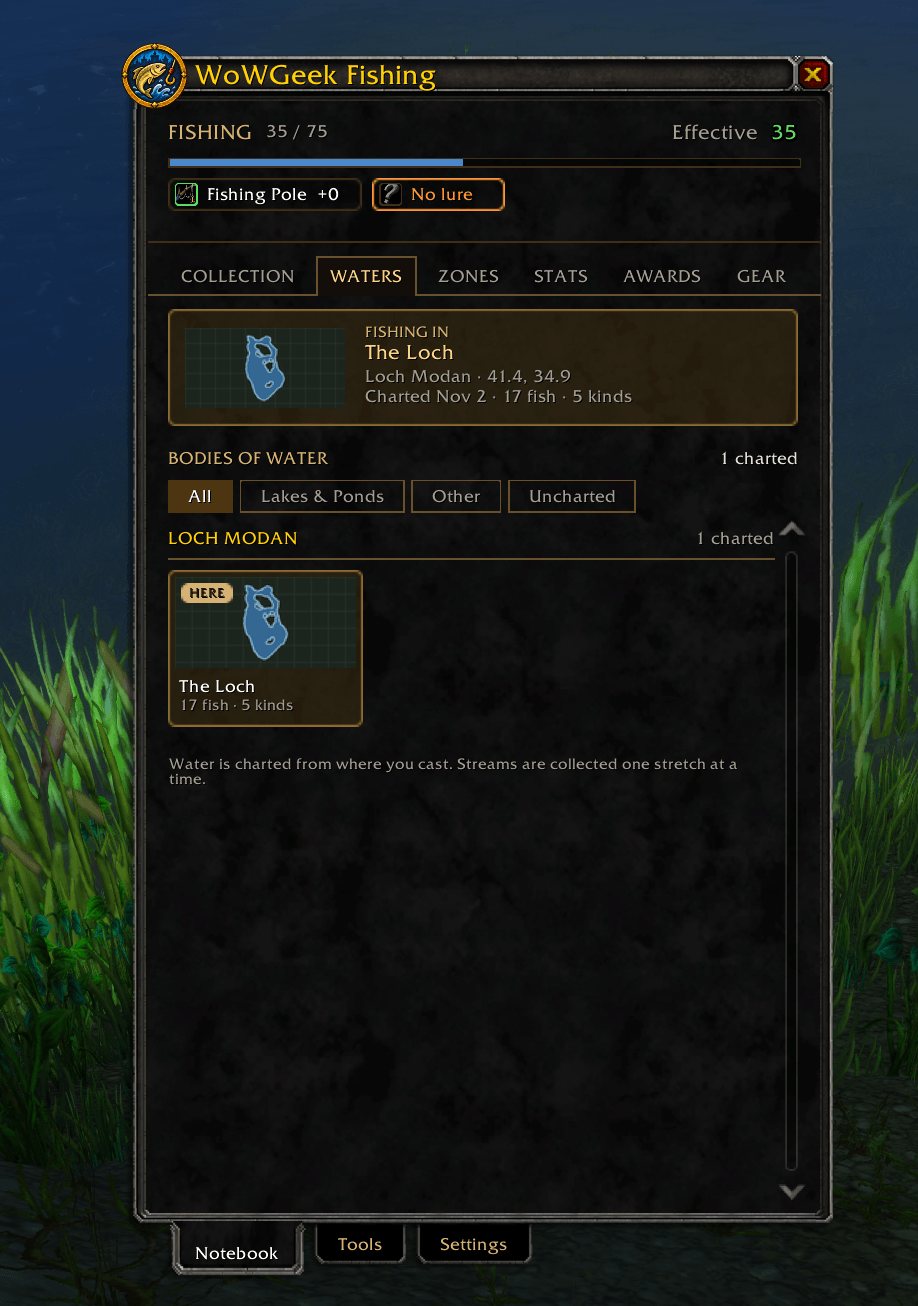
- Waters: Catches are grouped by the lake, pond, coast, river or dungeon you caught them in, not just by zone. Each water shows what you've pulled from it, and a Fishing in card shows the water you're at right now.
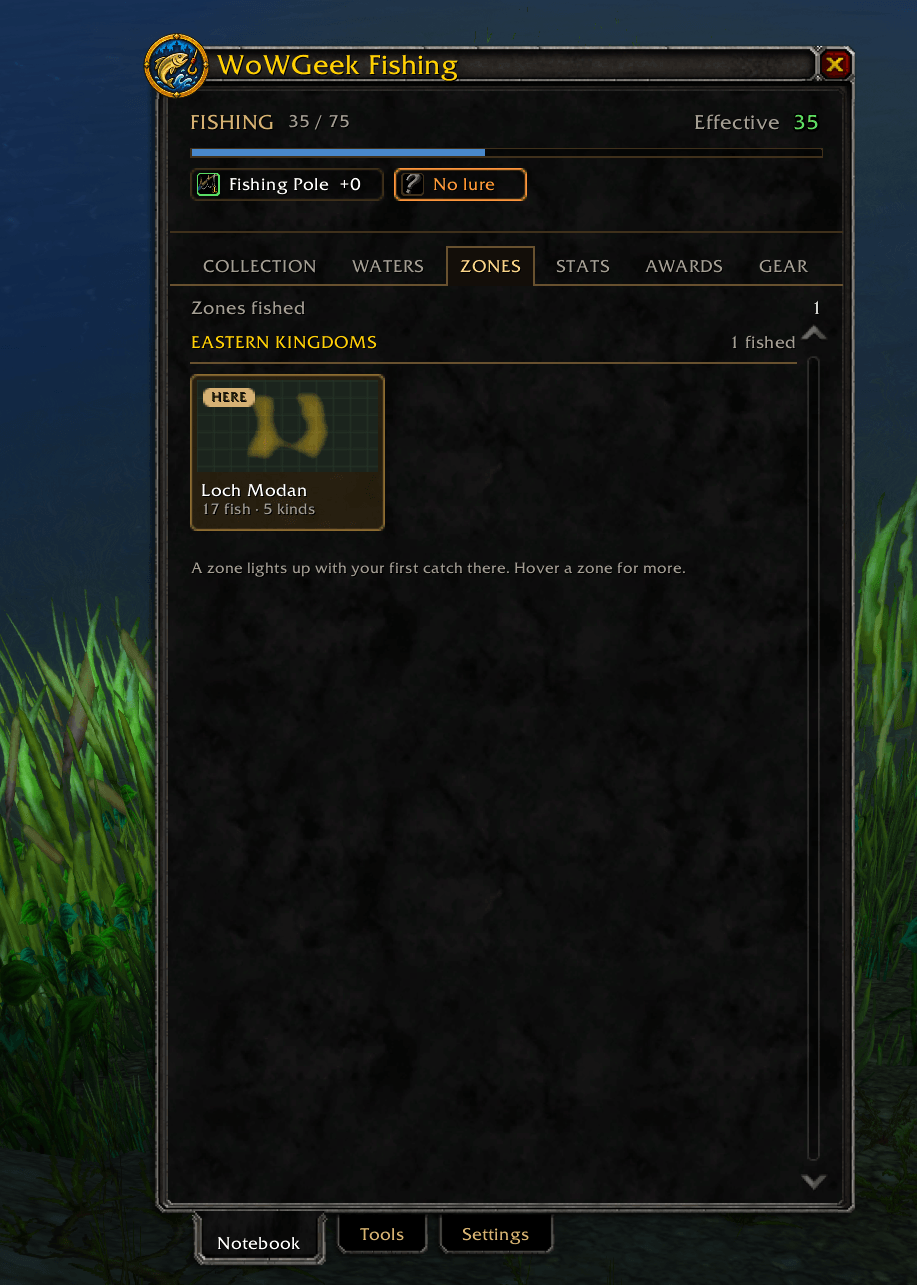
- Zones: Every zone you've fished, grouped by continent, with its outline and totals.
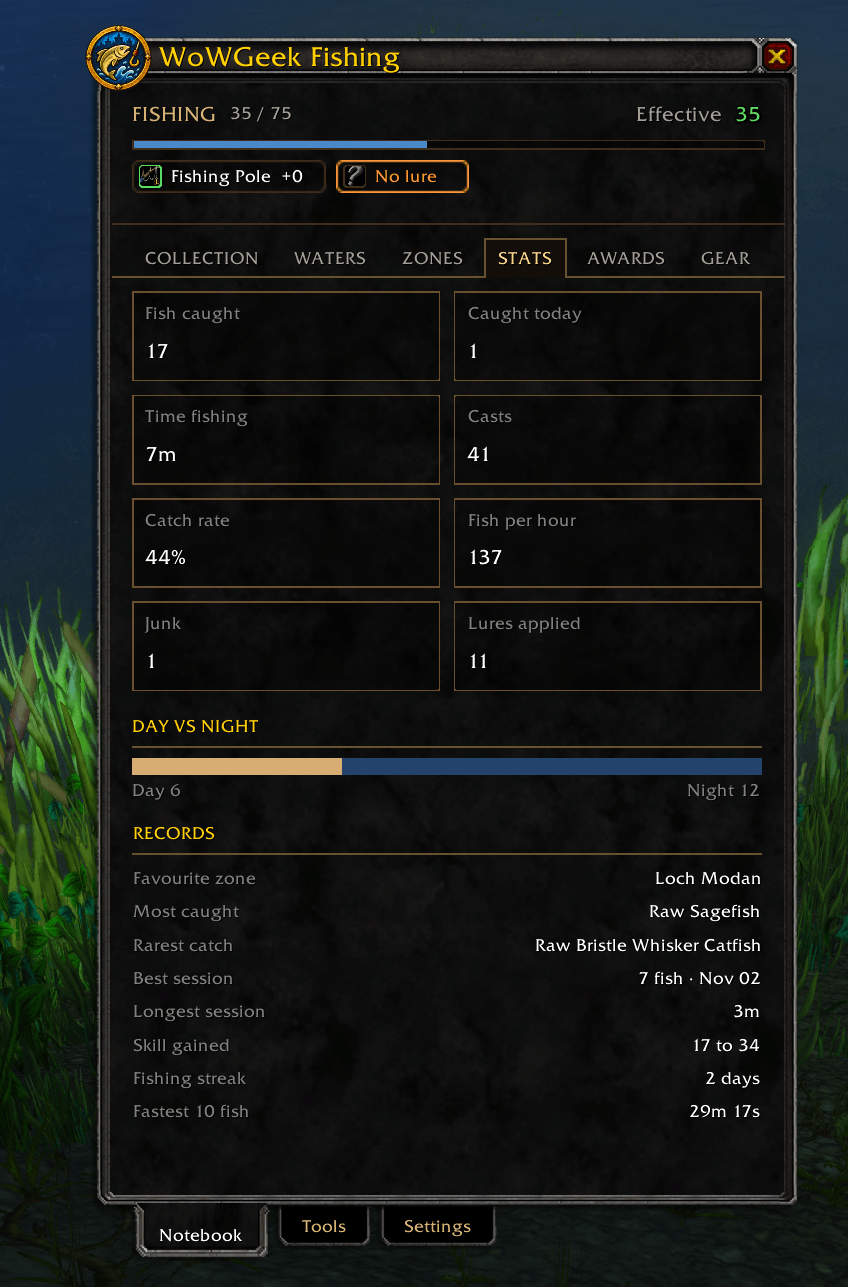
- Stats: Fish caught, catches today, time spent fishing, casts, catch rate, fish per hour, junk and lures applied.
- Awards: Custom achievements for catches, exploring and rare fish, plus a few secret ones. Your past catches count, so awards you've already earned are granted the first time you log in.
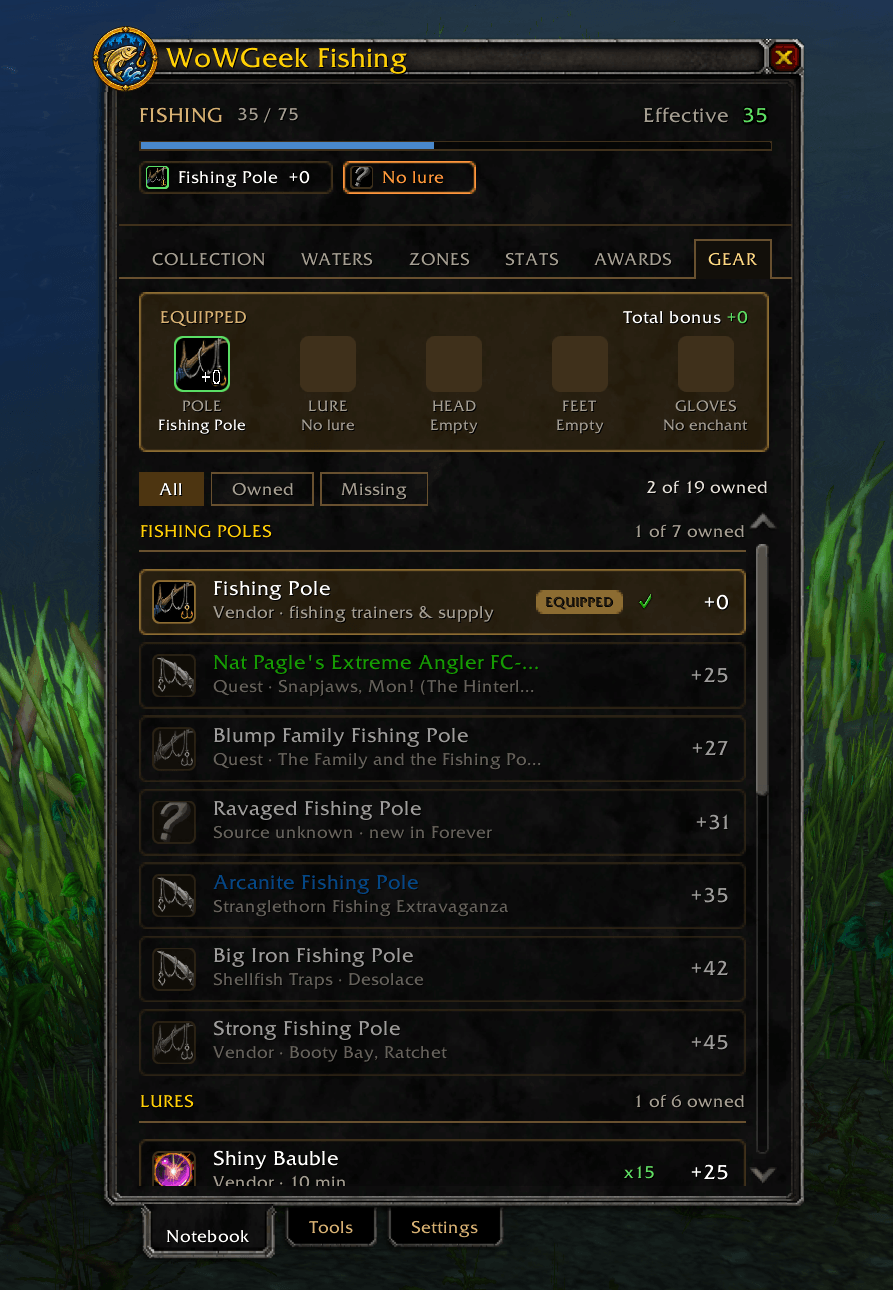
- Gear: Every fishing pole, lure and piece of skill gear, with how to get each one and checkmarks for what you own and what you're wearing.
On the world map
- Heat map: Turn it on from the world map to see where you've caught fish. Pick a single fish from the dropdown to see where it bites.
Fishing helpers
- One-button fishing: Bind one key to cast and press it again to reel in. Set the key in Key Bindings or in the addon's settings.
- Double-click casting: With a pole equipped, double right-click the world to cast.
- Auto-lure: If your pole has no lure, the cast button puts on the best lure in your bags first.
- Lure reminder: A warning appears when your pole has no lure.
- Splash boost: While you fish, sound effects go to full volume and music and ambience go quiet, so you hear the splash. Your own volume settings come back after you stop.
- Catch counters: Set goals like "get 20 Oily Blackmouth" and track them on screen, either by catches or by what's in your bags. You get an alert when you reach the goal.
- Minimal overlay: A small text readout that shows while a pole is equipped. It lists your skill, the water you're at, this session's catches and everything you've caught there.
Commands
/gf or /geekfishing |
Open or close the journal |
/gf minimal |
Turn the minimal overlay on or off |
/gf settings |
Open settings |
/gf reset |
Reset the window position |
/geek fishing |
Same as /gf |
Left-click the minimap button to open the journal, or right-click it for settings.
Visualize Your Fishing Data
You can upload all your fishing data to https://fishing.wowgeek.gg using the uploader tool available here: https://wowgeek.gg/download. Simply download the uploader tool, connect with your battle.net account, and upload. The site also uses your Battle.net account and your data is totally anonymous. You'll be able to see where and what other players are catching, too! This is totally optional, so you don't have to if you don't want, but every fishing session adds to the fishing knowledge of WoW Forever!
Notes
- Everything is saved per character on your own computer.
- Keep an ear out for an old fisherman. He has opinions about how you fish.
AI Disclaimer: I actually wrote most of v1 of this addon by hand. It was the first addon I ever made and I learned all the various WoW coding techniques and UI to make my first version. Once I had all the basics made, I did use AI to figure out things like subtle animations that fire in the UI when you catch a fish, casting with double click, and some more advanced things. Later, while working on my other addons, I also used AI to rework the addon with a shared core addon. Know that getting this working as I wanted to work was a fully hands-on process. I hope you enjoy this addon as much as I did making it!
WoWGeek Fishing Team