WorldSync
- By
Know when your layer changes, and hop onto your group's layer in one click when the game offers a world refresh.
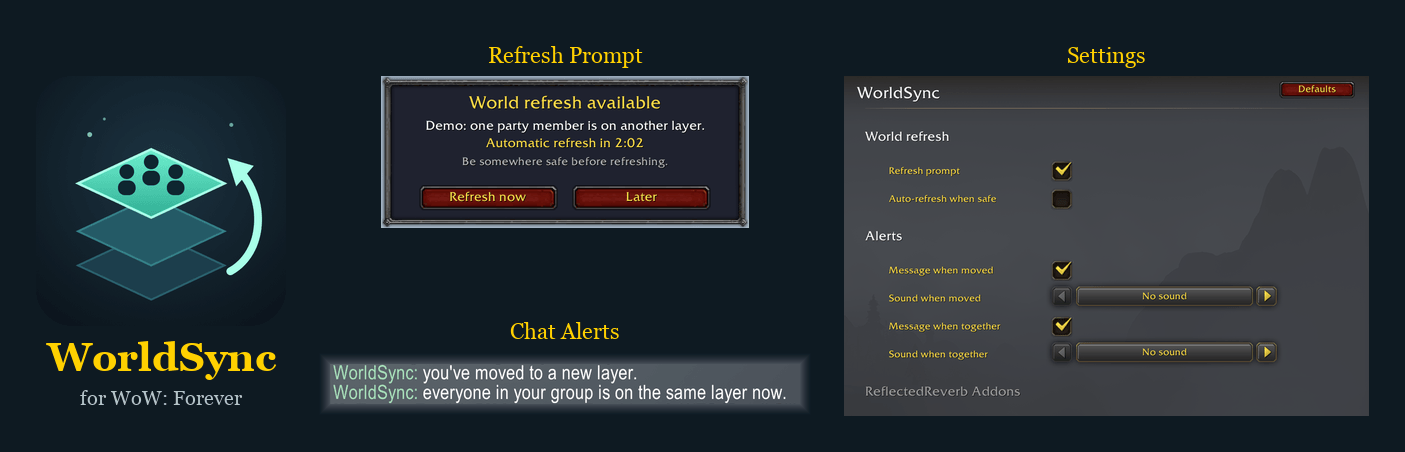
WorldSync: the refresh prompt, the chat messages and the settings.
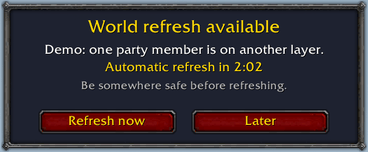
Refresh prompt: shows when the game offers a world refresh. Click Refresh now to join your group's layer.
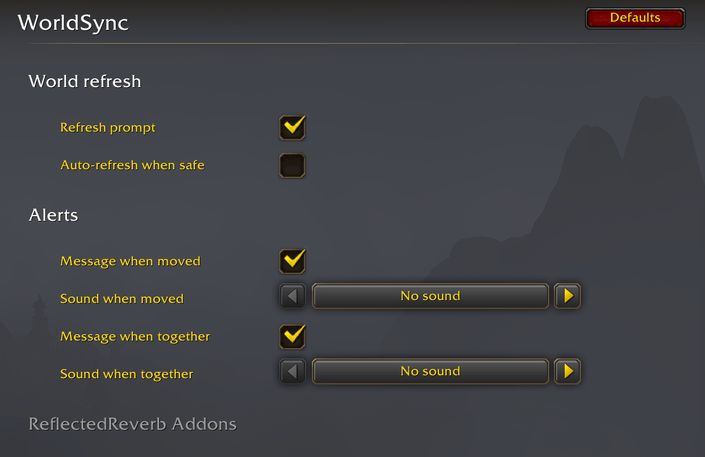
Settings: Options → AddOns → WorldSync.
Description
WorldSync keeps you on top of layers in WoW: Forever, and gets your group onto the same one.
Layers split a zone into several copies. The game can move you to another one at any time (crossing into a new zone, after a death, when you join a group), and your group can end up in the same place but unable to see each other. WorldSync tells you when it happens and makes getting back together one click. It's light, quiet, and looks like part of the game.
Features
- Refresh prompt. When the game offers a world refresh, WorldSync shows a clear prompt with a countdown and a Refresh now button, so you hop onto your group's layer in one click. It's disabled while you're in combat, flying or falling. Blizzard's own small message still works too.
- Know when your layer changes. A chat line when the game moves you to a new layer, and one when your whole group is on the same layer. Only you see them, and each can have a sound too (off by default).
- Auto-refresh (optional). Accept the refresh automatically once you're out of combat and on the ground. Off by default.
- Built to stay out of the way. It only wakes up when the game moves you, offers a refresh or your group changes, so it costs next to nothing, even in a 40-player raid. If anything ever goes wrong, Blizzard's own refresh message still works.
Blizzard's party frames already mark a group member who's on another layer: their frame fades and a phasing icon appears.
Commands
/ws: open the settings (also under Options → AddOns → WorldSync, or the AddOns button by the minimap)/ws demo: a 20 second demo of the prompt and the messages, without moving you/ws diag: a short status for bug reports (no names)
Notes
- If Refresh now doesn't move you, use Blizzard's message on the left of the screen instead.
- Made for WoW: Forever only.
More addons by ReflectedReverb: CurseForge profile
WorldSync Team