RollFrames
- By
Live group loot roll tracker: every Need, Greed and Pass, roll numbers and the winner, in a Blizzard-style window.
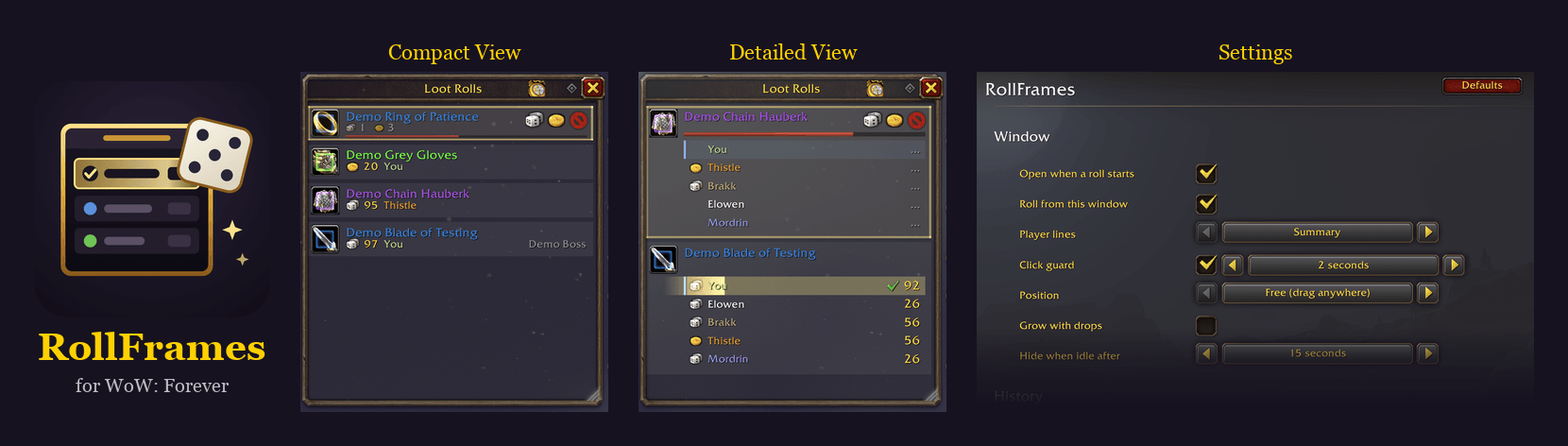
RollFrames: the compact view, the detailed view and the settings.
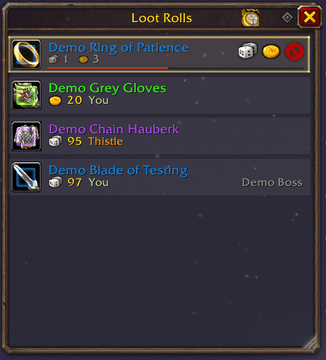
Live rolls: each drop on one row, how many chose Need, Greed and Pass, your own roll, and the winner. Hover for everyone's rolls.
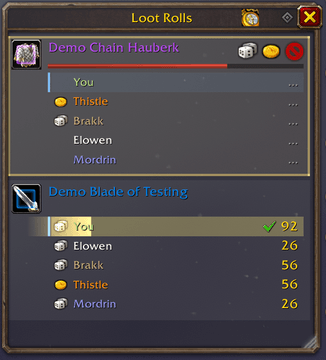
Everyone's rolls: Player lines "Everyone" shows every player's choice and roll, yours first.
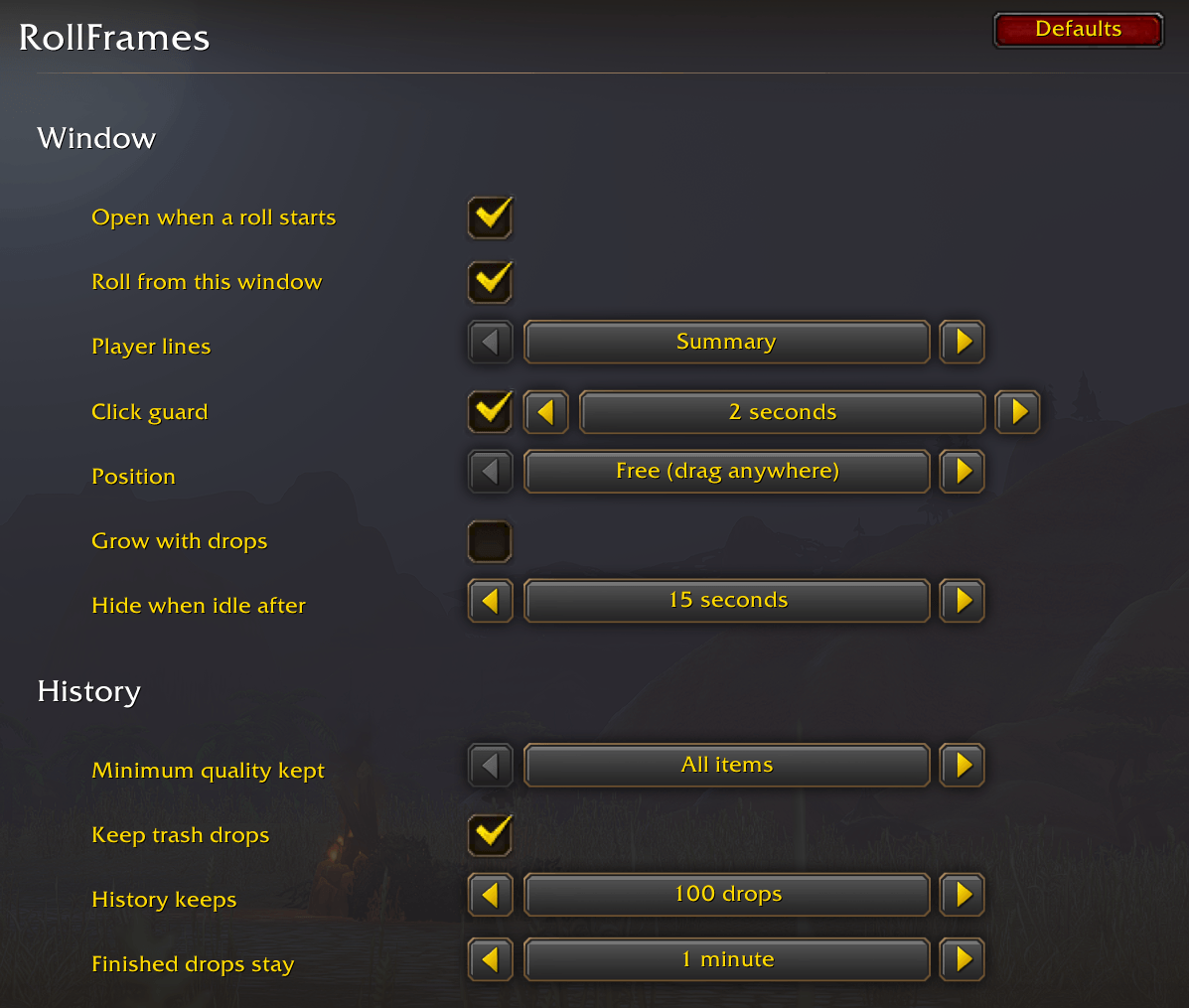
Settings: Options → AddOns → RollFrames.
Description
RollFrames shows group loot rolls live, in one window that looks like part of the default UI. Made for WoW: Forever.
When a roll starts, the drop appears as one steady row and keeps up as your group decides:
- How many chose Need, Greed and Pass, as their icons, plus your own choice and roll. Hover a drop for everyone's rolls (in a raid: the Need rolls and a count of the rest).
- The winner and their roll, the moment it's decided. Hover the item for its tooltip; the item level shows for gear.
- History: decided drops move under the clock in the title bar after a minute, or when the window fades out. Click the clock to bring them back. It's kept for each character across reloads.
- More detail if you like: with Player lines set to Everyone, a line per player with their choice and roll.
Use it your way
- Watch the rolls (default): the window sits on the right, beside your quest tracker, out of the way of your action bars, while Blizzard's roll popups work as usual.
- Roll from the window (optional; RollFrames asks at login): Need, Greed and Pass buttons on each drop, with Blizzard's popups hidden while the window is open. The buttons always sit in the same spots, a click guard stops a click meant for one item landing on another when new loot moves the list, and a bar tells you when drops waiting for your roll are scrolled out of view. If anything goes wrong, or you close the window, Blizzard's popups come straight back.
- Anywhere: drag the window wherever you like, or put it just above Blizzard's roll popups; drag its corner to set its height. It fades away when loot is done.
- Try it solo: the empty window has a "Try the demo" button.
Built for raid nights
- Reuses its frames instead of making new ones for every drop, so memory stays flat over a full raid without reloads. About half the UI updates of v1.1 in a real 5-man run, and far fewer than v1.0 in a 40-player raid.
- No libraries, nothing running while there's no loot.
Commands
/rollframes: show or hide the window/rollframes demo: made-up drops (/rollframes demo 10for more), to see it without a group/rollframes options: settings (also Options → AddOns → RollFrames)/rollframes reset: put the window back in its starting spot/rollframes reset all: start over completely, after asking (settings, window, this character's loot history)
Also in the AddOns button by the minimap.
Notes
- Tracks group loot rolls (Need, Greed, Pass). It's not a
/rollnumber tracker. - No auto-rolling, and it never posts in group chat.
More addons by ReflectedReverb: CurseForge profile
RollFrames Team