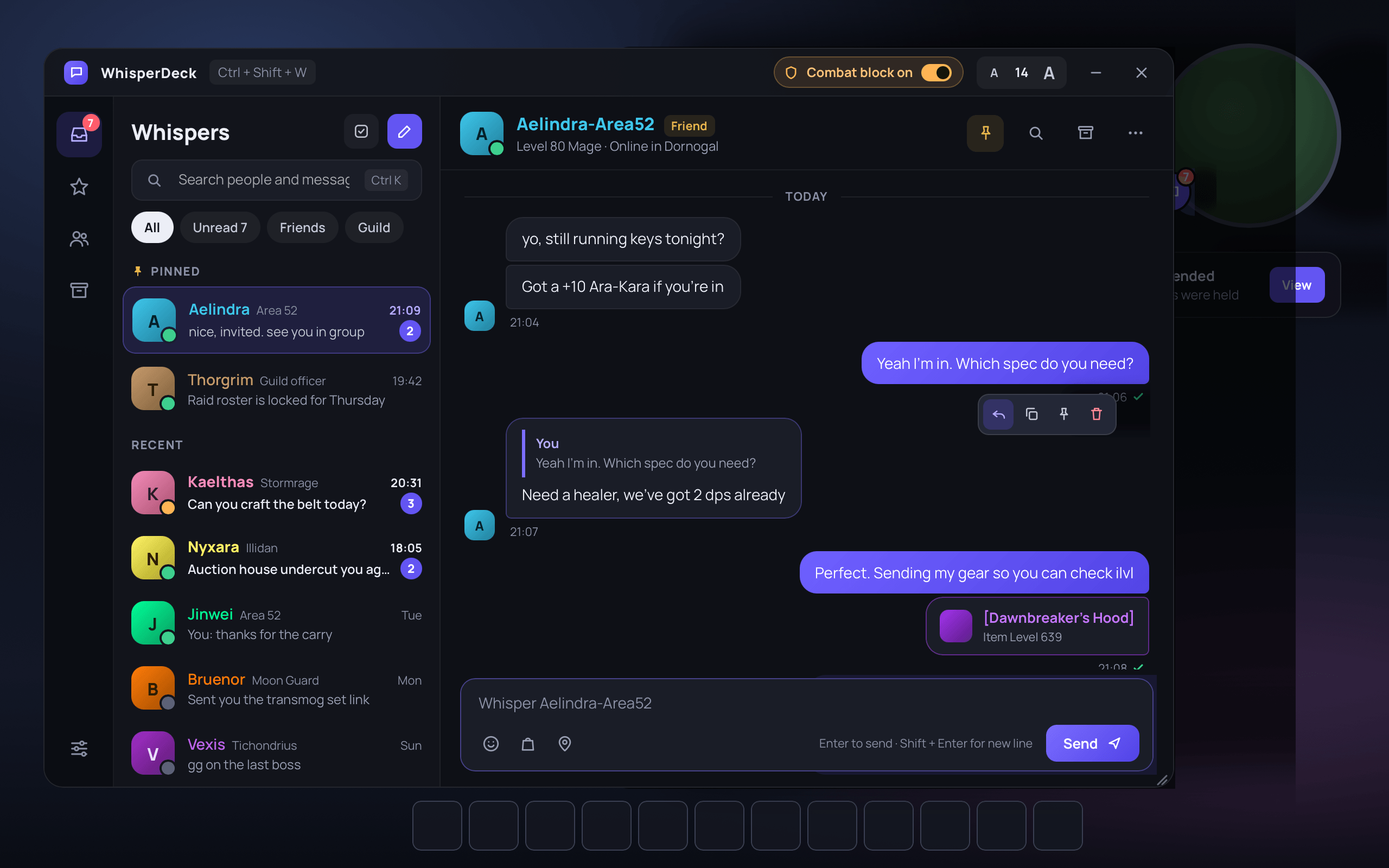
1 - Main window@2x.png
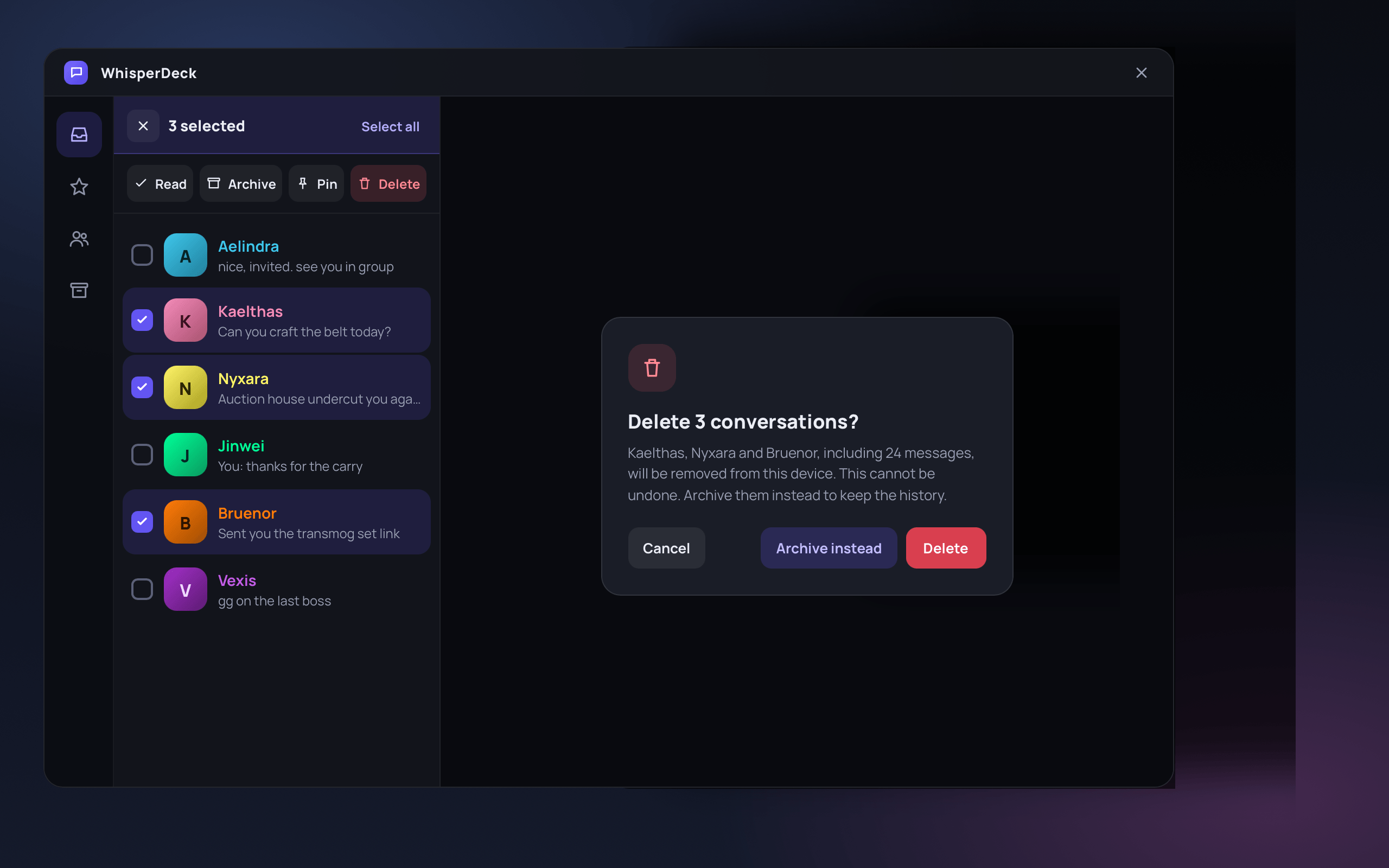
2 - Bulk select and delete@2x.png
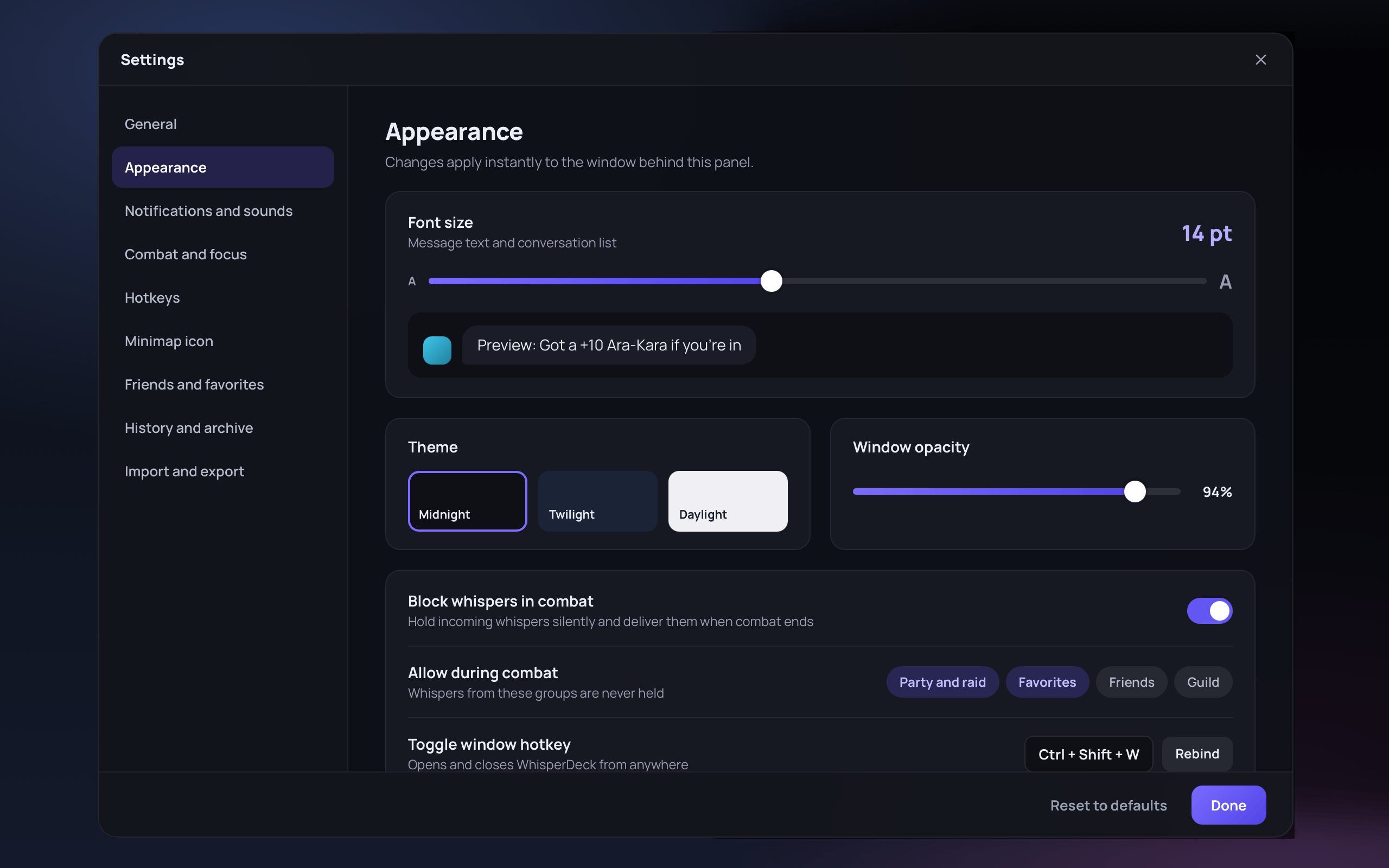
3 - Settings@2x.png
Description
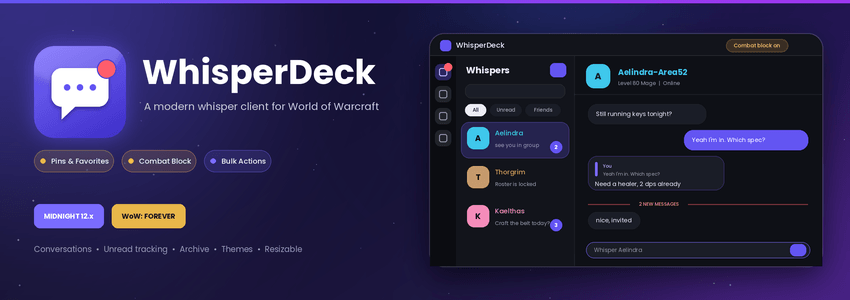
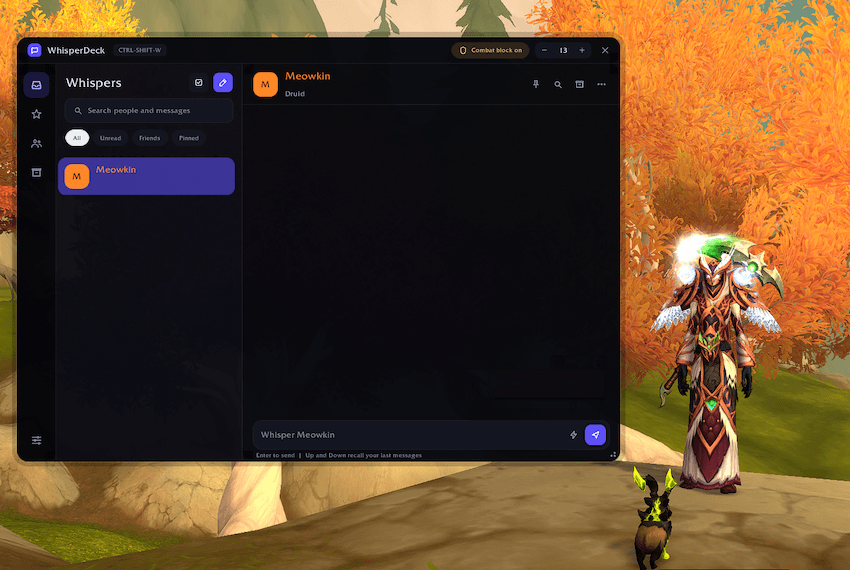
WhisperDeck replaces scattered whisper tabs with one clean window. You get conversations, unread tracking, pins, favorites, an archive and full control over combat interruptions.

This is more of a side project and an addon created out of personal need. Changes will come as needed, feature requests are always welcome and will be added if approved when time allows in life.
Features
Messaging
- Conversation list with unread badges, class-colored names and online status for friends
- Player level and class shown below names in the conversation list and chat header
- Replies with a quoted thread
- Hover actions on any message: reply, copy, pin, delete
- Battle.net whispers alongside character whispers
- Clickable item and spell links, plus shift-click linking
- Up/Down to recall your previous messages
- Quick-reply buttons you can edit
- Search across all conversations, or within one
- Long messages split automatically at the 255-character limit
- Block lists with dates stamps and the ability to add comments as to why you blocked someone
Organization
- Pin, favorite, mute and archive conversations
- Pin individual messages
- Bulk select with read, archive, pin and delete, with a confirmation before deleting
- Friends view for starting a whisper in one click
- Optional auto-archive for quiet conversations, plus history limits
Combat control
- Block whispers in combat: they're saved silently with no sound, flash or pop-up
- Always-allow list: party and raid, favorites, friends
- Summary card when combat ends
- Optional auto-reply, and optional window auto-hide in combat
Customization
- Three themes: Midnight, Twilight, Daylight
- Font size, font choice, window scale and opacity
- Resizable window
- Rebindable hotkey (default
Ctrl+Shift+W) - Minimap button with unread badge and an addon compartment entry
- Pop-up alerts you can drag anywhere and lock in place
- Minimize to an always-on-top pill bar: drag it anywhere on screen, resize it by the corner, lock its position and size, and set its own opacity — it flashes when a new whisper arrives and shows your unread count.
- Full settings panel, plus
/wdslash commands
… and many more features.
Midnight-ready and Forever
- Blizzard hides whisper text from addons during Mythic+, PvP matches and boss encounters. WhisperDeck detects this automatically. It leaves the message visible in your default chat and shows a notice, so you never lose a whisper.
- Support for First and Last name in WoW Forever is supported.
Installation
- Download the zip and extract the WhisperDeck folder into your AddOns directory.
- Restart the game, or
/reload,and enable WhisperDeck. - Type
/wdor click the minimap button. - Commands
/wdopens or closes the window/wd + nameopens a conversation, and/wd + name + messagesends one/wrreplies to the last whisper
Other Commands
/wd settings|/wd combat|/wd unread|/wd reset|/wd help
Known limitations
- The default chat's right-click "Whisper" menus don't open WhisperDeck yet. Use
/wd + nameor the pencil button. - Reply threads are local to you. The other player sees a short [re: "…"] quote instead.
- On WoW: Forever, saved settings and history may not persist between sessions if the client's saved-variables bug is still present. This is a game-side issue.
- Please report issues with your client version and steps to reproduce.
/wd errorsshows anything the addon caught.
The WhisperDeck Team