WhatItDrops
- By
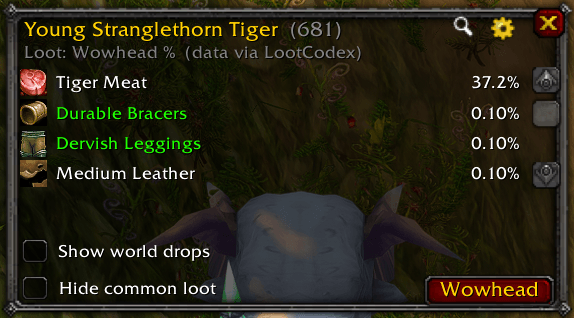
Target any enemy in World of Warcraft (TBC Classic / Anniversary) and instantly see its loot table.
whatidrops ui.png
whatitdrops skin.png
whatitdrops enemy NPC target.png
whatitdrops npc search.png
whatidrops item search.png
Description
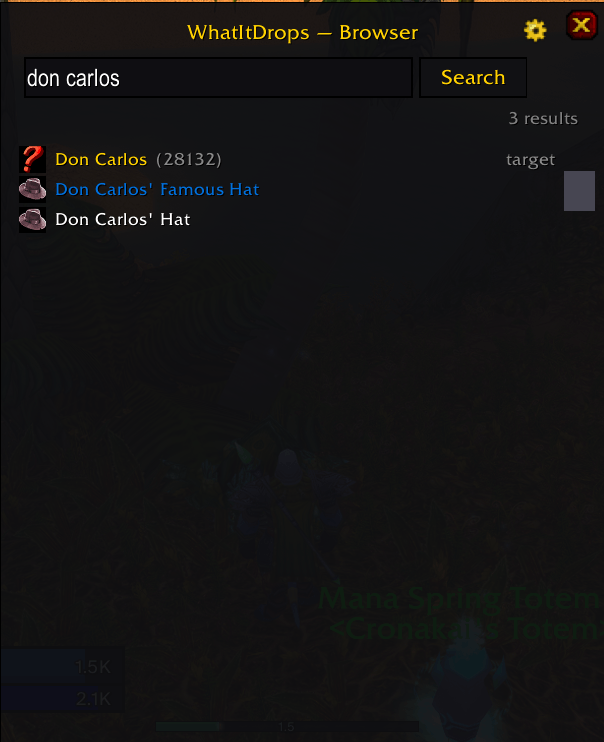
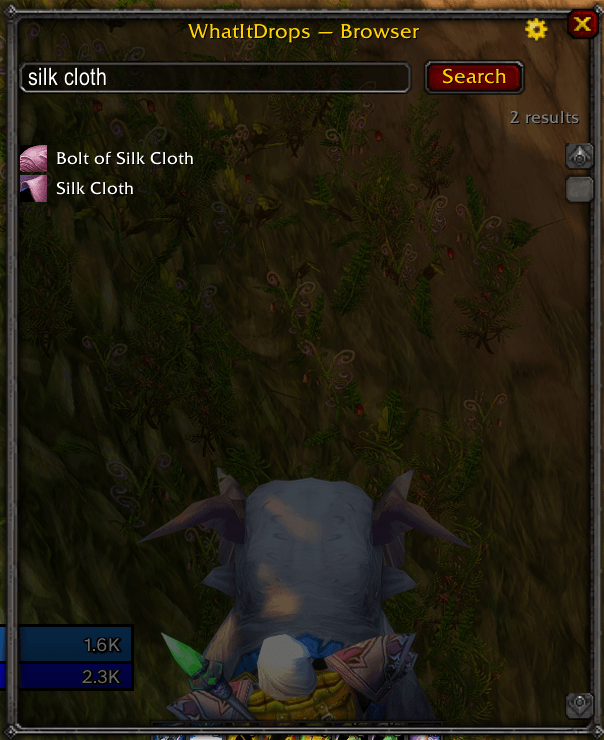
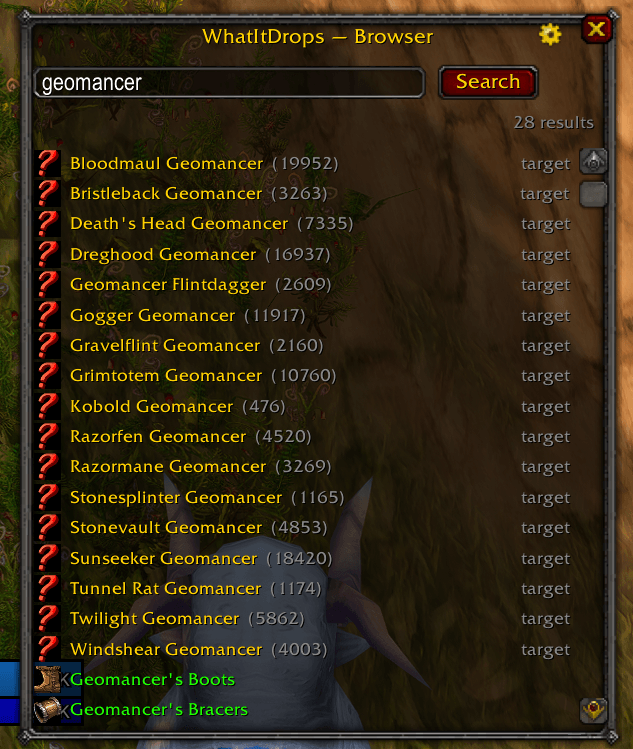
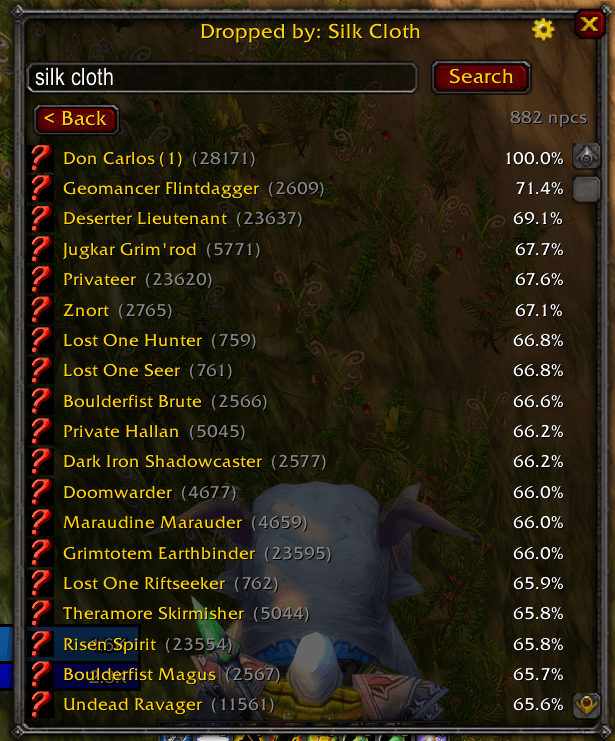
WhatItDrops shows Wowhead‑accurate drop rates for whatever you're looking at — no website, no alt‑tab. Target a mob, open the window, and see exactly what it drops and how often. Search items or NPCs by name, drill into "who drops this", list the bosses of the instance you're standing in, and see which items a quest needs and where they come from.
Drop rates are crowd‑sourced Wowhead measurements (via the LootCodex database), so they reflect live TBC Classic — not emulator approximations.
Features
- 🎯 Loot table for your target — via
/loot, a keybind, or auto‑show on target. - 🔎 Item & NPC browser — search by name; click an item to see every NPC that drops it, or click an NPC to open its loot table.
- 🐉 Instance boss list — the keybind, used with no target inside a dungeon/raid, lists that instance's bosses, each clickable to its loot.
- 📜 Quest loot — a "Loot Needed" button in the quest log shows the items the selected quest needs and where they drop. Quest‑class drops are flagged with a yellow ! in the loot window.
- 🗺️ Minimap button — left‑click reloads the UI, right‑click does a loot lookup,
drag to reposition. Toggle it in
/loot config. - 🎨 Theming — Blizzard default or a flat / ElvUI skin.
- 🪶 Lightweight & offline — item/NPC names and quality are baked in (no
GetItemInfoflicker), and per‑region data is loaded on demand so memory tracks where you actually play.
Usage
| Command | What it does |
|---|---|
/loot |
Loot table for your current target. |
/loot config |
Open settings & keybinds. |
The WhatItDrops Team