
Warlock HUD
- By

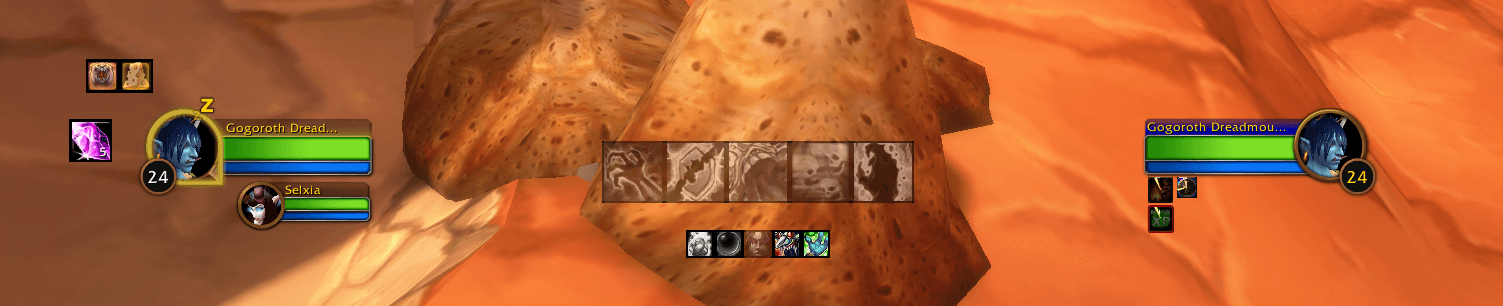
The live HUD shows only slots that are enabled and relevant to your character. Target DoTs and buffs use their normal in-game colors and countdowns.
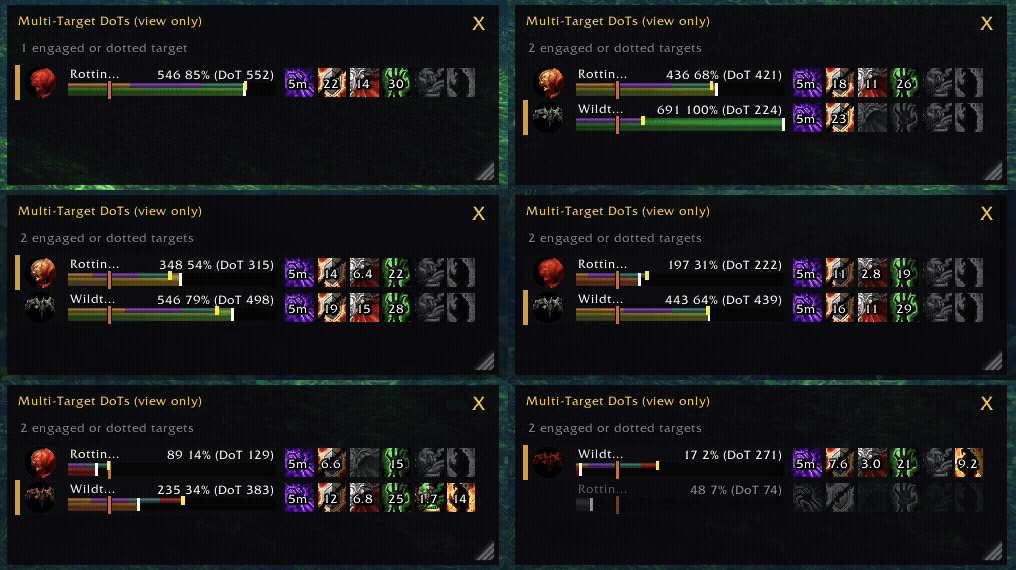
Multi-Target DoTs in action.
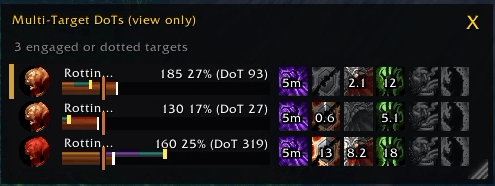
Track your DoTs over multiple targets, with estimated DoT damage, and kill.
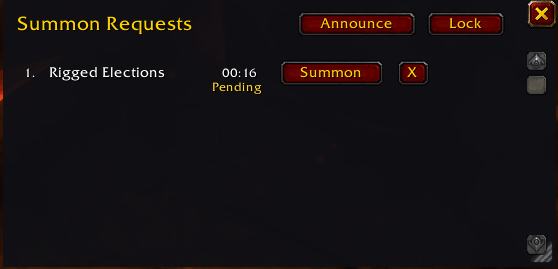
Single button summoning from party, raid, instance or whispers.

The demo labels Buffs, Procs, Target DoTs, Utility, and Soul Shards at their on-screen positions. It shows inactive and disabled icon slots so you can see the full layout before choosing what to track.
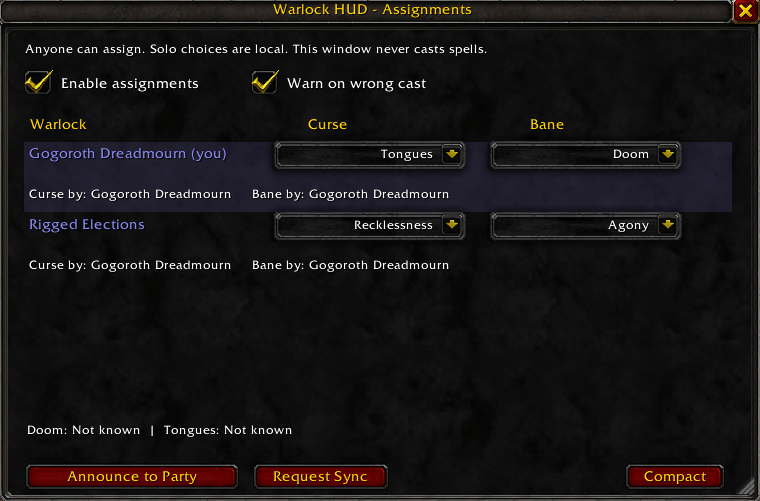
Assign curses and banes to members of your party, raid, or instance.
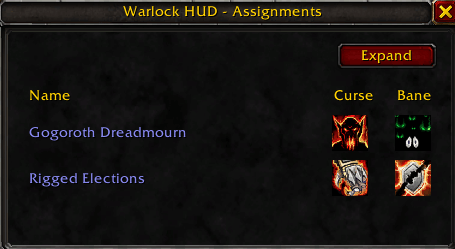
Mini window of assign curses and banes to members of your party, raid, or instance.
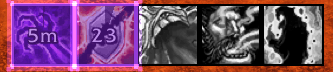
Get a visual update that you cast the wrong assigned curse!
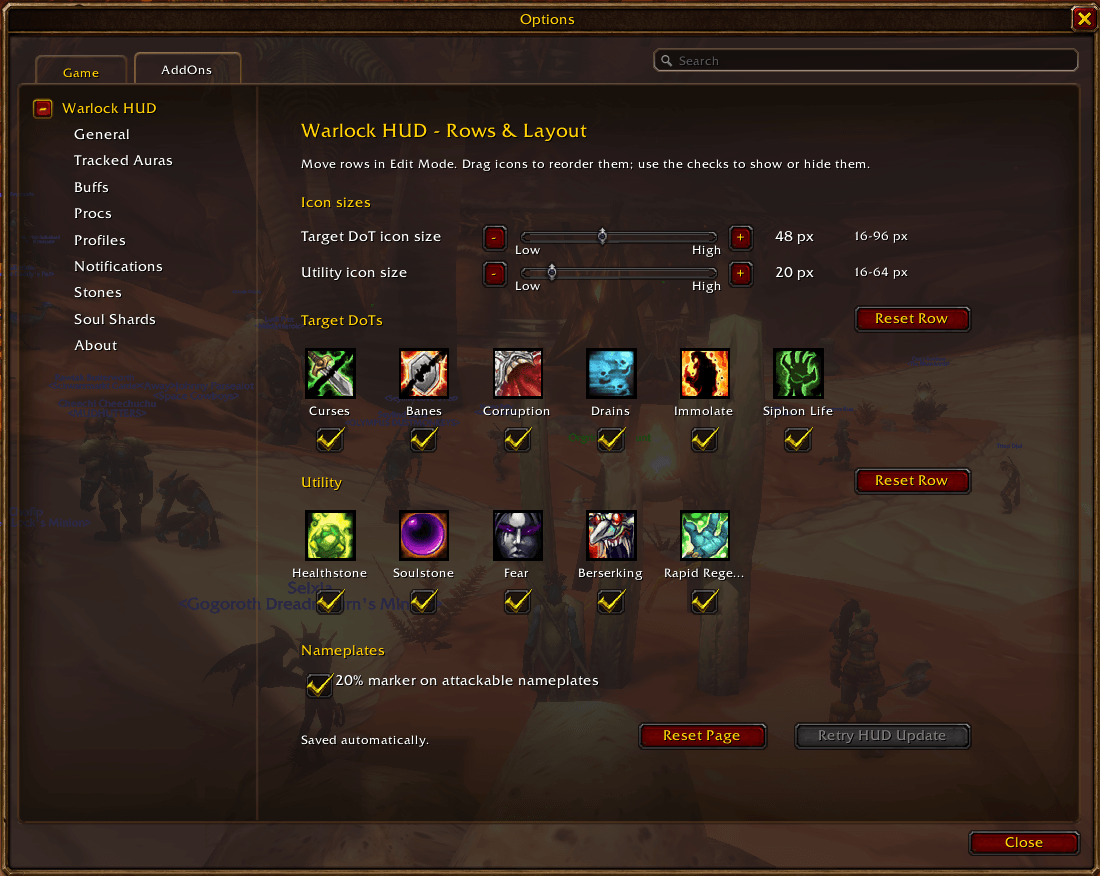
Set Target DoT and Utility icon sizes, reorder or hide slots, and toggle the nameplate 20% marker.
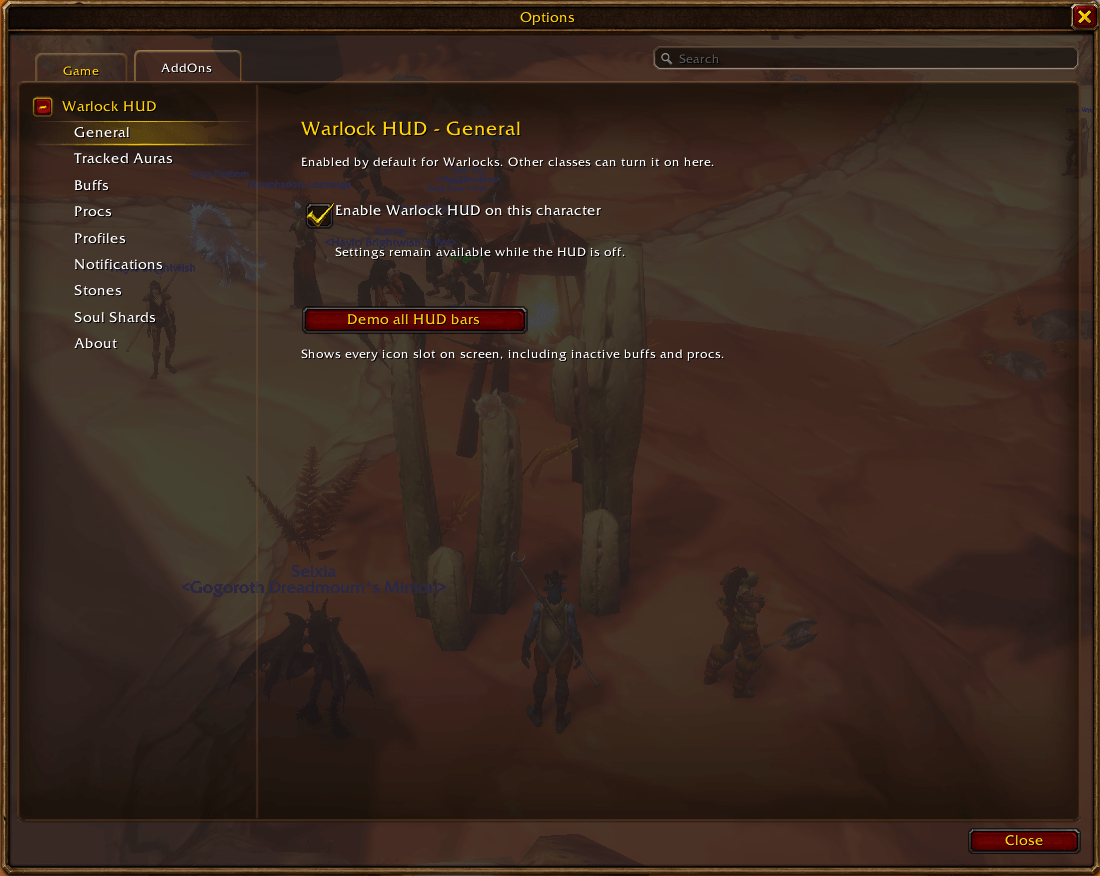
Enable Warlock HUD for this character and start the temporary on-screen demo of every HUD bar.
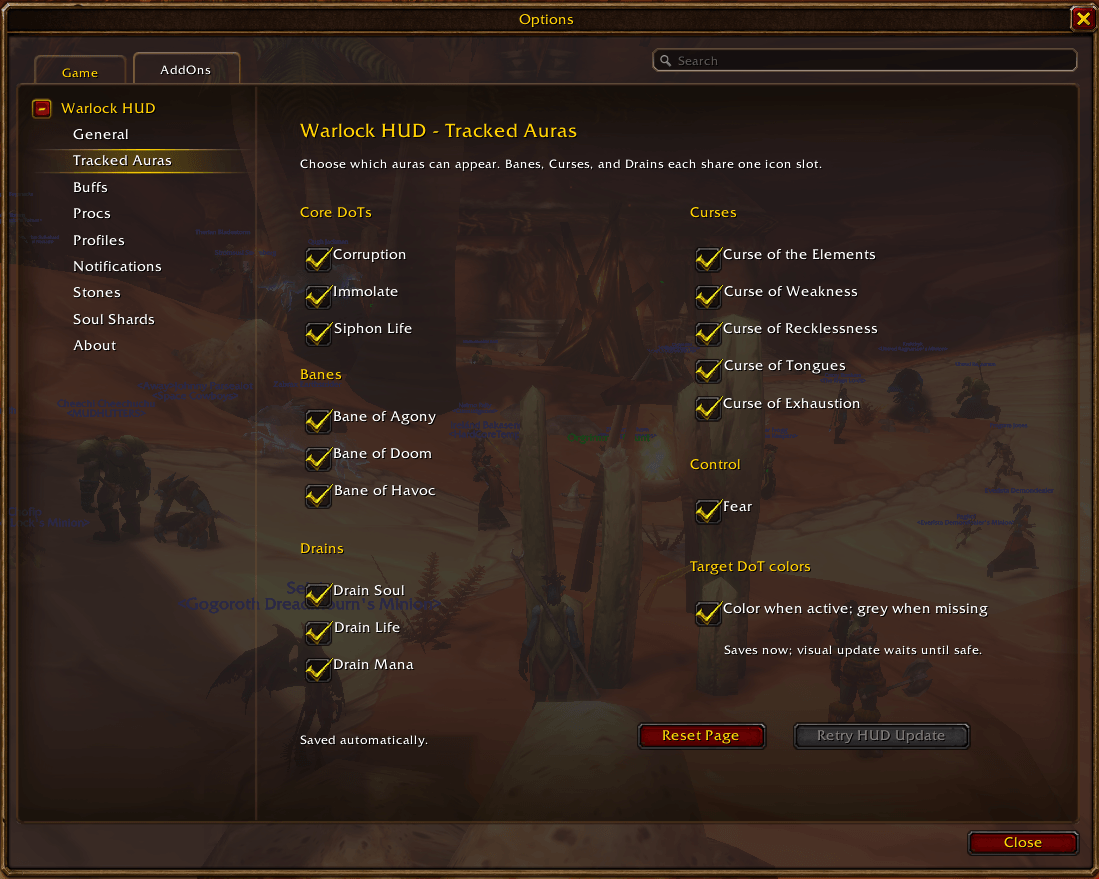
Choose eligible Corruption, Immolate, Siphon Life, Bane, Curse, Drain, and Fear auras. Set whether active Target DoTs appear in color or grey.
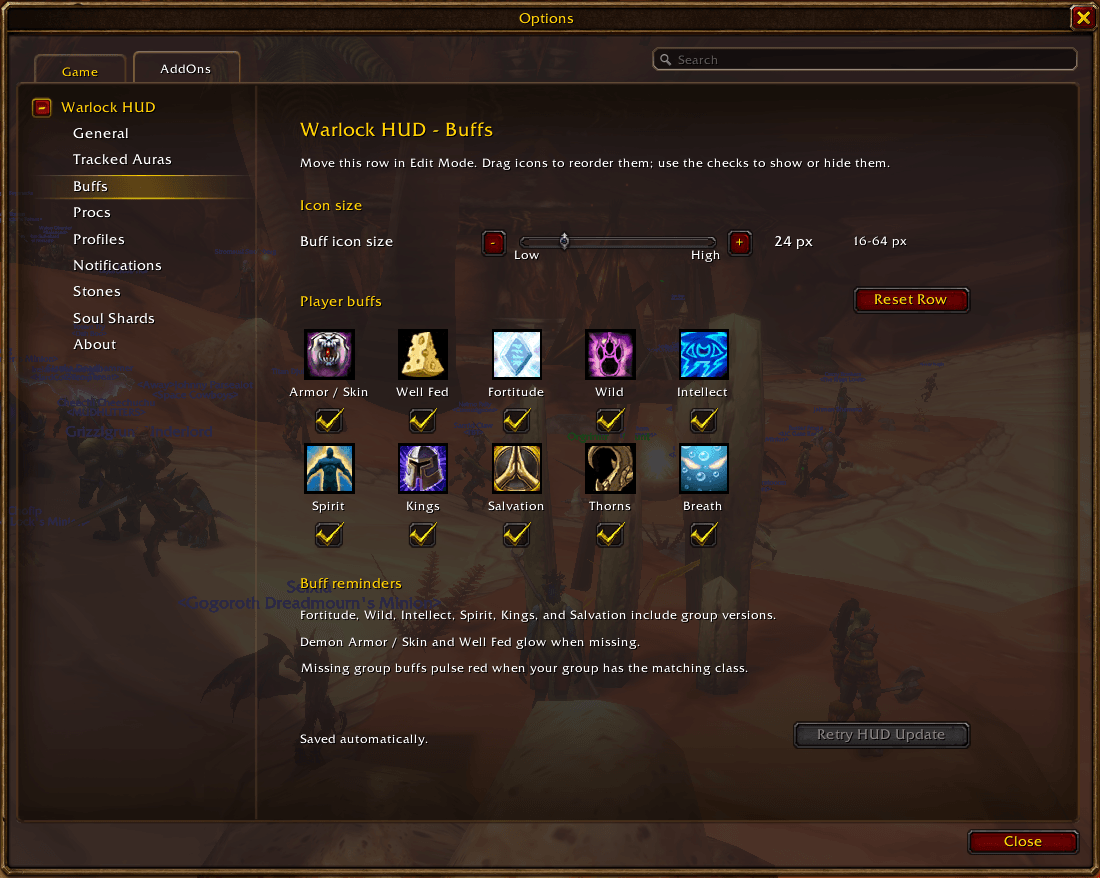
Size, reorder, or hide buff slots. The page also explains group buff reminders.
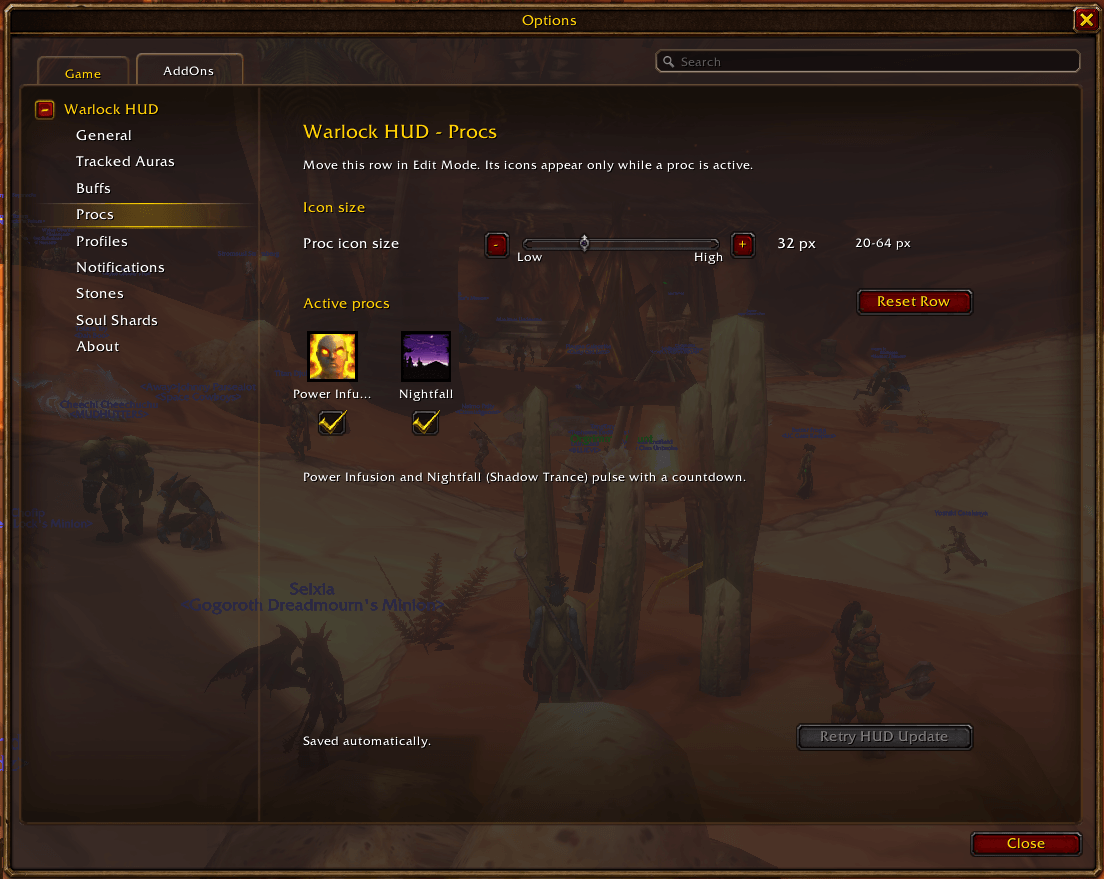
Size and arrange the Power Infusion and Nightfall slots. These icons appear in the live HUD only while their procs are active.
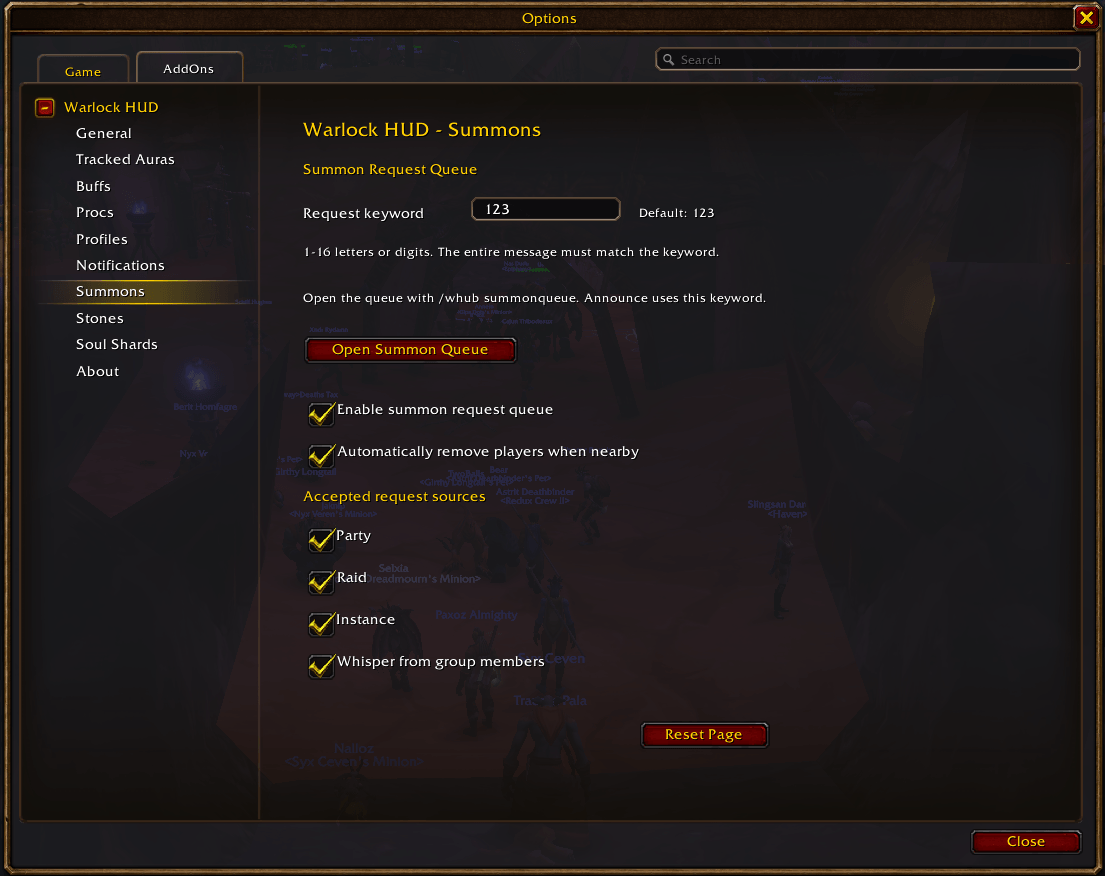
Set the request keyword and accepted chat sources, enable nearby removal, and open the summon queue window.
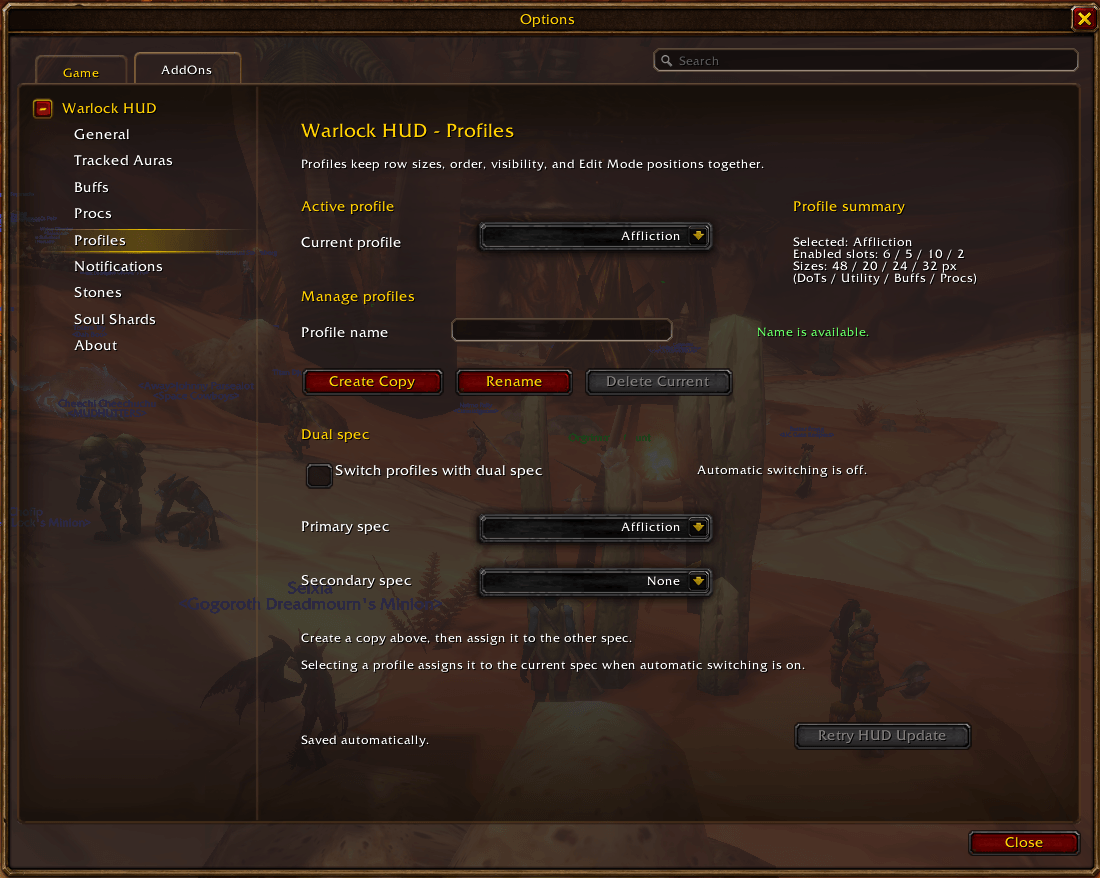
Choose, copy, rename, or delete profiles, and optionally assign them to dual specs. The summary shows enabled slots and row sizes.
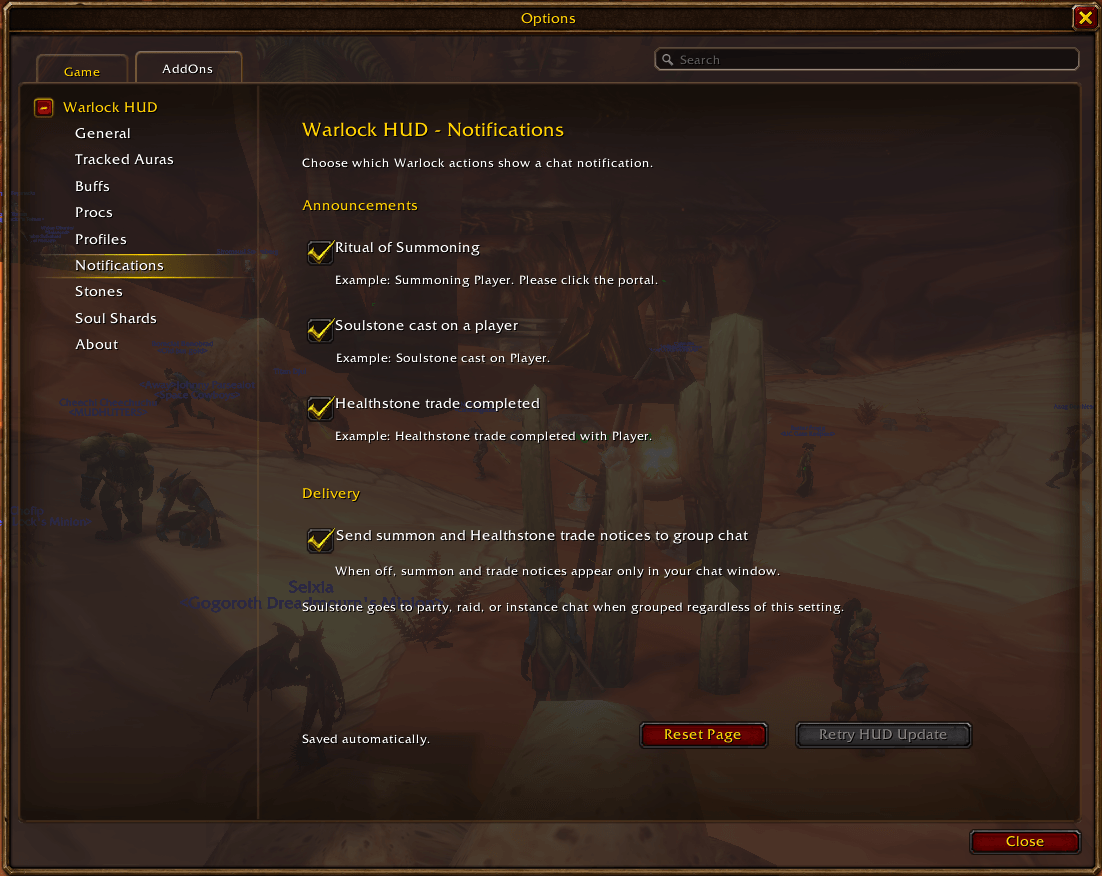
Choose summon, Soulstone, and completed Healthstone trade notices and where eligible notices are sent.
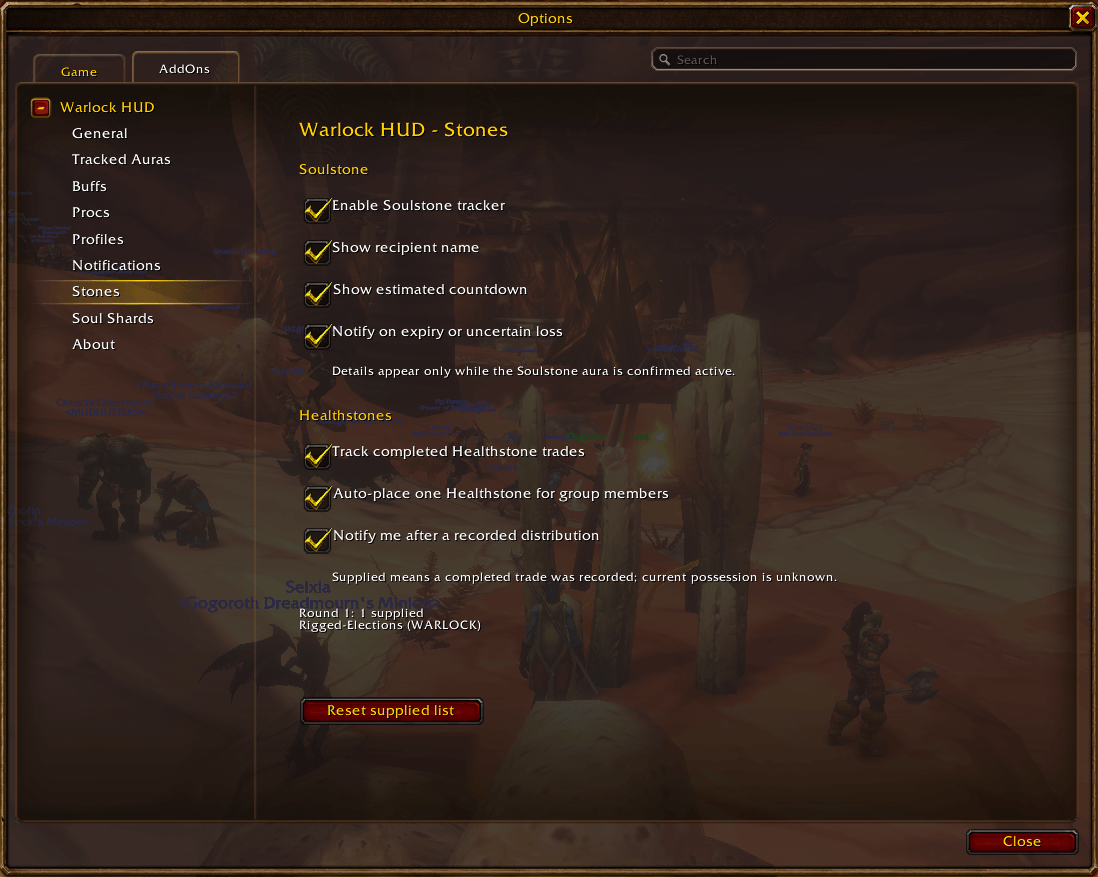
Configure the Soulstone tracker, Healthstone trade records, automatic placement for group members, and the supplied-player list.
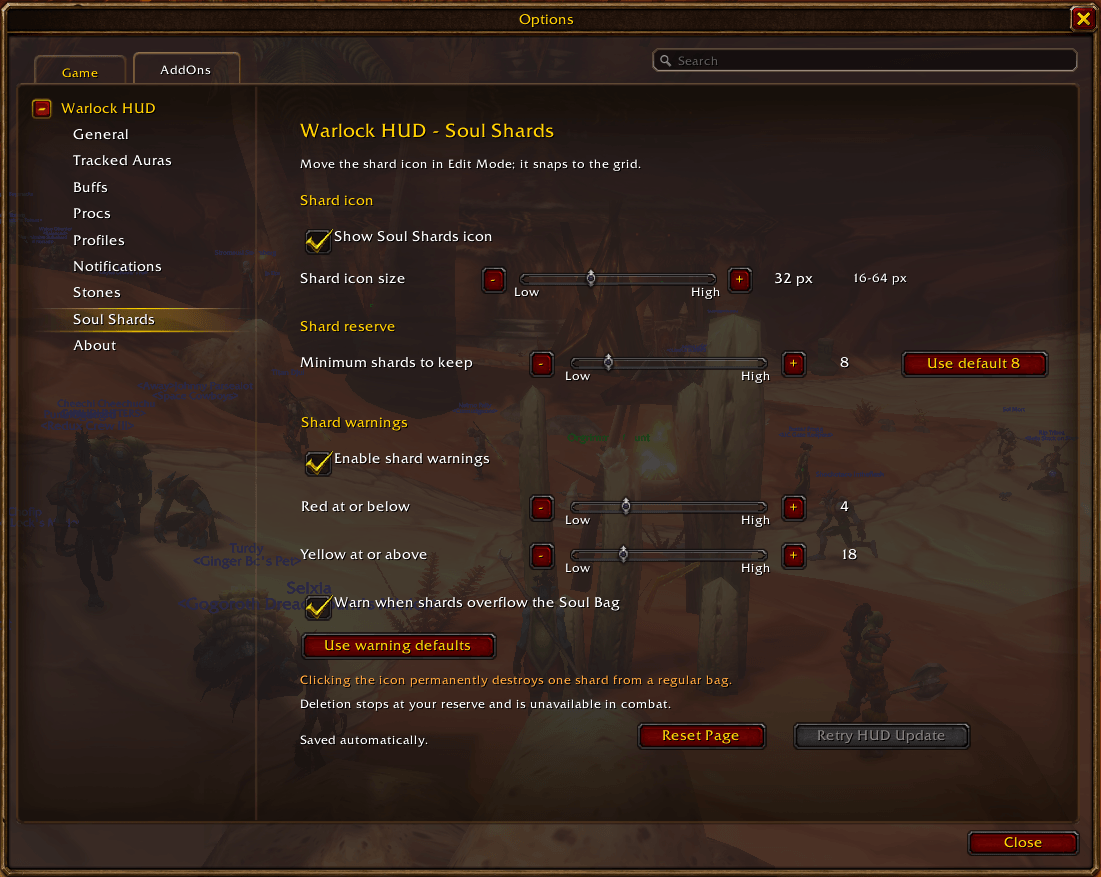
Set the shard icon size, deletion reserve, red and yellow warning thresholds, and optional Soul Bag overflow warning.