


Wand First
- By
Wand First
Wanding, one right-click away.
Right-click an enemy to start firing your equipped wand. Click again to stop. Made for priests, mages and warlocks in WoW Forever.
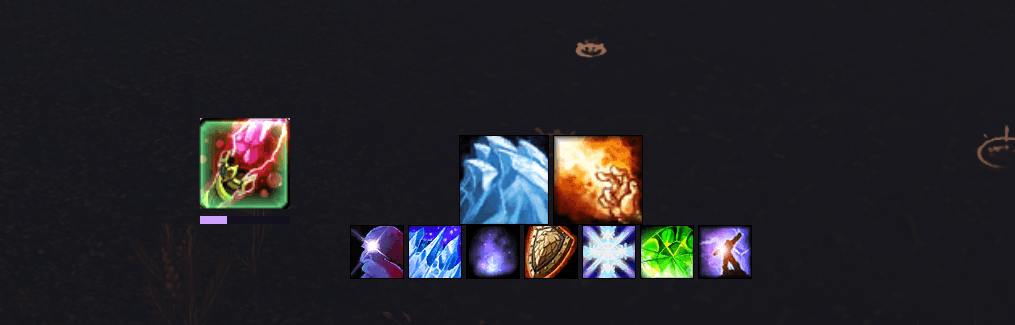
Your equipped wand, with a green glow while Shoot is active.
What you get
Your wand's status at a glance. See your equipped wand with a colored glow for range and Shoot status. Choose a compact icon or an Extended text bar.
A display that fits your UI. Adjust size and opacity, choose combat-only visibility, and drag it into place while the menu is open.
Your choice of controls. Use right-click, make the wand icon clickable, or assign a keyboard, mouse-button or mouse-wheel Shoot shortcut.
A guide to your next shot. An optional purple progress strip below the icon shows an estimate of your wand's shot timing.
Easy wand comparisons. Compare bag wands against your equipped wand by damage type, speed and base DPS, with item icons and familiar tooltips.
Saved setups for your characters. Create named profiles for your settings and display position, then apply them to your other characters.
Your setup, in one place
Check that you're ready to wand, choose your controls and customize the display from a simple sidebar menu.
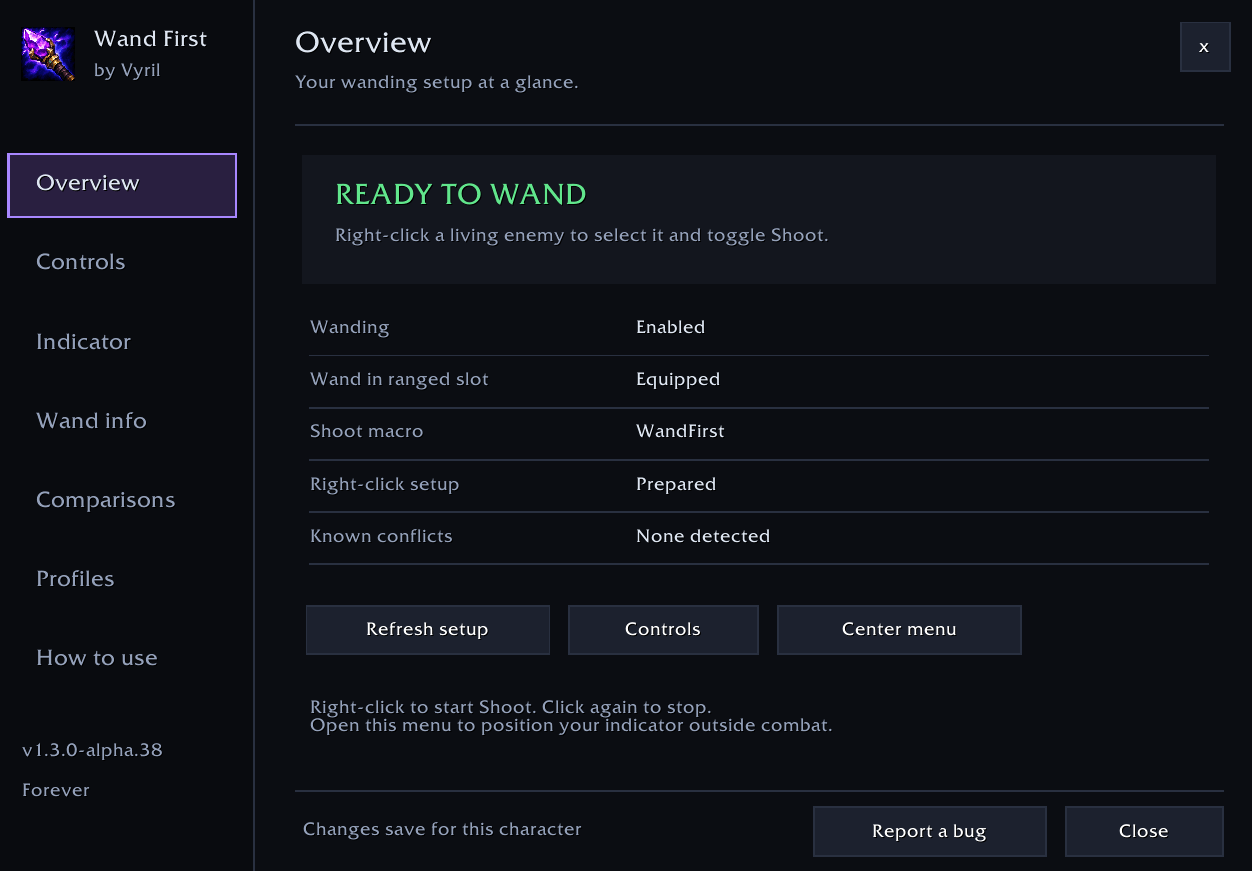
Overview, controls and wand tools. Explore the menu screenshots.
Get started
Equip a wand and right-click an enemy. Type /wf to open the menu and make it yours.
For WoW Forever 1.60.1. Keep one character macro slot free for setup. Control changes made during combat take effect afterward. With EllesmereUI, turn off Disable Right Click Targeting to use right-click wanding.
Support
Share questions and suggestions in the comments.
For bugs, use /wf report for a ready-to-copy report, then open an issue on CurseForge.
By Vyril · MIT license. Right-click and camera behavior informed by MeffortWand by Mefforts.
Wand First Team
