VVTT's Forever Toolkit (FTK)
- By
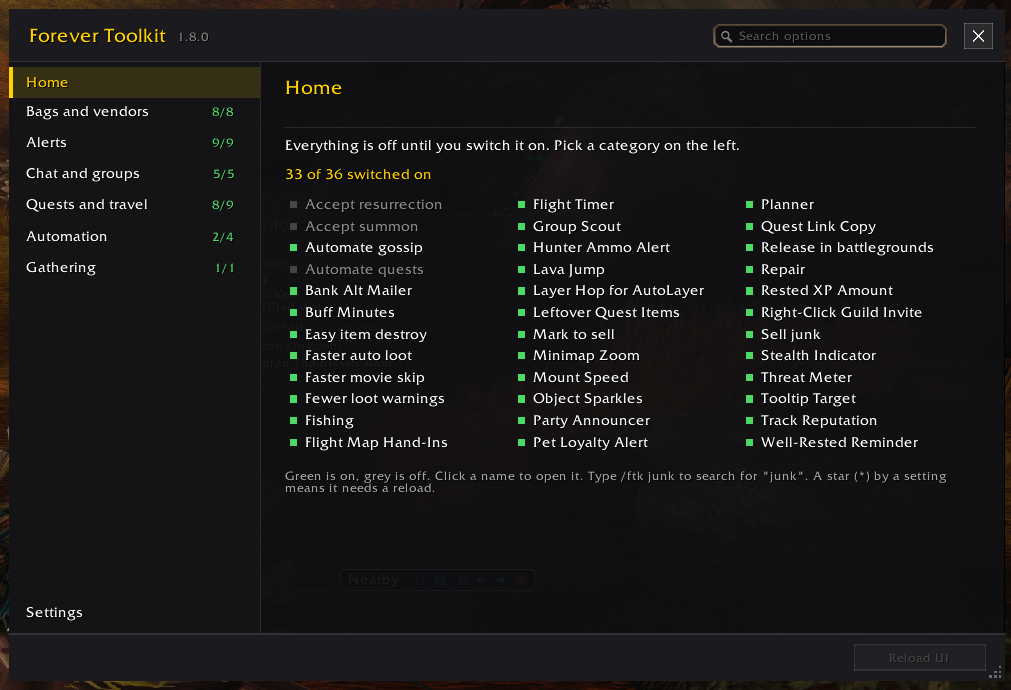
FTK: 40 small helpers for WoW Forever in one tidy window: sell junk, repair, faster loot, object sparkles, one-button fishing, a threat meter, a compact group list and more. Everything is off until you switch it on.
01-home.png
02-bags-and-vendors.png
03-alerts.png
04-chat-and-groups.png
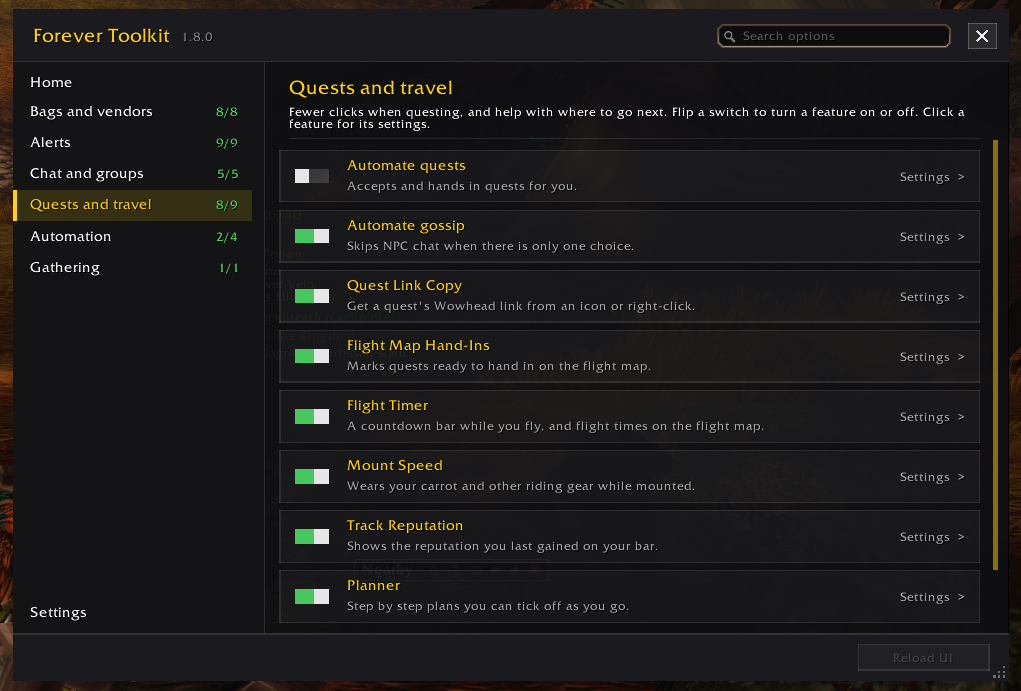
05-quests-and-travel.png
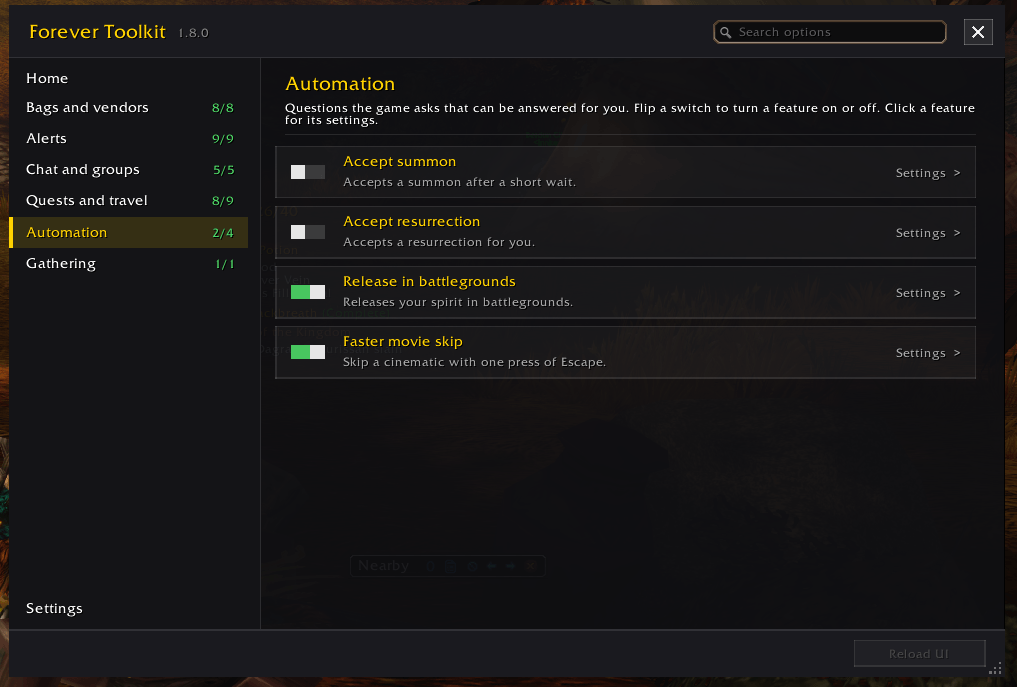
06-automation.png
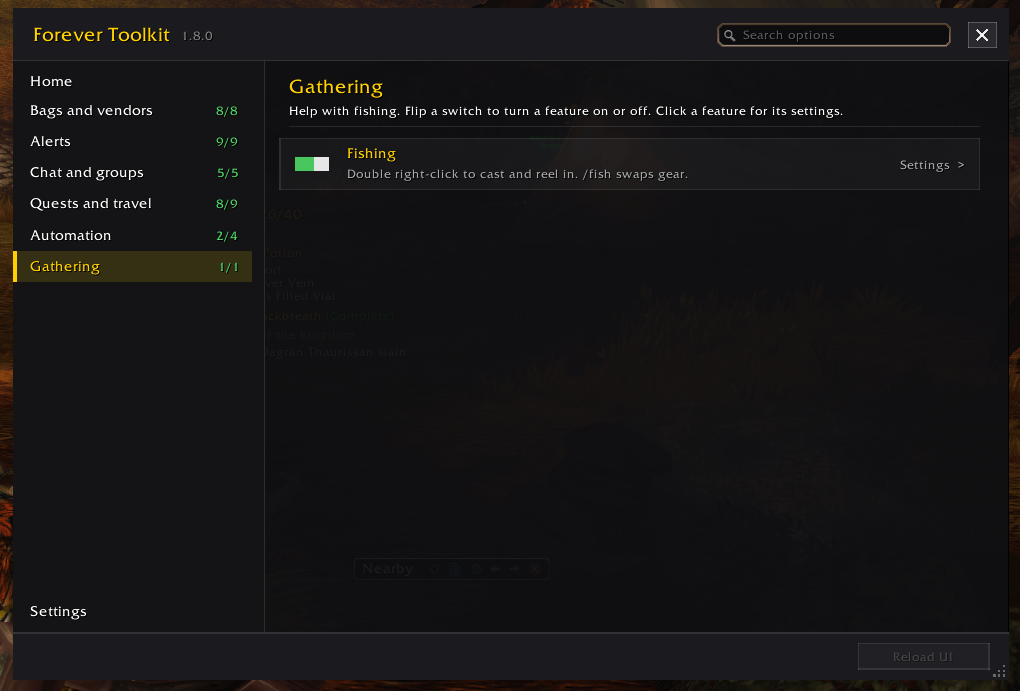
07-gathering.png


Description
One addon instead of twenty. Less clicking, less bag tidying, fewer things forgotten, and more time actually playing World of Warcraft: Forever.
Forever Toolkit gathers 40 small helpers into one tidy window. Everything starts switched off. You flip on the ones you want and ignore the rest, so it only ever does what you asked for.
Type /ftk or click the wrench on the minimap.
What it does for you
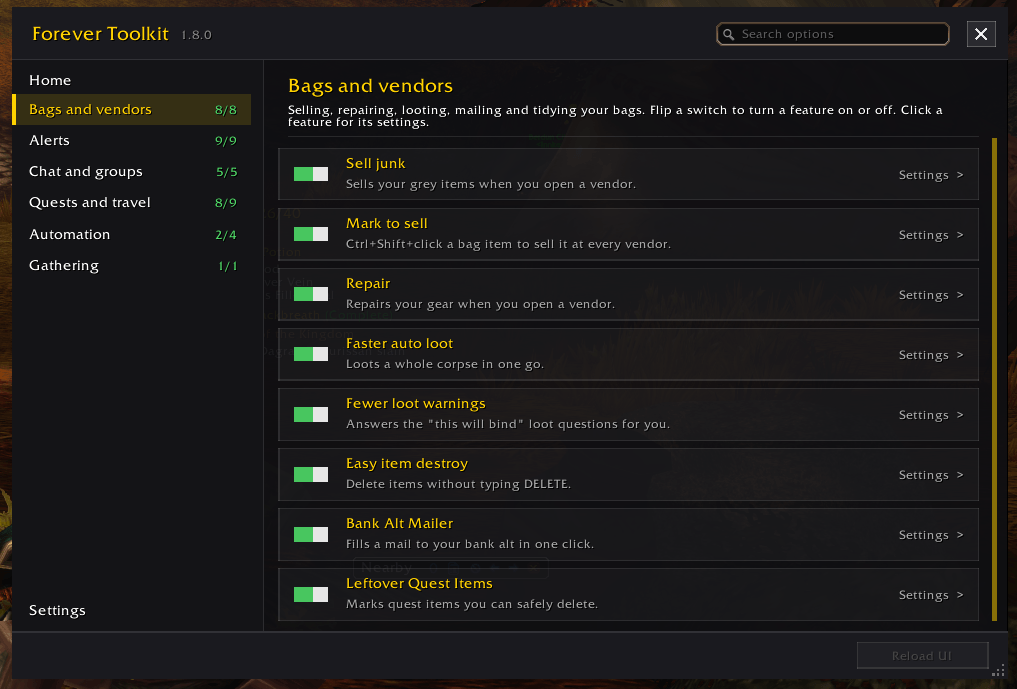
Bags and vendors
- Sell junk: your grey items are sold the moment you open a vendor.
- Mark to sell: Ctrl+Shift+click any item in your bags and it is sold at every vendor from then on. With Baganator, marked items sort with your junk.
- Repair: your gear is repaired at any vendor who can do it, from guild funds if you like.
- Faster auto loot: a whole corpse is looted in one go.
- Fewer loot warnings: the "this will bind to you" questions are answered for you.
- Easy item destroy: delete an item without typing DELETE.
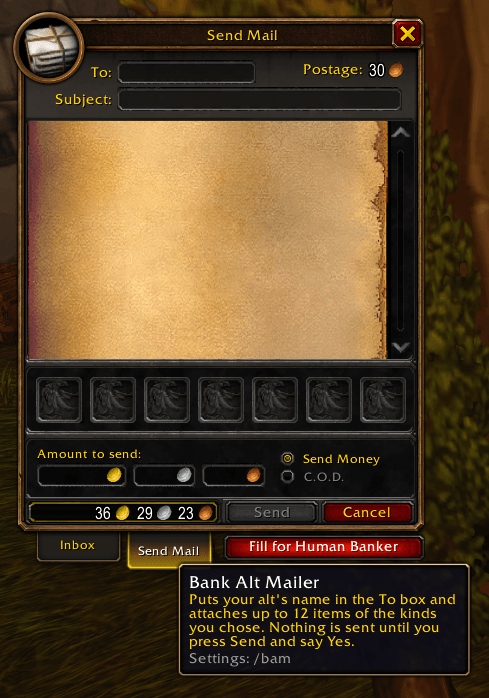
- Bank Alt Mailer: one click fills a mail to your bank character with everything worth sending.
- Leftover Quest Items: marks the quest items in your bags that are safe to delete (needs QuestieDB).
- Loot Tracker: a small window that logs what you loot, grouped by the monster, chest, gathering area or fishing spot it came from. Each source shows how many times you looted it, its items as icons with how many of each, and what it is all worth (auction price if you use Auctionator, vendor price otherwise). Everything is kept until you reset it, per character, with a second counter you can empty for one farming run. It can open by itself when a fight starts. Type
/lt.
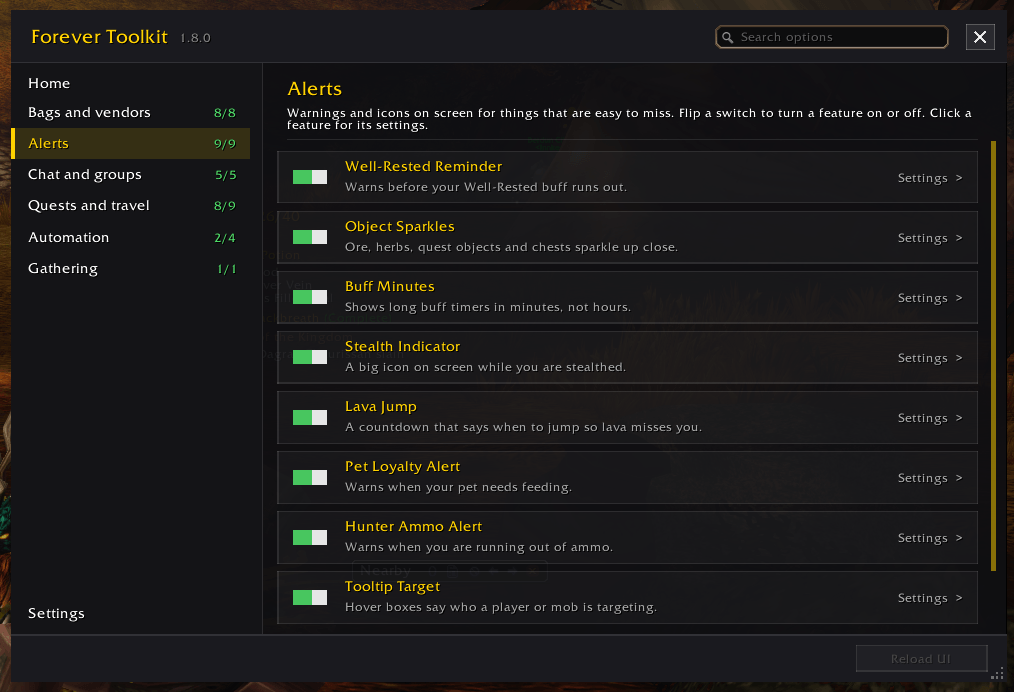
Alerts
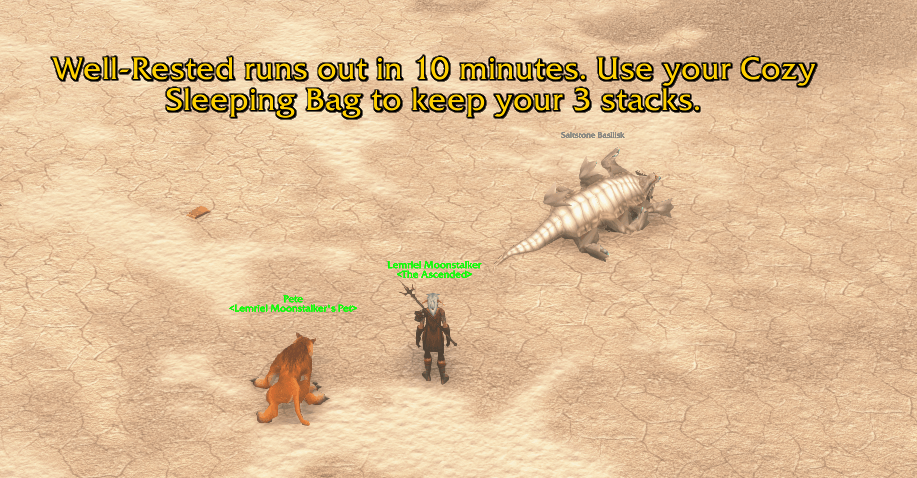
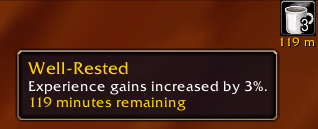
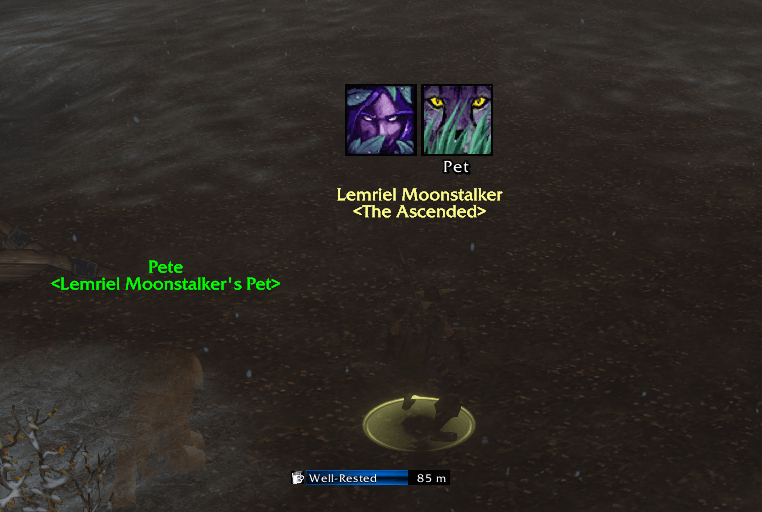
- Well-Rested Reminder: warns you before the Cozy Sleeping Bag buff runs out, so you never lose your stacks.
- Arcane Censer Reminder: warns you before the Arcane Censer's Magical Awareness buff runs out, and shows the censer on screen whenever the buff is off, so one click uses it and you never miss a Mote of Unstable Magic.
- Object Sparkles: ore, herbs, quest objects, chests and your fishing bobber sparkle as you walk up to them, each in its own colour. It also keeps the game's sparkle on quest items you can loot.
- Buff Minutes: long buff timers in minutes, not "2 h".
- Stealth Indicator: a big icon on screen while you are stealthed.
- Lava Jump: lava burns you once every two seconds or so, and misses you if you are in the air. In lava, a small bar counts down to the next burn and turns green when it is time to jump, then says whether you made it.
- Tooltip Target: hover over a player or a mob and its hover box says who it is targeting, with "You" in red when it is you. Tick boxes for players and for mobs.
- Minimap Zoom: the minimap shows how far it is zoomed in, from 0% to 100%. Set the zoom you like as your default and it comes back by itself at login, after /reload and after every loading screen. Click the percentage, or type /mmz, to go back to it at any time.
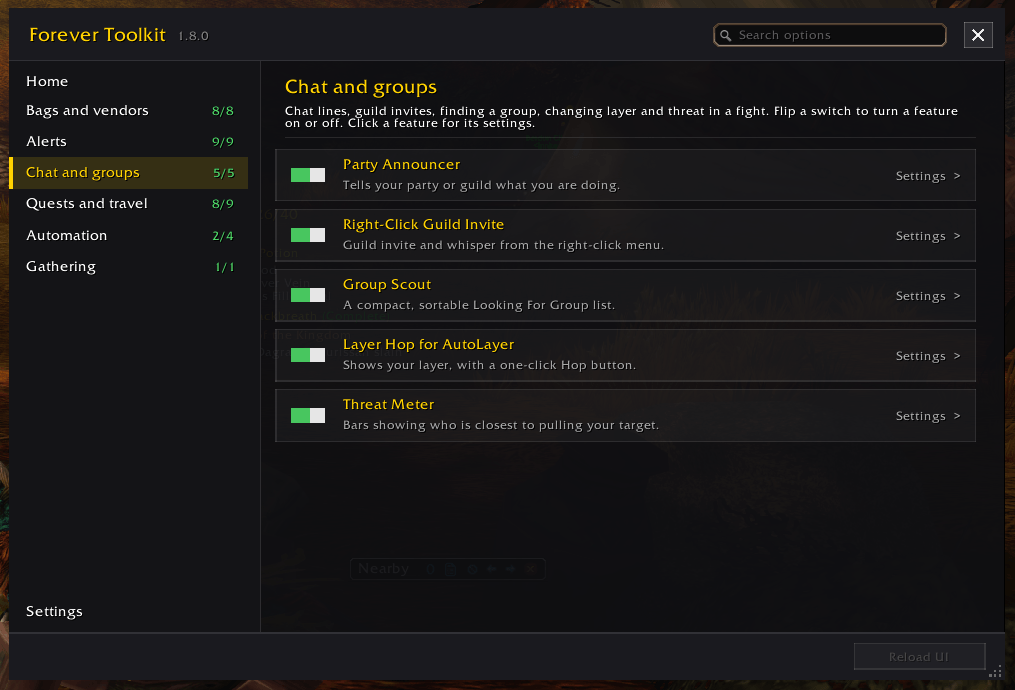
Chat and groups
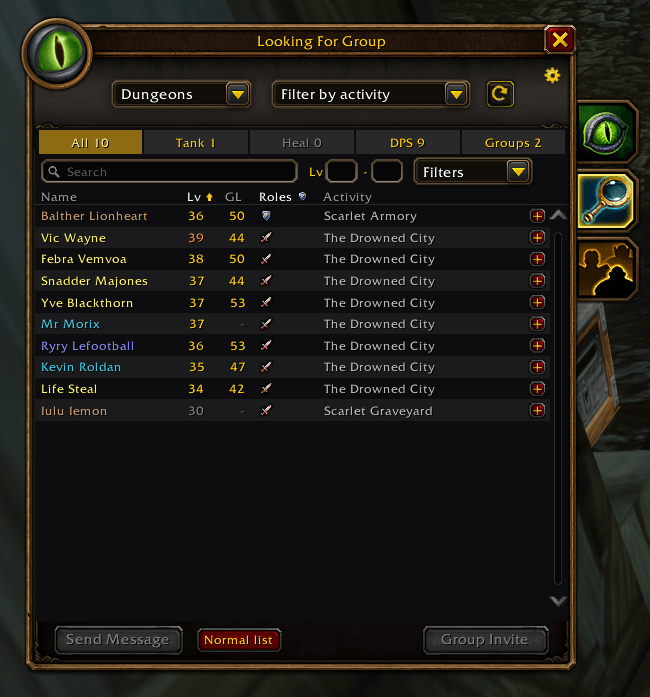
- Group Scout: a compact, sortable Looking For Group list. Find tanks and healers at a glance and invite with one click.
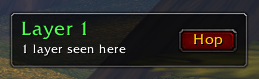
- Layer Hop: shows which layer you are on, with a one-click Hop button. Needs AutoLayer or LayerSwap, and works with both: with both installed, one press asks through both and the first invite wins.
- Party Announcer: tells your party or guild when you take a flight, die (and what killed you), hearth, level up and more. Every line is off until you tick it.
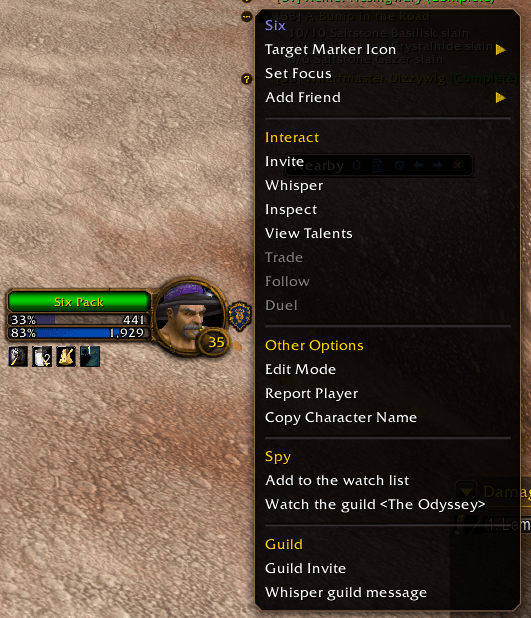
- Right-Click Guild Invite: guild invite and a whisper, straight from the right-click menu.
- Threat Meter: a small window of bars showing how close each of you is to pulling your target off whoever it is hitting. You are always on it, and it can warn you (a red glow, a warning mid-screen and a sound) just before you pull, or when someone is about to pull off you. Type
/threat.
Quests and travel
- Automate quests: accepts and hands in quests for you.
- Automate gossip: skips NPC chat when there is only one thing to say.
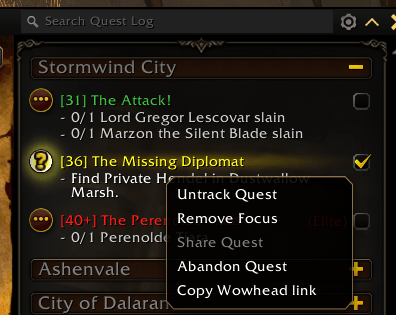
- Quest Link Copy: click the spyglass by a quest in your quest log or on its quest page (or right-click it, your choice) to copy its Wowhead link.
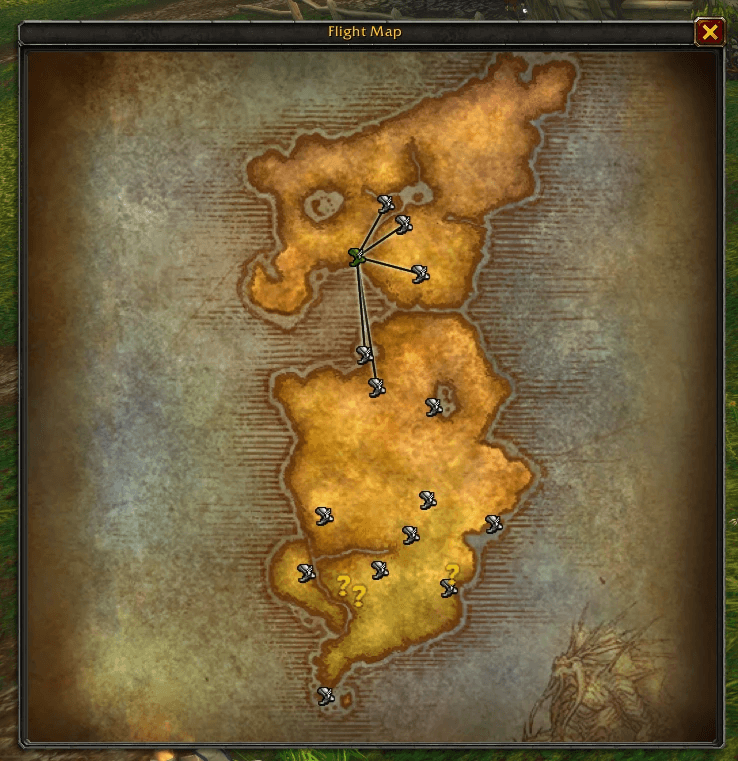
- Flight Map Hand-Ins: marks quests that are ready to hand in on the flight map (needs QuestieDB).
- Flight Timer: a bar while you fly, counting down to landing, and how long each flight takes when you hover a destination on the flight map. It times every flight you take. Party Announcer's flight line says the same time.
- Mount Speed: puts your Carrot on a Stick on when you mount, and your normal trinket back when you dismount. It also wears The Desert Rose in desert areas, Wintersaber Hide-Lined Gloves in Winterspring, and any boots with Mithril Spurs or gloves with Riding Skill from your bags.
- Track Reputation: when you gain reputation with a faction, your reputation bar switches to show it.
- Planner: write a plan as a list of steps (fly here, hand that in, buy this) and tick each one off as you go. Several named plans, each for one character or all of them, shift-click items and quests into a step, and the next few steps can sit on screen like the quest tracker. Type
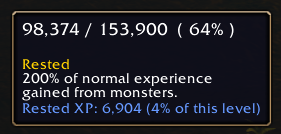
/plan. - Rested XP Amount: hover over your experience bar and it says exactly how much rested XP you have, and how much of the level that is.
- Dungeon Quest Marks: when an NPC offers several quests, the dungeon and raid ones get the game's own swirl mark in the list, so you can tell which is which before opening them.
Gathering
- Fishing: while you hold a fishing pole, a double right-click casts your line and reels the bobber in, or rest your mouse on the on-screen fishing pad (any size you like) and tap.
/fishswaps to your fishing gear and back, a lure goes on by itself, and the sound is turned up while your line is out.
Automation
- Accept summon, Accept resurrection, Release in battlegrounds: the game's questions, answered after a short wait.
- Faster movie skip: one press of Escape skips a cinematic.
Class Helpers
- Hunter: three reminders on one page, each with its own tick box. They are idle on your other classes.
- Trueshot Aura Reminder: its icon shows on screen whenever the aura is off (after dying, say), and one click on the icon casts it again.
- Pet Loyalty Alert: tells you when your pet needs feeding.
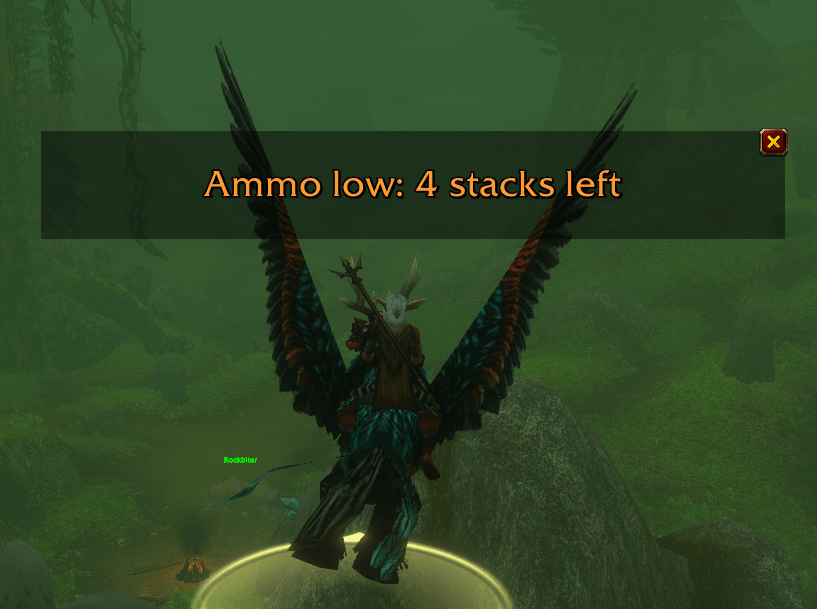
- Hunter Ammo Alert: warns before you run out of arrows or bullets.
Built to stay out of your way
- Nothing is on until you switch it on. The first time you log in, a short welcome shows you where everything is.
- Hold Shift to do it yourself. Anything that acts for you skips that one time while Shift is held.
- It never doubles up. If another addon is already doing a job, that feature steps aside and says so.
- Find any setting by typing.
/ftk junksearches for "junk". - Your key bindings are never changed. Fishing borrows a click or a key only while a pole is in your hands, and gives it straight back.
Commands
/ftkopens or closes the window./ftk junksearches the settings for "junk"./ftk statussays what is running, and why anything is not./ftk errorsshows anything that went wrong.- Each feature keeps its own commands too:
/gs,/lh,/pan,/bam,/wrr,/censer,/fish,/plan,/threat,/ltand so on.
Works with
AutoLayer, LayerSwap, QuestieDB and Baganator are optional. The features that need one say so, and the rest work without them.
Already use Layer Hop or Well-Rested Reminder?
Both are still available on their own. If you install Forever Toolkit as well, your settings come across and nothing runs twice.
Author: VVTT. Licence: MIT.
VVTT's Forever Toolkit (FTK) Team