VuloClassicUI
- By
Modular all-in-one UI & QoL suite for Anniversary / TBC and Classic Era / SoD: Action-bar skin, arena tools, swing timer, loadouts, chat spam filter, vendor automation & Anniversary bug fixes - pick what you want in one config panel.
WowClassic_cxAropQm1d.jpg
WowClassic_alcqySzgtW.png
WowClassic_d3y0BE0PMc.png
WowClassic_aFlMYh9lBQ.png
WowClassic_VVBk2uuO6w.png
WowClassic_LB1TJIZhoe.png
Description
VuloClassicUI
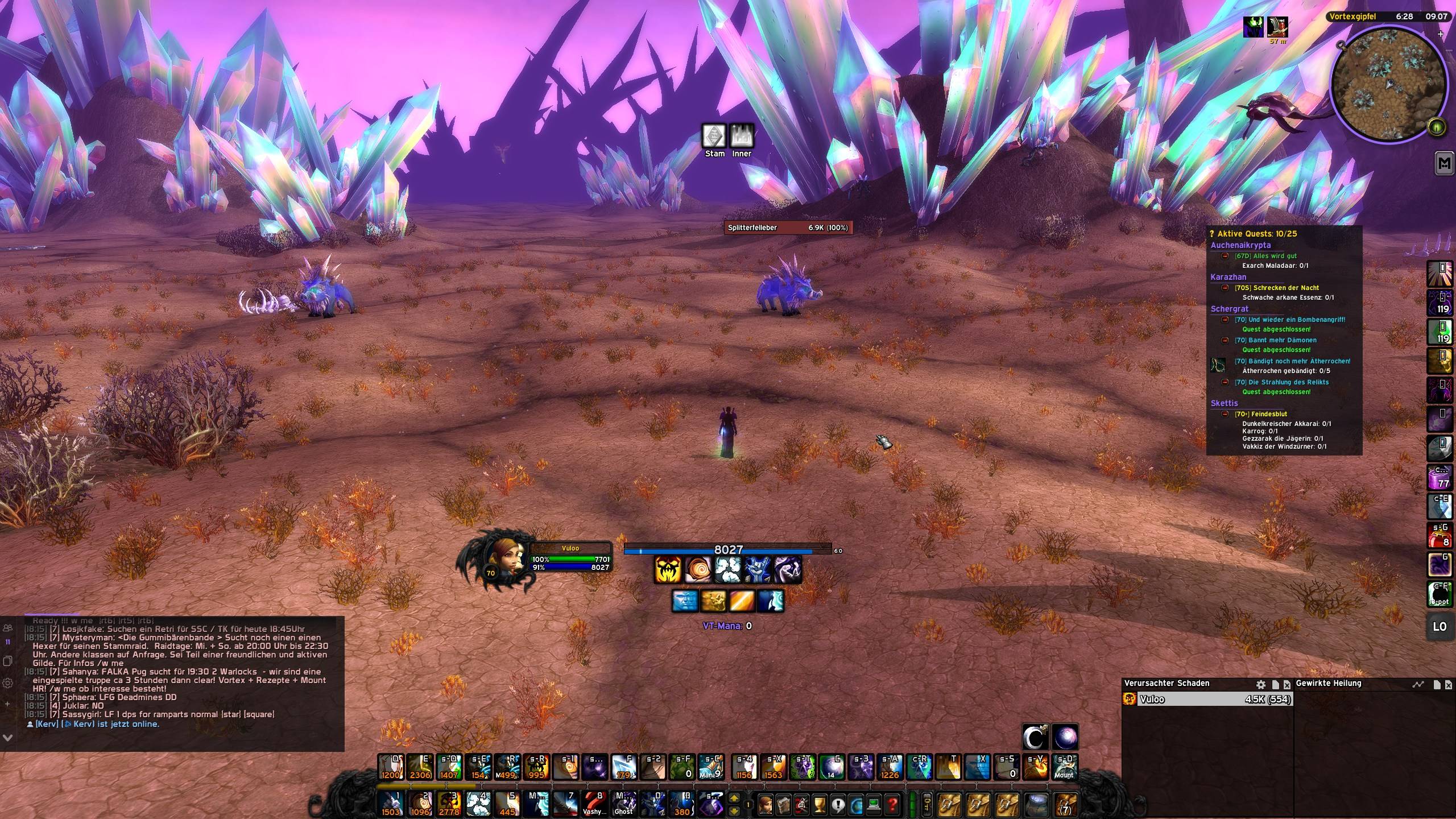
VuloClassicUI is a fully modular UI suite for WoW Classic (Anniversary / TBC and Classic Era / SoD), built for players who want a clean, modern interface without giving up performance or the Classic feel. Every element follows one cohesive style: dark, minimal, with a signature purple accent.
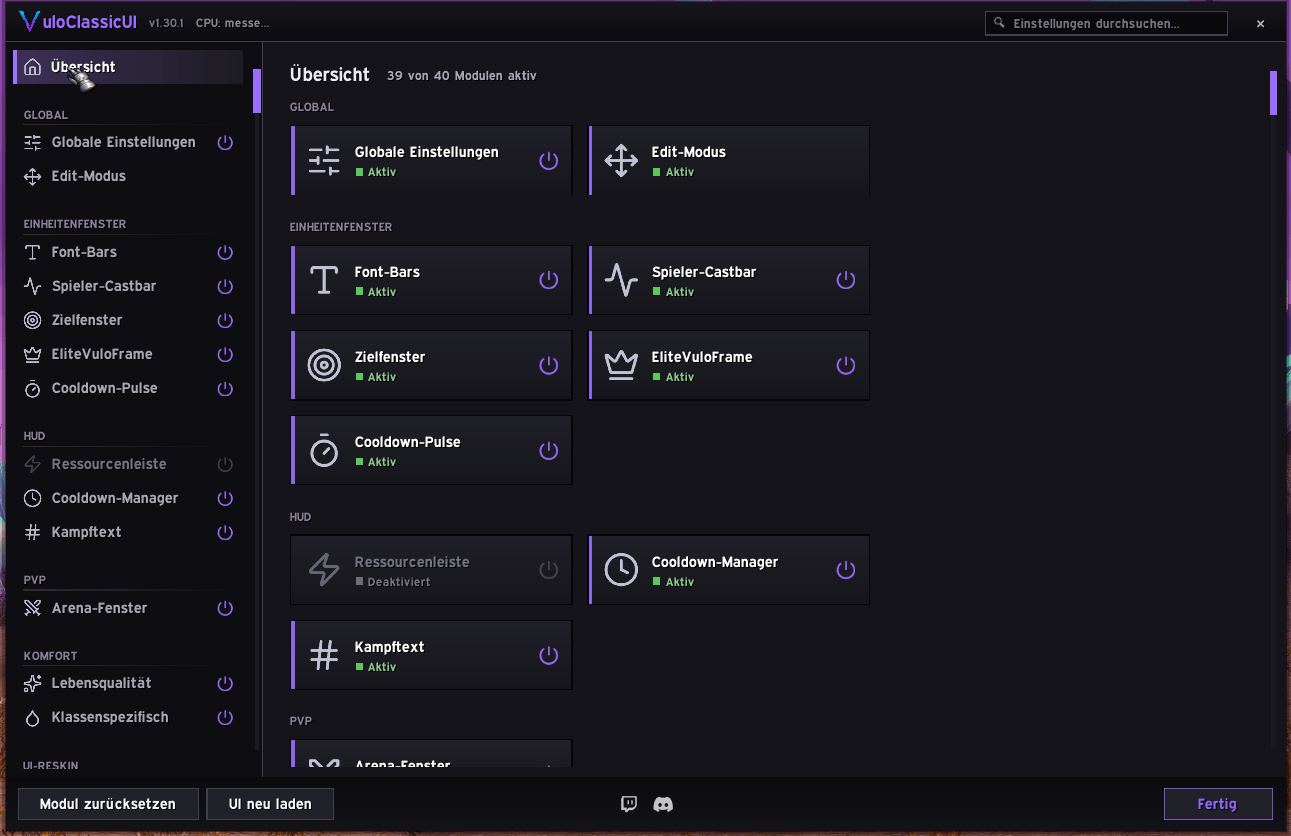
At its heart sits a powerful visual Edit Mode that lets you move, align and snap every window on a shared grid — the addon's own frames and Blizzard's (player, target, focus, minimap, buffs) alike. Enable only the modules you want and design a UI that feels like yours in minutes.
Edit Mode
Move everything from one editor: drag, nudge with arrow keys, snap to a grid, magnetize to other frames' edges and centers with live alignment guides. Save and switch complete named layouts, scale-aware and pixel-accurate.
One Bag & Bank
All bags in a single window: automatic categories, your own categories and category groups, pinned and recently-looted sections, search, quality borders and item levels. A multi-key sorting engine merges stacks, sends junk to the end and fills profession bags first — and the bank opens in a matching window with its own search, sorting and bag filters, plus a gold overview across all your characters.
Modern Minimap
A clean round minimap with a slim accent ring, zone text and clock in a minimal pill, mouse-wheel zoom and tidy button corners. Restyles other addons' minimap buttons and can hide them until mouseover. Movable anywhere via Shift-drag or Edit Mode.
Nameplates
Custom enemy and NPC nameplates with a live preview that updates as you configure them: health bar, cast bar, name and health text, reaction and class colours, target and focus highlight, role-based threat colouring, aura rows for your debuffs and buffs plus a separate crowd-control row and a glow on buffs you can dispel, combo-point pips, raid target markers, friendly name-only plates with NPC titles, and custom border textures.
Modular by Design
Every feature is a standalone module you can toggle individually. Turn on the full suite or run just the pieces you like — nothing loads that you did not ask for.
Consistent Visual Style
Dark panels, thin borders, one accent color across bags, bank, chat, tooltips, popups and class tools — polished, readable, and true to World of Warcraft.
Quality of Life
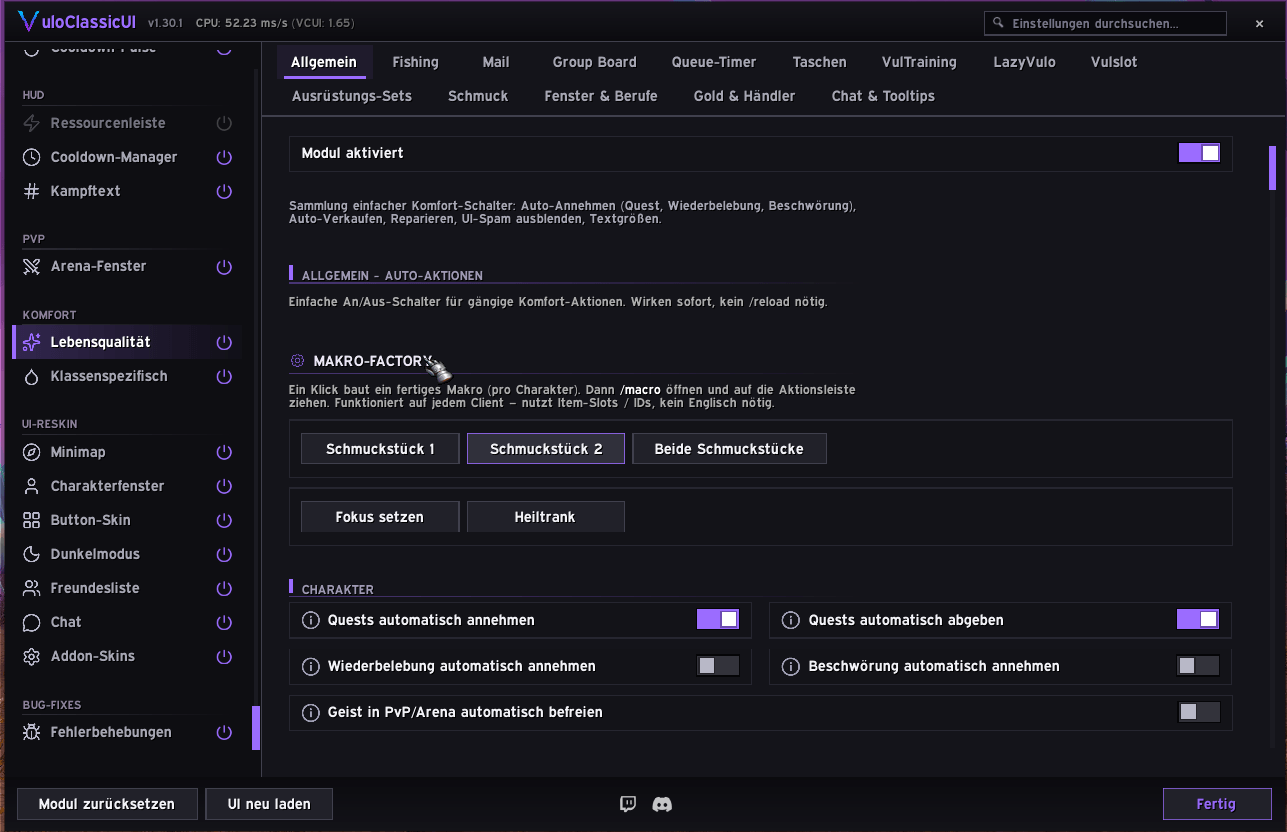
Auto-repair and junk selling, a MAX button and a restyled quantity popup for stack buying, faster looting, tooltip spell/item IDs, flight timers, inspect fixes for the Anniversary client and many small annoyance removers — each one optional.
Localization
Fully localized in English and German.
Included Modules
- Edit Mode (movers, grid, magnetism, named layouts)
- Bags & Bank (categories, groups, search, sorting engine)
- Minimap
- Nameplates (custom enemy/NPC plates with live preview)
- Chat (styling, copy, friends counter, spam filter)
- Friends List (class colors & icons, status, faction accents)
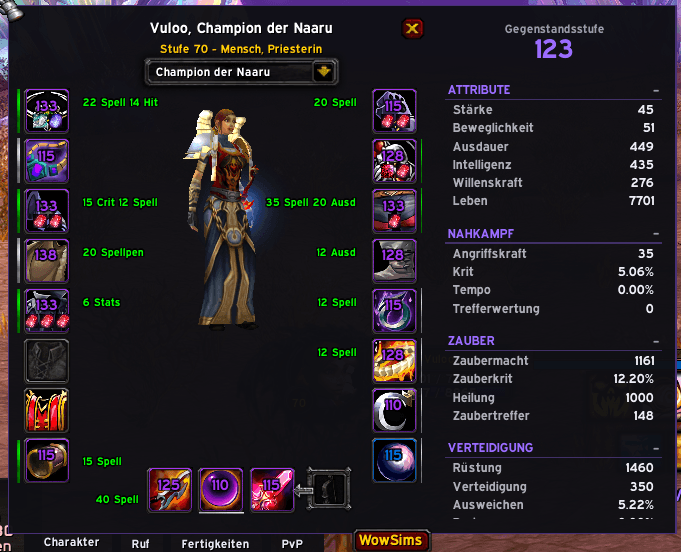
- Character Panel (item levels, inspect enhancements)
- Equipment Sets & Slot Picker
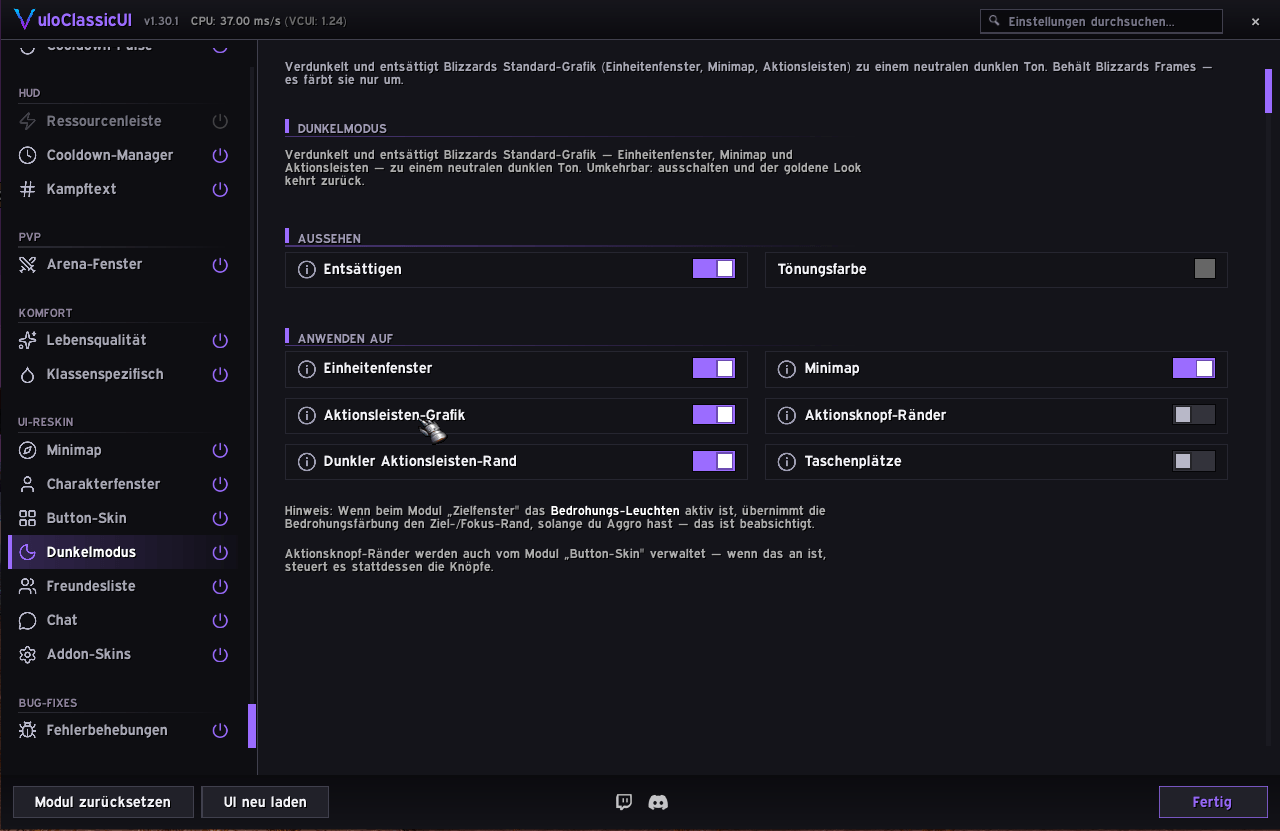
- Action Button Skin & Dark Mode
- Castbar, Swing Timer, Power Bar, Combat Text
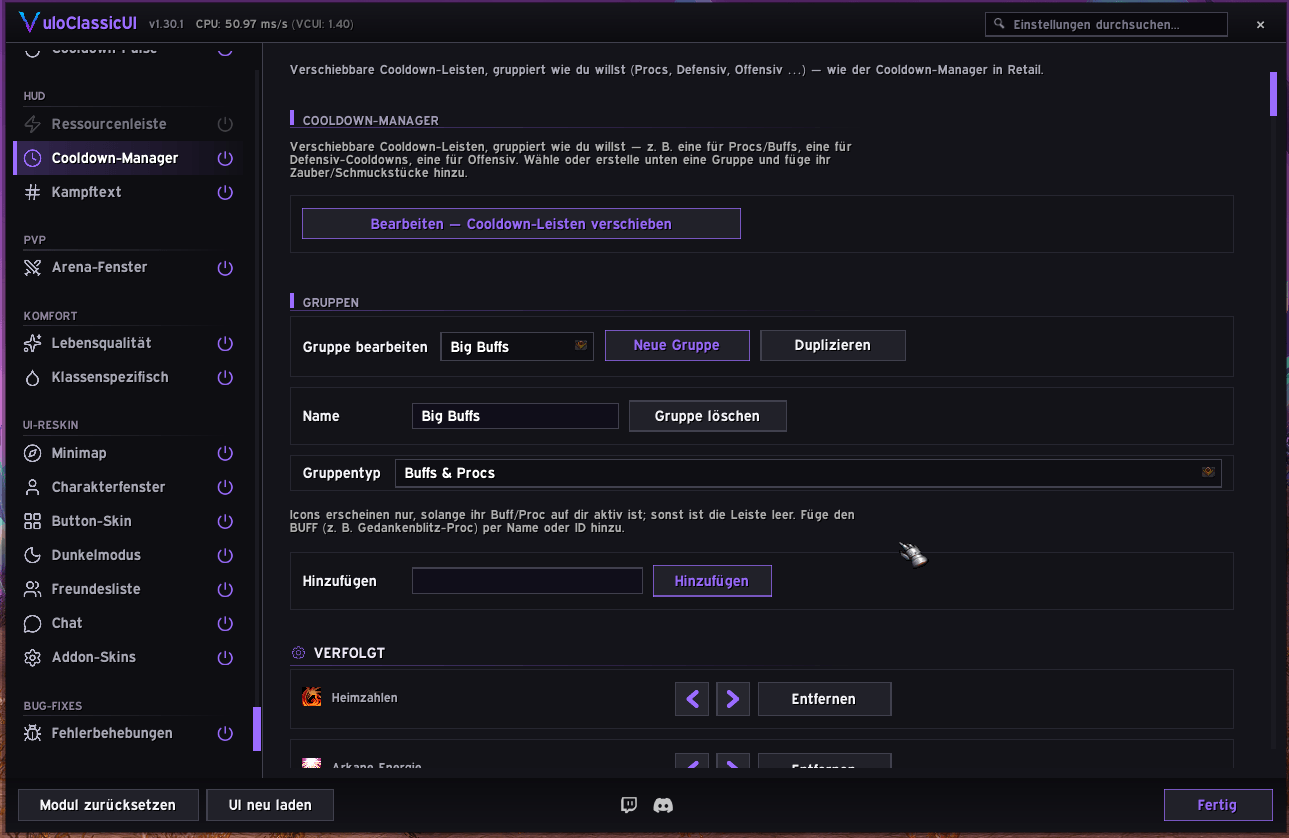
- Cooldown Manager & Cooldown Pulse
- Totem Bar (Shaman) & class tools
- Trinket Queue
- Quest Log, Profession Window, Mail & Fishing helpers
- Tooltip IDs & Gold Overview
- Quality of Life (auto-repair, auto-sell, flight timer, …)
- Anniversary Client Bugfixes (inspect, group finder, socketing)
- Profiles
Source & bug reports: github.com/mrvulo/VuloClassicUI

VuloClassicUI Team