Vremon UI
- By
An extremely lightweight quality of life addon that everyone can change it in their own unique way by keeping the blizzard default UI style
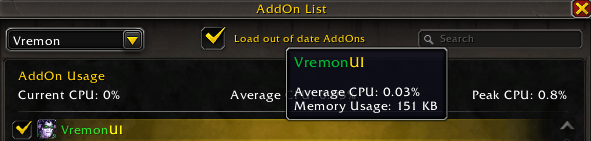
Extremely Lightweight very low workload and memory usage checked with blizzard cpu usage API.png
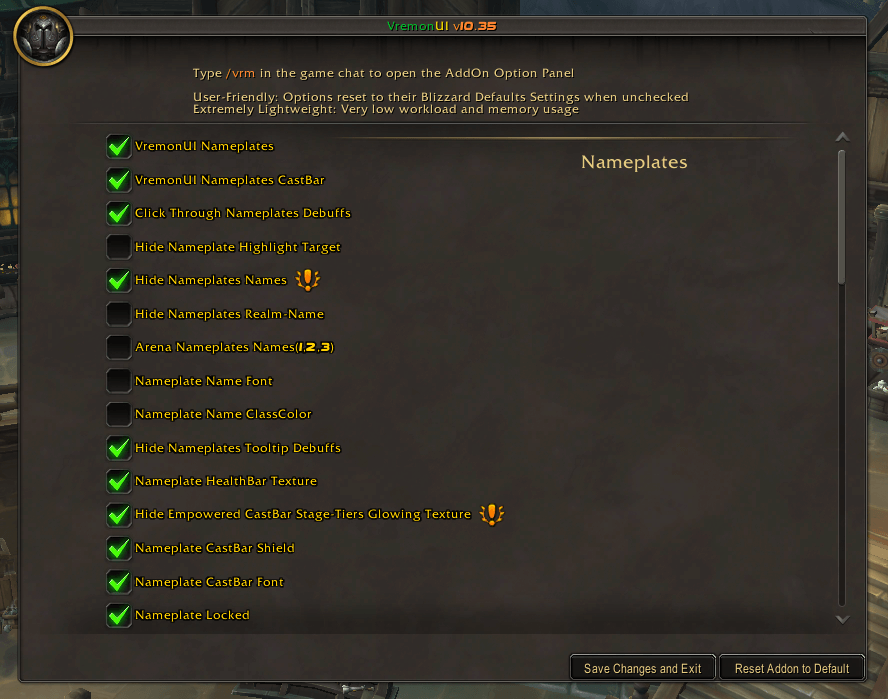
Option Panel Base Template.png
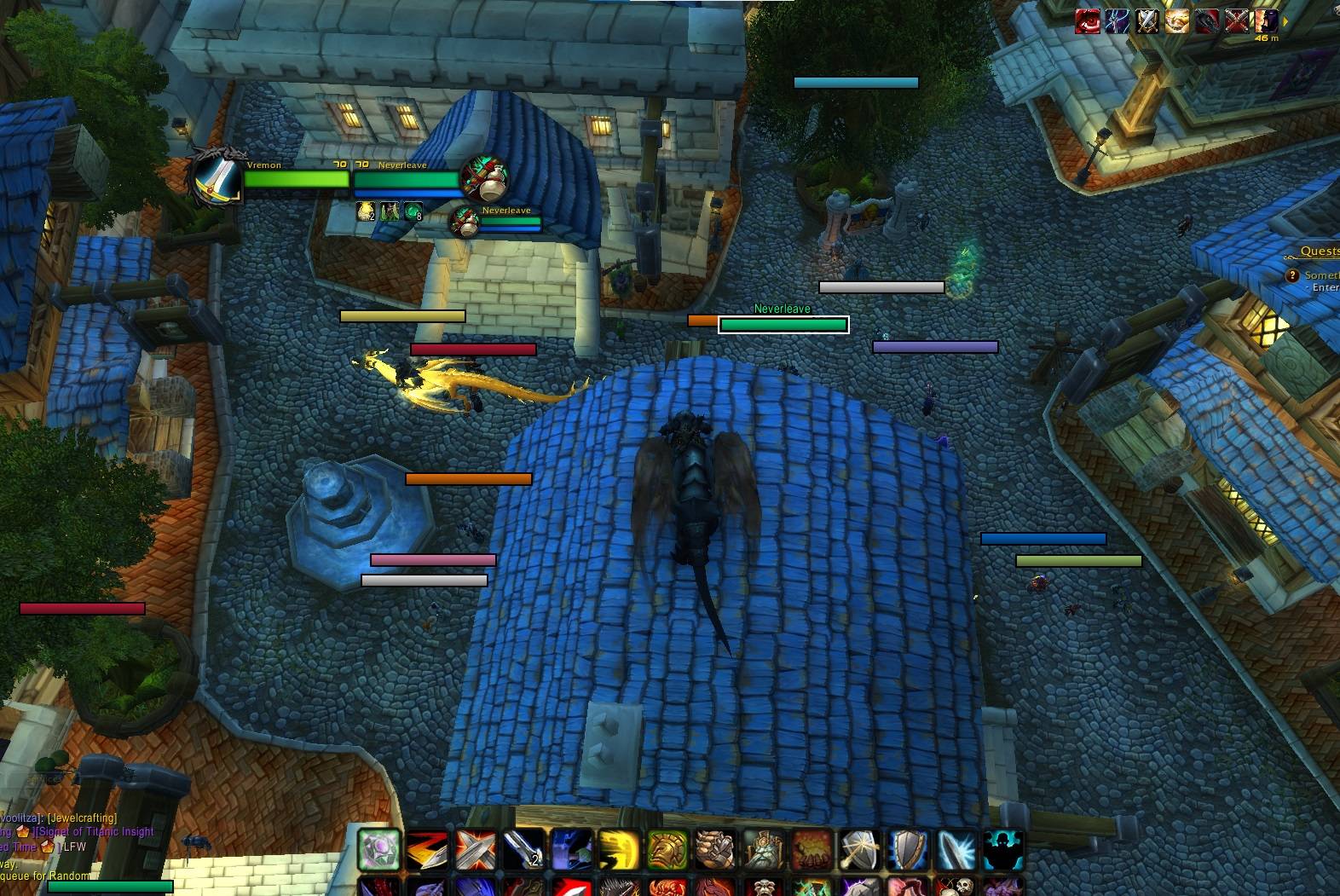
imagesd.jpg
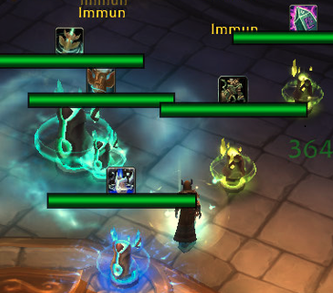
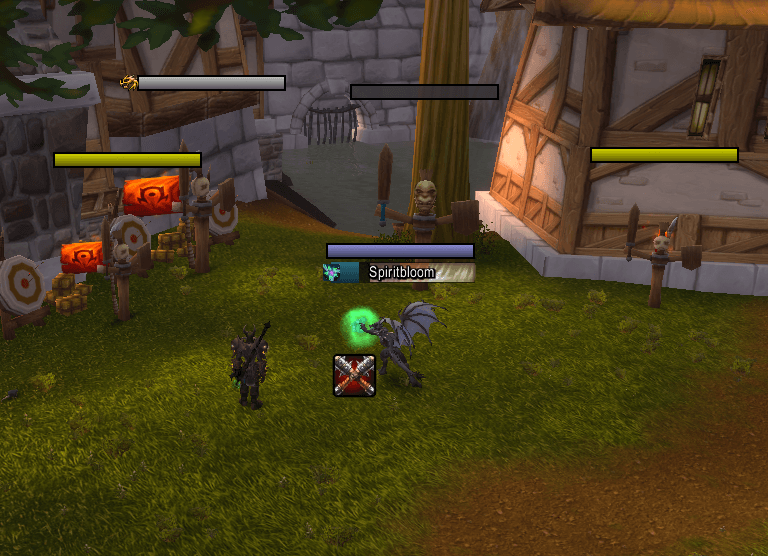
castbar empowered.png
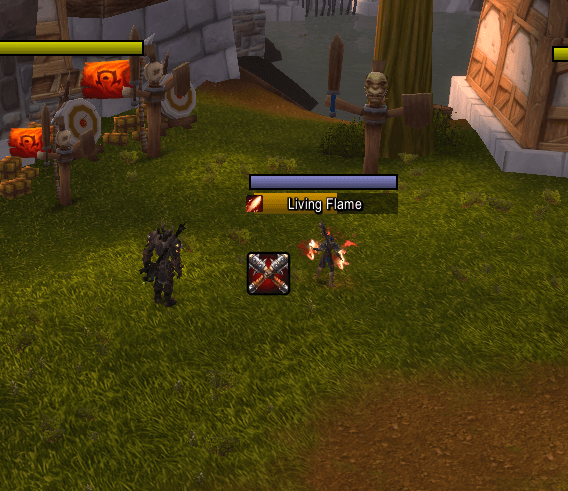
castbar standard.png
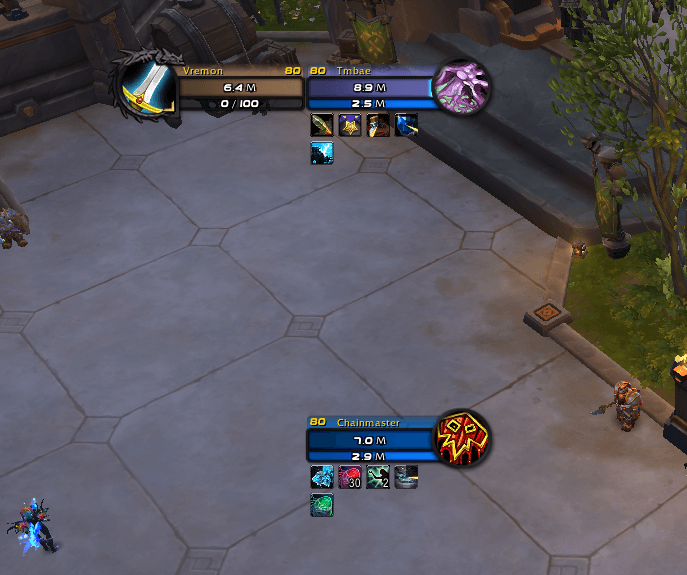
status text display in millions.png
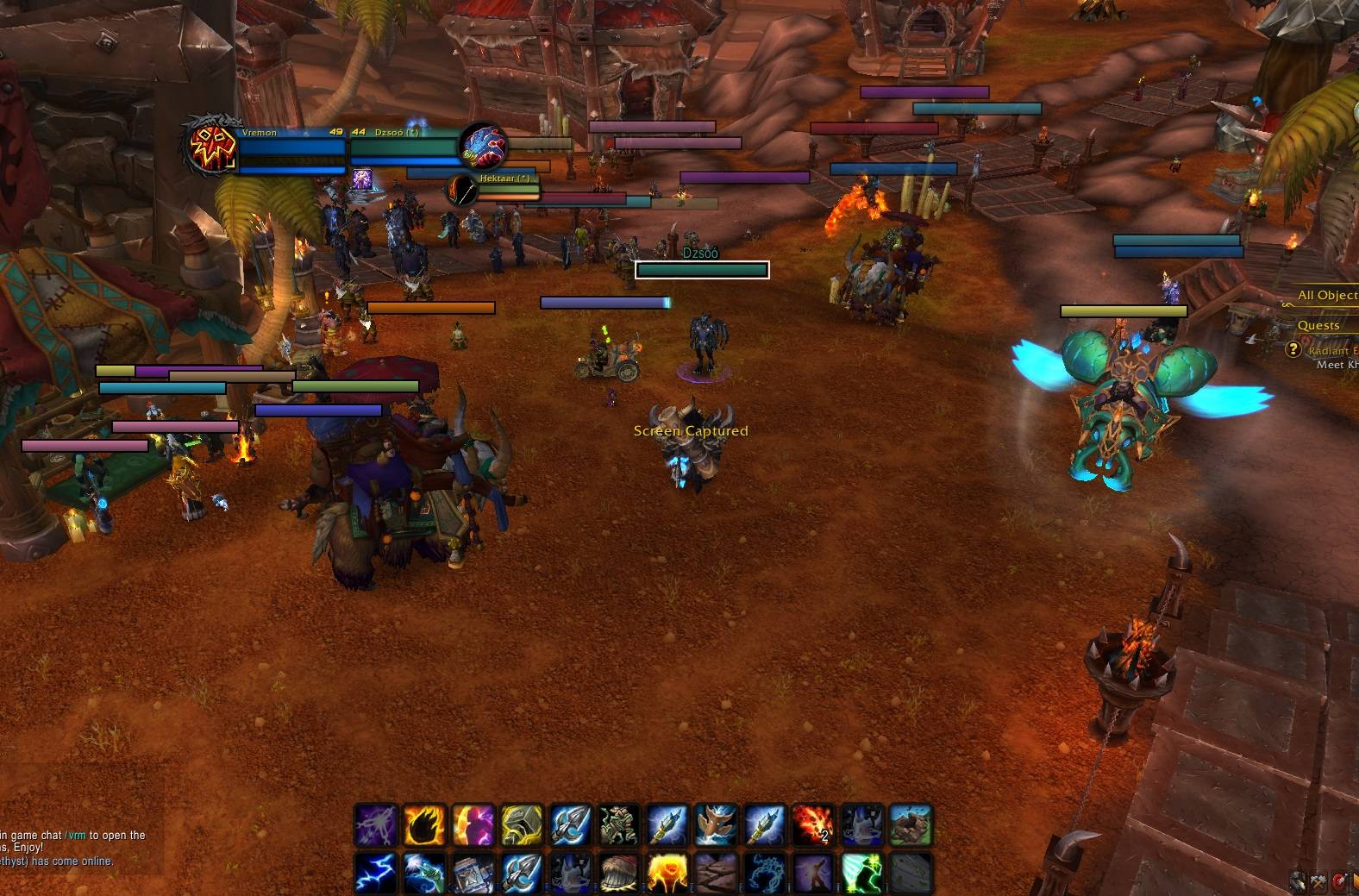
Nameplates Design
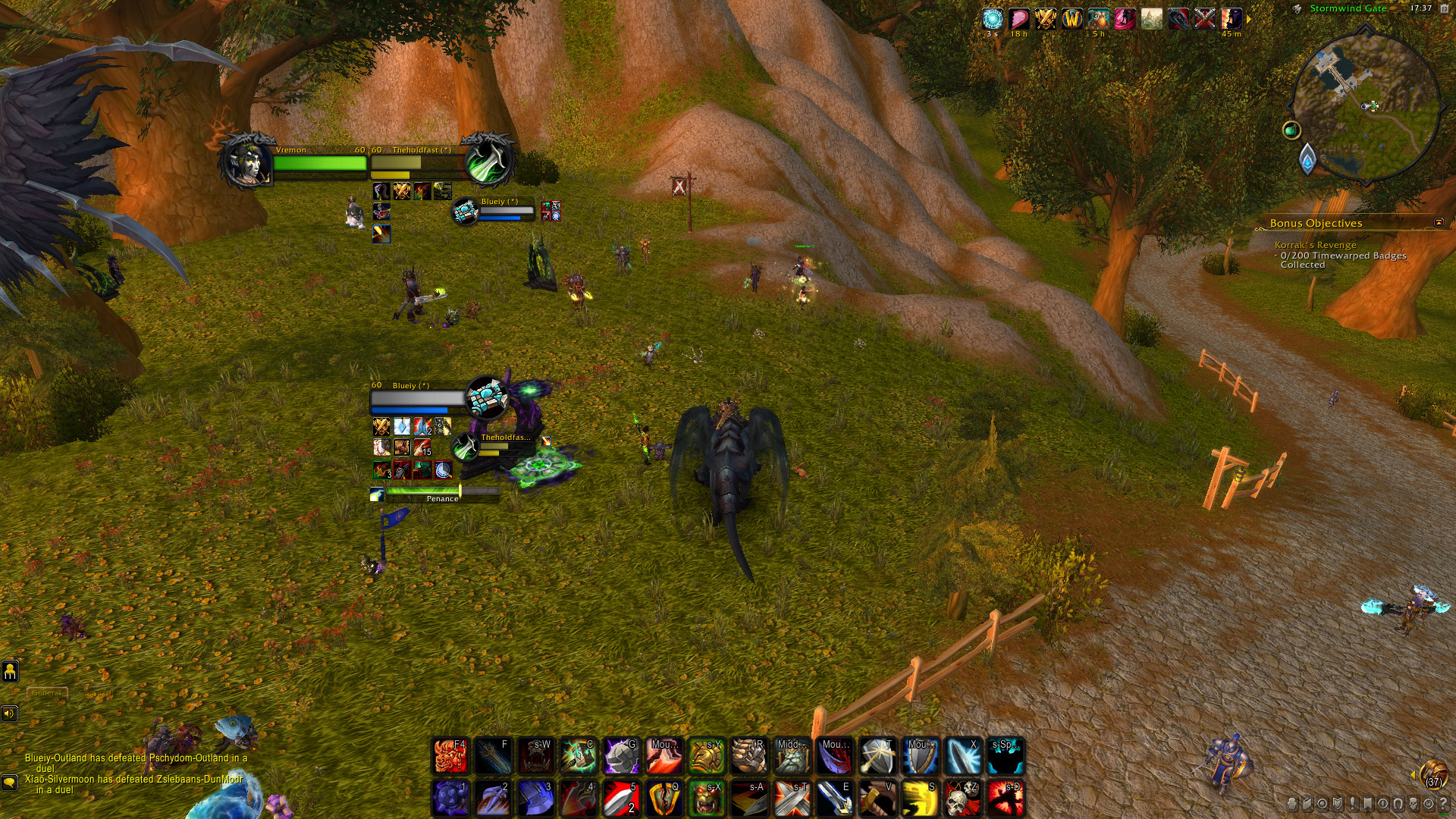
HUD-UI dark colored + ClassIcon Portraits+Buffs/Debuffs+CastBar
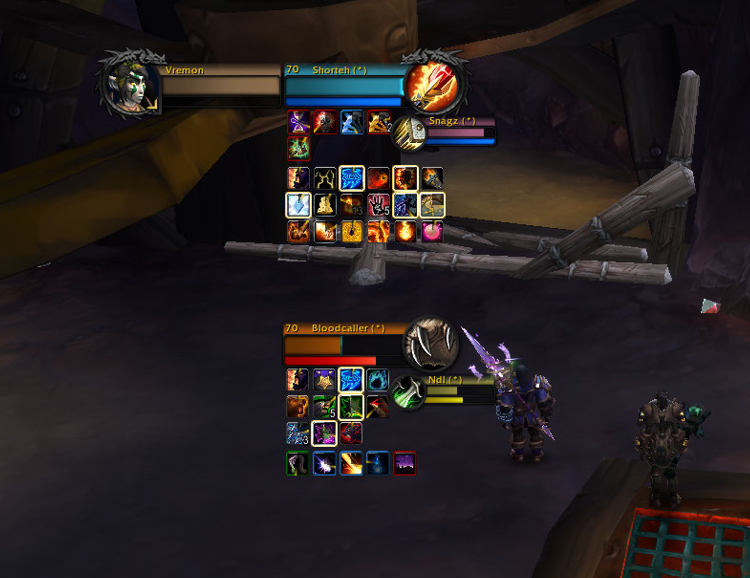
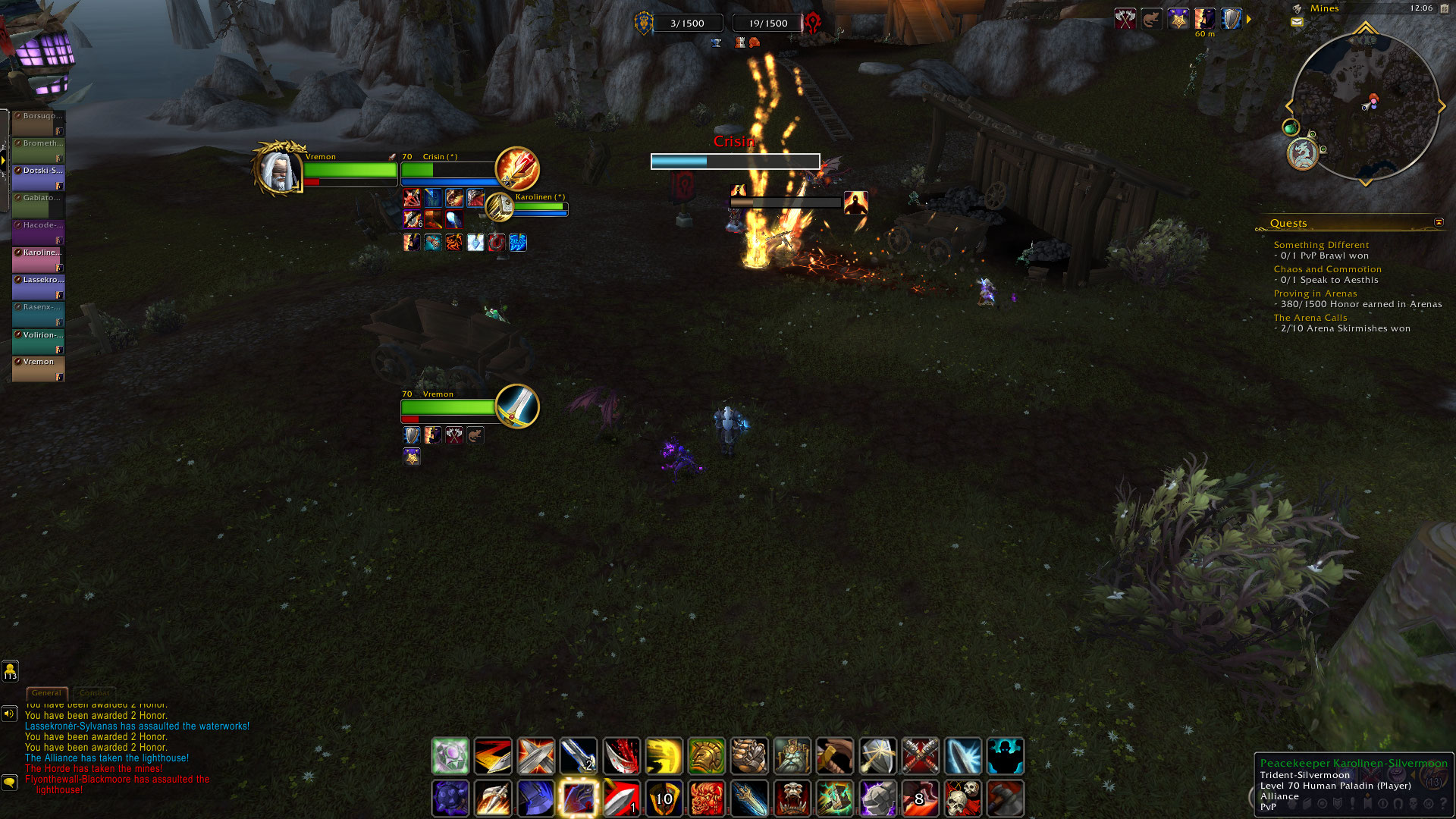
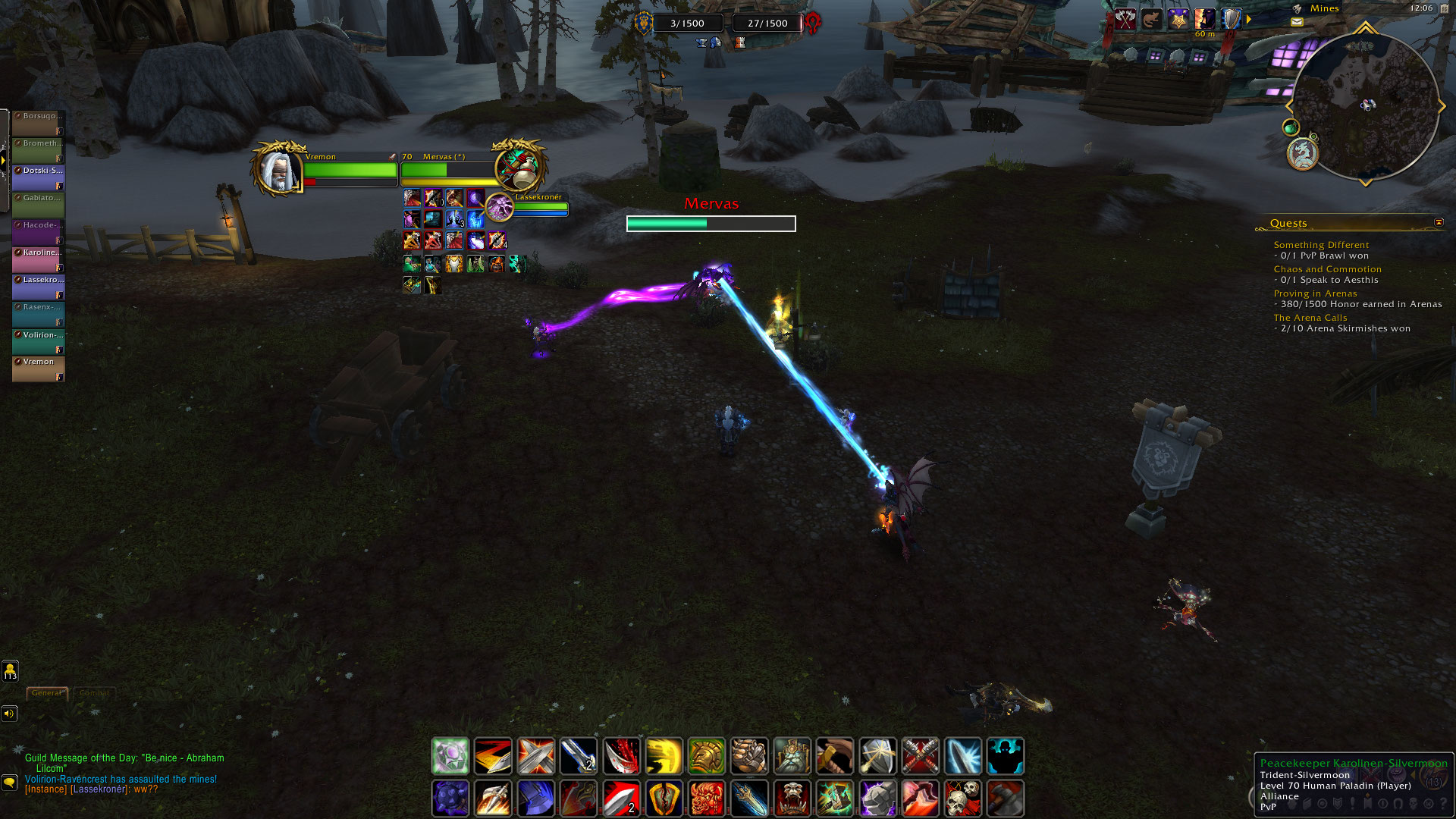
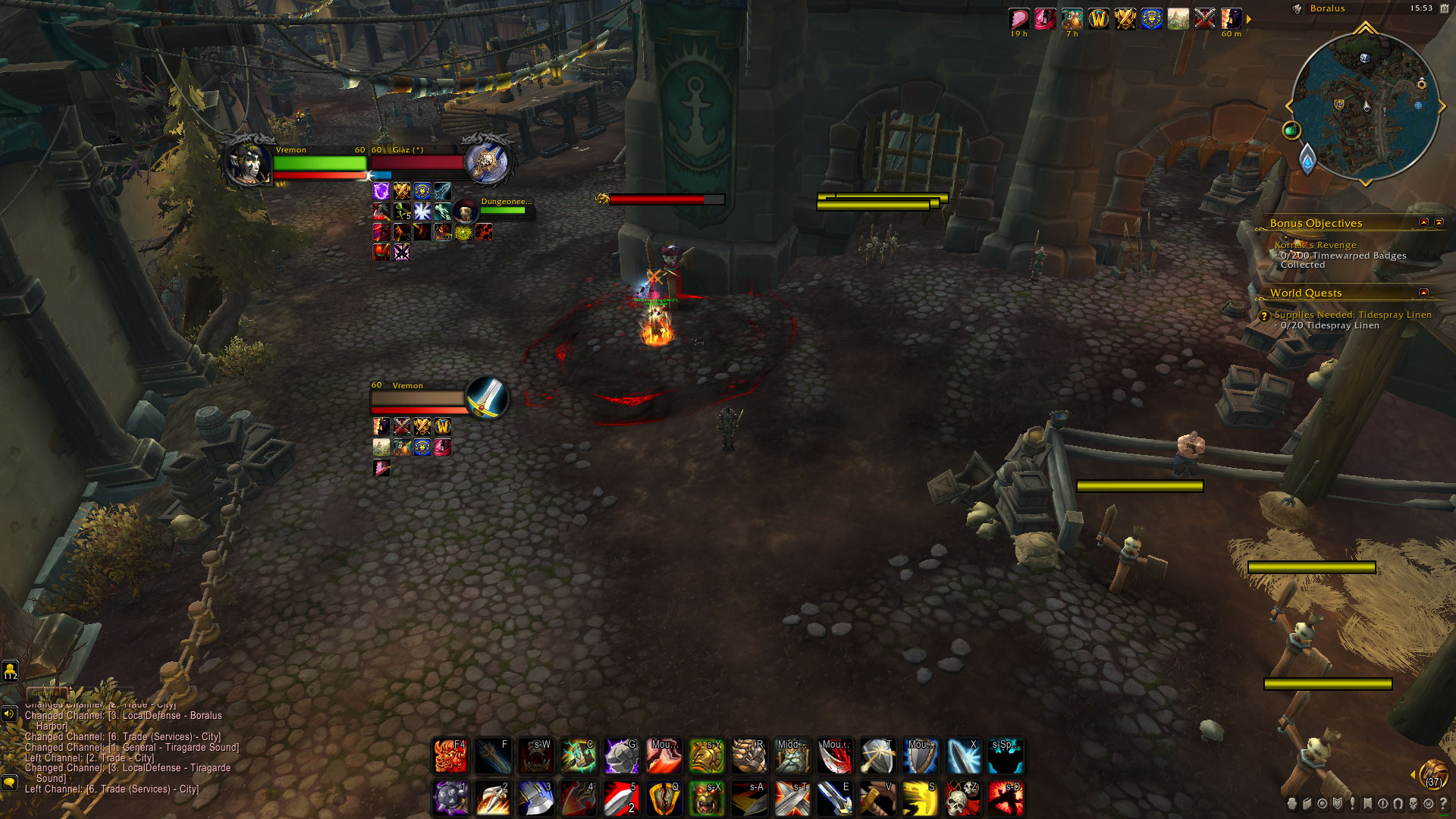
HUD-UI dark colored + ClassIcon Portraits+Buffs/Debuffs+CastBar
Description
Vremon UI for The War Within Expansion is a Blizzard Default Clean UI
An extremely lightweight quality of life AddOn that everyone can change it in their own unique way by keeping the blizzard default UI style that doesn’t enter in conflict with any other AddOns you have.
The AddOn memory usage is very small and do not lower your FPS or block your game.
AddOn Option Panel can be opened by typing in GameChat /vrm
Thanks for the support and help : plusmouse SDPhantom Fizzlemizz Imedia
These are the options that the addon provide:
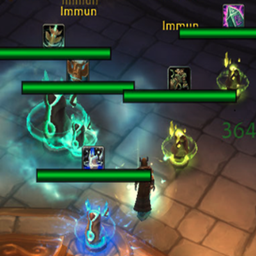
-VremonUI Nameplates Neat Simple Design (check images to see how it looks)
-VremonUI Nameplates CastBar (check images to see how it looks)
-Hide Nameplate Highlight Target
-Hide Nameplates Names
-Hide Realm-Name on Nameplate Players Name
-Nameplate Name Text Font
-Nameplate CastBar Text Font
-Nameplate Name ClassColor
-Hide Nameplates Tooltip Debuffs for better combat view
-Click Through Nameplates Debuffs this give fluency in selecting your nameplate target
-Nameplate HealthBar Texture (change nameplates texture )
-Show Arena Nameplate Names as numbers in order (1,2,3) instead of enemy player name
-Nameplate CastBar Shield (change the Shield Texture to be more neat)
-Increase Camera View Distance
-Friendly Nameplates HealthBar Color(make the nameplates HealthBar to be a single color)
-Cleaned Target/Focus/Player Frames
-BlackGate Skin(recolor most of the interface and texture game to black)
-Hide PlayerFrame Portrait Hit Indicator Damage/Healing Numbers received from players
-Hide UIError Red Text such as:You have no target etc.
-Hide Keybindings Name and Macros Name on ActionButtons
-Hide Party Text above CompactPartyFrameTitle
-Hide Arena Title Text above CompactArenaFrameTitle
-Hide Honor/Reputation/Xp Bar
-Disable Nameplates Transparency
friendly nameplates have same color which is purple so it’s not confused with enemy nameplates
-Enable Target of Target Repositioned, uncheck to get default blizzard position
- Enable to Modify Rows and Resize Buffs/Debuffs on Target/Focus Frame
resized and the spacebetween number of BuffsDebuffs per first 2 rows to 4
-Show for all Classes Highlight Border Buffs:Stealable/Dispellable/Purgeable
-Show ClassColored HealthBar for Target/Focus Frame
-Show ClassColored HealthBar for PlayerFrame
-Show Elite Dragon texture on Player/Target Frame
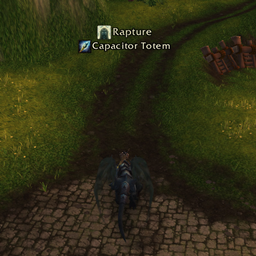
-Show Nameplates NameToIcon(Totems,Priest/Warlock/DeathKnight Pets,Warrior War Banner)
important totems /pets/ objects have their icon above nameplates to be more easily seen and killed
-Show CompactCleanText Damage/Healing Numbers above Nameplates,uncheck for default
rescaled Damage/Healing Done Combat Text position on Nameplates to be pleasant to play with
-Hide Dots/Hots Numbers Text Damage that appear above Nameplates
-Show ClassColor Reputation Background Name on Target/Focus Frame, uncheck to get default blizzard reputation color
-Show or Hide Background Name ReputationTexture on TargetFrame/Focus Frame/PlayerFrame
-Clean Loss of Control, that shows what CC you receive in middle of your screen
- Check Images to see the changes listed above and if you like them, try it out
- If you have any questions, help or suggestions, message me Vremon#21671 or http://twitch.tv/vremon
Vremon UI Team