VisorGuard
- By
Helm ON for battle, OFF for chill. Smart auto-toggle for combat, rest, or manual helm control. Look sharp, fight right!
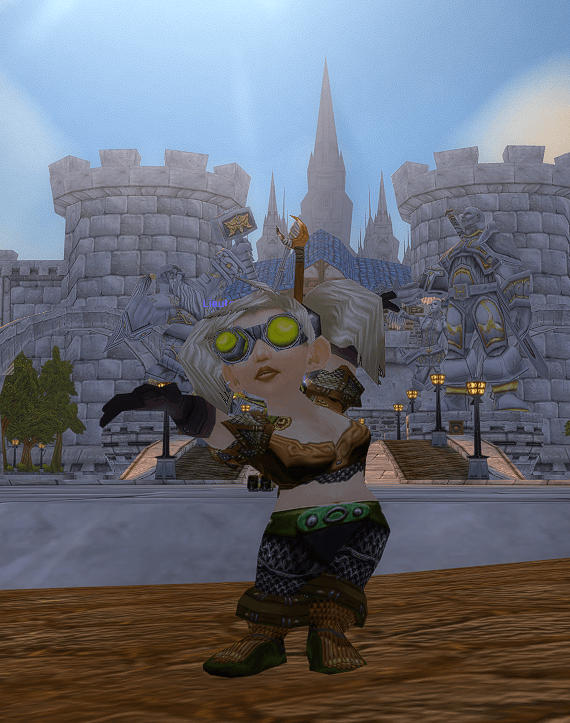
Just outside of Stormwind: Helmet on, ready to kill!

Just inside Stormwind: Helmet off, ready to chill!
Description
VisorGuard: Smart Helmet Visibility Manager
Never get caught in combat with your visor up!
This lightweight addon automatically shows or hides your character's helmet based on your current situation, ensuring you always look your best (or most intimidating) without the fuss.
Features:
- Combat Mode: Automatically shows your helm when you enter combat and hides it when combat ends. Stay protected when it matters, relax your look when it's safe.
- Rest Mode: Automatically hides your helm when you're in a rested XP area (like an inn or a major city) and shows it when you venture out. Perfect for a more casual look in safe zones.
- Manual Mode (Disabled): Returns full manual control over your helm to you. VisorGuard will simply ensure your helm is shown by default when this mode is active, and then stay out of your way.
- Simple Slash Commands: Easy to configure on the fly.
- Lightweight & Efficient: Designed to have minimal impact on your game performance.
- Saved Settings: Your preferred mode is saved per character.
How to Use:
Type /visorguard or /vg in chat to see the command list and current status.
Available Commands:
/vg combat(or/vg mode1): Activates Combat Mode.- Behavior: Helm hidden out of combat, shown in combat.
/vg rest(or/vg mode2): Activates Rest Mode.- Behavior: Helm hidden in rest zones/inns, shown outside.
/vg off(or/vg disableor/vg disabled): Activates Manual Mode (addon effectively disabled).- Behavior: Helm visibility is manually controlled by player (addon shows helm initially, then does nothing).
/vg status: Shows your current mode and its behavior.
Installation:
- Download the latest version.
- Extract the
VisorGuardfolder into yourWorld of Warcraft\_classic_era_\Interface\AddOnsdirectory. - Ensure the addon is enabled in your character selection screen.
Feedback & Support:
Found a bug? Have a suggestion? Please leave a comment on the CurseForge page
VisorGuard by A14st0r
VisorGuard Team