VisionRaidhelper
- By
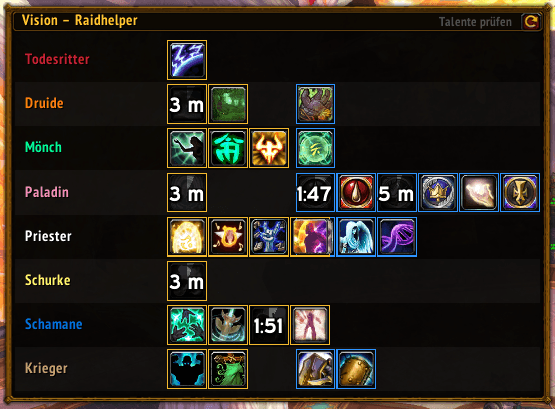
Vision Raidhelper helps raid leaders track key cooldowns, assign players to world markers, save boss-specific Siege of Orgrimmar setups, and sync positioning plans with the raid in WoW: Mists of Pandaria Classic.
Cooldowns.png
Menü.png
Positionsplaner.png
Description
English
Vision – Raidhelper is a compact raid-leading addon for Mists of Pandaria Classic. It combines cooldown tracking, position assignments, tactical room planning, and consumable checks in one consistent interface.
Features
- Live overview of important raid-wide and targeted cooldowns
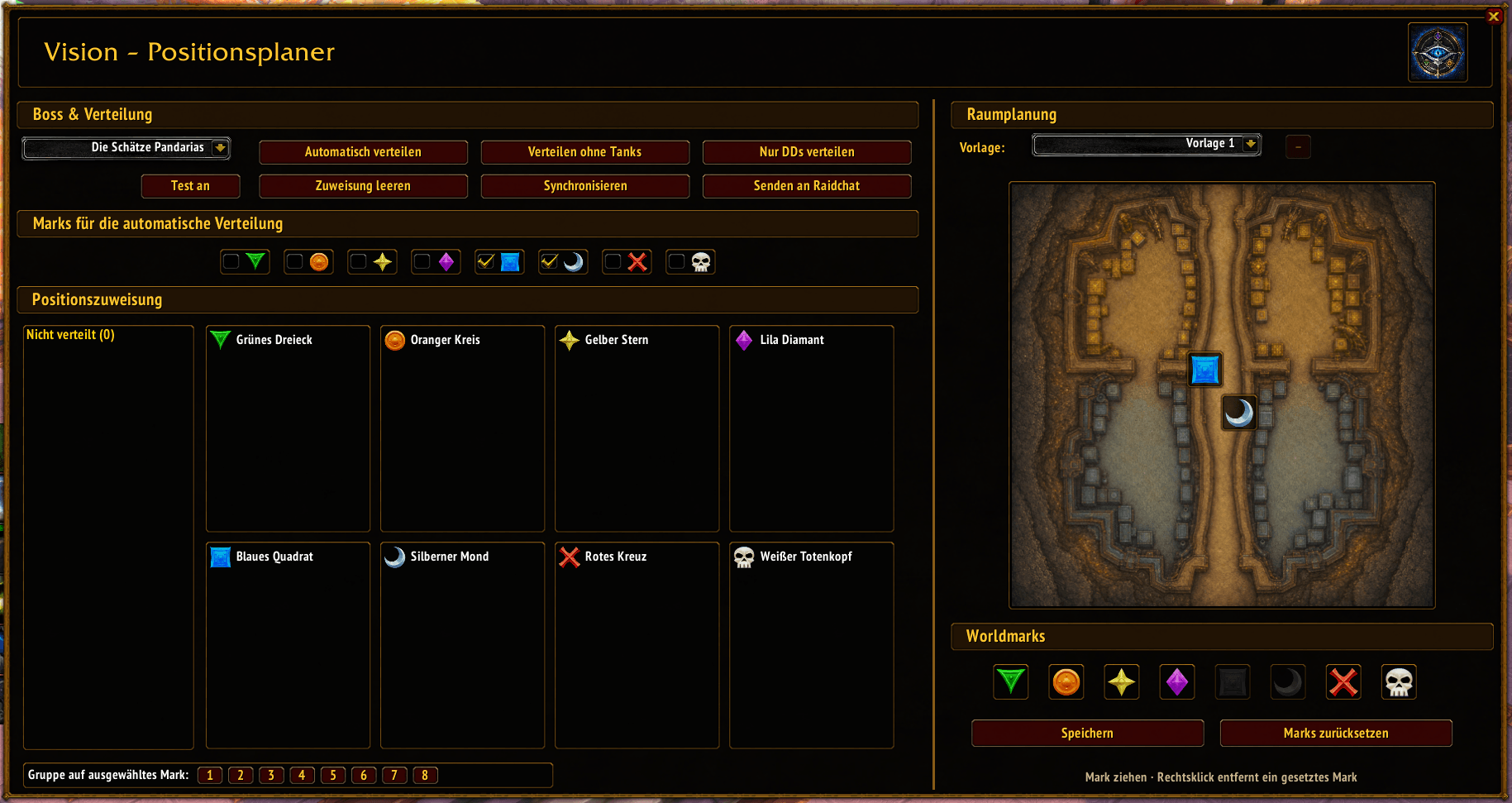
- Position assignments for all 14 Siege of Orgrimmar bosses
- Boss-specific room maps with draggable world markers
- Multiple independent templates per boss
- Synchronization of the active template and player assignments
- Personal marker display for raid members
- Automatic food and flask check when a ready check starts
Usage
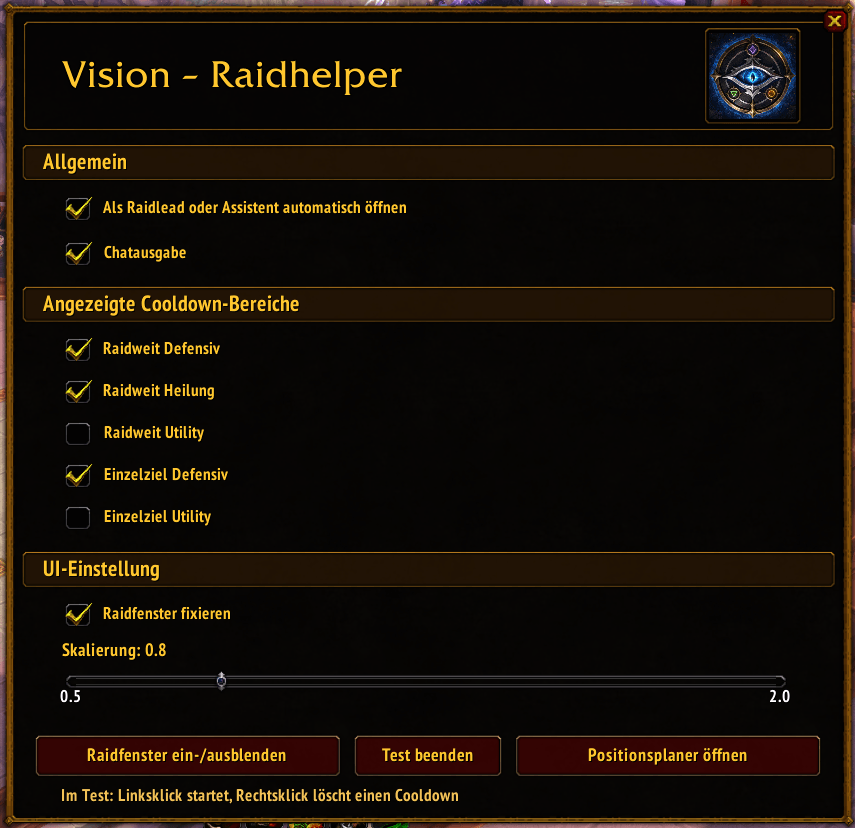
Use /vr to open the settings and /vrpos to open the Position Planner. Select a boss and template, assign players, place the world markers, and click Synchronize to share the active plan with the raid. The consumable check runs automatically when the raid leader or an assistant starts a ready check.
--------------------------------------------------------------
Deutsch
Vision – Raidhelper ist ein kompakter Schlachtzugshelfer für Mists of Pandaria Classic. Das Add-on vereint Cooldownübersicht, Positionszuweisungen, taktische Raumplanung und Verbrauchsgut-Prüfung in einer einheitlichen Oberfläche.
Funktionen
- Live-Übersicht wichtiger raidweiter und zielgerichteter Cooldowns
- Positionsplanung für alle 14 Bosse aus „Schlacht um Orgrimmar“
- Bossbezogene Raumkarten mit frei verschiebbaren Worldmarks
- Mehrere unabhängige Vorlagen pro Boss
- Synchronisierung der aktiven Vorlage und Spielerzuweisungen
- Persönliche Mark-Anzeige für Schlachtzugsmitglieder
- Automatische Food- und Flask-Prüfung beim Ready Check
Verwendung
Mit /vr öffnest du die Einstellungen, mit /vrpos den Positionsplaner. Boss und Vorlage auswählen, Spieler zuweisen, Worldmarks setzen und anschließend über Synchronisieren den aktiven Plan an den Schlachtzug übertragen. Die Verbrauchsgut-Prüfung startet automatisch, sobald Raidlead oder Assist einen Ready Check auslöst.
The VisionRaidhelper Team